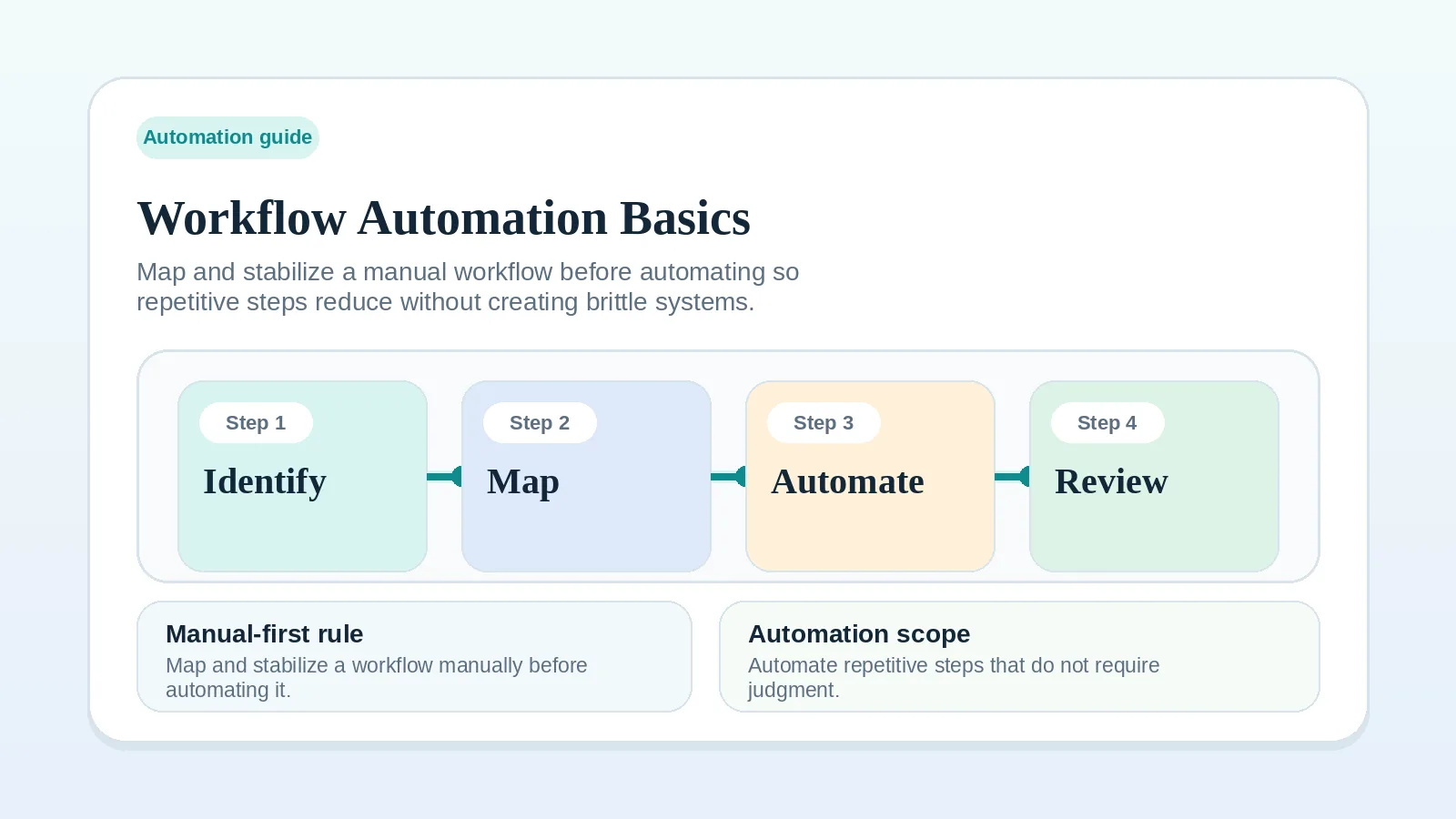
A tool can run repetitive administration when the trigger, expected result, owner, exception path, and manual fallback are all clear. Keep a step manual while its rule still changes or its outcome requires judgment.
Use this guide after the underlying workflow works consistently enough to review. Resolve unclear ownership, missing approval rules, and scattered current status first.
When a rule-based step fits
Consider a tool-run step when:
- the trigger is an observable event;
- the expected result can be checked;
- known exceptions are documented;
- one person owns a missed or incorrect result;
- the manual version remains available.
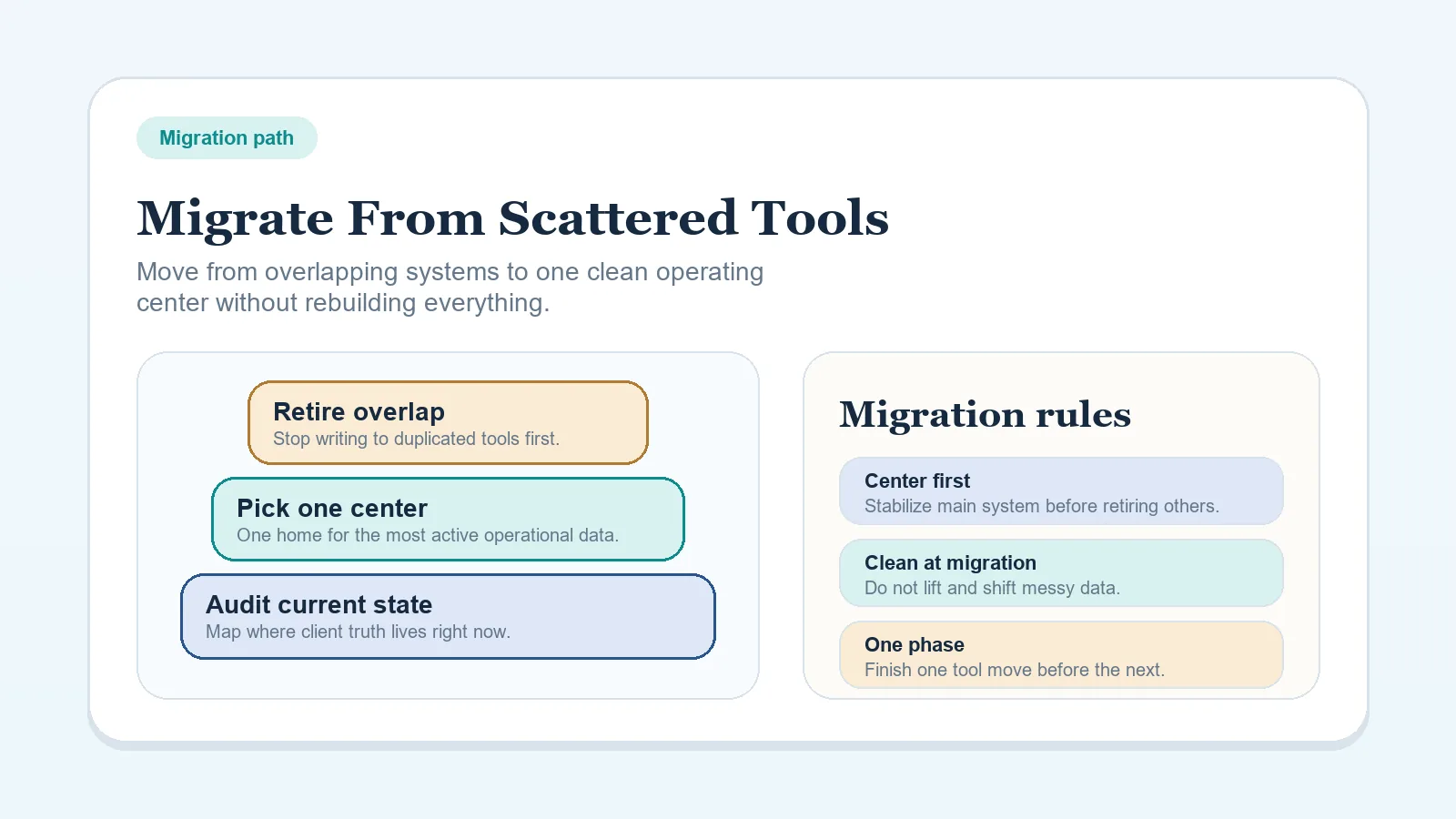
If the stack is fragmented, use How to migrate from scattered tools to one workflow system before adding more connections between tools.
Keep judgment manual
Keep these decisions with a person:
- qualification when the fit criteria require interpretation;
- scope, fee, or schedule changes;
- approval decisions;
- sensitive client communication;
- payment or contract exceptions.
A rule can prepare a record, reminder, or draft action. The named owner still decides when the situation falls outside that rule.
Lower-risk candidates by stage
| Stage | Candidate step | Keep manual |
|---|---|---|
| Intake | Capture a submitted form in the lead record | Decide whether the lead is a fit |
| Onboarding | Create a checklist after the agreed start event | Resolve missing scope or access |
| Delivery | Create a recurring status-review task | Approve quality or client acceptance |
| Billing | Create a reminder tied to the agreed due date | Handle a dispute or payment exception |
| Offboarding | Create a closeout task after the recorded final state | Decide whether future-work outreach is appropriate |
The candidate column is illustrative. Use only the steps supported by the tools, permissions, agreement, and data-handling rules that apply to your work.
Define the operating rule
For each candidate, write down:
- the event that starts it;
- the action the tool should take;
- the result that confirms success;
- the exceptions that require a person;
- the owner who checks a missed or incorrect result;
- the manual fallback.
Review completed cases and document known exceptions before letting the rule affect active client work.
Test a reversible case
Choose a case that can be checked and corrected without changing a client commitment. Confirm that the trigger occurs once, the result reaches the intended record, and the fallback owner can see a miss.
Do not expand the rule until the test record shows what happened, including how a failed run would be noticed.
Plan for failure
- For a client-facing action, verify the timing rule and review the message before it is sent.
- For a status change, keep one authoritative record of the current state.
- For a missed run, create a review checkpoint that the fallback owner will actually use.
- For work handed to another person, name the receiving owner and the required input.
Signs the rule needs revision
Pause or narrow the rule when:
- messages or records appear at the wrong time;
- exceptions require more cleanup than the manual step;
- the current state can no longer be explained from the system of record;
- the trigger fires more than once or not at all;
- nobody owns the fallback.
Return to the manual path, correct the operating rule, and test it again before restoring the tool-run step.
Continue from the affected workflow
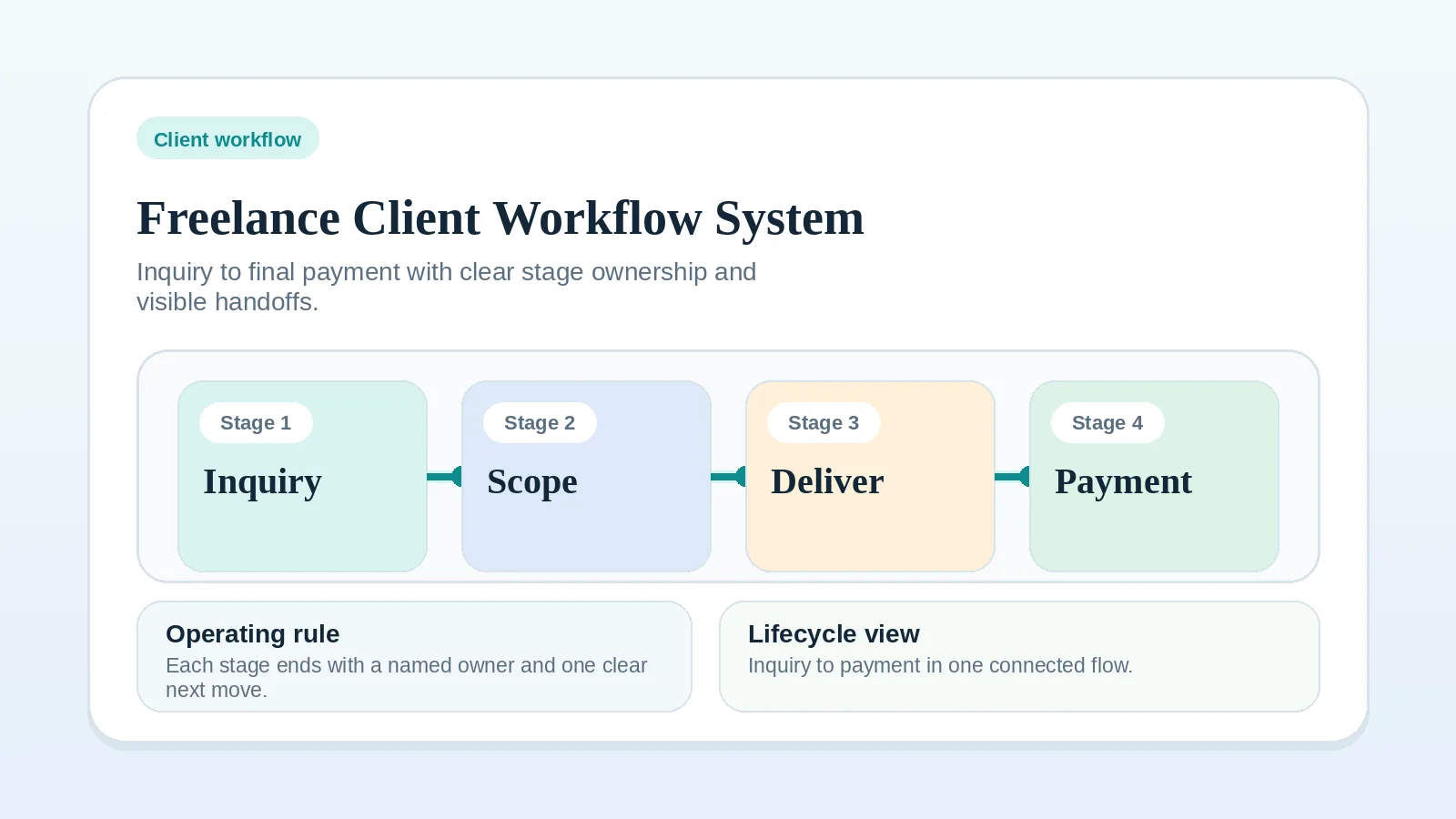
- For lifecycle stages and handoffs, use Freelance client workflow system: inquiry to final payment.
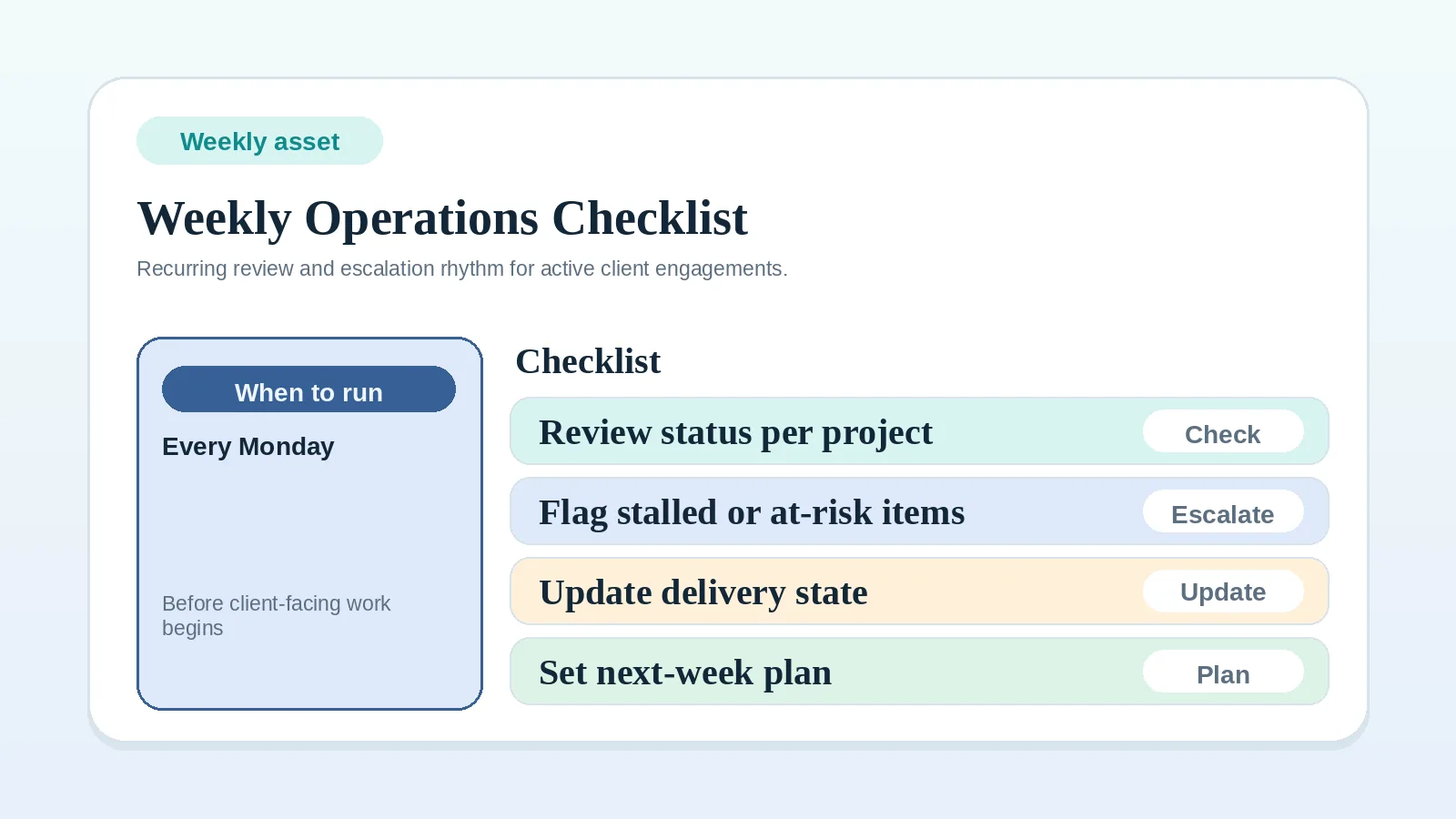
- For recurring operational review, use Weekly client operations checklist.
- For billing triggers and reminders, use Invoice and payment workflow setup.
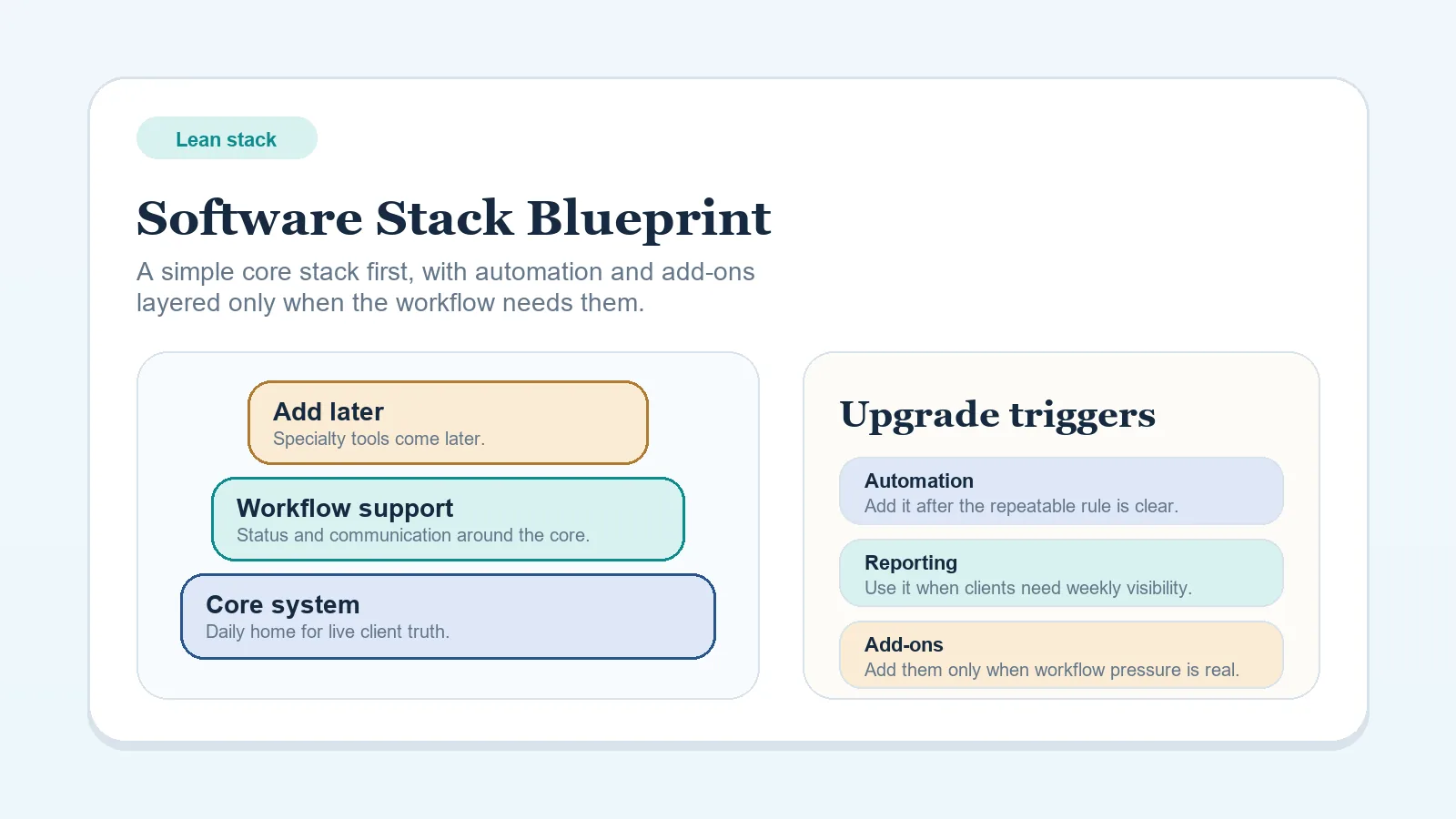
- For stack ownership and migration, use How to migrate from scattered tools to one workflow system.