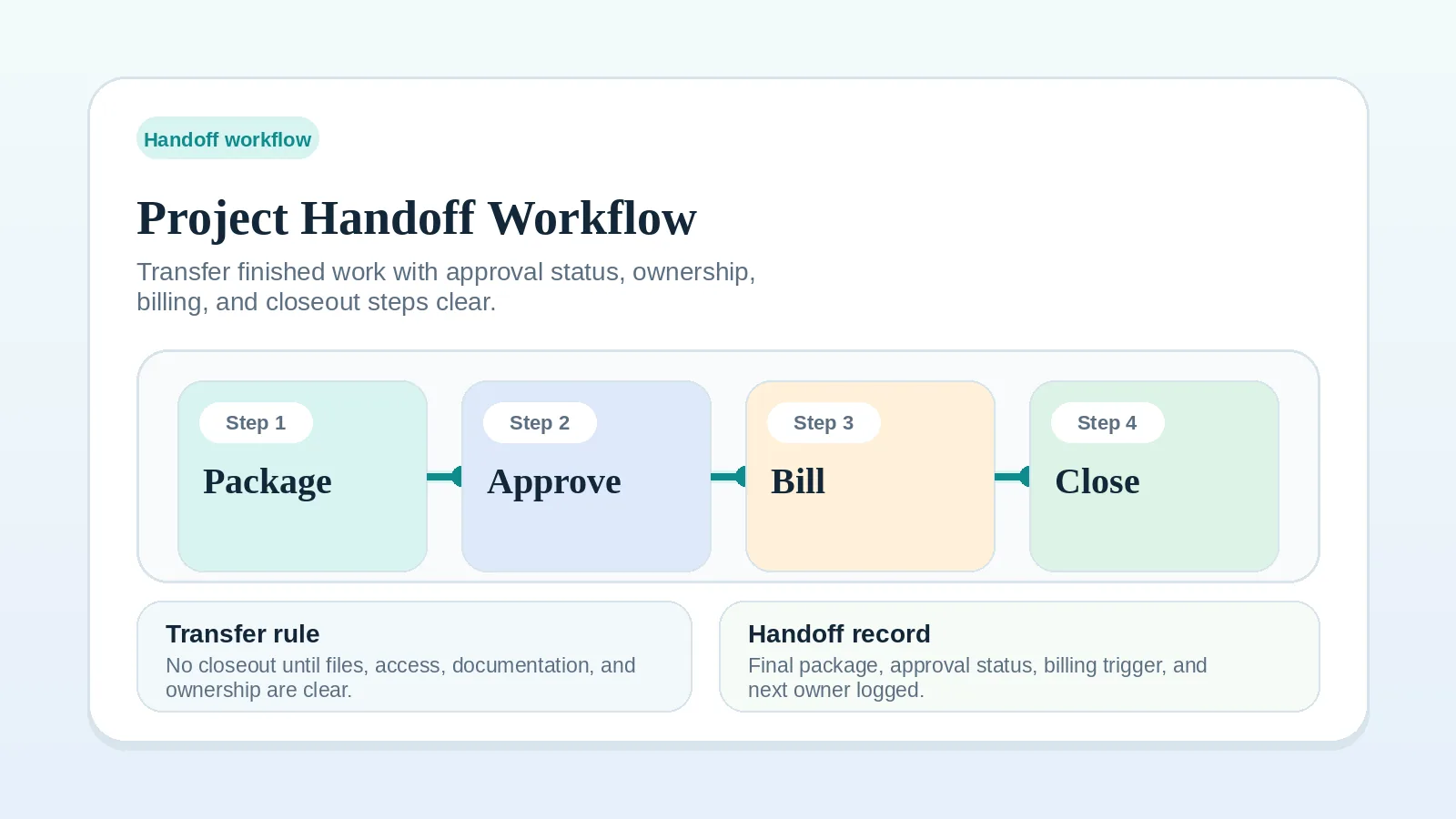
A project can reach final delivery while files, access notes, decisions, documentation, approval status, and next-step responsibility remain scattered across messages, folders, and comments.
A project handoff workflow records what was finished, where it lives, who handles the next move, what has been approved, what remains open, and which billing or closeout step follows.
It starts when the final deliverable or a major project phase is ready to transfer and ends before the project closes. Handoff connects delivery and approval to final billing and offboarding.
Follow the agreement for intellectual property, acceptance, payment, access, support, confidentiality, and record retention. This workflow covers operational transfer; use qualified advice when legal ownership or obligations are unclear.
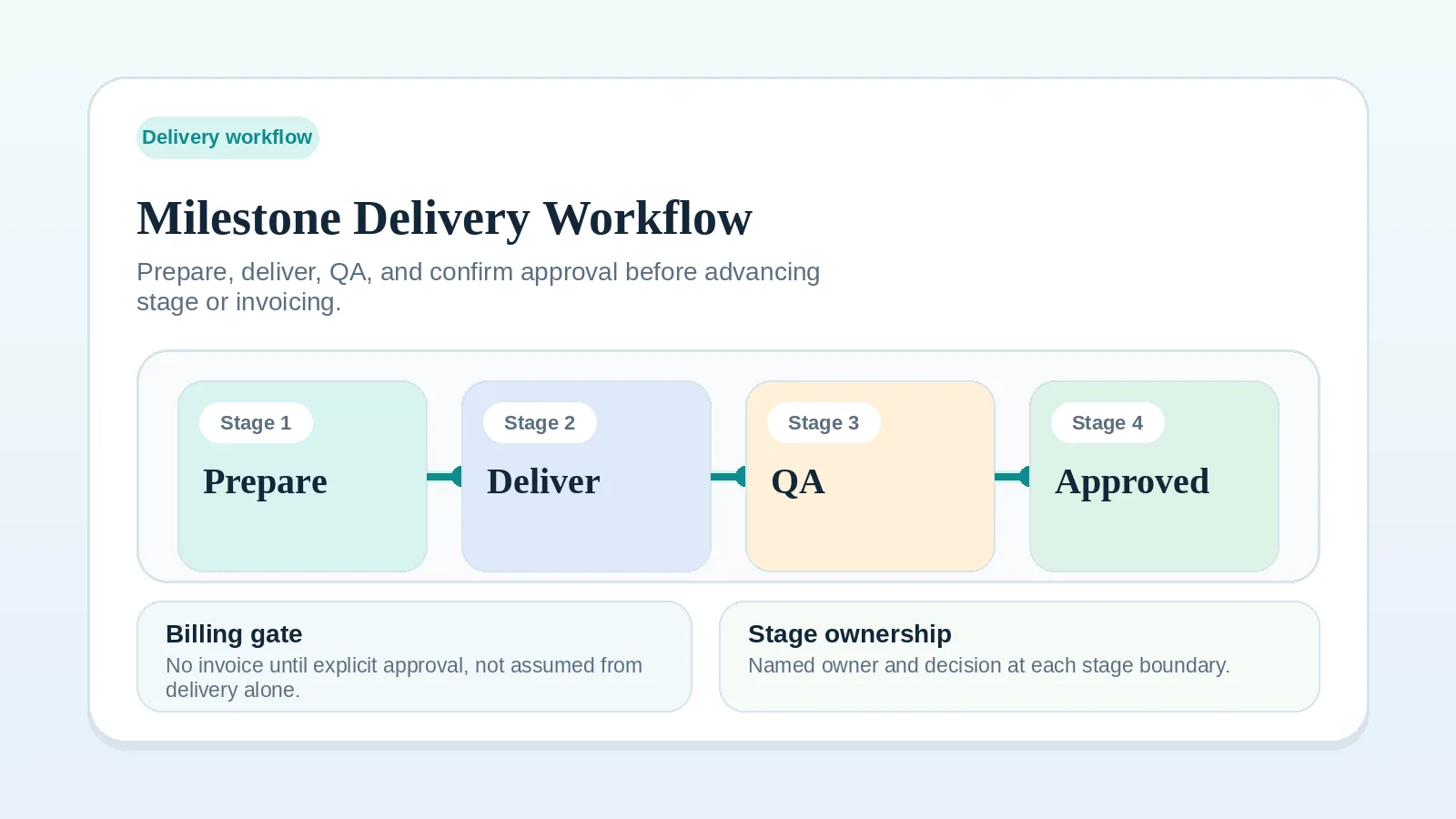
If the active milestone is still being reviewed, start with Milestone delivery workflow for solo service businesses. If the project has already been handed over and the open issue is how to end the engagement cleanly, use Client offboarding workflow for freelancers and solo service businesses.
Scope of project handoff
A project handoff workflow should:
- confirm what is being transferred,
- separate final delivery from final approval,
- make file, access, and documentation locations clear,
- name who owns implementation, maintenance, or follow-up after transfer,
- create a clean bridge into final billing and offboarding.
It should not:
- rescue unfinished scope,
- replace client approval,
- hide an unresolved change request,
- turn into a generic offboarding message,
- imply support or maintenance that was never agreed.
Who needs a project handoff
This workflow is useful for:
- freelancers delivering websites, brand assets, content systems, integrations, reports, or implementation work,
- consultants transferring recommendations, decision logs, operating models, or project documentation,
- solo service businesses that need cleaner final delivery without adding a heavy project-management layer.
Use it any time the client needs more than a final file. If the client must know how to use, own, maintain, approve, or act on the work, the project needs a handoff workflow.
Decisions that handoff keeps separate
Delivery sends the work, approval accepts it, billing records the agreed payment event, and offboarding closes the engagement. Handoff answers a separate question: does the client now have the finished work, the supporting context, and the ownership information needed to use it without guessing?
Skipping that stage can leave these issues unresolved:
- the client cannot find the final version,
- the wrong person assumes maintenance ownership,
- final approval is implied but not captured,
- the invoice trigger is disputed later,
- offboarding begins before the client is actually ready to take over.
A clear handoff gives the client the materials and context needed for the next agreed action. Record its status alongside billing and closeout. The agreement may require an invoice or payment before final transfer, so handoff is not a universal prerequisite for billing.
When to start the handoff process
Start handoff preparation before the final delivery message goes out, not after the client asks where everything is.
The trigger is the agreed point when work is ready for final review or transfer and you can name what the client will receive.
Start preparing the handoff when:
- the final milestone is in QA,
- the client review question is ready,
- final files or links are being organized,
- access or ownership will change hands,
- billing depends on approval or final transfer,
- the next project state will be closeout, archive, or client-managed operation.
Do not start handoff as a way to rush an unfinished project. If the work still needs a client decision, missing input, or scope reset before it can be transferred, fix that stage first.
What must be true before handoff
Before sending a handoff package, confirm four things.
The deliverable is complete enough to transfer
The work should match the agreed scope or the agreed final state. If part of the original scope is excluded, deferred, replaced, or no longer applicable, name that clearly. A handoff package should not hide scope exceptions inside friendly closeout language.
The approval question is explicit
If the client still needs to approve the work, ask for a decision directly. Do not send the handoff with vague language like “let me know what you think” if what you need is acceptance, revision notes, or a final decision.
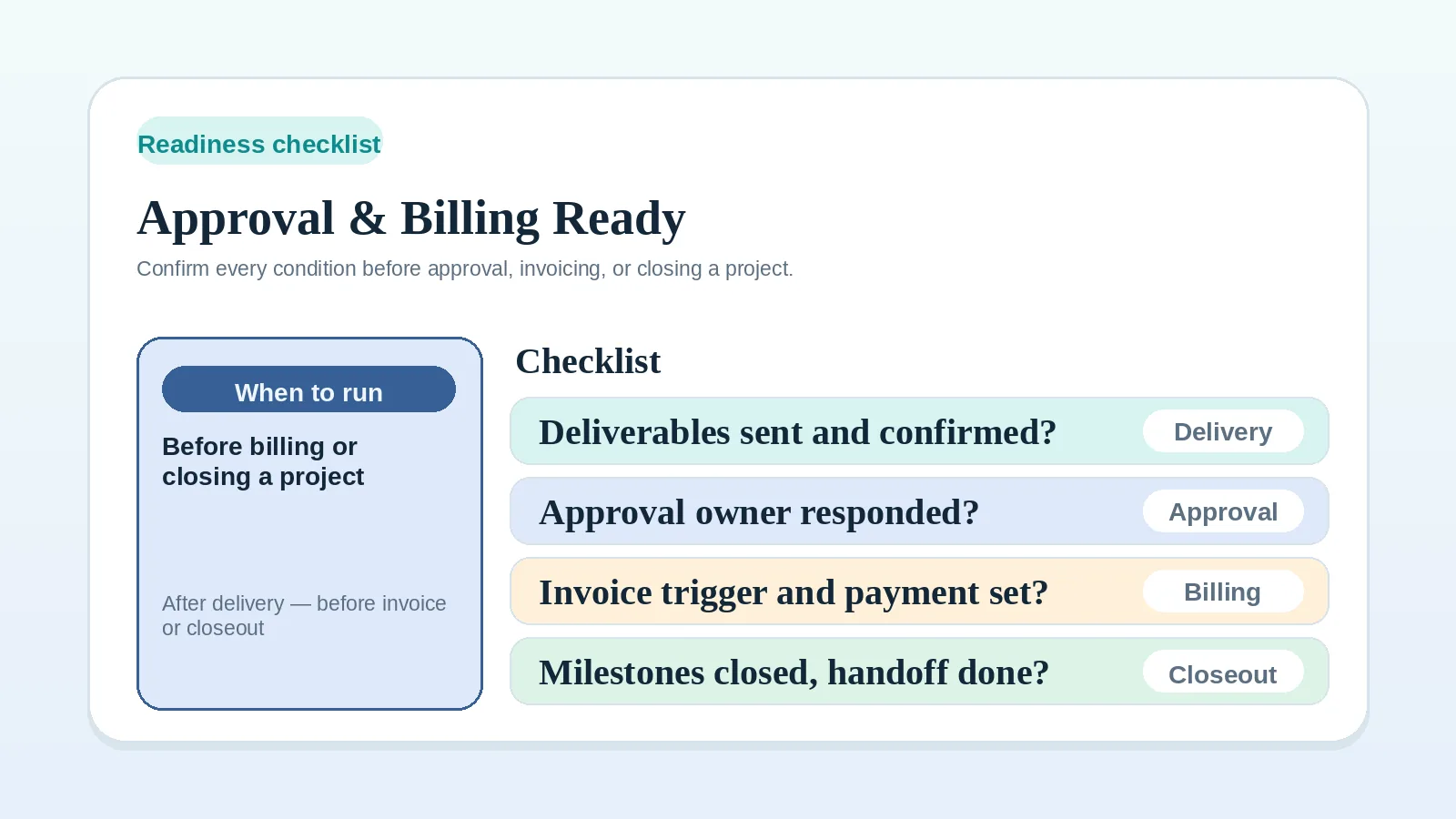
If you are unsure whether a client response counts as acceptance, use the Approval and billing readiness checklist for solo operators before moving into billing or closeout.
The next owner is named
Every transferred item should have an owner. That owner might be the client, a client team member, a vendor, or the freelancer during a support window. For archived items, name who retains the record and handles any later access request.
If ownership is not named, the client may assume you still own future fixes, maintenance, updates, or coordination.
The billing connection is clear
Handoff should not blur billing rules. State what triggers the final invoice, when payment is due, and whether payment is required before the final transfer. If the final invoice should wait until explicit approval, do not treat file delivery as enough.
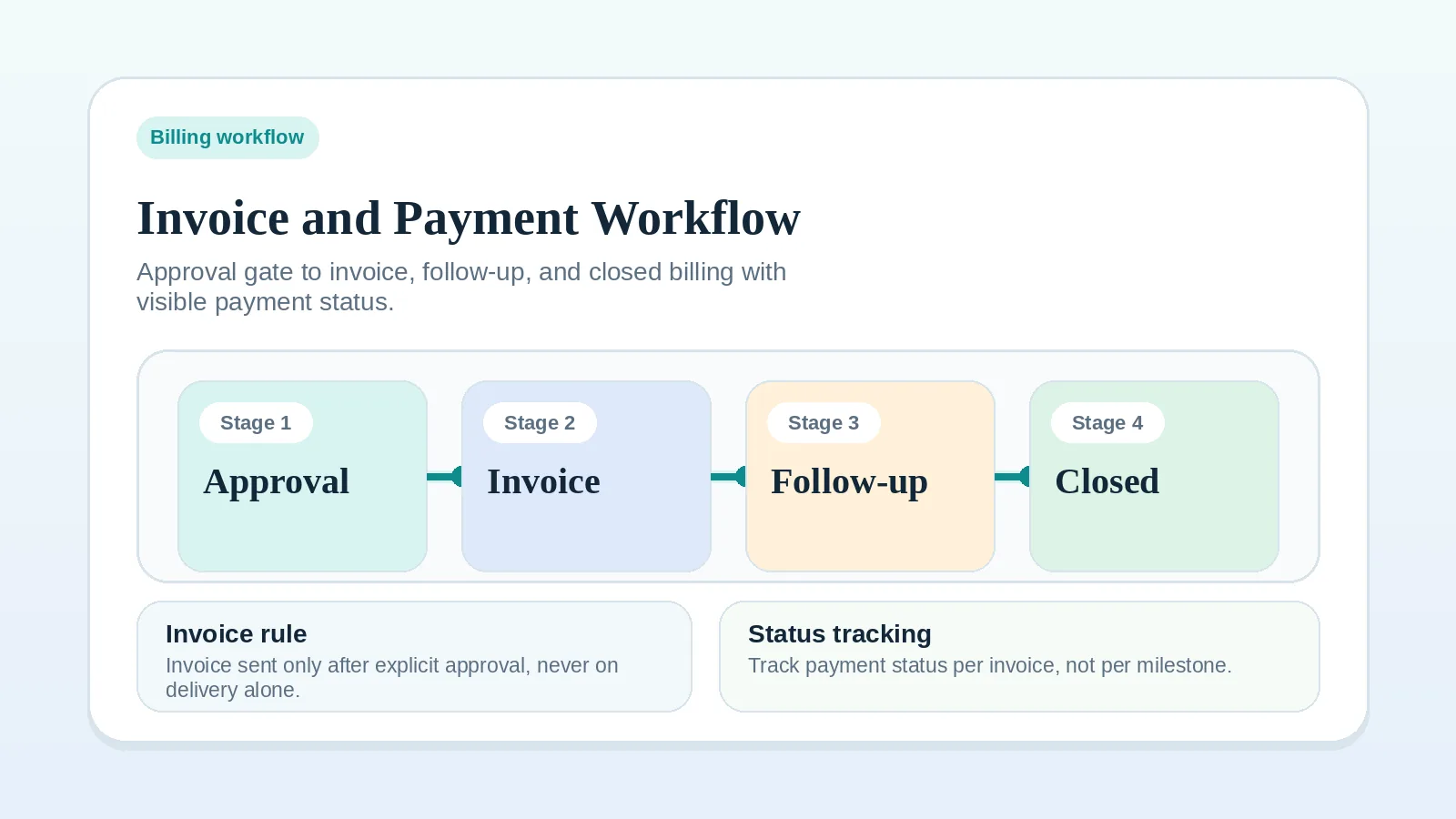
For the full billing sequence, use Invoice and payment workflow setup.
The project handoff workflow step by step
Use this sequence for final project delivery or for a major phase that transfers ownership to the client.
Step 1: confirm the handoff trigger
Name the event that starts handoff. Examples:
- final website files are ready for client review,
- campaign assets have passed QA,
- consulting recommendations are complete,
- the rule-based setup is tested and ready for client ownership,
- final report and supporting materials are ready to deliver.
Write the trigger in one sentence. If the sentence has too many exceptions, the project may not be ready for handoff yet.
Step 2: build the handoff package
Create one package or message that points to everything the client needs. Include enough context that the client does not have to reconstruct the project from old threads.
Include:
- final deliverables or links,
- version names or dates,
- what changed since the last review,
- known limitations or agreed exclusions,
- access details or ownership transfer notes,
- documentation or instructions,
- open decisions, if any,
- the approval question,
- the next billing or closeout step.
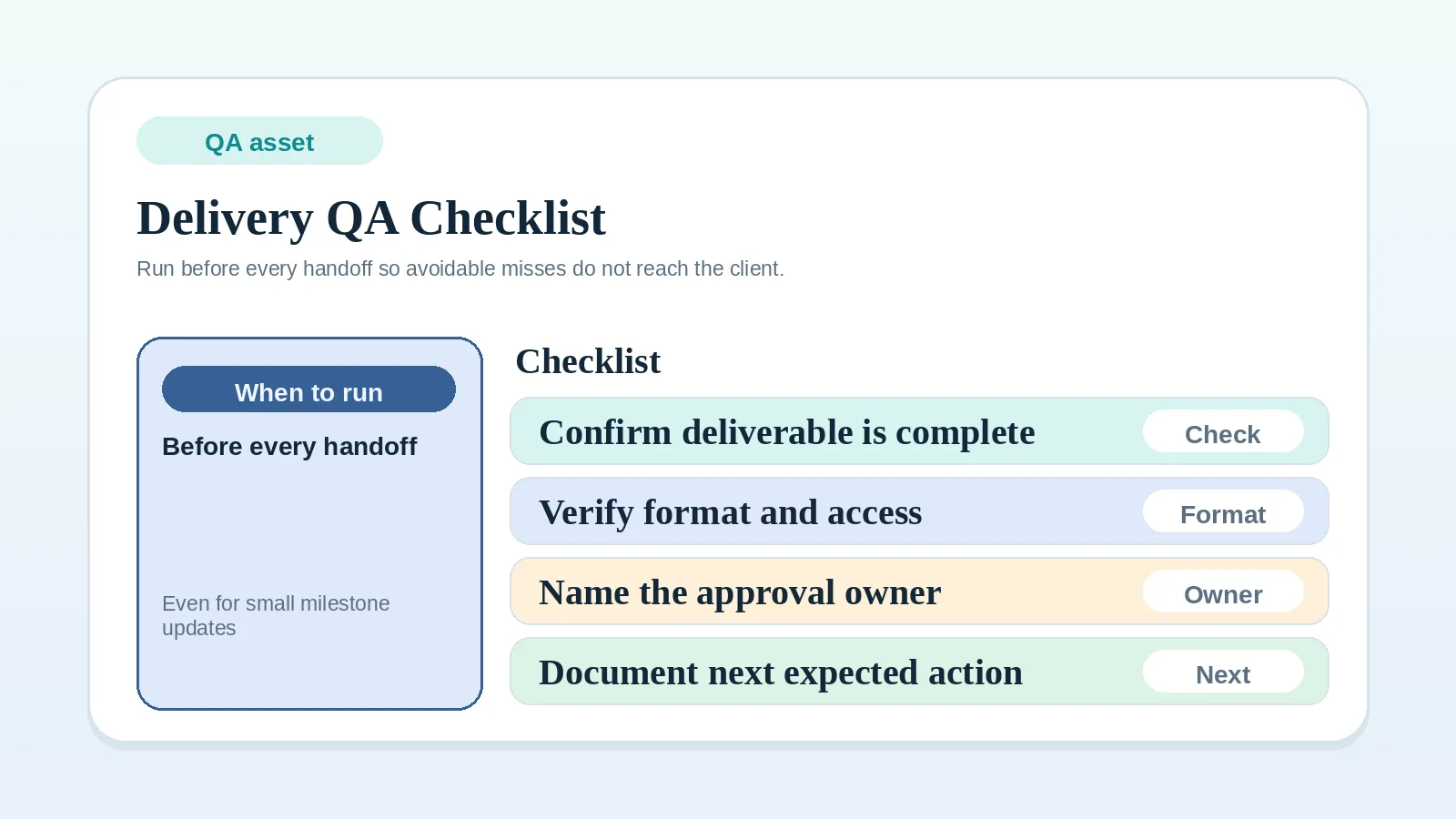
For execution-level QA before sending anything, use Delivery QA checklist before client handoff.
Step 3: separate files from decisions
Do not make the client guess which parts are for use and which parts are for approval.
A clean handoff message separates:
- “Here are the final files,”
- “Here is what you need to review,”
- “Here is what I need you to confirm,”
- “Here is what happens after confirmation.”
Separate the approval question so a positive response to the files is not mistaken for the required decision.
Step 4: transfer responsibility deliberately
Name what changes hands.
For example:
- “The final exported files covered by our agreement are available in this folder.”
- “Your team handles future content updates after the walkthrough, as agreed.”
- “I will keep access through the agreed support period, then remove it unless we agree on ongoing support.”
- “The implementation notes are for your internal use. Work after handoff follows the support and change terms in our agreement.”
Clear responsibility language tells the client what to handle next and routes later work through the agreed support or change process.
Step 5: confirm approval and completion status
Handoff can happen before final approval, but the status must be visible.
Use one of these states:
- Ready for approval: the client has the final package and needs to accept, request revisions, or raise a blocker.
- Approved and handed over: the client has accepted the work and received the final package.
- Partially handed over: some approved pieces are transferred while another piece is still open.
- Transferred with open support window: the client has received the agreed materials and responsibility for their use, while agreed post-handoff support remains active.
- Not ready for closeout: handoff exposed an unresolved decision, missing access, or scope gap.
Do not mark the project closed just because the handoff message was sent.
Step 6: connect handoff to billing
Once handoff status is clear, decide what happens to the final invoice.
Possible rules, when stated in the agreement:
- invoice or collect payment before final transfer,
- invoice after explicit final approval,
- invoice after agreed final transfer,
- invoice after delivery plus a defined review window,
- invoice in stages if only part of the project is approved.
Use the rule already agreed in the proposal or contract. If the rule was never defined, do not invent it casually in the handoff message. Clarify it before sending the invoice.
If final approval, invoice readiness, or closeout readiness is uncertain, run the Approval and billing readiness checklist before moving the project forward.
Step 7: route the project into offboarding
Move into offboarding after:
- handoff materials have been sent,
- approval state is explicit,
- final billing state is visible,
- any support window or continuation path is named,
- the project is ready to be closed, archived, or continued under a new agreement.
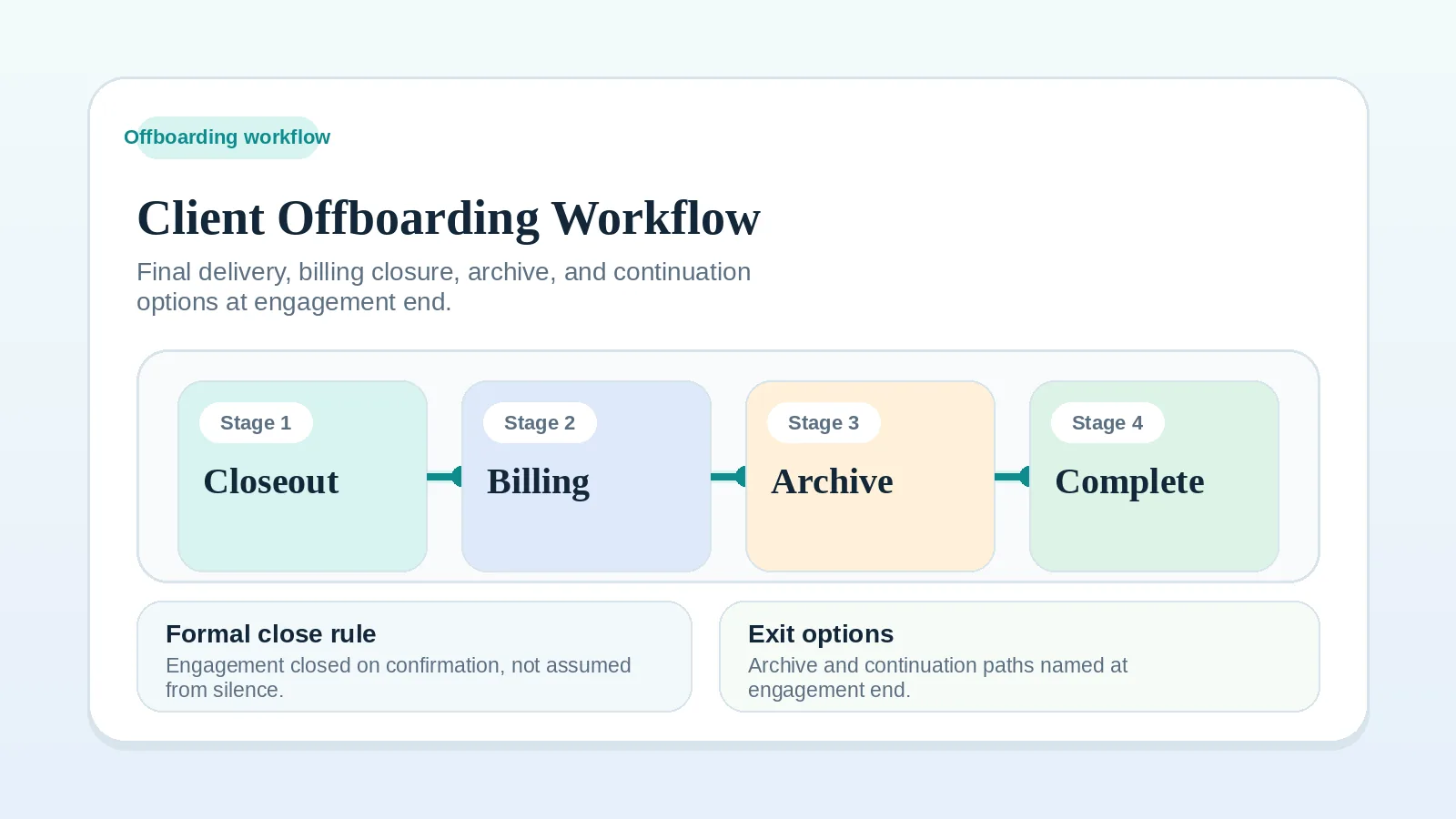
Then use Client offboarding workflow for freelancers and solo service businesses for signoff, closeout record, testimonial timing, archive logic, and next relationship step.
What to include in a handoff package
A handoff package can use these sections.
| Section | What it answers |
|---|---|
| Final deliverables | What exactly is being transferred? |
| Version and date | Which version is final? |
| Scope status | What is included, excluded, deferred, or closed? |
| Approval request | What decision do you need from the client? |
| Access notes | Who has access, who owns it, and what changes next? |
| Documentation | How should the client use, maintain, or understand the work? |
| Known caveats | What should not surprise the client later? |
| Billing connection | What invoice or payment step follows this handoff? |
| Next owner | Who owns each next action after transfer? |
Keep the package easy to scan. A client should be able to answer three questions quickly: what did we receive, what do we need to decide, and what happens next?
How to classify unclear client responses
Positive comments on a handoff message do not necessarily meet the agreed approval standard.
Examples:
- “Looks great, thanks!”
- “This is helpful.”
- “We’ll take a look.”
- “Can you send the editable files too?”
- “I think this should work.”
Each of these needs a different response. Use this decision rule:
- If the authorized client approver accepts the deliverable through the agreed process, log approval and follow the next billing or closeout condition.
- If the client praises the work but does not approve it, ask one direct confirmation question.
- If the client asks for something already included in scope, complete that handoff item and keep the status open.
- If the client asks for new work, route it through the change-request process. Keep the accepted work’s completion status separate; reopen its scope only if the new request is approved as part of the current engagement.
- If the client goes quiet, send a bounded follow-up with the approval question and the date when the project will move to the next agreed state.
Ask for the decision in plain language and record the response against the approval standard in the agreement.
Examples for freelancers and consultants
Website project
A web designer sends final site links, admin access notes, backup files, launch notes, maintenance boundaries, and a final approval question. Under the agreed handoff, the client team handles content updates after the walkthrough. The designer keeps access only for the agreed support period.
Brand identity project
A designer sends final logo files, usage notes, color values, font information, export formats, and a list of what is not included, such as future campaign design. The agreed approval event triggers the final invoice.
Consulting engagement
A consultant sends the final report, decision log, implementation sequence, assumptions, open risks, and ownership map for client-side execution. The handoff makes clear which recommendations are included and which follow-on implementation work would require a new scope.
Rule-based setup
An operations consultant sends workflow diagrams, tool access notes, testing evidence, responsibility rules, recovery notes, and a support-period boundary. The client handles day-to-day operation after training; the consultant handles fixes only inside the agreed support period.
Where handoff breaks
- sending final files without naming the approval decision,
- scattering deliverables across too many links or messages,
- transferring access without saying who owns future updates,
- treating positive feedback as final signoff,
- invoicing before the agreed trigger has actually happened,
- starting offboarding before the client has usable documentation,
- leaving support expectations implied,
- failing to document excluded or deferred items,
- forgetting to remove or adjust access after the support window.
Completion and transfer are separate states. The transfer is not complete until the client has the materials, context, access, and responsibility map required by the agreement.
When the handoff rule itself is unclear
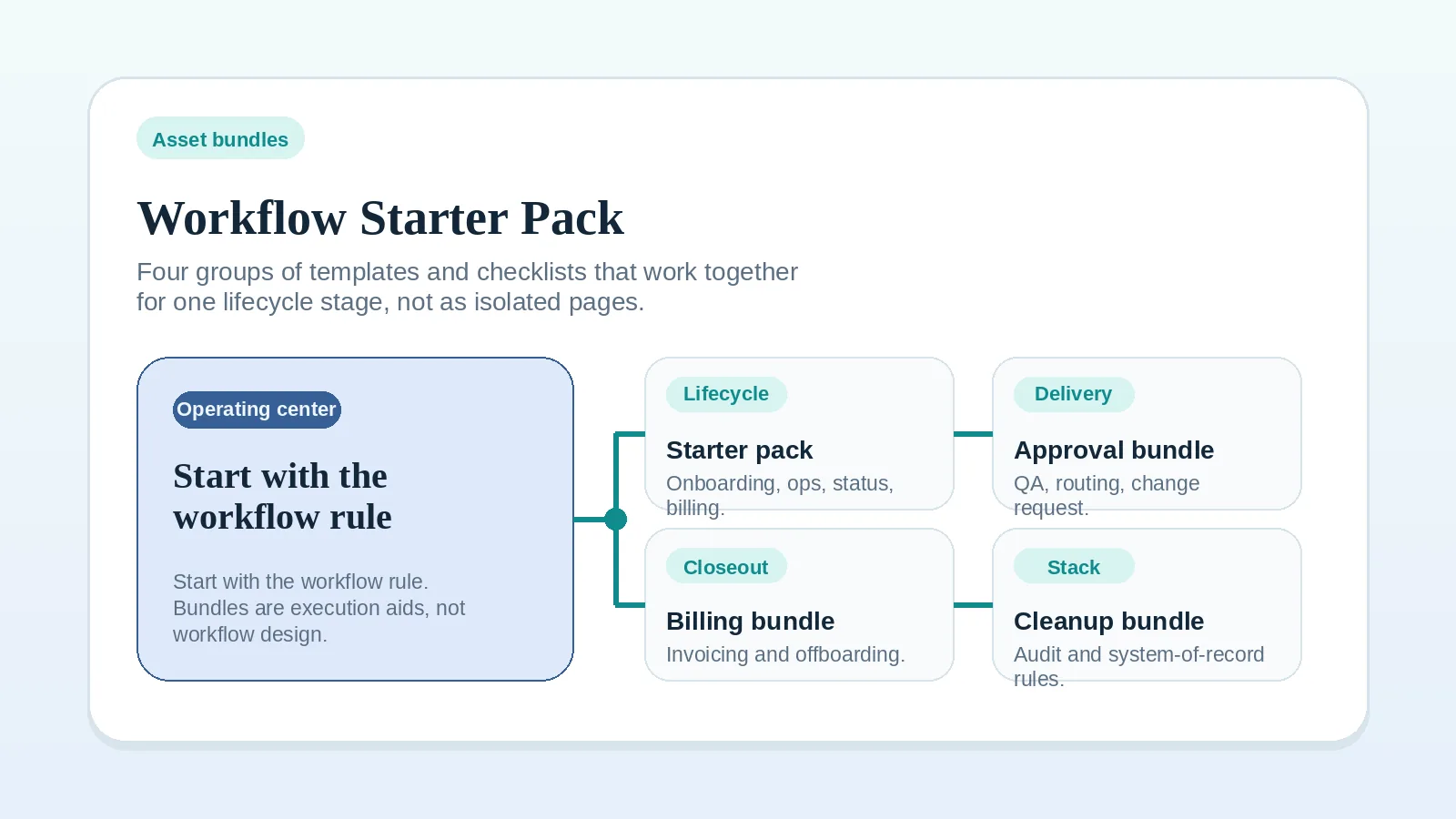
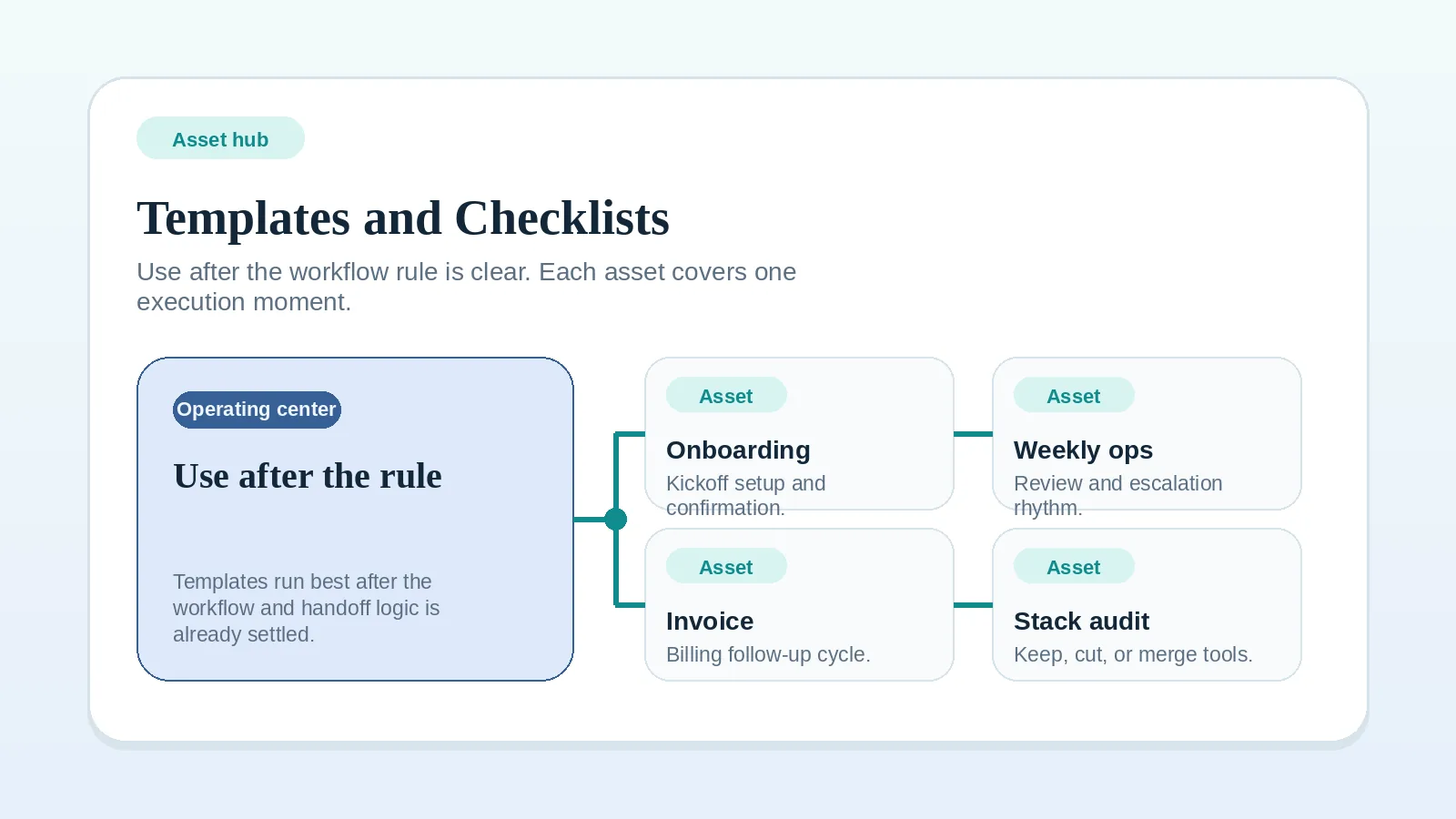
If you do not yet know what must be true before handoff can pass to billing or closeout, write that rule first with the Project start handoff readiness worksheet. Once the rule is set, the Workflow starter pack groups the checklists used at billing and closeout.
Minimum handoff checklist
Before marking handoff complete, confirm:
- final deliverables are linked in one place,
- the final version or date is visible,
- approval status is explicit,
- open items are named rather than implied,
- access and ownership changes are documented,
- usage or maintenance notes are included,
- billing trigger is clear,
- next action owner is named,
- offboarding, support, continuation, or archive path is chosen.
Related pages
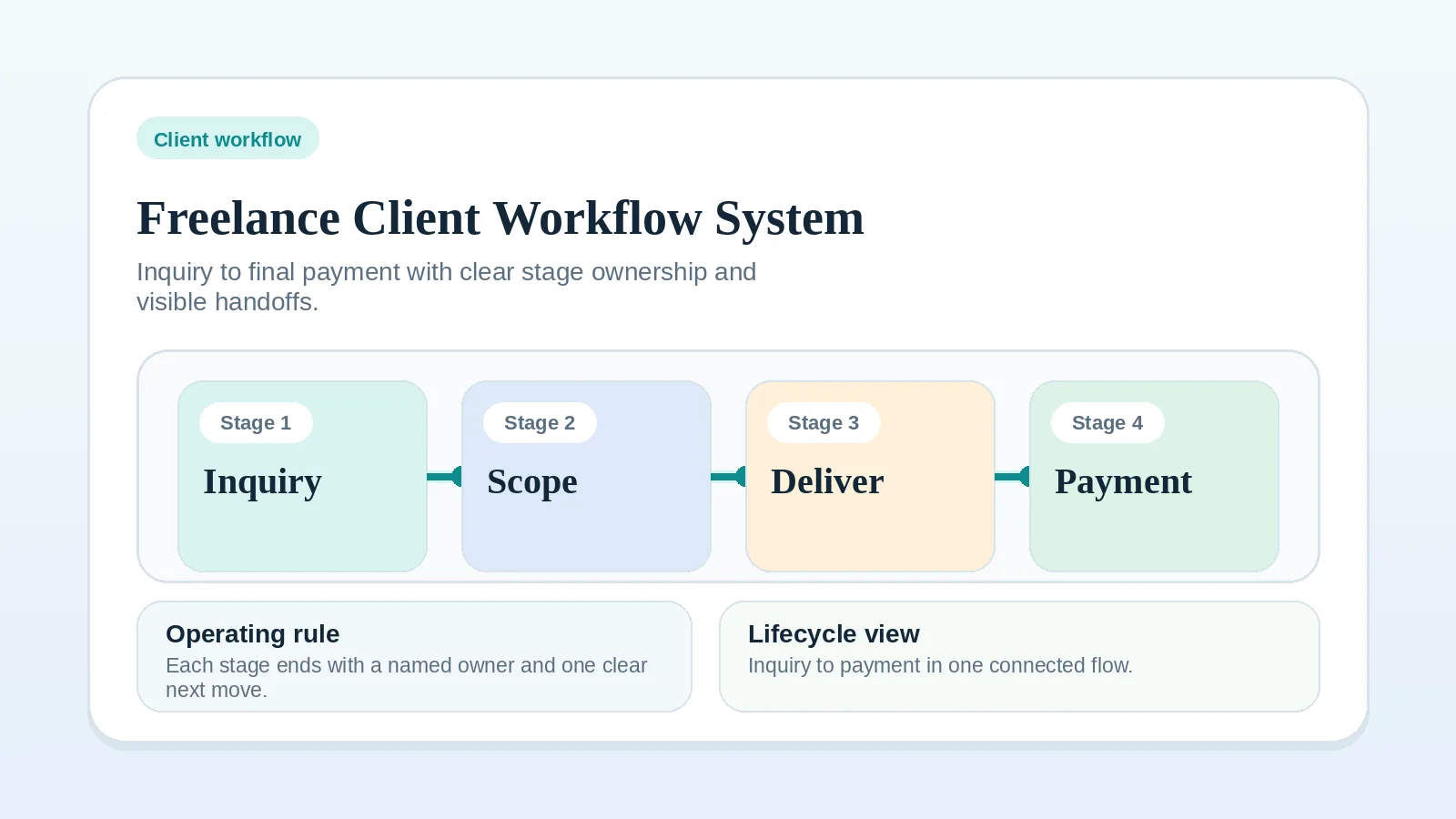
For the whole client path, see Freelance client workflow system: inquiry to final payment. To attach the decisions that affect transfer, approval, and billing, use the Client decision log workflow for freelancers and solo service businesses.
If payment control is the next open issue, continue to Invoice and payment workflow setup. Once transfer, approval, and billing state are clear, continue to Client offboarding workflow for freelancers and solo service businesses.