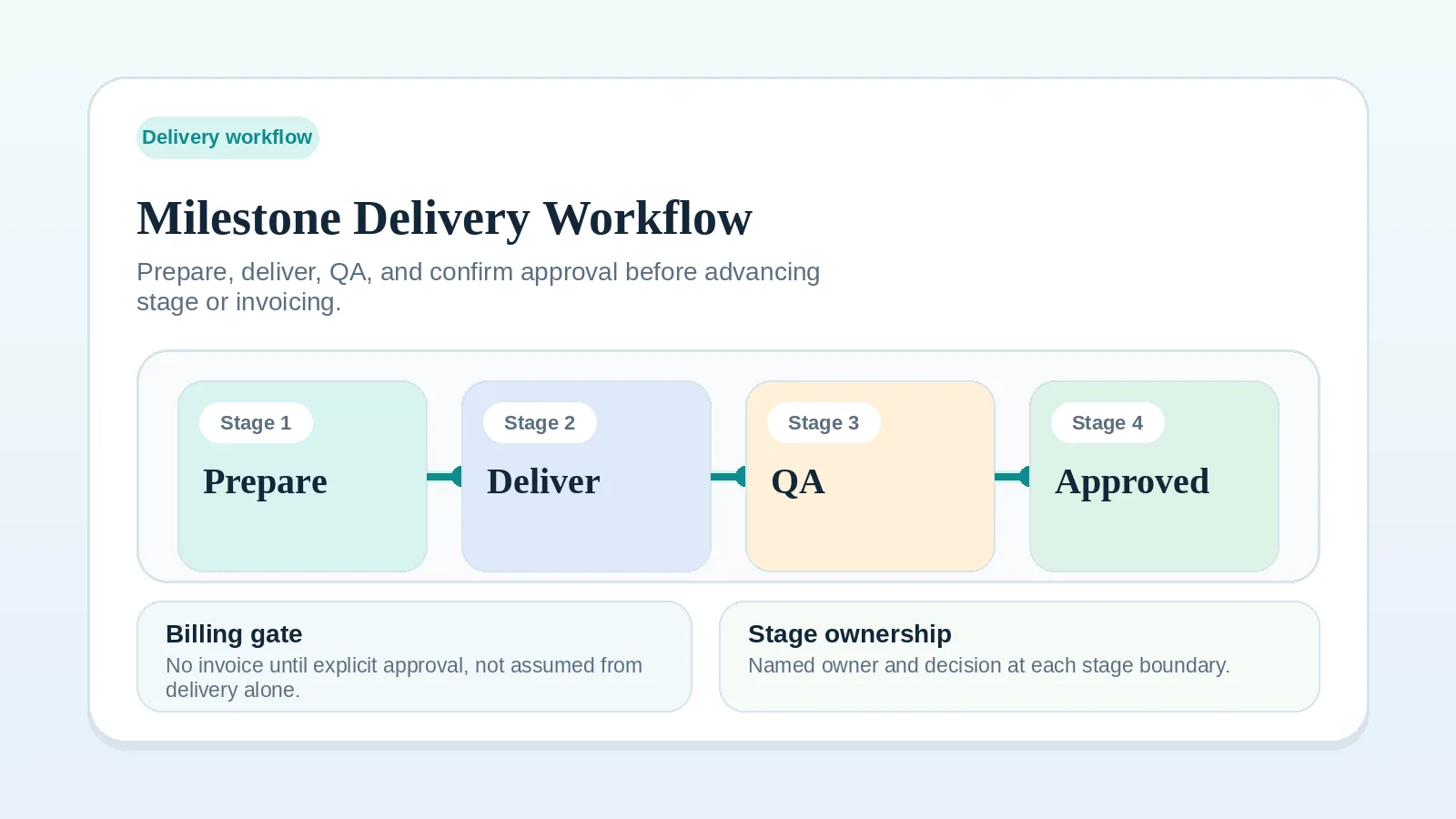
Milestone delivery needs a defined output, owner, dependency state, review request, and closing event. This workflow controls those elements after kickoff.
It applies once work is active, between kickoff and approval. Resolve intake, contract, or onboarding gaps before applying these milestone rules. Keep scope changes in the change-request process, and run milestones in the project system already chosen for delivery.
Who needs milestone control
- solo service businesses delivering scoped project work,
- consultants running milestone-based implementation or advisory work,
- operators who need fewer surprises between “work started” and “client approved it.”
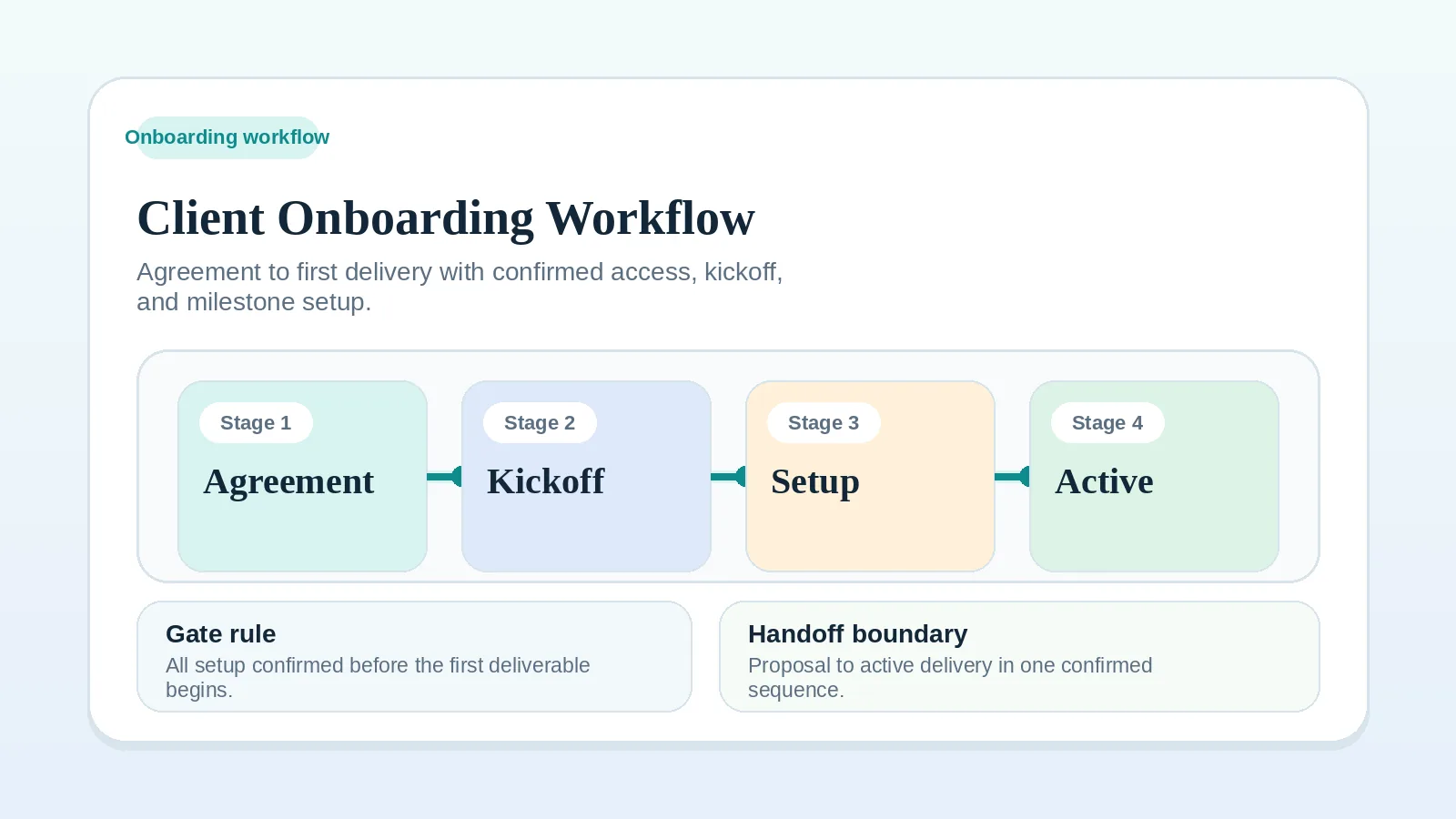
If kickoff setup is still unclear, fix Client onboarding workflow for freelancers and consultants first.
Milestone controls to make visible
Each milestone record should show:
- what “done” means,
- what is blocked,
- what the client needs to provide or review,
- when the milestone is ready for QA,
- what event moves billing or the next stage forward.
If those conditions are vague, the milestone lacks a defined decision point.
Costs of unclear milestone state
When milestone state is incomplete:
- a review request may lack the decision needed,
- a billing trigger may remain unrecorded,
- closeout may begin without a final delivery state,
- later requests may be difficult to separate from unfinished scope.
Step 1: define the milestone as an operating unit
For each milestone, name:
- output,
- owner,
- due date,
- approval point,
- dependency risks,
- invoice trigger if relevant.
This should be visible in the system of record before active work begins.
If a milestone cannot be described in one short sentence with a clear acceptance point, treat that as a signal to narrow or split it before work begins.
Step 2: track deliverable state alongside tasks
Track task progress alongside a milestone state the client can understand.
That framing supports client updates and billing triggers while preserving internal task detail.
A compact state set might be:
- on track,
- at risk,
- blocked,
- in review,
- approved.
Add a state only when it distinguishes a decision that the existing states cannot represent.
Step 3: separate execution updates from decision requests
During active delivery, keep these things distinct:
- internal progress,
- client-facing status,
- approvals,
- scope changes.
If one message or board column carries all four at once, a delayed approval or dependency can be difficult to distinguish from routine status.
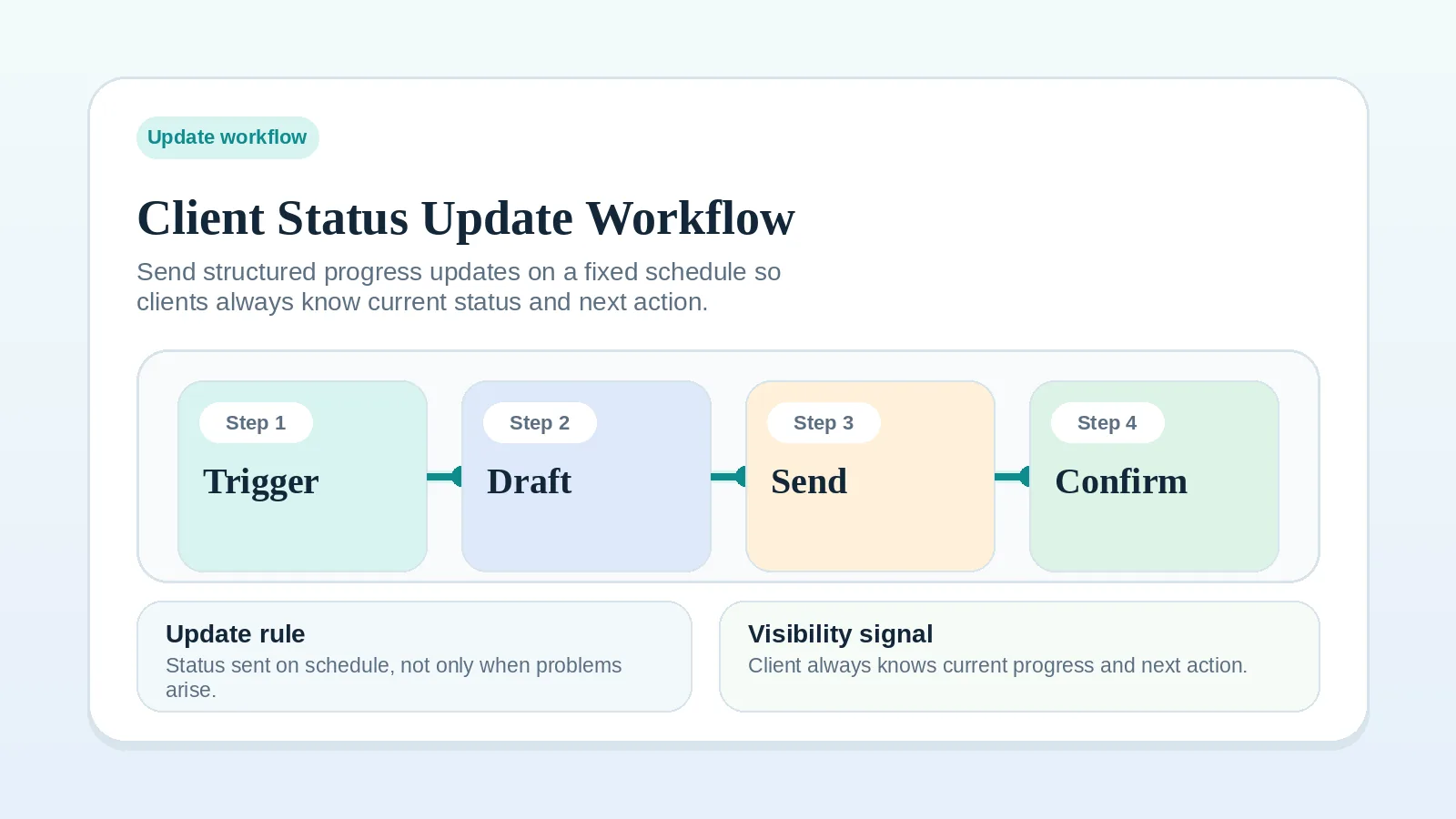
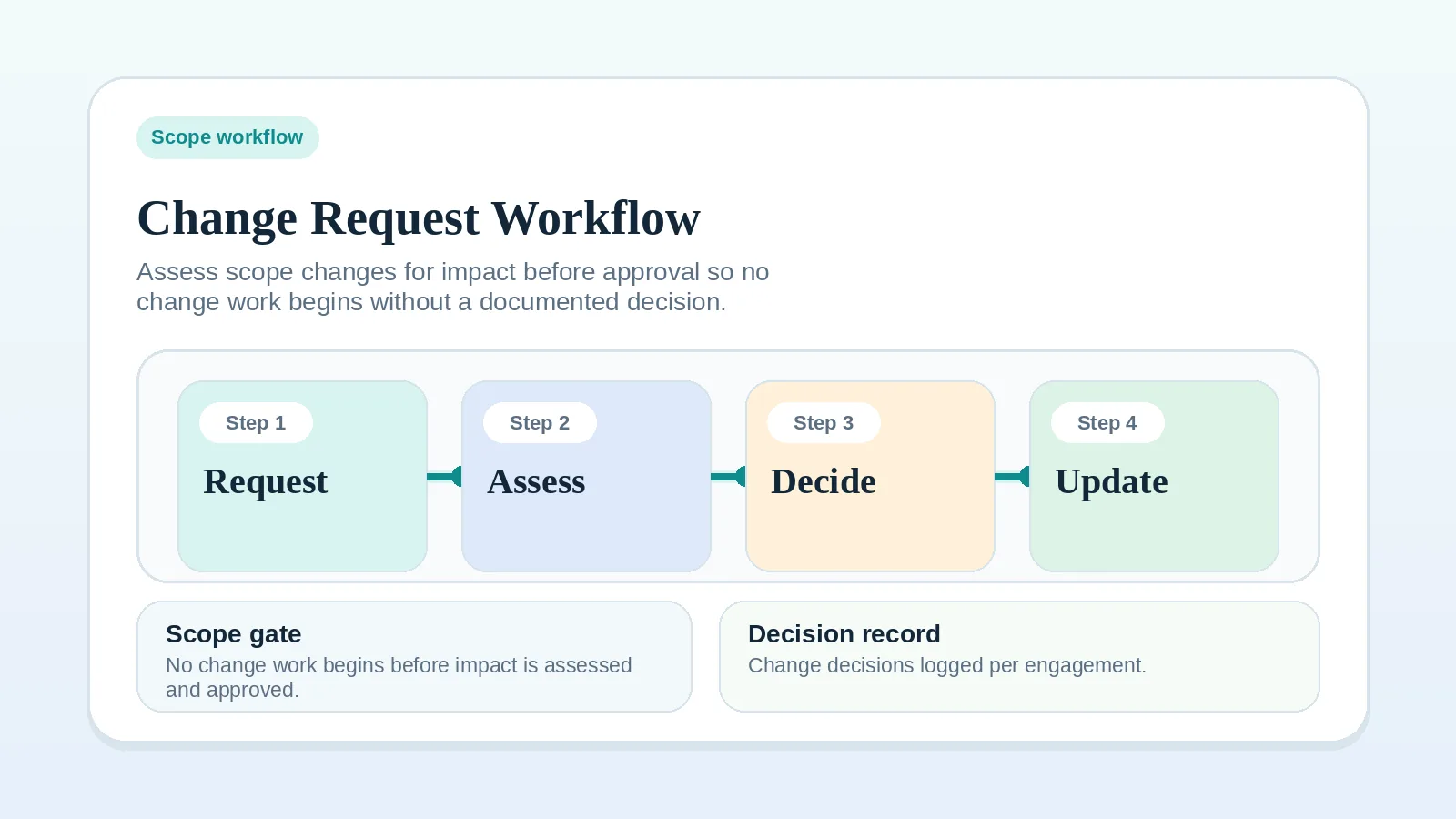
For the communication layer, use Client status update workflow. For scope changes, use Change request workflow for freelancers and consultants.
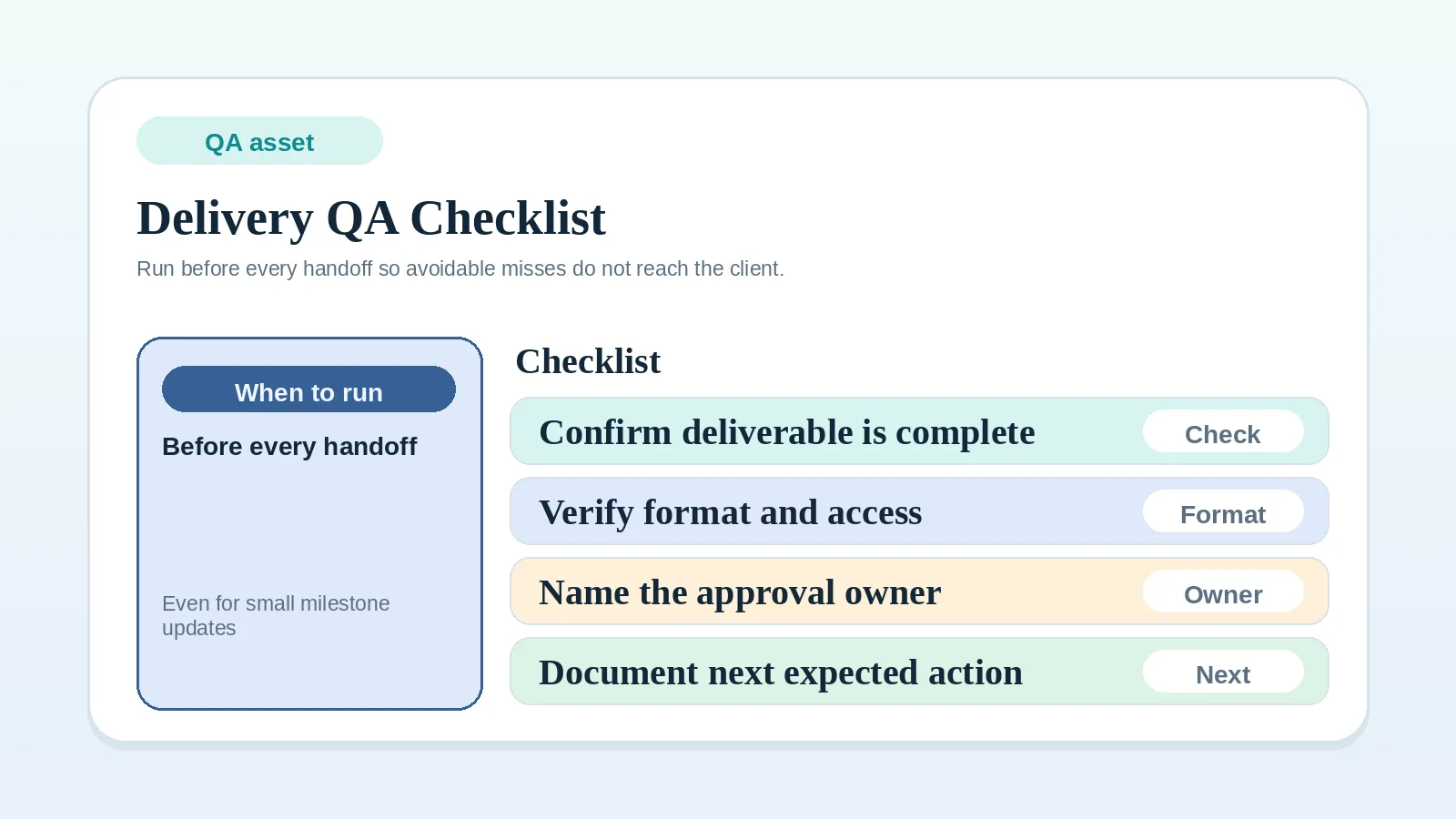
Step 4: run QA before client review
Run the agreed internal QA before sending work for client review.
Before each review or delivery event:
- confirm the milestone output matches the agreed scope,
- check files, links, or assets,
- confirm known blockers are either resolved or disclosed,
- make sure the approval request is explicit.
Use Delivery QA checklist before client handoff for the pre-send review.
Do not send work with a vague “let me know what you think” if what you need is acceptance, revision notes, or a dependency decision.
If the client responds with positive language that does not meet the agreed acceptance standard, keep the review open. Use FAQ: what counts as client approval before billing or the next stage starts? to confirm whether a response closed the milestone or only acknowledged the work.
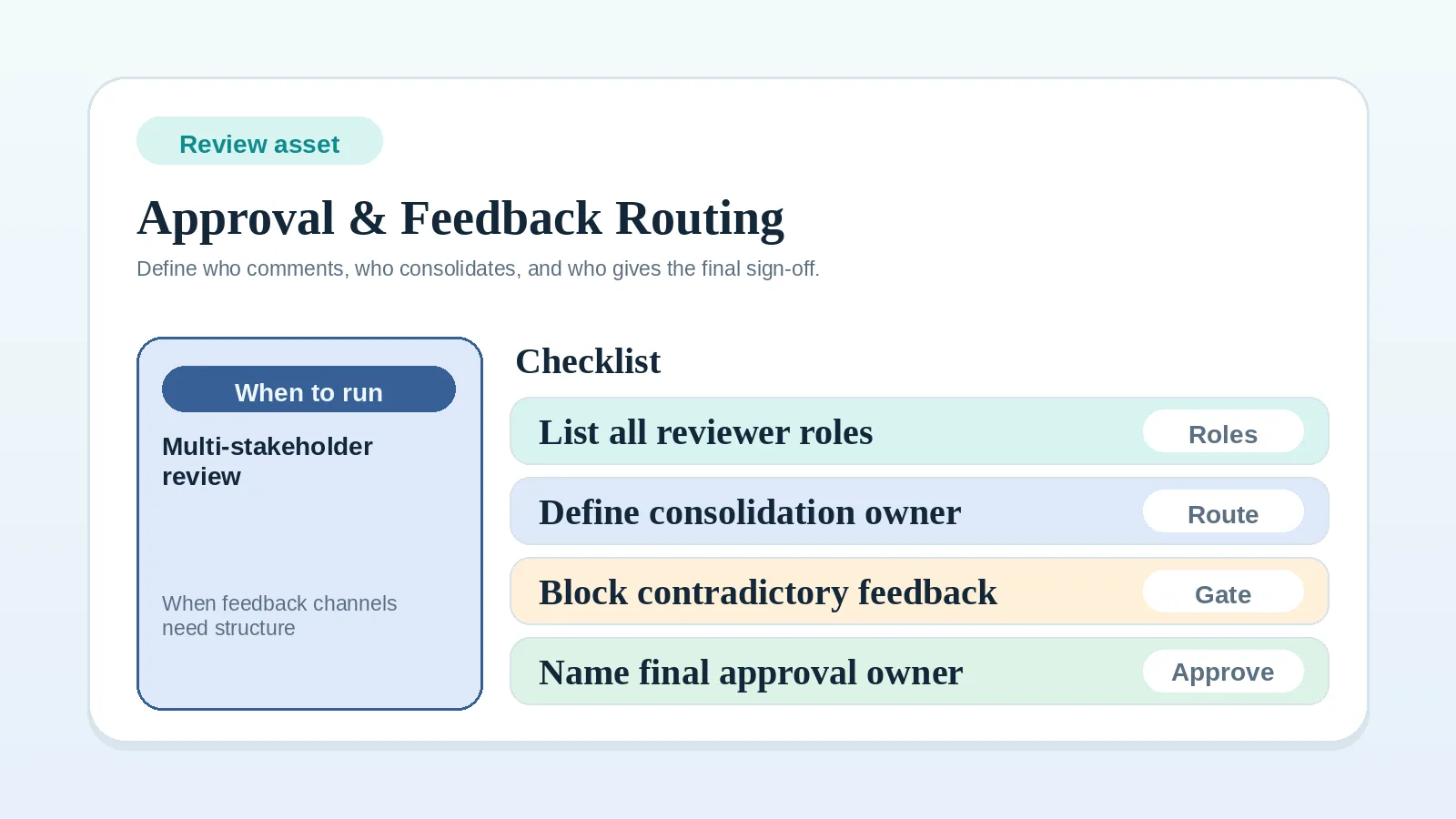
If review feedback is coming from several people or through several channels, lock the routing path first with Approval and feedback routing worksheet for multi-stakeholder review.
Step 5: record the review outcome and next action
After review, record the applicable state:
- approved,
- needs revisions,
- blocked by dependency,
- changed via scope process.
“Needs revisions” and “blocked by dependency” keep the milestone open. Close it when the acceptance condition is met, or when an agreed scope decision explicitly removes, replaces, or defers the remaining work. Record that decision separately from approval of delivered work.
Do not leave it in a fuzzy “mostly done” state. Follow the acceptance terms agreed for the engagement. When those terms require explicit approval, positive feedback alone does not close the milestone; record the named Approval owner decision through the agreed channel.
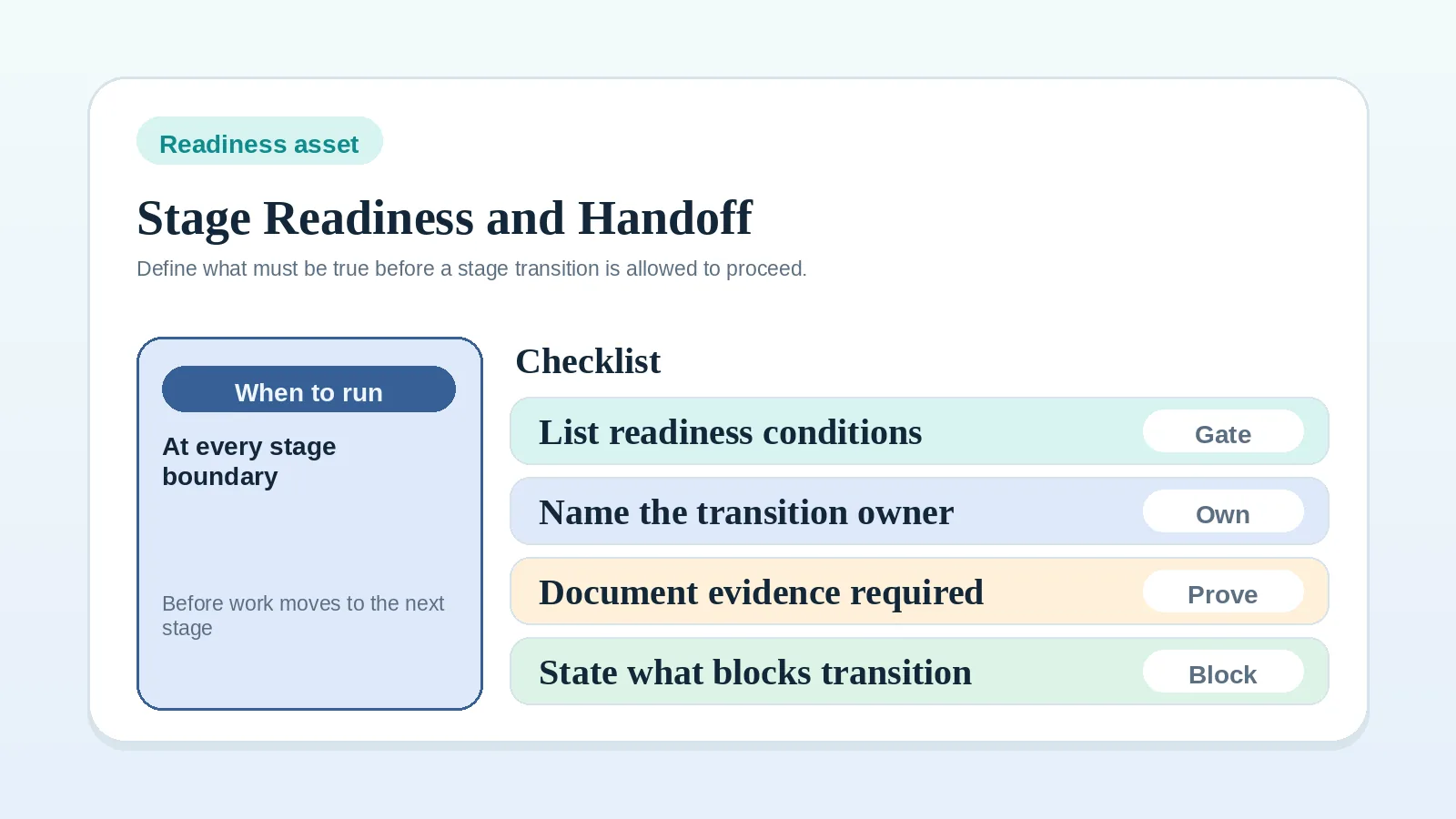
If the open question is the boundary between completed delivery and billing or closeout, document that boundary with Project start handoff readiness worksheet.
At each review decision, record:
- the milestone outcome,
- the approval or revision state,
- any dependency still open,
- the next stage trigger,
- the owner of the next move.
Practical milestone rhythm
| Phase | Main control question | Output |
|---|---|---|
| Milestone setup | What exactly is being delivered? | Defined milestone record |
| Active execution | Is it on track or blocked? | Visible status and blocker state |
| Pre-review QA | Is it ready for client eyes? | QA-cleared handoff |
| Client review | Who must decide and by when? | Approval or revision request |
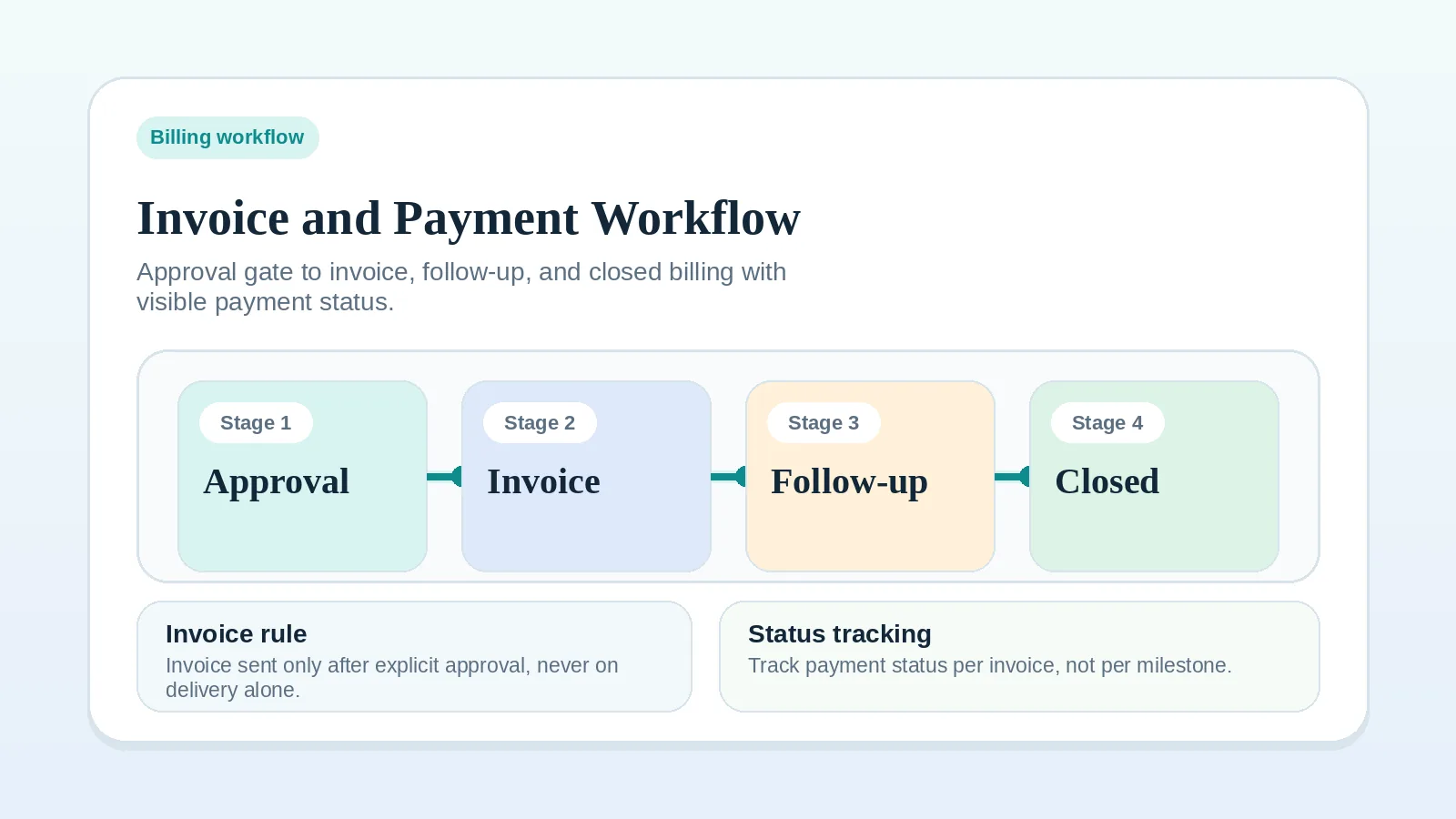
| Closeout | What happens next? | Next-stage move or billing trigger |
Where milestone control breaks
- milestones defined too broadly to manage,
- client review requested without naming the decision needed,
- QA skipped because the work “looks fine”,
- blocked work still marked as active,
- completed work not tied to the next invoice or next milestone.
When to reset or split a milestone
Reset the milestone state when:
- new client feedback materially changes the expected output,
- internal rework means the previous QA pass is no longer valid,
- a missing dependency prevents the original scope from finishing cleanly.
Split the milestone when:
- one part is ready for review and another part is still exploratory,
- the client needs to approve a subset before the rest can proceed,
- billing is tied to one completion event but the work now contains two.
If the revised milestone still cannot be described in one sentence after a split or reset, treat it as a scope or recovery issue.
A split in your task plan does not by itself change client commitments. If it changes approval points, fees, or promised dates, obtain agreement through the change-request process before applying those changes to delivery or billing.
Review rounds, rework, and client input
- If the client reviews in several rounds, define which round counts as the actual acceptance point.
- If internal rework appears after QA, reset the milestone state instead of pretending the handoff already happened.
- If the milestone depends on client input, track that dependency visibly instead of letting it live in chat or memory.
When a missing input or a blocked state takes over, use the resource for that state:
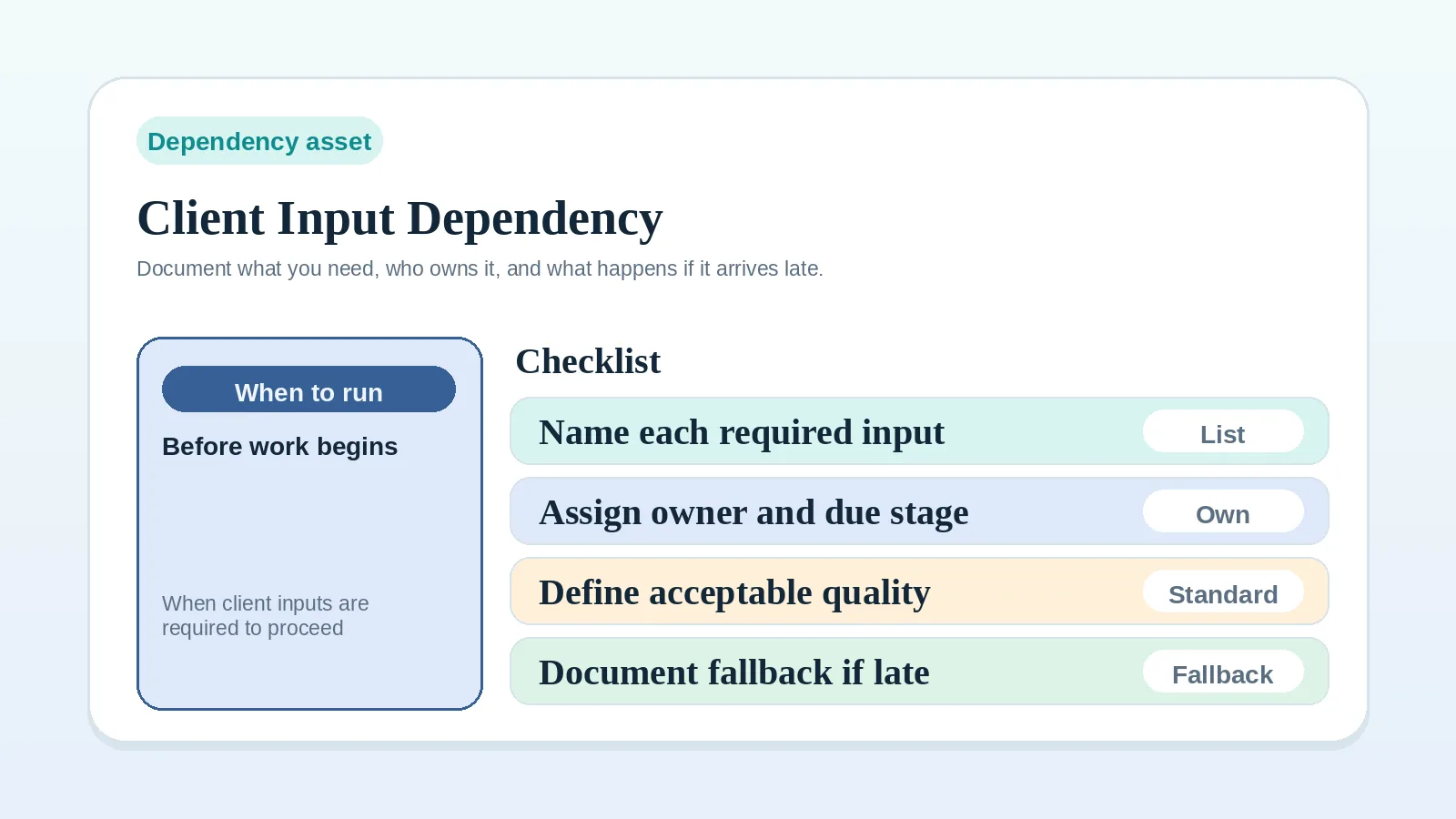
- a client input with no owner or required action: Client input dependency worksheet for solo operators;
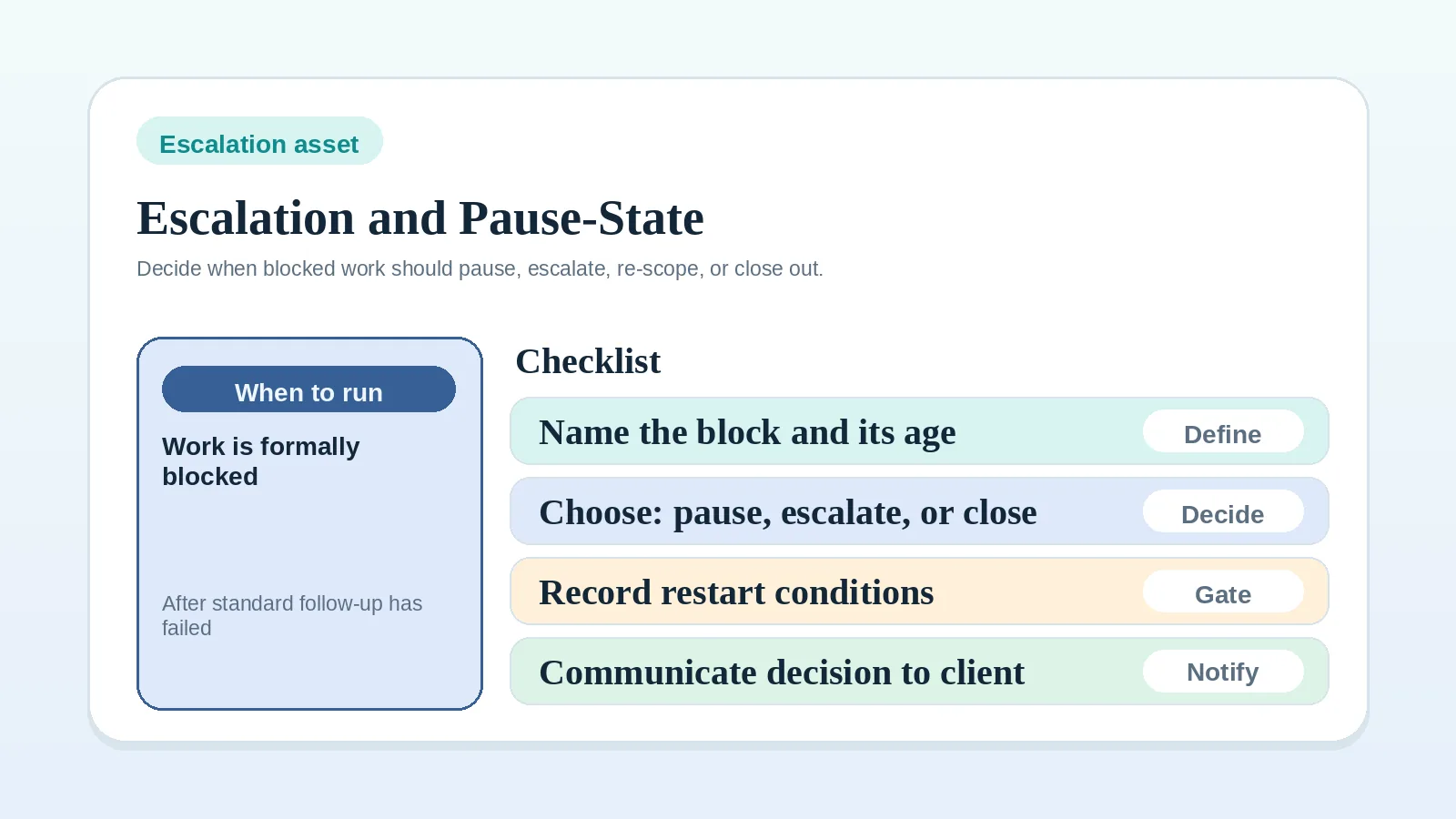
- a documented pause or escalation condition that has been reached: Escalation and pause-state worksheet for solo operators, to choose between pausing, revising scope, proceeding conditionally, or closing the work;
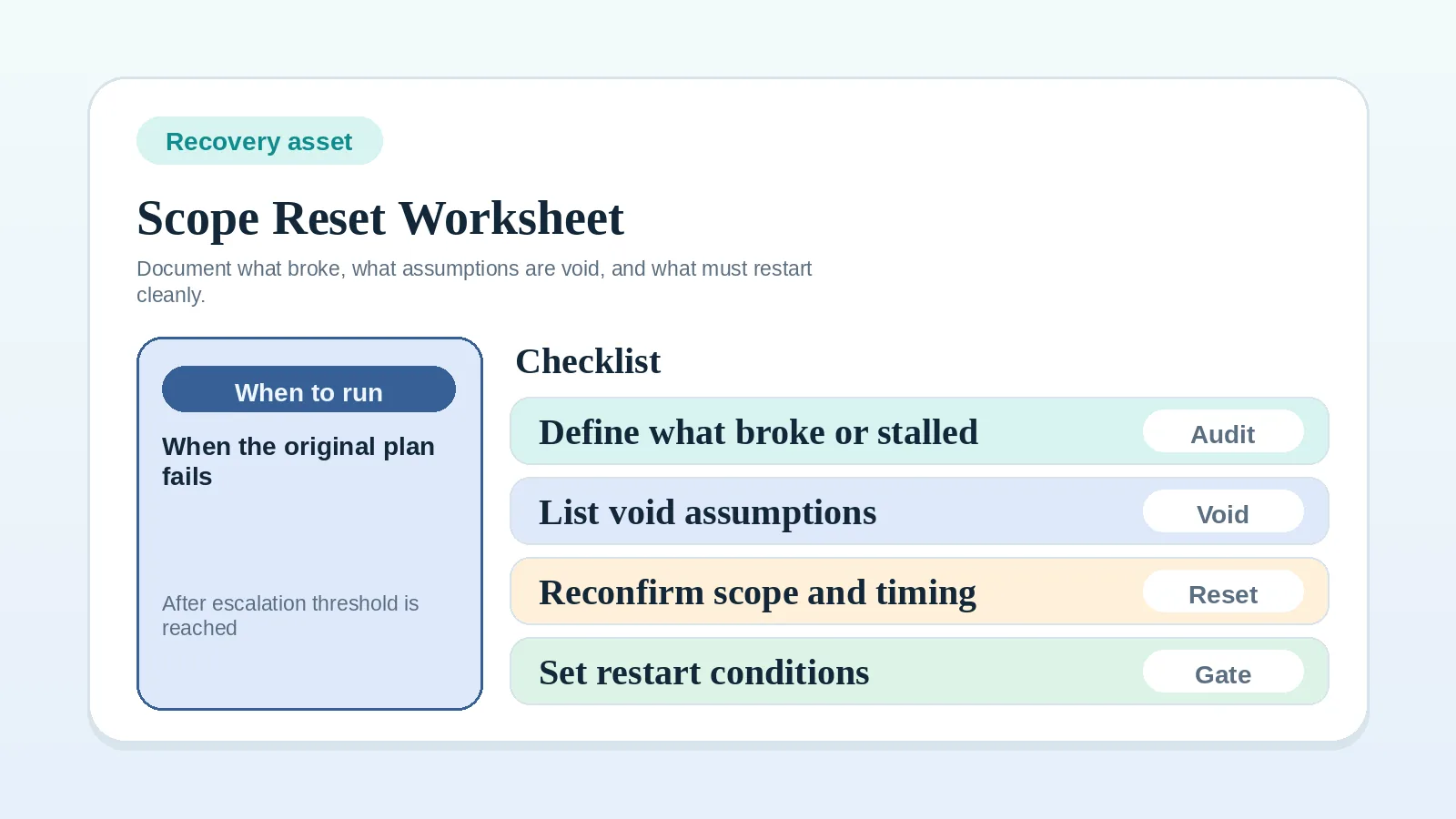
- a milestone plan that is no longer reliable: Scope reset and recovery worksheet for solo operators, before pushing delivery forward again;
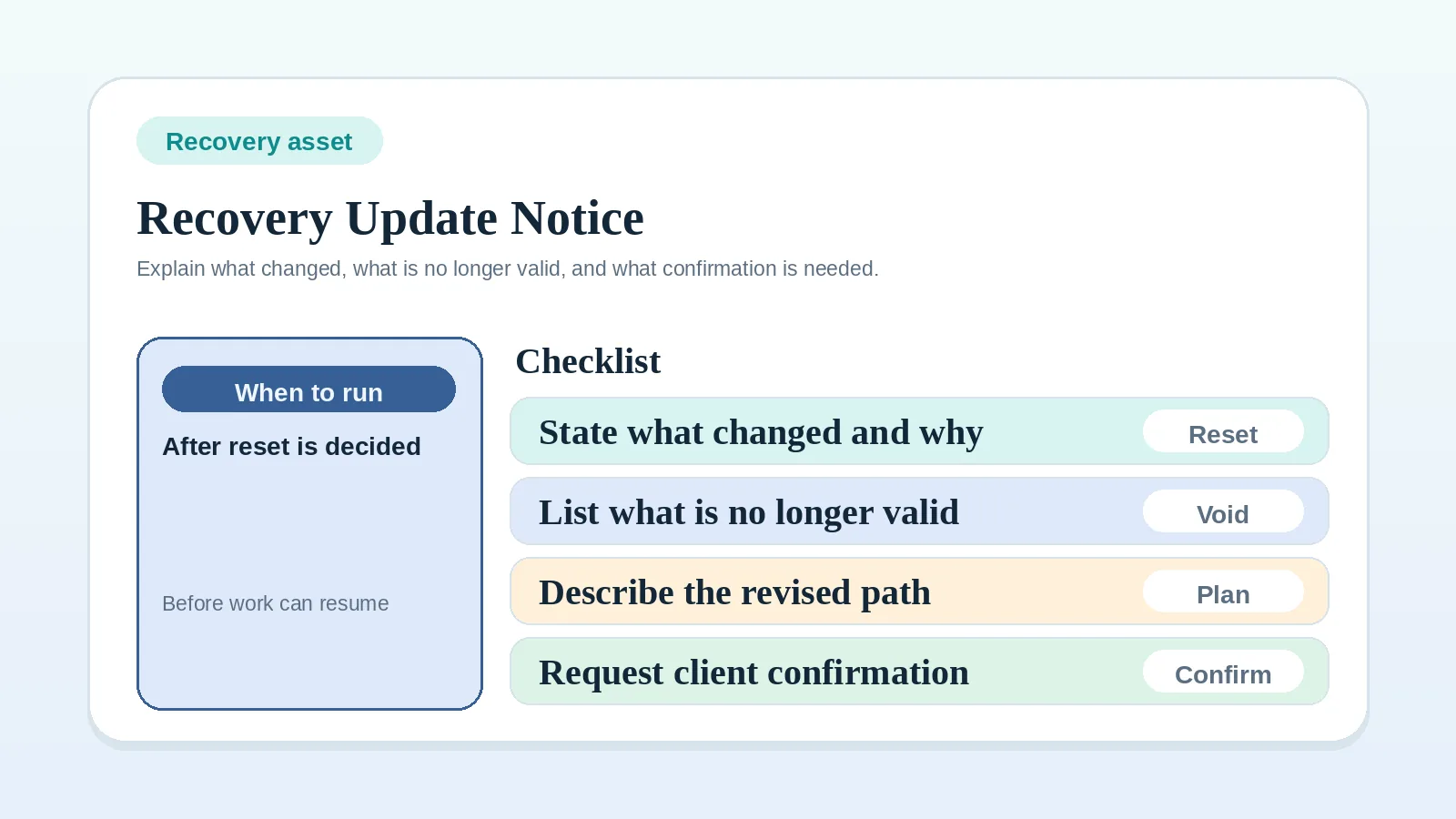
- a decided reset that needs a clear revised timeline: Recovery update template for delayed projects.
Related pages
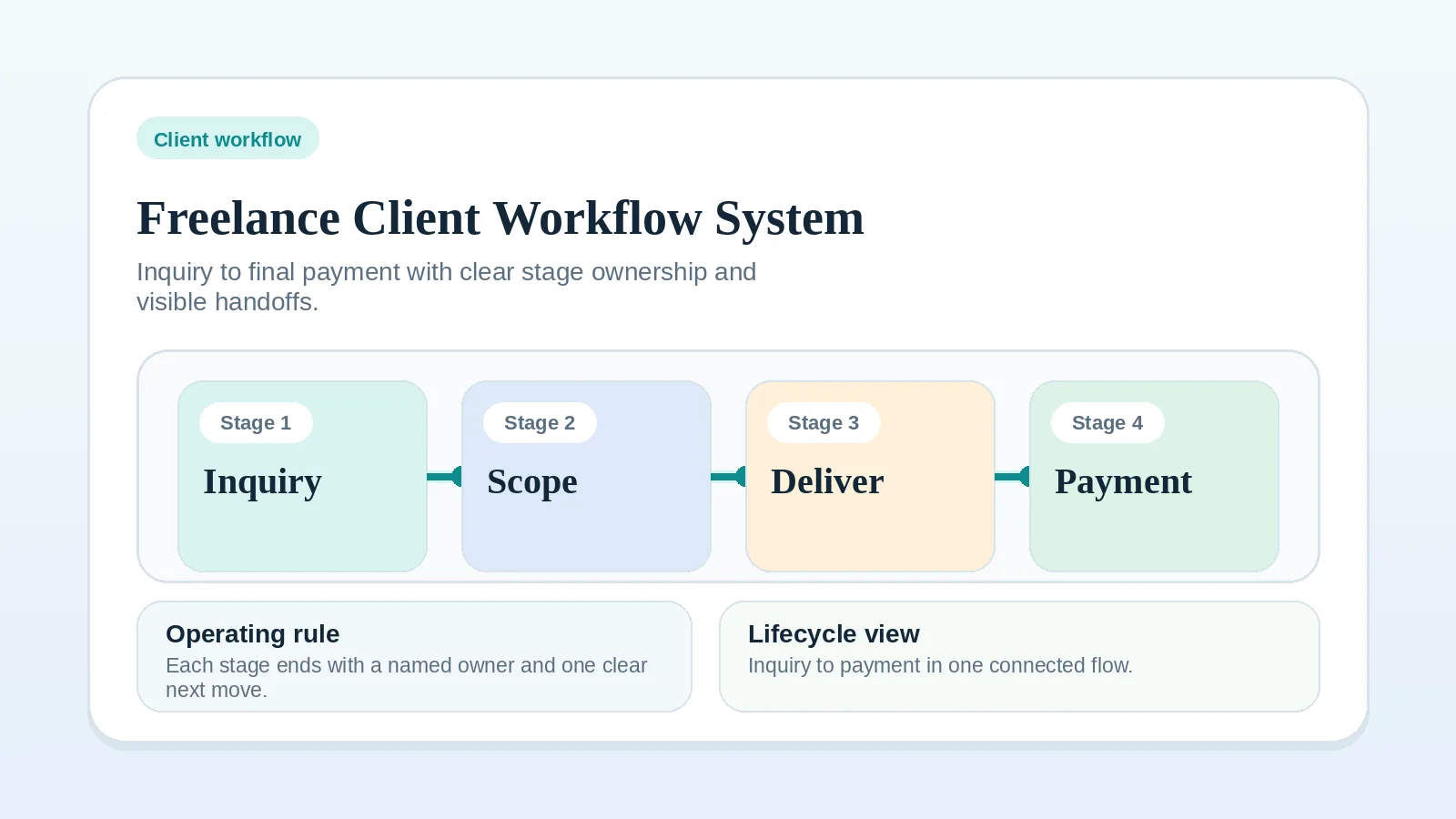
For the whole client path, see Freelance client workflow system: inquiry to final payment. If you cannot tell which part of delivery is failing, start with the Workflow diagnostic checklist for solo operators. Before billing or closeout, run the Approval and billing readiness checklist for solo operators.
Delivery record check
The delivery record is ready when:
- milestone state and blockers are recorded,
- review and approval events are explicit,
- the agreed QA result is recorded before client handoff,
- the next billing or stage action has a named owner.
Where to go next depends on what remains:
- the project never started cleanly: Client onboarding workflow for freelancers and consultants;
- final files, access, documentation, and ownership still need to transfer: Project handoff workflow for freelancers and solo service businesses;
- invoices are the next problem: Invoice and payment workflow setup;
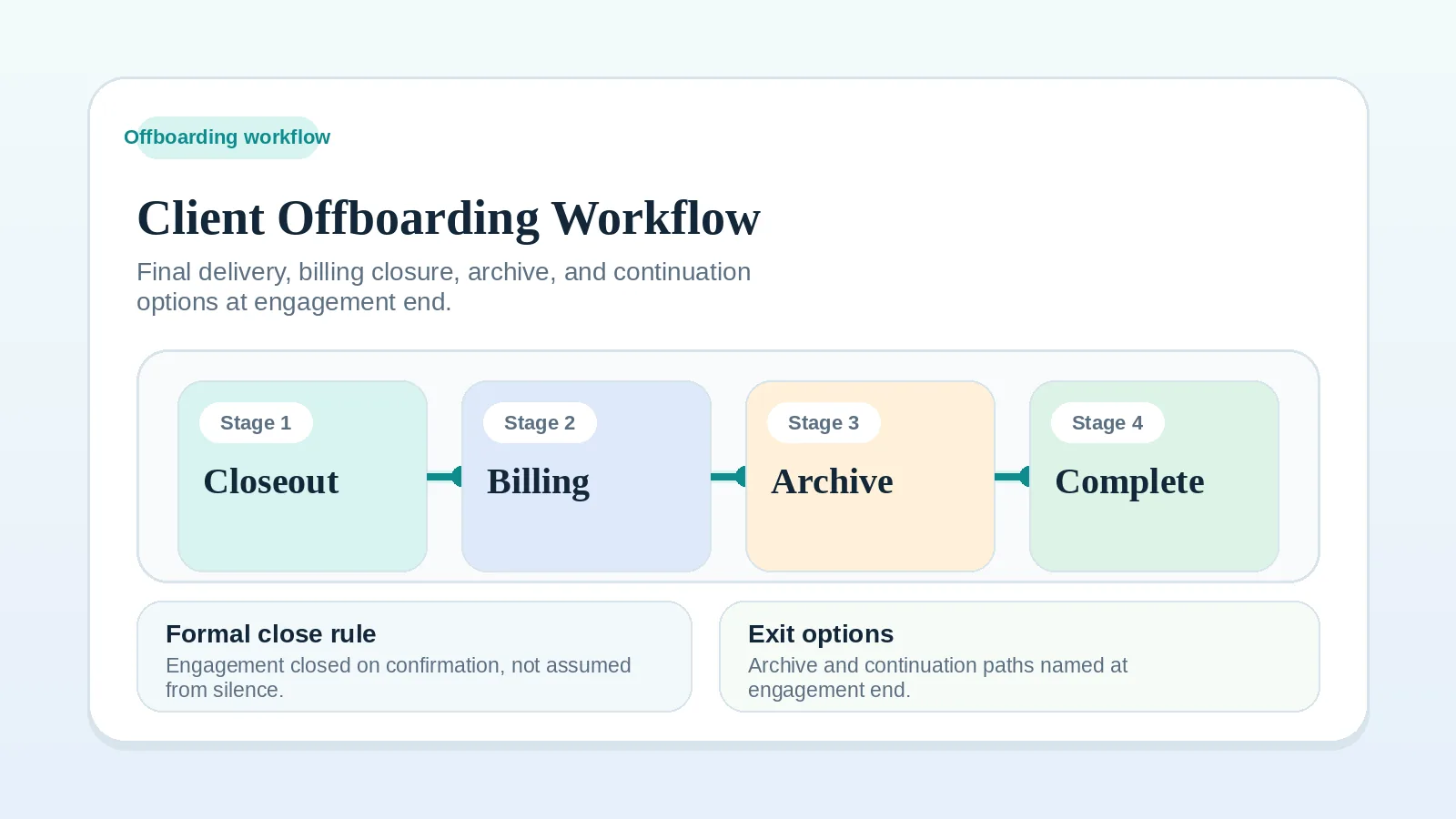
- the final milestone is approved and the engagement is closing: Client offboarding workflow for freelancers and solo service businesses.