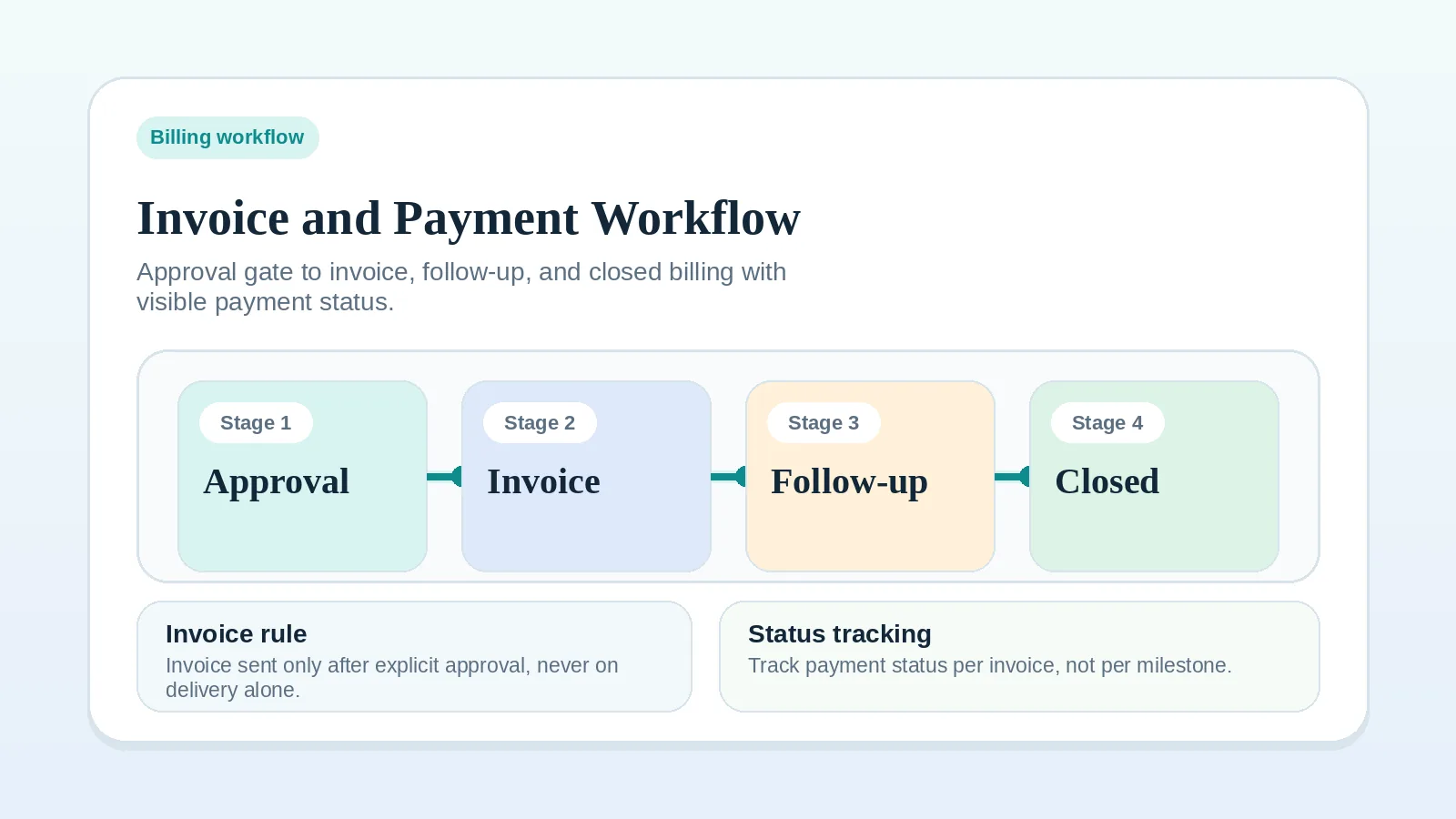
An invoice and payment workflow connects the billing terms in an agreement to recorded trigger events or dates, invoice status, follow-up, and payment closeout.
It fits when invoice timing is unclear, follow-up depends on memory, or payment status disappears from the system used for active work.
Use the payment, late-fee, pause, and dispute terms in your agreement, along with any applicable requirements. Seek qualified advice when those terms or your remedies are unclear.
Who needs this billing workflow
- freelancers and consultants using milestone-based billing,
- solo operators who need a defined follow-up path for overdue invoices,
- businesses where invoicing is technically handled but operationally inconsistent.
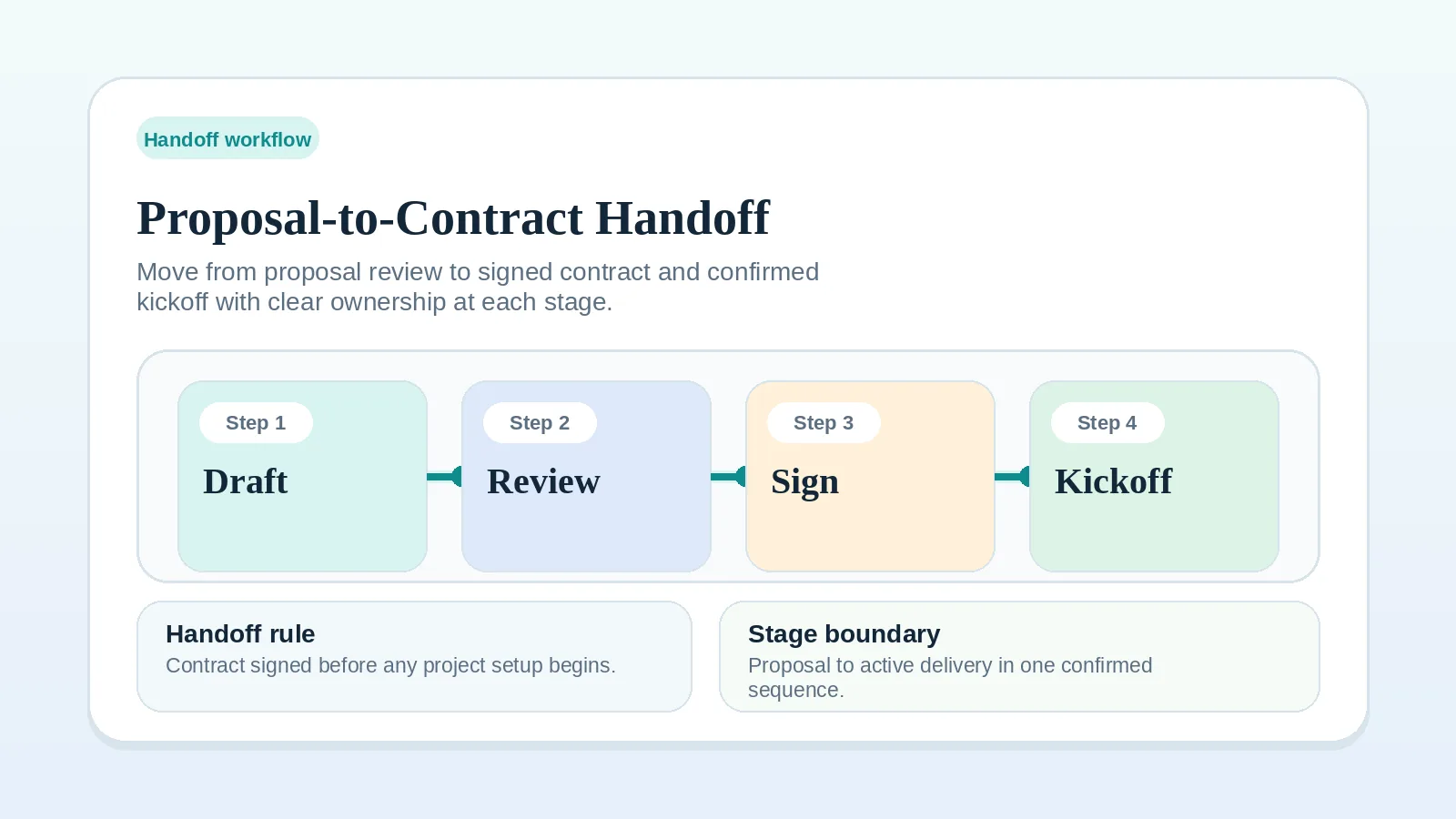
If the commercial rules are still unclear in the agreement itself, fix Proposal-to-contract handoff workflow setup first.
Billing controls to make visible
Record an answer to each of these:
- what event triggers the invoice,
- where invoice status is tracked,
- what the reminder cadence is,
- what happens after payment is received.
If the answer to any of those depends on memory, record the missing trigger, status location, cadence, or closeout action before relying on the process.
Step 1: define invoice triggers before delivery gets busy
Use the billing events stated in the agreement, such as:
- kickoff or deposit,
- milestone approval,
- final handoff,
- retainer renewal date.
Do not use vague rules like “send it around then” or “invoice once the work is basically done.” Neither names an event anyone can check.
For fixed-fee projects, an agreement may use a deposit, milestone approval, final handoff, or another named event. If the handoff trigger is unclear because files, documentation, access, or responsibilities have not transferred, use Project handoff workflow for freelancers and solo service businesses before treating that event as complete. For recurring retainers, record the renewal date and what the agreement says about a mid-cycle pause.
Step 2: keep billing status visible in the operating system
Even if you use a separate invoicing tool, the main system should still make these states visible:
- not yet triggered,
- sent,
- due soon,
- overdue,
- paid.
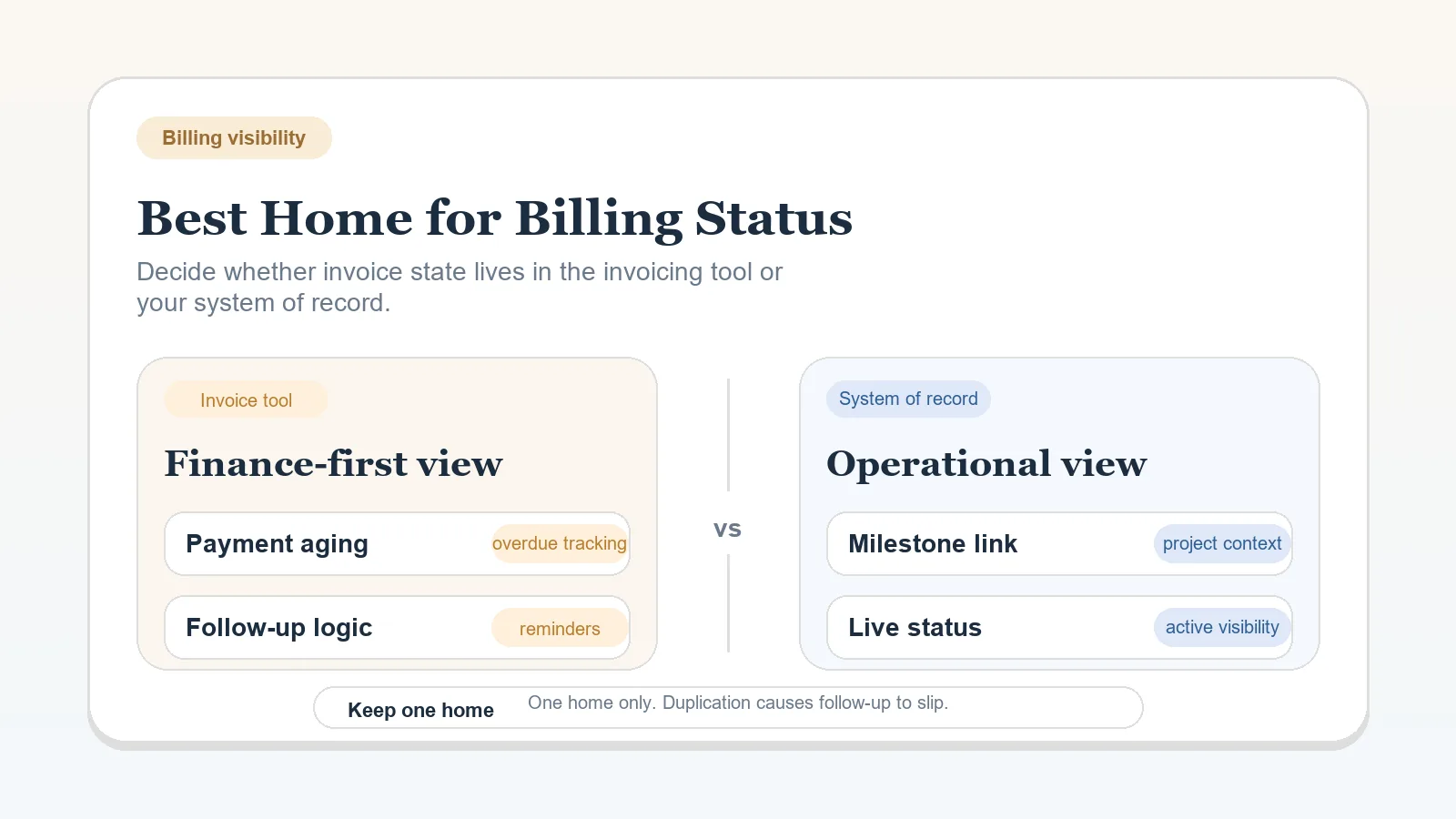
Keep the invoice or payment record authoritative for the amount due and payments received. Link it from the active project record. If you also copy a status there, name who updates it and record when it was checked so an old copy is not mistaken for the current balance. Show partial payment separately when an amount remains outstanding.
If the broader boundary is still unclear, use Billing status: invoicing tool or system of record before adding more status fields.
If your scheduled review cannot tell you which invoices are due soon or overdue, the billing layer is not integrated with active operations.
Step 3: check the evidence for the agreed trigger
Check the trigger for this invoice. A deposit or scheduled retainer invoice may be due before any work is delivered. An invoice tied to completion, approval, or handoff needs evidence of that particular event.
For a delivery-based trigger, confirm:
- the milestone has a visible completion or approval point,
- deliverable evidence exists,
- the delivery notice identifies what was delivered or accepted,
- the notice names the next payment step.
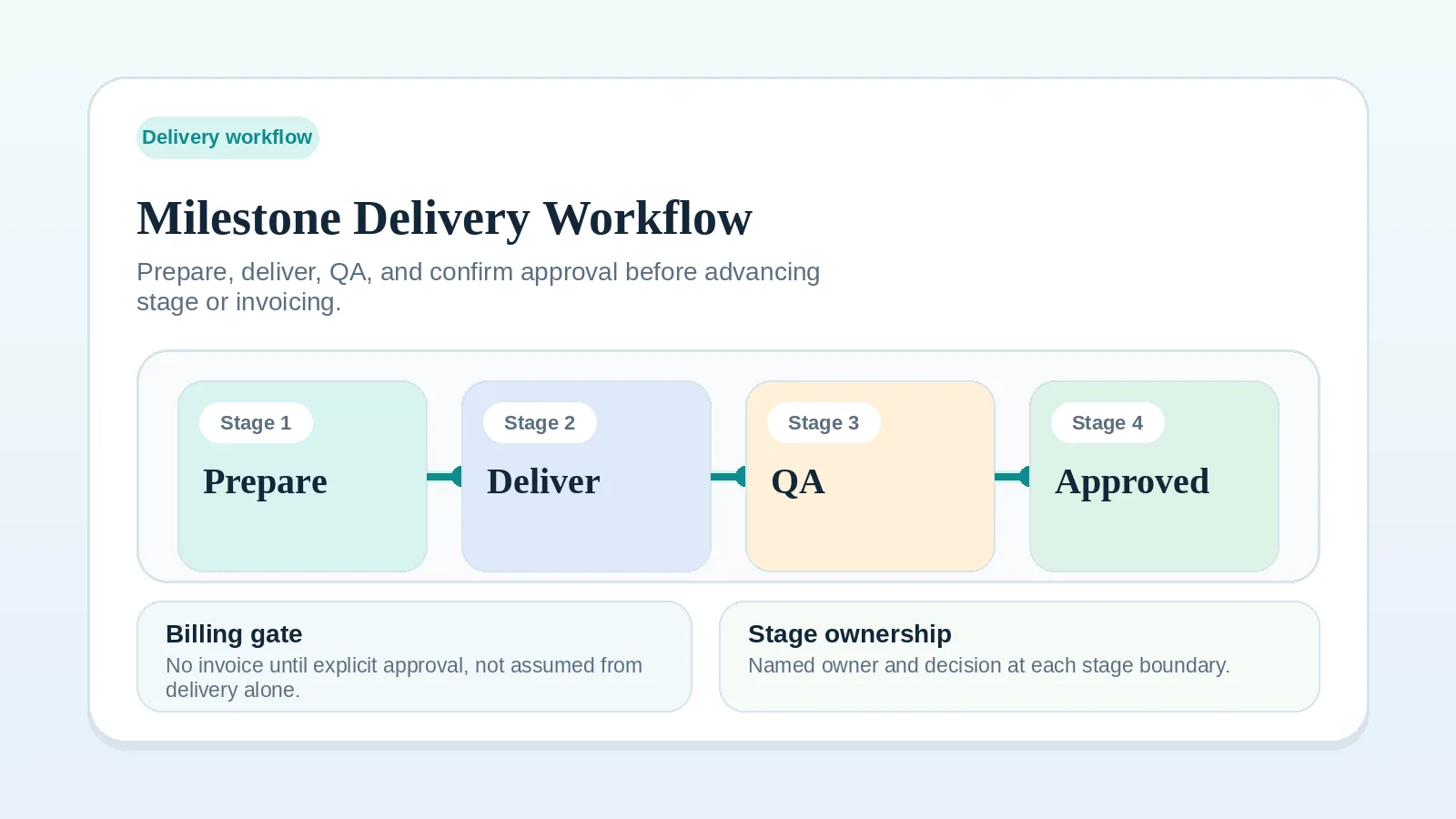
For the milestone side of the process, use Milestone delivery workflow for solo service businesses.
When the agreement makes approval the billing trigger, informal positive feedback does not replace the required approval. Record the named approval owner’s decision through the agreed channel. If you are unsure whether a client response closed the milestone, use FAQ: what counts as client approval before billing or the next stage starts? before issuing the invoice.
If the approval signal, invoice details, or payment-status handoff need one final check before you move the project forward, use the Approval and billing readiness checklist for solo operators before sending the invoice.
Step 4: standardize the follow-up rhythm
Base the sequence on the due date and follow-up terms already communicated to the client:
- send any scheduled notice before or at the due date,
- after a missed due date, confirm receipt and ask whether a payment or procurement blocker exists,
- apply late-payment, pause, or escalation terms only when the agreement and applicable requirements support them.
Record each follow-up and its outcome so the next action comes from the billing record rather than memory.
Example reminder cadence
| Timing | Tone | Goal |
|---|---|---|
| Before or at the due date | scheduled notice | restate the invoice, due date, and payment route |
| After the due date under the agreed follow-up policy | direct follow-up | confirm receipt and identify a payment or procurement blocker |
| Escalation point defined by the agreement | formal notice | apply the documented late-payment or pause process |
Step 5: close the payment loop back into operations
When payment arrives:
- record the received amount against the invoice and check the remaining balance,
- mark it paid only when the full amount due has been received; keep partial payments and any remaining follow-up visible,
- confirm the milestone or account status,
- schedule the next billing event if one exists,
- stop reminders for the settled amount and retain any follow-up needed for an outstanding balance.
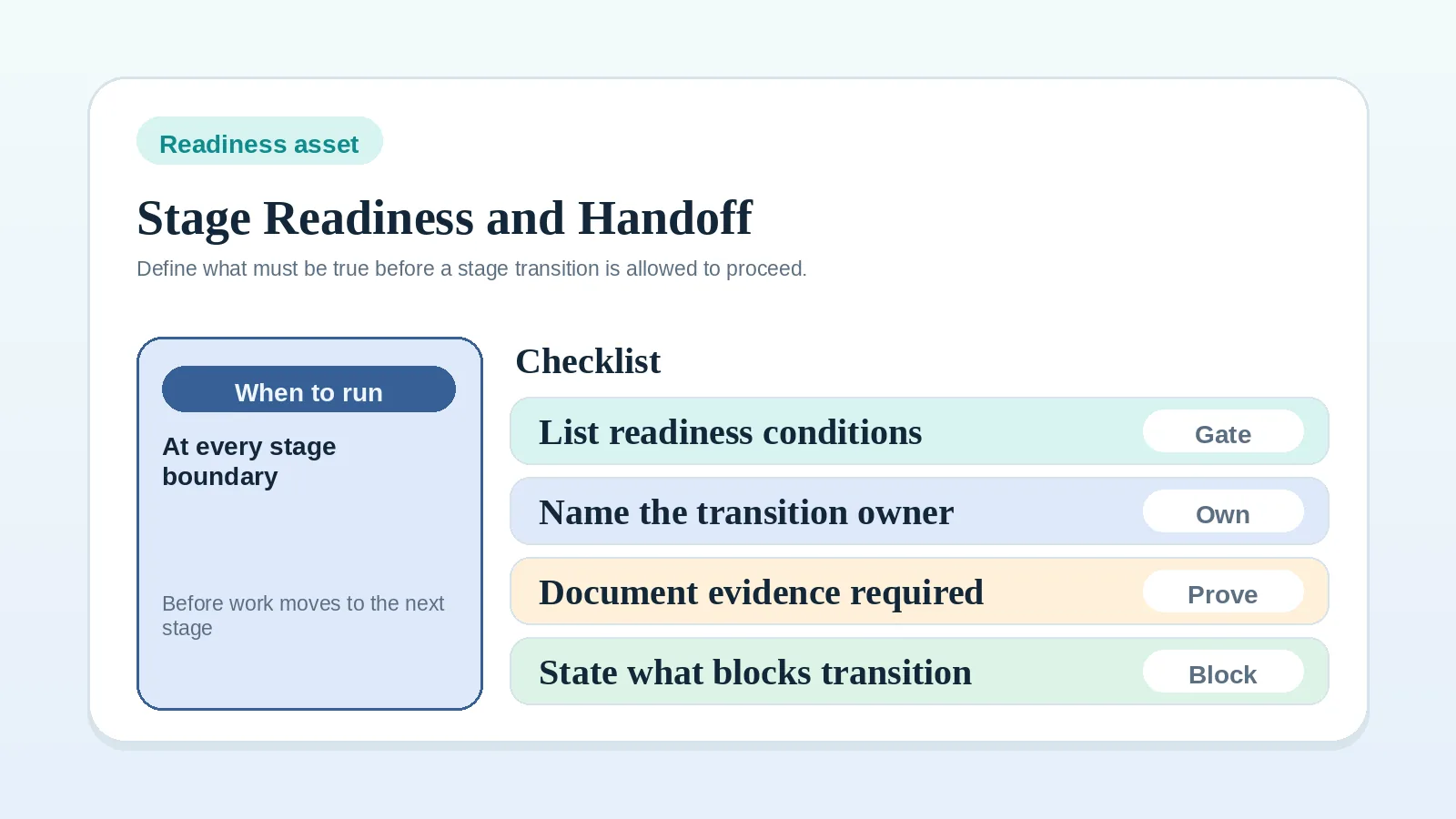
If the weak point is the readiness rule between delivery, billing, and closeout, document that boundary with the Project start handoff readiness worksheet.
Billing review checklist
Review these items on the operating schedule appropriate to your invoice volume and payment terms:
- invoices waiting on a trigger,
- invoices already sent but nearing due date,
- overdue items and latest follow-up date,
- clients whose delivery status and billing status no longer match,
- upcoming milestones that will create the next invoice event.
Suggested billing workflow map
| Phase | Main question | Output |
|---|---|---|
| Trigger design | What event creates the invoice? | Named billing rule |
| Invoice issue | Has the trigger actually happened? | Sent invoice with visible status |
| Follow-up | What happens if payment is late? | Reminder sequence |
| Payment closeout | What changes once paid? | Updated record and next event |
Where billing control breaks
- invoice trigger was never defined clearly,
- invoice is sent before its agreed trigger occurs,
- billing tool and project record show different states,
- an overdue invoice has no recorded next follow-up,
- paid invoices are not reconciled back into the main system.
Billing exceptions to define in the agreement
- For deposits, define whether kickoff waits for payment or for the invoice to be sent.
- For partial approvals, decide whether billing follows the approved portion or waits for the full milestone.
- For paused projects, decide whether an already-earned invoice still proceeds or is deferred under a specific rule.
- For procurement-heavy clients, collect PO, finance contact, and submission requirements before the trigger event.
Related pages
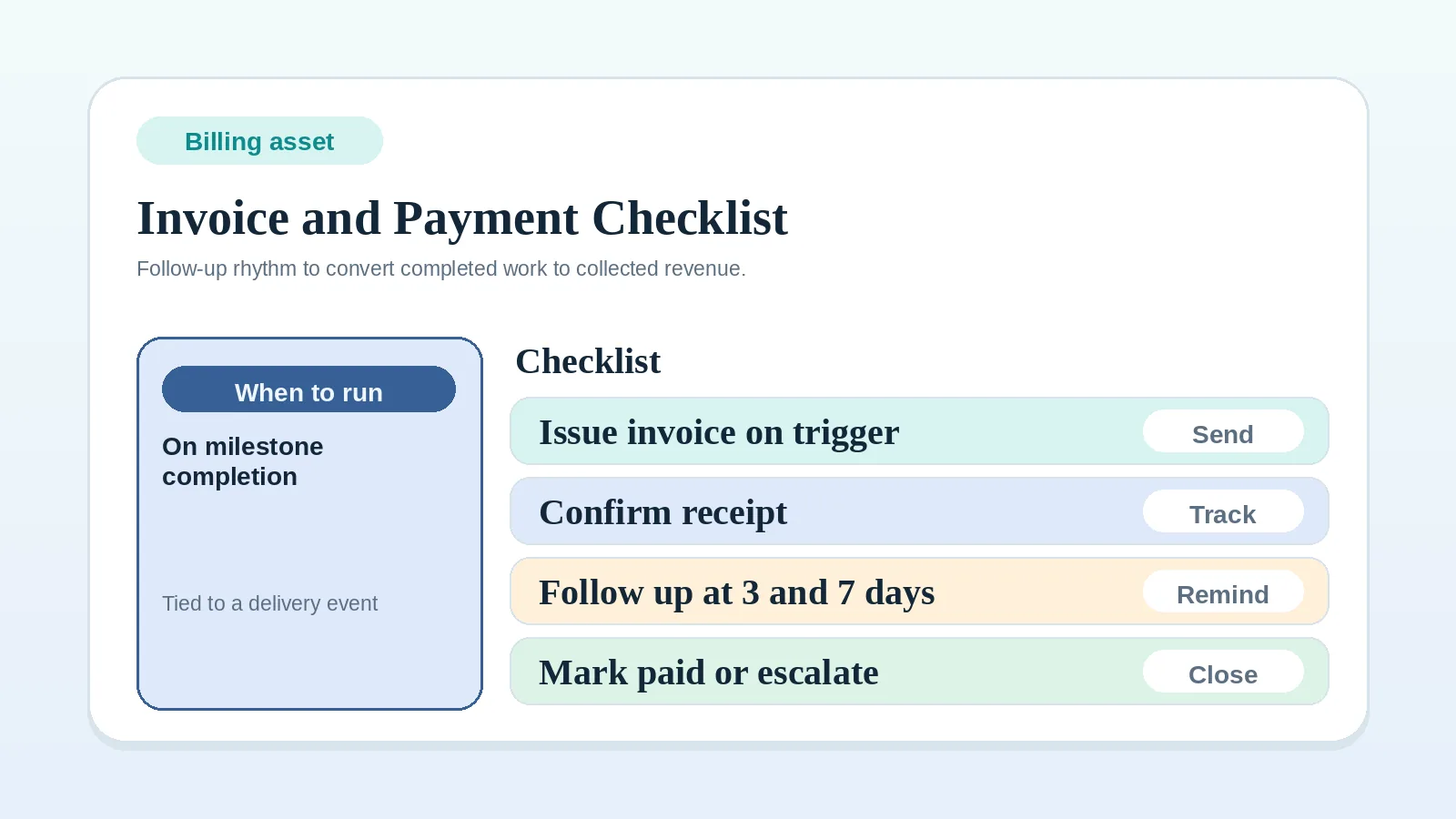
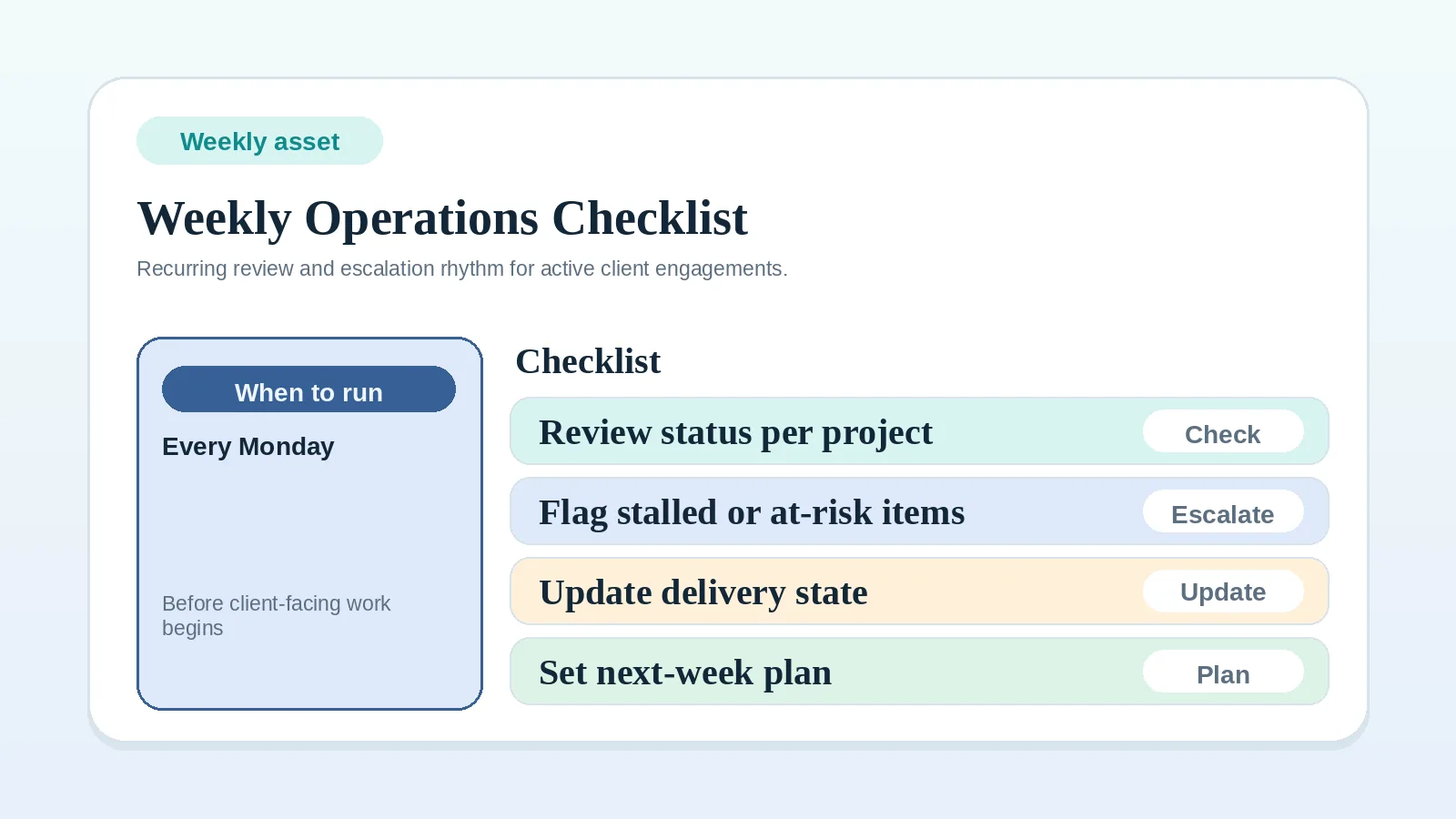
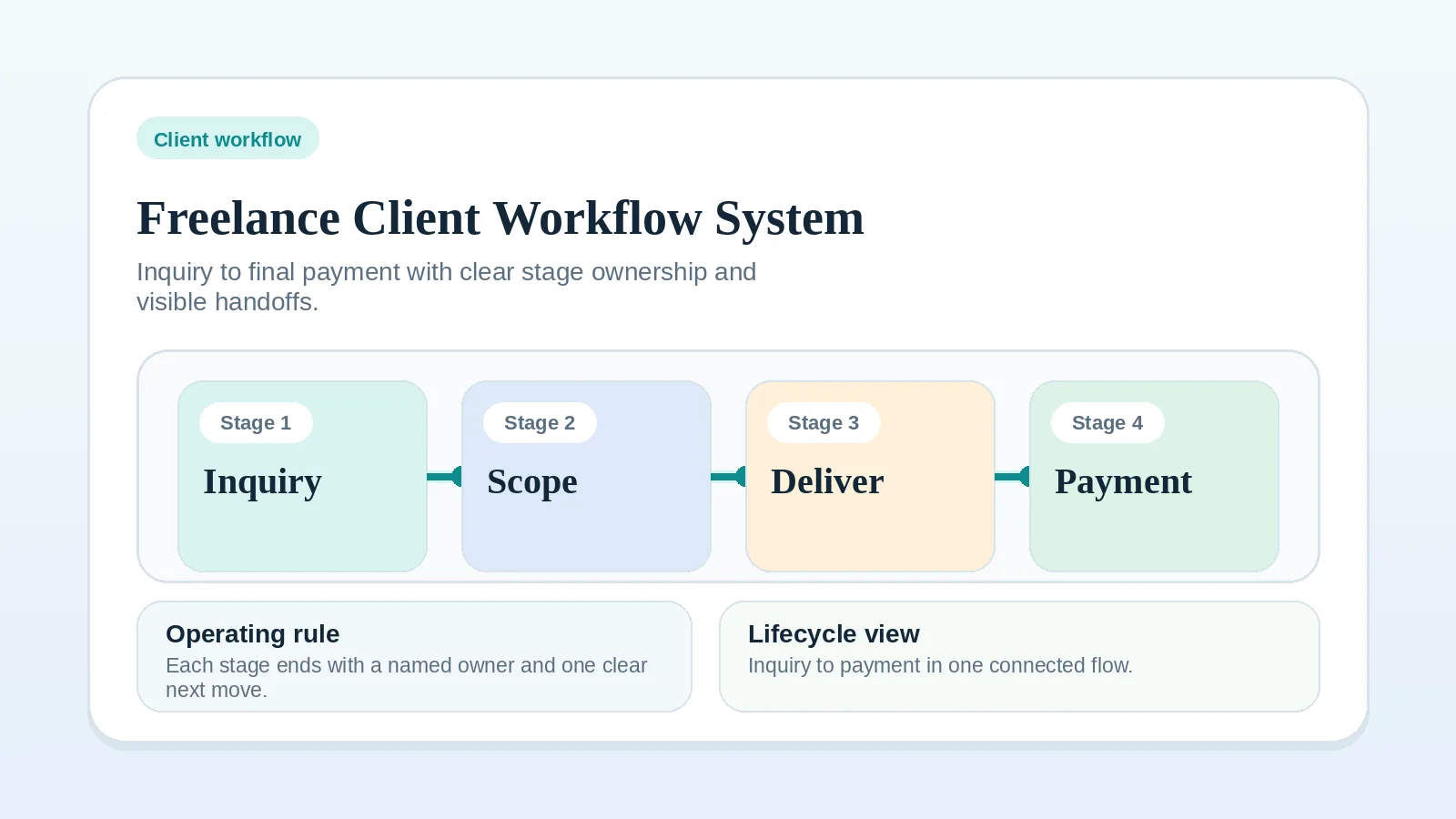
For the whole client path, see Freelance client workflow system: inquiry to final payment. To run each invoice, use the Invoice and payment workflow checklist. To review billing alongside the rest of active work, use the Weekly client operations checklist.
Billing control outcome
Billing control is in place when:
- billing triggers are explicit,
- invoice status is visible during live operations,
- follow-up happens on a defined rhythm,
- paid invoices are reconciled back into the main record,
- follow-up comes from the billing record rather than memory.
Where to go next depends on what is still open:
- billing rules the agreement leaves unclear: Proposal-to-contract handoff workflow setup;
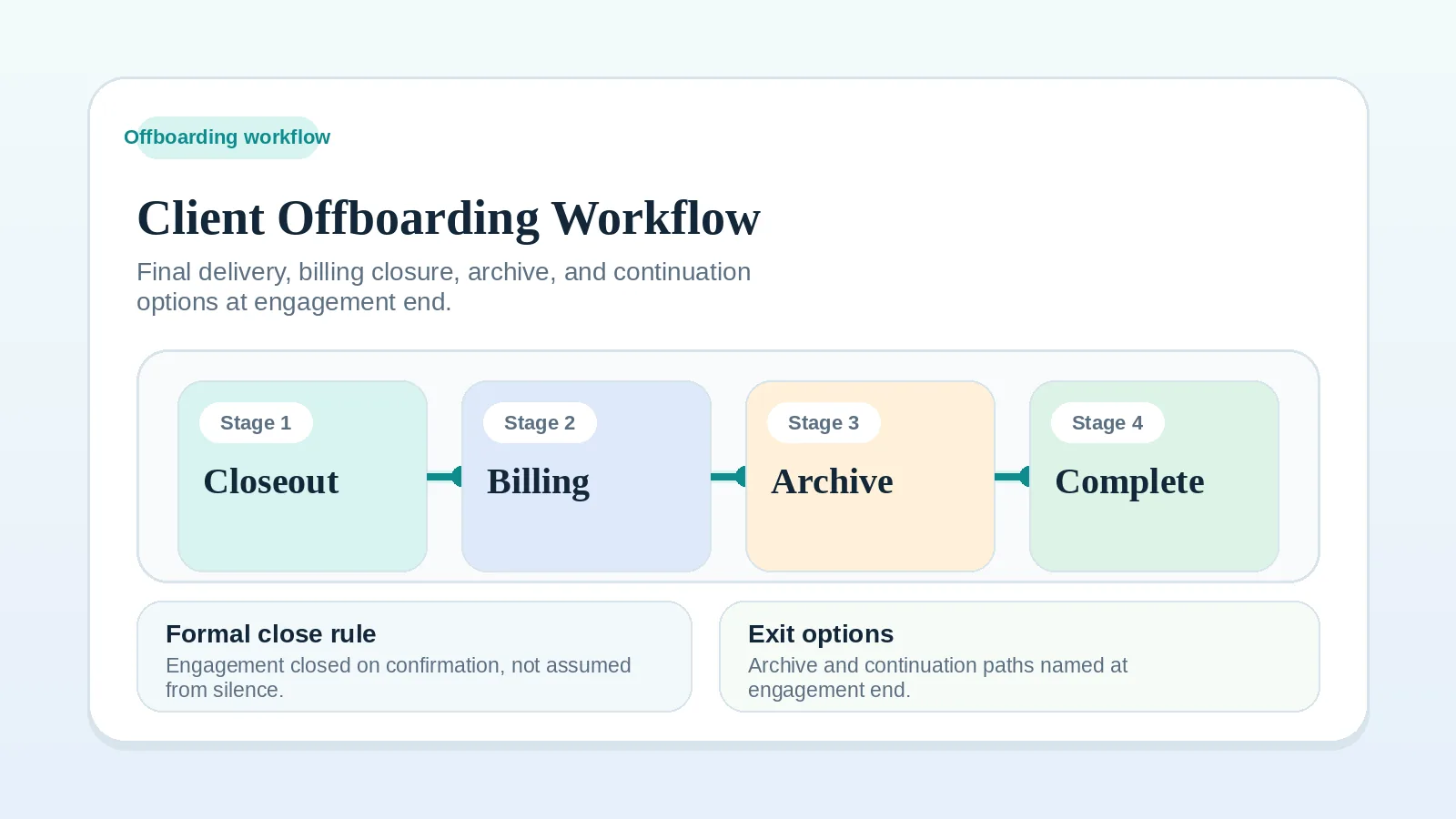
- an engagement that is ending with billing settled: Client offboarding workflow for freelancers and solo service businesses;
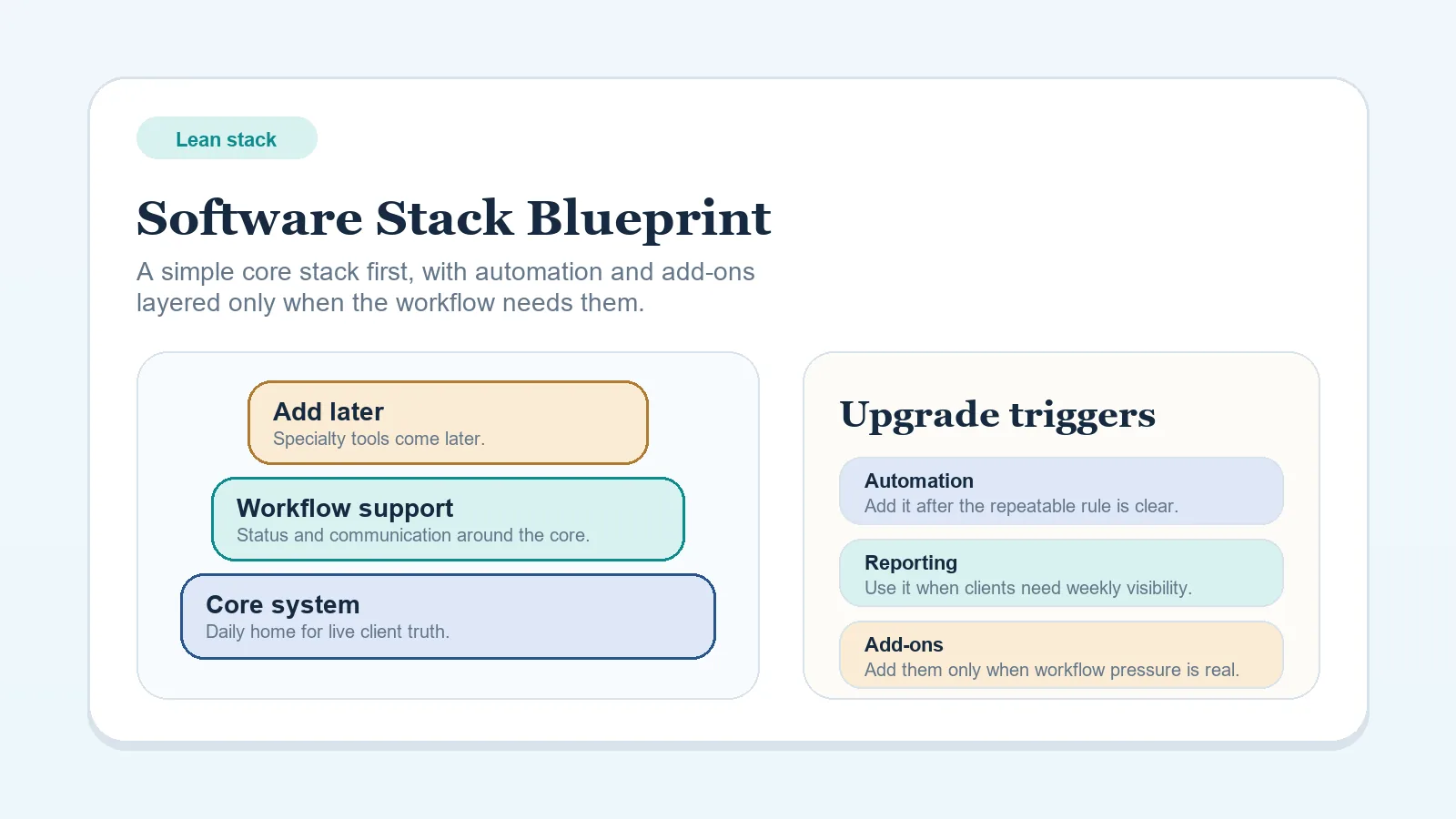
- a stack that has grown heavier than the billing work needs: How to choose a software stack without overbuying tools.