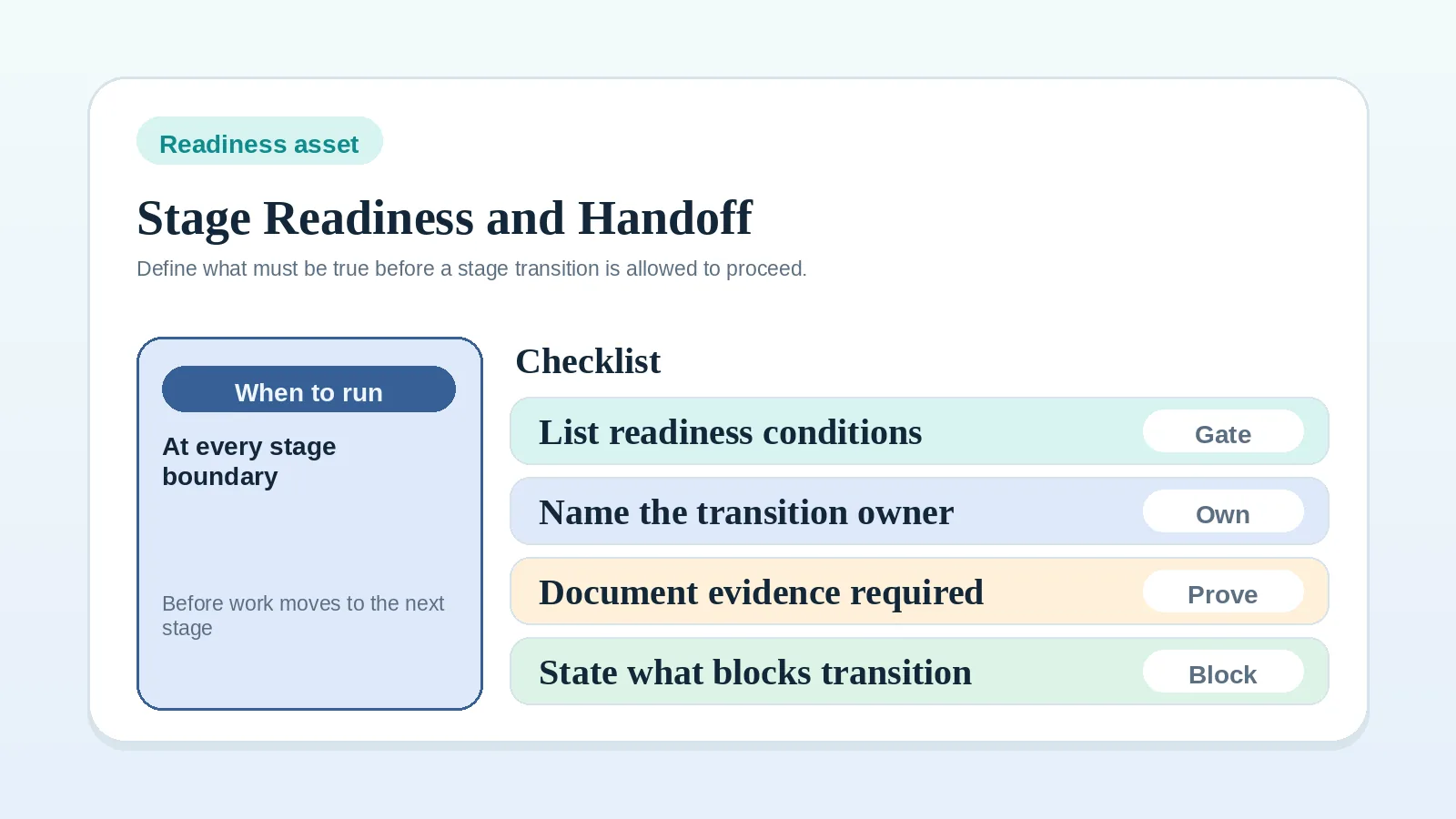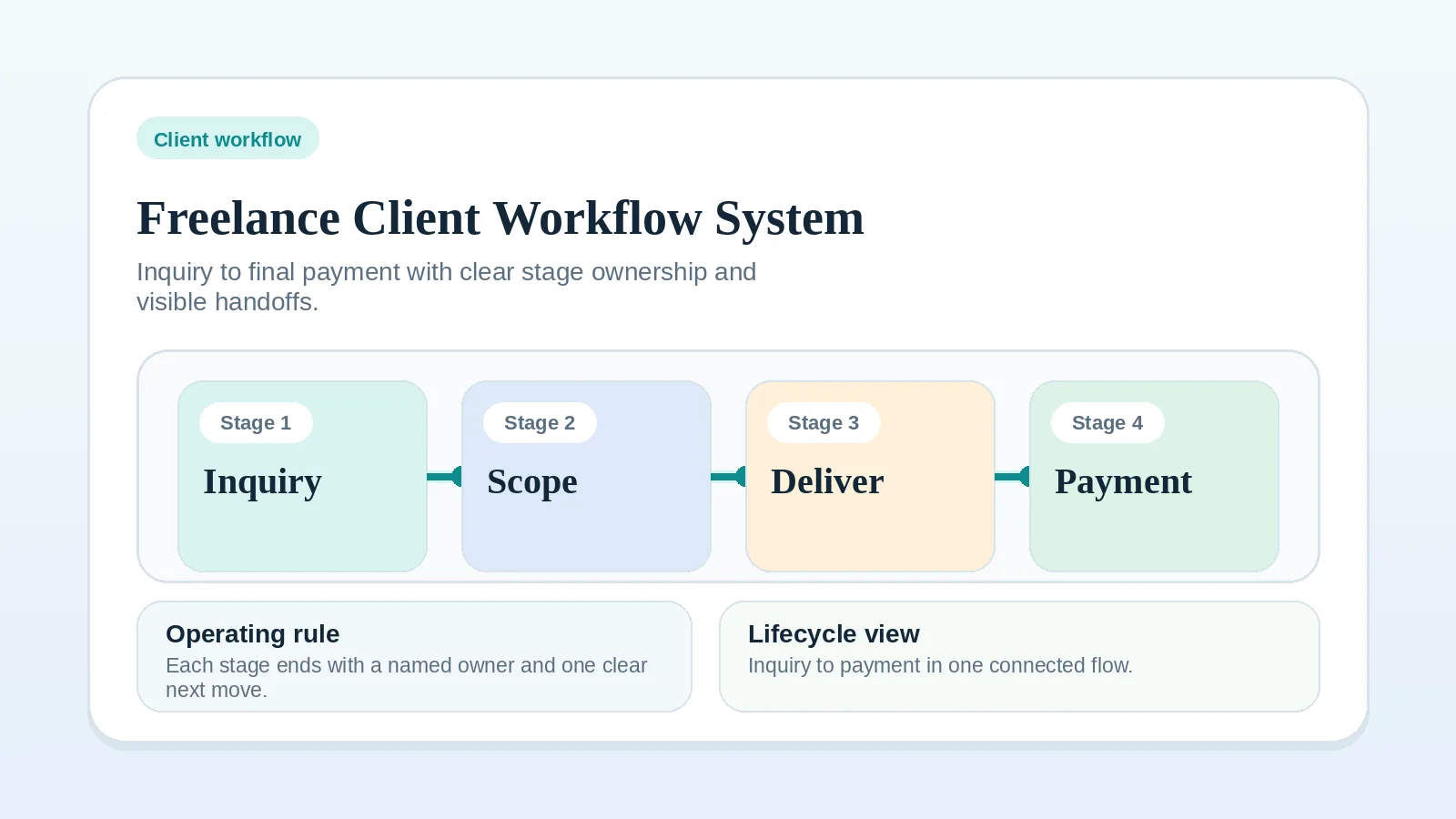
Gaps between inquiry, proposal, kickoff, delivery, billing, and closeout can make otherwise sound client work difficult to manage. This guide maps that path as one connected system so you can find the stage or handoff that needs attention.
Read the whole sequence before changing one stage in isolation, then use the linked workflow, comparison, or template for the gap you find.
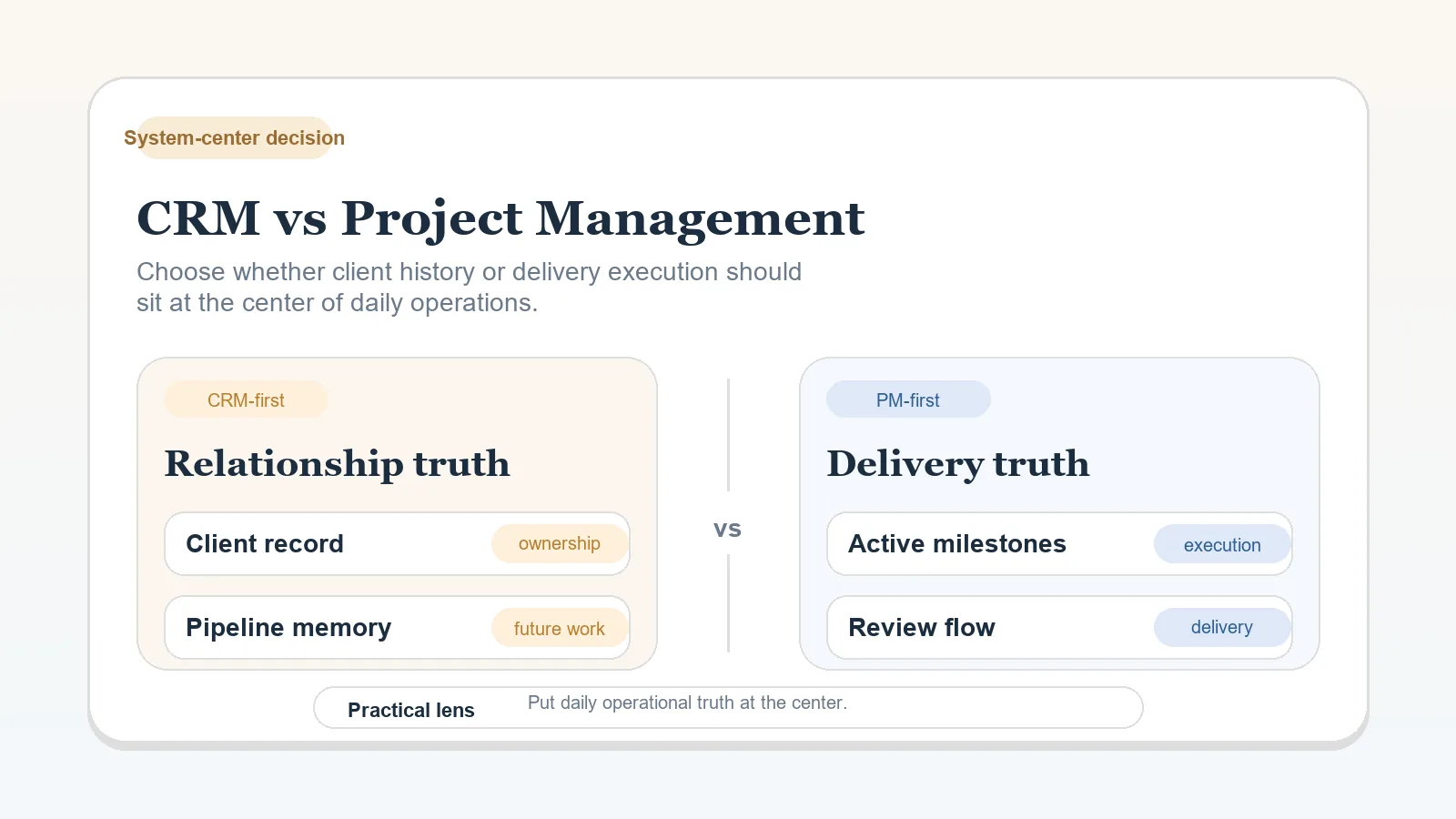
Before changing tools, map the handoffs, approval points, and later cleanup in the current process. If the sequence is clear and the remaining question is where records should live, then compare systems of record.
When to read the whole lifecycle
Read the full lifecycle if the problem feels broad, several stages are failing at once, or you cannot yet name whether the issue is intake, approval, delivery, billing, or handoff. Once you can identify the stage or transition creating later cleanup, go directly to that stage guide. If you are already close to a diagnosis, skip ahead to How to choose the first stage to fix.
If naming the stage is the blocker, the Workflow diagnostic checklist can help you triage which category is failing before you choose a stage guide. The Client workflow health check is useful if you want to review each area of the lifecycle before focusing on one.
How to diagnose the workflow
Read the lifecycle once from start to finish, then answer three questions:
- Which stage is currently creating the most later cleanup?
- Which transition between stages is still too vague?
- Which focused guide or checklist addresses that ambiguity?
If you cannot answer those yet, do not jump into templates or tool comparisons. Stay here until the stage and handoff are clear enough to name.
Who this workflow fits
- freelancers and consultants managing active client engagements,
- operators who sell scoped projects, advisory retainers, or a mix of both,
- small service operations that need a consistent lifecycle without a complex operating model.
A different operating model may fit productized businesses with self-service checkout or agencies with separate sales, project management, and finance functions.
The six-stage workflow map
- Intake and qualification: collect required context and decide if the lead is a fit.
- Proposal handoff, review, and approval: confirm scope, timeline, terms, and who can approve the version that moves forward.
- Onboarding: align communication cadence, access, assets, and kickoff scope.
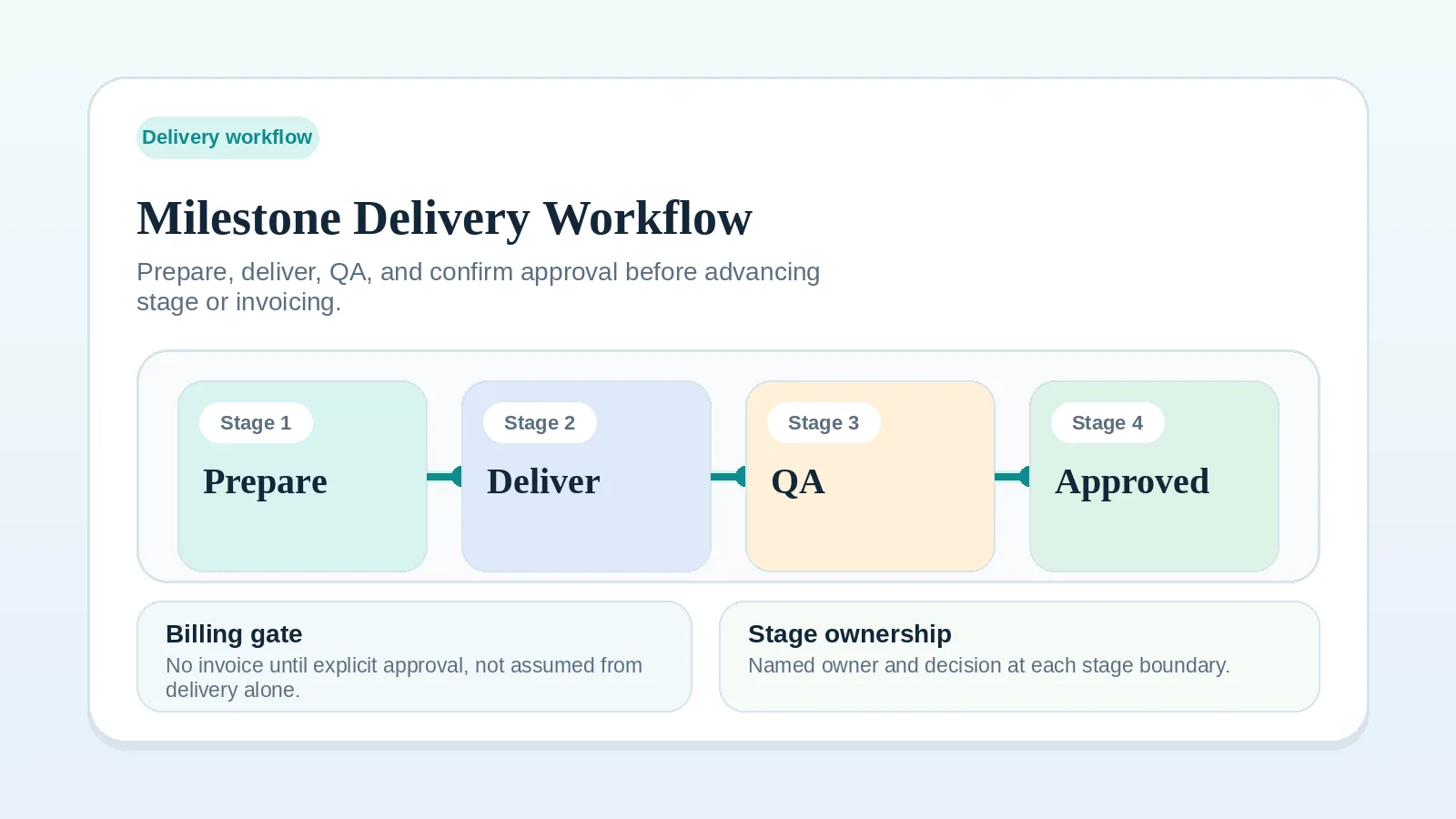
- Delivery and QA: run work in milestones with visible status and quality checks.
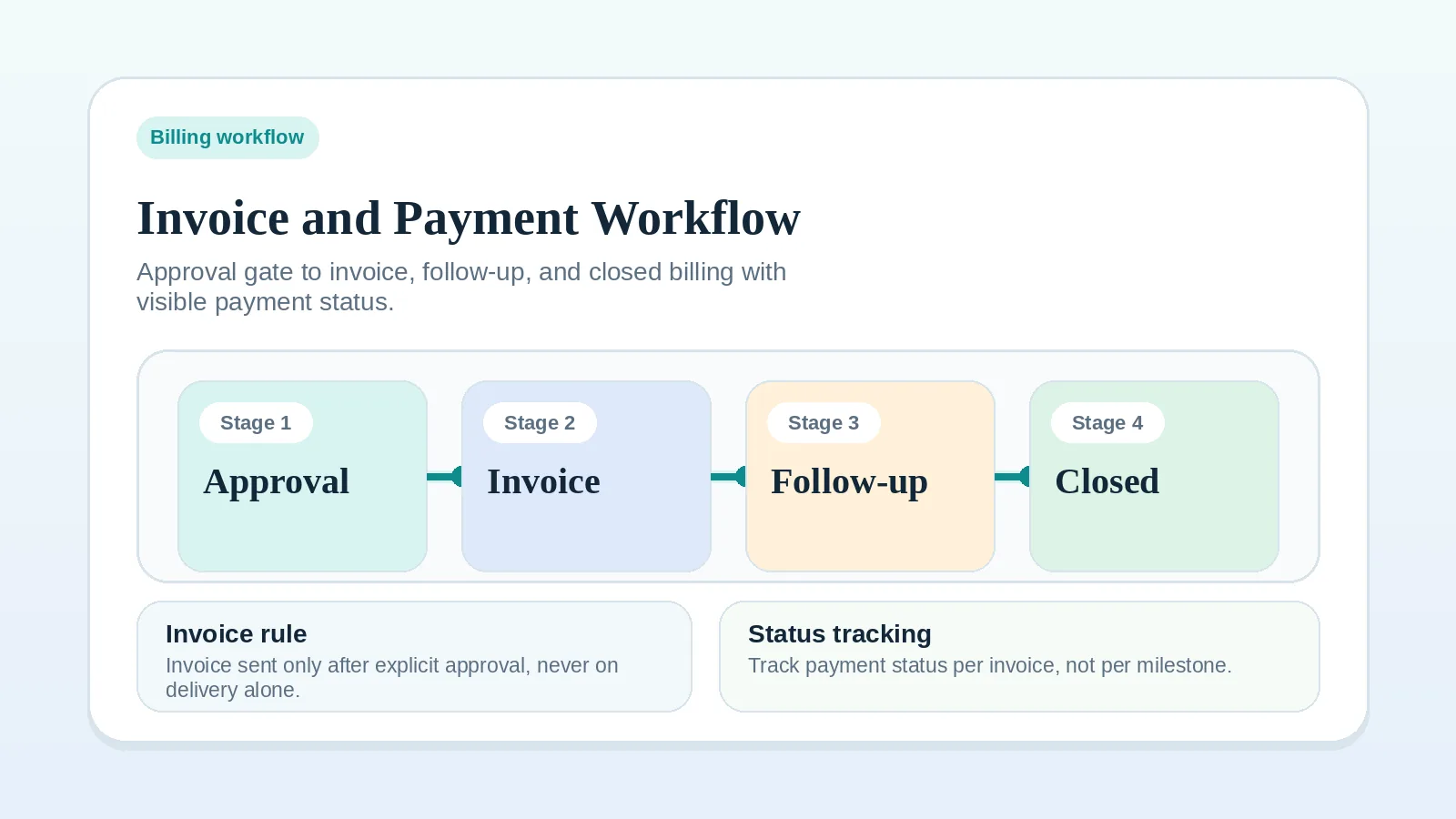
- Invoicing and payment: issue each invoice at its agreed event or date and track payment and follow-up.
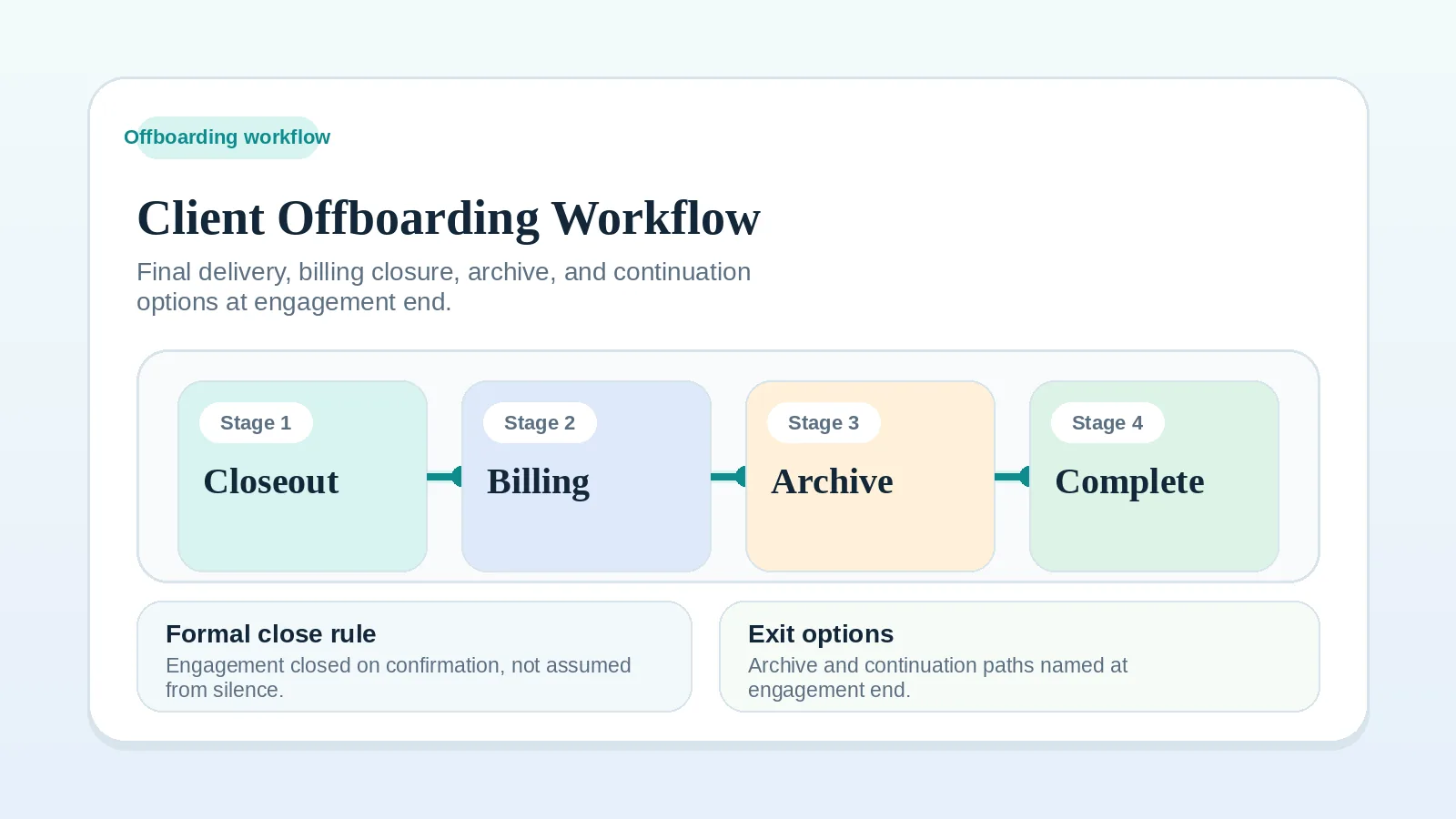
- Offboarding and expansion: record closeout, decide whether to request feedback, and document any agreed follow-on path.
These stages overlap. A deposit may be due before kickoff, milestone invoices may occur during delivery, and retainer billing may follow a recurring date. Use the agreement’s trigger for each invoice. Transfer final files, access, and responsibilities through project handoff before closing the delivery record, and keep any unpaid balance visible after operational closeout.
Lifecycle handoff table
| Stage | Required record or transition | Signs of a gap |
|---|---|---|
| Intake | fit, scope direction, and next step are clear | low-fit leads move forward anyway |
| Proposal review | approved scope and signed terms are recorded before onboarding | revision churn and fuzzy ownership |
| Onboarding | kickoff inputs, owners, and first milestone are visible | access, assets, and expectation gaps |
| Delivery | milestone state, QA, and approval path are explicit | blocked work hides inside active work |
| Billing | invoice trigger and payment follow-up are visible | completed work does not become collected revenue |
| Offboarding | signoff, closeout record, and next-step state are explicit | projects remain without formal closeout |
Stage-by-stage operating model
1) Intake and qualification
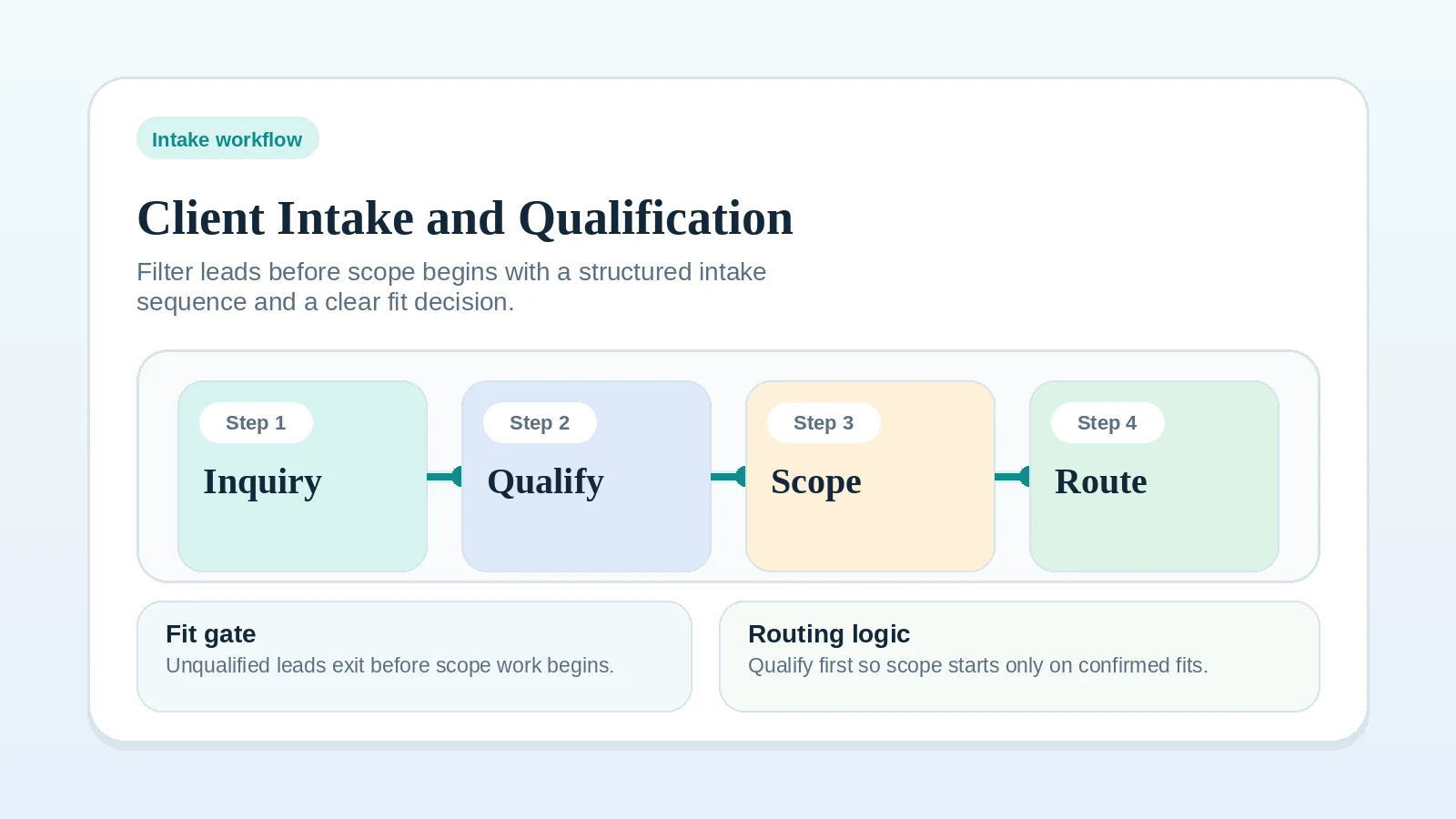
Goal: apply documented fit criteria before a lead enters delivery planning. Inputs: inquiry form, referral context, initial constraints. Output: one outcome per lead: reject, nurture, or schedule discovery.
Detailed guide: How to build a client intake and qualification workflow.
2) Proposal and contract handoff
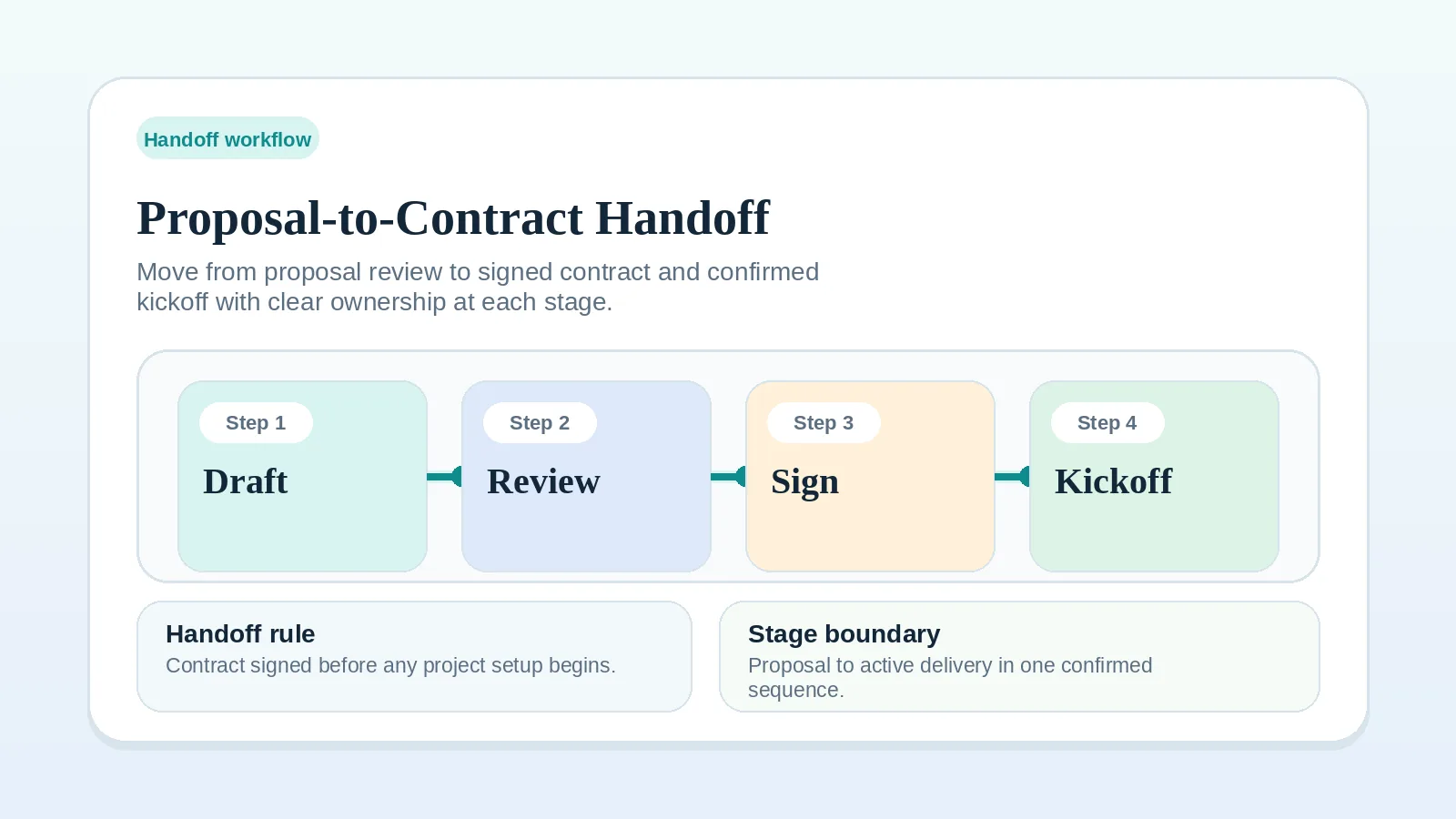
Goal: carry the approved scope, terms, and responsibilities into setup. Inputs: qualified lead, discovery notes, draft scope. Output: approved proposal and signed agreement with concrete deliverables.
Before setting a kickoff date, confirm the scope, timeline, and owner responsibilities.
Detailed guide: Proposal-to-contract handoff workflow setup.
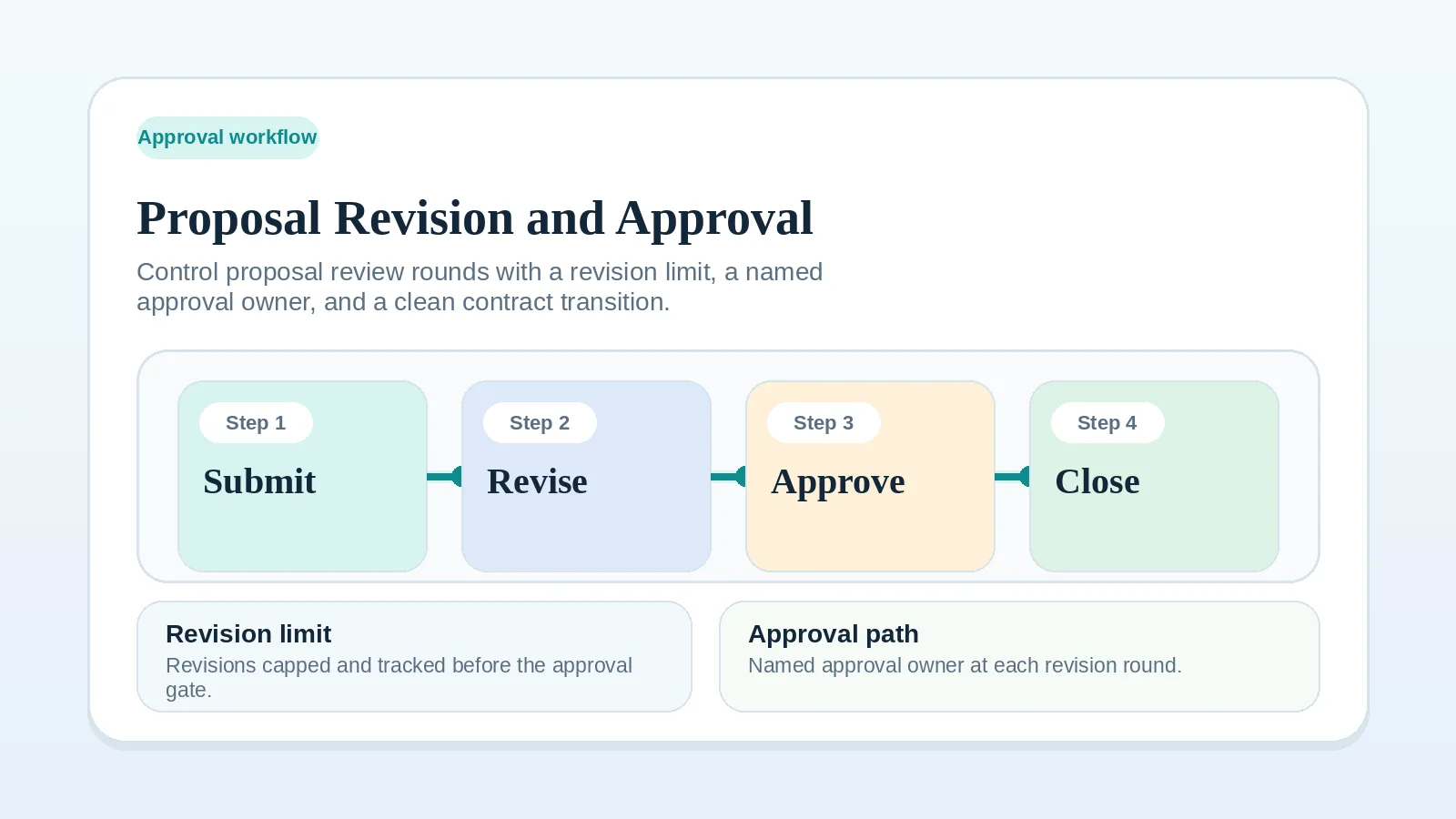
For the review round before signature, use Proposal revision and approval workflow.
3) Onboarding
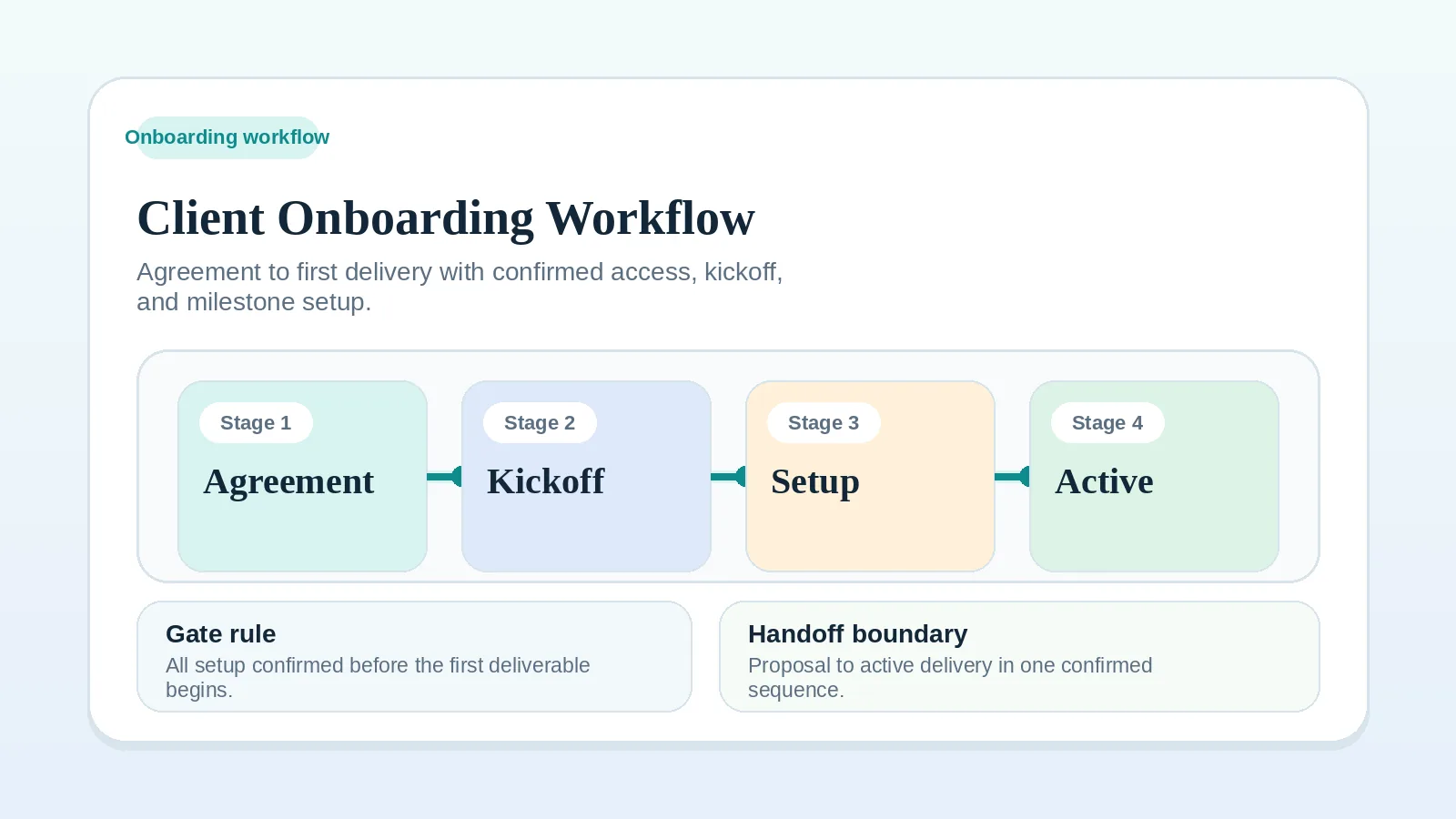
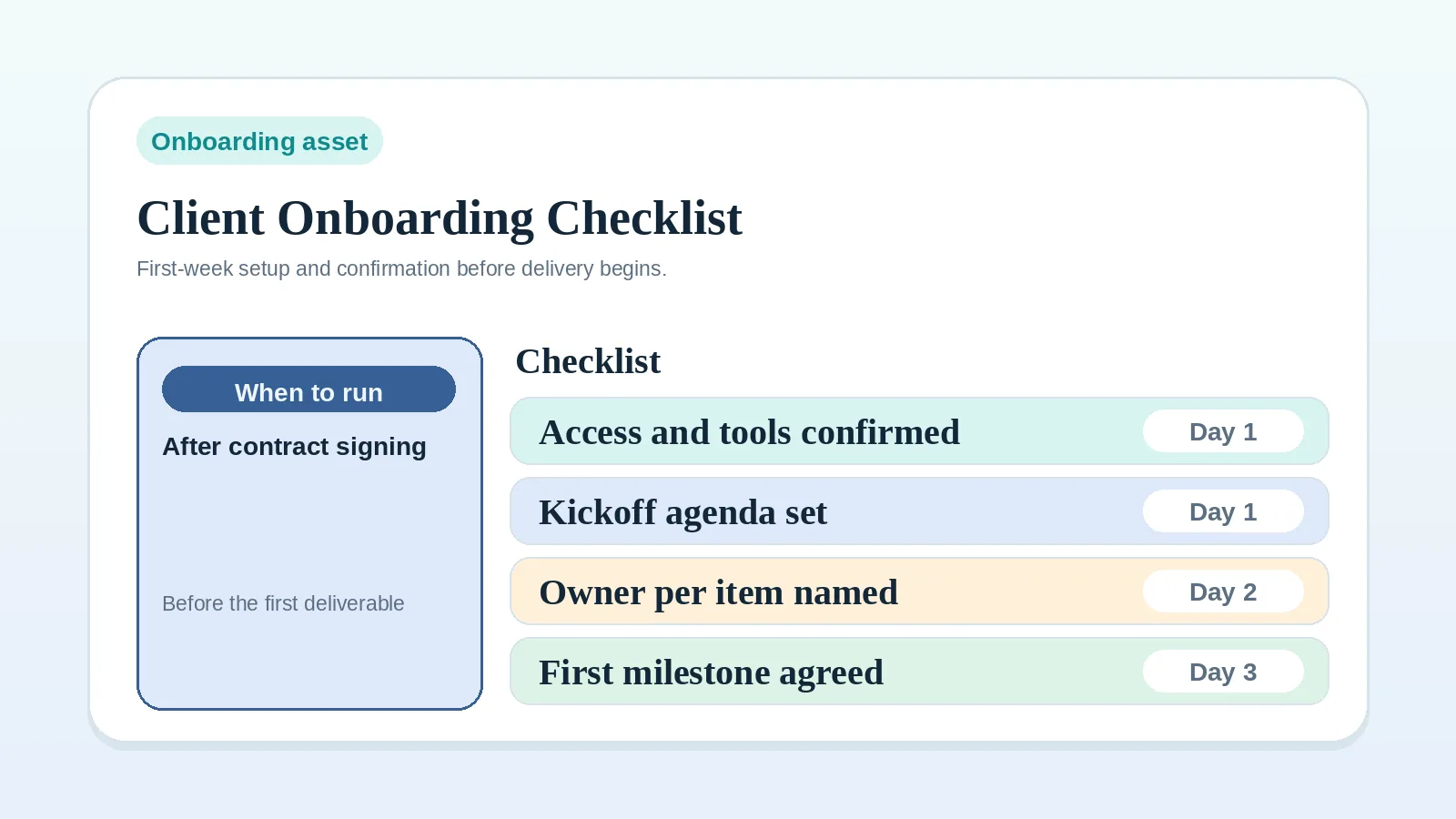
Goal: record the conditions required for kickoff. Inputs: signed agreement, stakeholder contacts, project constraints. Output: kickoff-ready project with access, comms cadence, and first milestone.
Detailed guide: Client onboarding workflow for freelancers and consultants.
Checklist: Client onboarding checklist for freelancers and consultants.
Set the update rhythm with Client status update workflow.
4) Delivery and QA
Goal: make milestone state, review, and quality checks explicit. Inputs: project plan, client assets, milestone deadlines. Output: accepted deliverables with documented QA pass.
Detailed guide: Milestone delivery workflow for solo service businesses.
Checklist: Delivery QA checklist before client handoff.
Route new requests through Change request workflow for freelancers and consultants.
If a client response may or may not be approval, see FAQ: what counts as client approval before billing or the next stage starts?
5) Invoicing and payment
Goal: connect each agreed billing event or date to its invoice and follow-up record. Inputs: invoice schedule, payment terms, and evidence that the relevant trigger has occurred. Output: paid invoice or formal follow-up sequence.
Detailed guide: Invoice and payment workflow setup.
Checklist: Invoice and payment workflow checklist.
6) Offboarding and expansion
Goal: record closure, transfer final materials, and document any future-work decision. Inputs: delivered scope, outcomes summary, client feedback. Output: closeout record with signoff, final billing state, and any agreed follow-up.
Detailed guide: Client offboarding workflow for freelancers and solo service businesses.
Template: Client offboarding and testimonial request template.
If the client does not answer the closeout request, see Client not responding at project closeout: what to do.
Where lifecycle handoffs break
| Failure point | Condition to check | Practical fix |
|---|---|---|
| Too many discovery calls with poor-fit leads | Qualification criteria are not applied before booking | Apply a go or no-go intake rubric before calendar booking |
| Scope disputes mid-project | Scope and exclusions were not carried into the agreement | Record in-scope and out-of-scope items before signing |
| Clients ask for progress in scattered channels | No agreed update channel or rhythm is recorded | Use one cadence and one structured update format |
| Kickoff starts with missing inputs | Access, owners, or the first milestone are not ready | Use a checklist with an owner for each item |
| Invoices are issued late | The agreed billing event or date is not tracked | Record each trigger and who issues the invoice |
| No post-project follow-up decision | Closeout omits feedback and future-work decisions | Record whether each follow-up is sent, deferred, or not applicable |
How to choose the first stage to fix
Start with the earliest stage that lacks a required input or decision.
- Fix intake first if low-fit work keeps entering the system. Use the intake and qualification workflow.
- Fix proposal review first if kickoff starts from unstable promises. Use the proposal-to-contract handoff guide.
- Fix onboarding first if signed work starts without access, owners, or a first milestone. Use the client onboarding workflow.
- Fix delivery first if problems first appear during active work. Use the milestone delivery workflow.
- Fix billing first if invoices go out late or follow-up depends on memory. Use the invoice and payment workflow setup.
- Fix offboarding first if finished projects still lack signoff, final billing status, or a follow-up decision. Use the client offboarding workflow.
Start with an earlier weak handoff when it creates the symptom you notice later.
Core records to cover
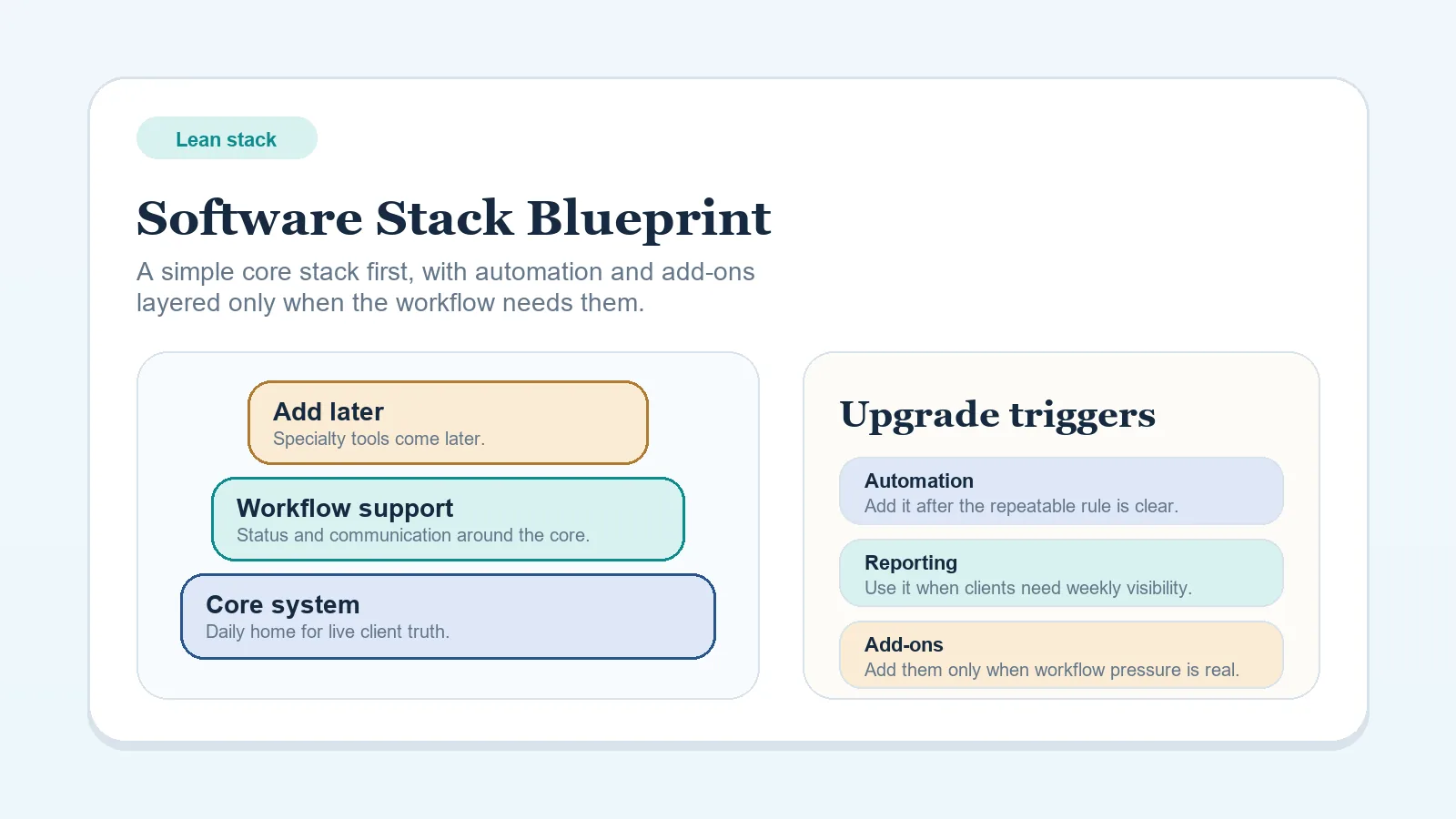
Use the smallest stack that covers these records without creating duplicate sources of truth:
- Intake capture and qualification notes
- Project/delivery tracking
- Document and contract management
- Billing and payment tracking
- Communication hub
If you are deciding between systems of record, use CRM vs project management for client workflows. For overall stack design, use Lean software stack blueprint for solo freelancers.
Implementation sequence
- Map your current client path to the six stages above.
- Define go/no-go intake criteria and required fields. Use the intake and qualification workflow.
- Standardize proposal handoff plus revision-and-approval rules.
- Implement the onboarding checklist and assign owners.
- Record invoice triggers, including any deposit, milestone, or recurring-date rules. Use the invoice and payment workflow setup.
- Add the offboarding workflow and testimonial step to the close process.
- Review a current or recent client record and patch the gaps you find.
For the broader collection, go to Client workflow systems for freelancers and solo operators.