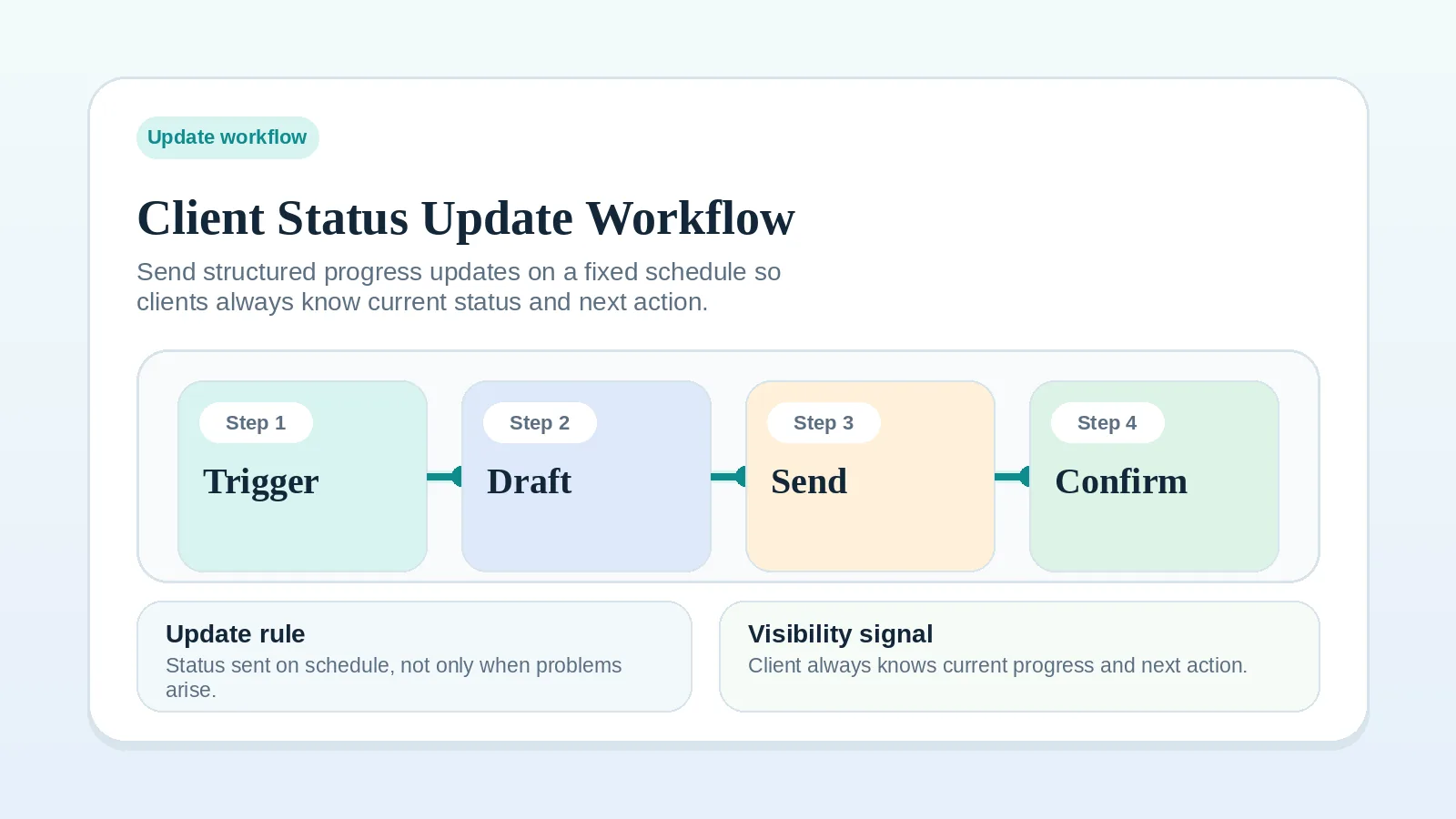
A status update records what moved, what is blocked, and what needs client attention. When updates are inconsistent or scattered across ad hoc messages, current project state becomes harder to verify.
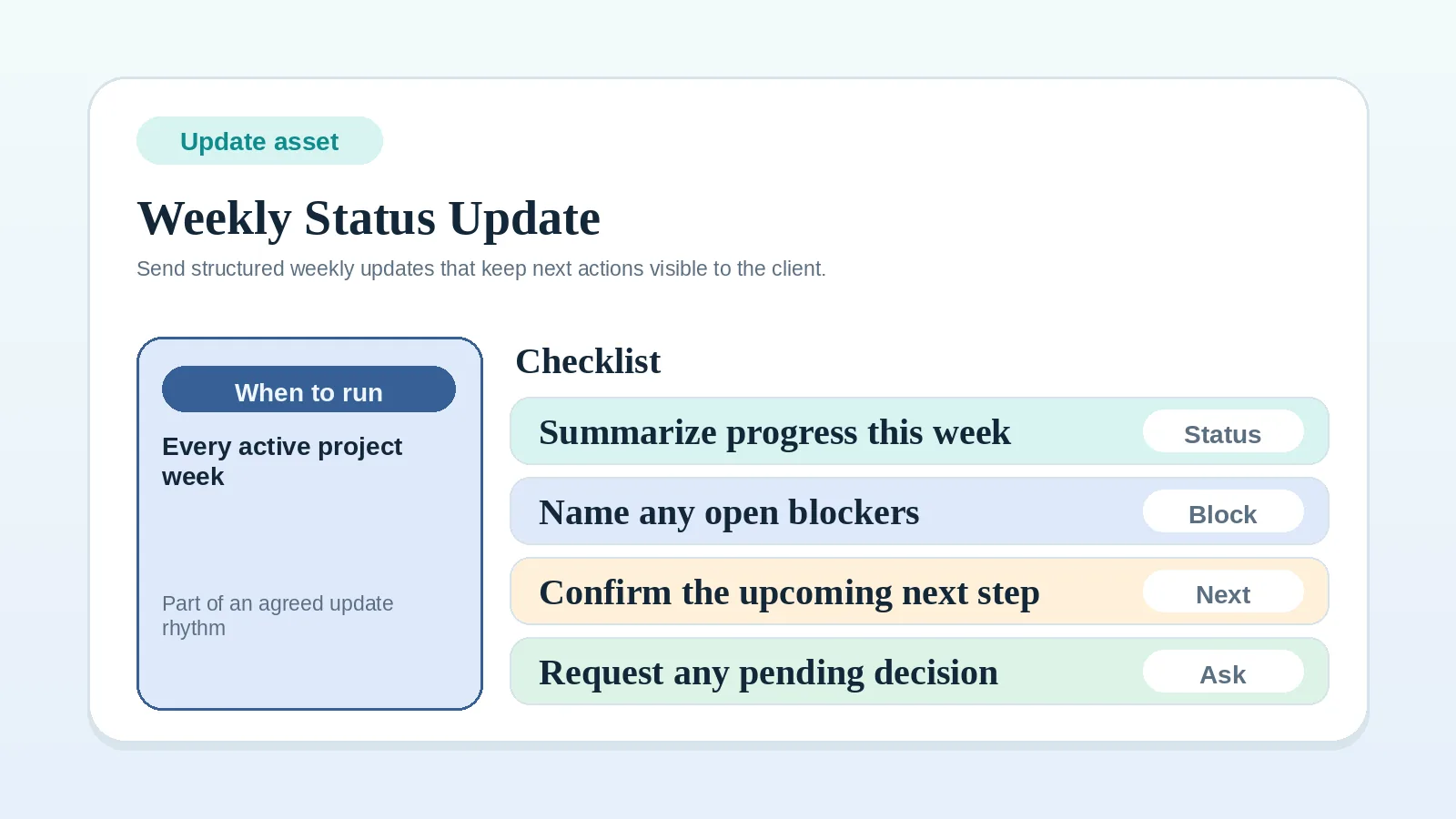
A status update workflow gives the client one predictable view of progress, blockers, decisions, and next actions.
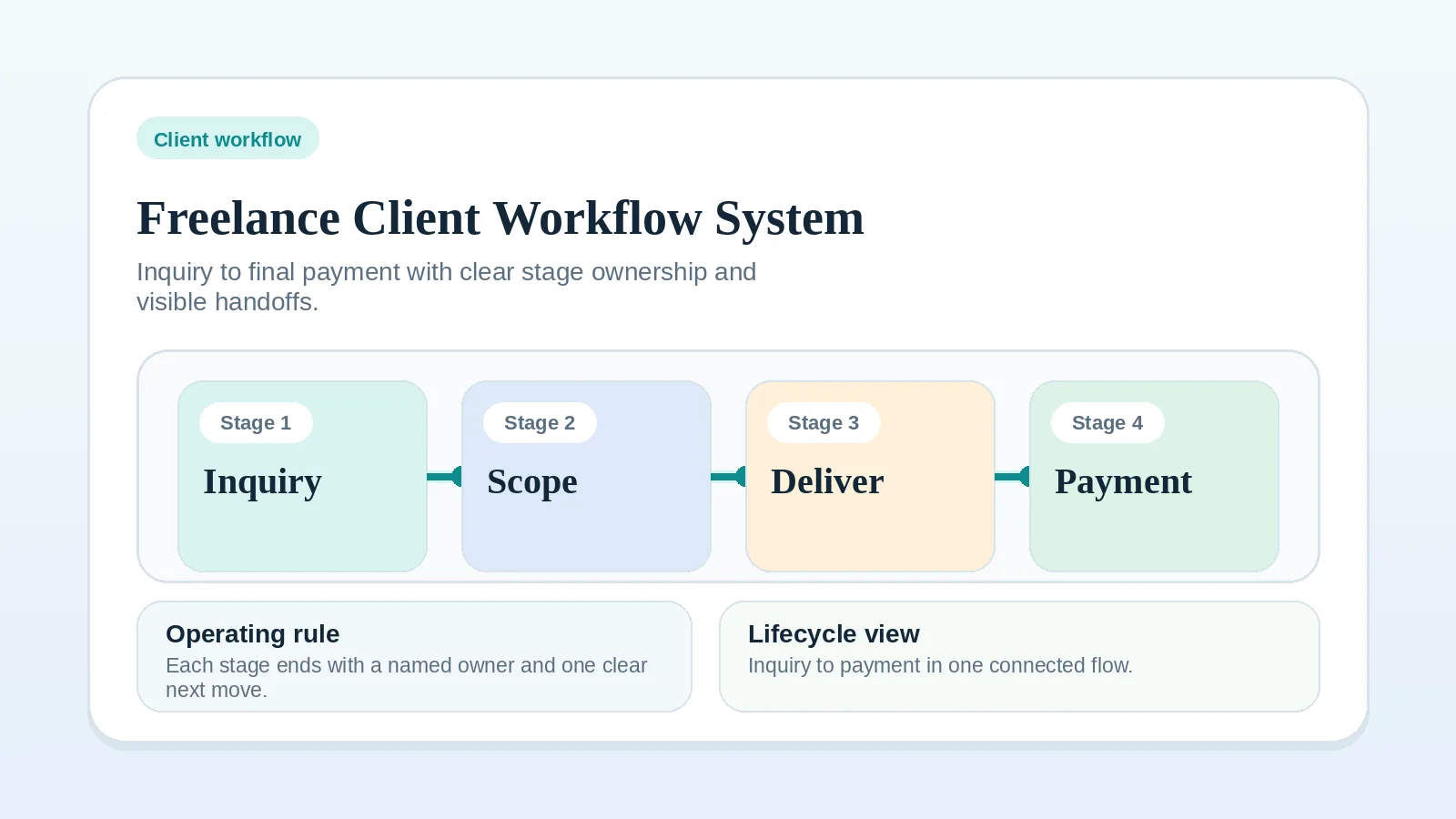
It fits when communication rhythm is the specific problem. If the problem spans the whole lifecycle, start with Freelance client workflow system: inquiry to final payment.
Who needs a recurring status process
- freelancers and consultants with ongoing client work,
- operators who want fewer reactive follow-ups,
- businesses where delivery is active but current status is scattered across messages.
If communication rhythm is not the open problem and kickoff remains ambiguous, fix Proposal-to-contract handoff workflow setup or Client onboarding checklist for freelancers and consultants first.
When the update rhythm needs attention
- clients ask for progress updates outside the agreed cadence,
- approvals wait on an unnamed action or owner,
- the current state cannot be reconstructed from the project record,
- you need one communication pattern that can repeat across projects.
Settle kickoff ambiguity, scope disputes, or undecided tool roles in their own workflow or comparison. An update can report them but cannot resolve them.
Basic operating model
Use this sequence:
- review project state from the system of record,
- identify progress, blockers, and required client actions,
- send one structured update through the agreed channel,
- log key decisions or changed dates back into the system.
If the message and the record drift apart, the update no longer reflects current project state.
Step 1: set the cadence on purpose
Choose the default rhythm before the project gets busy:
- use an agreed recurring interval when project state changes continuously,
- use milestone-based notices when work advances through distinct delivery events,
- add a separate notice when a blocker or decision cannot wait for the next scheduled update.
Do not let cadence emerge informally. Record the agreed interval and the events that require an additional notice.
Step 2: define the minimum contents of every update
Every useful status update should answer:
- what changed,
- what is on track,
- what is blocked or at risk,
- what the client needs to review, provide, or approve,
- what happens next and when.
Use a short, consistent format that gives the client the information needed for the next decision.
If the message repeatedly needs more detail, check whether the status update is carrying decisions that belong in another project record.
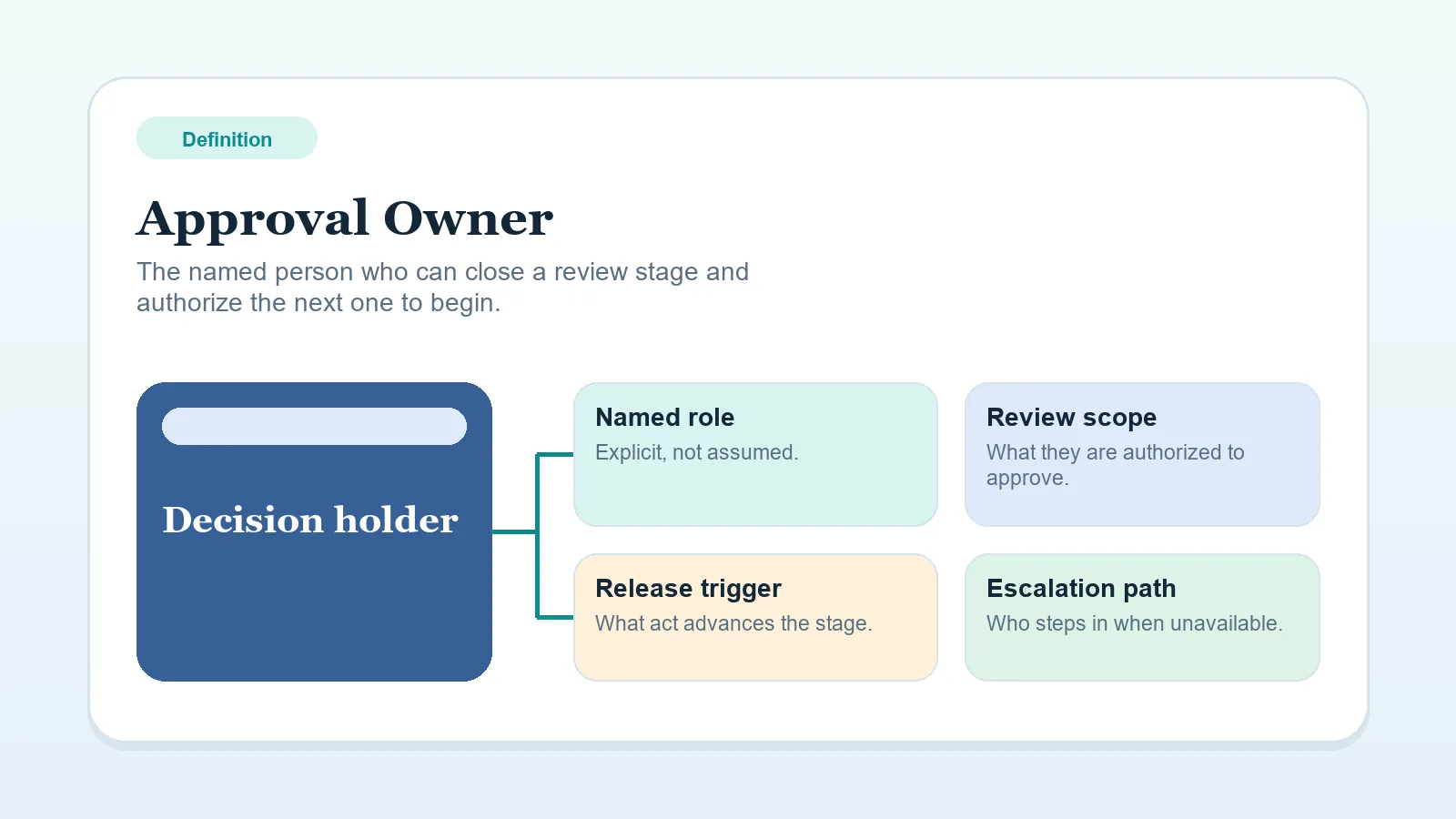
Step 3: name the approval owner
If the update asks for feedback or approval, it should name who needs to respond.
A message that says “please review” is incomplete when no one is accountable for the decision. If that role is fuzzy, read Approval owner.
Step 4: match the channel to the kind of update
- Use the main communication channel for the summary.
- Use the delivery workspace or portal for the artifact, link, or review point.
- Use the system of record for the official next action and due date.
Do not make one email thread the only home for current project state.
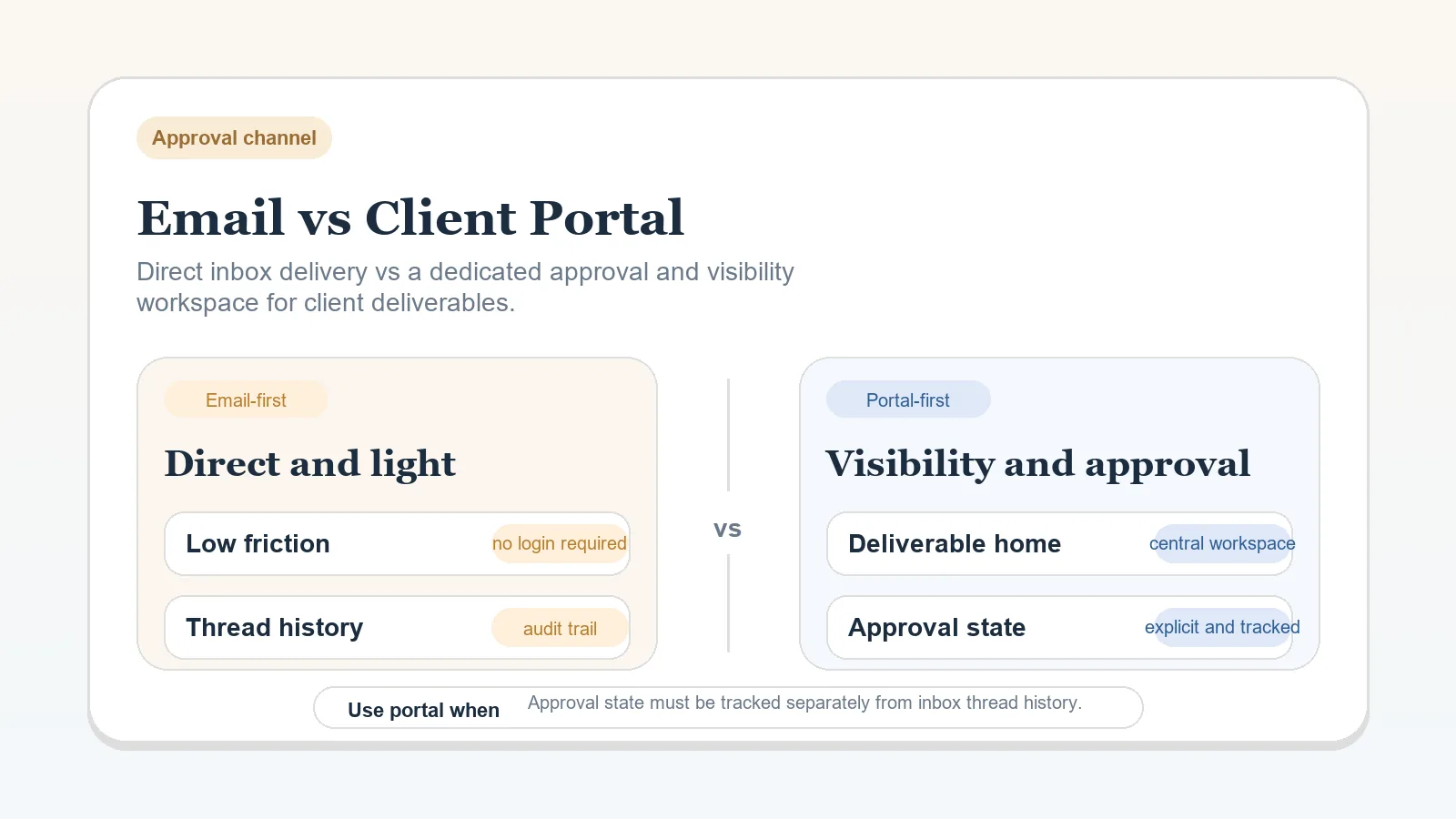
If you are deciding whether email is enough or whether a portal or workspace should carry more of the process, use Email vs client portal for deliverables and approvals.
Keep the message and record aligned
- Do not bury approvals inside a progress paragraph.
- Do not mix a scope-change decision into a routine status update.
- Do not change cadence casually without resetting client expectations.
Step 5: separate updates from change requests
If the client asks for something that changes deliverables, timing, or fee structure, route that into a formal change-request path instead of burying it in the scheduled update. Use Change request workflow for freelancers and consultants.
Choose cadence by project trigger
| Project type | Cadence to consider | Why |
|---|---|---|
| Fast-moving scoped project | Agreed recurring interval | Match updates to meaningful changes in project state |
| Multi-stakeholder delivery | Recurring summary plus milestone notices | Separate progress from approval requests |
| Retainer or advisory work | Interval tied to its review and decision cycle | Focus on actions, risks, and next priorities |
| Small one-off task | Milestone-based update | Weekly cadence may be heavier than the work |
Where status updates lose value
- sending updates only when there is a problem,
- mixing task updates, approvals, and scope changes into one fuzzy message,
- reporting progress without naming the next client action,
- sending the update but not updating the system of record,
- changing cadence project by project without explaining it.
Exceptions to plan for
- If there are multiple client stakeholders, name one final approver even if others can comment.
- If the work is delayed by missing client inputs, say that directly and include the dependency in the update.
- If nothing changed during the agreed reporting interval, the update should still confirm current status, known blockers, and what happens next.
Choose the next resource
- For a ready-to-use message structure, use the Weekly client status update template.
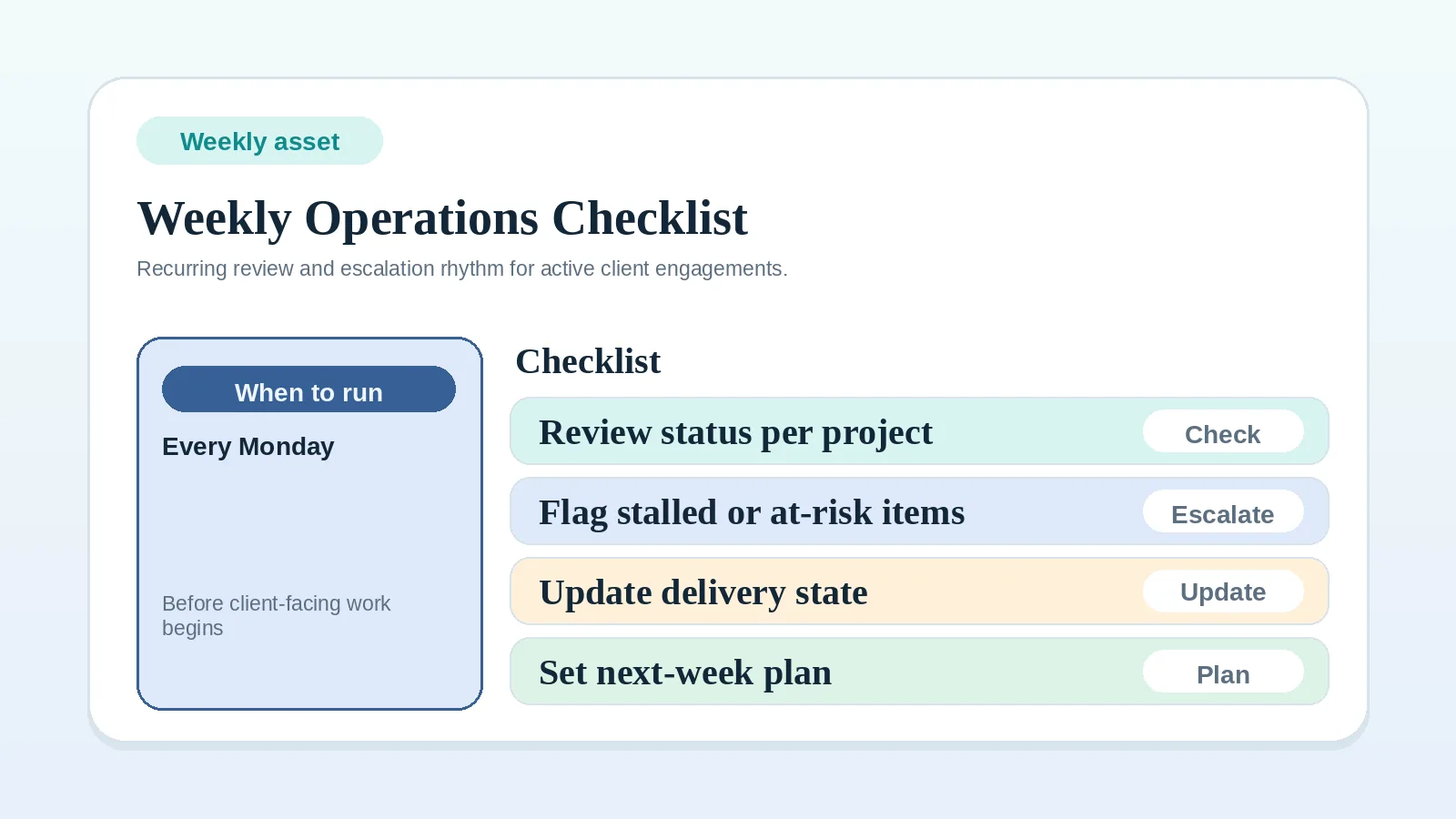
- For the weekly review that feeds each update, use the Weekly client operations checklist.
Status update completion check
The update process is defined when:
- the agreed cadence and exception triggers are recorded,
- approvals and dependencies have named owners,
- the project record matches the communication,
- routine progress questions are covered by the scheduled update.