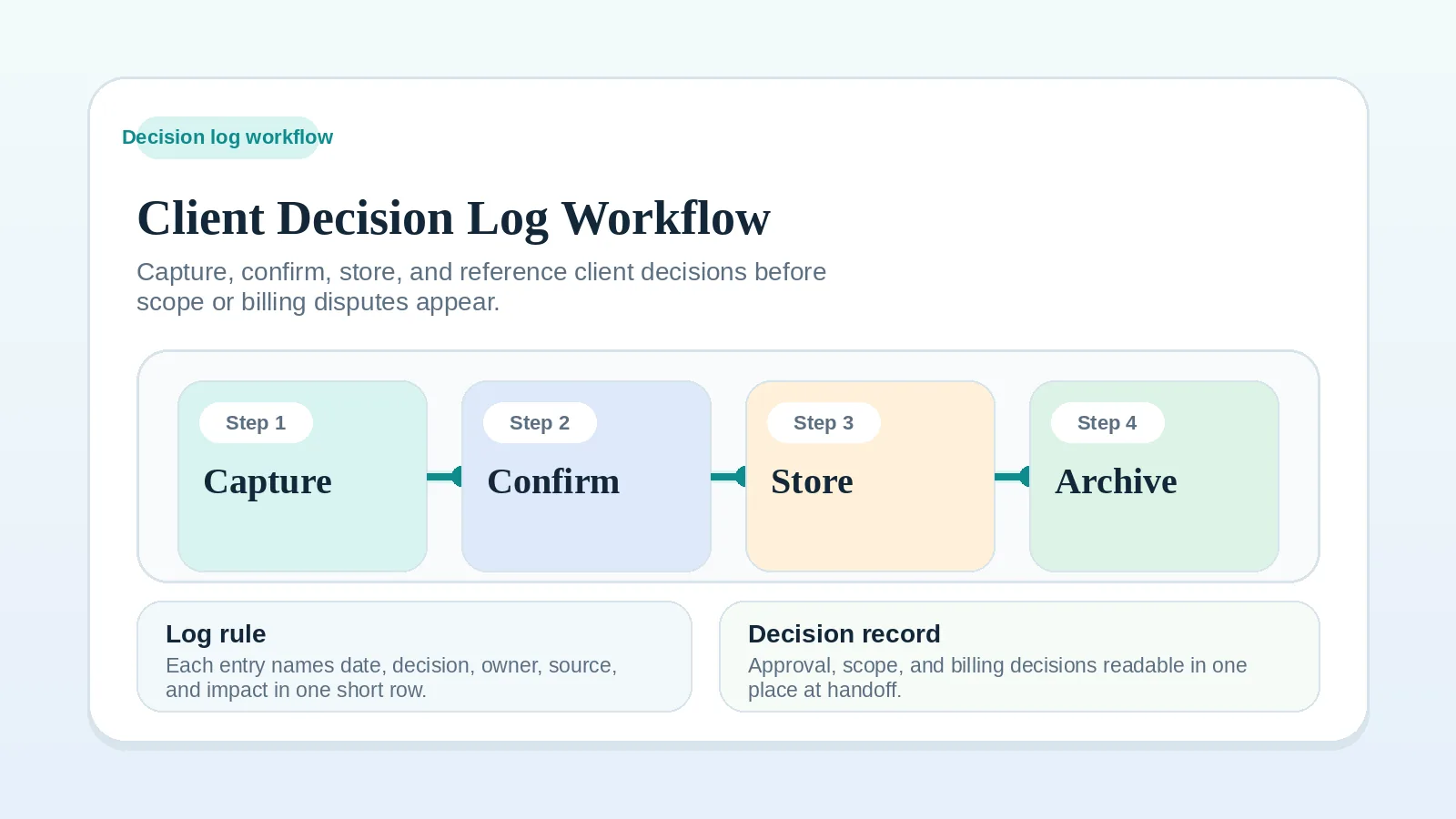
Scope, billing, and closeout questions are harder to resolve when the original decision is buried in messages, comments, or memory. A decision log records what was decided, when, by whom, and what changed as a result.
A client decision log brings approvals, scope changes, and verbal decisions into one short record that the people on the engagement can review later.
The log sits alongside the project management system. It matters most on extended or multi-milestone engagements, with several stakeholders, where scope, approval, and billing rules will need to be confirmed again at handoff or closeout.
Use the agreement, privacy obligations, and records policy to decide what the log can contain and how long to retain it. A log supports the operational record; it does not replace the contract or required evidence of approval.
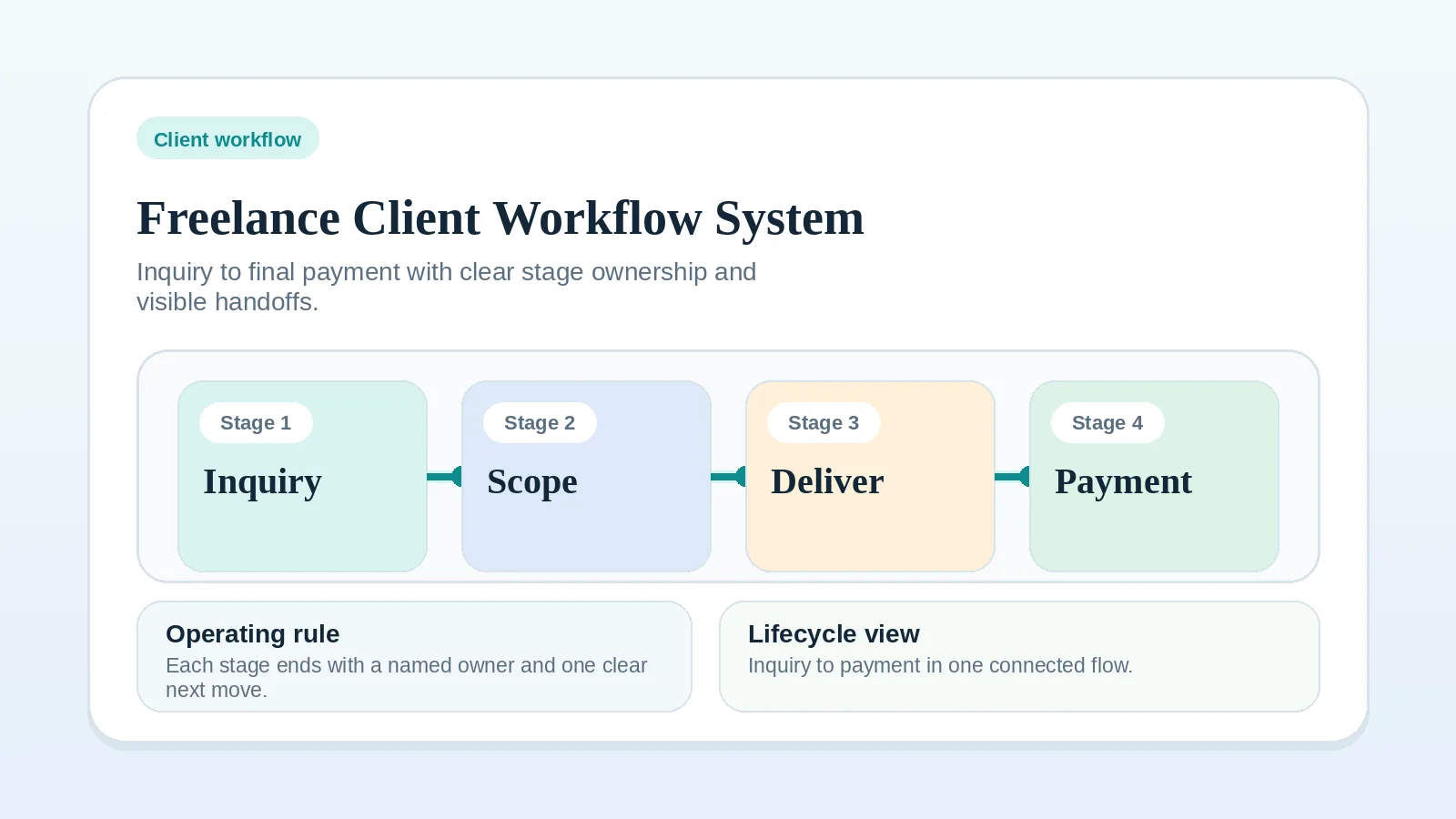
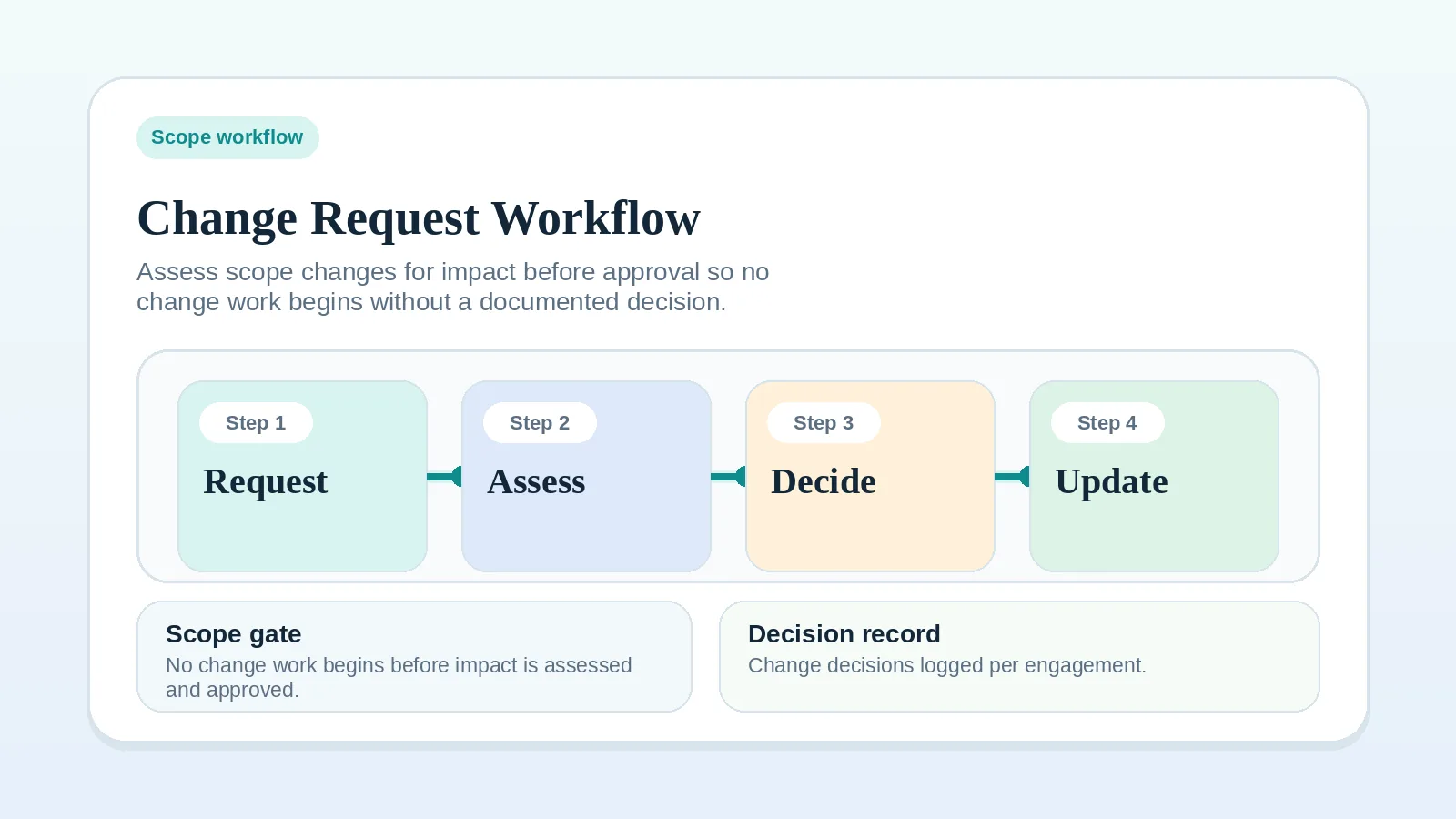
If the underlying lifecycle is still undefined, start with Freelance client workflow system: inquiry to final payment. If a single change is the active issue, use Change request workflow for freelancers and consultants instead.
Scope of the decision log
A client decision log workflow should:
- record decisions that change scope, schedule, ownership, approval, or payment,
- name who decided, when, and on what basis,
- make the current state of the project re-readable in one place,
- support approval and billing transitions,
- give handoff and closeout a clean source of truth.
It should not:
- replace your contract,
- replace approval messages or signed acceptance,
- become a meeting-notes archive,
- track every comment, draft, or thought,
- duplicate what your tools already store cleanly.
Who needs a decision log
This workflow is useful for:
- freelancers running extended or multi-milestone engagements,
- consultants whose recommendations evolve as the client learns more,
- solo service businesses with clients that include several stakeholders,
- anyone whose scope, billing rule, or approval owner has been questioned after the original conversation.
Records a decision log adds
Files show what exists, messages show what was said, and project records show the status entered by the people managing the work. None of them reliably states what was agreed and why. The log extracts that decision from its source and records its operational effect.
When the decision layer is missing:
- approval is implied but never explicit,
- scope changes happen without a paired billing decision,
- handoffs stall because nobody can confirm what was already approved,
- billing arguments turn into “I never agreed to that,”
- closeout drags on while old decisions are reconstructed from memory.
A short, dated log keeps those decisions separate from meeting notes and message history.
When to start a decision log
Start a separate log when one of these triggers appears:
- the proposal is signed and a contract decision must now be tracked,
- the project has more than one stakeholder on the client side,
- scope, schedule, or approval owner changed during proposal review,
- a verbal call produced a decision that does not appear in any document,
- billing depends on milestones that may shift,
- handoff or closeout will require proof of what was approved.
What belongs in a decision log
Each entry should be short and complete enough to read alone.
A useful entry includes:
- the date,
- the effective date, if the decision applies from a different date,
- the topic in one sentence,
- the decision made,
- who decided on the client side,
- who decided on the freelance or consultant side,
- the source of the decision (call, email, message, meeting, document),
- the impact on scope, schedule, billing, or ownership,
- the next action and owner.
Avoid copying full message threads into the log. Reference the source briefly so it can be retrieved if needed, then write the decision in plain language.
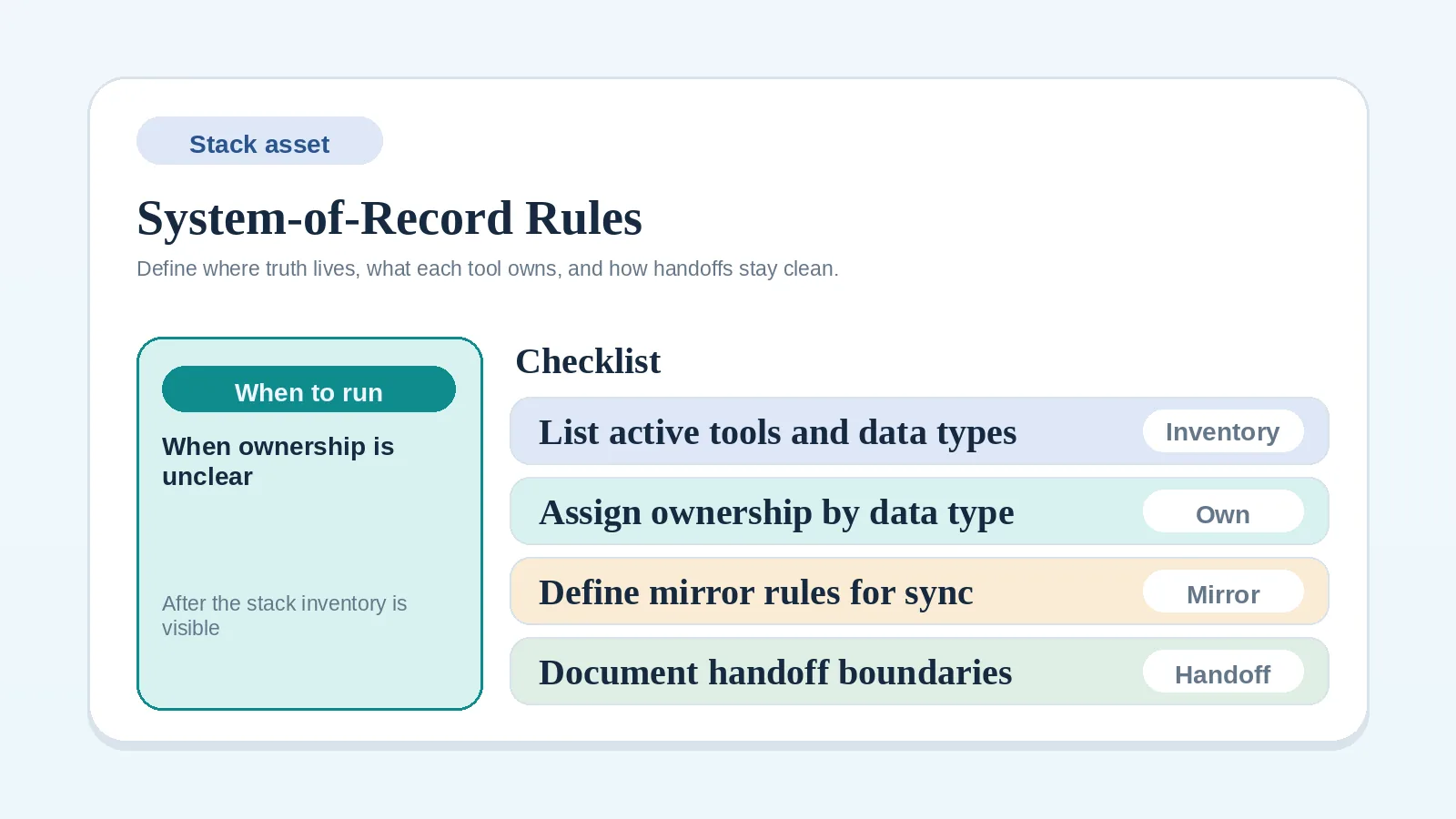
If you are not sure where the log itself should live, use the System-of-record rules worksheet for solo operators to choose one tool and stop duplicating it casually across others.
The decision log workflow step by step
Run these steps from signature through closeout.
Step 1: capture the decision while it is fresh
Write the entry promptly while the wording, source, and effect are still clear.
Capture:
- what was decided,
- who decided,
- what changed because of it,
- what now needs to happen next.
If a decision is provisional, label it that way. Do not act as if it is confirmed until it meets the confirmation standard agreed for the engagement.
Step 2: confirm the decision in writing
A note in your own log does not prove client confirmation. When confirmation is required, send a short message that restates the decision in plain language and asks the client to confirm or correct it through the agreed channel.
For example: “Confirming our call today: scope now includes the second landing page, the delivery date moves to the revised date in the project record, and the additional invoice follows the agreed milestone trigger. Please confirm or send corrections through our approval channel.”
If the client confirms, attach that response to the log entry. If the client corrects it, retain the original note and append a dated correction with the response linked. Mark the earlier note as superseded so the current decision is clear without losing its history.
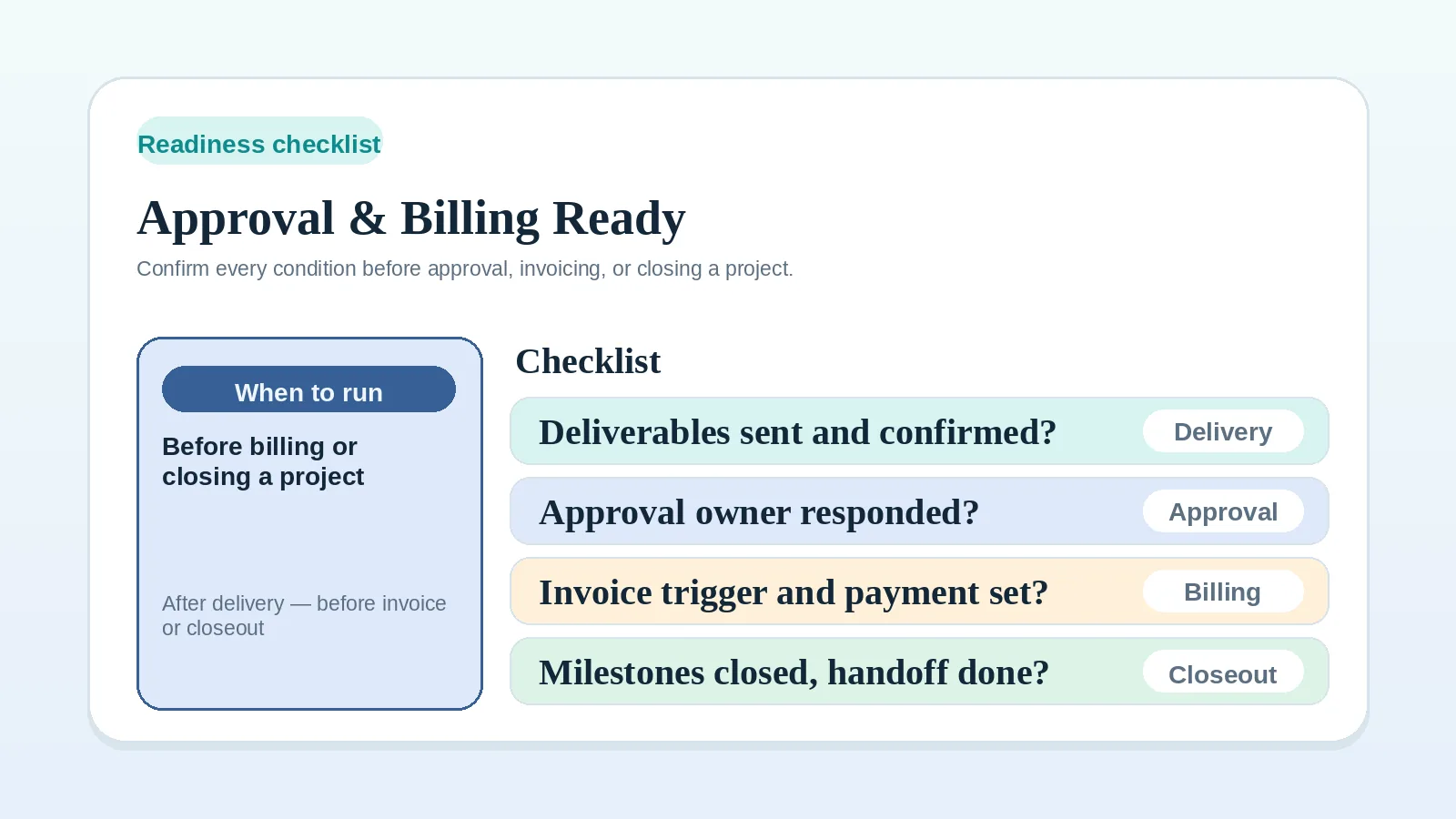
For approval-specific decisions, use the Approval and billing readiness checklist for solo operators before treating the decision as a billing trigger.
Step 3: store the log in one place
Pick one place for the decision log and use only that place.
Common options:
- a single document in the client folder,
- a dedicated page inside the project workspace,
- a structured table in the same tool that tracks milestones,
- a section in the system-of-record tool that owns project status.
Avoid maintaining the same decision log in multiple tools. If two copies conflict, designate one as authoritative and correct the other.
To keep tool ownership clean, run the System-of-record rules worksheet for solo operators.
Step 4: reference the log when decisions repeat
Use the log when a question that was already answered returns.
When that happens:
- find the original entry,
- restate it briefly,
- ask whether anything has actually changed,
- if nothing has changed, point back to the entry instead of re-debating it,
- if something has changed, log the new decision as a new entry rather than overwriting the old one.
Do not delete or rewrite past entries. The log is most useful when it shows the sequence of decisions, not just the latest version.
Step 5: connect the log to scope, billing, and approval
Keep the log visible from the workflows that depend on it.
Link the log from:
- the active milestone or delivery record,
- the approval question for the next stage,
- the invoice that depends on a scope or billing decision,
- the change-request entry that produced a scope shift.
If billing or approval state depends on a logged decision, name that decision explicitly in the relevant message. Do not assume the client will remember it.
If a scope shift is in motion, run it through the Change request workflow for freelancers and consultants and add the resolved outcome as a single entry in the log.
Step 6: use the log at handoff
At handoff, use the decision log to summarize the decisions that affect transfer, approval, billing, or remaining work.
It answers:
- which scope items were added, removed, or deferred,
- which approvals were given and when,
- which billing rules apply to the final invoice,
- which support, access, or ownership boundaries were agreed,
- which open items remain.
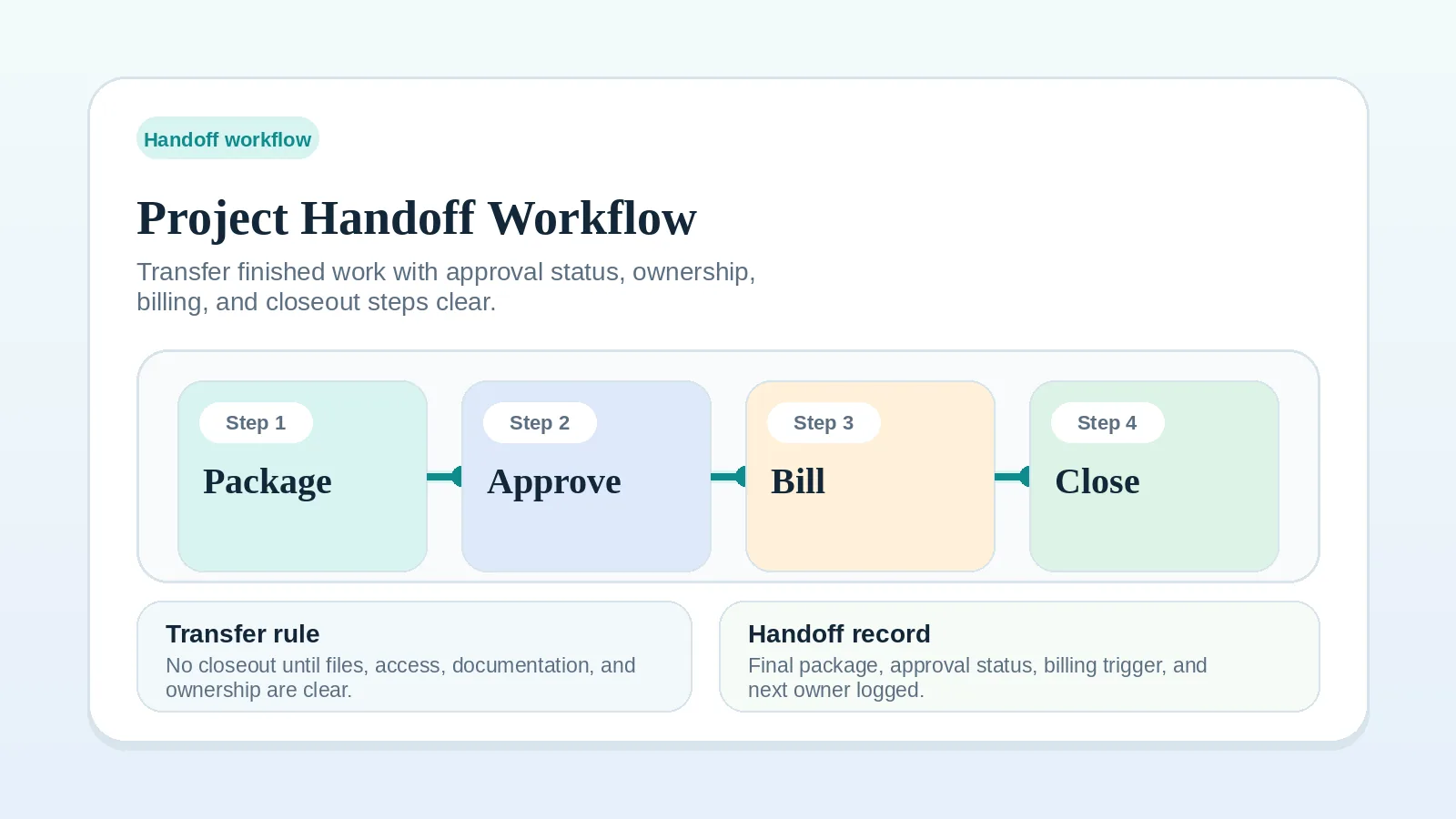
Reference the relevant entries in the handoff package instead of asking the client to reconstruct them from earlier messages. For the broader transfer process, use Project handoff workflow for freelancers and solo service businesses.
Step 7: archive the log at closeout
Once the project is closed, the log moves from active reference to archived record.
At closeout:
- mark the log as final,
- retain it for the period required by the agreement, your records policy, and applicable obligations,
- remove or restrict edit access if the tool allows it,
- include a link to the archived log in the closeout record,
- match the archive policy to the rest of the engagement record.
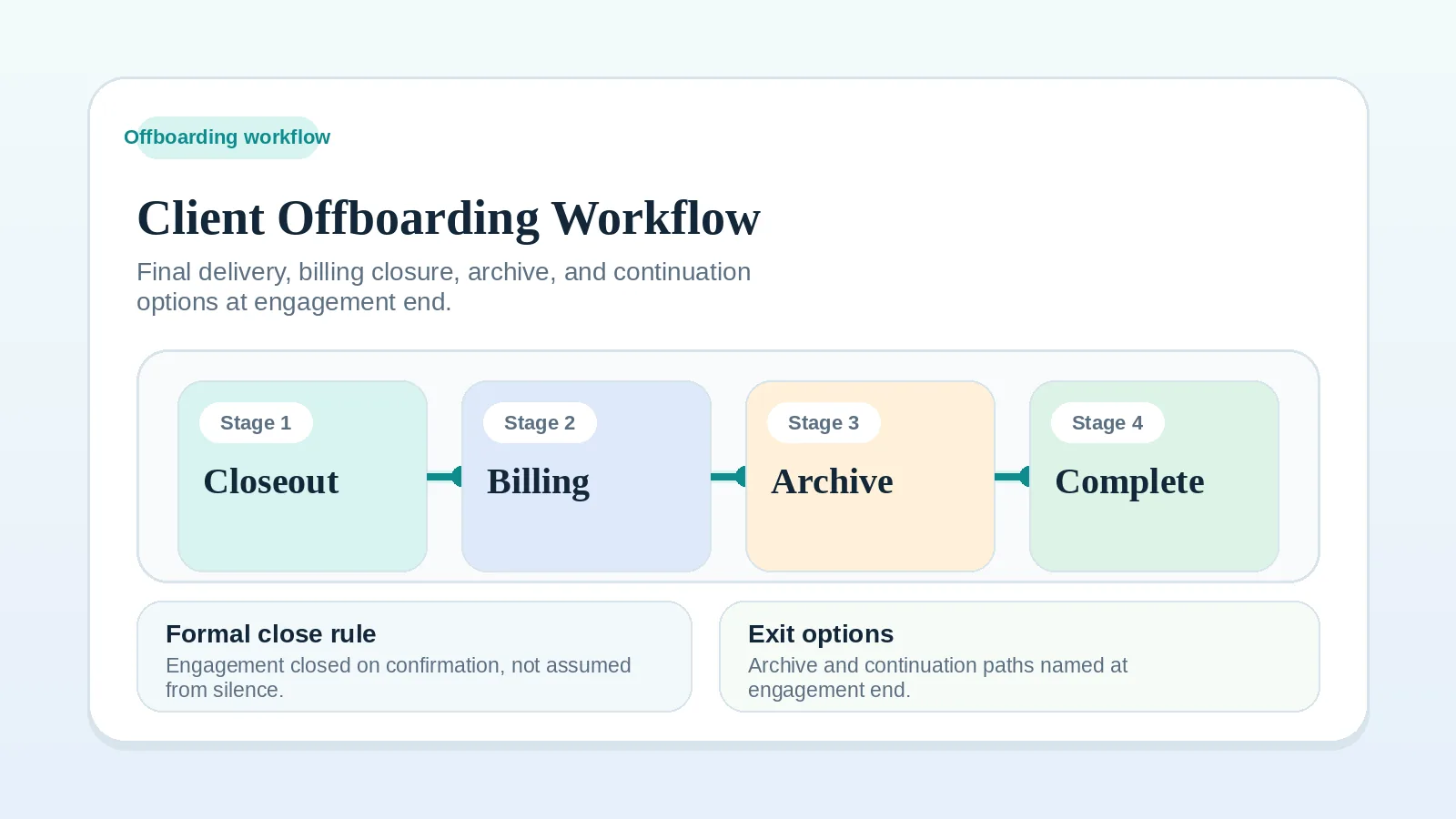
For the wider closeout sequence, use Client offboarding workflow for freelancers and solo service businesses.
What a clean log entry looks like
A useful entry can fit in a single table row. The columns below are a starting set; add or drop fields based on the engagement.
| Field | What it answers |
|---|---|
| Date | When was this decided, and when does it take effect if different? |
| Topic | What is this decision about, in one sentence? |
| Decision | What exactly was agreed? |
| Client owner | Who decided on the client side? |
| Operator owner | Who decided on the freelance or consultant side? |
| Source | Where did this decision actually happen? |
| Impact | What changed in scope, schedule, billing, or ownership? |
| Next action | What needs to happen next, and who owns it? |
Keep entries short enough that the table stays scannable. If a decision is too complex for one row, link to the source document instead of pasting it.
Examples for freelancers and consultants
Website project with shifting scope
A web designer logs the original scope, then logs a mid-project decision to add a second landing page with a paired invoice trigger. At handoff, the log shows the change clearly, and the final invoice references the original entry rather than relying on memory.
Consulting engagement with multiple stakeholders
A consultant logs a recommendation, the client decision-maker who approved it, and the date. When a different stakeholder later questions the direction, the consultant points to the log entry instead of reconstructing the original call.
Brand identity project with deferred items
A designer logs the original scope, then logs a decision to defer secondary brand assets to a future engagement. At closeout, the log makes it easy to confirm what is and is not included without rereading the contract or proposal.
Common decision log mistakes
- starting the log only after the first dispute,
- recording decisions in private notes instead of confirming them with the client,
- copying full message threads into the log instead of summarizing the decision,
- storing the log in two tools so it drifts,
- editing past entries to match the latest understanding,
- using the log as a meeting-notes dump,
- treating verbal agreements as logged just because someone wrote them down,
- forgetting to reference the log when the same question returns,
- skipping the log entirely on long projects because “we will remember.”
When to skip a decision log
Skip a separate log when the contract and existing approval records already make every current commitment and relevant change easy to retrieve. A short engagement with one decision may meet that test. Having only one client stakeholder does not remove the need to record later scope, schedule, or billing changes.
If you are unsure whether the engagement needs a log, start one when a scope change, multi-stakeholder decision, or verbal commitment cannot be represented clearly in the existing records.
Related pages
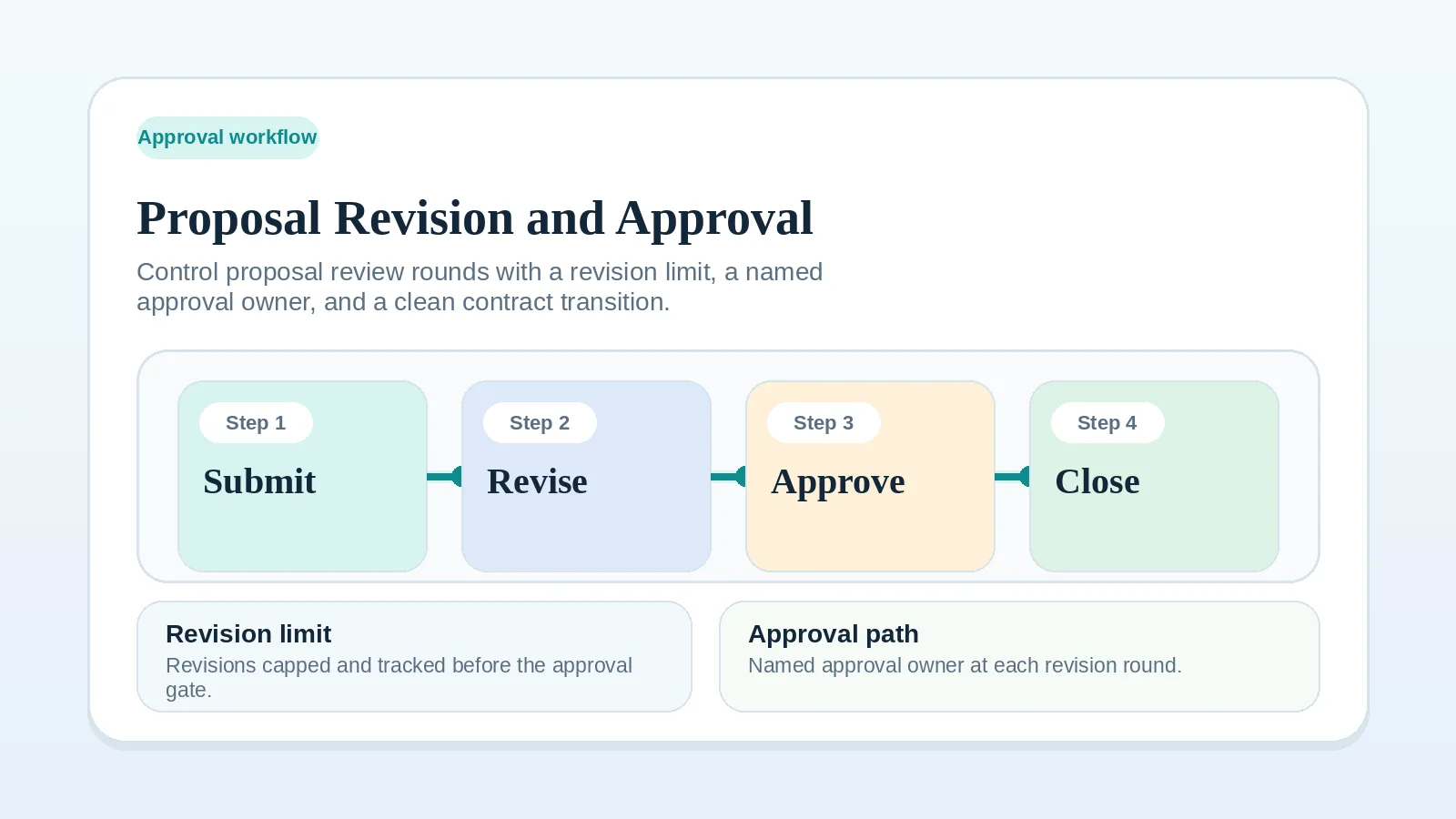
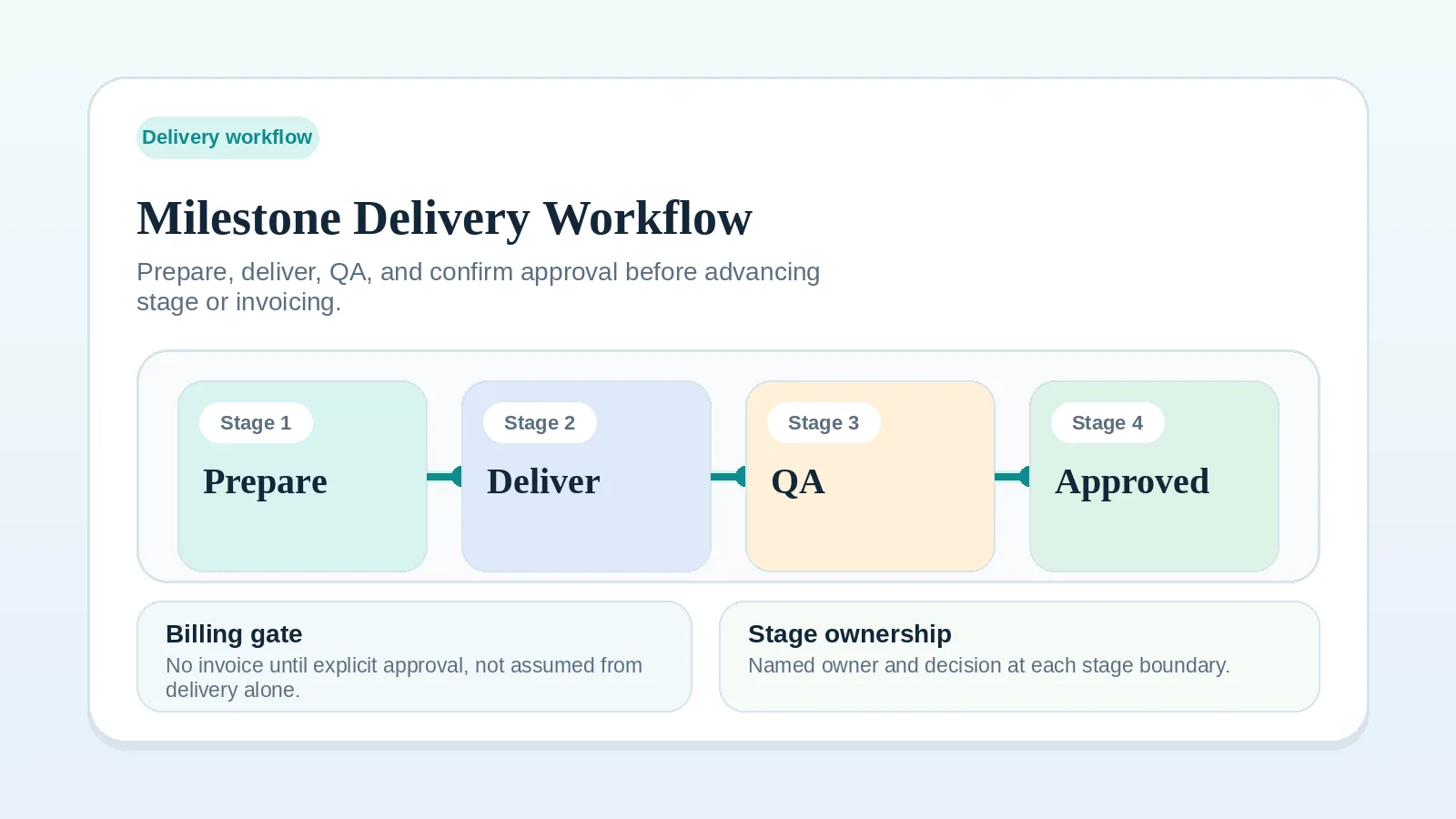
Many decisions start during the Proposal revision and approval workflow. Others arise during Milestone delivery workflow for solo service businesses, where each review outcome is a candidate entry.
Decision log completion check
The log is usable when:
- decisions are captured promptly with their source and status,
- each decision that requires client confirmation has the response attached or referenced,
- the log lives in one place and is not duplicated casually across tools,
- repeat questions are answered by pointing to the log instead of relitigating,
- handoff and billing reference logged decisions explicitly,
- closeout closes the log instead of leaving it ambiguous.
If final transfer is the next open issue, continue to Project handoff workflow for freelancers and solo service businesses. When the project moves into closeout, continue to Client offboarding workflow for freelancers and solo service businesses.