Scope drift can begin when a request enters delivery without a clear decision about scope, timing, fee, or ownership.
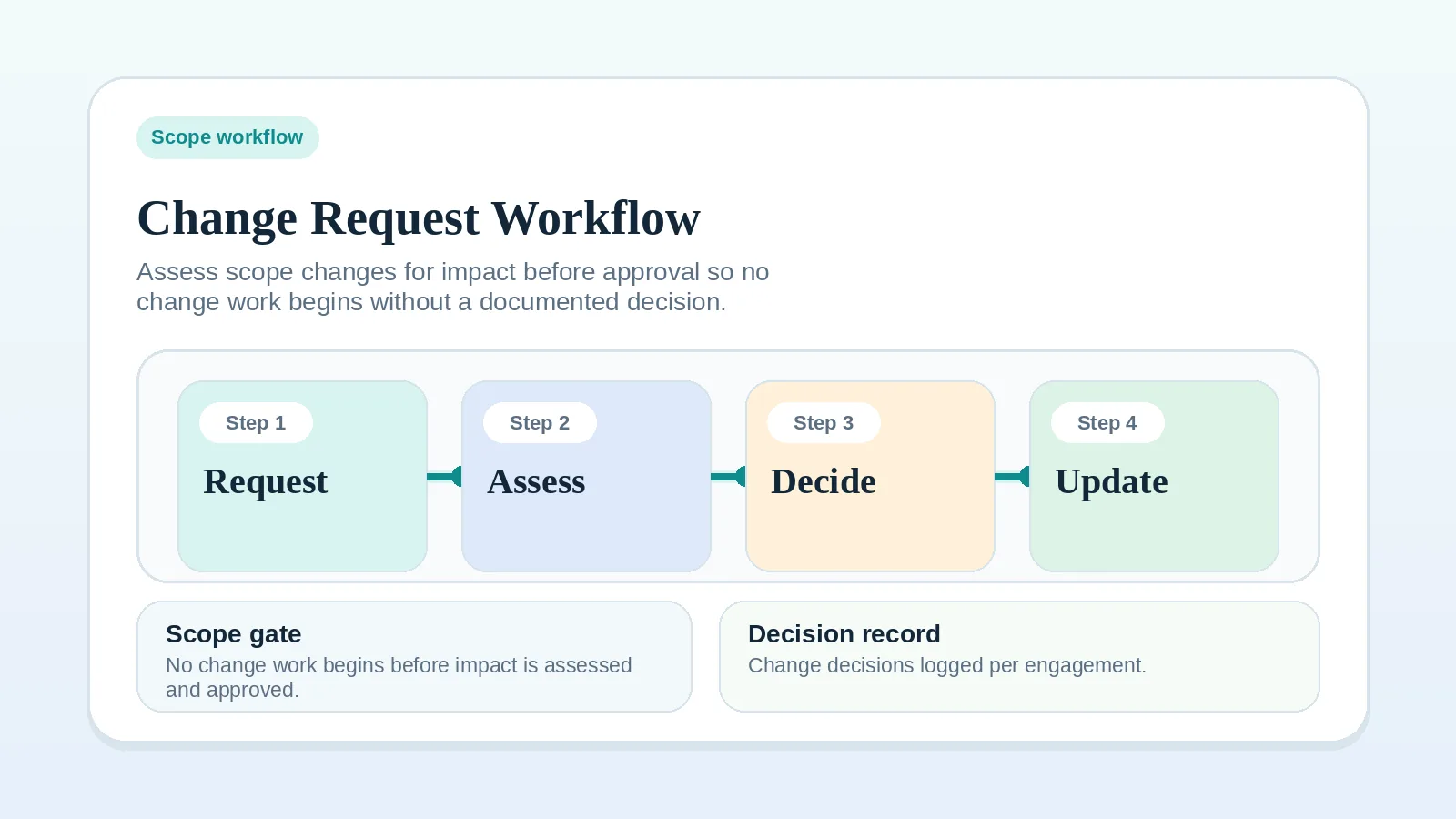
A change request workflow gives both parties a visible way to assess new requests against the current agreement.
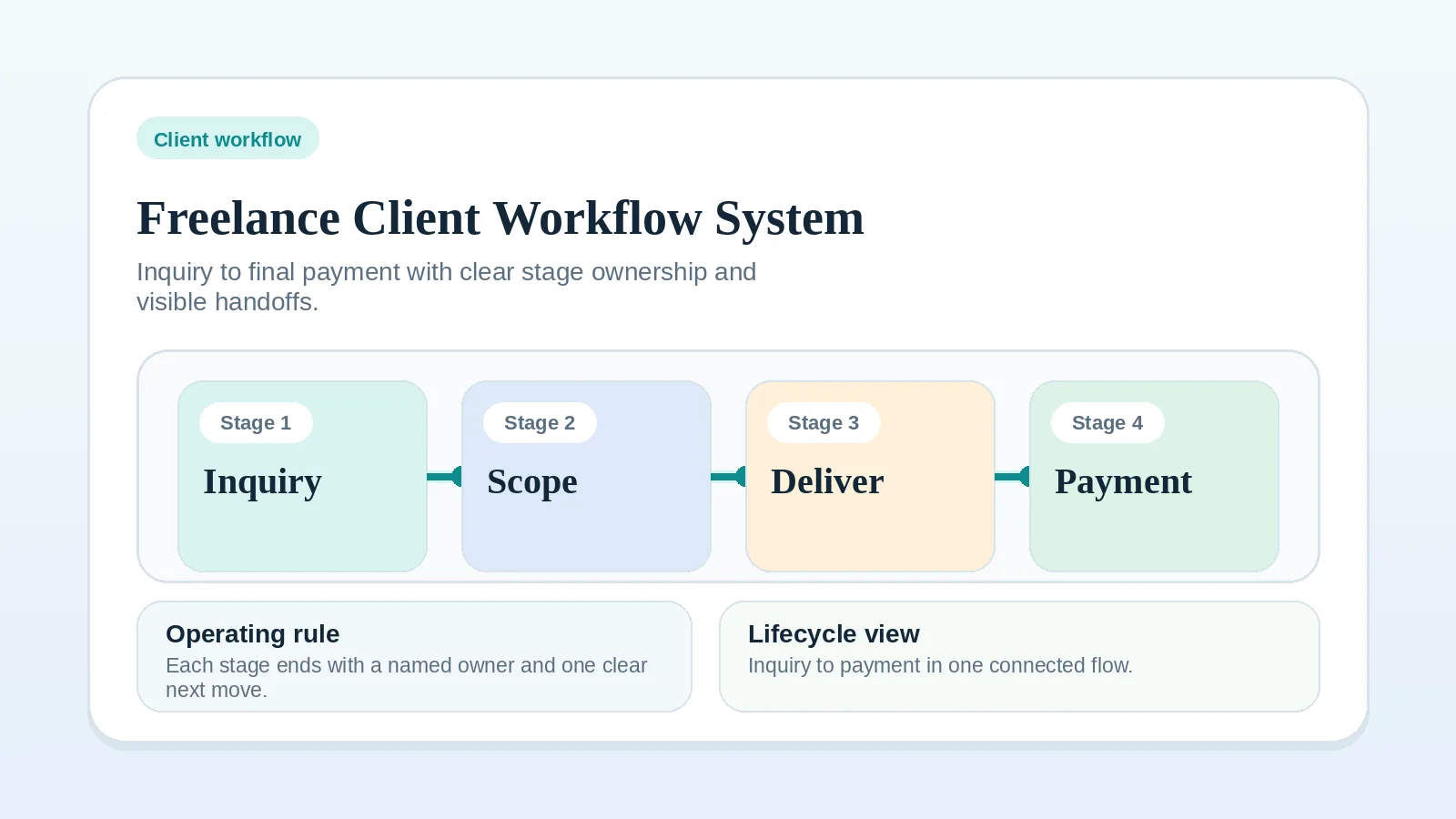
It covers changes to signed scope, including requests made before kickoff. If the broader client workflow or original project scope is unclear, resolve that earlier problem first.
Apply the change terms in the agreement. Where rights, fees, or remedies are uncertain, use qualified advice rather than treating this workflow as a substitute for the contract.
Where scope changes slip through
- clients regularly ask for additions mid-project,
- “quick changes” are affecting delivery dates,
- billing is slipping because extra work is being absorbed informally,
- approvals are unclear when a scope change appears.
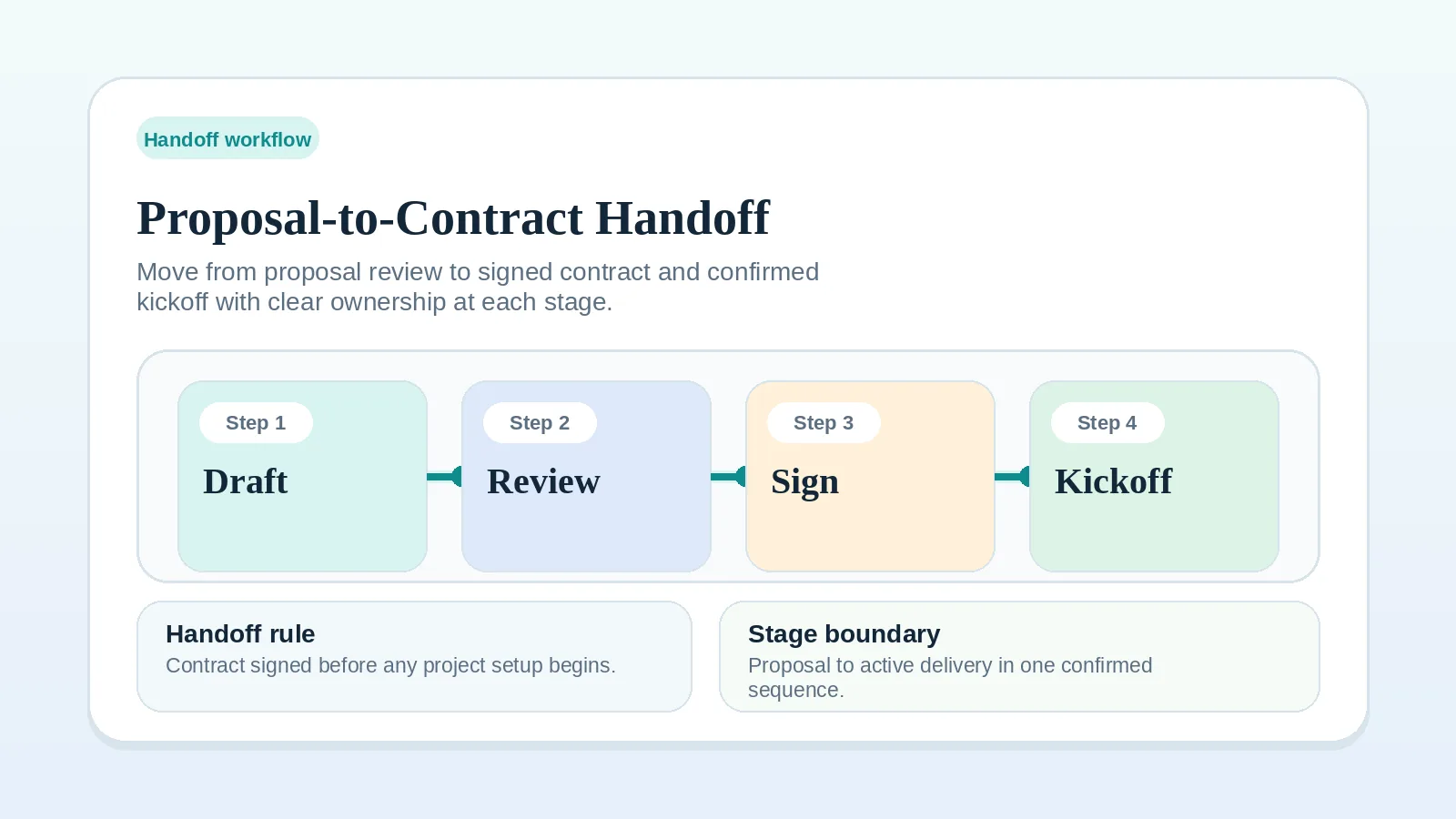
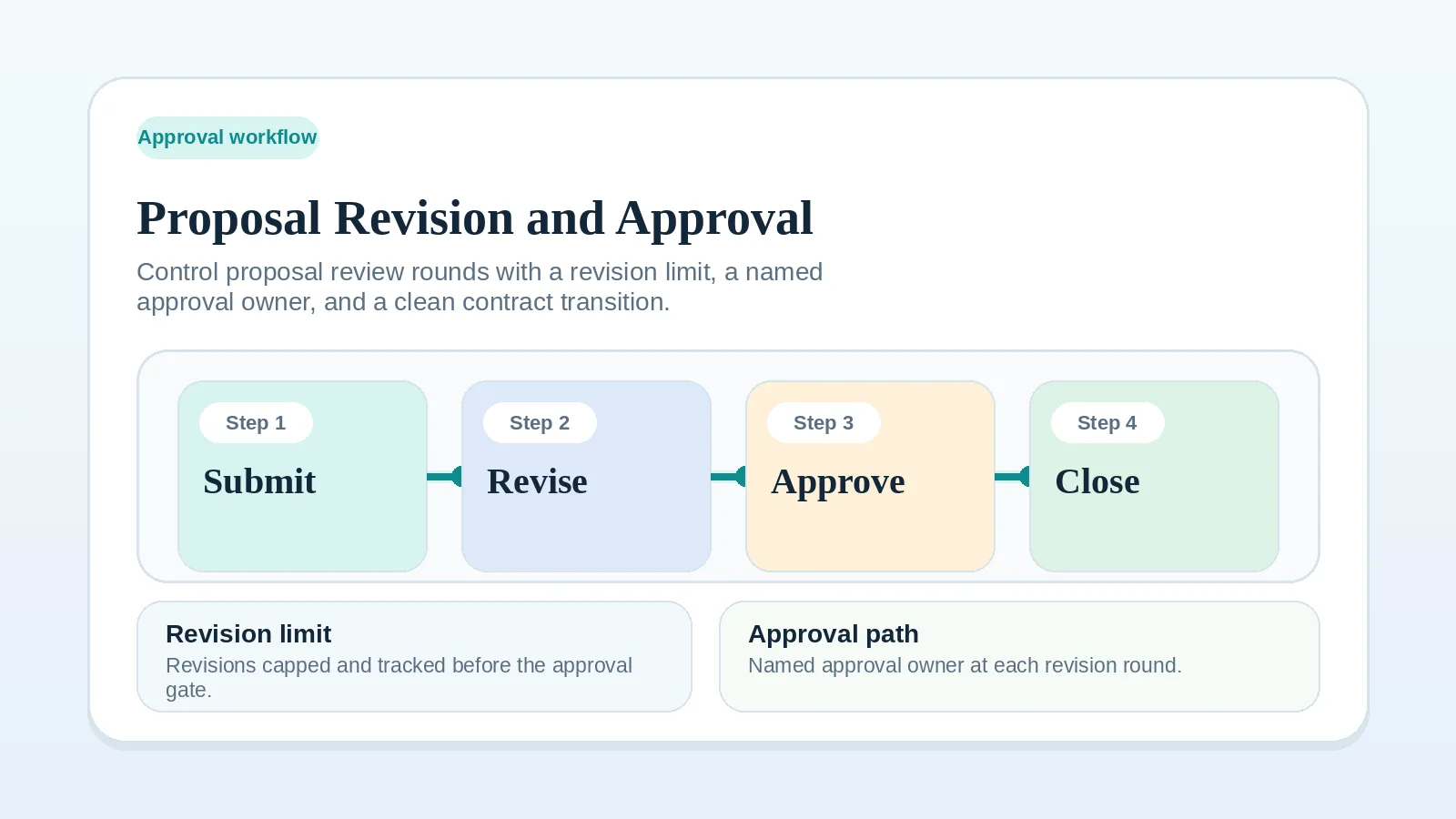
If the original scope was never clear, fix Proposal-to-contract handoff workflow setup first. If the work is still pre-signature and the proposal is under review, use Proposal revision and approval workflow instead.
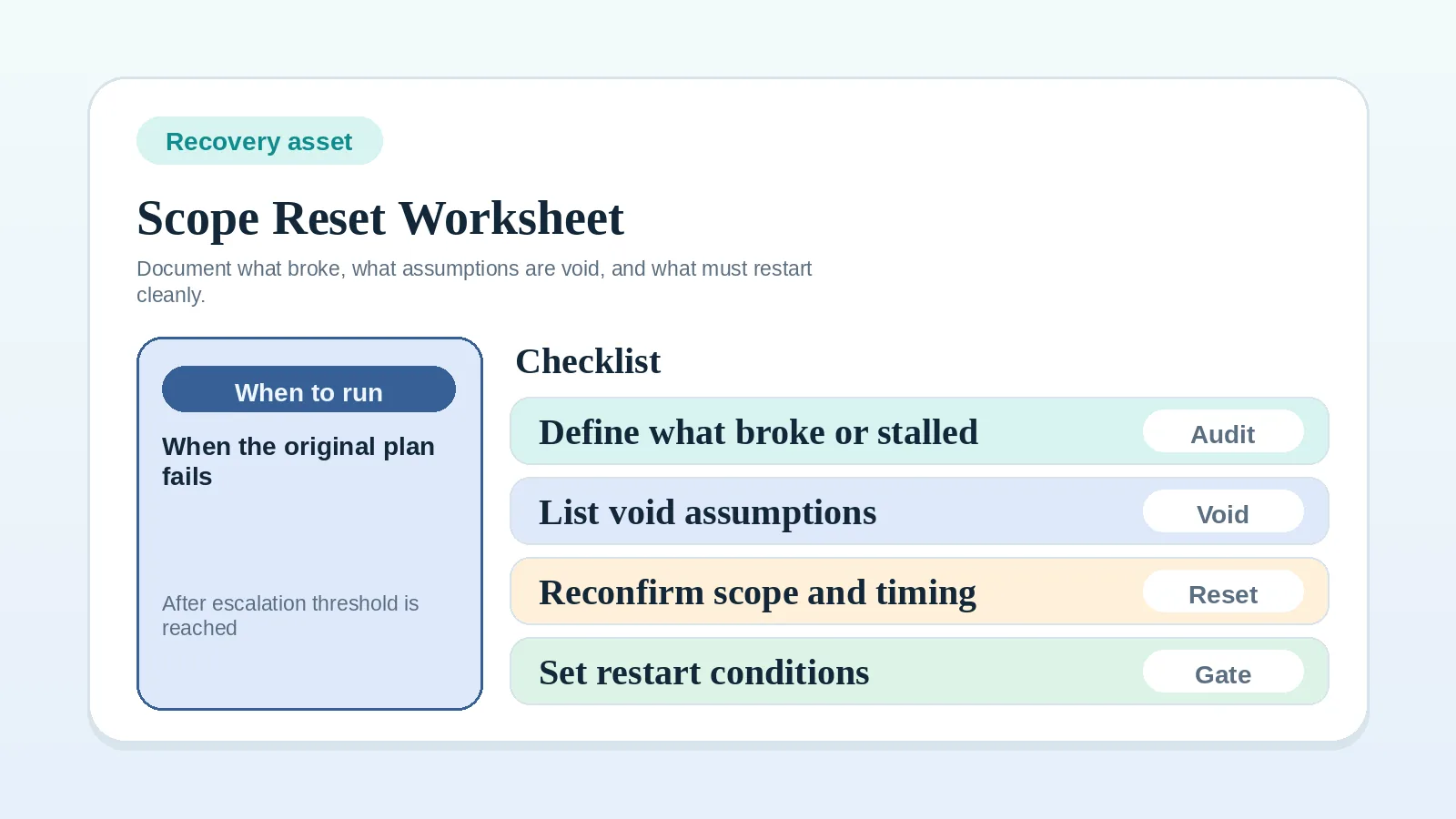
If accumulated undocumented changes and workarounds have made the current plan unreliable, reset the operating baseline with Scope reset and recovery worksheet for solo operators before assessing another request.
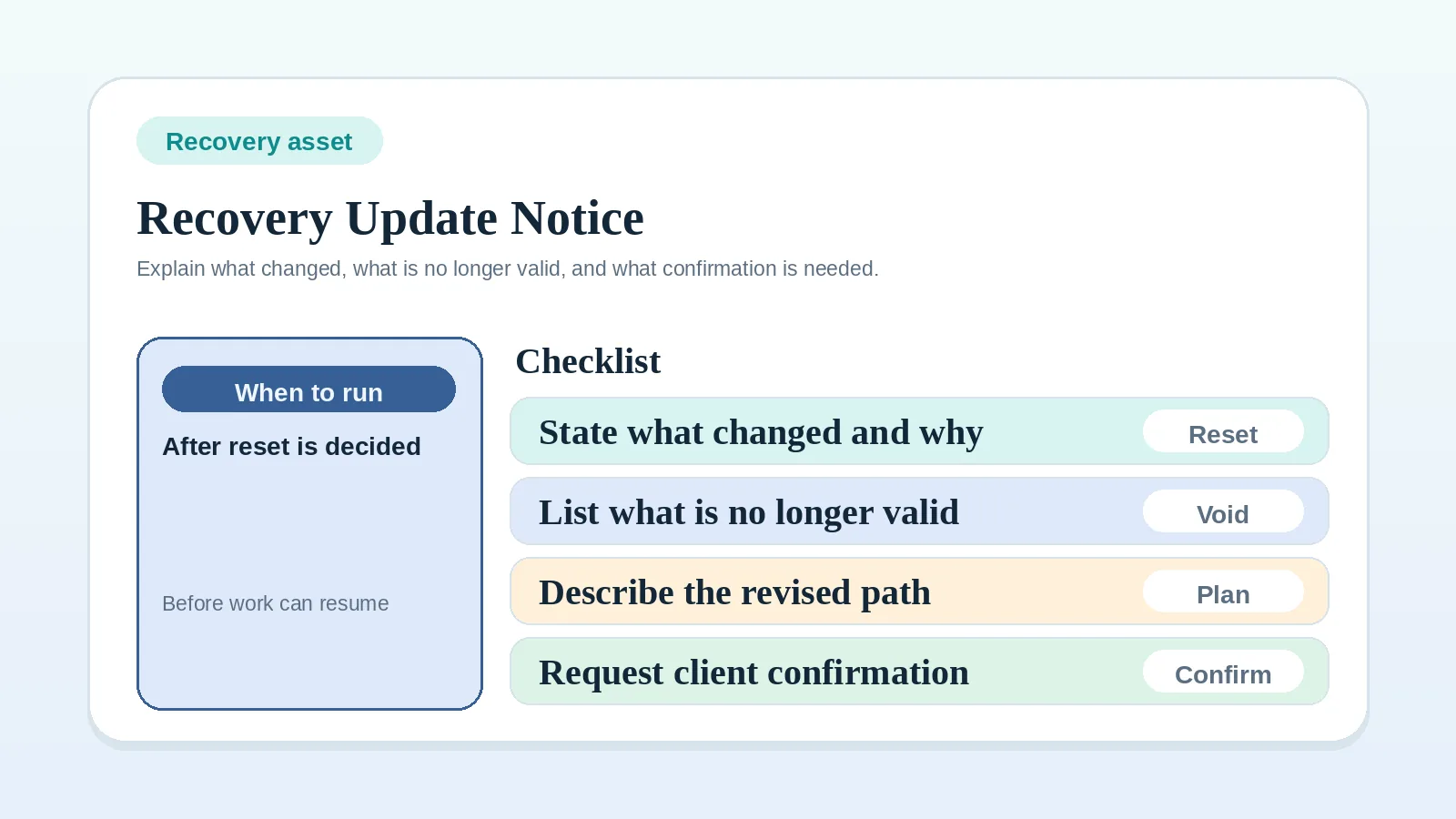
If the reset is already decided and the next issue is explaining the revised baseline clearly, send it with Recovery update template for delayed projects.
Questions to answer before deciding
- what exactly is being requested,
- does it change scope, timing, or cost,
- who can approve the decision,
- what happens if the change is accepted,
- how the outcome is recorded in delivery and billing.
If the record does not answer these questions, define the missing request, owner, or impact before deciding.
Basic decision path
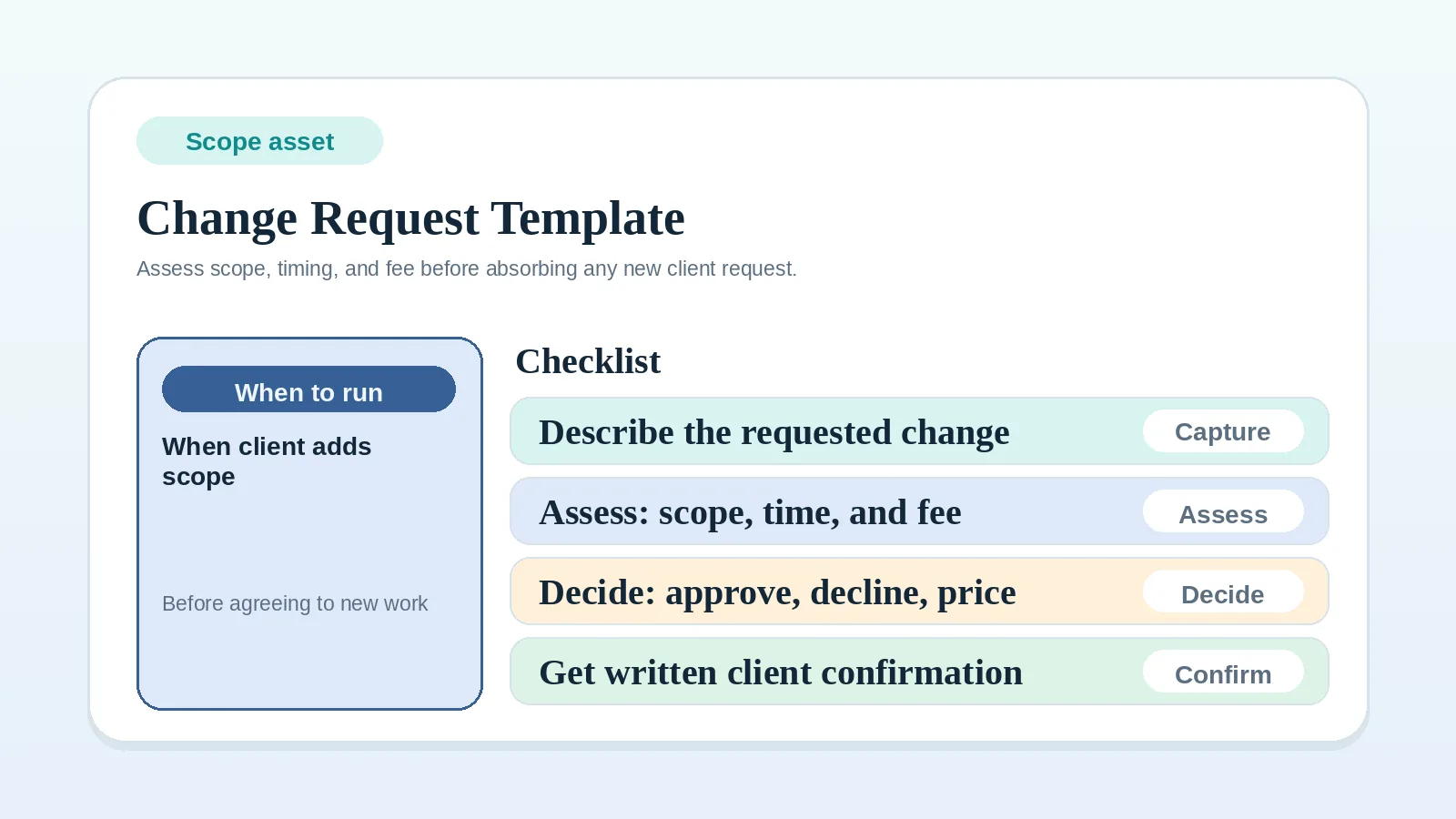
- capture the request in writing,
- compare it against current scope and exclusions,
- assess impact on timeline, workload, and fee,
- send an explicit assessment: included, repriced, deferred, or declined,
- obtain the approval required by the agreement for any changed scope, fee, or dates,
- update the project record and billing path before carrying out an approved change.
When a request needs change control
Treat a request as a change when it involves:
- a new deliverable,
- a revision that changes effort beyond the agreed review boundary,
- a timing change that affects the existing sequence,
- a request that alters pricing assumptions.
Keep it within the existing review process when it involves:
- minor clarification inside agreed scope,
- ordinary review comments already expected in the current milestone,
- wording or formatting adjustments already covered by the project terms.
Step 1: capture the request outside chat ambiguity
Do not rely on memory or scattered message threads.
The request record should include:
- what is being asked for,
- why it is needed,
- when the client wants it,
- which deliverable or milestone it affects.
Use Client change request template to standardize this step.
Step 2: compare the request to the agreed scope
Check the request against:
- in-scope deliverables,
- explicit exclusions,
- current milestone timing,
- required dependencies,
- pricing assumptions.
If those items were not documented during proposal handoff, reconstruct them before assessing the request.
Step 3: assess impact before replying
Assess whether the request affects any of these:
- delivery time,
- workload,
- fee,
- sequence of existing work,
- approval timing.
Even if you decide not to charge more, record the effect on workload, schedule, approval timing, and billing.
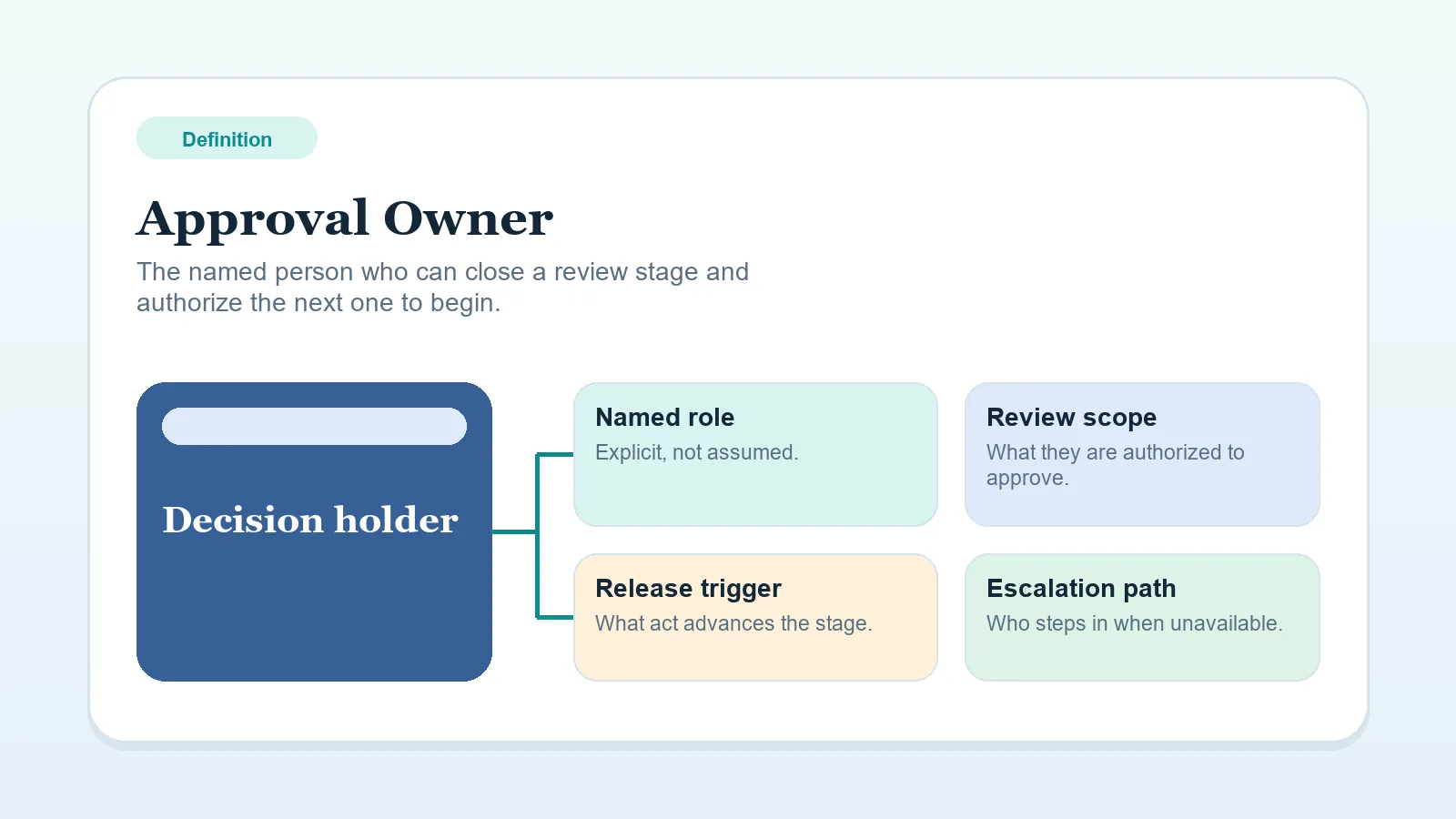
Step 4: name the approval owner
Name the person authorized under the engagement to say yes, no, or not now.
If feedback comes from several stakeholders, but no one holds final approval authority, the request can stall the workflow. Use Approval owner if that role is fuzzy.
Step 5: send the assessment and obtain approval
Use one of these outcomes:
- Included: the request fits current scope and timing.
- Repriced: propose the revised fee, scope, and dates for approval.
- Deferred: the request fits a later phase but not the current delivery plan.
- Declined: the request does not fit the engagement or current operating constraints.
Avoid soft replies that sound agreeable but do not decide anything.
If the request is too vague to decide, clarify it before assigning an outcome.
A revised quote is not an approved change. Keep it pending until the authorized parties accept it through the process in the agreement. Record the accepted version, decision, and date before starting the additional work.
Step 6: update delivery and billing
If the change is approved:
- update the milestone or deliverable record,
- adjust dates where needed,
- document the fee impact if applicable,
- align the next invoice trigger if the approved change affects billing.
If that update does not reach the system of record, the approved change and the active delivery plan can conflict.
A practical rule for small changes
You can choose to include an exception without a separate fee. Record what was accepted, its schedule or billing effect, and whether it changes the standing scope for later work. An unrecorded exception can make the approved boundary difficult to apply to the next request.
Where change control breaks
- treating every request like a relationship test instead of an operating decision,
- agreeing verbally before checking impact,
- failing to update timeline or invoice logic after approval,
- letting multiple stakeholders suggest changes without a named approver,
- burying scope changes inside status updates.
Boundaries of change control
This workflow records live change decisions. Resolve these items separately:
- better proposal scoping,
- a pricing policy,
- a contract,
- the template you use to document the request.
Scope exceptions to plan for
- If the request exposes an ambiguity in your original scope, clarify that first before discussing price.
- If a missed client dependency makes the change urgent, record the missed dependency and its owner.
- If the project is near final delivery, consider deferral when the request would reopen completed work or delay handoff.
Route the decision
- If you need the request format, continue to Client change request template.
- If repeated scope changes expose weak original boundaries, return to Proposal-to-contract handoff workflow setup.
- If the request is still part of proposal negotiation before approval, return to Proposal revision and approval workflow.
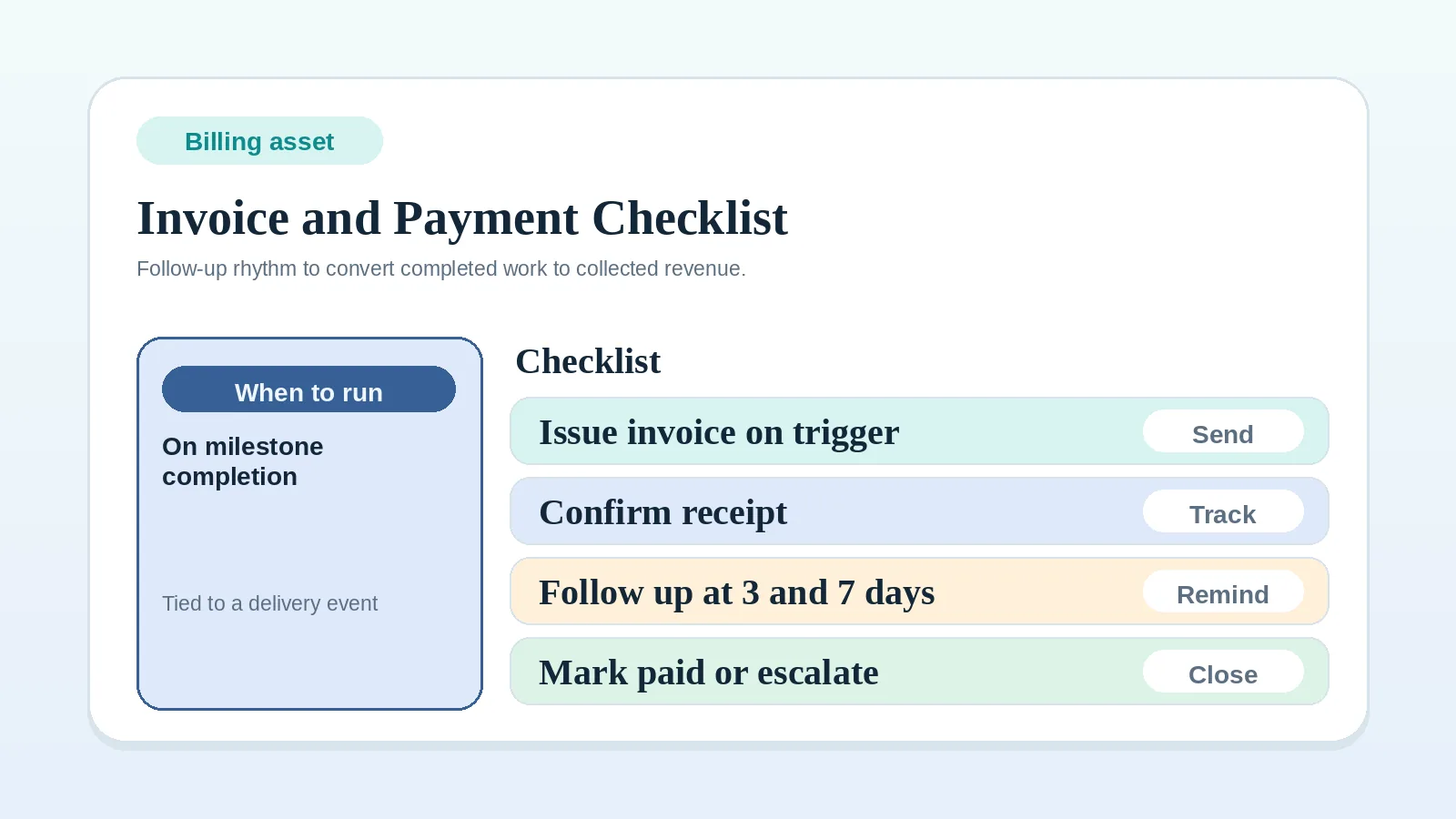
- If the approved change now affects billing, continue to Invoice and payment workflow checklist.
- If the decision will matter at handoff or closeout, record it in the Client decision log workflow for freelancers and solo service businesses.
When this workflow is complete
Change control is in place when:
- new asks are captured before work begins,
- each request has a recorded outcome and approval owner,
- timeline and billing effects are documented when a request is approved,
- the record distinguishes agreed scope from approved exceptions.