Comparison
Updated Sep 17, 2026CRM vs project management for client workflows
Decide whether pre-sale follow-up, delivery execution, or a documented handoff between both should hold current client status.
Guides and resources
Resolve one workflow or system choice at a time, including record ownership, stack shape, delivery workspace, review, billing, and booking.
Use a comparison after you can name one unresolved workflow or system choice. If the client process itself is still unclear, begin with the freelance client workflow system. If you need a complete stack model, use the software stack blueprints.
| Decision | Comparison |
|---|---|
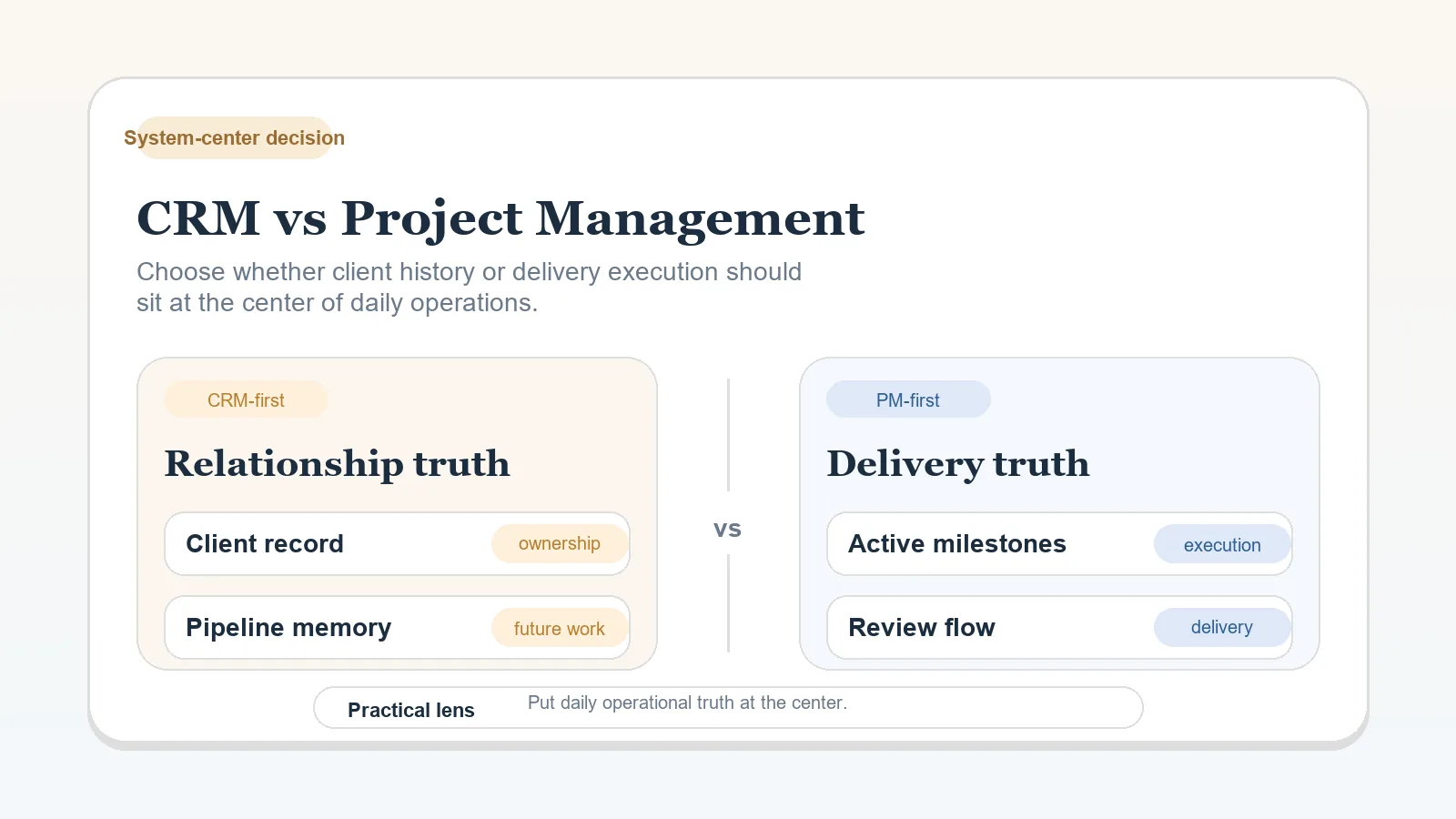
| Which kind of system should hold active client status? | CRM versus project management |
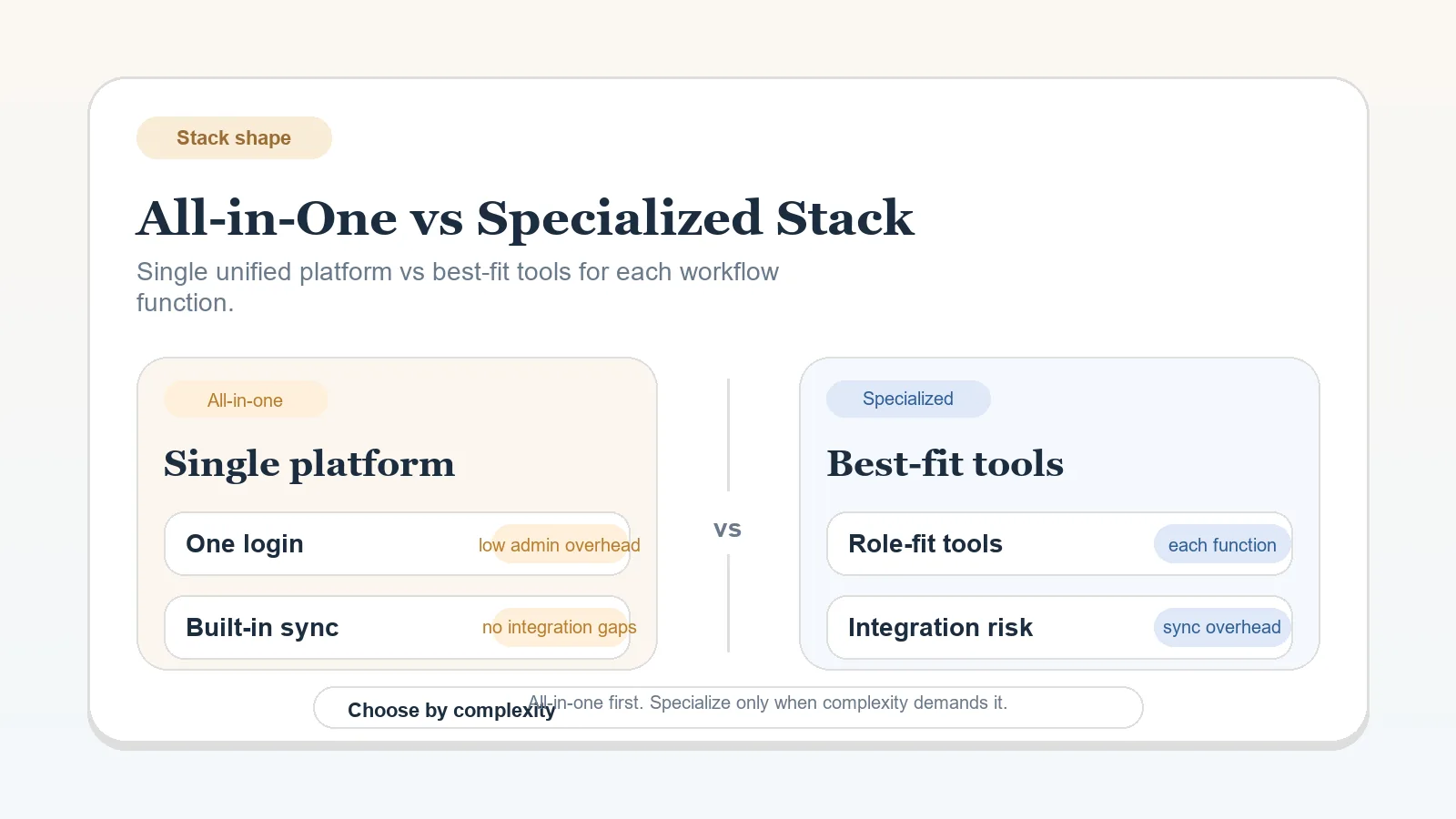
| Should functions remain in one workspace or split across tools? | All-in-one workspace versus specialized stack |
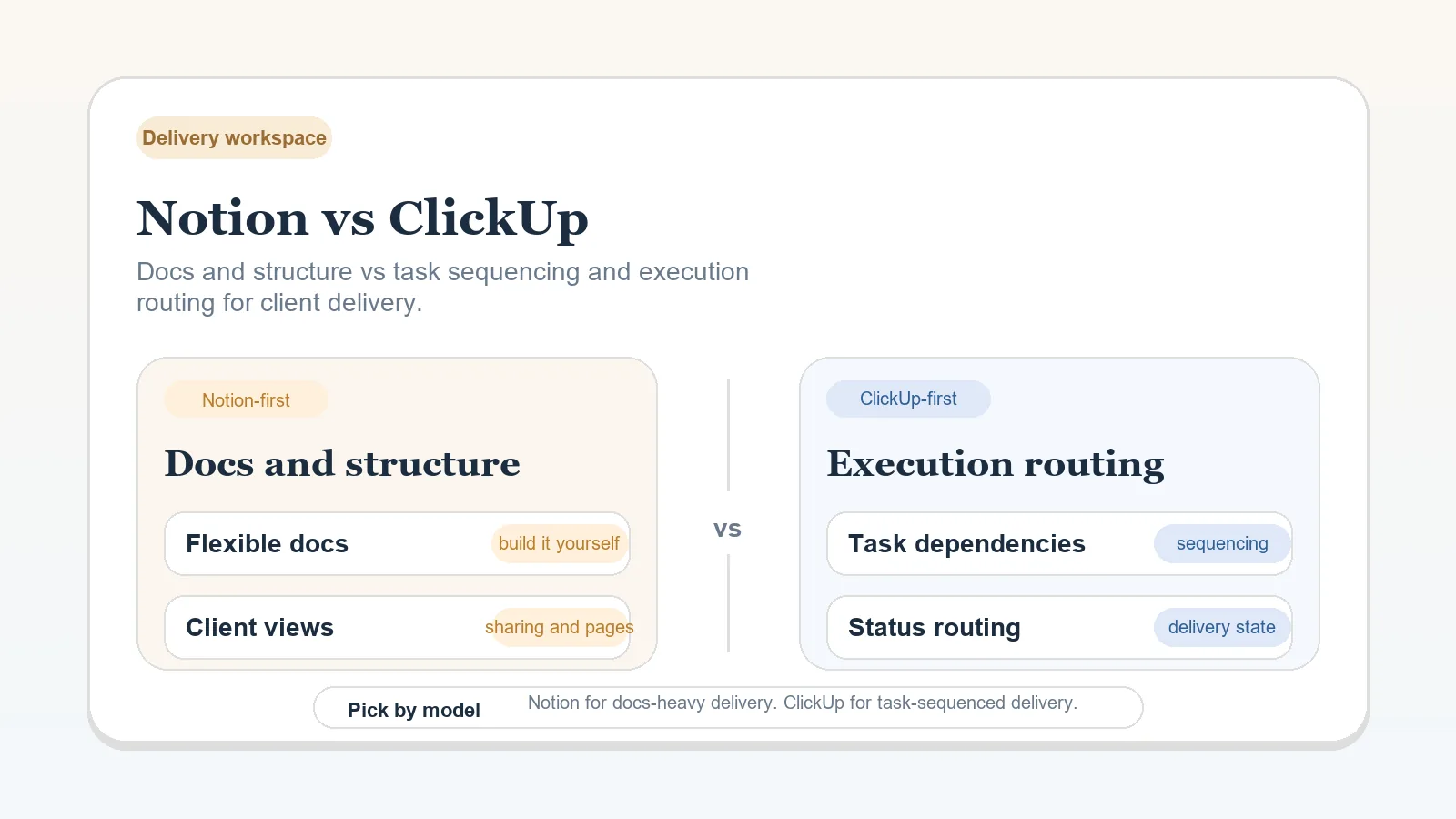
| Which delivery workspace model fits the operating rules? | Notion versus ClickUp |
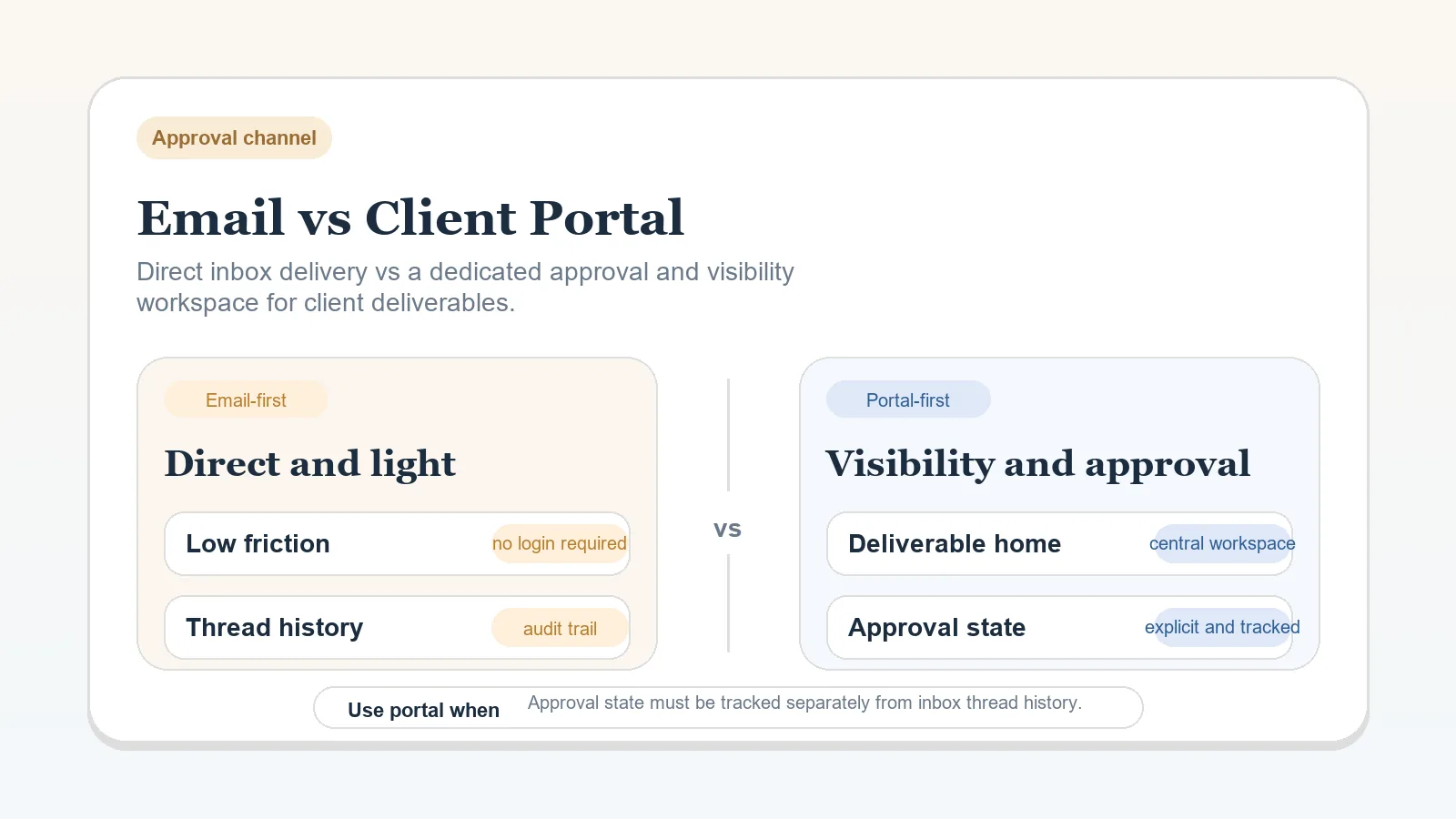
| Should deliverables and approvals stay in email or move to a portal? | Email versus client portal |
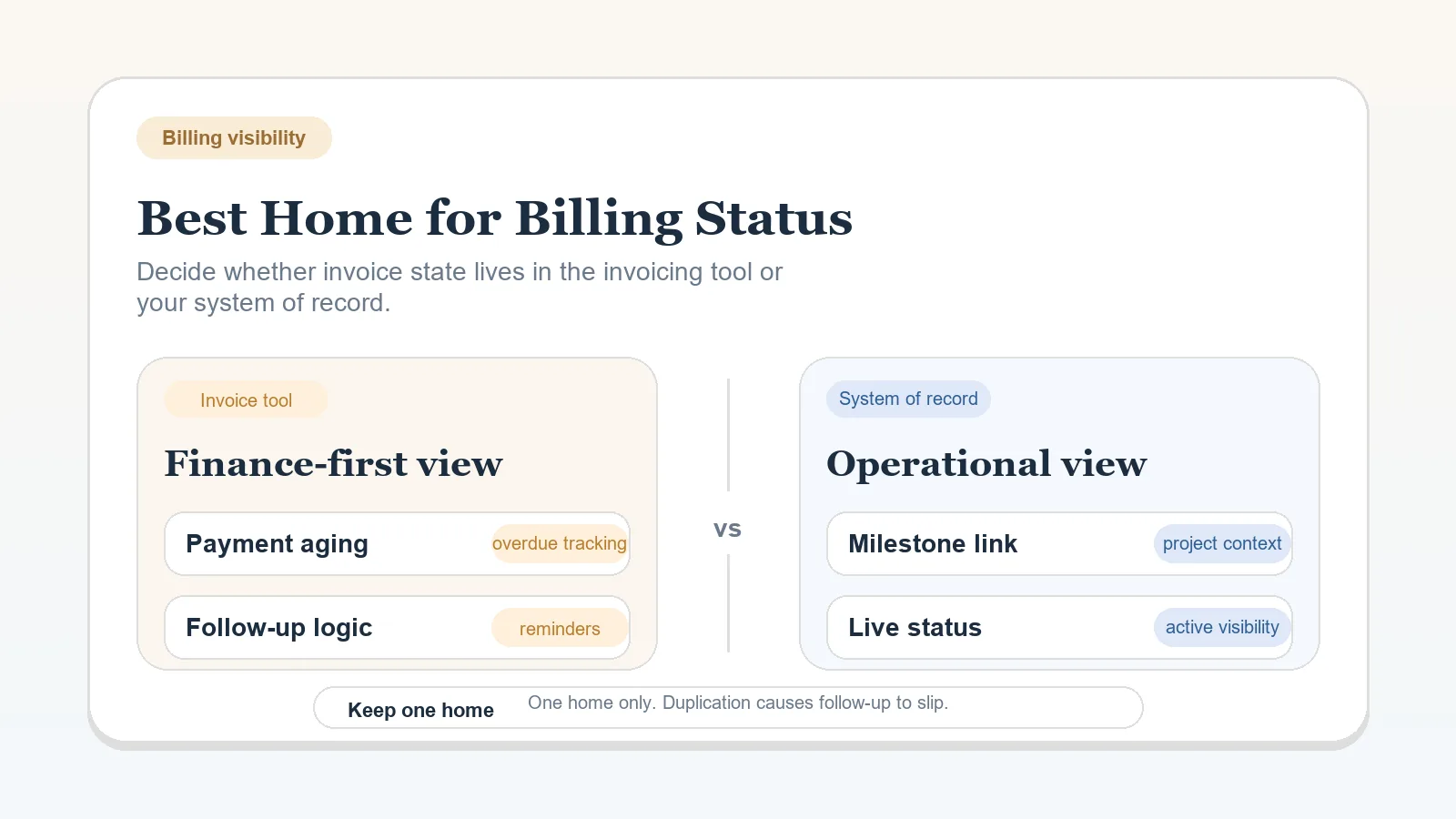
| Where should billing status remain visible? | Invoicing tool versus system of record |
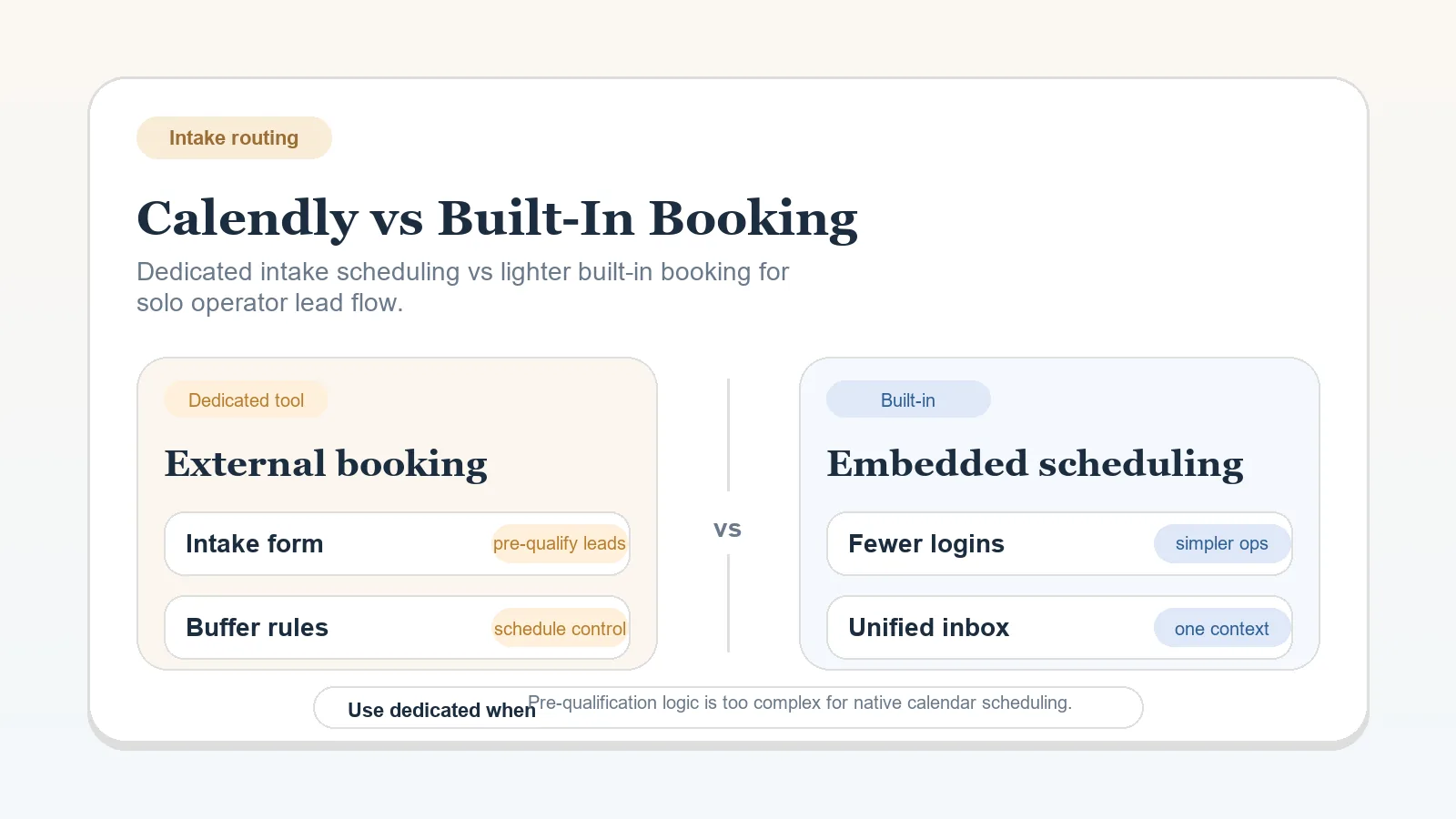
| Does scheduling need a separate service? | Dedicated booking versus built-in scheduling |
Start with the system center when that question is open. Then decide the broader stack shape. Delivery workspace, approval channel, billing visibility, and booking structure come later because each depends on an operating model that is already defined.
If both options look wrong, the open question is probably an earlier one. Return to the workflow or blueprint instead of opening more comparisons.
Before leaving a comparison, write down:
Product features, prices, and plan limits can change. Follow the primary-source links in product-specific comparisons and check the provider’s current terms before buying or migrating.
Core pages
Comparison
Updated Sep 17, 2026Decide whether pre-sale follow-up, delivery execution, or a documented handoff between both should hold current client status.
Comparison
Updated Aug 13, 2026Stay consolidated until one function has a required capability, an owner, and a handoff that justify another maintained system.
Comparison
Updated Sep 23, 2026Both products support tasks and dependencies. Choose by the record structure and operating discipline you are prepared to maintain.
Comparison
Updated Aug 8, 2026Keep review in email when one controlled thread is sufficient. Use a portal when shared review and version control require a maintained workspace.
Comparison
Updated Aug 9, 2026Keep scheduling inside the current stack until a documented intake requirement needs a separate booking service.
Comparison
Updated Aug 11, 2026Keep invoice detail in the finance system and mirror only the payment state and next action needed to run client work.