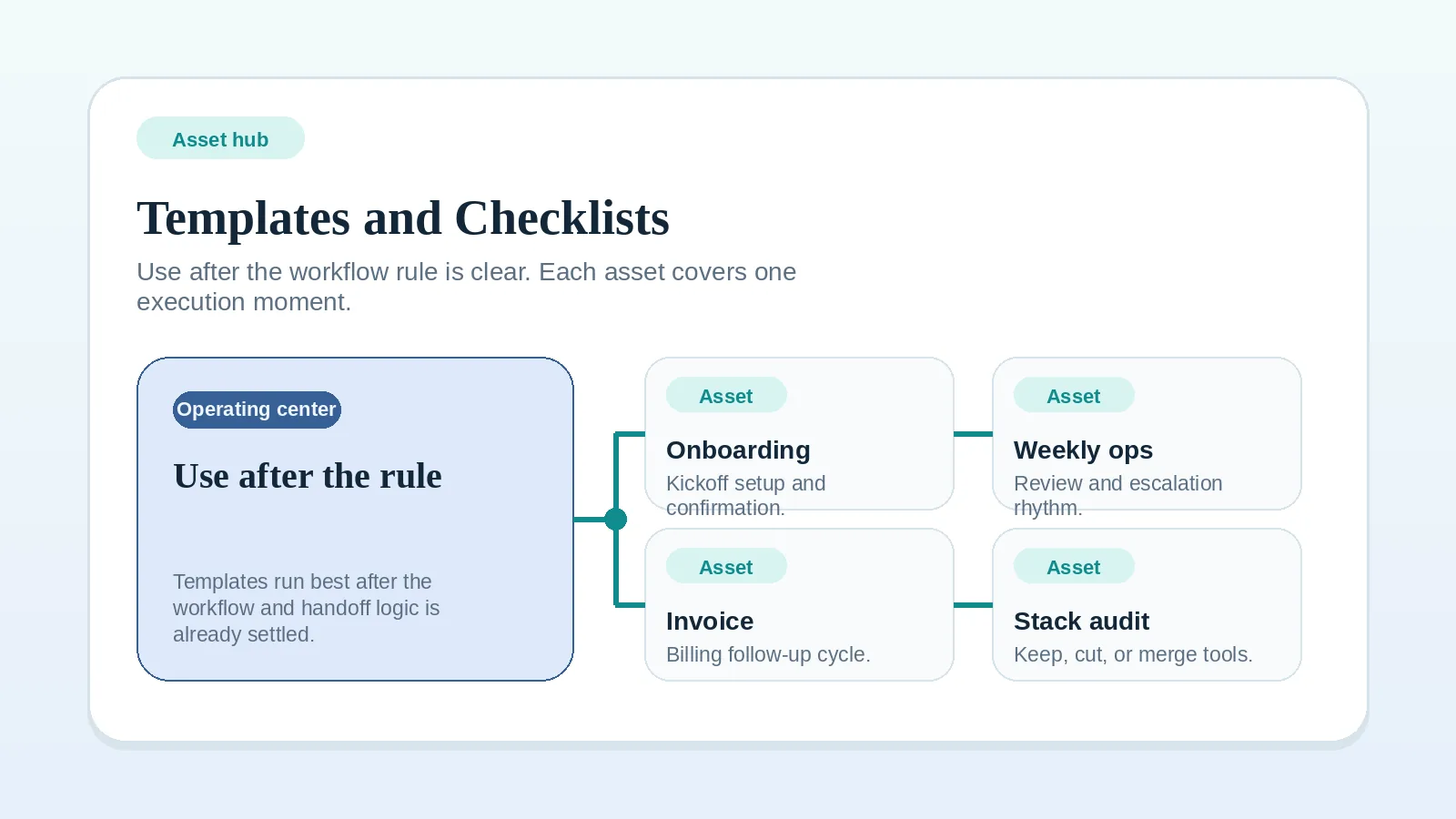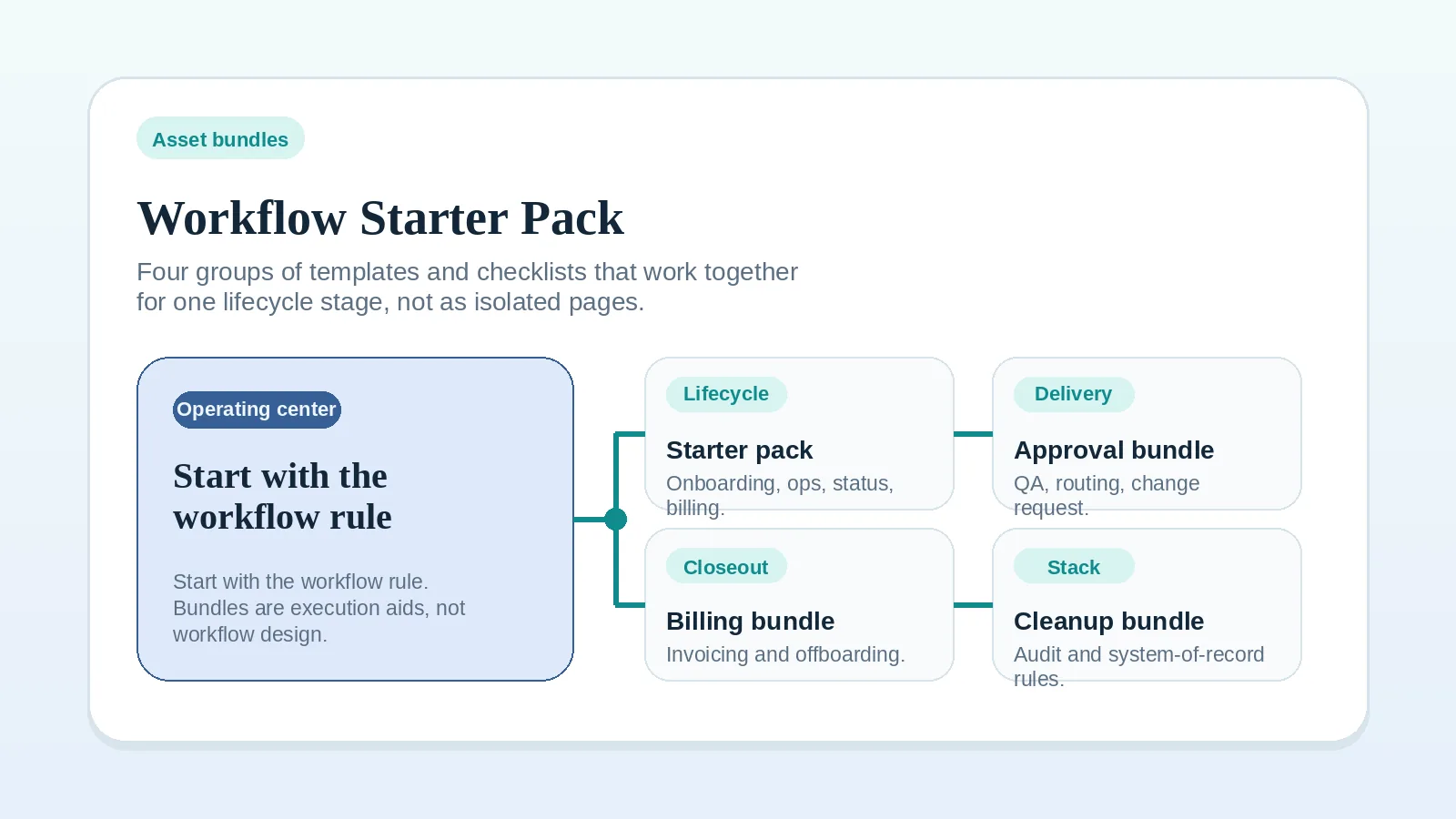
This page groups the most useful templates and checklists into four practical bundles. Each bundle covers one lifecycle stage or operational problem. Use a bundle when you want to implement a workflow stage as a connected set of assets rather than opening pages one at a time.
These are execution aids, not workflow design tools. Every bundle assumes the upstream workflow rule already exists. If the rule is still unclear, go back to the workflow, blueprint, or comparison page that defines it before opening any asset here.
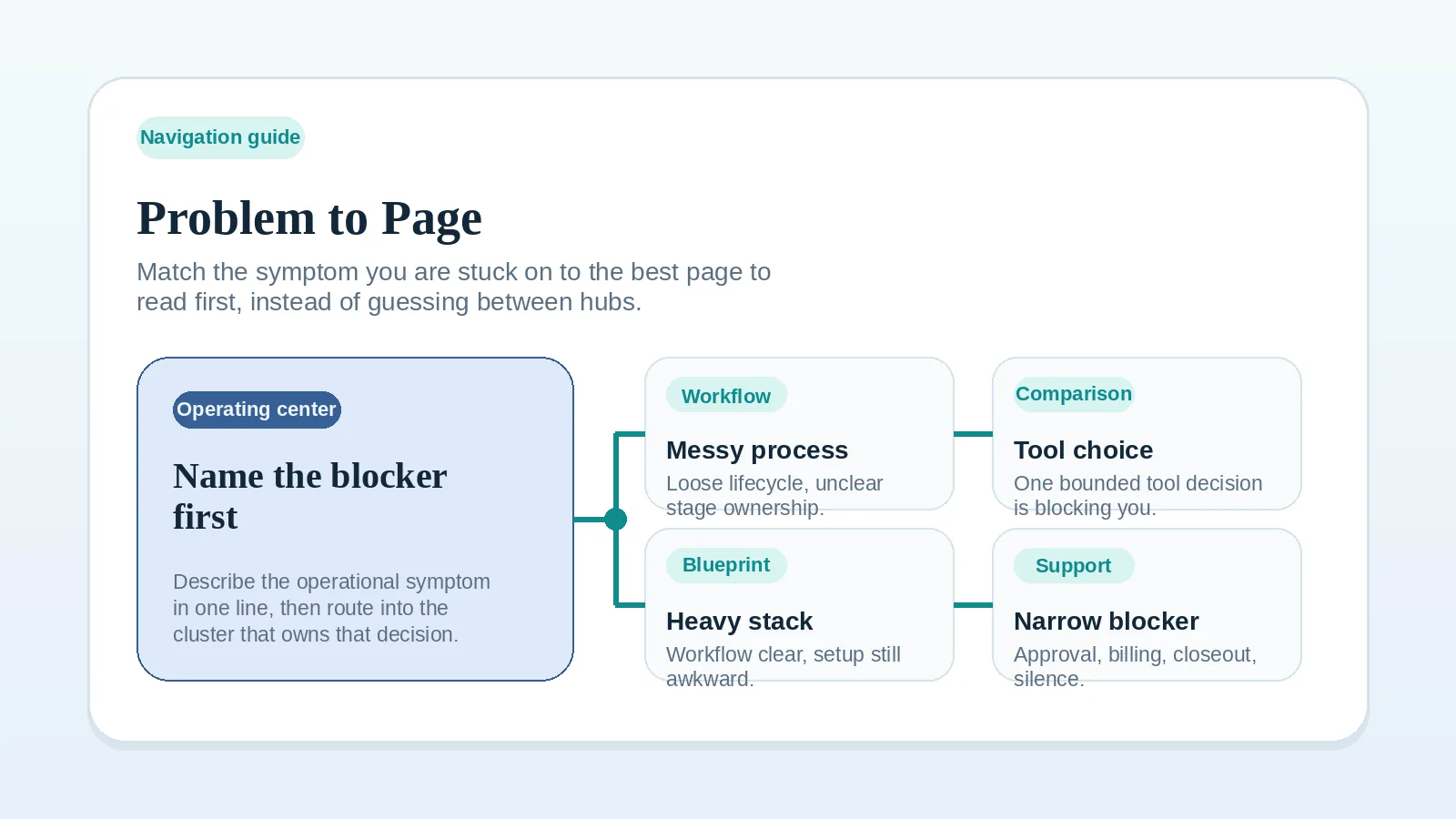
If you are not sure which bundle fits your current situation, use the Workflow Diagnostic Checklist to name the problem category first, then return here once the lane is clear. Or use the Problem-to-Page Guide to match a specific symptom to the right page.
Start upstream first if…
- you are still deciding how the lifecycle should work,
- you do not yet know which stage is broken,
- the workflow rule behind the bundle is not yet clear.
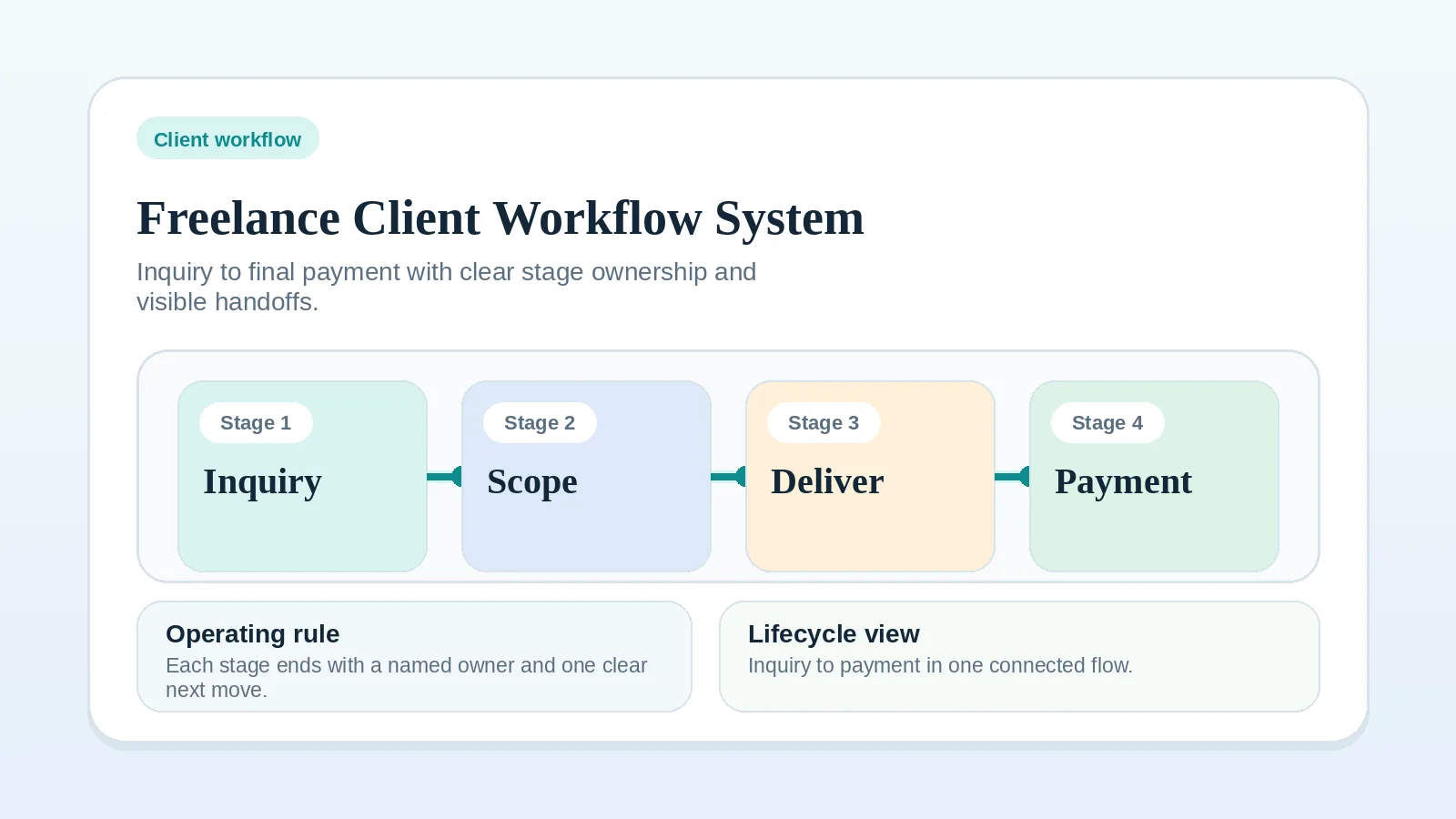
In those cases, return to Freelance Client Workflow System: Inquiry to Final Payment before opening any bundle here.
Bundle 1: Client Lifecycle Starter Pack
Use this bundle when you are implementing the core client workflow for the first time and need one asset per major stage rather than a single comprehensive guide.
This is the broadest useful starting set. Each asset covers one recurring moment in the client lifecycle. Start with the onboarding checklist and work forward through delivery and billing.
Upstream rule required: Freelance Client Workflow System: Inquiry to Final Payment
Assets in this bundle:
Client Onboarding Checklist for Freelancers and Consultants — use immediately after contract signing and before delivery begins; covers scope alignment, access collection, communication rules, and billing trigger confirmation.
Weekly Client Operations Checklist for Solo Service Businesses — use as a recurring weekly review habit to keep active delivery, communication, and billing visible across all active projects.
Weekly Client Status Update Template — use when clients need a repeatable progress update with clear next actions; reduces reactive check-ins without adding communication overhead.
Invoice and Payment Workflow Checklist for Service Businesses — use when payment collection depends too much on memory; covers pre-invoice confirmation, send-and-track process, and follow-up cadence.
Use sequence: onboarding checklist on day one → weekly operations checklist as a recurring loop → status update template on a set cadence → invoice checklist at each billing trigger.
Bundle 2: Delivery and Approval Bundle
Use this bundle when delivery, review, or approval is the broken stage — work is being handed off inconsistently, feedback is arriving through the wrong path, or the stage is not closing cleanly.
This bundle covers the handoff moment (delivery QA), the review routing problem (approval worksheet), and the scope-drift response (change request template). Use the approval FAQ as supporting reading before the first milestone where review is messy.
Upstream rule required: Milestone Delivery Workflow for Solo Service Businesses
Assets in this bundle:
Delivery QA Checklist Before Client Handoff — use right before a milestone, review package, or final delivery; covers pre-send quality checks, deliverable evidence, and handoff confirmation.
Approval and Feedback Routing Worksheet for Multi-Stakeholder Review — use when review gets messy because too many people comment, feedback arrives through the wrong path, or approval is not closing cleanly.
Client Change Request Template — use when a client request may change scope, timing, or fee; captures the request formally and routes it to a clear decision before work continues.
Supporting reading: FAQ: What Counts as Client Approval Before Billing or the Next Stage Starts? — read this before using the approval worksheet if there is ongoing ambiguity about whether a client response actually closes a milestone.
Use sequence: delivery QA checklist before each handoff → approval worksheet when review routing is messy → change request template when a request arrives mid-delivery.
Bundle 3: Billing and Closeout Bundle
Use this bundle when payment collection or project closeout is the broken stage — invoices are going out late, billing state is disappearing between tools, or the formal project end is not being acknowledged.
This bundle pairs the billing checklist (which standardizes the invoicing process) with the offboarding template (which closes the engagement cleanly). Use the closeout FAQ as supporting reading if a client stops responding after all work is delivered.
Upstream rule required: Invoice and Payment Workflow Setup for Freelancers and Consultants
Assets in this bundle:
Invoice and Payment Workflow Checklist for Service Businesses — use when payment collection depends on memory rather than a defined process; covers pre-invoice confirmation, send and track, follow-up cadence, and payment closeout.
Client Offboarding + Testimonial Request Template — use when closing a project to confirm final signoff, collect testimonial, and protect future referral value; use after billing is settled, not before.
Supporting reading:
- Approval and Billing Readiness Checklist — run this before issuing an invoice or moving to closeout to confirm every readiness condition is met; use it as a pre-check before the assets in this bundle, not as a replacement for them.
- FAQ: What Should I Do When a Client Does Not Respond to Final Project Closeout? — read this if deliverables are accepted and billing is resolved but the client has not acknowledged the formal project end.
Use sequence: invoice checklist at each billing trigger → offboarding template once the final payment is confirmed → closeout FAQ if the client goes quiet before formal acknowledgment.
Bundle 4: Stack Cleanup Bundle
Use this bundle when the real problem is tool sprawl or unclear system-of-record rules — you have too many overlapping tools, you are not sure where client truth should live, or ownership rules between systems are still soft.
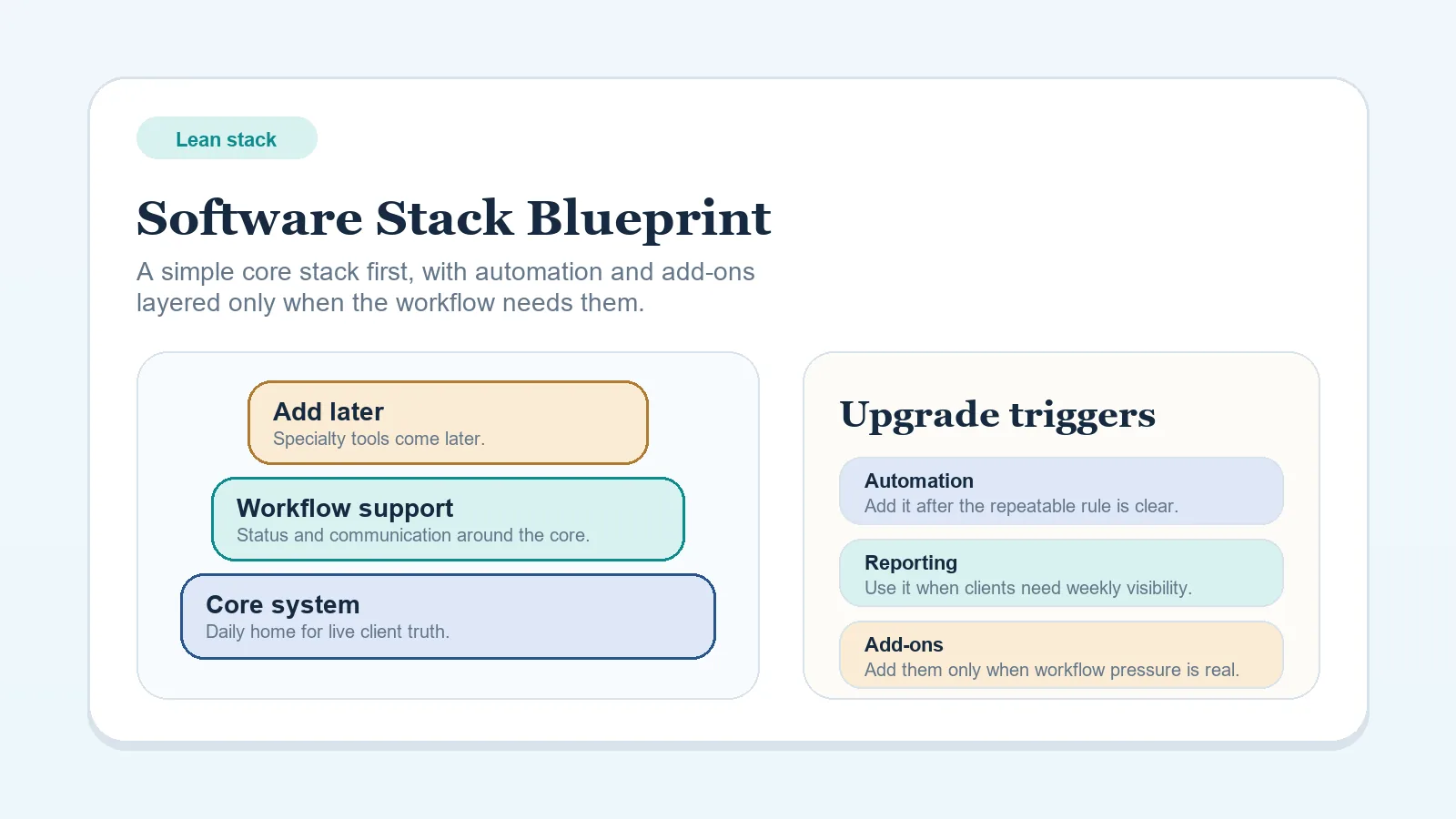
This bundle covers inventory and keep/replace/retire decisions (stack audit worksheet) and ownership rule definition (system-of-record rules worksheet). Use the blueprint and overbuying guide as supporting reading before opening either worksheet.
Upstream rule required: Software Stack Blueprint: Solo Freelancer (Lean Budget) or How to Choose a Software Stack Without Overbuying Tools
Assets in this bundle:
Stack Audit / Consolidation Worksheet for Solo Operators — use when the main problem is tool sprawl and you need to document keep/replace/retire decisions and migration boundaries before consolidating; use before the system-of-record worksheet, not after.
System-of-Record Rules Worksheet for Solo Operators — use when the tool list is mostly visible but ownership rules are still soft; defines where live truth should sit and what should never be duplicated casually.
Supporting reading:
- Stack Decision Readiness Checklist — run this before starting any stack cleanup to confirm the workflow is clear enough to make tool decisions; if more than a few items are unchecked, the process needs clarifying before the audit begins.
- Software Stack Blueprint: Solo Freelancer (Lean Budget) — read this first to confirm the stack shape decision before auditing the current setup.
- How to Choose a Software Stack Without Overbuying Tools — read this if the main risk is adding tools before the need is visible rather than cleaning up existing ones.
Use sequence: blueprint or overbuying guide first to set the rule → stack audit worksheet to inventory and make keep/replace/retire decisions → system-of-record worksheet to lock ownership rules for what remains.
When this page is the right starting point
Use this page when:
- you have already read the upstream workflow, blueprint, or comparison page for the stage you are implementing,
- you want a set of assets that work together rather than picking one at a time,
- you are moving from workflow design into execution and need the matching asset group.
If you have not yet read the upstream page for your stage, this page is too narrow. Return to Freelance Client Workflow System: Inquiry to Final Payment first; use the Templates and Checklists hub only after the trigger moment is already clear.
If only one asset fits
You do not need to use a full bundle. If you already know which single asset matches your trigger moment, open that page directly from the Templates and Checklists hub instead.
Bundles are for readers who want a coherent implementation set, not the only way to use these assets.