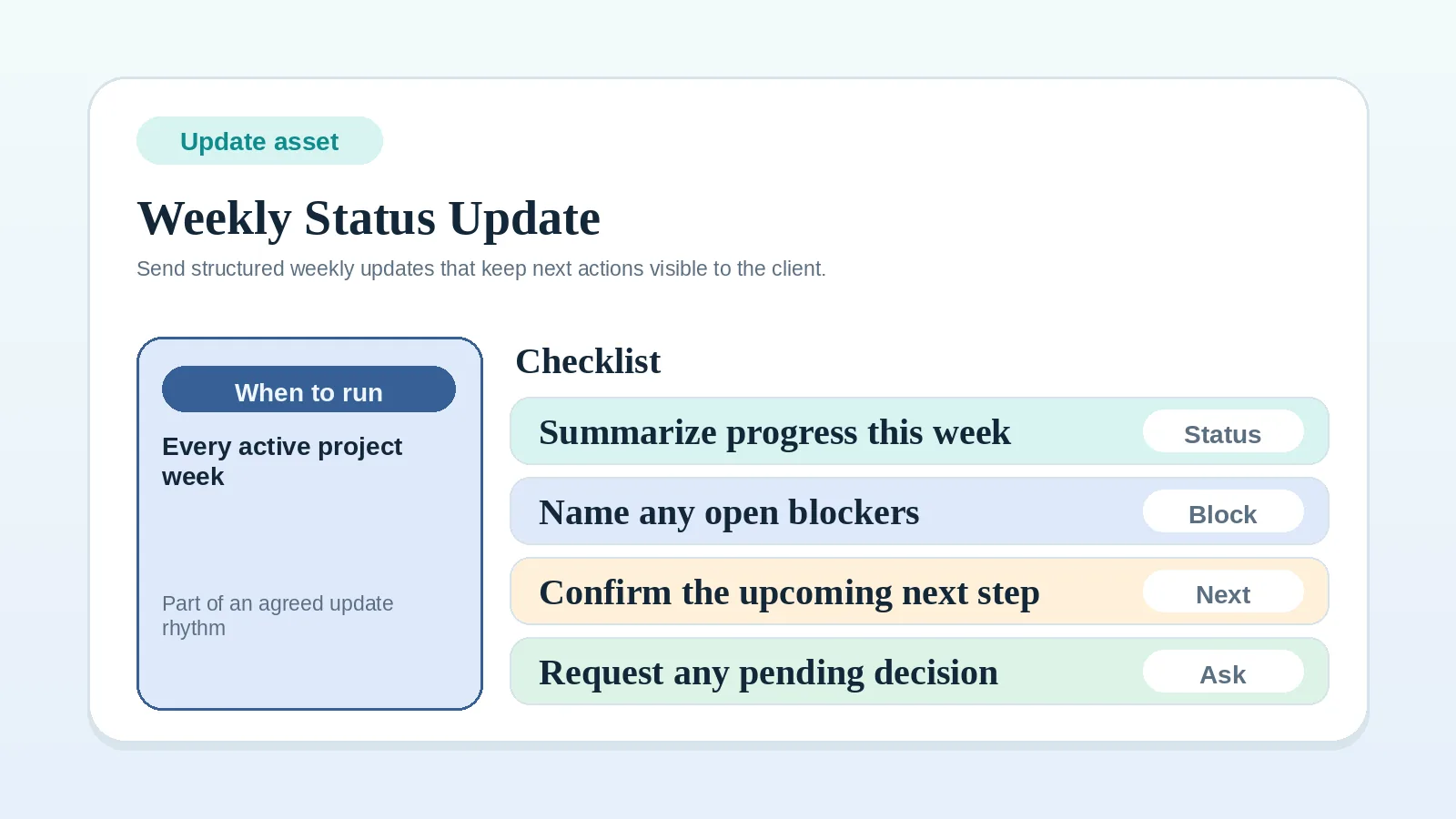
This template gives progress, current status, blockers, required client actions, and the next milestone a stable message structure. It assumes the update rhythm is already agreed.
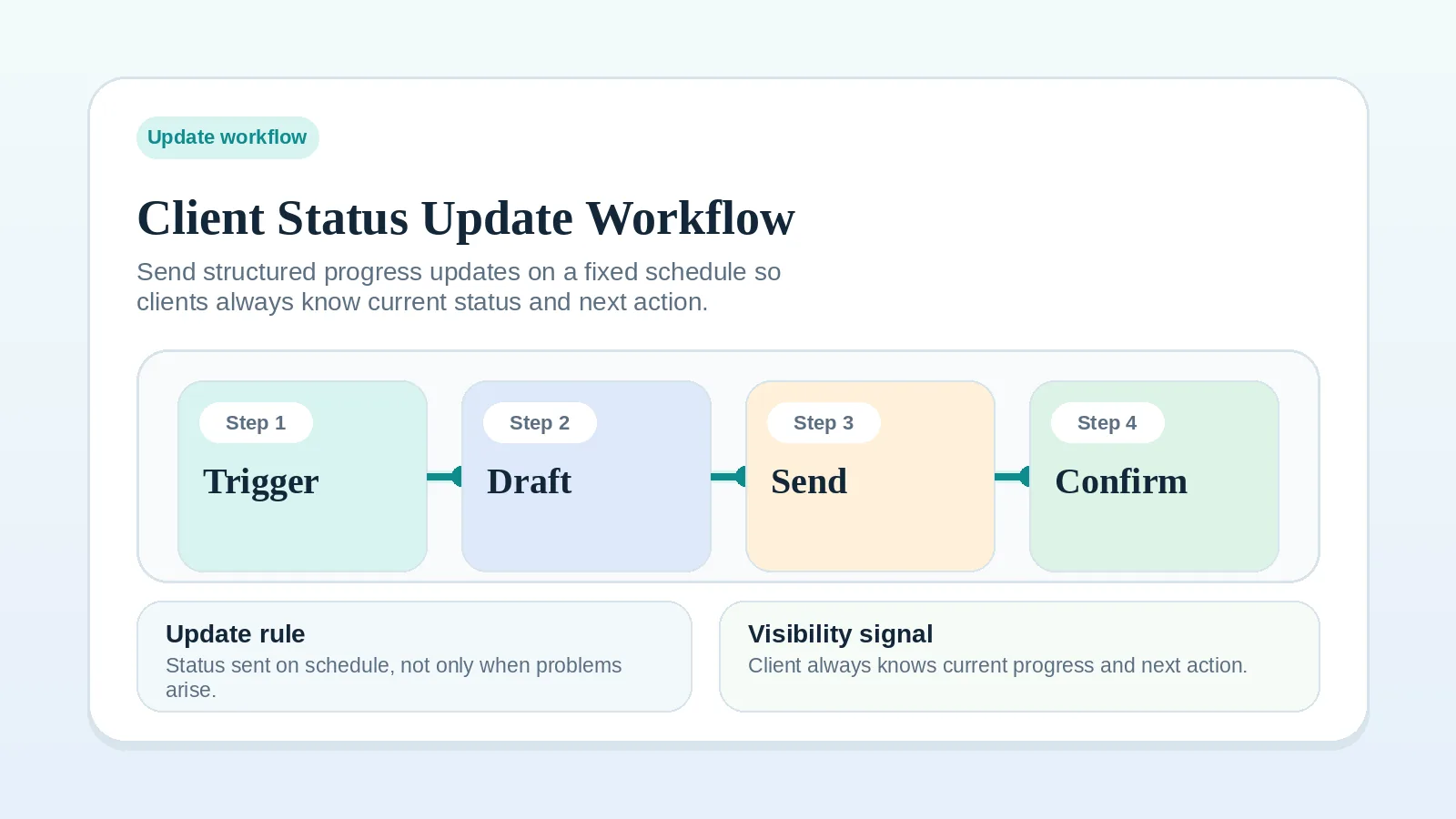
If the audience, channel, cadence, or escalation rule is still undefined, settle it in Client status update workflow before adapting the message.
Updates this template covers
- recurring project updates after the communication rhythm is already agreed,
- situations where the client needs one clear summary plus one clear next action,
- projects where progress, blockers, and approvals need a repeatable format.
It does not cover:
- first-time kickoff communication,
- scope-change negotiation,
- long retrospective reports,
- replacing the live project record itself.
Gaps the message should expose
- vague updates that reassure but do not clarify anything,
- missing progress or next-action information that would otherwise require a follow-up,
- approvals getting buried in long email threads,
- progress notes living only in your head.
Send it on the agreed cadence
- on the weekly cadence agreed for the project,
- after reviewing the live project record,
- when the status in the message matches the status in that record.
Check the project record before sending
Check these first:
- the project record is current,
- the milestone status matches the work,
- any client action has a date,
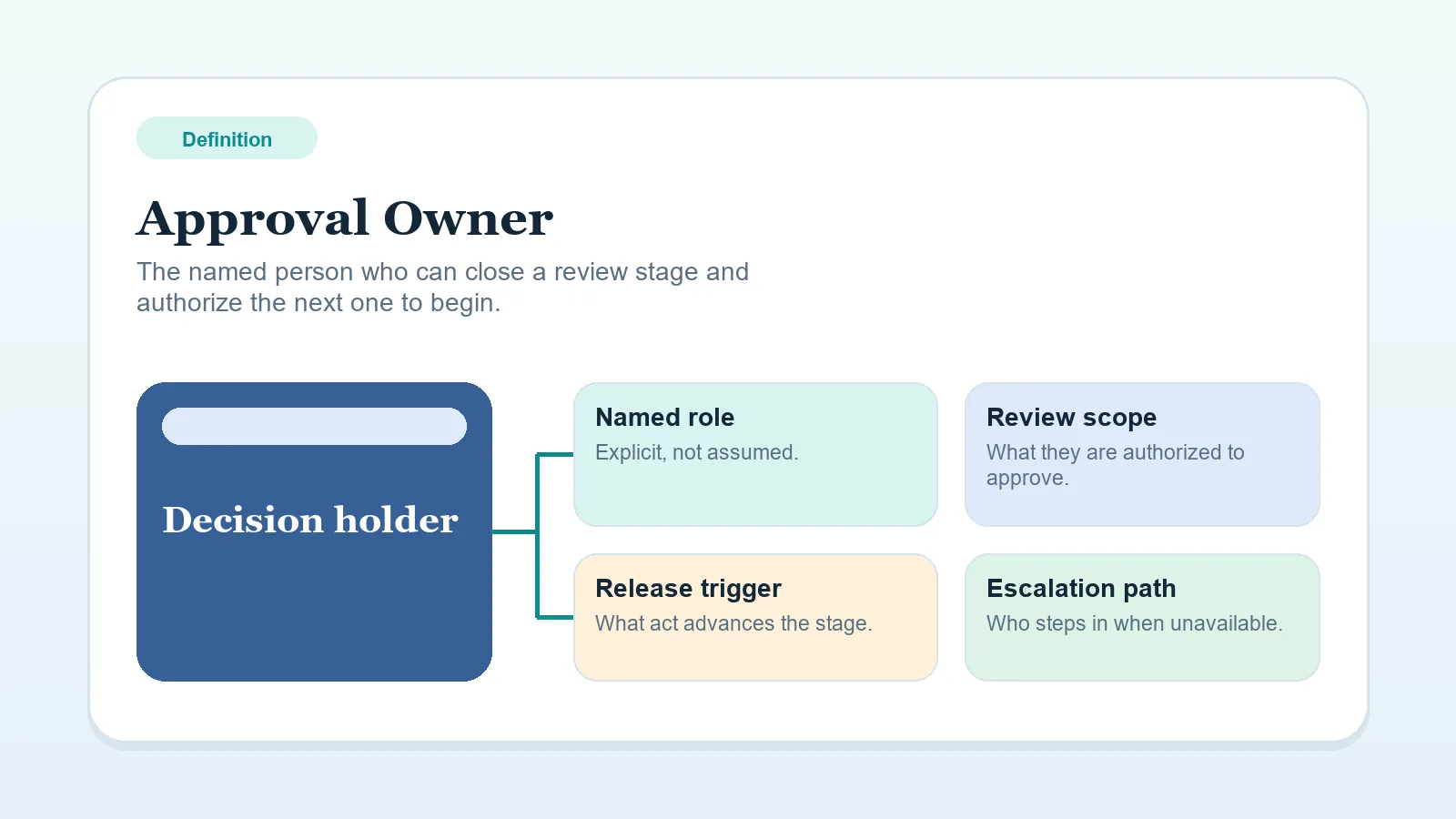
- one approval owner is named if review is required.
Weekly status update template
Subject: [Project Name] weekly update - [Date]

Hi [Client Name],

Here is this week's project update.

1. Progress this week
- [completed item]
- [completed item]

2. Current status
- [on track / at risk / blocked]

3. Blockers or dependencies
- [what is blocked, delayed, or waiting]

4. What we need from you
- [feedback / approval / files / decision]
- Needed by: [date]
- Approval owner: [name]

5. What happens next
- [next milestone or action]
- Expected timing: [date or range]

6. Notes
- [optional implementation note, risk, or reminder]

Thanks,
[Name]
Keep each update easy to act on
- Keep the format stable so the client learns where to look.
- Name one clear client action if a response is required.
- Link to the relevant file, portal, or review point instead of over-explaining in the message itself.
- Log changed dates or decisions back into the system of record after sending.
Write each field from current evidence
- Keep “Progress this week” factual. Do not pad it to make the week sound bigger than it was.
- Keep “Current status” to one label that matches the record. If the project is blocked, say blocked.
- Put the real deadline under “What we need from you” instead of hiding it in Notes.
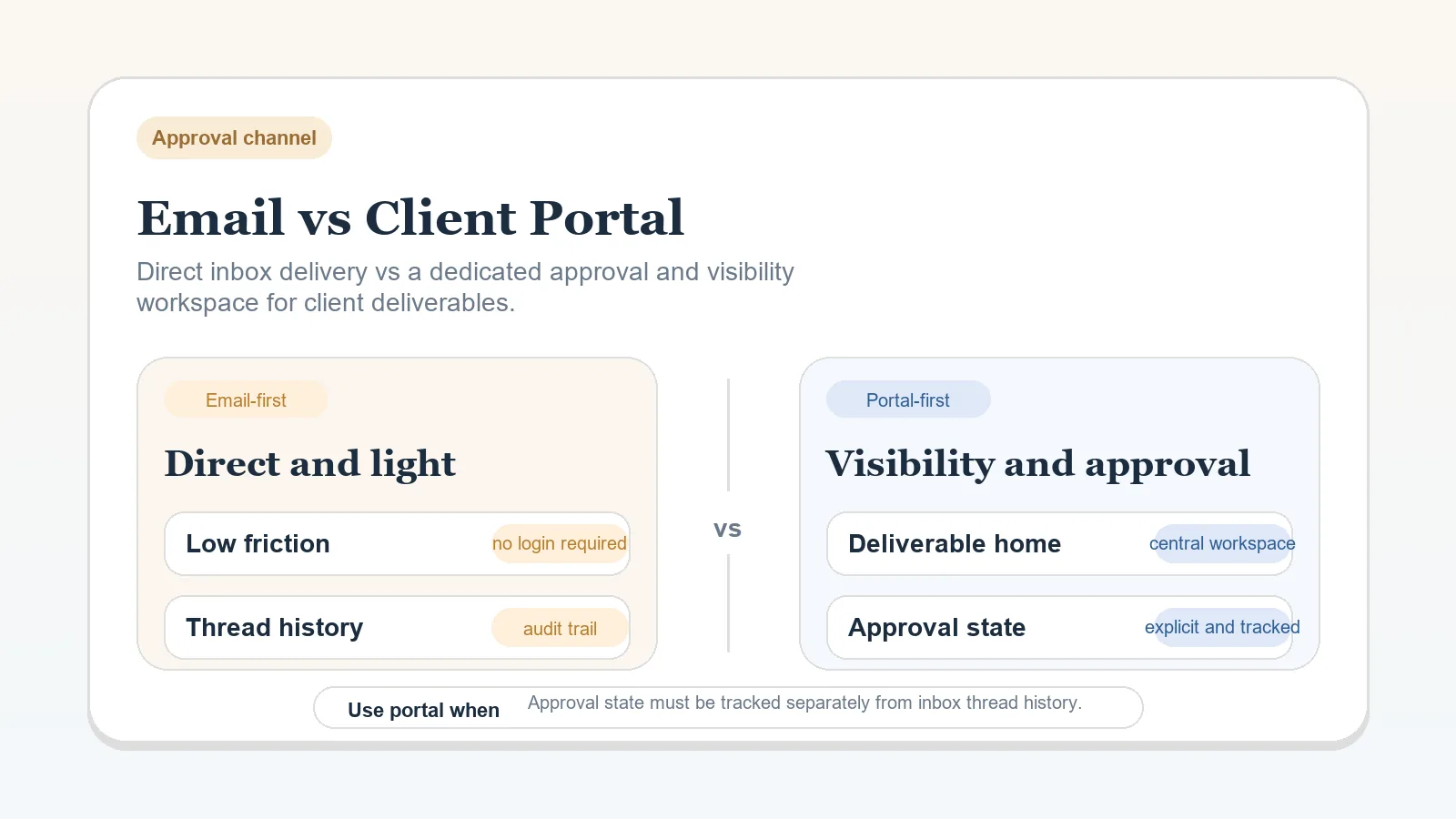
- If you use a portal or workspace, let the template point to that location rather than trying to duplicate the full review context in email.
Handle these message variations
- If there is no client action this week, say that clearly rather than leaving the expectation fuzzy.
- If several people can review, still name the final approval owner.
- If the project is blocked by missing client input, state the dependency directly and calmly.
If the update needs a decision
When the message asks for approval, feedback, files, or a timing decision:
- name the exact action needed,
- name who should respond,
- give the date or review window,
- avoid mixing that request with a new scope discussion.
If the message is starting to include scope negotiation, switch to Change request workflow for freelancers and consultants instead.
Update check
The update is ready when:
- the update explains current status without extra clarification,
- required client actions are visible,
- the message matches the live project record,
- you can reuse the same structure next week without rewriting it from scratch.
Route the problem behind the message
- If the update rhythm itself is still messy, revise it with Client status update workflow.
- If the question is where these updates should live, use Email vs client portal for deliverables and approvals.
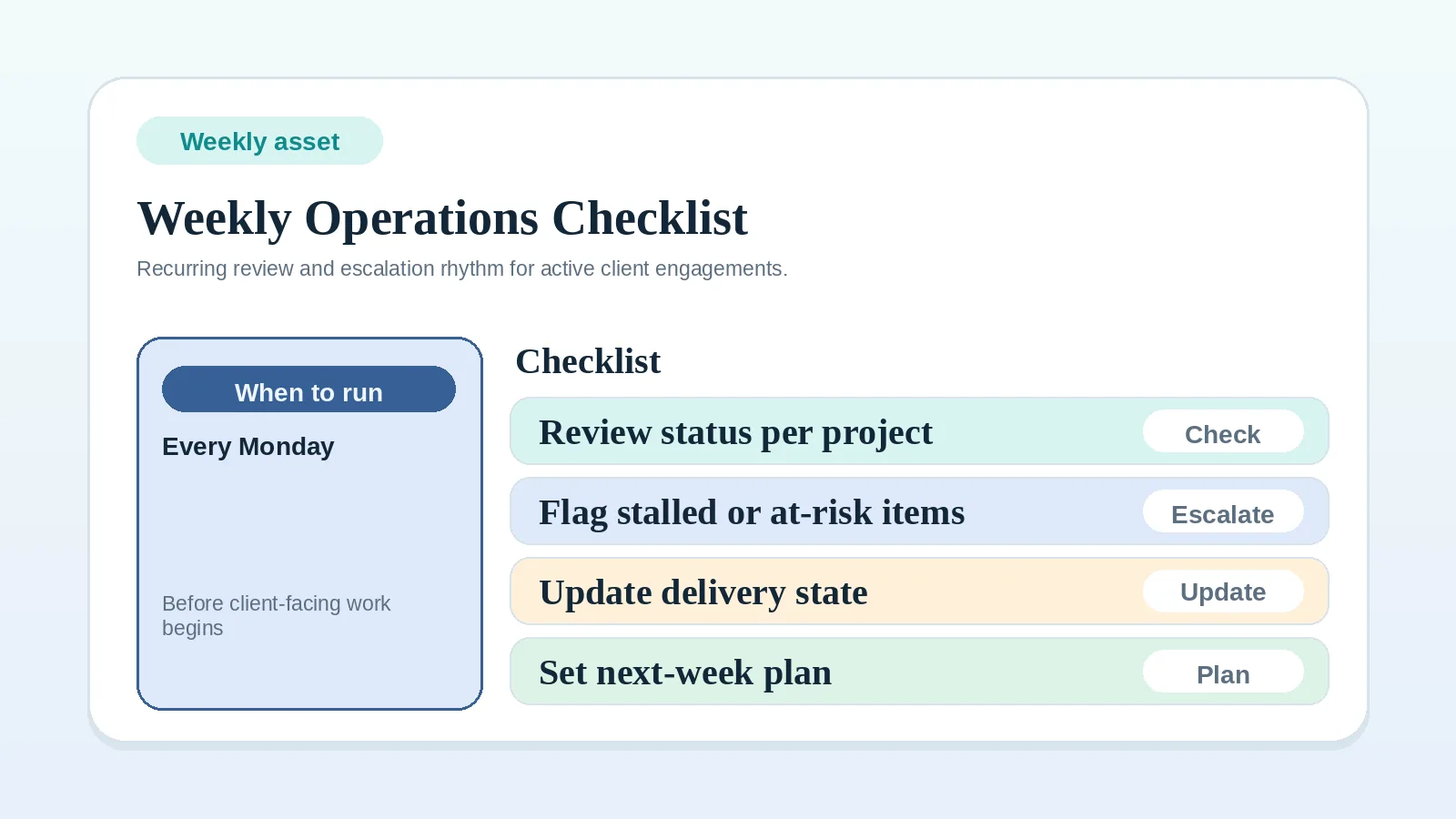
- If the operating rhythm around the update is weak, use Weekly client operations checklist.