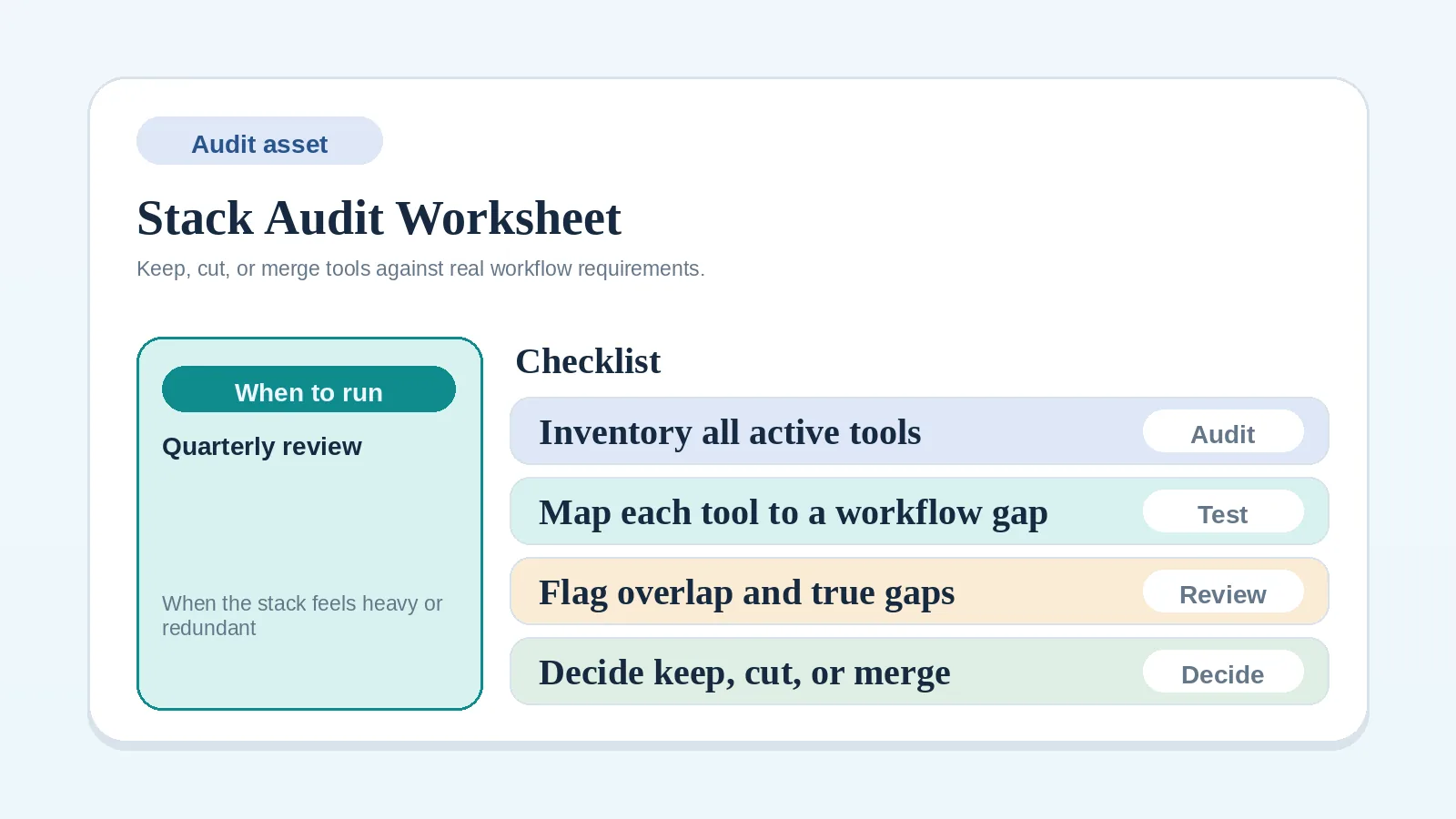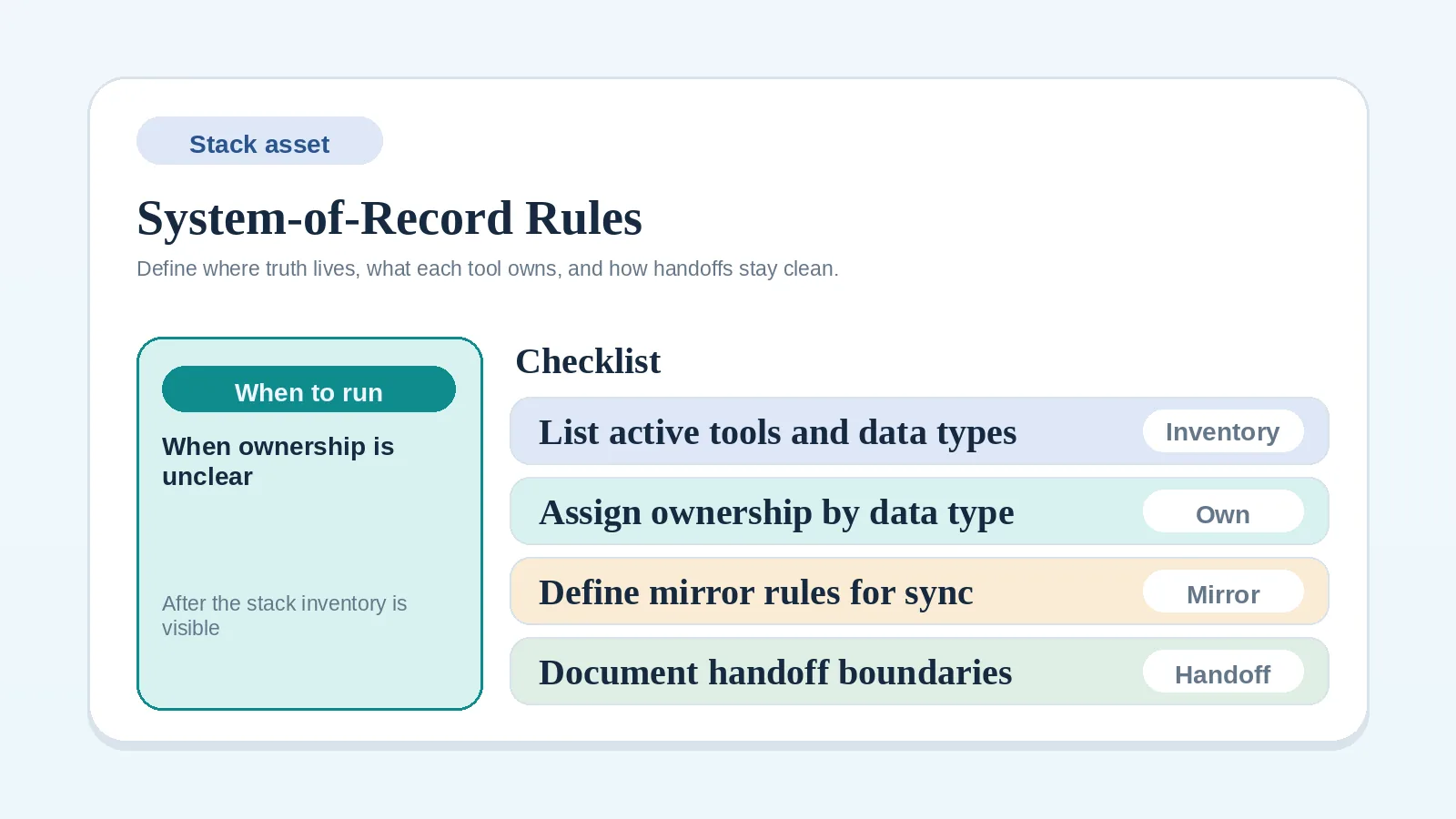
After choosing the stack model and inventorying live tools, name one authoritative record for each data type, define any permitted mirror, and document the handoff between systems. If the live tool inventory is incomplete, use Stack audit and consolidation worksheet for solo operators first.
Where ownership rules are missing
- you already know the likely system center but have not documented the rules,
- two tools still seem to share live status in confusing ways,
- migration or consolidation keeps stalling because ownership boundaries are vague,
- you need a cleaner rule than “check both places.”
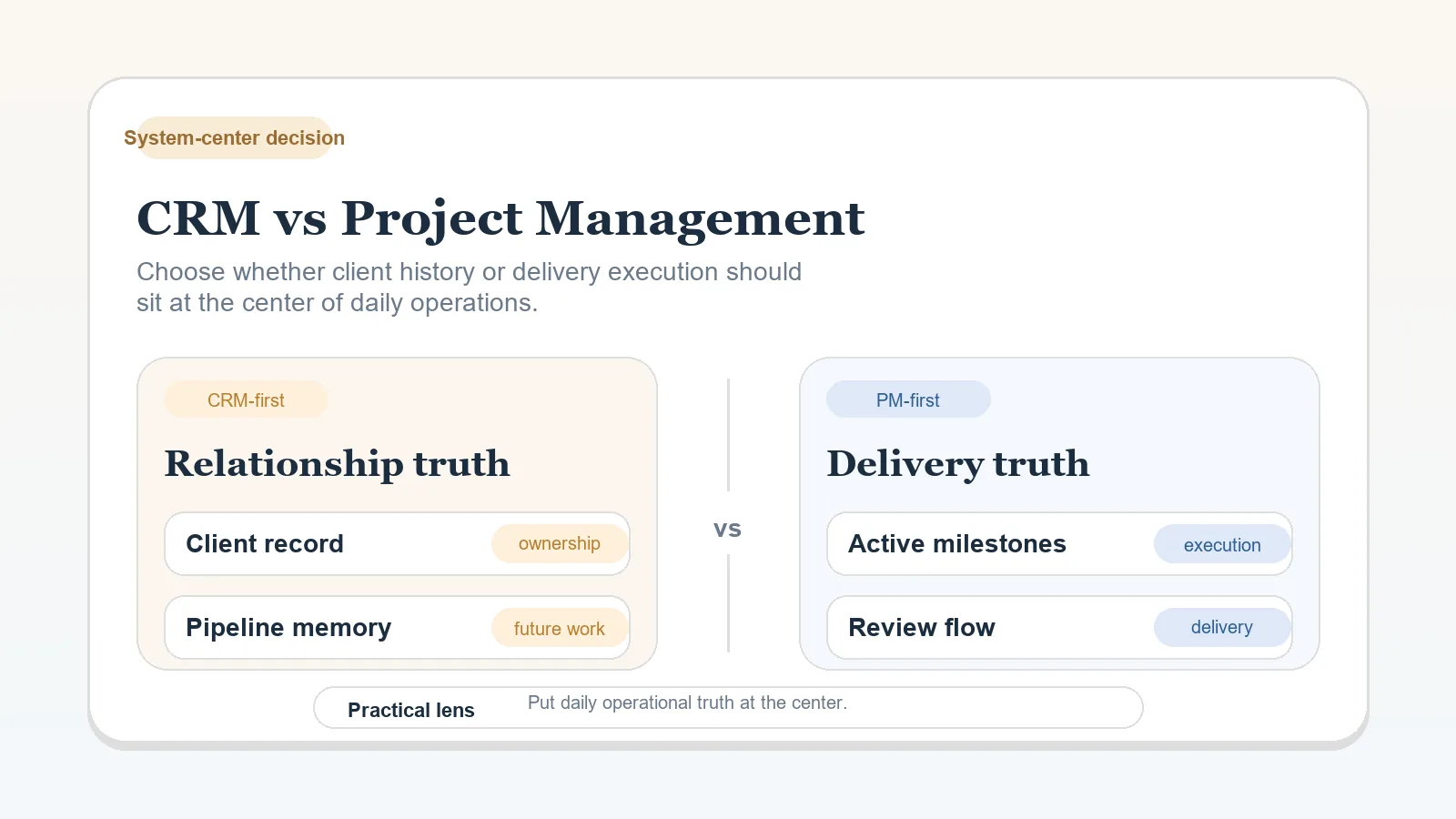
If you still have not chosen CRM-first, PM-first, or hybrid, start with CRM vs project management for client workflows.
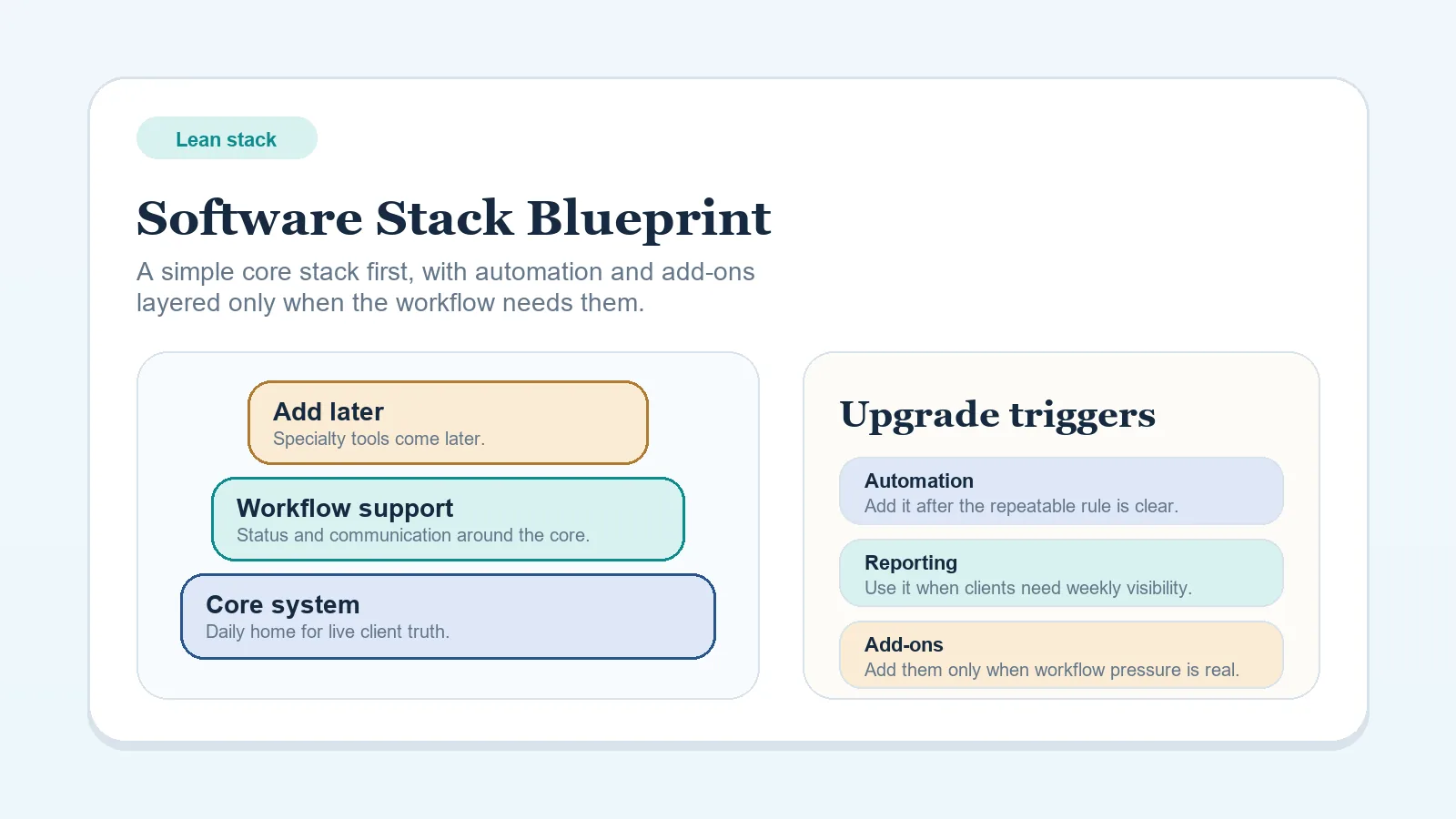
If you still need the broader stack model first, start with Lean software stack blueprint for solo freelancers.
Choices outside these rules
These rules do not decide:
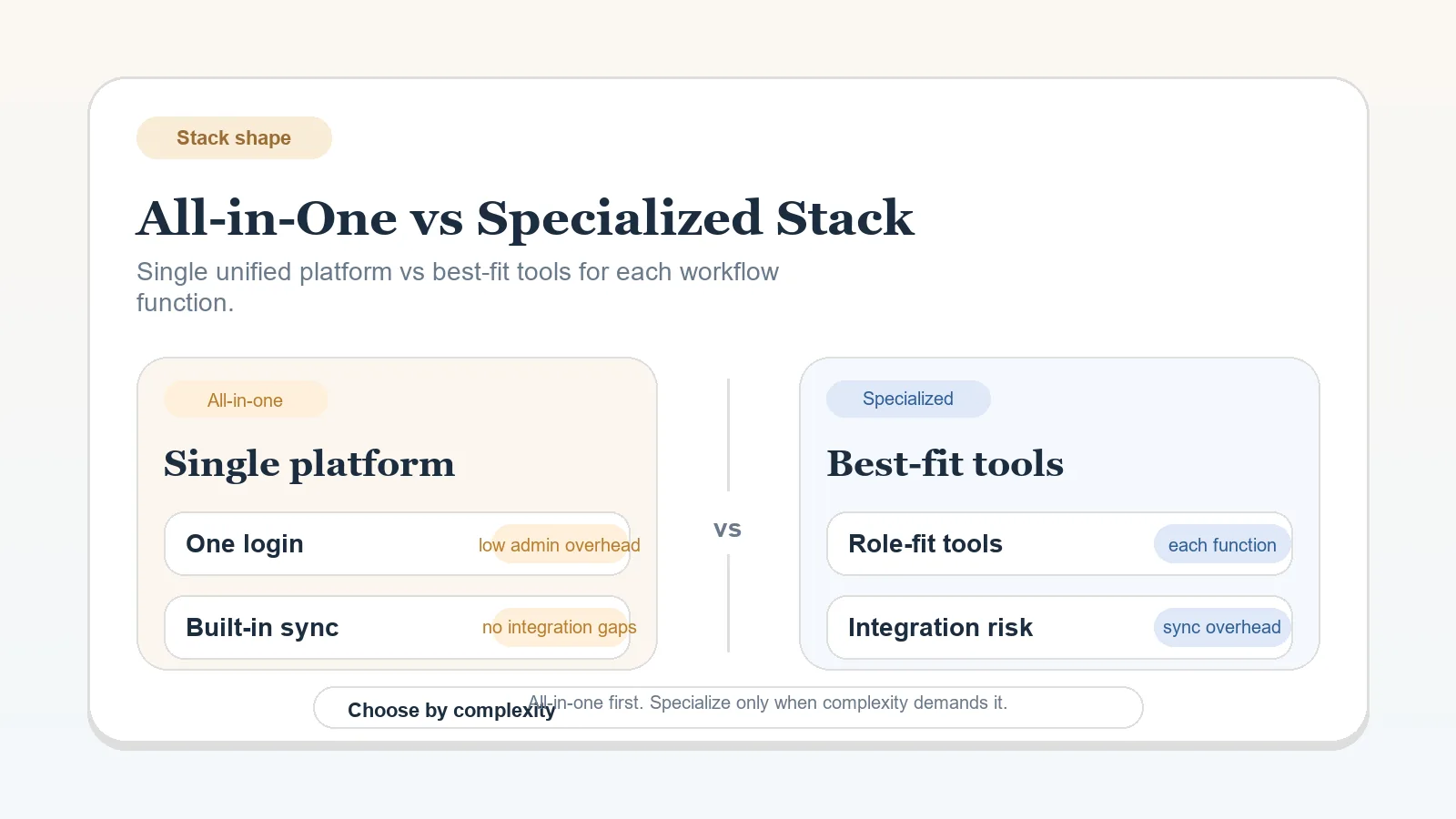
- whether the business should stay all-in-one or move toward a specialized stack,
- which tool category to buy,
- whether the current stack should be migrated this month,
- what the end-to-end workflow should be.
Set the stack shape, tool purchases, migration timing, and end-to-end workflow separately. This worksheet turns those choices into explicit record-ownership rules.
Assign authority and define each handoff
- Fill it from current operating reality, not from the ideal future stack.
- Name one owner for each live data type.
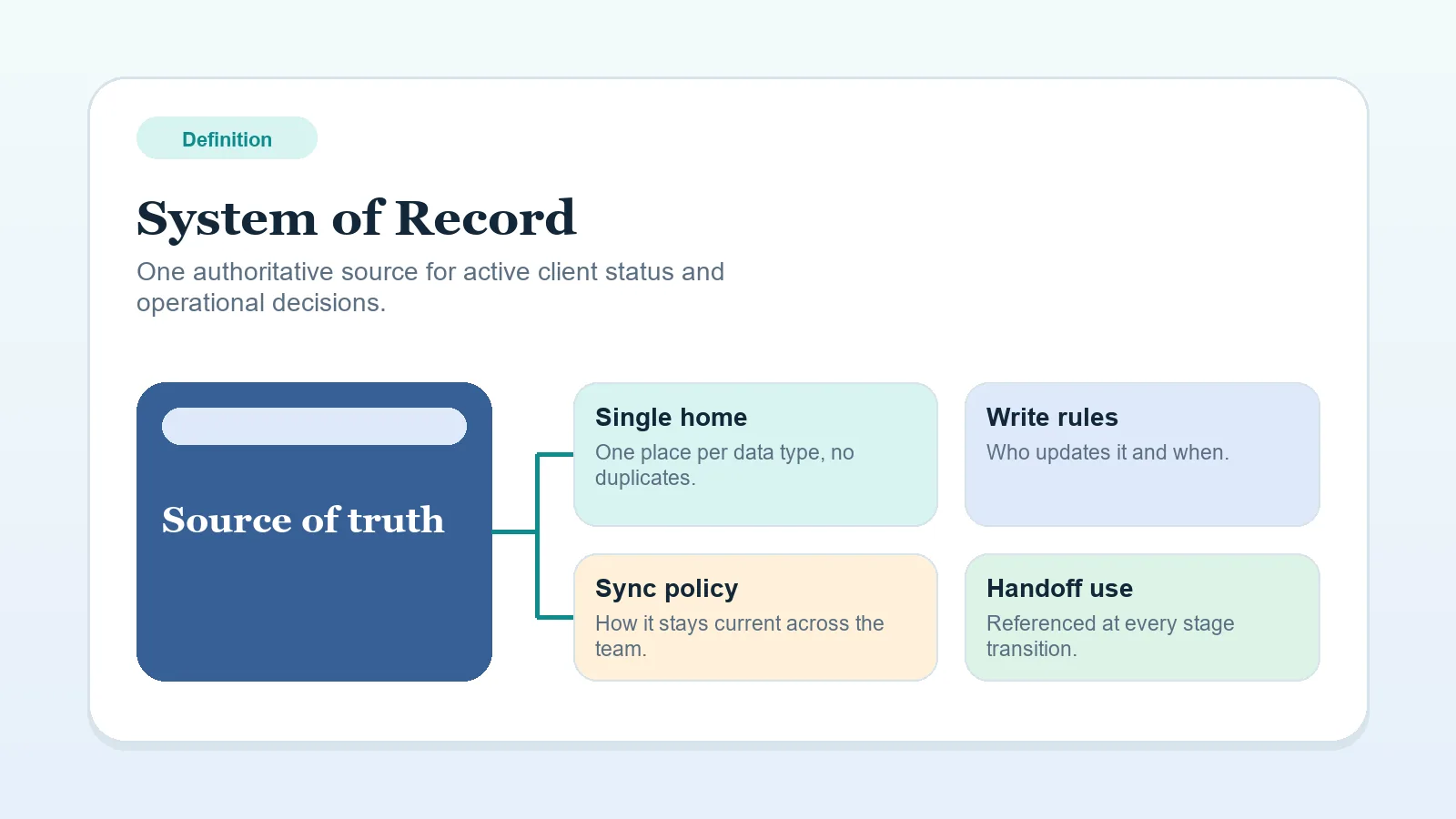
- Mirror only fields with a named source, owner, and update rule.
- Write the handoff note for every place one system stops and another begins.
If a critical question requires two tools, define which record resolves any difference between them.
Inputs required for useful rules
- which tool is intended to be authoritative for live client operations,
- which tools are still active enough to matter,
- whether the current problem is ownership clarity rather than tool selection.
If you are still choosing categories instead of writing rules, settle the broader stack decision first.
System-of-record rules worksheet
| Data type / operating question | Authoritative tool | What may be mirrored | What must stay single-source | Handoff / sync note |
|---|---|---|---|---|
| Client stage and next action | Example: PM workspace | Calendar reminder only | Current stage, next owner, due date | CRM stops after signed agreement |
| Proposal status and approval state | Example: CRM | Project kickoff date after approval | Open proposal status, pending revision state | Copy approved scope summary into PM at handoff |
| Invoice status | Example: Billing tool | Sent / partially paid / paid / overdue status when needed for delivery | Invoice detail, balance, and payment history | Name the update owner; refresh after sending, receipts, due-date changes, or dispute resolution, and record when checked |
Client record ownership
Write one explicit rule for:
- where the active client record lives,
- where current lifecycle stage lives,
- where the next required action lives,
- who updates that record.
If “client record” means different things in different tools, define the primary one now and label the others as supporting only.
Delivery / work item ownership
Document:
- where milestone status lives,
- where task or work-item status lives,
- where blockers or dependencies are logged,
- where delivery approval becomes visible.
Keep the live delivery record sufficient to show what is blocked without reconstructing status from an inbox or chat thread.
Proposal / scope ownership
Document:
- where open proposal status lives,
- where revision requests are logged before approval,
- what marks proposal approval as final,
- what changes systems when approved scope becomes active work.
After signature, route changes to the agreed scope through the change-request process, including requests made before kickoff. Keep pre-signature proposal revisions separate from changes to the signed baseline.
Invoice / payment ownership
Document:
- where invoices are created,
- where payment state is authoritative,
- what billing signal needs to be mirrored, if delivery decisions depend on it,
- who is responsible for updating overdue or paid status visibly.
The billing system can own payment events while another tool mirrors a smaller operational signal. Limit that mirrored field to the billing state needed for current work.
Communication history rules
Define:
- where email or chat history lives,
- what decisions must be copied out of messages,
- what kinds of approvals can stay in communication tools,
- what must be logged back to the active record when the decision occurs.
Do not let convenience turn message history into accidental system-of-record behavior.
What can be mirrored vs what should stay single-source
Possible candidates to mirror, when the source remains clear:
- reminder dates,
- paid / unpaid signal,
- link back to the source record,
- client name and project label.
Keep these single-source unless the workflow requires otherwise:
- current stage,
- next owner,
- official proposal status,
- deliverable approval state,
- invoice detail and payment event history.
When a field changes often and affects an action, document a deliberate synchronization rule or keep it in one authoritative record.
Sync / copy / manual handoff notes
For each boundary between systems, write:
- what event triggers the handoff,
- what exactly gets copied or synced,
- who is responsible,
- what should never be copied by a sync rule without review.
Example: “When proposal is approved, copy approved scope summary and kickoff date into PM workspace. Do not sync open revision comments.”
Warning signs of weak system-of-record design
- two systems show conflicting current client status,
- approvals live in messages but never get logged back,
- invoice state affects delivery decisions but is invisible in the main operating record,
- operators keep asking where the real version lives,
- a mirrored field is treated as authoritative because it was easier to check.
Put the ownership rules to work
- If the system-center boundary is undefined, use CRM vs project management for client workflows.
- If ownership is now clearer but the stack is still bloated, use Stack audit and consolidation worksheet for solo operators.
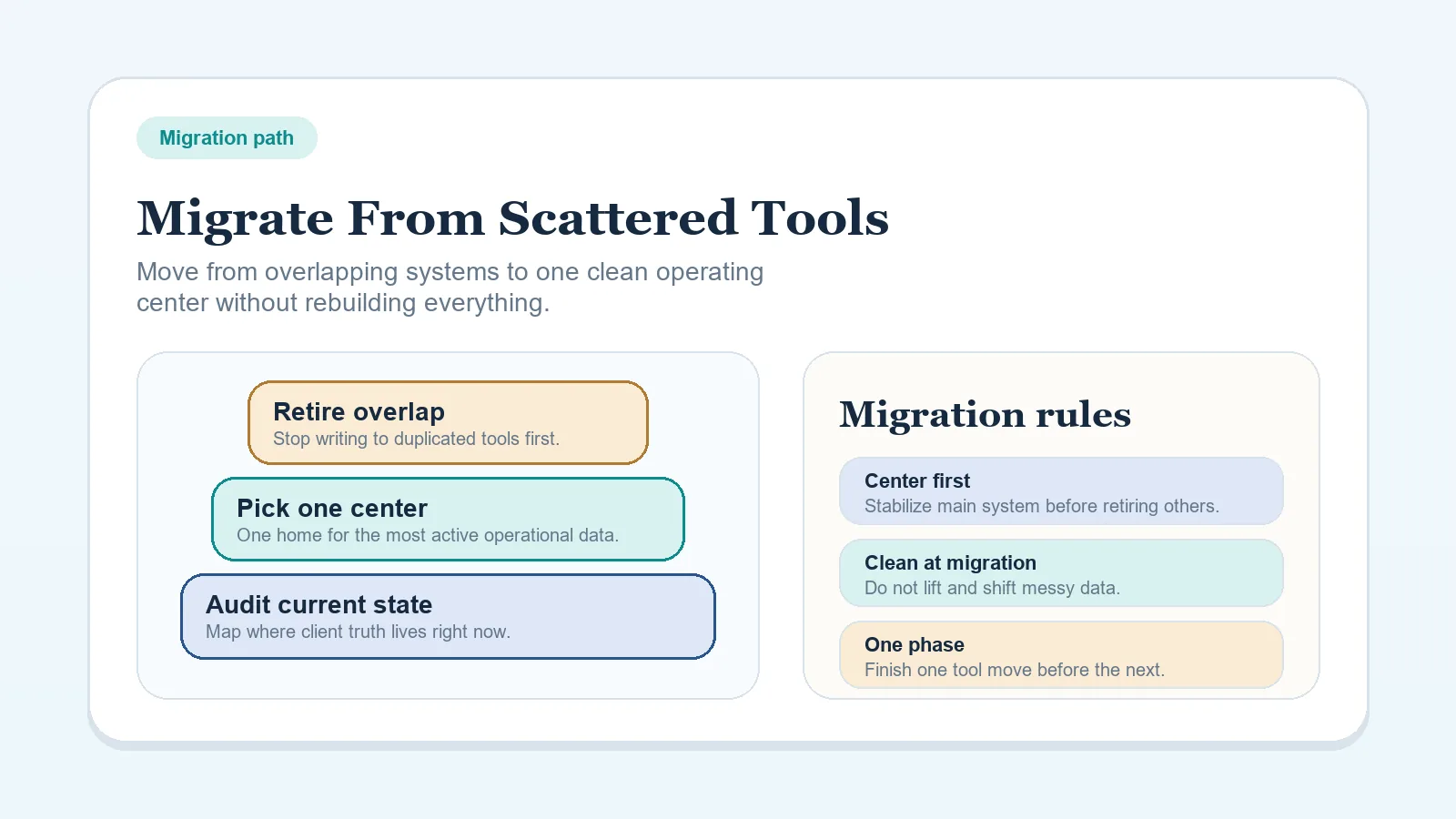
- If the rules are clear and the problem is moving the live system safely, continue to How to migrate from scattered tools to one workflow system.
- If the broader stack model is undefined, use Lean software stack blueprint for solo freelancers.
- If decisions about scope, approval, and billing keep getting relitigated even with clear ownership rules, run the Client decision log workflow for freelancers and solo service businesses.
Rules check
The rules are ready when:
- each major data type has one explicit owner,
- mirrored fields are narrow and intentional,
- every live handoff between systems has a written trigger and owner,
- the written rules identify the authoritative record without requiring a second-tool check.