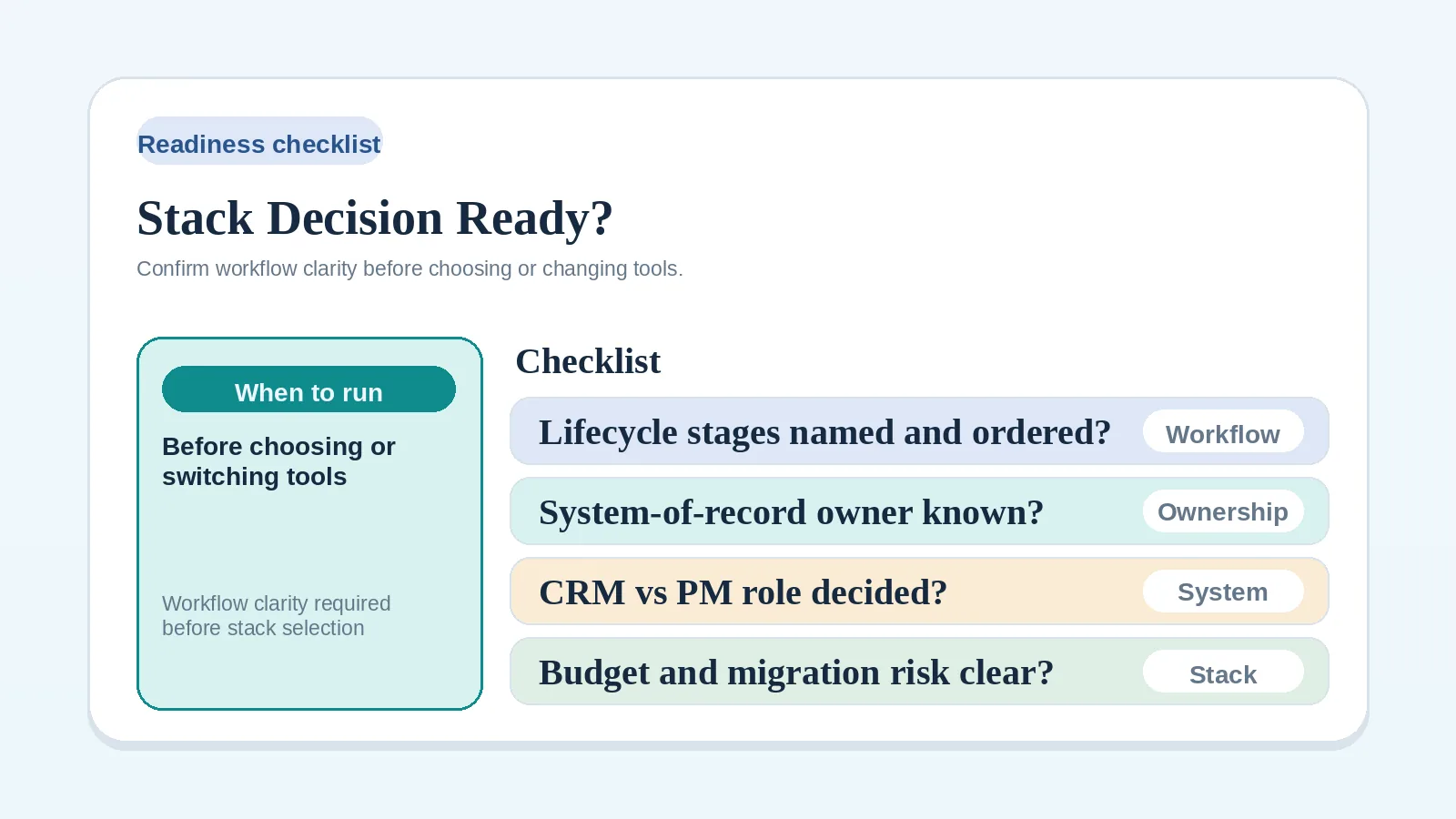
Before comparing tools, subscribing to software, or switching your current stack, check whether the process and ownership rules are clear enough to state what a tool must do.
A stack decision is premature when the workflow problem, system owner, or constraint is still undefined. Leave those items unchecked and resolve them before comparing products.
Clarify the workflow first when
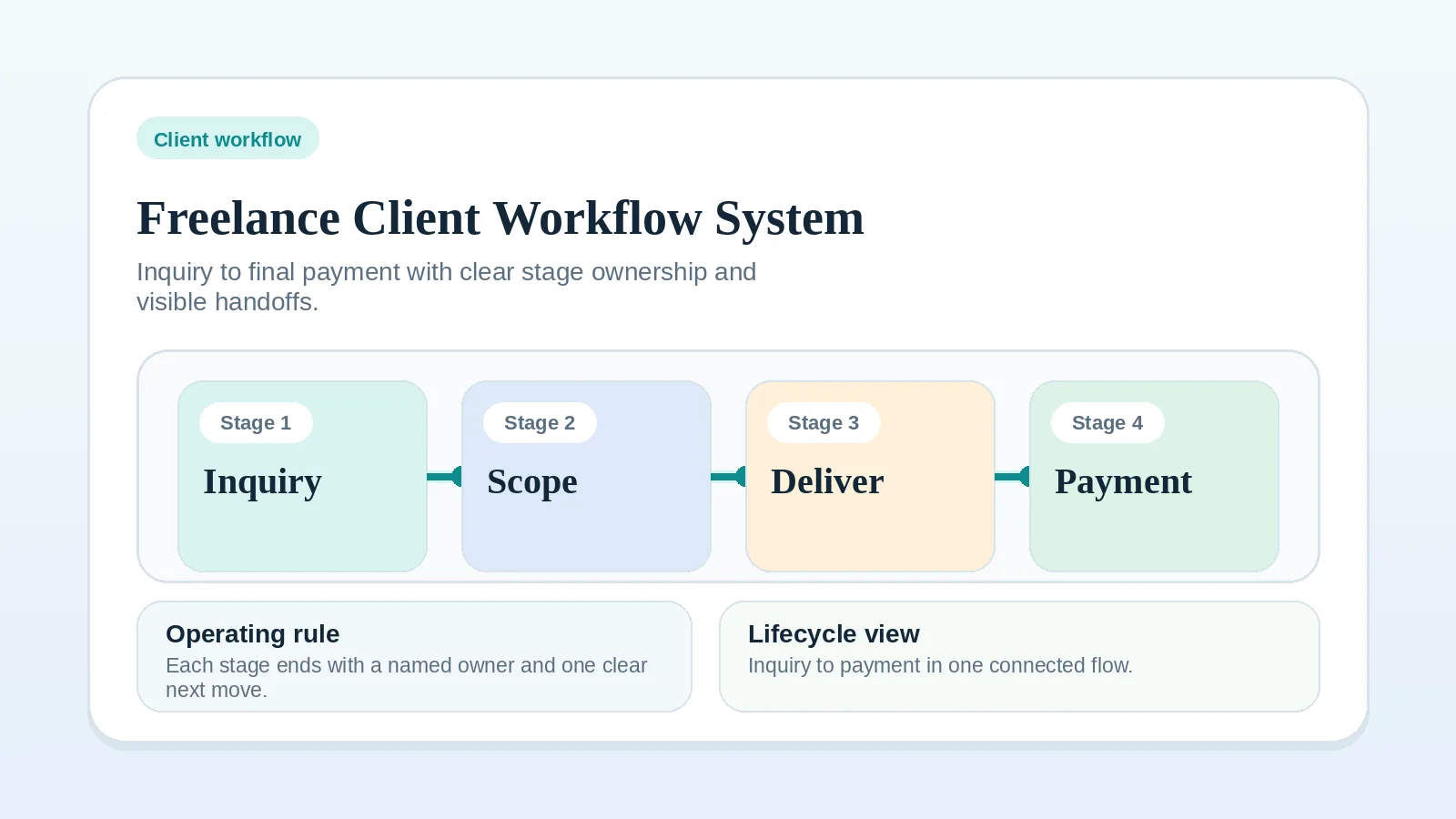
- the full client lifecycle order is still unclear. Start with Freelance client workflow system: inquiry to final payment,
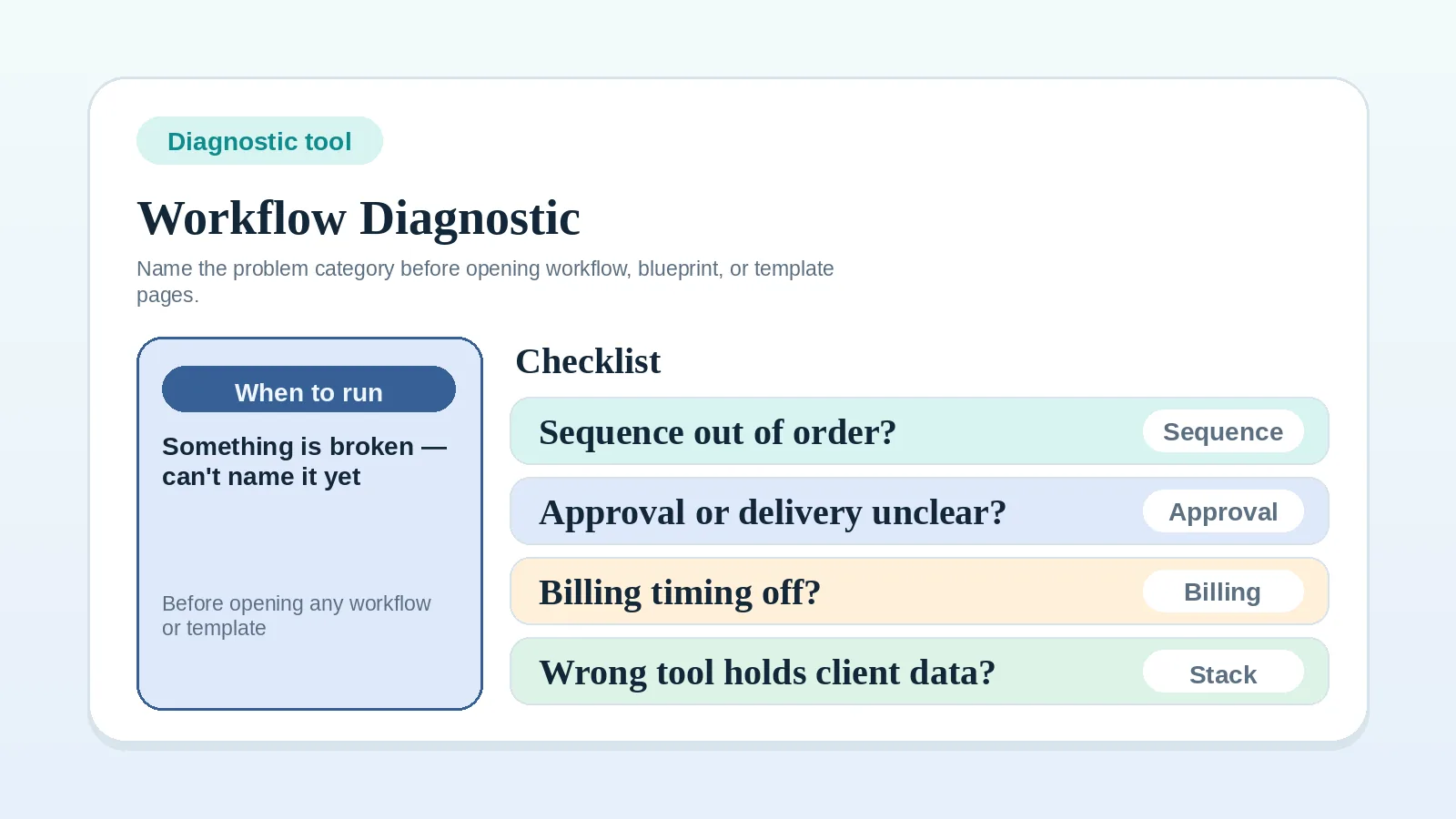
- you cannot name the problem category. Use the Workflow diagnostic checklist,
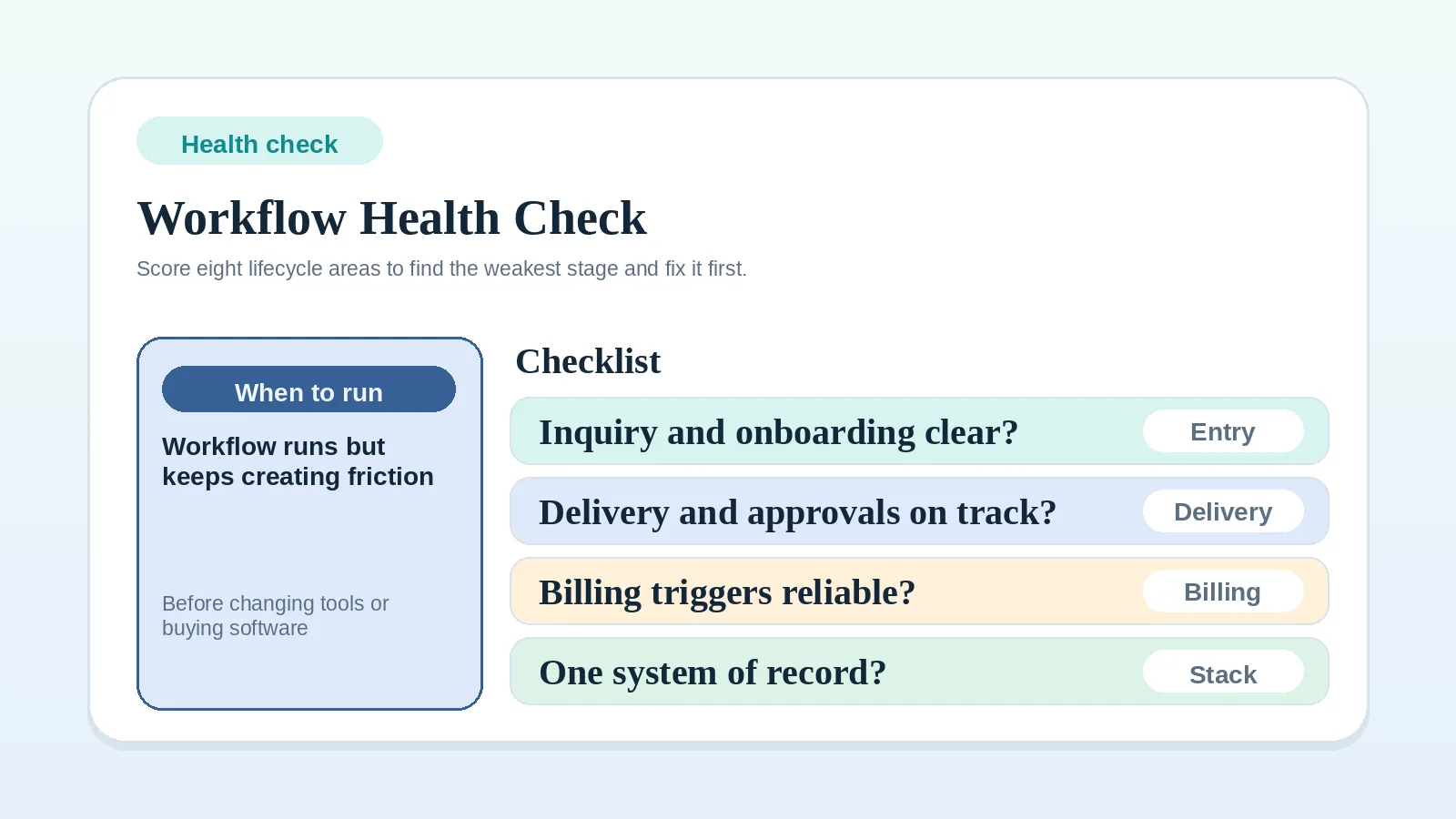
- you are not sure which workflow stage needs attention. Use the Client workflow health check as a self-review aid before looking at tools.
Evidence needed before a tool comparison
Check every item that is currently true. Unchecked items are workflow gaps to fix before moving to tool selection.
Client lifecycle clarity
- The client lifecycle stages are named (inquiry, proposal, onboarding, delivery, approval, billing, closeout).
- The order of stages is consistent across comparable projects, with exceptions documented.
- Each stage has a defined trigger for starting and a defined signal for ending.
System-of-record ownership
- There is one named authoritative record for each type of live client information.
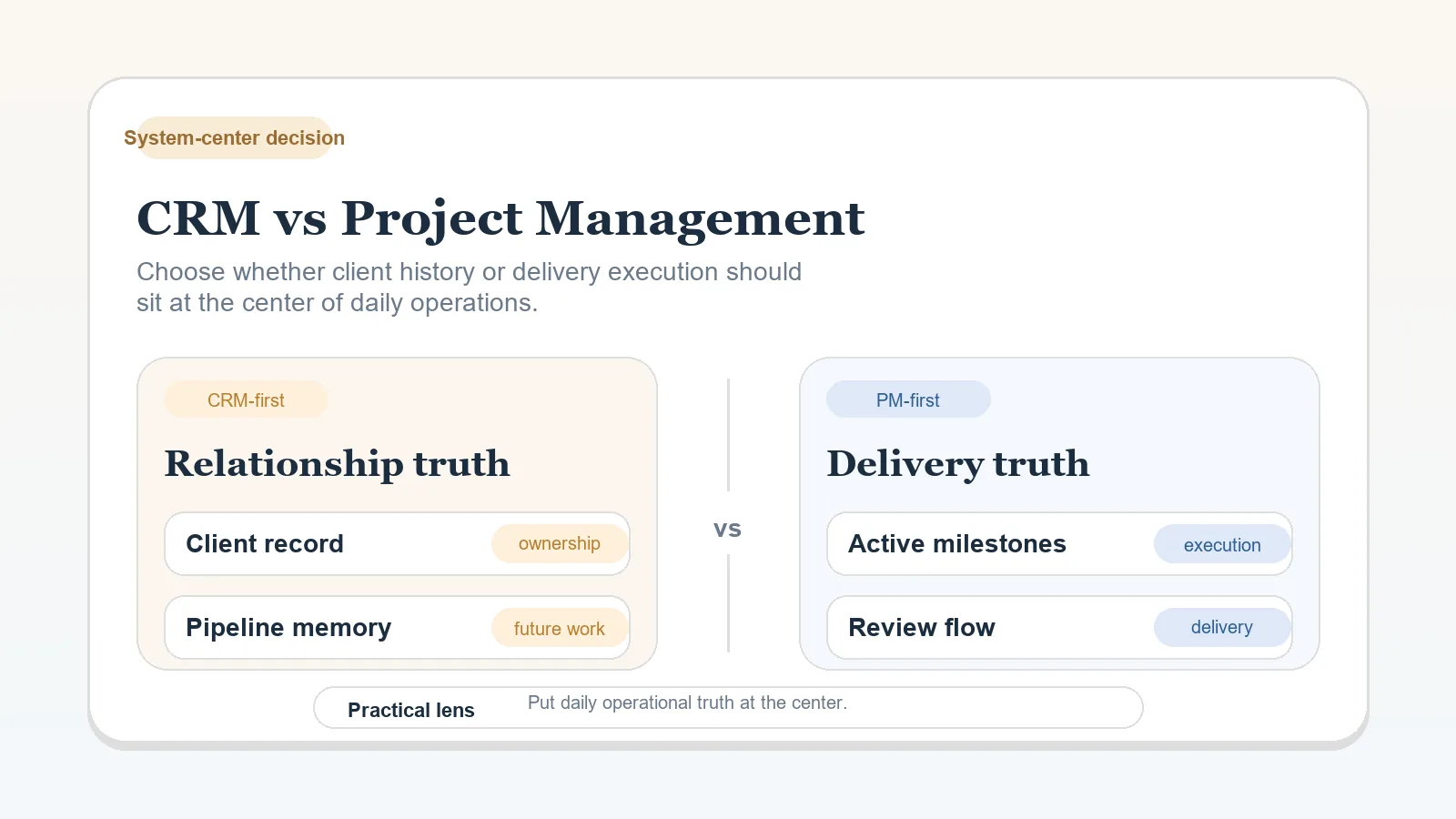
- The CRM and project-management roles are decided, including whether one or both are needed and what each owns.
- The approval source of truth is known: one location where formal client approval is recorded and tracked.
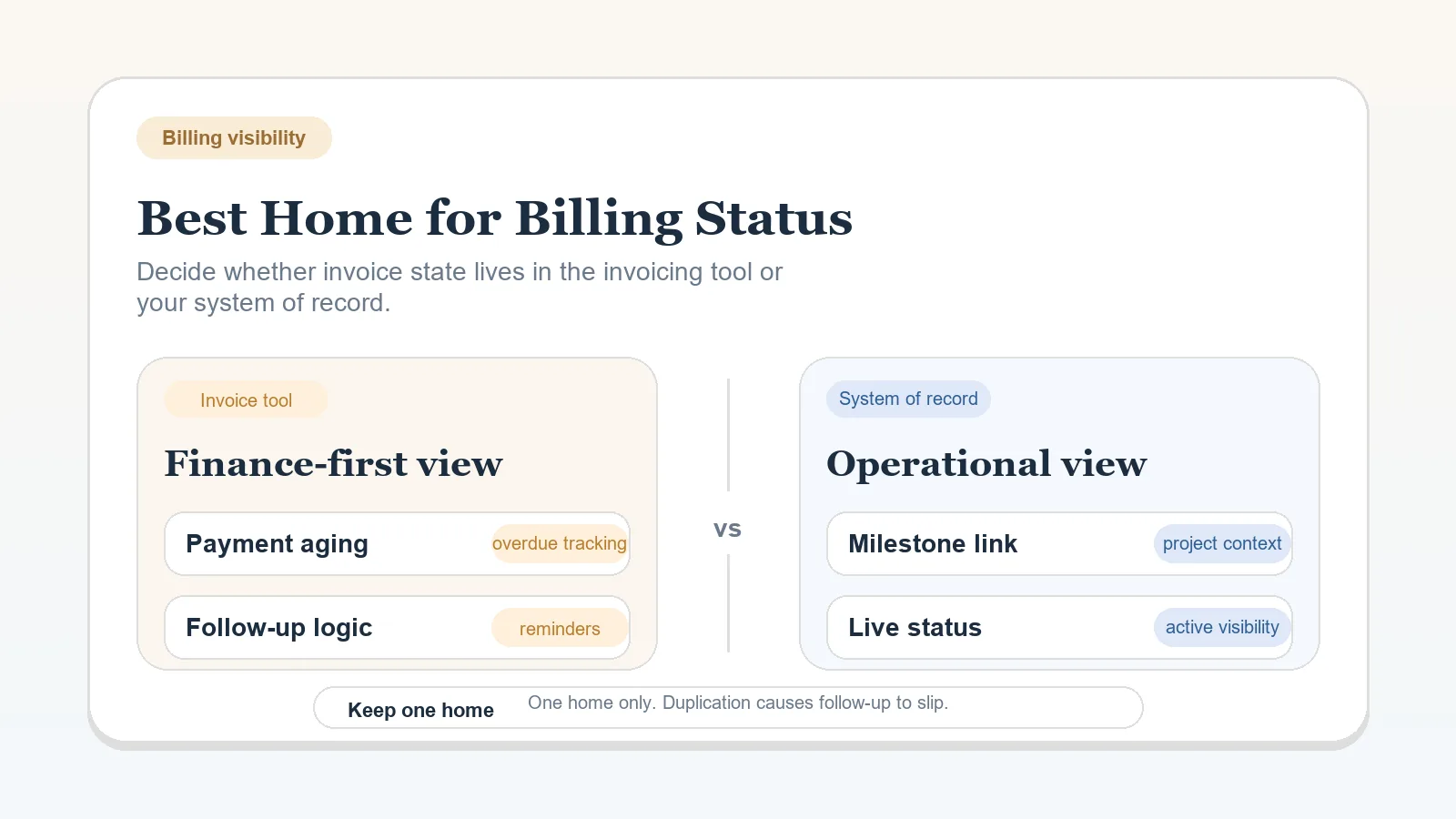
- The billing and payment-status home is known: one tool where invoice status and payment state are tracked.
- The client communication channel is governed by a rule for email, messages, or portal updates.
Recurring operations
- Recurring tasks are documented well enough to know which tool should hold them.
- The templates and checklists needed for each stage are identified.
- Any integration needs are tied to a documented current handoff or data problem.
Stack constraints
- Budget limits and acceptable ongoing maintenance time are clear.
- Migration risk is understood and acceptable, including data, history, active clients, and contract continuity.
When every item is checked
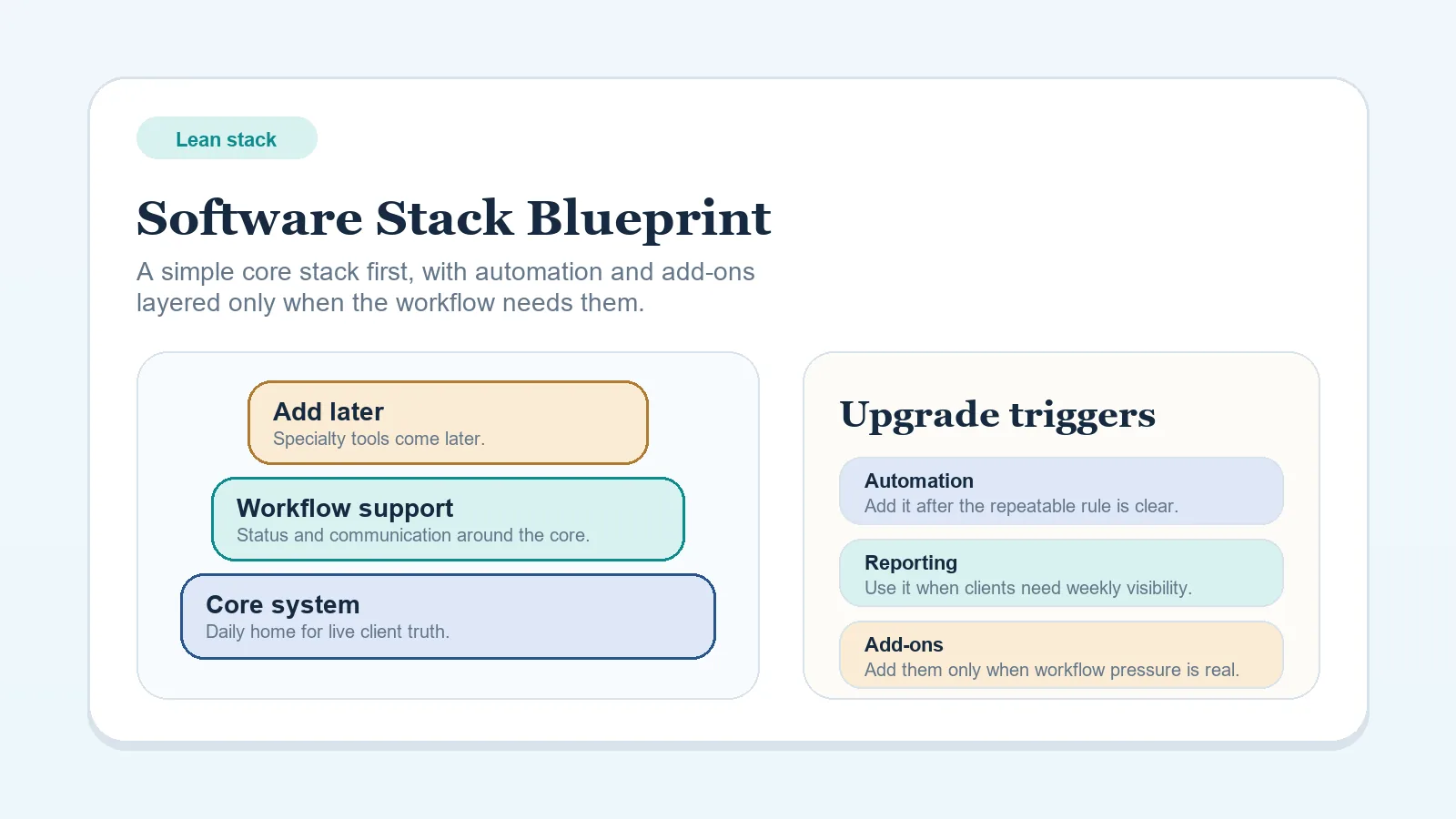
Keep the decision bounded to one role or one defined gap. Then use CRM vs project management to decide where the main client record belongs, or confirm the surrounding tools with the lean stack blueprint.
Signals to pause the tool decision
Stop and clarify the workflow first if any of these are true:
- Tools are being compared without a written description of the workflow problem they must solve.
- CRM, PM tool, spreadsheet, and inbox all carry conflicting versions of live client information.
- Approval and billing triggers are still unclear, including what counts as acknowledgment and what event permits billing under the agreement.
- The actual problem is follow-up consistency, handoff clarity, or ownership ambiguity rather than software capability.
Treat any of these as a workflow problem first. Use the Workflow diagnostic checklist to name the category, then open the relevant workflow.
Choose the next decision guide
| Decision or gap | First resource |
|---|---|
| Which tool should be the system center, CRM or PM? | CRM vs project management for client workflows |
| What stack shape fits a solo operator with a lean budget? | Lean software stack blueprint for solo freelancers |
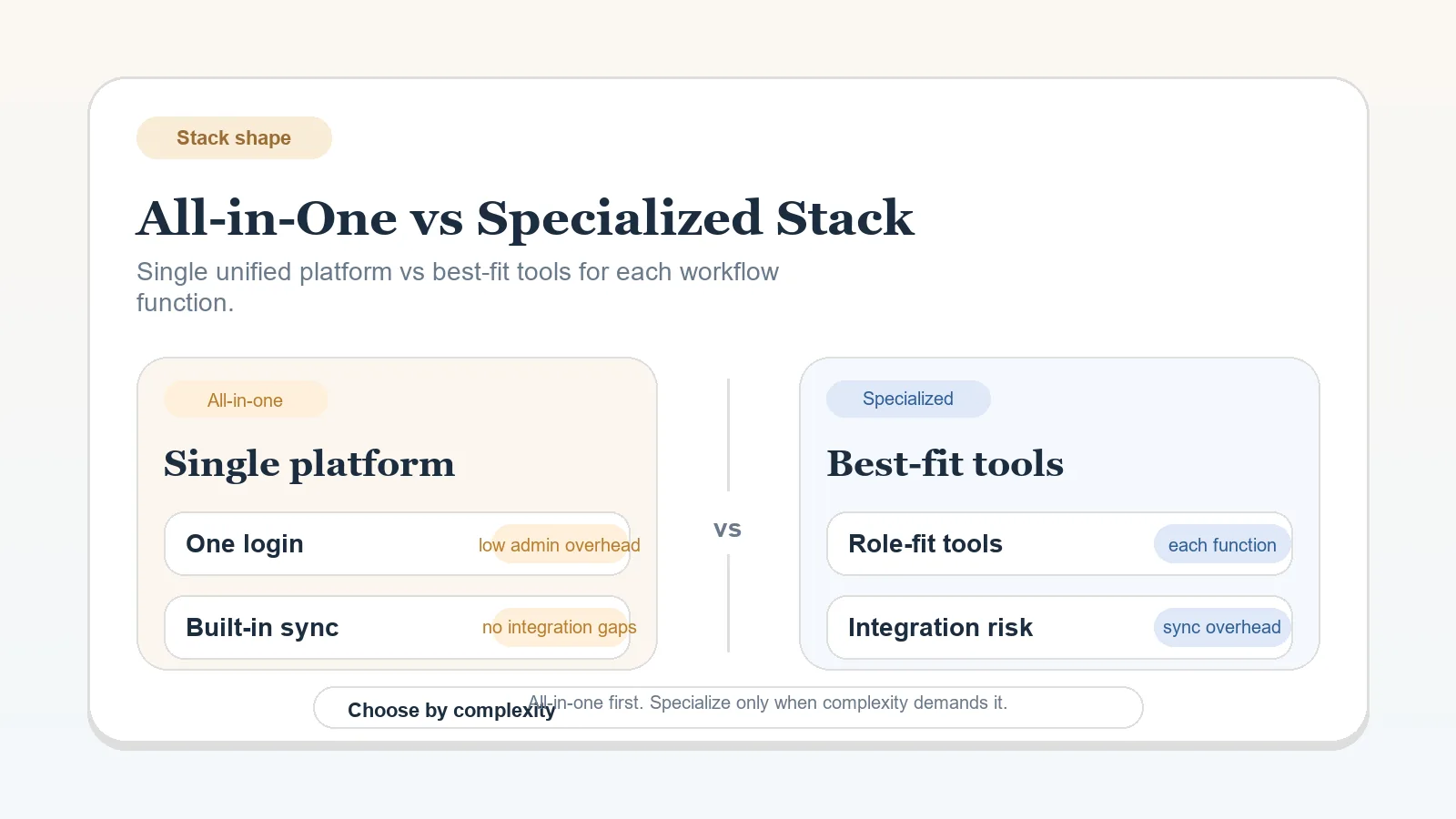
| All-in-one workspace or separate specialized tools? | All-in-one workspace vs specialized stack |
| Where should billing status and payment tracking live? | Billing status: invoicing tool or system of record |
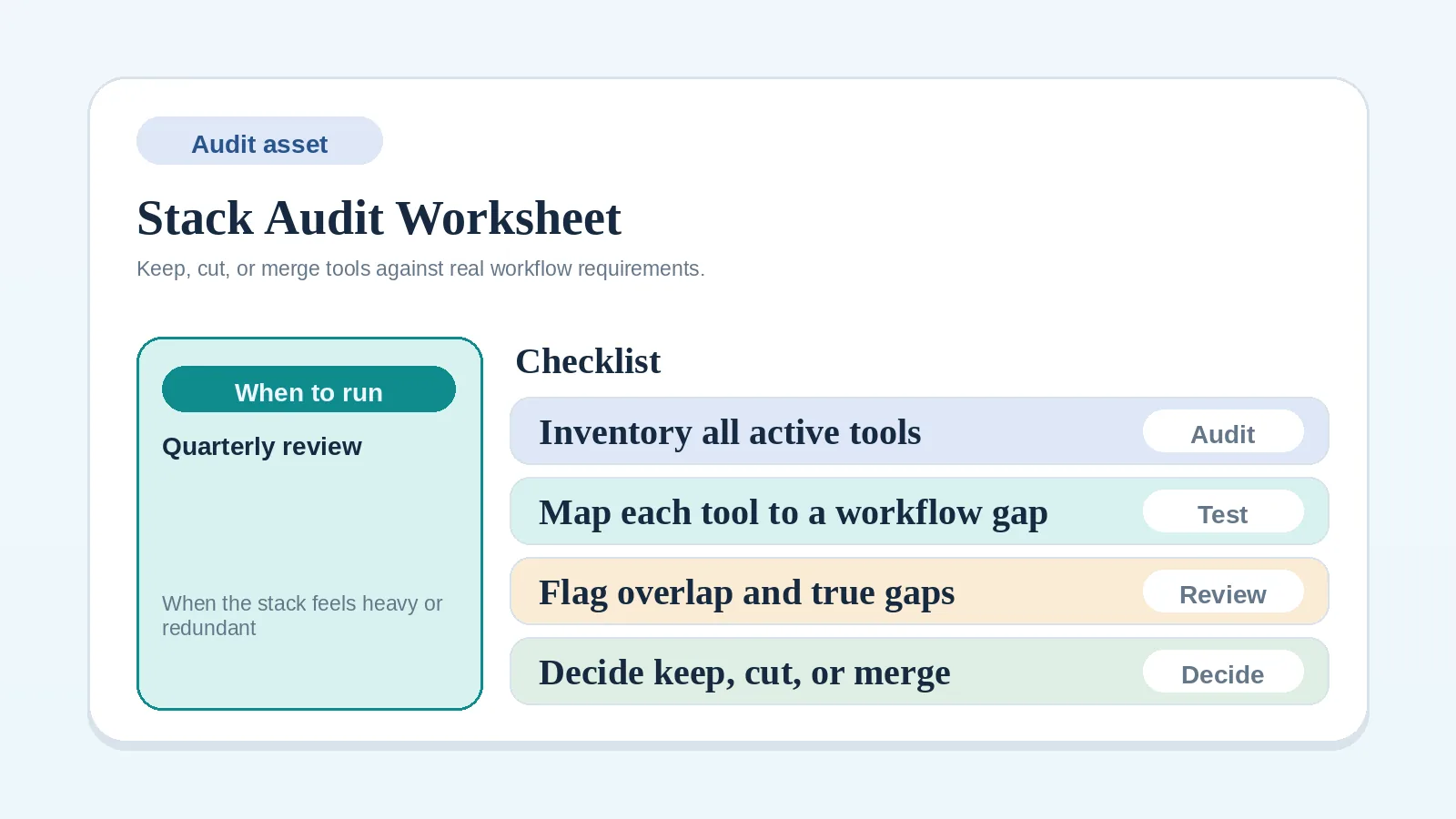
| What tools are currently in the stack and what should stay? | Stack audit and consolidation worksheet for solo operators |
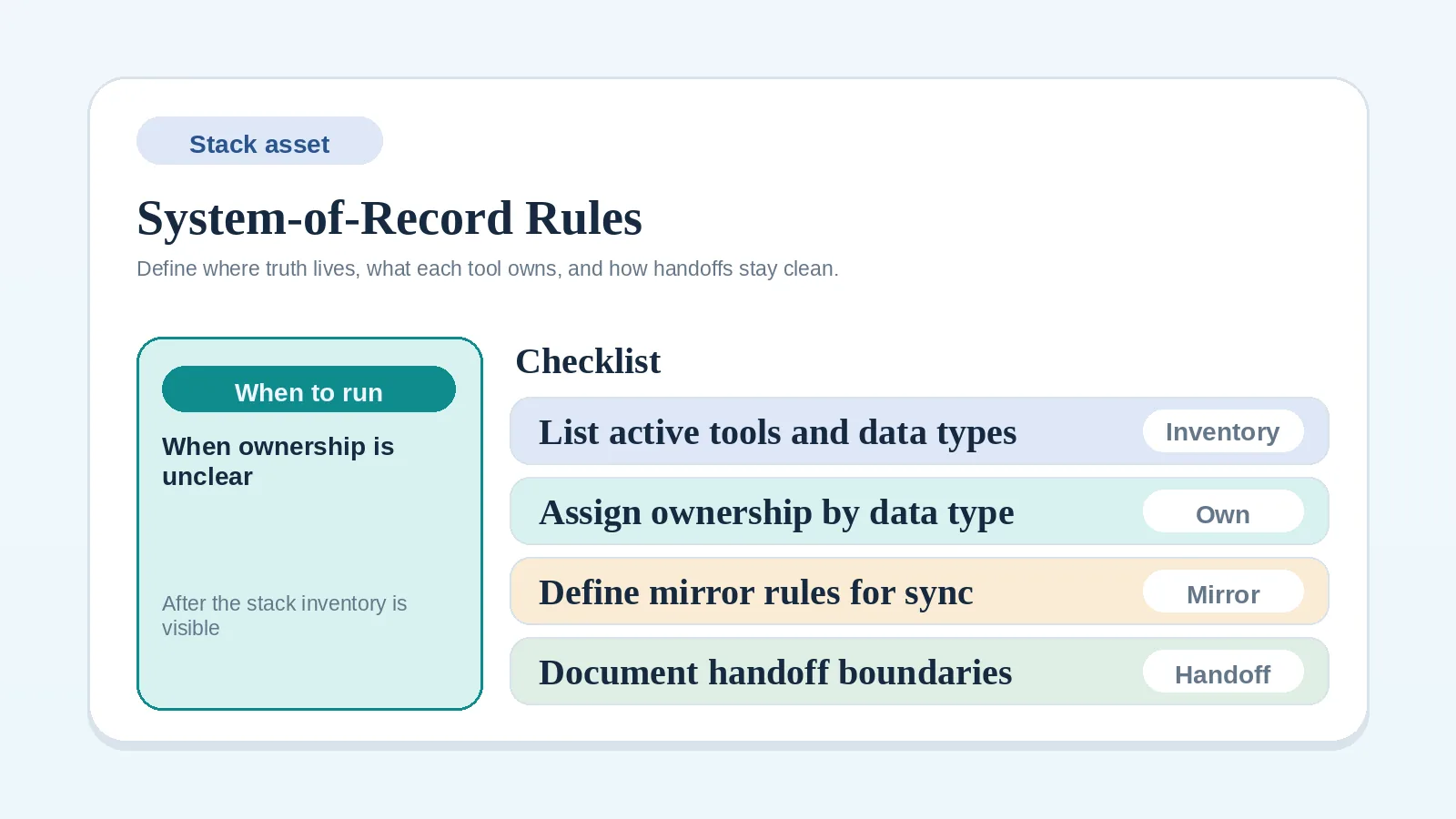
| Which record is authoritative for each type of client data? | System-of-record rules worksheet for solo operators |
| Which problem category is still unclear? | Workflow diagnostic checklist |
| A reusable bundle of templates and checklists for one lifecycle stage | Workflow starter pack |
What software cannot decide
Software stores the owners, triggers, and approval rules you define. It does not choose them, and adding another record can hide the gap. If a foundational item above is unchecked, resolve it before comparing products, then choose the smallest stack that supports the process.
Choose a tool for one defined role
Once the foundational items are checked, write the one operational role the new or changed tool must fill. Compare products against that role and the constraints recorded above, without expanding the decision to unrelated features.
If the stack needs broader review before adding tools, use the Stack audit and consolidation worksheet for solo operators to inventory what is already in place before adding anything new.