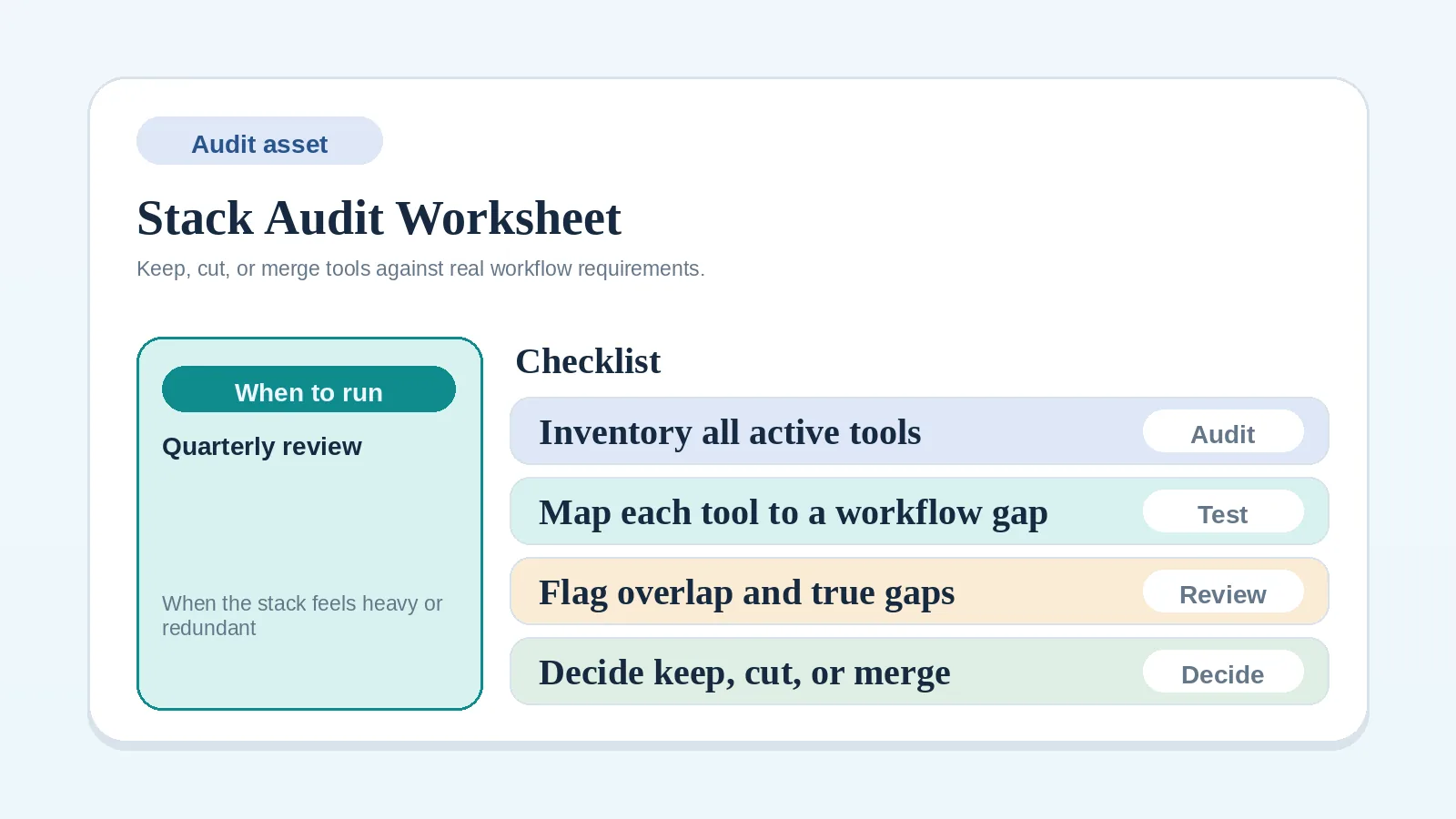
After choosing a stack model and before changing tools, inventory each live tool, then resolve record-ownership conflicts before planning a migration.
What an audit resolves
- two or more tools show conflicting client status,
- no authoritative tool is named for active client information,
- a migration is planned but its sequence is not documented,
- the keep, replace, and retire decisions have not been recorded.
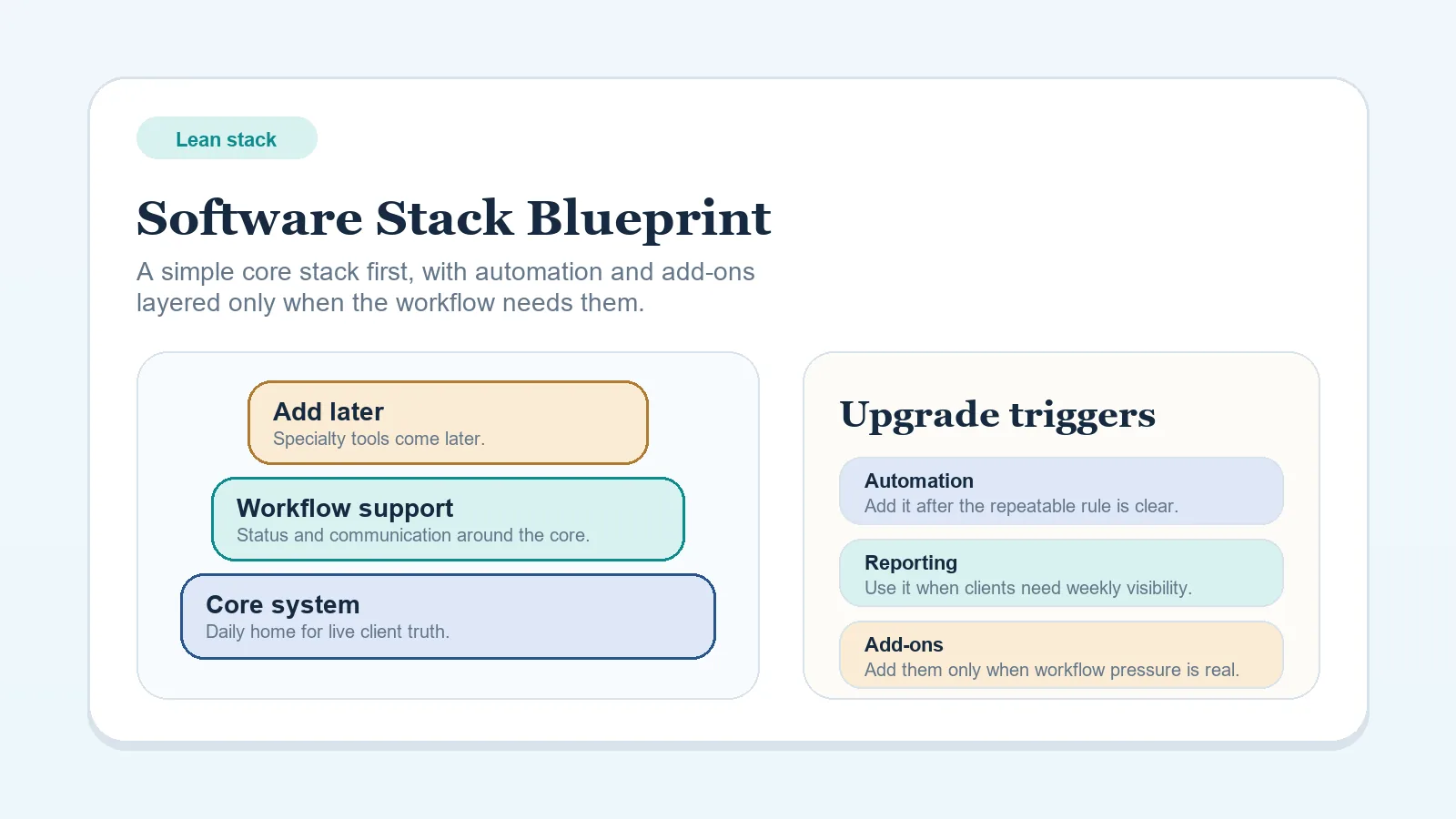
If you still need the broader stack model first, start with Lean software stack blueprint for solo freelancers.
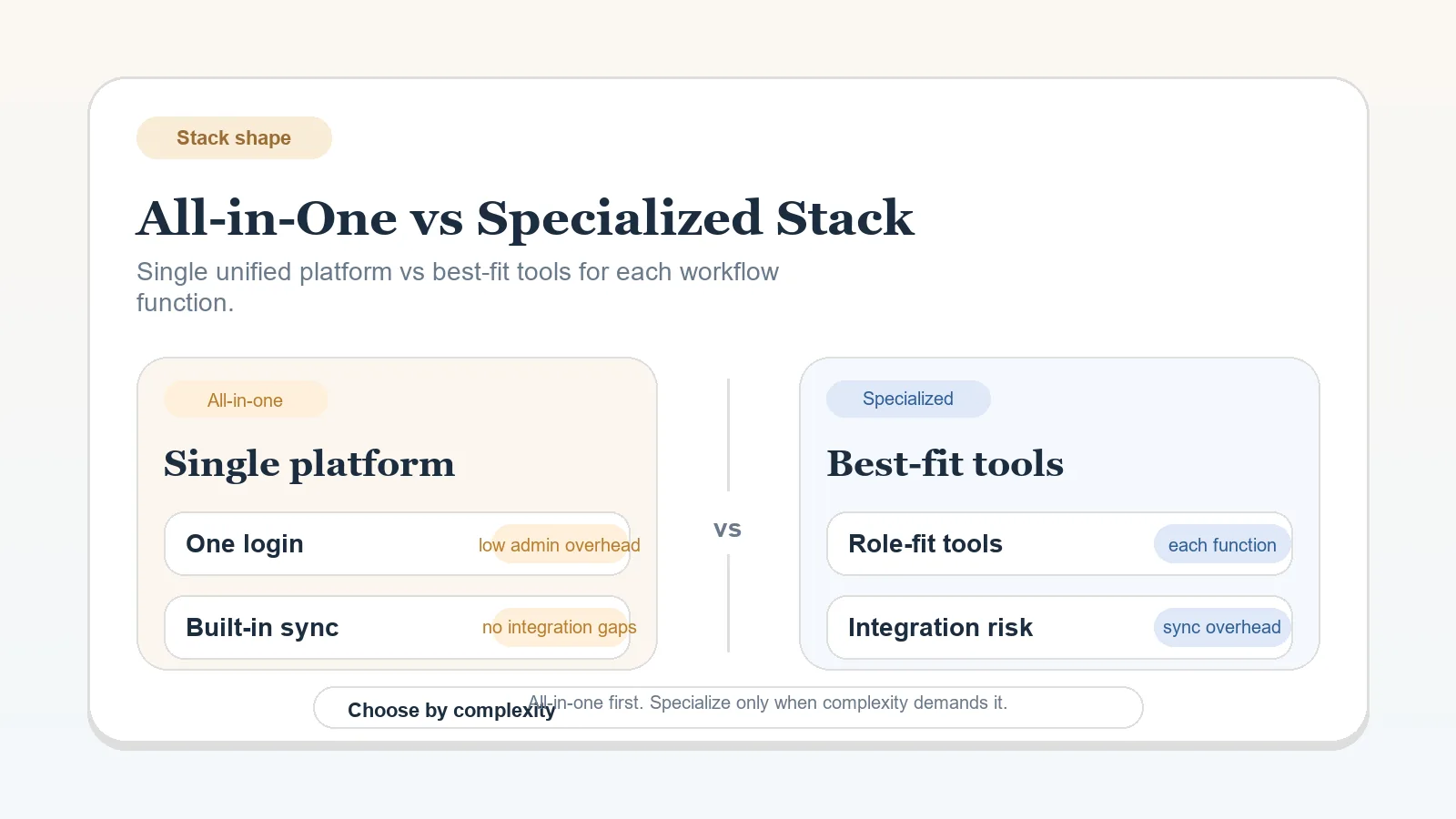
If you still have not decided whether the business should stay consolidated or split functions across a specialized stack, start with All-in-one workspace vs specialized stack.
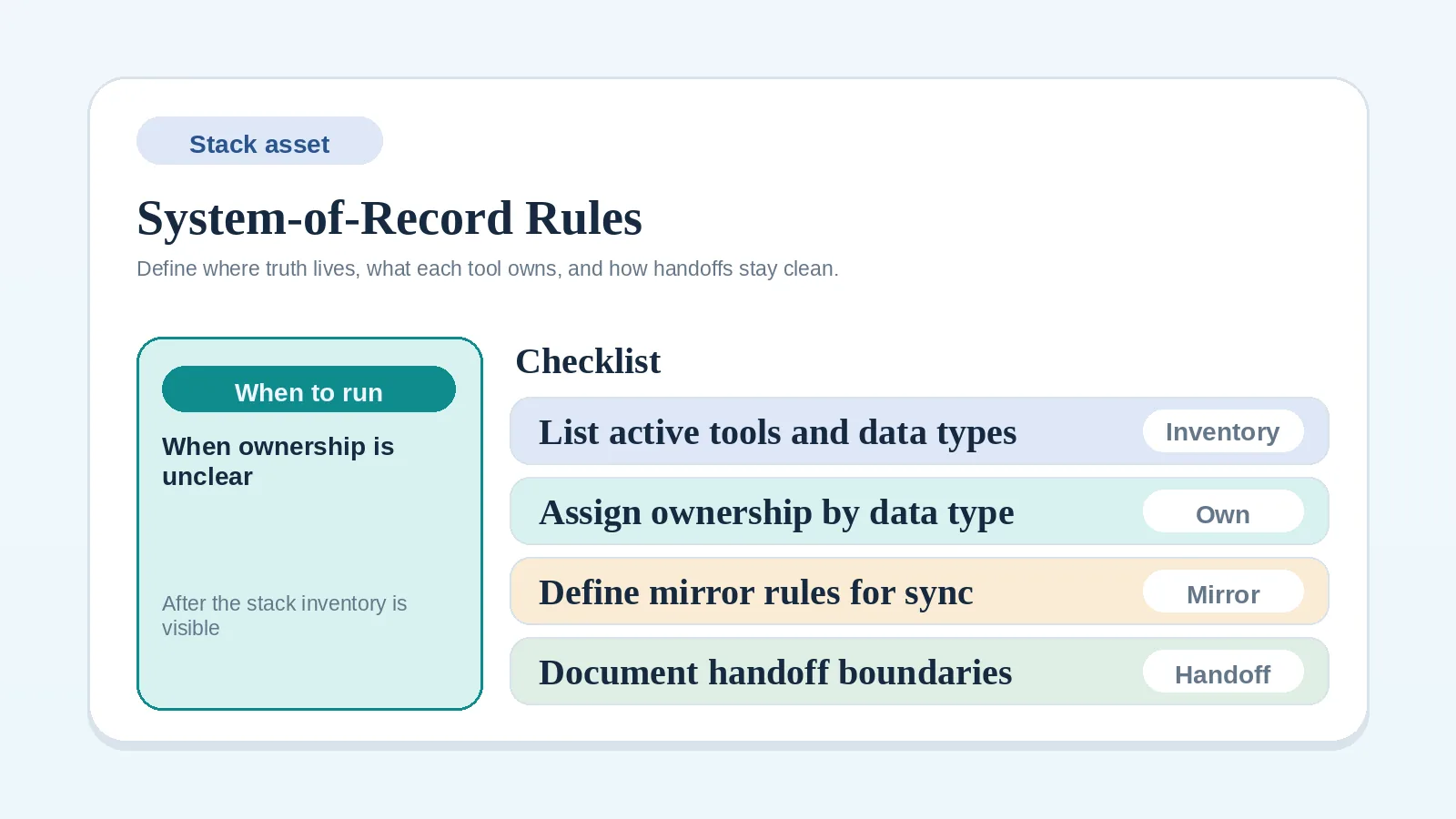
If the main issue is unclear data ownership between systems, use System-of-record rules worksheet for solo operators before trying to plan the cleanup.
Decisions that precede the audit
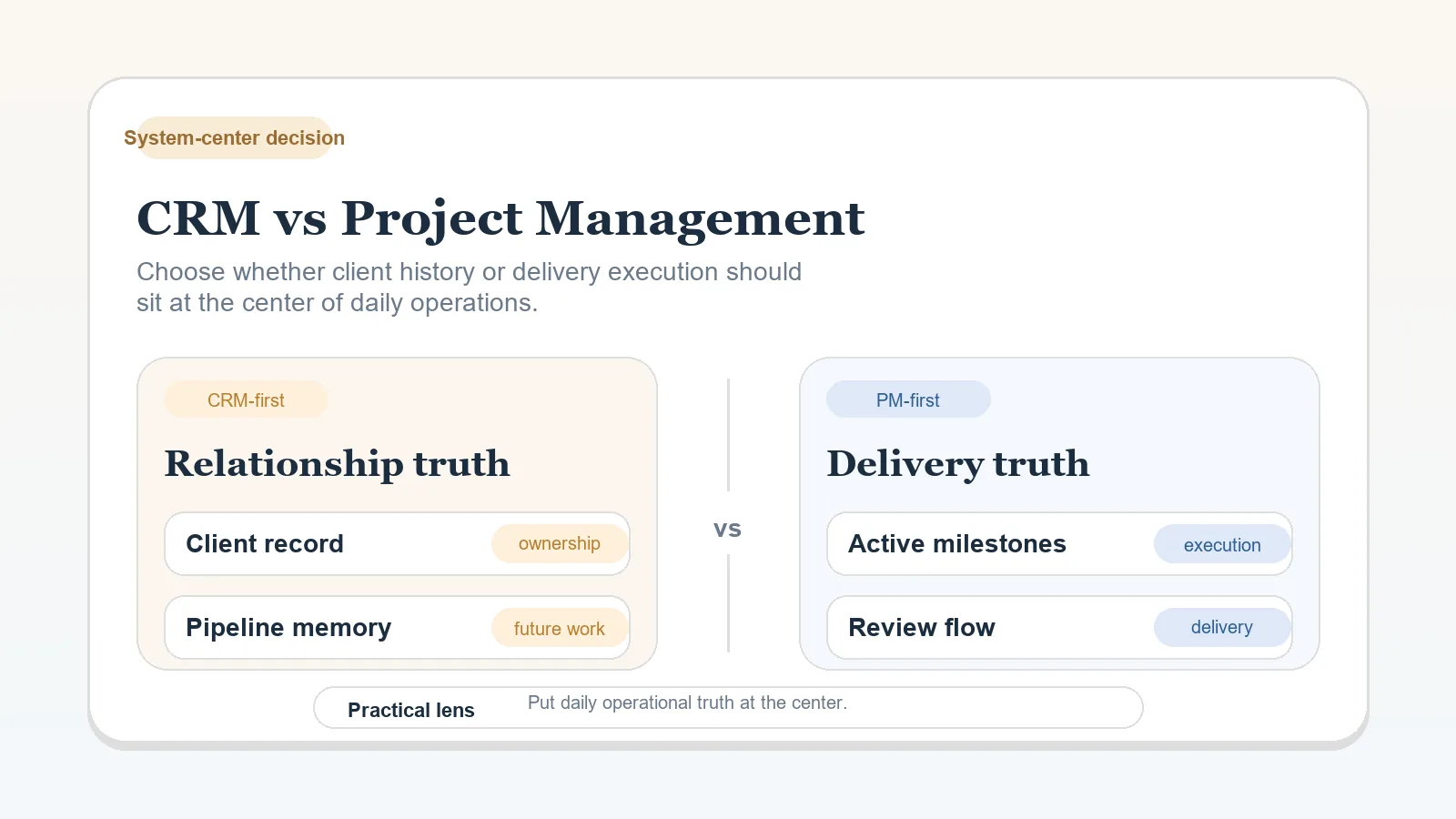
- whether CRM-first or PM-first is the right system center,
- whether the stack should stay all-in-one or become more specialized,
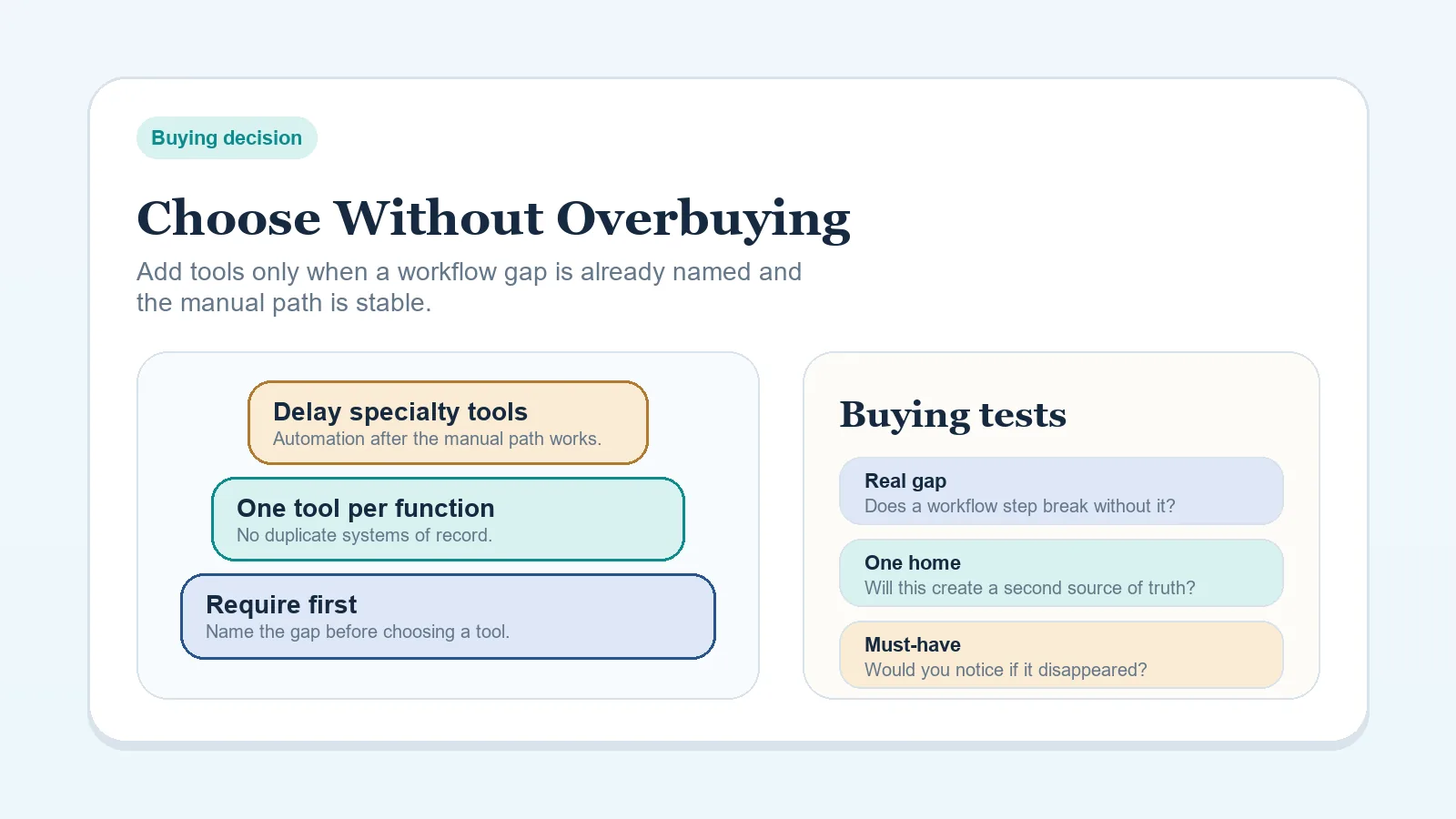
- whether a new tool deserves to be purchased,
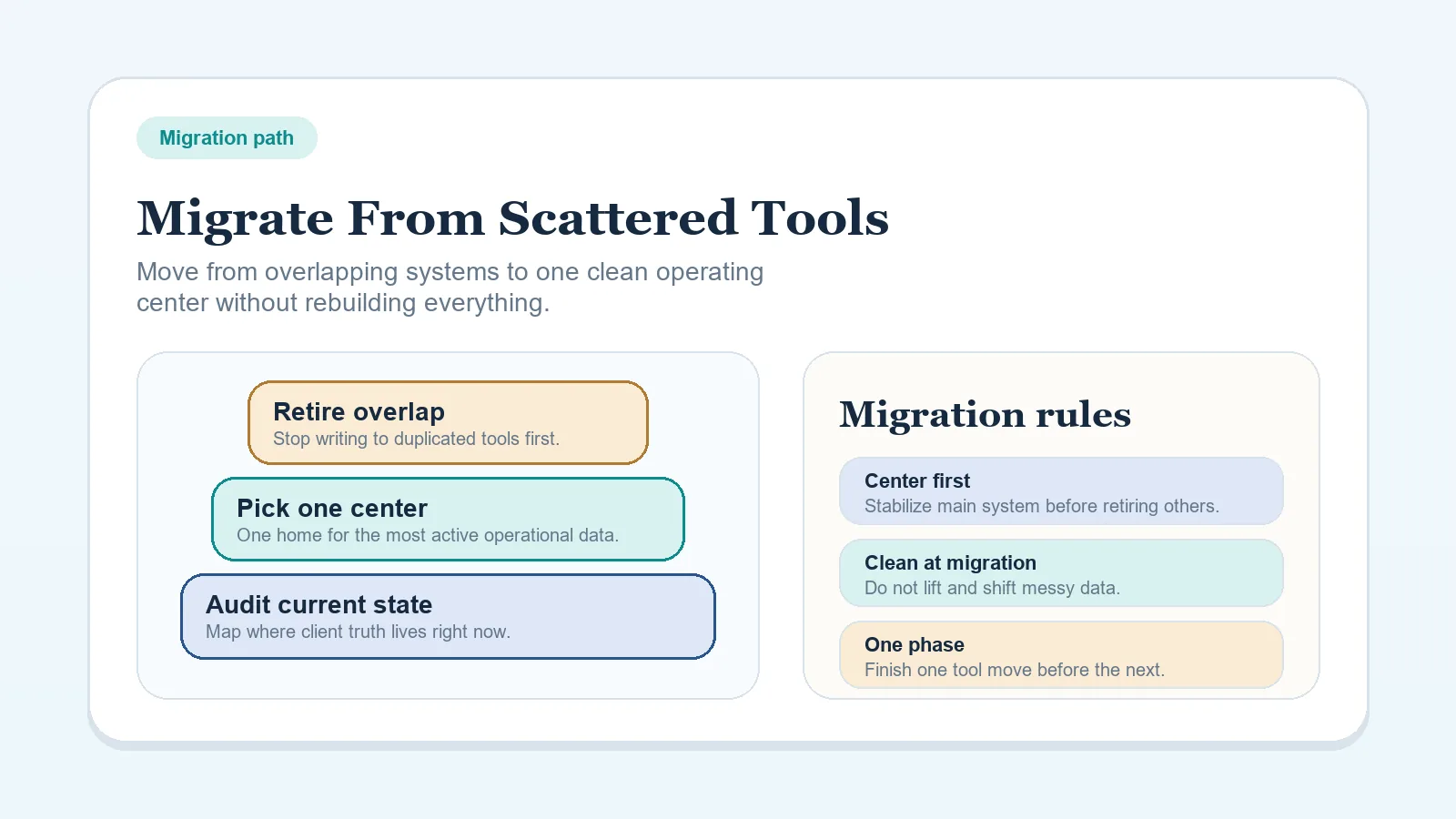
- how the full migration sequence should run week by week.
Choose the system center, stack shape, purchase boundary, and migration method separately. This worksheet documents the current stack so those decisions can be applied.
Audit from current operating reality
- List every tool that touches live client work, not just the tools you pay for most.
- Fill the worksheet from current operating reality, not from the stack you wish you had.
- Mark only one system as authoritative for each live operating role.
- Leave clear keep, replace, or retire decisions, and give any provisional row a named decision date.
When two tools both appear to hold current client status, record the conflict and designate the authoritative one.
Stack audit worksheet
| Tool / workspace | Primary role today | System of record here? | Keep / Replace / Retire | Migration boundary notes | Owner / dependency notes |
|---|---|---|---|---|---|
| Example: ClickUp | Active delivery tracking | Yes for live project status | Keep | Do not migrate closed-project archives into docs layer | Consultant updates milestones; VA can update admin-only fields |
| Example: Gmail | Client communication trail | No | Keep | Keep as communication layer only, not status tracker | Client approvals must be mirrored into system of record |
| Example: Old spreadsheet | Proposal pipeline | No | Retire | Archive after current leads are copied to new system | No one should update this after cutoff date |
Current tools inventory
Before making any decisions, capture:
- every paid app in the stack,
- every free tool still used for live work,
- every spreadsheet, doc, or shared folder that still holds current operating records,
- every workaround that compensates for a missing workflow rule or tool role.
If a tool is only used for archive or compliance reference, label it that way now. Archive tools should not be confused with live operating systems.
System-of-record identification
For each stage, write one answer only:
- Where does active client stage live?
- Where does the next action live?
- Where is deliverable approval logged?
- Where does invoice status stay visible?
If the answer changes by project, document the project-specific exception or choose one consistent record.
If this part is still unclear, use CRM vs project management for client workflows before changing tools.
Delivery / workspace role
Document which tool currently handles:
- active project status,
- milestone tracking,
- owner visibility,
- recurring delivery templates.
Add one note for the operating risk:
- too loose,
- too rigid,
- duplicated with another tool,
- missing key workflow visibility.
Client communication / review role
Document which tool currently handles:
- client communication history,
- review requests,
- approval records,
- final handoff notes.
Do not assume the inbox should also be the operating system. If the tool only carries messages, keep its role narrow.
Booking / intake role
Document which tool currently handles:
- inquiry capture,
- qualification notes,
- booking or call routing,
- proposal follow-up trigger points.
If intake still depends on manual memory more than visible stage tracking, the problem may be process design rather than missing software.
How to mark keep / replace / retire
Use Keep when:
- the tool has a clear role,
- the ownership boundary is understandable,
- it reduces repeated coordination work,
- replacing it now would create more disruption than value.
Use Replace when:
- the role is real, but the current tool is a poor fit,
- live work depends on awkward workarounds,
- a documented requirement exists that the current tool cannot support.
Use Retire when:
- the tool duplicates status that belongs in another record,
- no one can explain why it is still part of live work,
- it mainly survives because nobody has closed it down yet.
Migration boundary notes
For every replace or retire decision, note:
- what must be preserved,
- what can be archived instead of migrated,
- what cutoff date should end new updates there,
- what should not move because it only adds history noise.
Separating archive material from live records keeps low-value history out of the migration scope.
Ownership / dependency notes
For each live tool, note:
- who updates it,
- who reads it,
- what stage depends on it,
- what breaks if it is wrong.
These notes expose dependencies that the inventory alone may hide. A tool with a narrow role can still affect invoicing, approvals, or kickoff timing.
Signs a tool should be removed rather than optimized
- it holds duplicate client status that someone has to mirror manually,
- it only exists because its role was never defined,
- it has no named current role or retirement date,
- it adds another place to check without creating a clearer authoritative record,
- its role is absent from the target stack.
Move from inventory to action
- Define an unclear stack model with Lean software stack blueprint for solo freelancers.
- Set a purchase boundary with How to choose a software stack without overbuying tools.
- Plan the cleanup with How to migrate from scattered tools to one workflow system when the target shape is clear.
- Resolve an open stack-shape decision with All-in-one workspace vs specialized stack.
Audit check
The audit is ready for a migration decision when:
- each live tool has one explicit role,
- keep / replace / retire is marked on every live row,
- each affected workflow names the record that owns its current state,
- one named owner has a dated next action for the consolidation work.