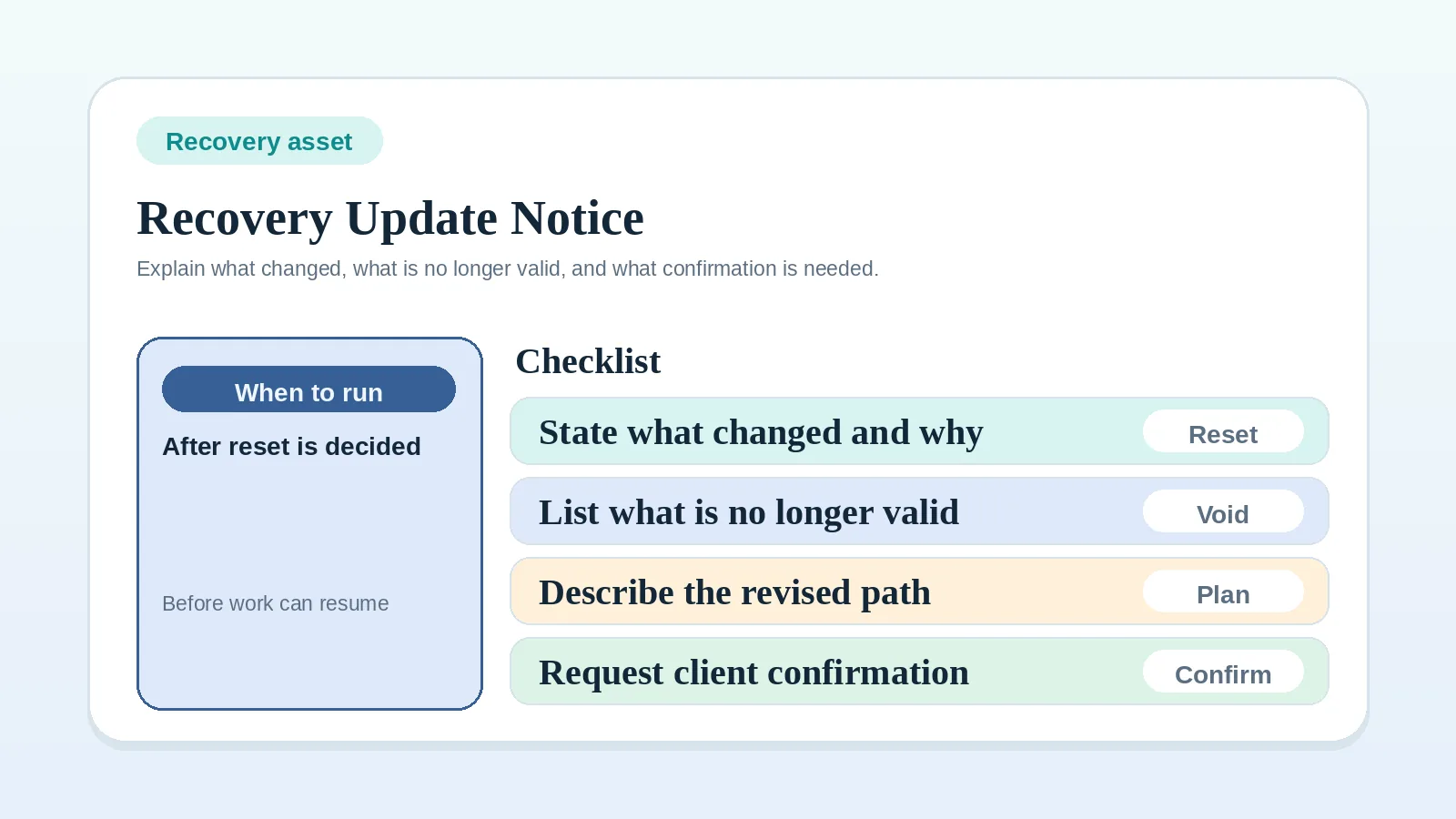
Send this notice after the proposed reset is defined. It explains what changed, states whether the revised plan is awaiting approval or already agreed, and requests any confirmation or input needed before work resumes.
Situations that call for a reset notice
Send one visible reset message after:
- delays have made the old timeline unreliable,
- conflicting input has broken the current review path,
- blocked dependencies have forced a new sequence,
- partial delivery no longer fits the currently workable scope,
- accumulated changes require one explicit new baseline.
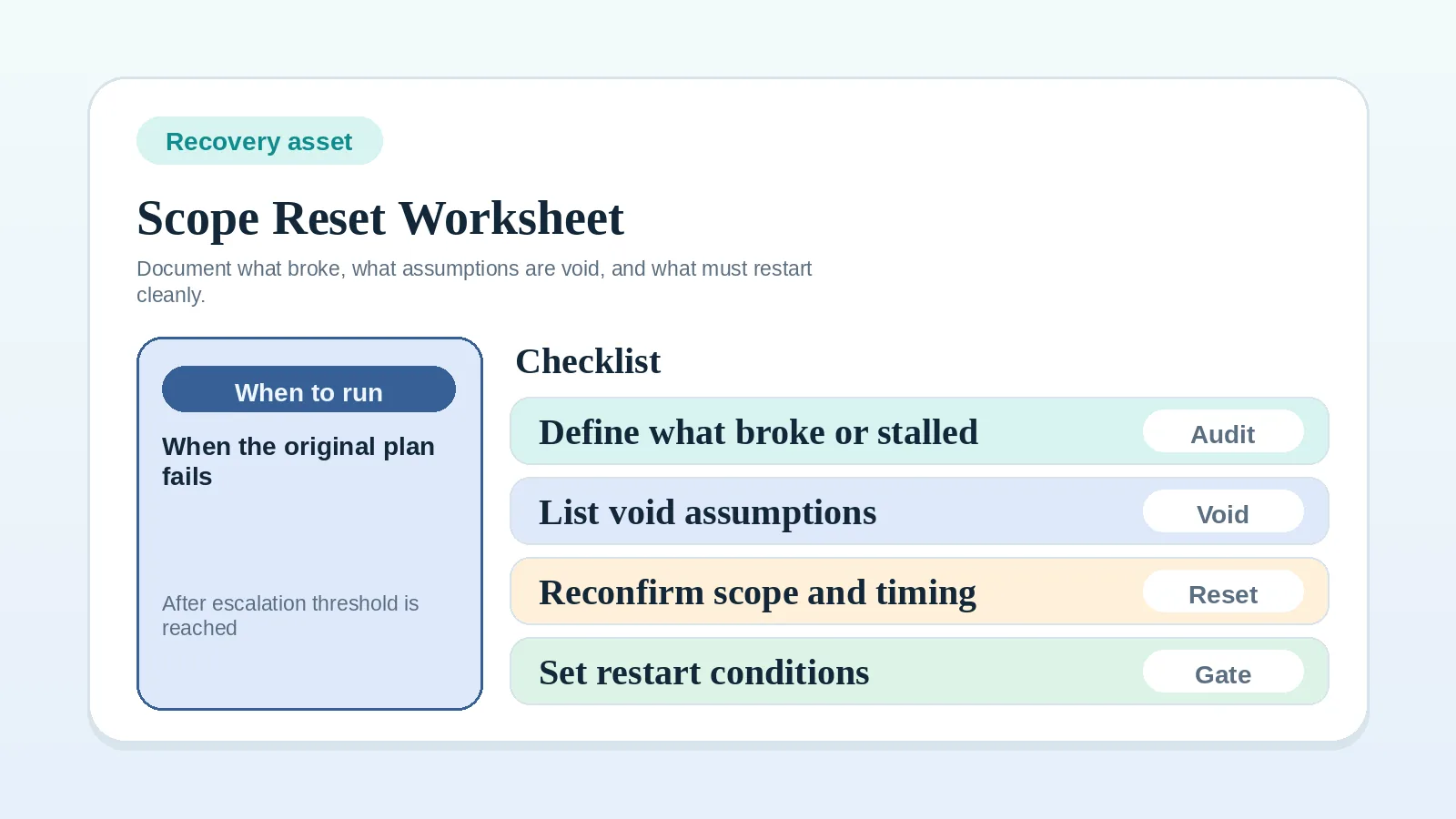
If you still have not decided what the reset actually is, step back first to Scope reset and recovery worksheet for solo operators.
Decisions to make before writing
This template does not decide:
- whether a reset is necessary,
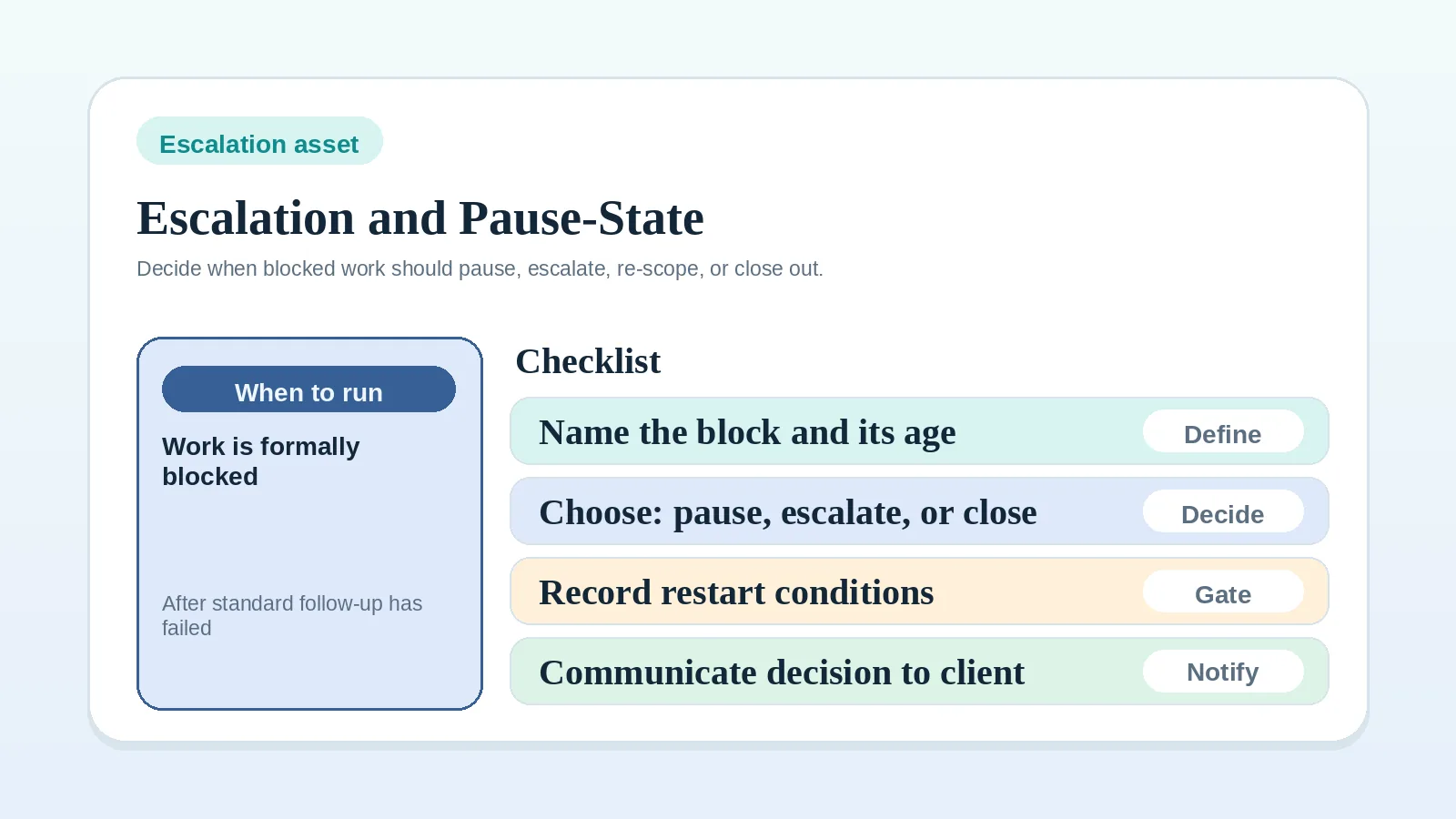
- whether the work should pause, escalate, or close out,
- whether the new scope is commercially acceptable,
- the full recovery workflow.
Resolve the pause, scope, commercial, and recovery decisions before drafting the notice.
Confusion the notice should prevent
- vague reset messages that sound like ordinary status updates,
- clients working from an outdated plan after the reset,
- revised timing or scope being implied rather than confirmed,
- restart conditions staying hidden in scattered messages.
Before you send it
Confirm:
- what is no longer valid,
- what the revised path now is,
- what must be confirmed before work resumes,
- whether timing, scope, or billing changed,
- who needs to reply or approve.
If any of those is still undecided, do not send the notice yet.
Recovery update and revised plan notice template
Subject: Revised plan for [project or milestone name]

Hi [client name],

I want to reset the current plan so we are working from one clear version again.

What changed
- [short summary of what shifted]

What is no longer valid
- [old timing / sequence / approval path / scope assumption that should no longer be used]

Why this reset is needed
- [plain-language reason: repeated delays, conflicting feedback, missing dependency, scope drift, or similar]

Plan status
- [proposed and awaiting approval / approved, with decision date and record link]

Revised plan
- Scope now: [what is included now]
- Sequence now: [what happens next and in what order]
- Timing now: [revised dates or timing rule]
- Billing effect: [unchanged / proposed fee or invoice-trigger change / agreed change]

What I need from you
- [approval / confirmation / asset / decision / named reply]

What happens next
- [next action once the required response is received]

Restart condition
- Work will resume once [clear condition].

Thanks,
[name]
Summary of what changed
State the changed plan before its background.
Good examples:
- “The original review path is no longer workable because feedback is coming from multiple directions.”
- “The delivery sequence has changed because the required client assets did not arrive in time.”
- “The current milestone is being re-baselined because the approved scope and active work no longer match.”
Avoid opening with a long narrative. Start with the change itself.
What is no longer valid
State the invalid part of the old plan plainly:
- the previous due date,
- the old milestone order,
- the earlier approval path,
- the assumption that the existing scope still applies unchanged.
Name the affected plan and the proposed replacement. Do not describe proposed scope, fee, or deadline changes as agreed. Once the required approval is recorded, mark the earlier version as superseded and keep the decision history.
Revised scope, timeline, or sequence
Write only what needs to be true now:
- what work remains in scope,
- what is paused or removed,
- what order the next steps now follow,
- what timing has changed,
- whether billing or signoff timing moved.
Do not put every project detail into the notice.
Reason for the reset in plain language
State the reason in operational terms.
Useful examples:
- required inputs arrived too late to keep the original sequence,
- feedback came through conflicting channels,
- the current milestone no longer reflects the approved scope,
- the project needs a revised baseline before work can continue responsibly.
Avoid blame-heavy phrasing.
What confirmation or input is now required
Name the one thing you need next:
- written approval,
- one decision,
- one asset bundle,
- one named approval owner,
- confirmation of revised scope or timeline.
If the client cannot tell what reply is required, revise the message before sending it.
Restart conditions / readiness conditions
End with one visible resume rule:
- work resumes once revised scope is approved,
- milestone work resumes once the missing asset bundle is received,
- review restarts once one approval owner confirms the consolidated feedback path.
Do not end with “let me know your thoughts” if the project actually needs a specific operating confirmation.
Tone guidance for communicating a reset
Aim for:
- calm,
- direct,
- non-defensive,
- specific,
- forward-moving.
Use neutral language that identifies the revised plan without blame or threats.
Reset situations
Delayed project needs a revised timeline
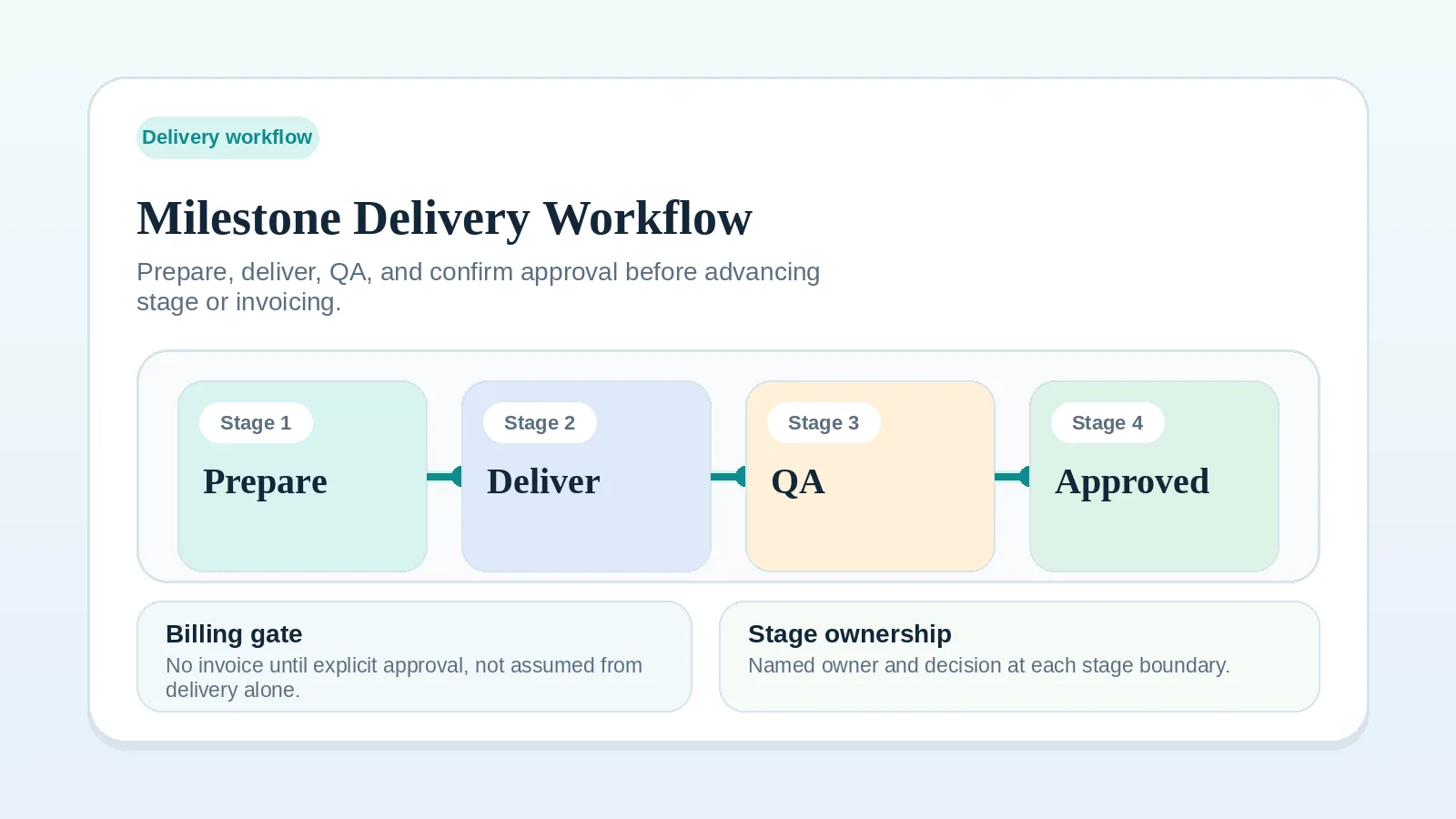
See Scope reset and recovery worksheet for solo operators and Milestone delivery workflow for solo service businesses.
Accumulated changes require a new approved baseline
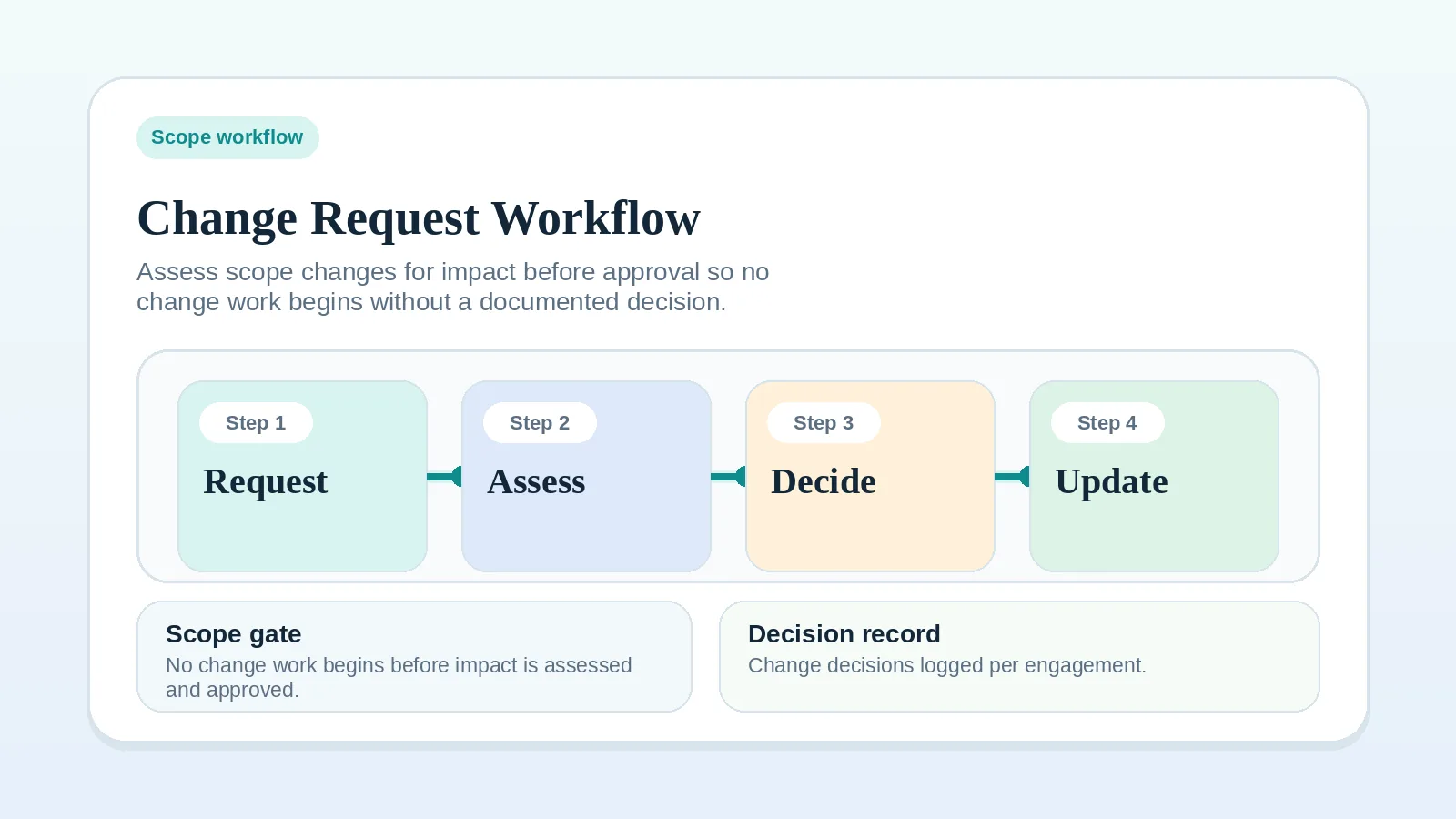
See Change request workflow for freelancers and consultants and Client change request template.
Blocked dependencies force a reset of sequence
See Escalation and pause-state worksheet for solo operators and Client input dependency worksheet for solo operators.
Conflicting input invalidates the old plan
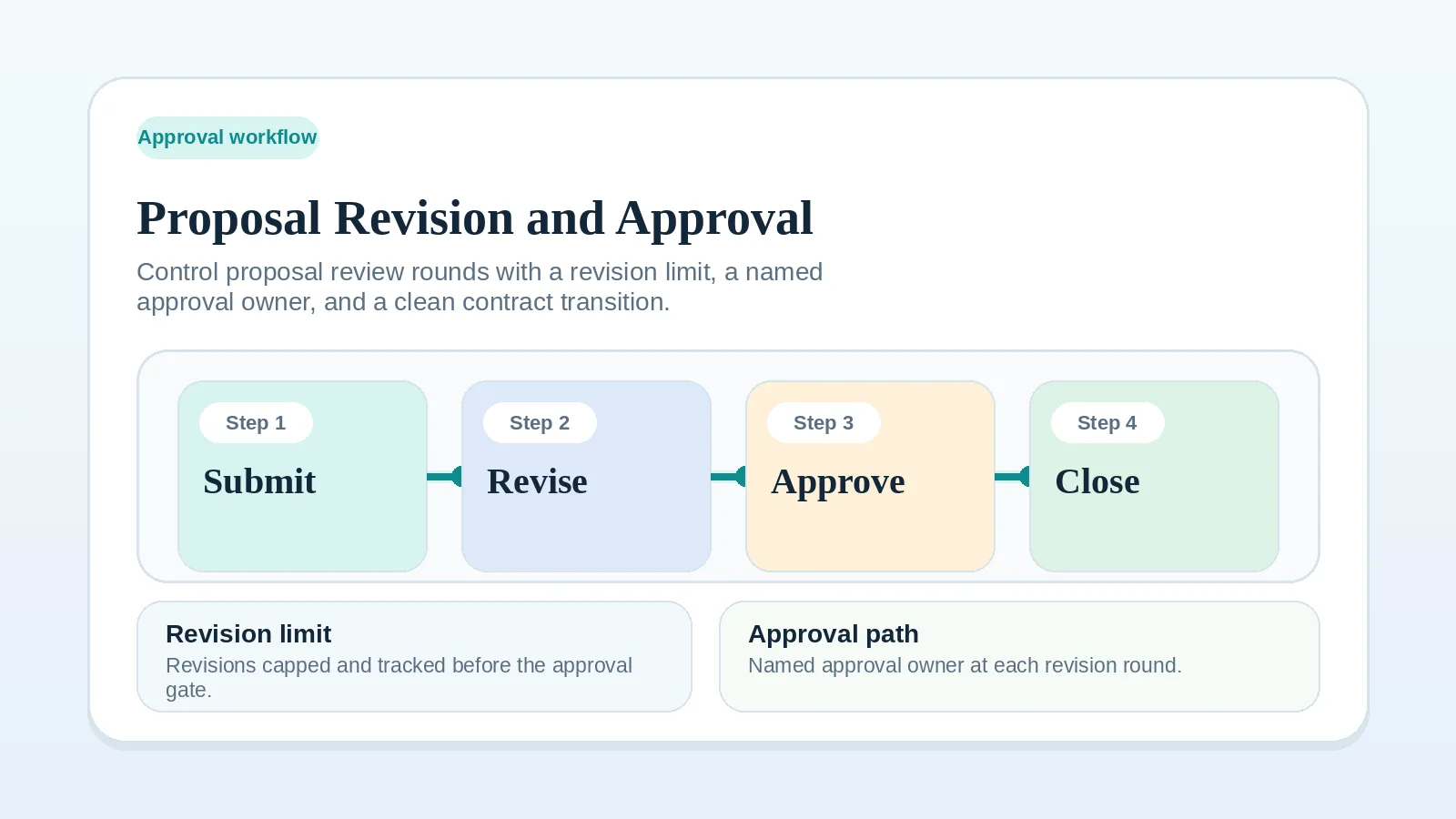
See Proposal revision and approval workflow and Approval and feedback routing worksheet for multi-stakeholder review.
Record the response and next state
- If the authorized client contact confirms the revised path, record that decision. Resume only when the plan’s other start conditions, such as required inputs or payment, are also met.
- If the reset itself is still not fully defined, return to Scope reset and recovery worksheet for solo operators.
- If the project is still only blocked and not yet broken, step back to Escalation and pause-state worksheet for solo operators.
- If the revised plan introduces new billable scope, continue to Change request workflow for freelancers and consultants.
Notice check
The notice is ready when:
- the reader can tell what changed,
- the reader can distinguish a proposed reset from an approved replacement,
- the revised path is specific,
- the needed reply is clear,
- the restart condition is explicit.