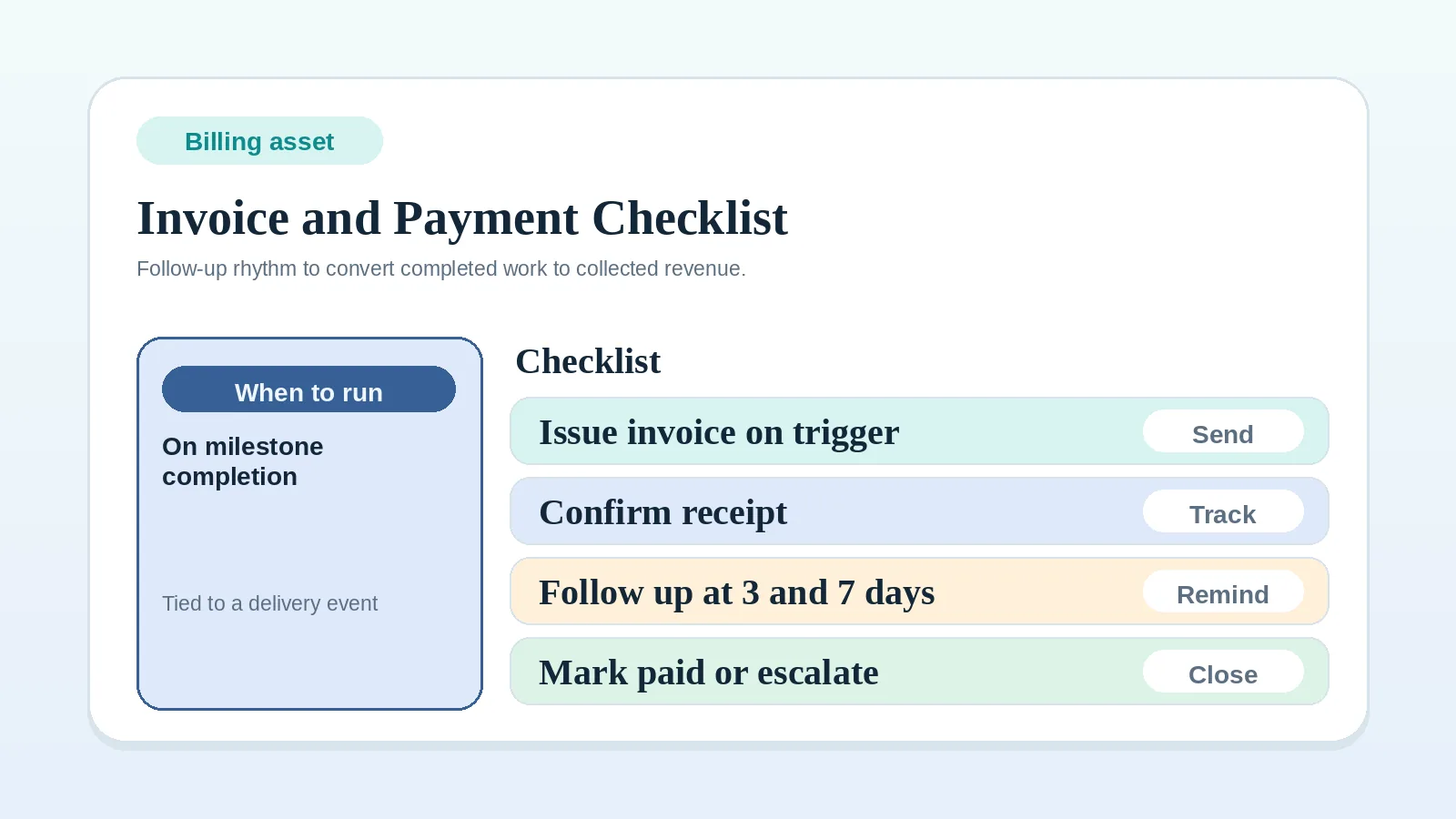
This checklist connects each invoice and follow-up action to the applicable agreement, the project’s recorded billing trigger, and the authoritative payment-status record.
The examples here are operating examples, not legal, accounting, tax, collection, or contract advice. Use the payment terms, notice rules, and remedies in your agreement, together with any professional guidance that applies to your work.
The checklist runs billing rules that are already set. It does not set payment policy, milestone acceptance, or where invoice status lives.
Clarify the billing rule first when
- you still debate what counts as invoice-ready,
- delivery approval is still vague,
- payment status disappears between tools,
- nobody owns follow-up,
- the contract handoff still leaves billing triggers unclear.
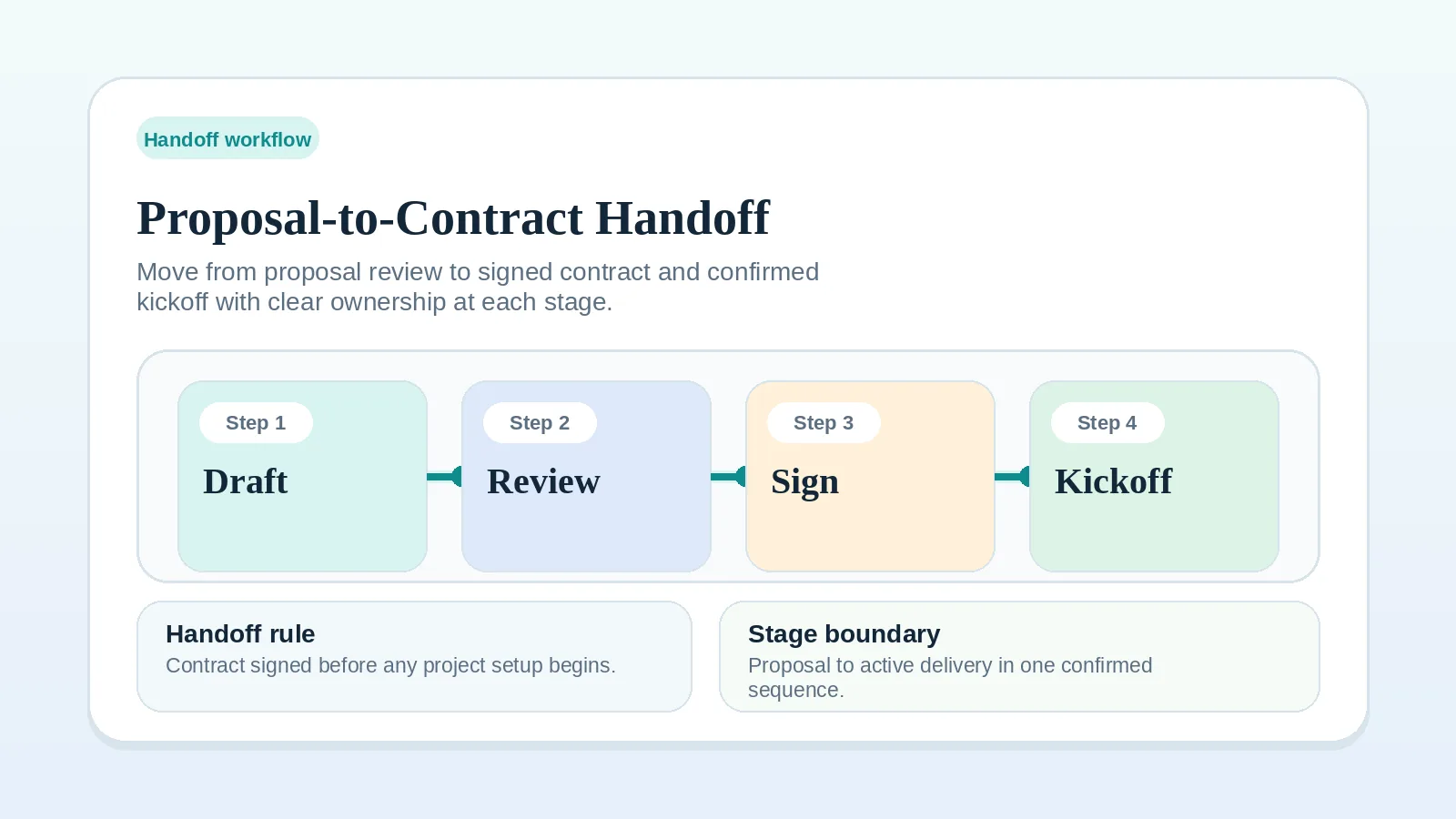
Settle those first with Invoice and payment workflow setup, Billing status: invoicing tool or system of record, or Proposal-to-contract handoff workflow setup.
Phase 1: before work starts
- Confirm the invoice schedule in the applicable agreement.
- Confirm the payment terms stated in the agreement.
- Confirm accepted payment methods.
- Confirm late-payment policy.
If these are unclear, fix contract handoff first: Proposal-to-contract handoff workflow setup.
Phase 2: before sending each invoice
- Confirm the billing trigger stated in the agreement has occurred.
- Record evidence of the agreed trigger, such as the deposit due date, billing period, delivery, or acceptance when required.
- Confirm invoice amount matches contract scope.
- Confirm due date and payment instructions are present.
Tie billing to the event stated in the agreement. If the project record does not show that event, resolve the record before sending the invoice.
Phase 3: send and record the invoice
- Send invoice from one consistent system.
- Log the send date and due date when the invoice is sent.
- Add reminder points based on the due date, agreement, and documented collection process.
If you use a separate billing app, mirror payment state back to the record you check during delivery reviews so overdue invoices do not become invisible.
Phase 4: follow up under the agreed terms
- Send the initial reminder when the documented due-date condition is met.
- If the invoice remains unresolved, request a status update through the agreed billing contact and channel.
- Escalate only through a step permitted by the agreement and applicable requirements.
Keep each message factual. Name the invoice, due date, current status, requested action, and the relevant contract term.
Phase 5: payment closeout
- Reconcile confirmed receipts against the invoice balance in the authoritative billing record.
- Record partial payments and any remaining balance. Mark the invoice paid only when the full balance has been settled; record other resolutions under their own status.
- Mirror the resulting status to the project record when delivery decisions depend on it.
- Confirm the next invoice trigger when another billing event applies.
Payment reminder fields
Use a simple structure for payment follow-up:
- what invoice is outstanding,
- the original due date,
- payment link or method,
- request for status confirmation if payment timing changed.
Billing record gaps to catch
- Invoices sent without evidence of the agreed billing trigger.
- Payment terms not confirmed before kickoff.
- No reminder cadence (manual memory-based follow-up).
- Inconsistent records between project and billing tools.
Apply the agreement to these exceptions
- If the client requires PO numbers or internal approval before payment, collect that before the invoice is triggered.
- If part of the project is paused by the client, document whether billing pauses too or continues based on the contract.
- If approval is the billing trigger and the client responds in chat, check that the response meets the agreed approval rule. Clarify ambiguous wording and link the qualifying response in your system of record before invoicing.
Billing record check
The record is complete when:
- invoice trigger is documented,
- invoice status is visible,
- follow-up dates exist when follow-up applies,
- the next billing event is clear when another event applies.
Guides for billing triggers and records
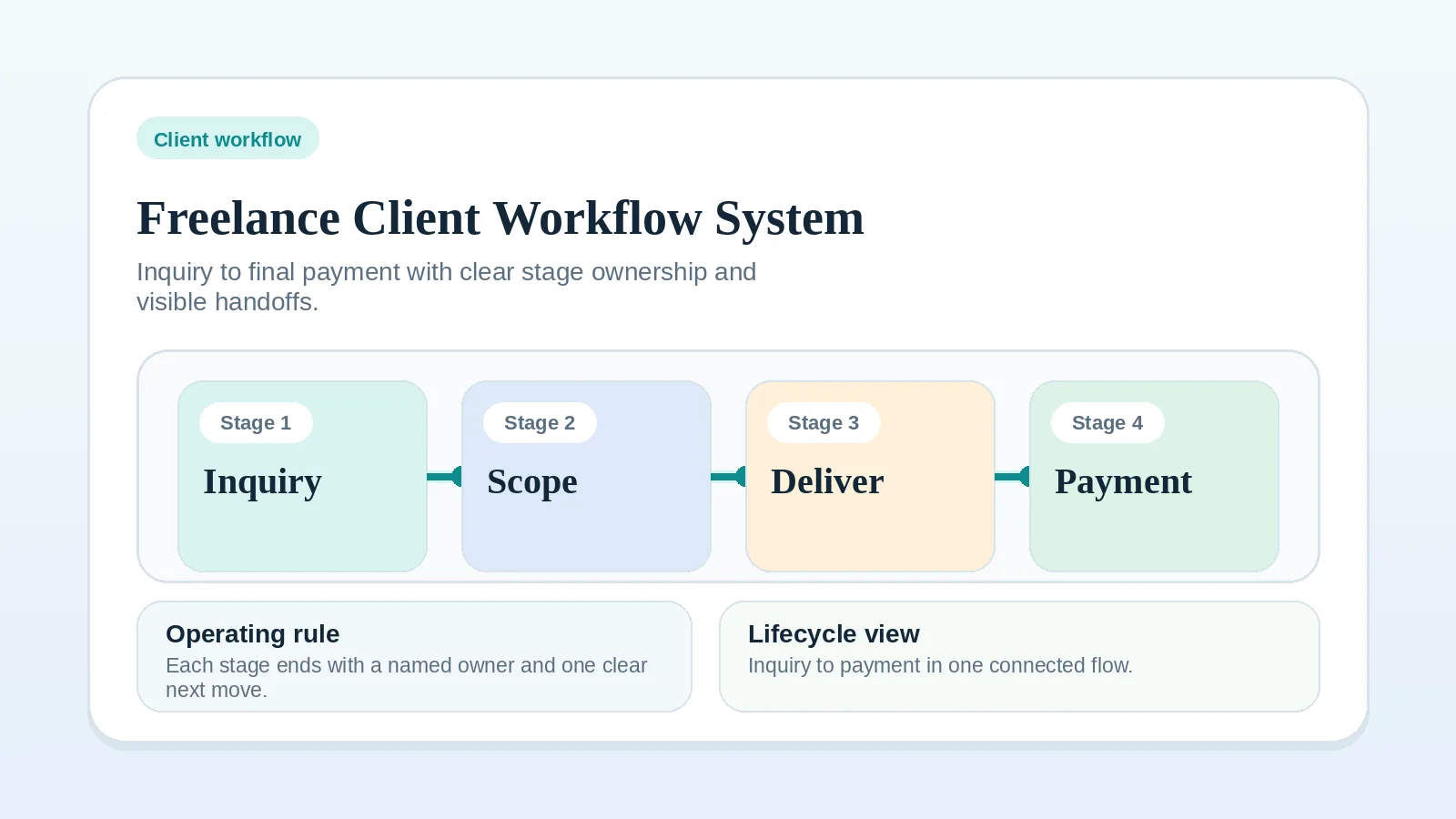
- End-to-end workflow context: Freelance client workflow system: inquiry to final payment
- Billing workflow rule: Invoice and payment workflow setup
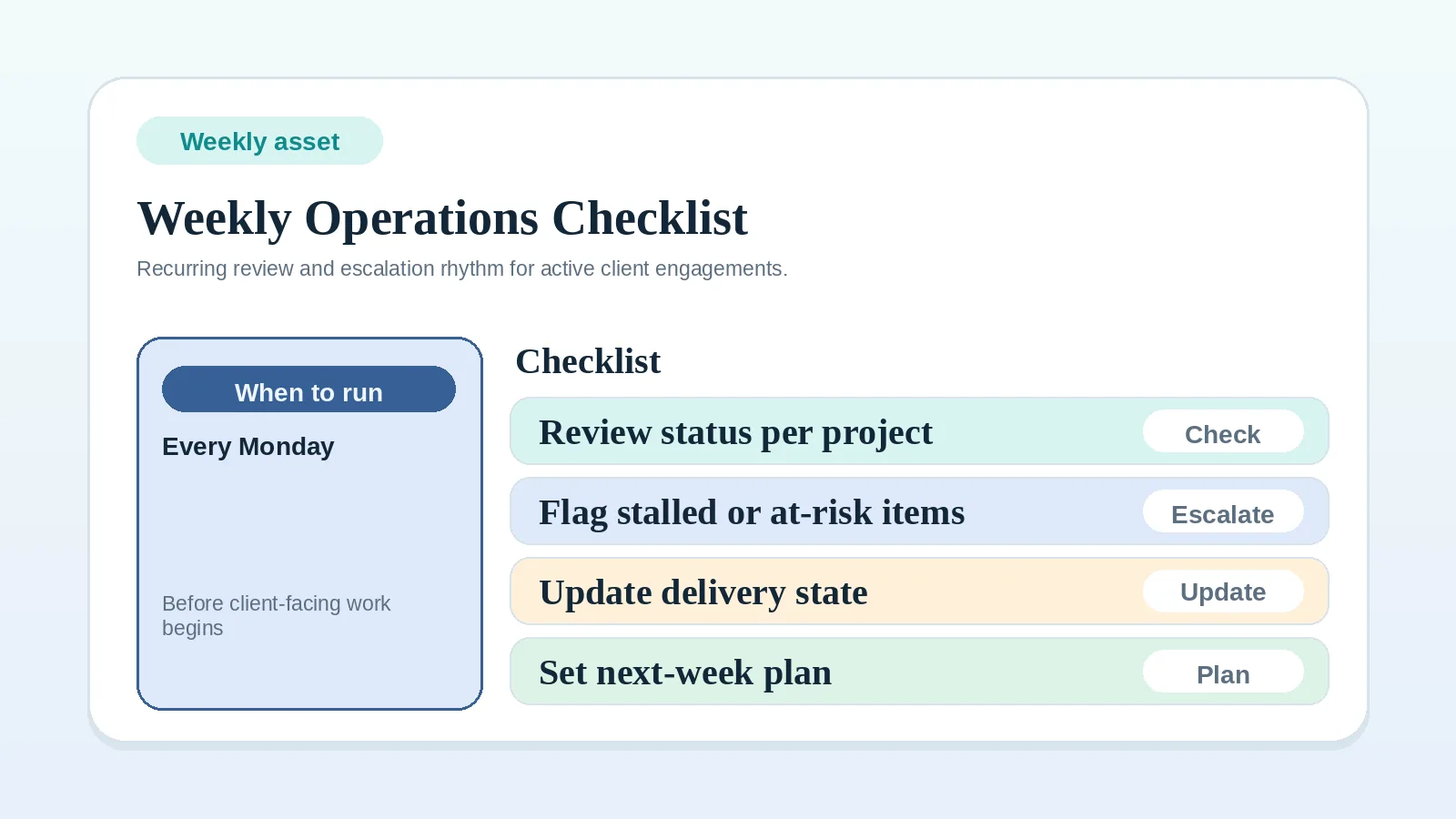
- Weekly operations review routine: Weekly client operations checklist
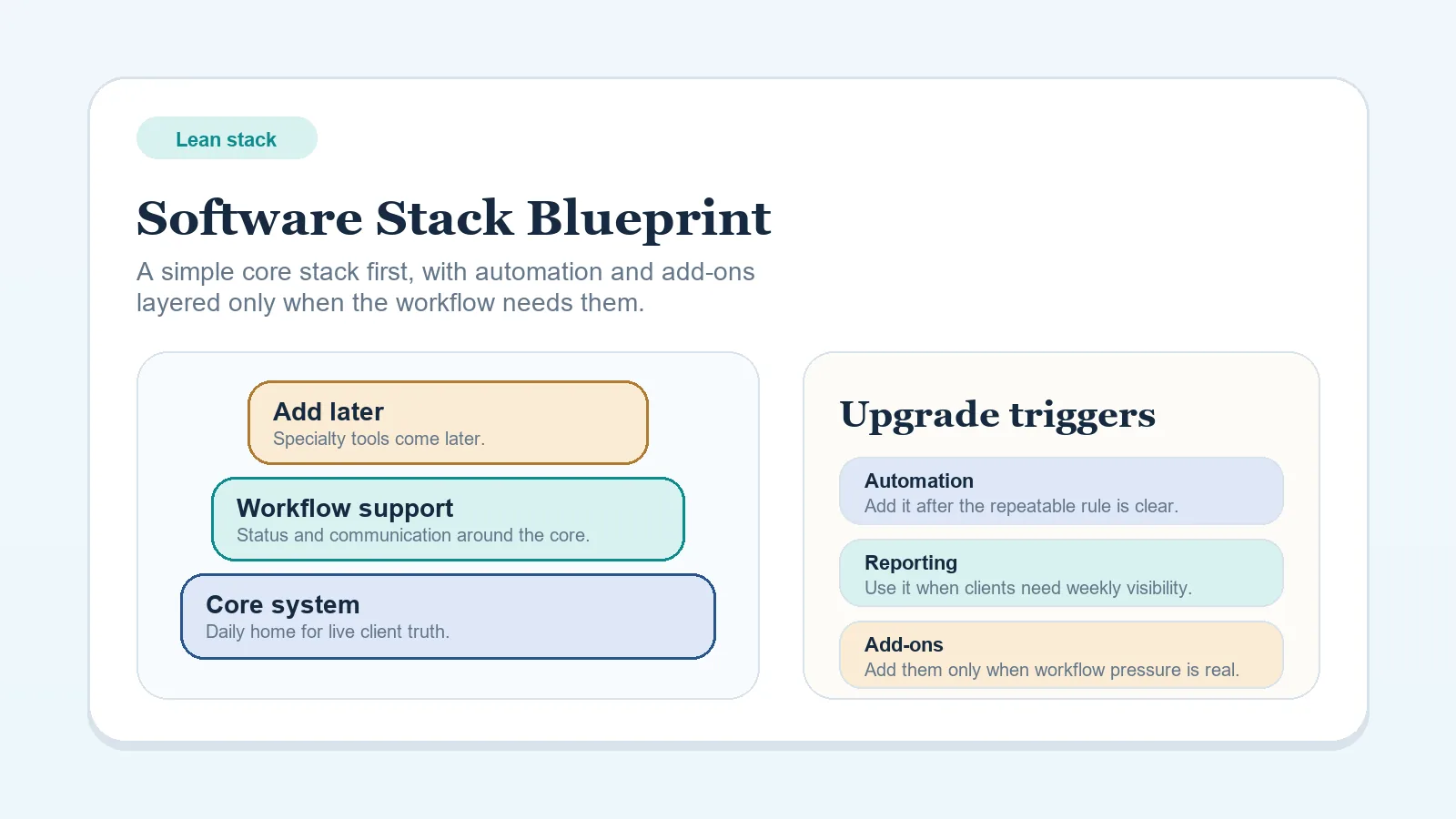
- Lean stack planning: Lean software stack blueprint for solo freelancers
If the same billing gap returns
If invoices are still sent after their agreed trigger or payment state remains unclear, revise the billing rule or billing-status ownership decision before repeating the checklist.