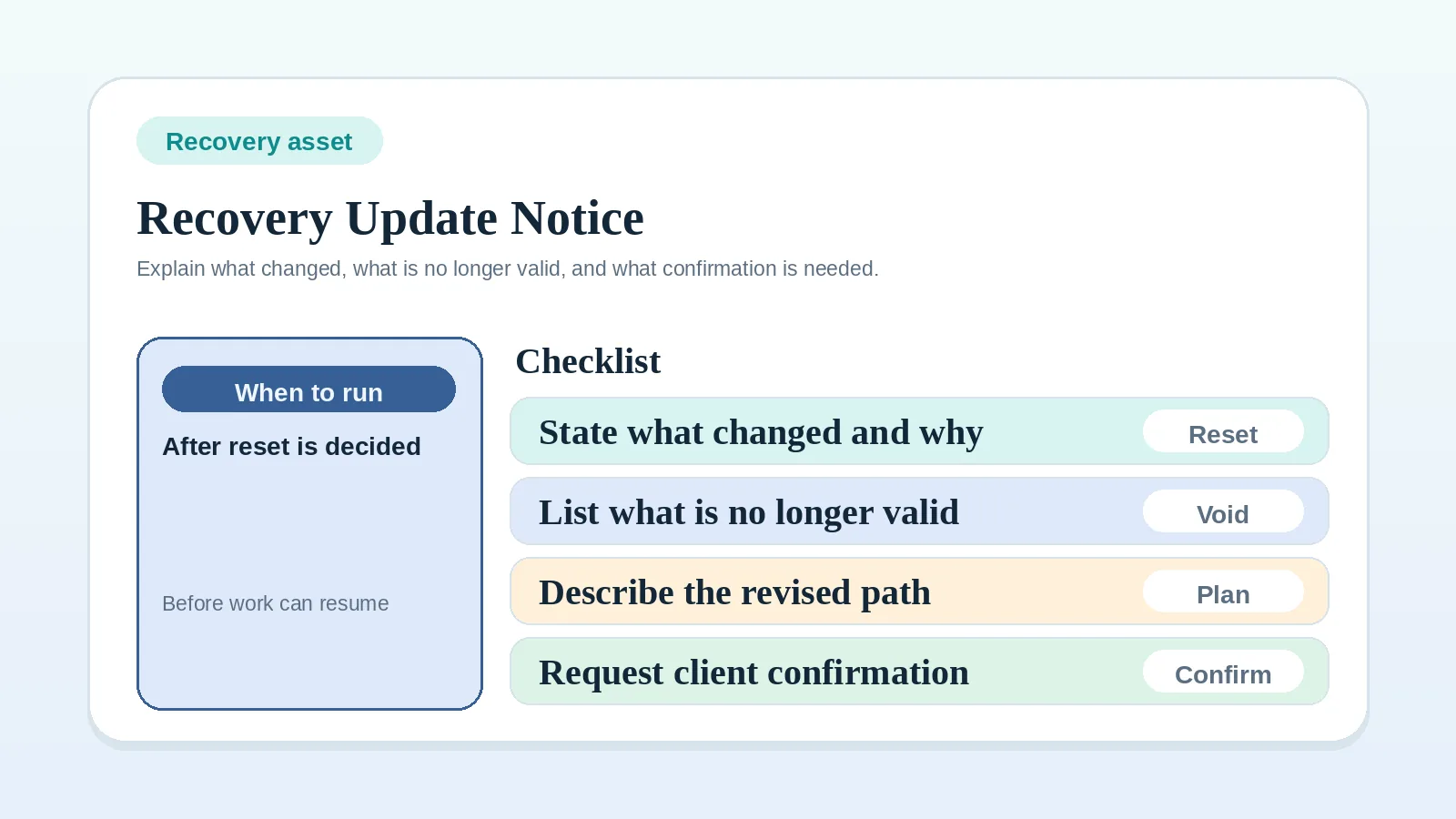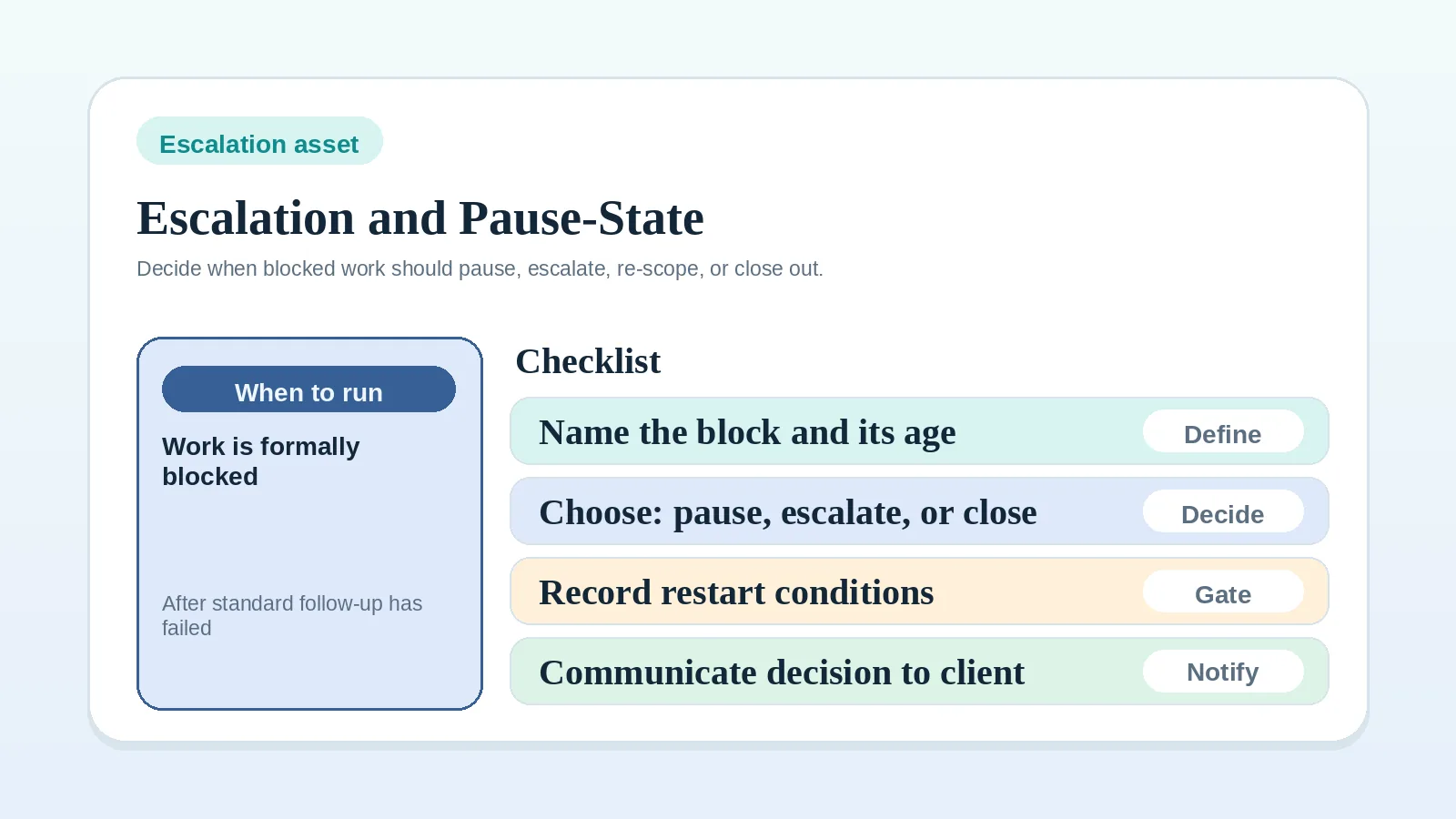
When a documented dependency has crossed its agreed threshold, record the state the work moves into: wait, pause, change scope, proceed under an agreed assumption, or close. Name the owner, the client notice, the commercial effect, and the restart condition. The agreement and applicable commercial or legal requirements govern which choices are available.
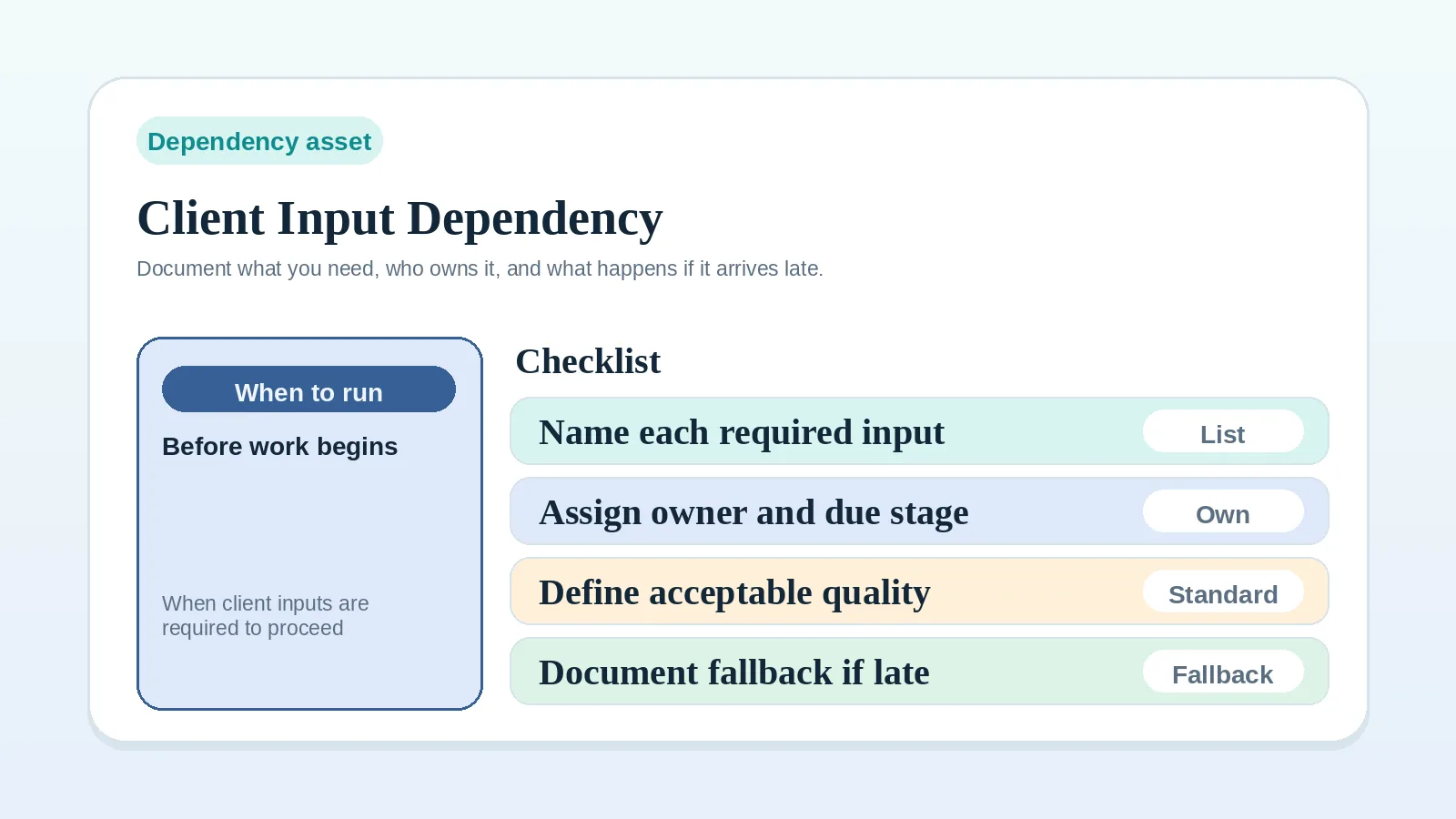
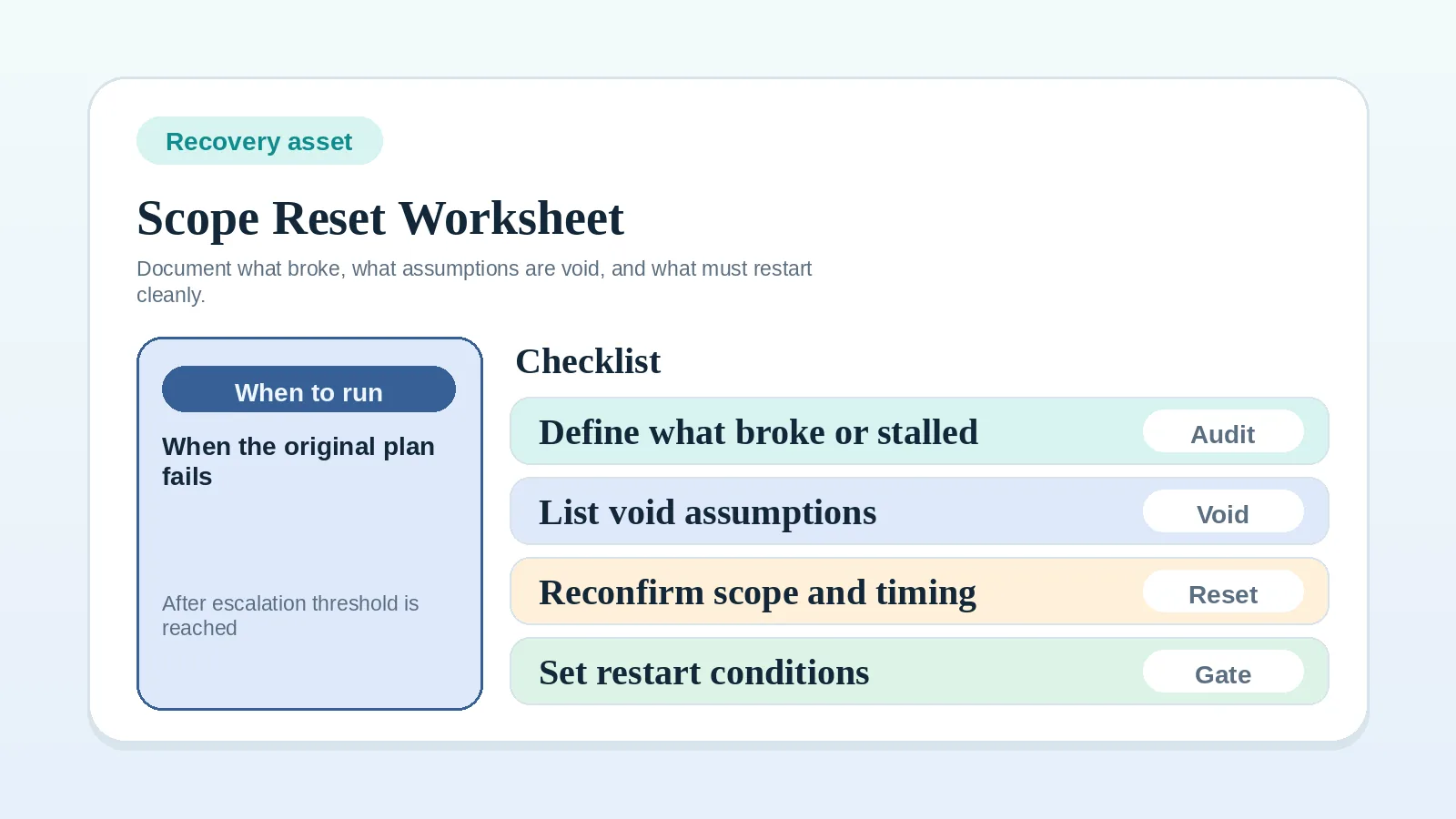
If the dependency itself is unclear, use Client input dependency worksheet for solo operators first. If accumulated changes have invalidated the plan, use Scope reset and recovery worksheet for solo operators instead.
Turn one block into a named state
- Document one blocked item or stage at a time.
- Name the dependency that is actually blocking progress.
- Set a threshold for when waiting stops being acceptable.
- Define the allowed next states before the threshold is crossed.
When work is stalled and the next state is not documented, record an escalation decision before treating the project as active.
Escalation and pause-state worksheet
| Blocked item or stage | Blocking dependency | Duration / severity threshold | Owner of escalation | Allowed next states | Communication required | Billing / scope implication | Restart condition |
|---|---|---|---|---|---|---|---|
| Proposal review | final client decision missing | review open beyond agreed window | operator or proposal owner | wait, escalate, re-scope, close out | restate decision needed and impact on kickoff | proposal may expire or require revised timing | one approved response path returns |
| Delivery milestone | content, asset, or approval missing | blocked long enough to affect due date | operator or delivery owner | pause, proceed with assumptions, split milestone, re-scope | visible blocked update with named dependency | billing trigger may move or milestone may split | required input is usable, or an approved revised milestone can proceed with the inputs available |
| Billing / offboarding close | final signoff or finance action missing | closeout cannot complete by planned end date | operator or account owner | wait, escalate, separate financial close, close out operationally | direct closeout status update naming unresolved item | testimonial ask or archive timing may shift | signoff or payment state becomes explicit |
Blocked item or stage
Write the blocked work as one specific item:
- proposal review round 2,
- milestone 3 approval,
- final invoice close,
- offboarding signoff.
Avoid broad labels like “the project” unless the entire project is recorded as paused.
Blocking dependency
Define the exact thing causing the block:
- client approval,
- missing assets,
- procurement step,
- unresolved conflicting feedback,
- unanswered scope question.
If the dependency is still undefined, use Client input dependency worksheet for solo operators first.
Duration / severity threshold
Write the point where ordinary waiting turns into a formal decision.
Examples:
- after the review deadline defined in the agreement or project plan,
- once the due date is at risk,
- once work cannot continue without assumptions,
- once closeout timing and billing are no longer aligned.
Record a threshold that can be checked from the agreement, due date, or project state.
Owner of escalation
Document who is responsible for:
- deciding when the threshold is crossed,
- sending the escalation message,
- updating the system status,
- pushing the work into the next state.
Without an escalation owner, the blocked work can remain visible without anyone changing its state.
Allowed next states
Define which options are actually allowed for this kind of block:
- pause,
- re-scope,
- proceed with assumptions,
- wait,
- close out.
Not every blocked state should allow every option. For example, proceeding with assumptions may be acceptable in one content draft stage and unacceptable in a billing or approval stage.
Communication required
Write what must be communicated when the threshold is crossed:
- what is blocked,
- what dependency caused it,
- which state is being chosen next,
- what that means for timing, scope, or closure.
If communication only says “just checking in,” the operating decision stays hidden.
Billing / scope implications
Document whether the blocked state changes:
- invoice timing,
- milestone closure,
- budgeted scope,
- retainer or project-end timing,
- whether a change request or separate closeout state is needed.
Recording the commercial effect prevents a delivery block from changing scope or billing without an explicit decision.
Restart conditions
Choose the conditions required for the specific work to resume:
- named client input arrives,
- approval is explicit,
- re-scoped milestone is accepted,
- updated due date is confirmed,
- any payment or signoff condition required for that work has been met.
Resume only when all applicable conditions are met. Recording an unpaid balance or missing input makes the block visible; it does not resolve it. A revised plan must either have the inputs it needs or explicitly remove the dependency from the work being restarted.
Decisions at common block points
Proposal review crosses the agreed window
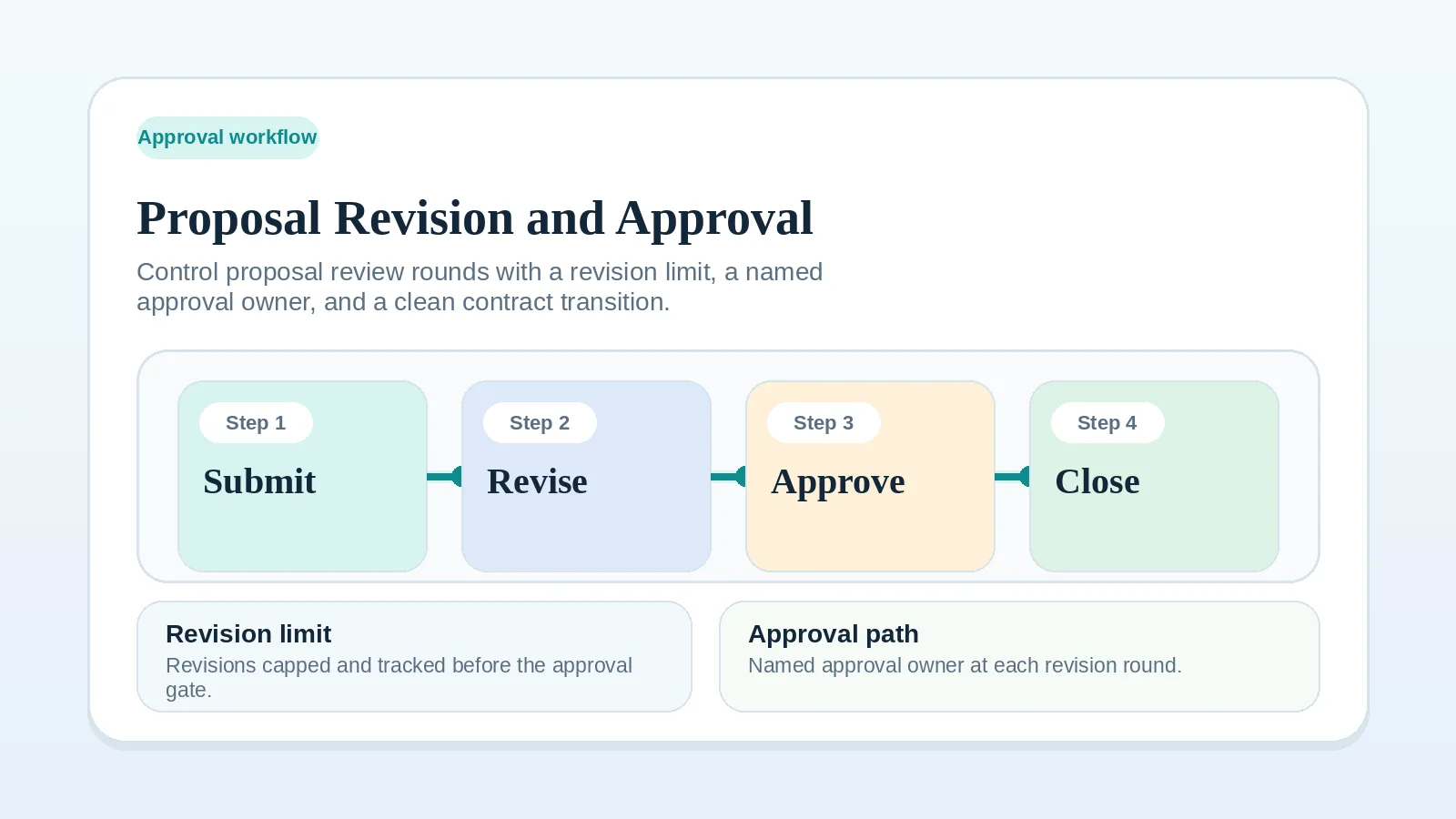
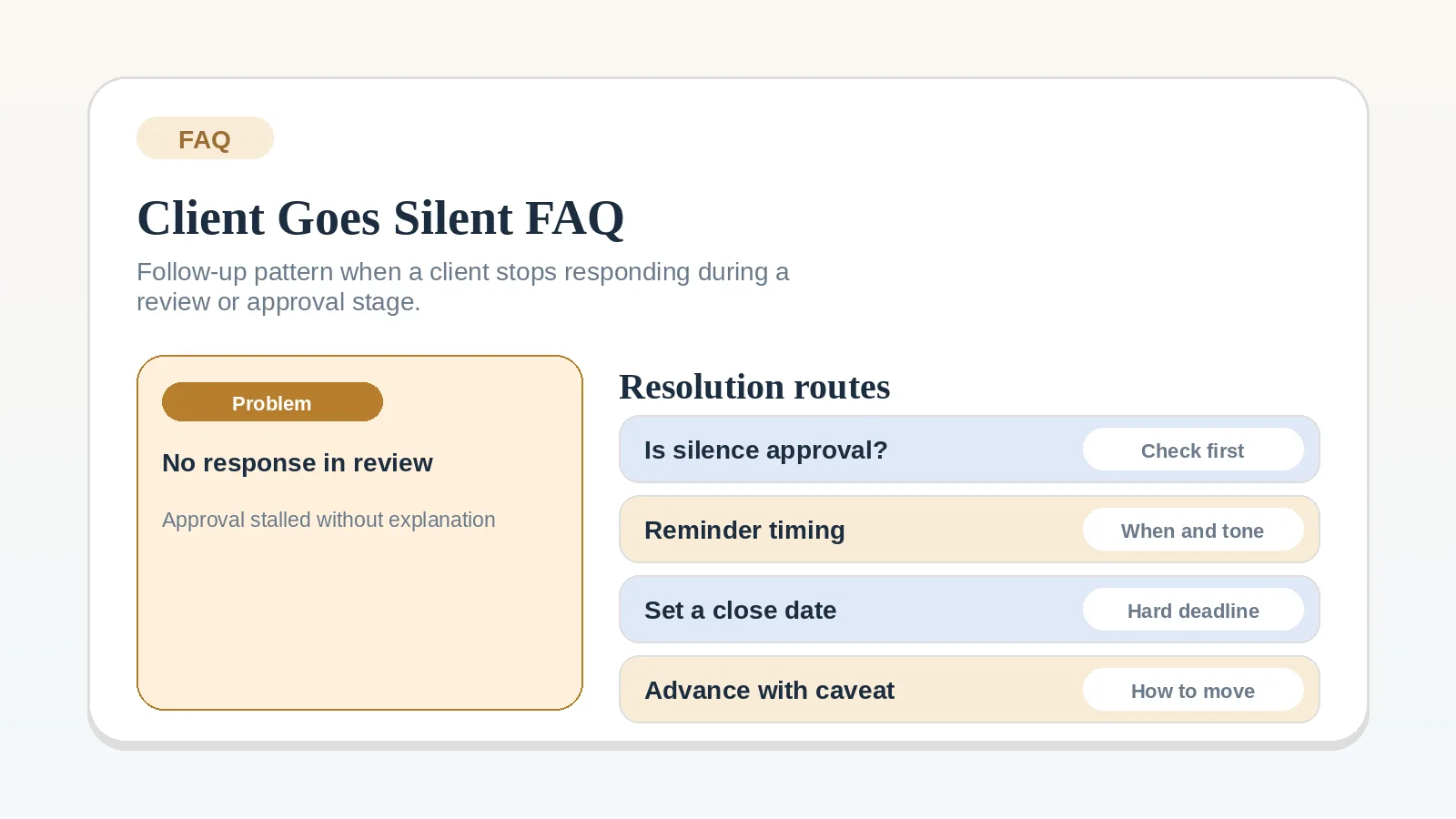
The proposal is still open, feedback is incomplete, and kickoff timing is affected. See Proposal revision and approval workflow and FAQ: what should I do when a client goes silent during review?
Required client input does not arrive
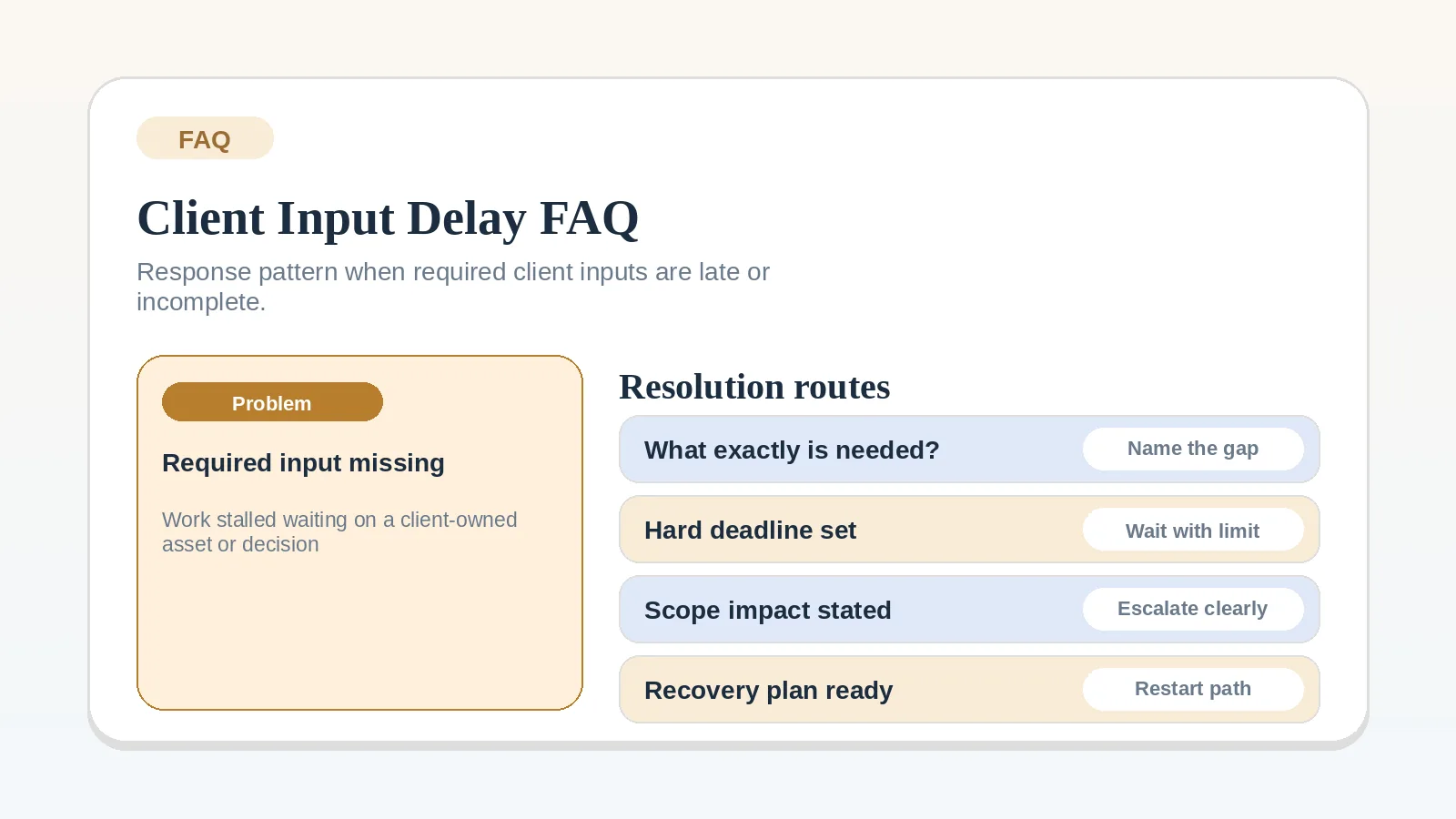
The missing dependency is identified but waiting indefinitely is no longer acceptable. See Client input dependency worksheet for solo operators and FAQ: what should I do when required client inputs are late or incomplete?
Delivery cannot continue without approval or assets
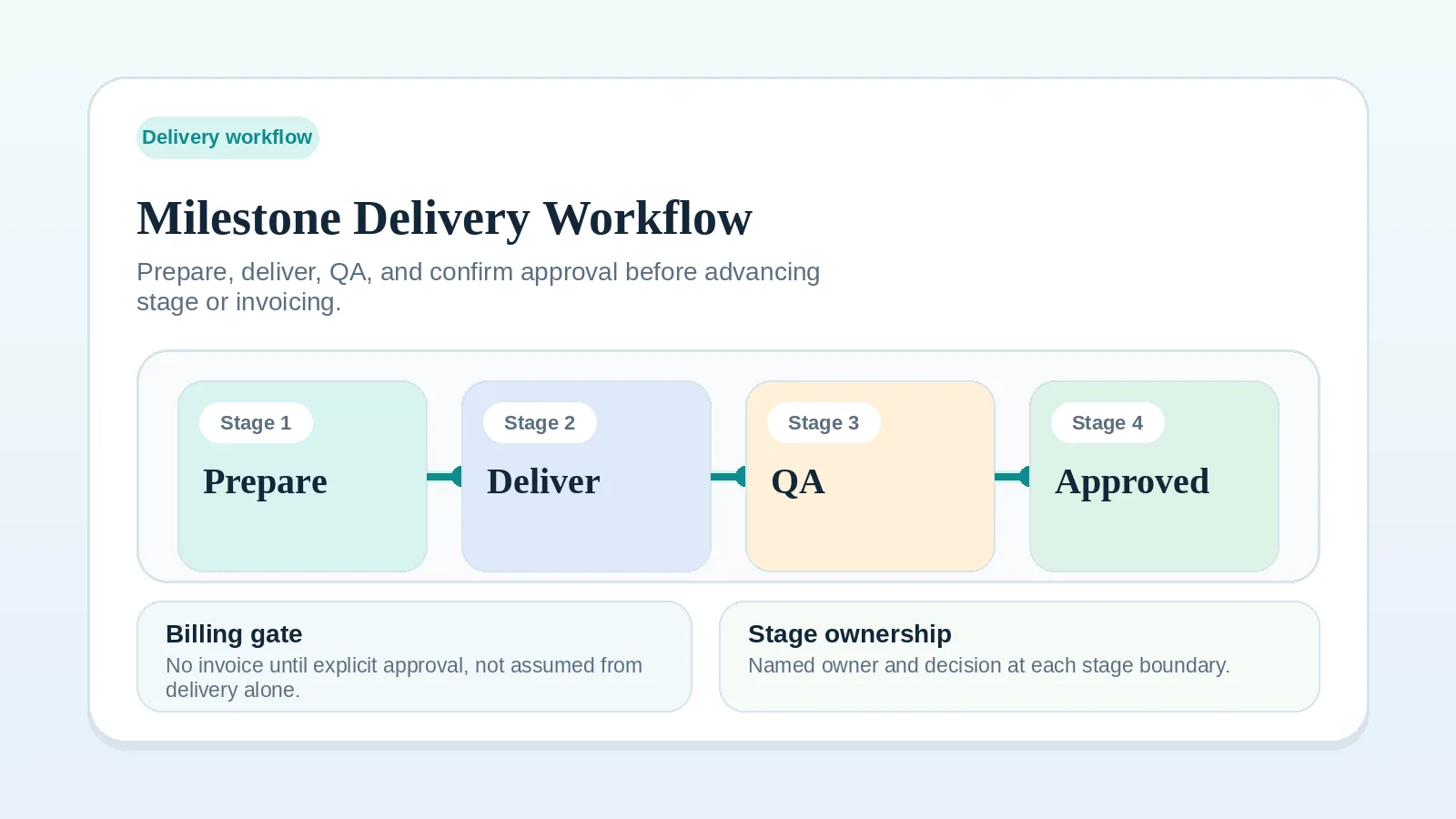
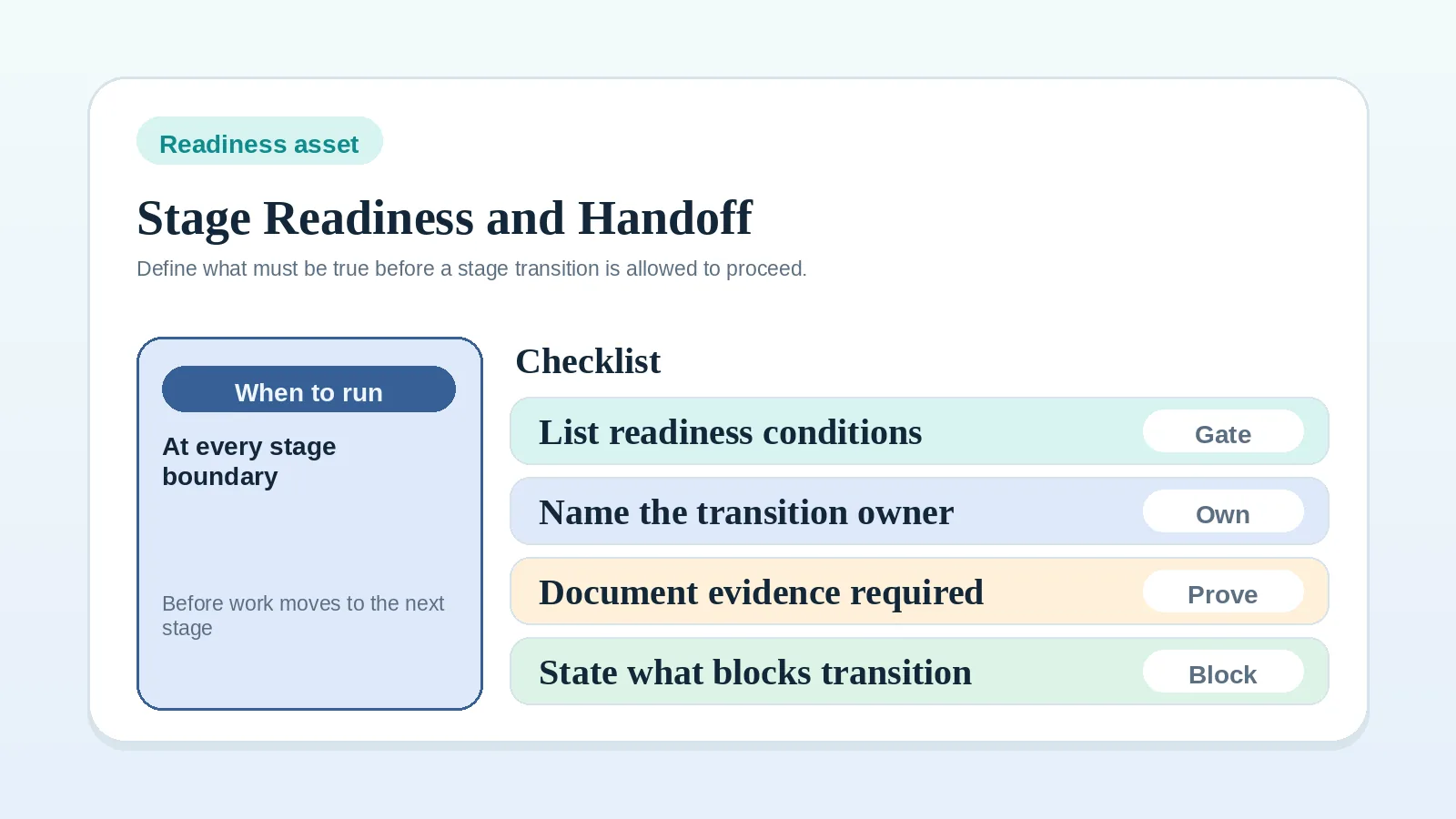
A live milestone requires a choice between pausing, splitting, or changing scope. See Milestone delivery workflow for solo service businesses and Project start handoff readiness worksheet.
Billing or offboarding cannot close
One unresolved dependency prevents the project from reaching its agreed final state. See Invoice and payment workflow setup and Client offboarding workflow for freelancers and solo service businesses.
Warning signs that blocked work has no state
- blocked work still appears active because nobody wants to pause it,
- the same dependency is being mentioned repeatedly without a state change,
- timing slips but no one updates scope, billing, or next-step expectations,
- the team keeps rewriting follow-up messages without deciding anything,
- everyone knows the work is stalled but the operating record still looks normal.
Continue from the chosen state
- If the blocked state is proposal review, continue to Proposal revision and approval workflow.
- If the blocked state is active delivery, continue to Milestone delivery workflow for solo service businesses.
- If the dependency is still undefined, use Client input dependency worksheet for solo operators.
- If the stage transition is still undefined, use Project start handoff readiness worksheet.
Escalation rule check
The rule is ready when:
- one blocked item is named clearly,
- the blocking dependency is specific,
- the escalation threshold is explicit,
- the allowed next states are defined,
- restart conditions are specific enough to check.