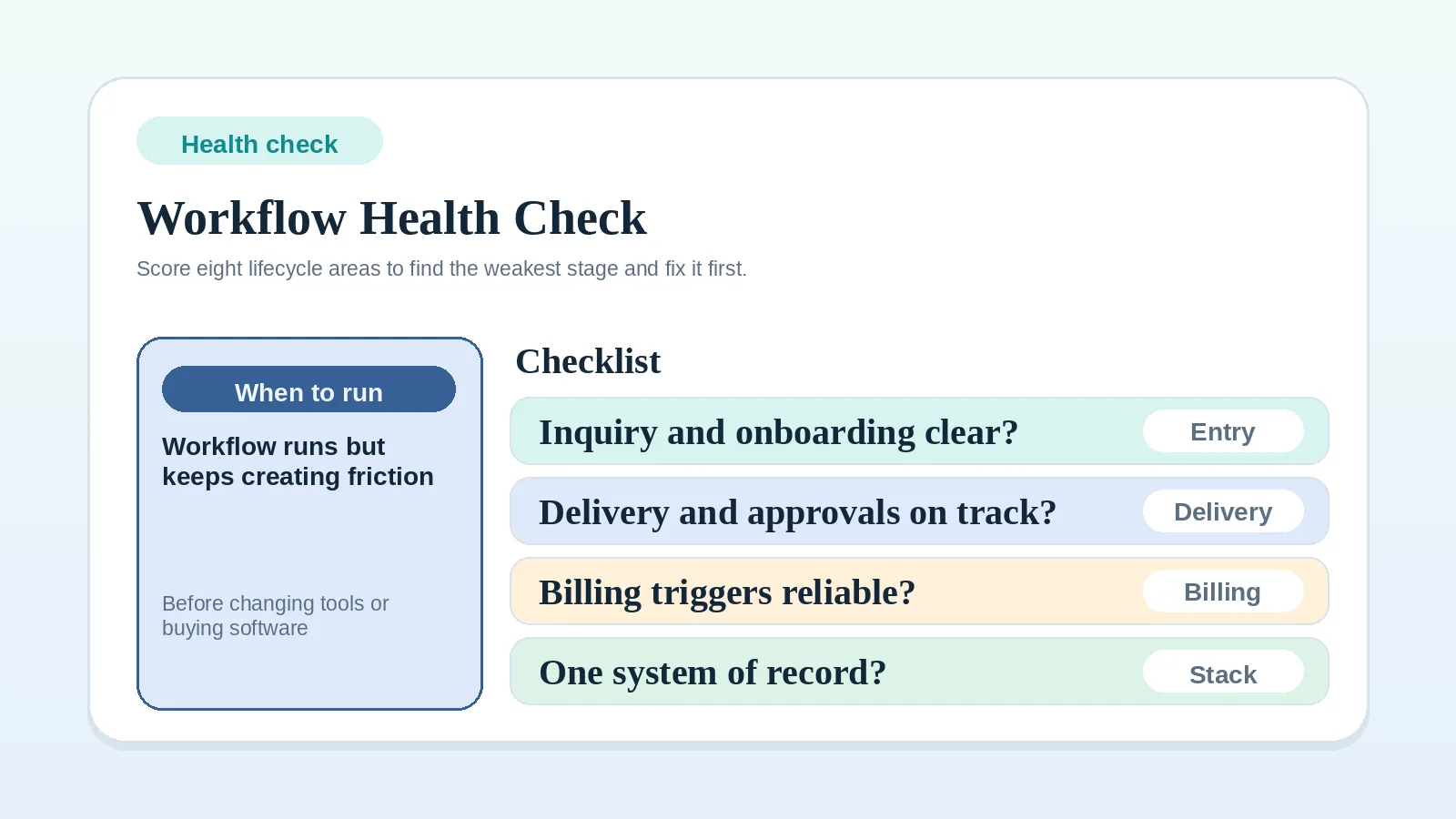
This scorecard compares eight parts of your own client workflow. It is a reflection aid, not a validated diagnostic or a benchmark against other businesses.
Rate each statement from the evidence in your current records and routines. The useful result is the pattern across areas, especially any statement that is not yet established or is applied inconsistently.
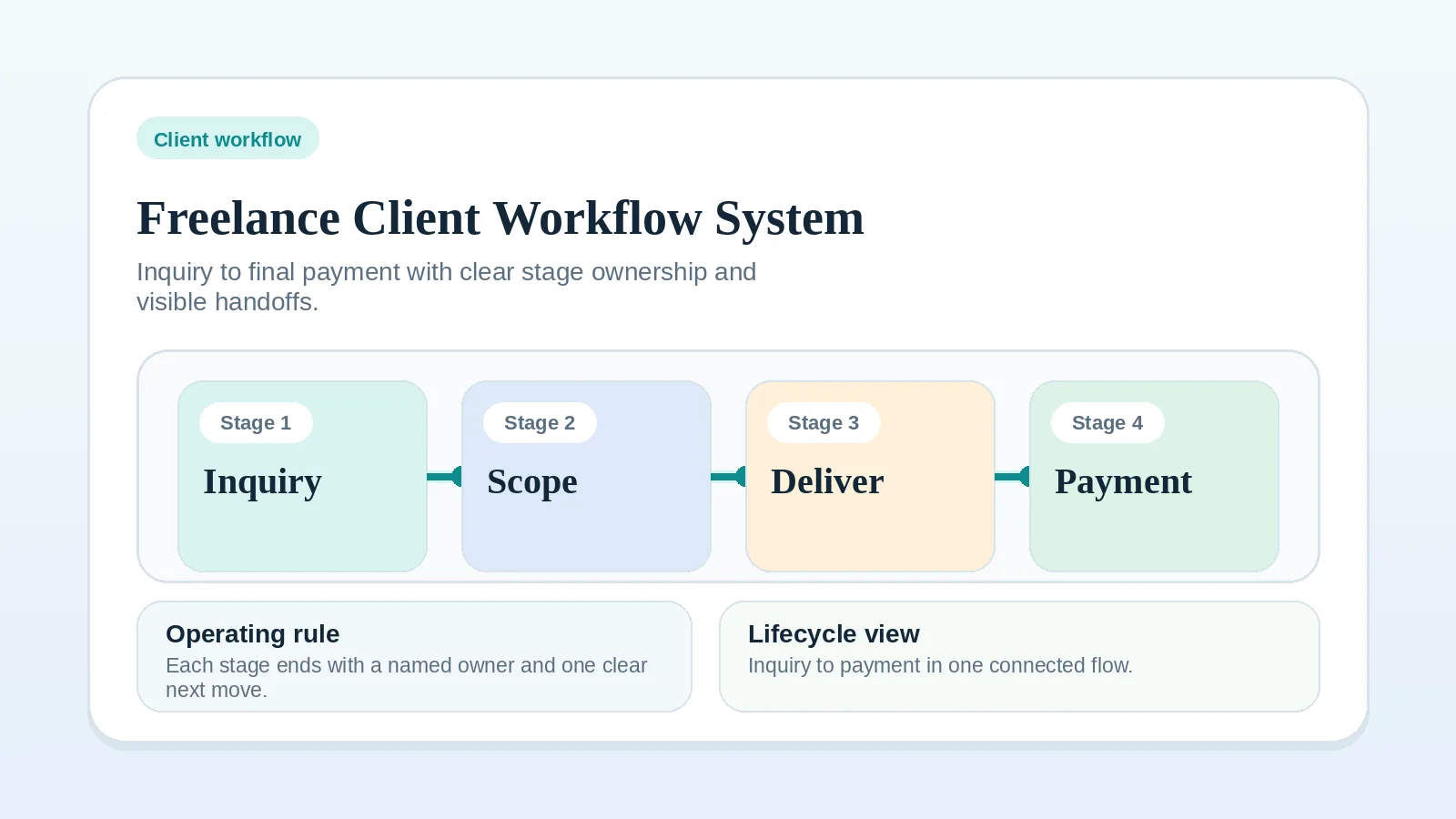
Read the lifecycle guide first when
- the problem spans the whole client lifecycle,
- you have not yet read the main workflow guide for the stage that is breaking,
- you are not yet sure what a healthy version of your workflow would look like.
In those cases, read Freelance client workflow system: inquiry to final payment before completing the review.
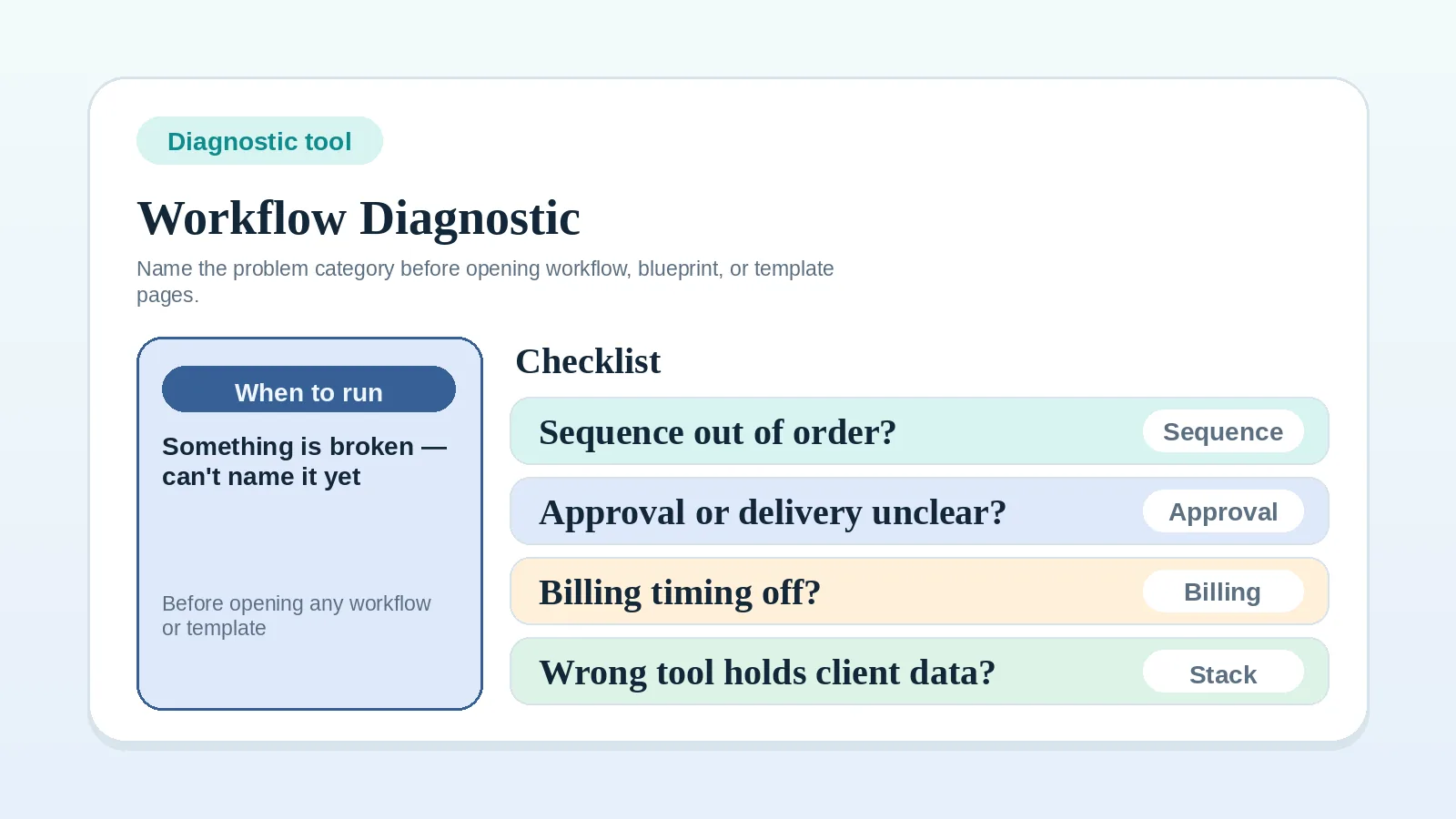
If you cannot name the affected area yet, use the Workflow diagnostic checklist to identify it, then complete this review.
Rate each statement from your own evidence
For each statement below, assign:
- 0: no documented rule or current evidence
- 1: a rule exists but is incomplete or inconsistently followed
- 2: the rule is documented and current records show it being followed
Add up your total at the end.
Area 1: inquiry and qualification clarity
- I have a clear, consistent way to decide whether a new inquiry is worth pursuing. (0 / 1 / 2)
- I have a stated response window for new inquiries and can check whether I met it. (0 / 1 / 2)
- Discovery or qualification conversations follow a consistent format. (0 / 1 / 2)
Area 1 subtotal: ___
Area 2: proposal and scope clarity
- My proposals name scope boundaries, not just deliverables. (0 / 1 / 2)
- I can describe what is explicitly out of scope before a project starts. (0 / 1 / 2)
- Clients confirm agreement to the proposal in writing before work begins. (0 / 1 / 2)
Area 2 subtotal: ___
Area 3: onboarding readiness
- I have an onboarding checklist that is applied consistently to comparable projects. (0 / 1 / 2)
- Clients know what they need to provide before work starts, and when. (0 / 1 / 2)
- I begin each billable activity only when the agreement authorizes it and its required inputs are ready, including paid onboarding work where agreed. (0 / 1 / 2)
Area 3 subtotal: ___
Area 4: delivery and milestone visibility
- Clients know when the next milestone is due and what it includes. (0 / 1 / 2)
- I have a written handoff step for each milestone, not just an email drop. (0 / 1 / 2)
- I can verify each milestone’s completion against its documented deliverables and acceptance criteria. (0 / 1 / 2)
Area 4 subtotal: ___
Area 5: approval and feedback clarity
- I have one named approval owner for each project. (0 / 1 / 2)
- I can identify the required approval evidence for each transition that depends on acceptance, and distinguish those events from deposit or recurring billing triggers. (0 / 1 / 2)
- Feedback arrives through one channel, not several, because I set that expectation upfront. (0 / 1 / 2)
Area 5 subtotal: ___
Area 6: billing and payment-status clarity
- Invoices go out on a predictable trigger, not when I remember to send them. (0 / 1 / 2)
- I know where payment status lives at any moment without hunting through messages or tools. (0 / 1 / 2)
- Payment follow-up follows a scheduled cadence, not manual memory. (0 / 1 / 2)
Area 6 subtotal: ___
Area 7: closeout and handoff clarity
- Projects have a documented close step in addition to the final delivery message. (0 / 1 / 2)
- I know what a client needs from me at closeout and what I need from them. (0 / 1 / 2)
- Each project is closed, paused, or kept open under a documented condition after final delivery. (0 / 1 / 2)
Area 7 subtotal: ___
Area 8: tool and system-of-record clarity
- I can name the authoritative record for each type of active client information. (0 / 1 / 2)
- My tools do not disagree about a client’s current status. (0 / 1 / 2)
- A trusted contractor could find the current state from documented records without relying on context held only by me. (0 / 1 / 2)
Area 8 subtotal: ___
Interpret the response pattern
You may add the subtotals to compare this review with a later review, but the total is not a validated measure of workflow health. Use the individual responses to decide what to inspect.
| Pattern in your responses | How to use it |
|---|---|
| A statement rated 0 | Document or decide that missing rule before refining the tool setup. |
| Several statements rated 1 in one area | Check whether the rule is unclear, applied inconsistently, or absent from the live record. |
| Similar gaps across adjacent lifecycle areas | Begin with the earliest missing input, owner, or transition that you can verify. |
| An area rated 2 throughout | Confirm the evidence is current, then leave that area alone unless a real problem appears. |
Match an unresolved area to its guide
Start with an area that contains a missing rule or inconsistent record. If several areas qualify, choose the earliest unresolved dependency that affects the later stages.
| Area to inspect | First guide to read |
|---|---|
| Inquiry or qualification | Freelance client workflow system: inquiry to final payment |
| Proposal or scope | Freelance client workflow system: inquiry to final payment |
| Onboarding | Client onboarding workflow for freelancers and consultants |
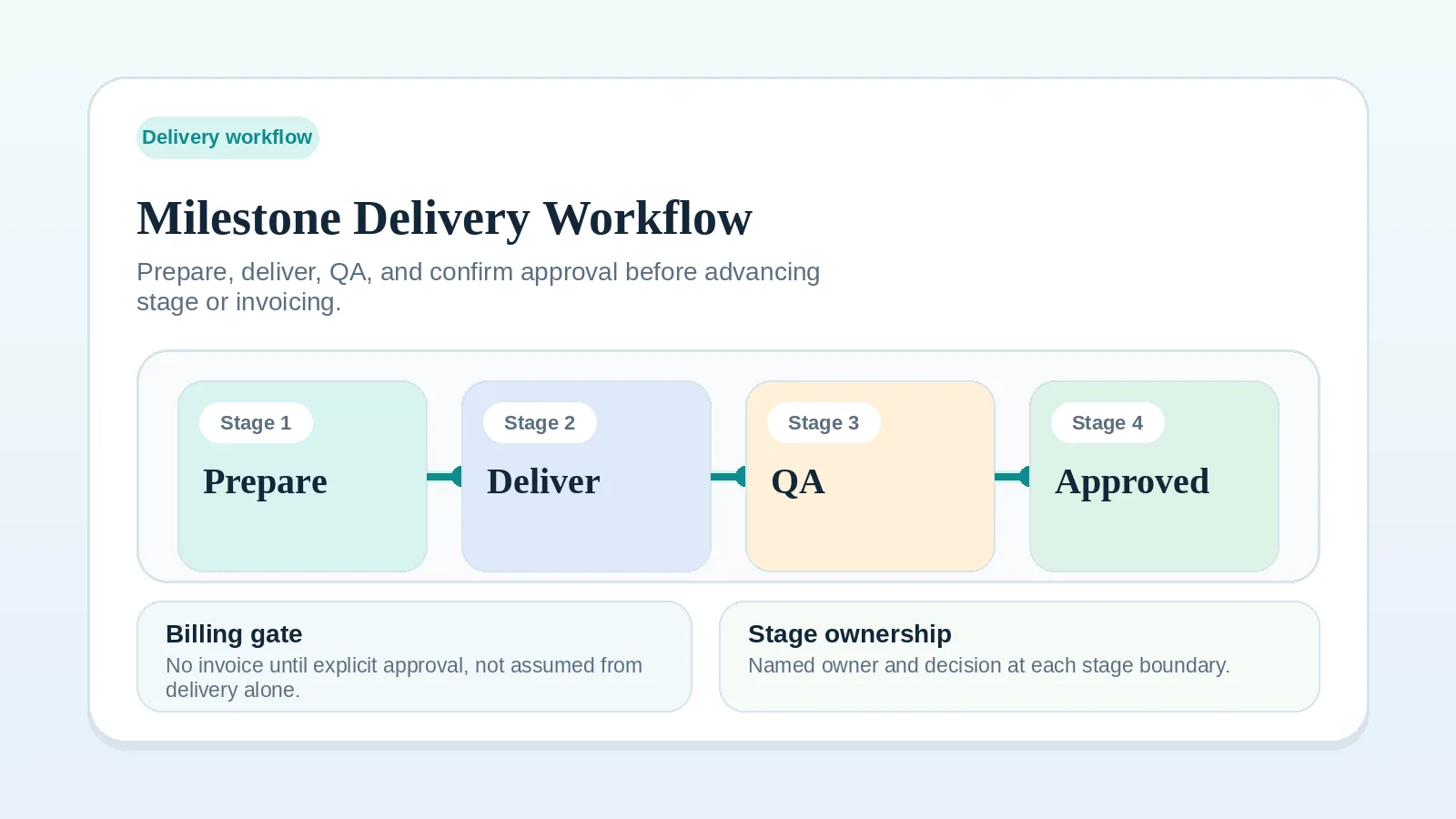
| Delivery or milestones | Milestone delivery workflow for solo service businesses |
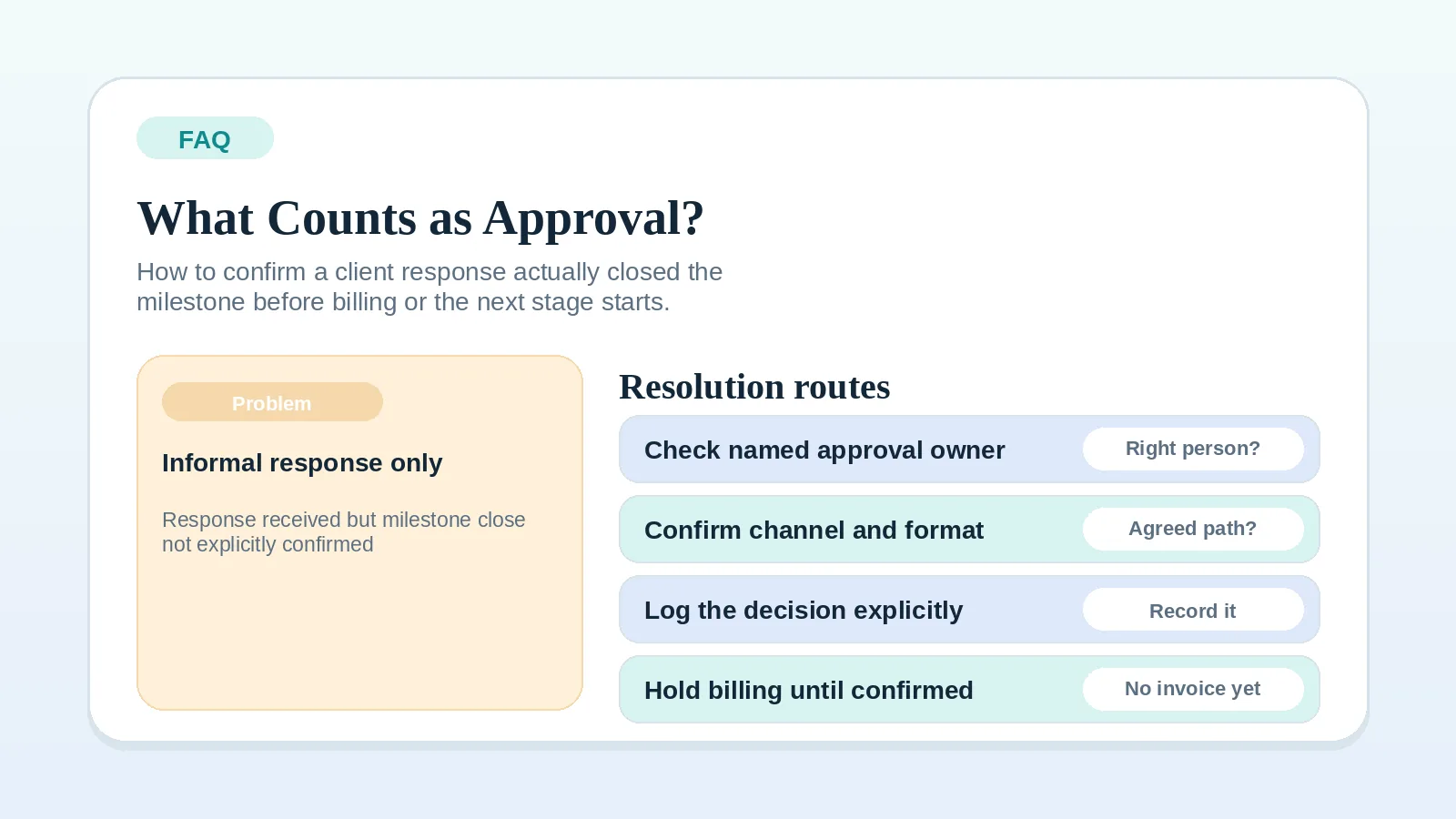
| Approval or feedback | FAQ: what counts as client approval? |
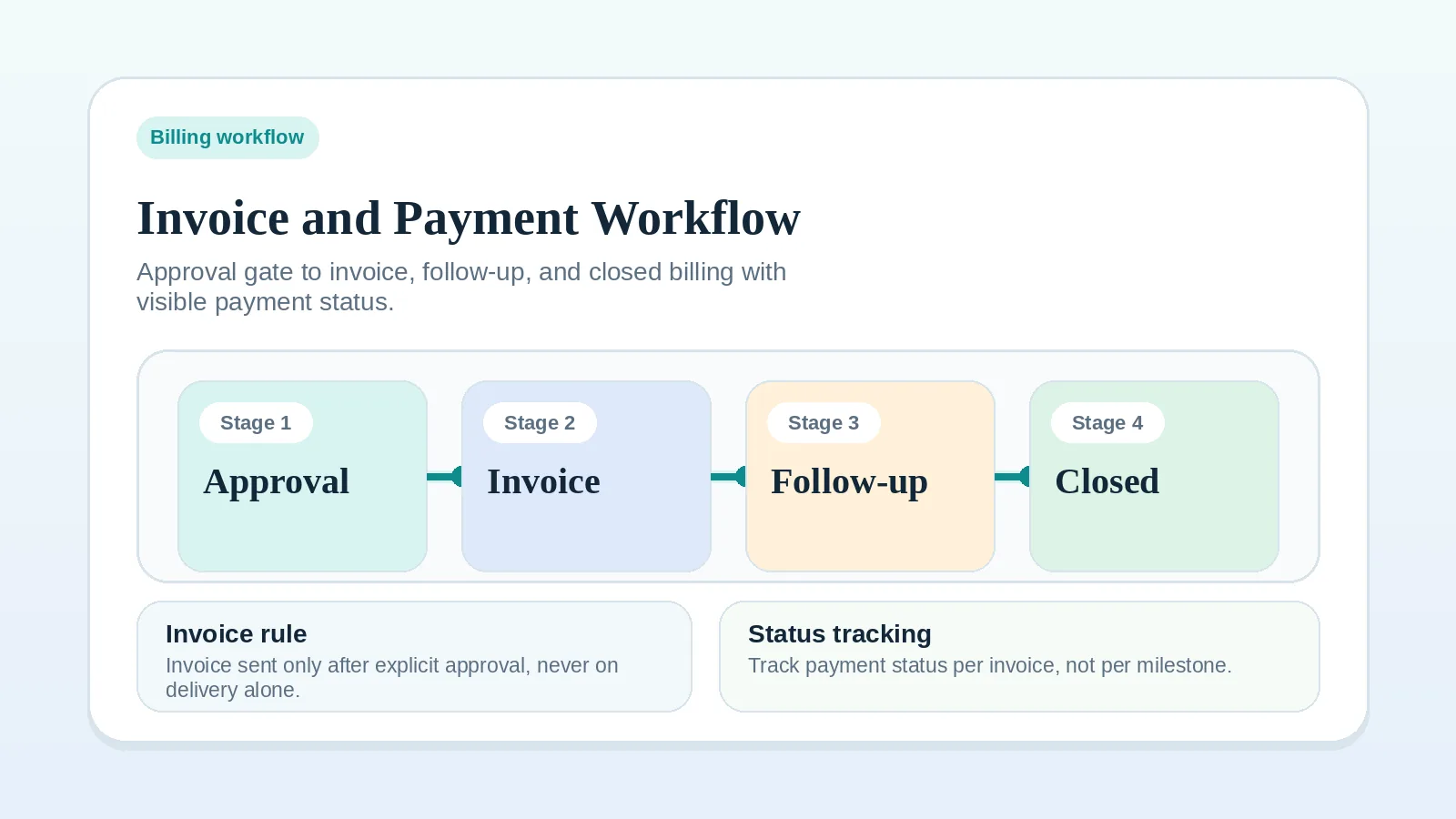
| Billing or payment | Invoice and payment workflow setup |
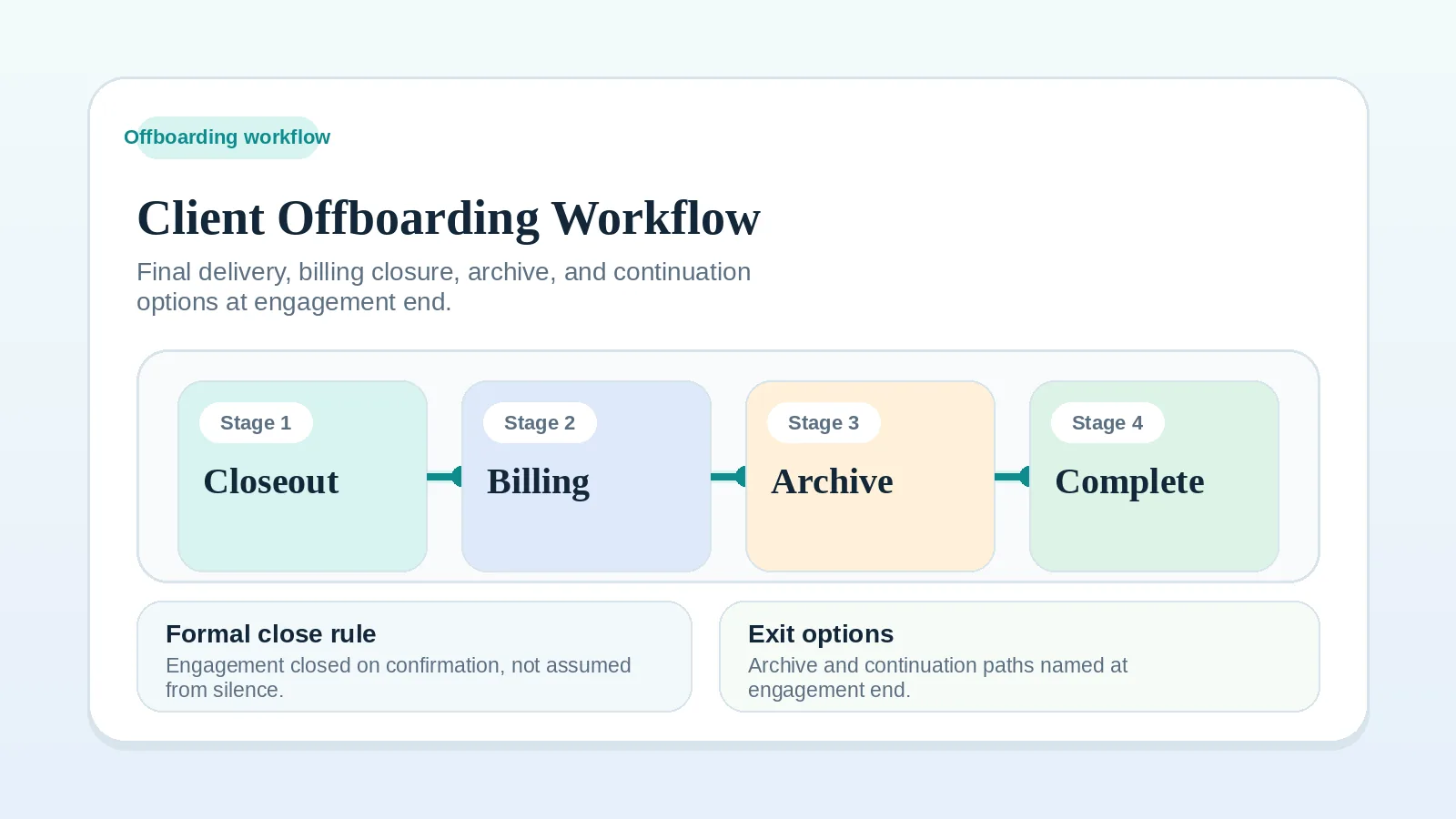
| Closeout or handoff | Client offboarding workflow for freelancers and solo service businesses |
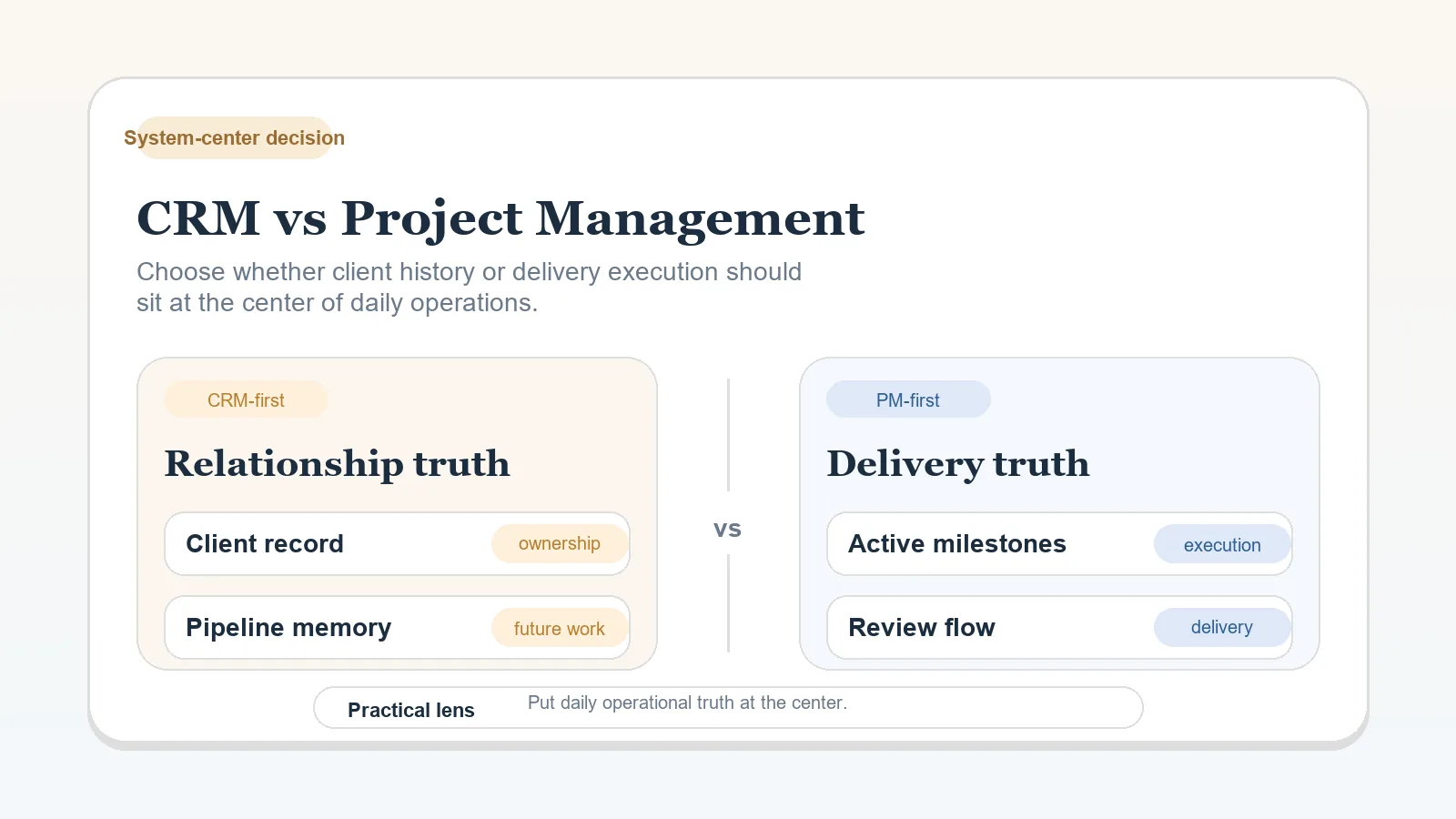
| Tools or system of record | CRM vs project management for client workflows |
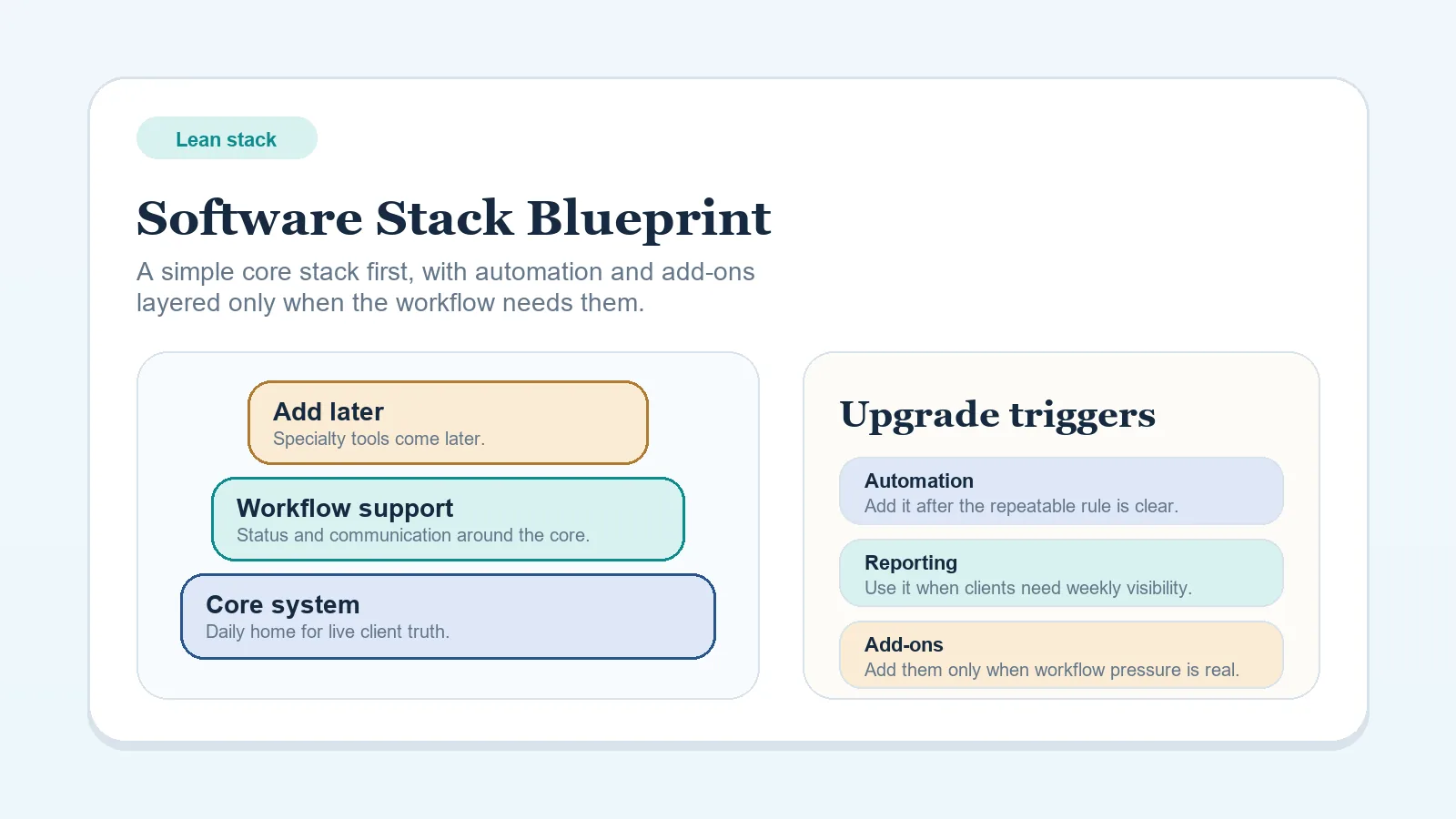
| Stack shape overall | Lean software stack blueprint for solo freelancers |
| Cannot name the weak area | Workflow diagnostic checklist |
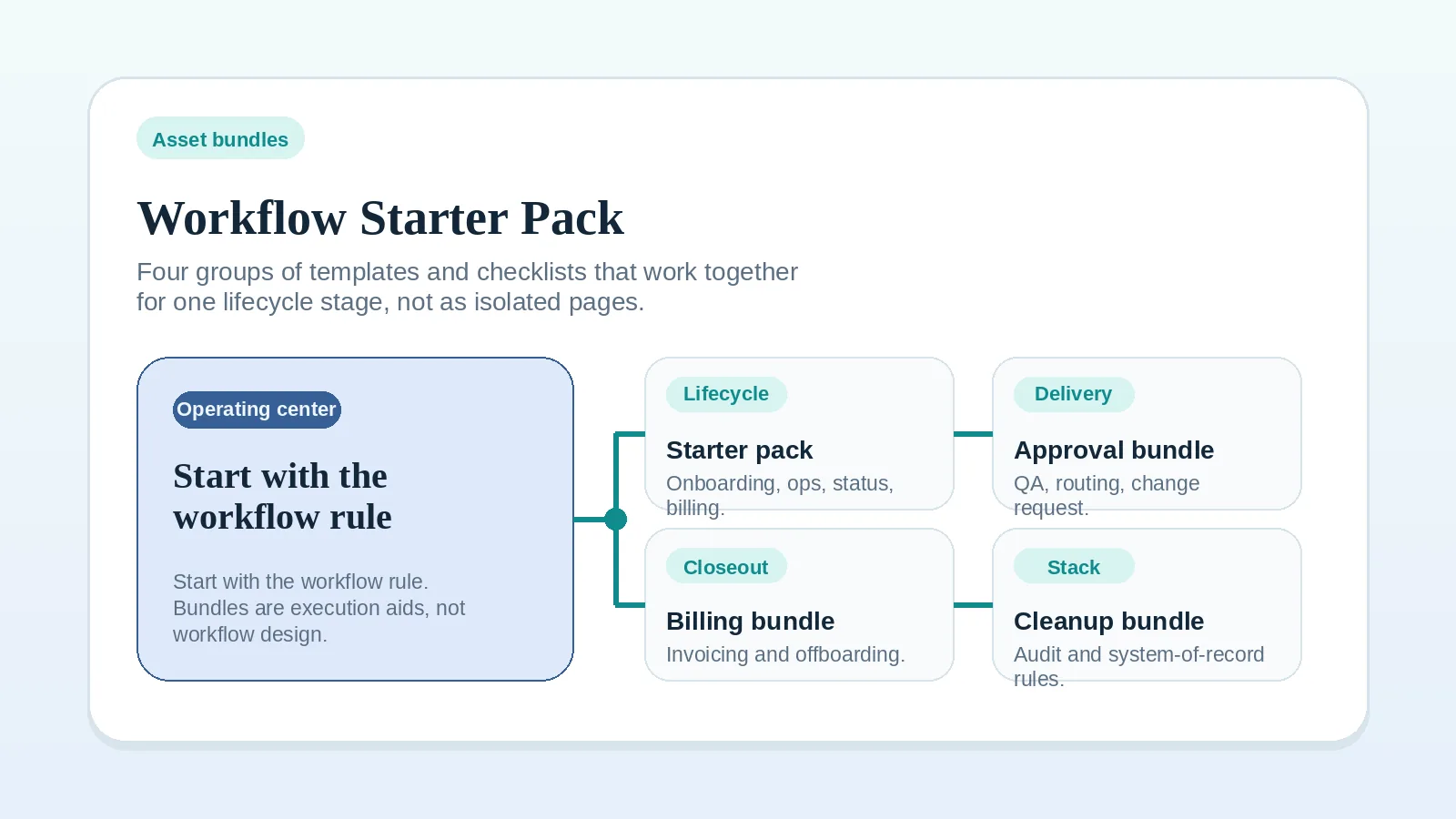
| Know the area, need templates or checklists | Workflow starter pack |
Separate process gaps from tool decisions
If a statement is rated 0 or 1 because its process rule is missing, read the guide for that stage before evaluating tools. A new tool adds another system to configure and maintain, so decide the owner, approval rule, or stage trigger first.
If several areas have gaps, follow the earliest missing input or transition that affects the others. Do not assume Area 1 is always the right starting point; use the evidence in the project record.
Choose one rule to address
Pick one area with a missing or inconsistent rule. Open the guide listed above, address that rule, and record what changed before repeating the review.
Repeat the review after a meaningful workflow change or when the same operating problem returns. Compare the new responses with your prior record rather than with an unsupported external standard.
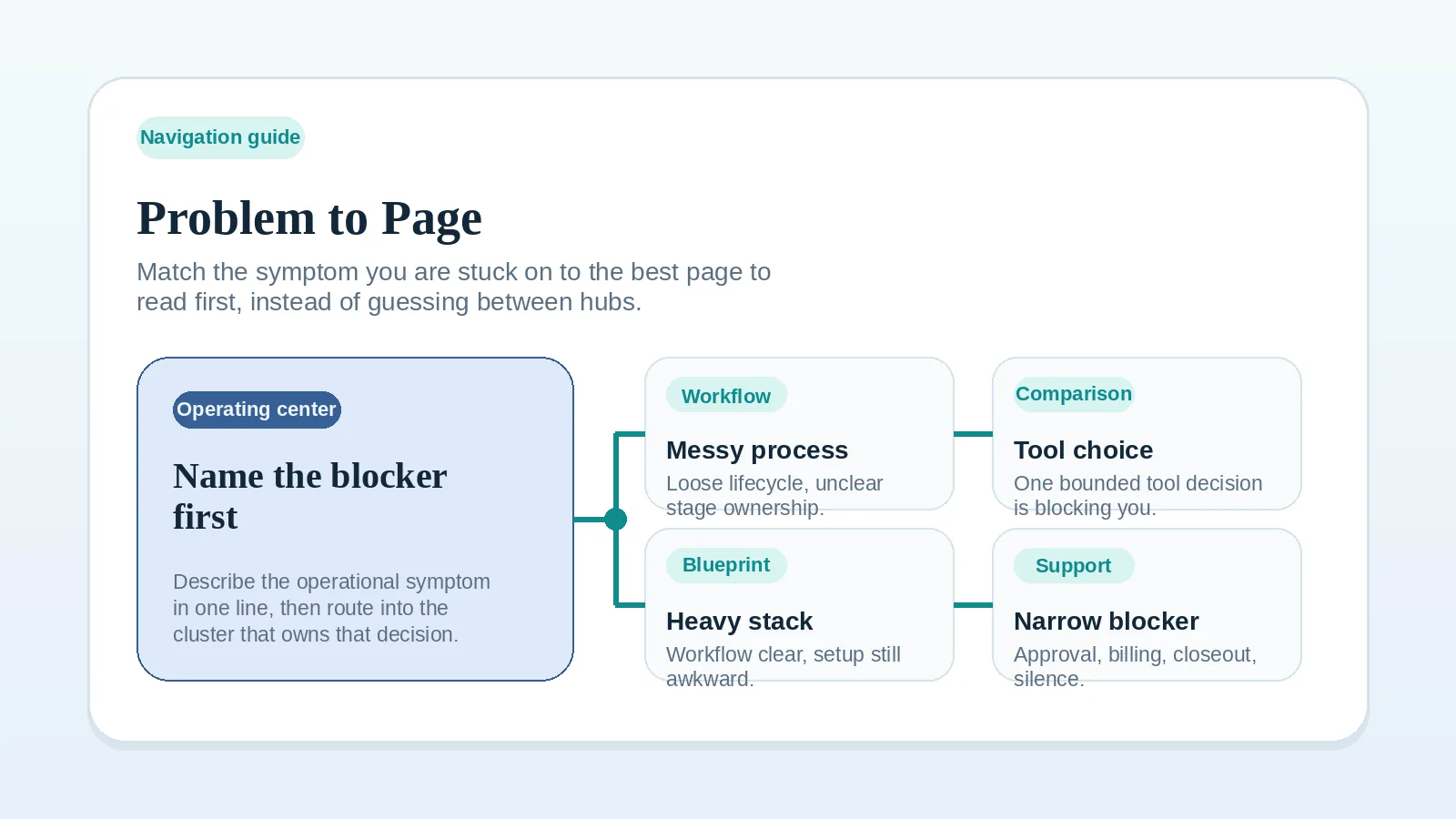
Use the Problem-to-page guide if you are not sure which exact page fits the problem you found.