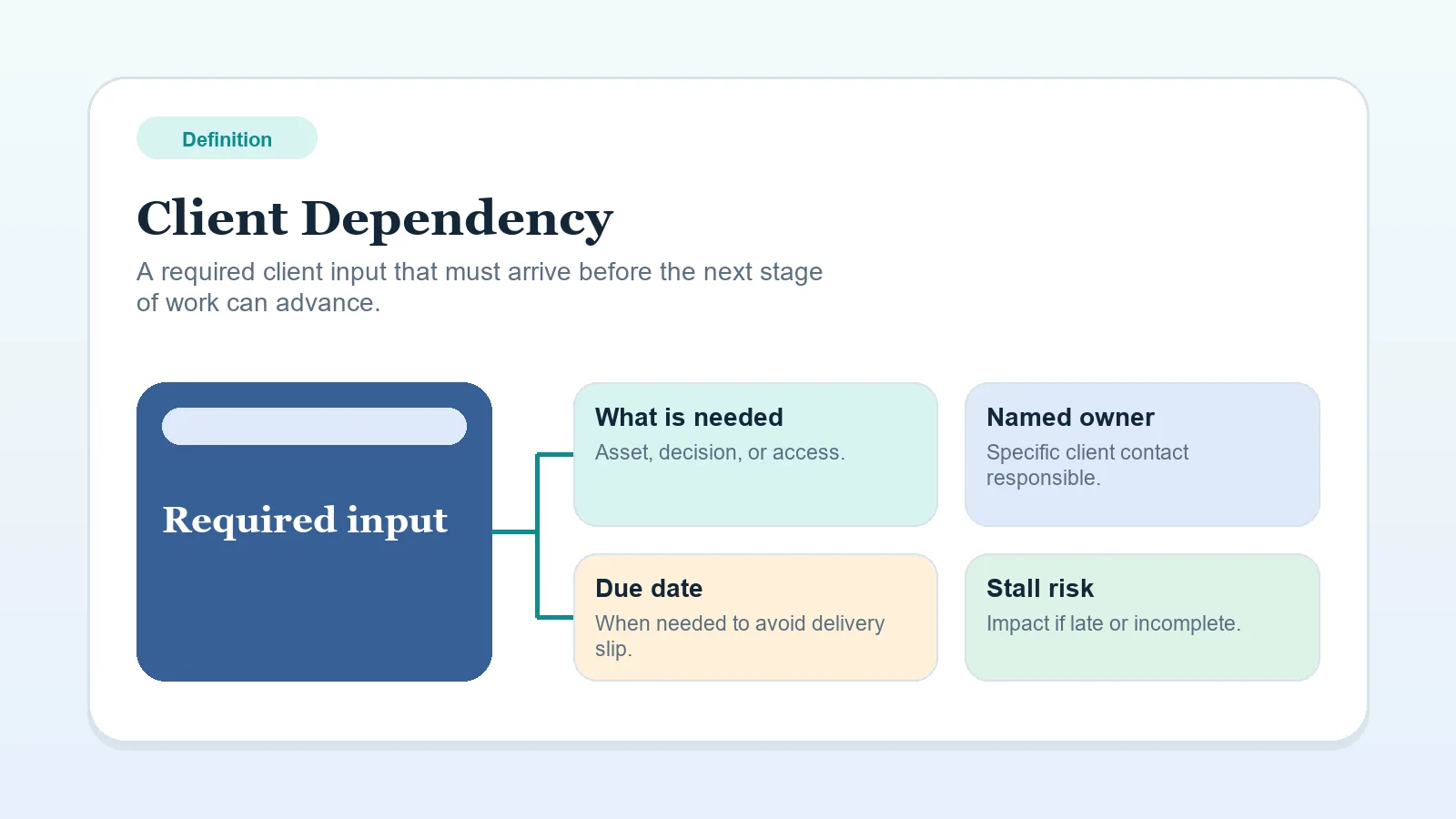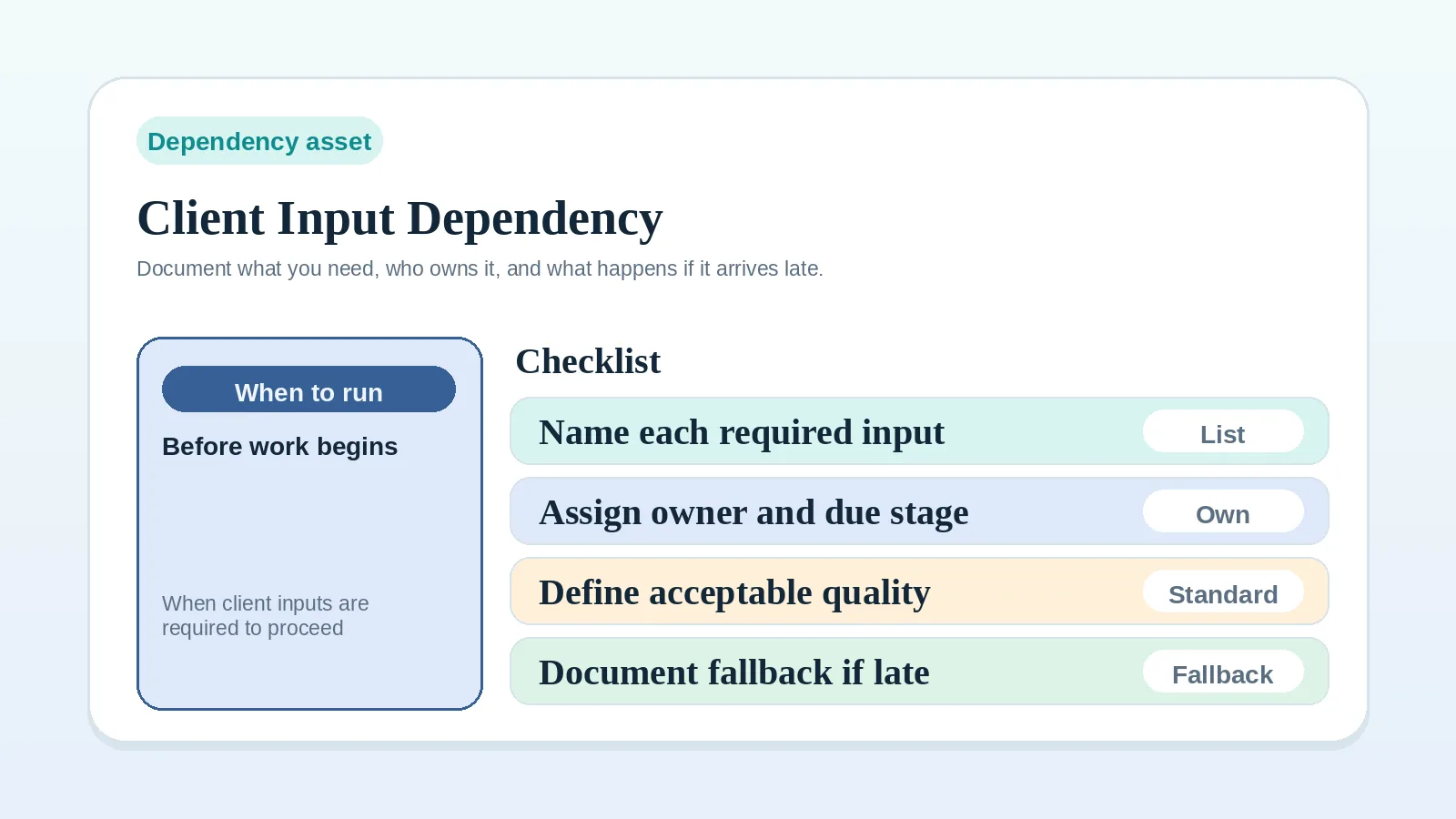
When work depends on a client input that nobody has defined clearly, record the item, its owners, its due point, acceptable quality, the work it blocks, and the response if it does not arrive.
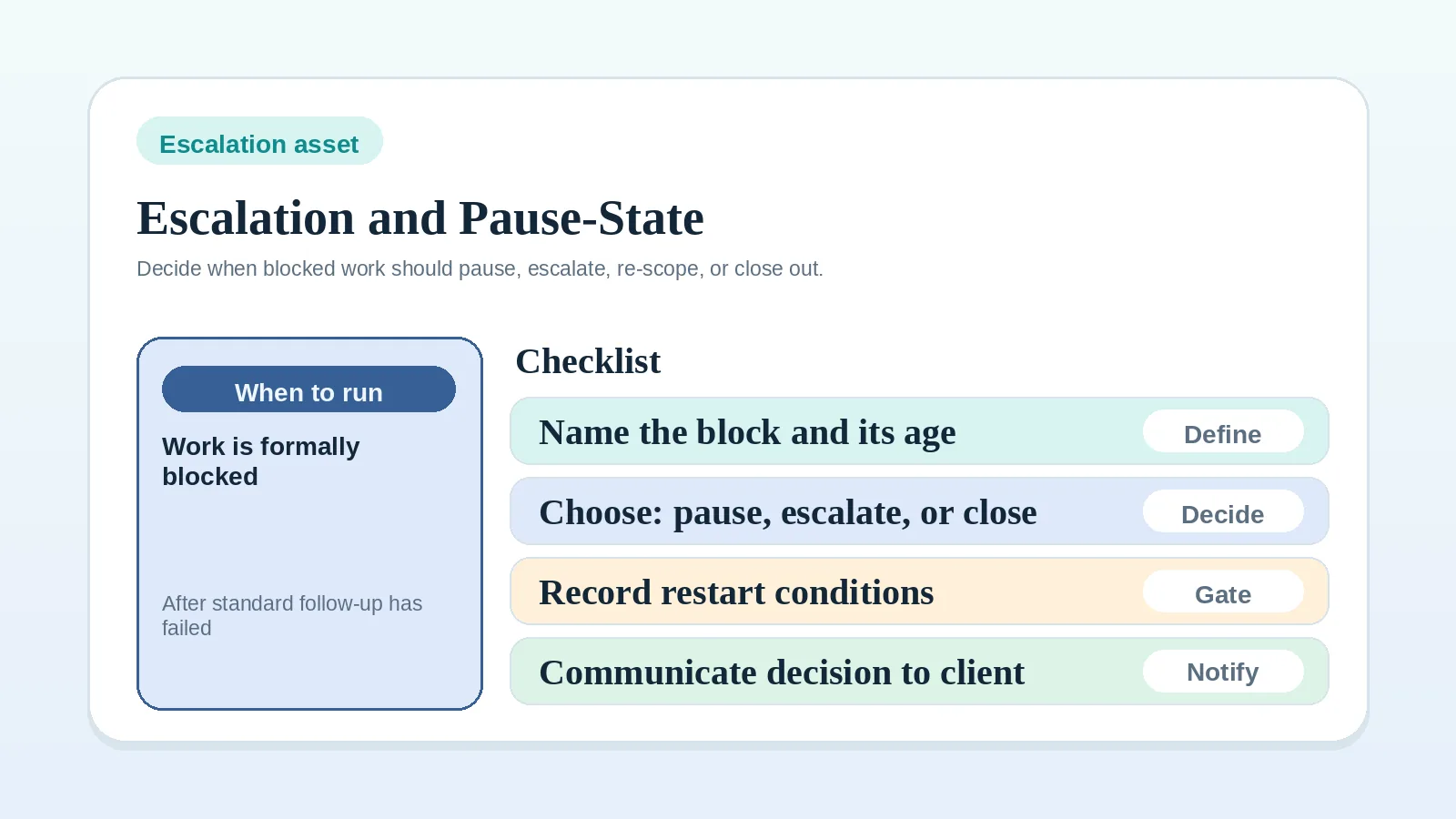
If the dependency is documented but the project still needs a wait, pause, or escalation decision, use Escalation and pause-state worksheet.
Signs an input needs a record
- kickoff depends on assets, access, or stakeholder answers that are still vague,
- milestone work cannot continue until the client provides content, files, or approvals,
- review or billing keeps stalling on missing input,
- updates still say “waiting on client” without enough detail to act on.
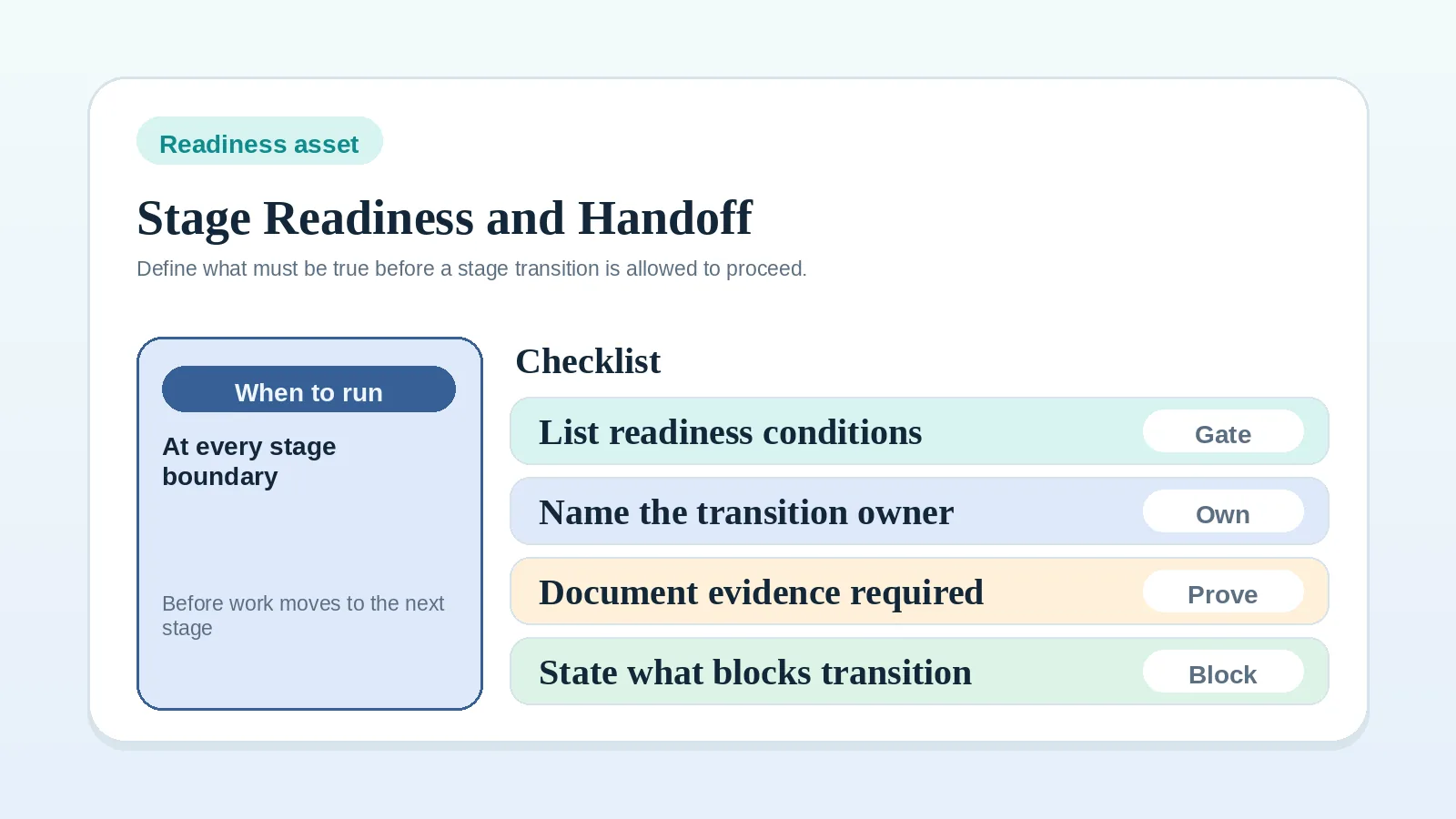
If the bigger problem is still the stage boundary itself, use Project start handoff readiness worksheet first.
Decisions to make elsewhere
This worksheet does not decide:
- the whole onboarding or delivery workflow,
- whether the project should continue despite the delay,
- how the full escalation policy should work across all clients,
- what tool stack should hold the dependency record.
Define the surrounding workflow, escalation policy, and record ownership separately. This worksheet makes one client dependency specific enough to track and communicate.
Record one dependency
- Document one input dependency at a time.
- Name both a client-side owner and your-side owner.
- Define the due stage or date before the work depends on it.
- Write one fallback or escalation path before the delay happens.
Client input dependency worksheet
| Required input / item | Client-side owner | Your-side owner | Due stage / date | Format / quality expectation | What blocks if missing | Fallback or escalation path |
|---|---|---|---|---|---|---|
| Brand files and access | client marketing lead | operator | onboarding before kickoff | correct file set, active login, current brand assets | kickoff and first milestone setup | pause kickoff and name exact missing files |
| Proposal answers or stakeholder clarifications | approval owner or client lead | operator | proposal review round 1 | written answer in agreed review path | revision close and approval decision | send bounded follow-up and hold review state |
| Content or source material for milestone delivery | designated client contributor | operator or delivery owner | before milestone execution starts | complete draft, approved source, usable file format | active work and delivery due date | split milestone or move to visible blocked state |
| Final signoff item or handoff approval | final approver | operator | before invoice close or offboarding | explicit written acceptance or decision | billing closeout and archive | separate open closeout item and delay testimonial ask |
Required input / item
Write the dependency as one specific item, not as a vague category.
Better:
- homepage copy draft,
- brand asset folder,
- legal approver answer,
- final signoff reply.
Worse:
- materials,
- feedback,
- client stuff,
- approval.
If the item is broad, break it into smaller records before it becomes impossible to track.
Owner on client side
Document:
- who at the client side is actually responsible,
- whether that person owns the answer or only coordinates it,
- what happens if several stakeholders are involved.
If no client-side owner can be named, the dependency is already weak.
Owner on your side
Document who on your side:
- requested the input,
- is tracking its arrival,
- must update the system when it comes in,
- communicates the impact if it is late or incomplete.
This prevents a dependency from being treated as known while nobody is responsible for watching it.
Due stage / date
Write the dependency against a visible stage or date:
- before kickoff,
- before milestone 1 begins,
- before client review closes,
- before invoice can trigger,
- before offboarding can start.
Set the due point before the dependent work must begin.
Format / quality expectations
Define:
- where the input should be delivered,
- what format is acceptable,
- what counts as complete enough to use,
- what would still count as incomplete.
Examples:
- editable doc, not screenshots,
- current source files, not outdated exports,
- one written decision from the approval owner, not several conflicting comments,
- complete login with required permissions, not a pending invite.
What blocks if the input is missing
Write the consequence directly.
Examples:
- kickoff cannot start,
- milestone cannot move from blocked to active,
- review cannot close,
- invoice cannot trigger cleanly,
- offboarding cannot reach final signoff.
Record the blocked work so its effect is visible in the project record.
Fallback or escalation path
Define one practical response:
- follow up with a named due date,
- move the stage into blocked status,
- split the milestone,
- proceed with a smaller safe subset,
- escalate to the approval owner or client lead,
- pause the transition until the item arrives.
Record the fallback before a delay occurs so the response does not depend on improvisation.
If the fallback is no longer enough, record a pause, re-scope, proceed, or closeout decision with the escalation and pause-state worksheet.
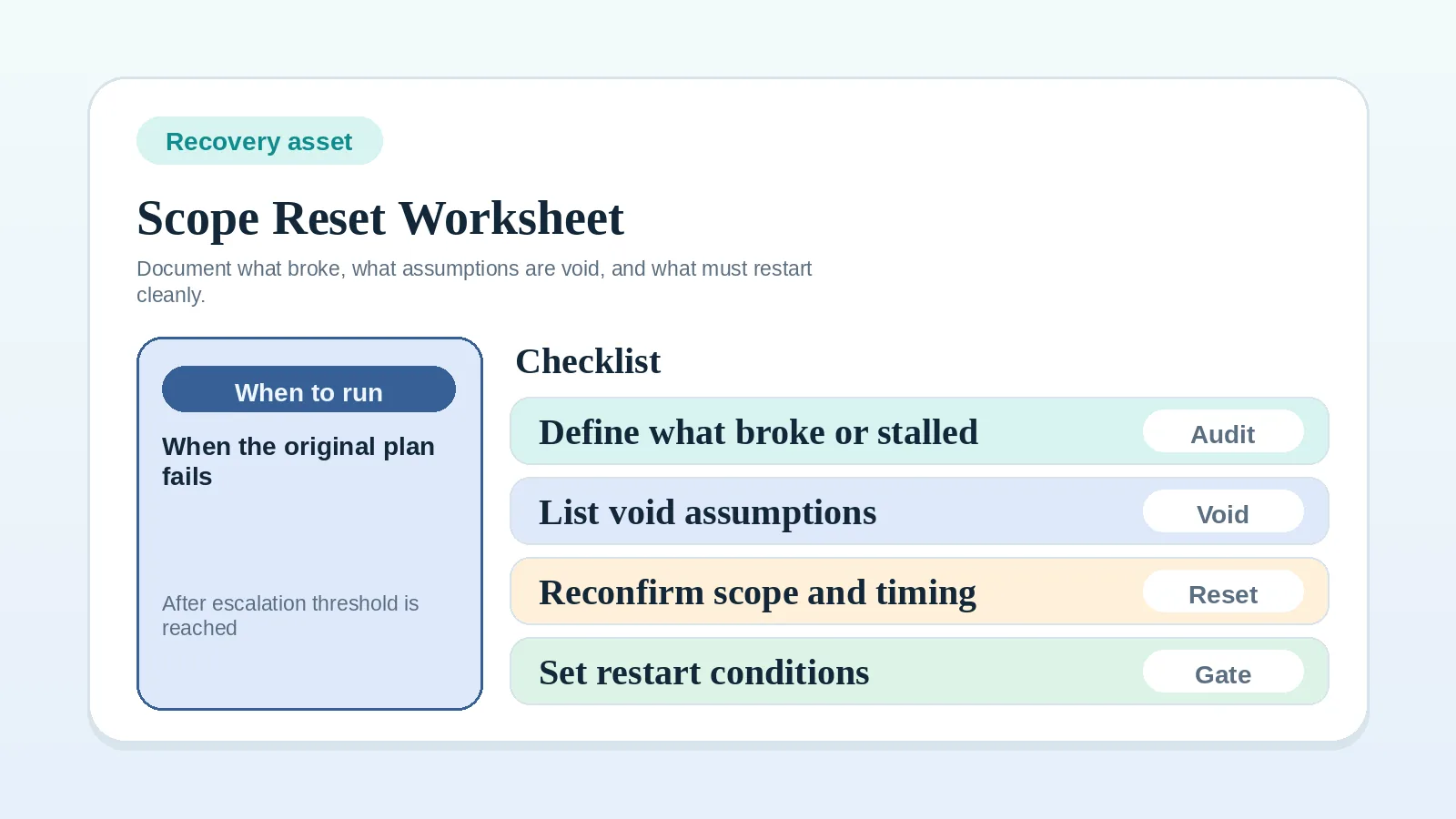
If the repeated dependency failure has already made the old plan unreliable, move next to Scope reset and recovery worksheet for solo operators instead of trying to patch the same plan again.
Apply the worksheet at these stages
Onboarding inputs that block project start
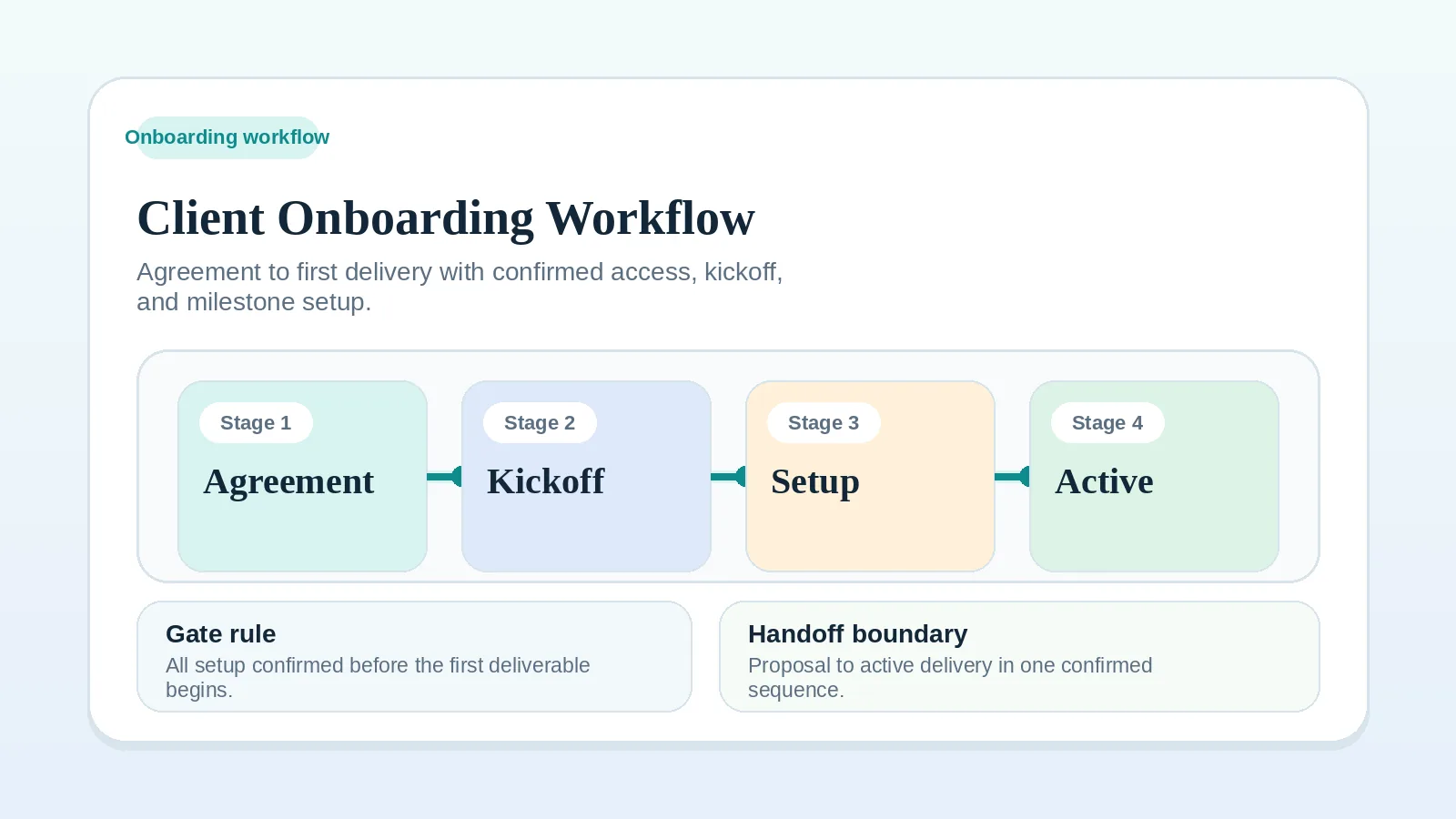
Kickoff depends on access, files, stakeholder details, or approved setup information. See Client onboarding workflow for freelancers and consultants and Project start handoff readiness worksheet.
Proposal review dependencies
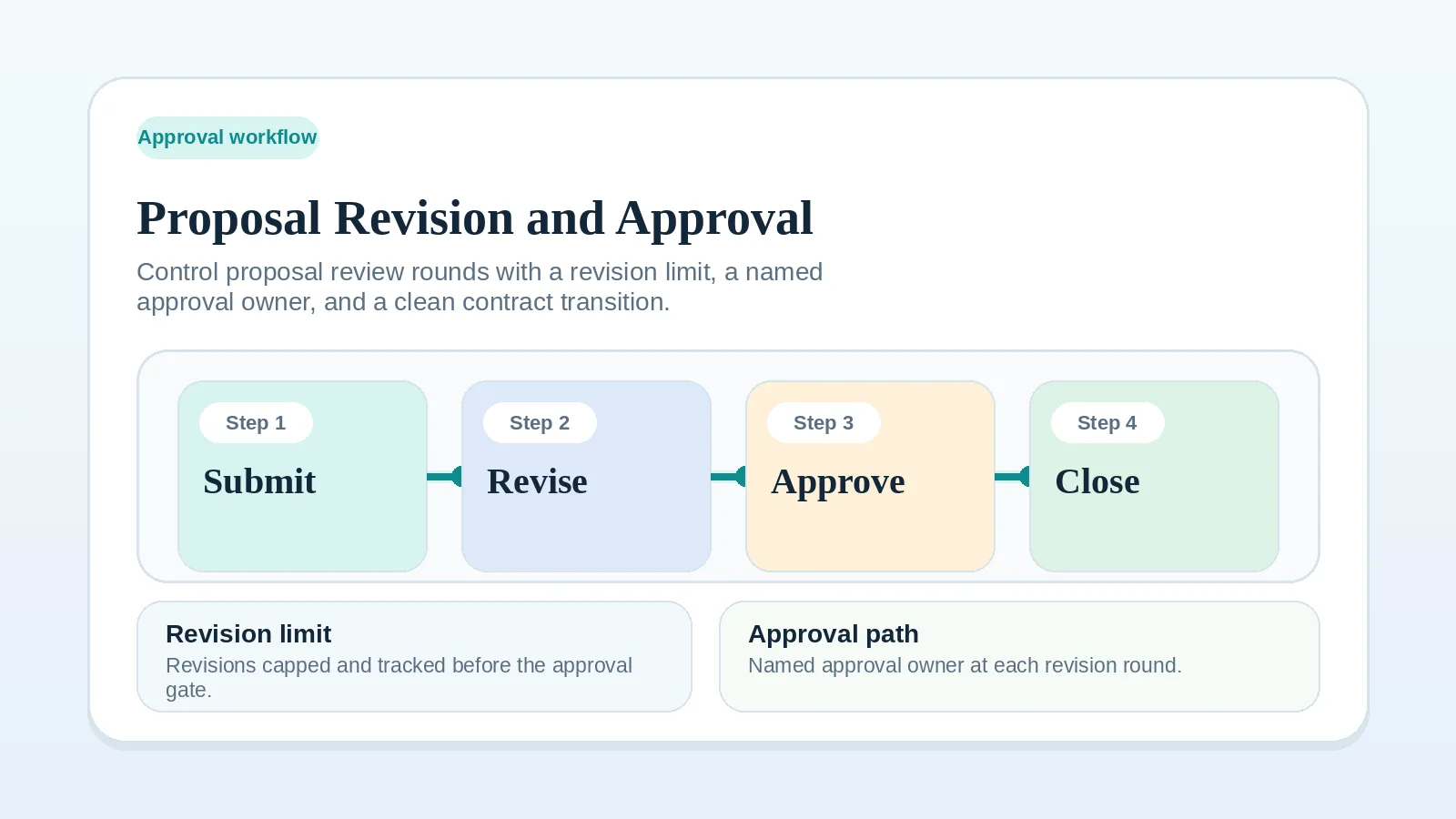
Approval or revision work cannot proceed because key answers or decision-maker responses are missing. See Proposal revision and approval workflow and Client dependency.
Delivery assets needed before work continues
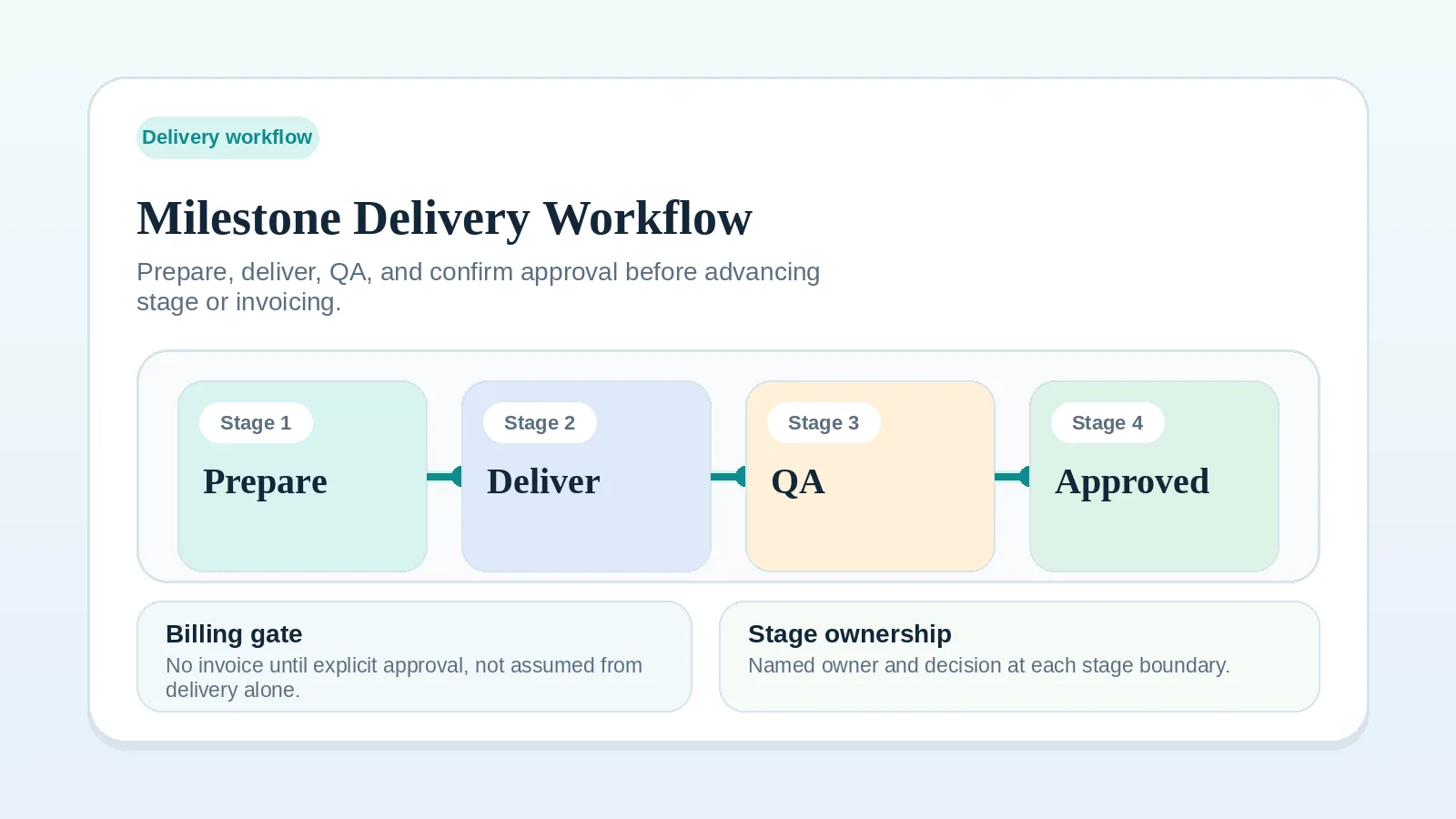
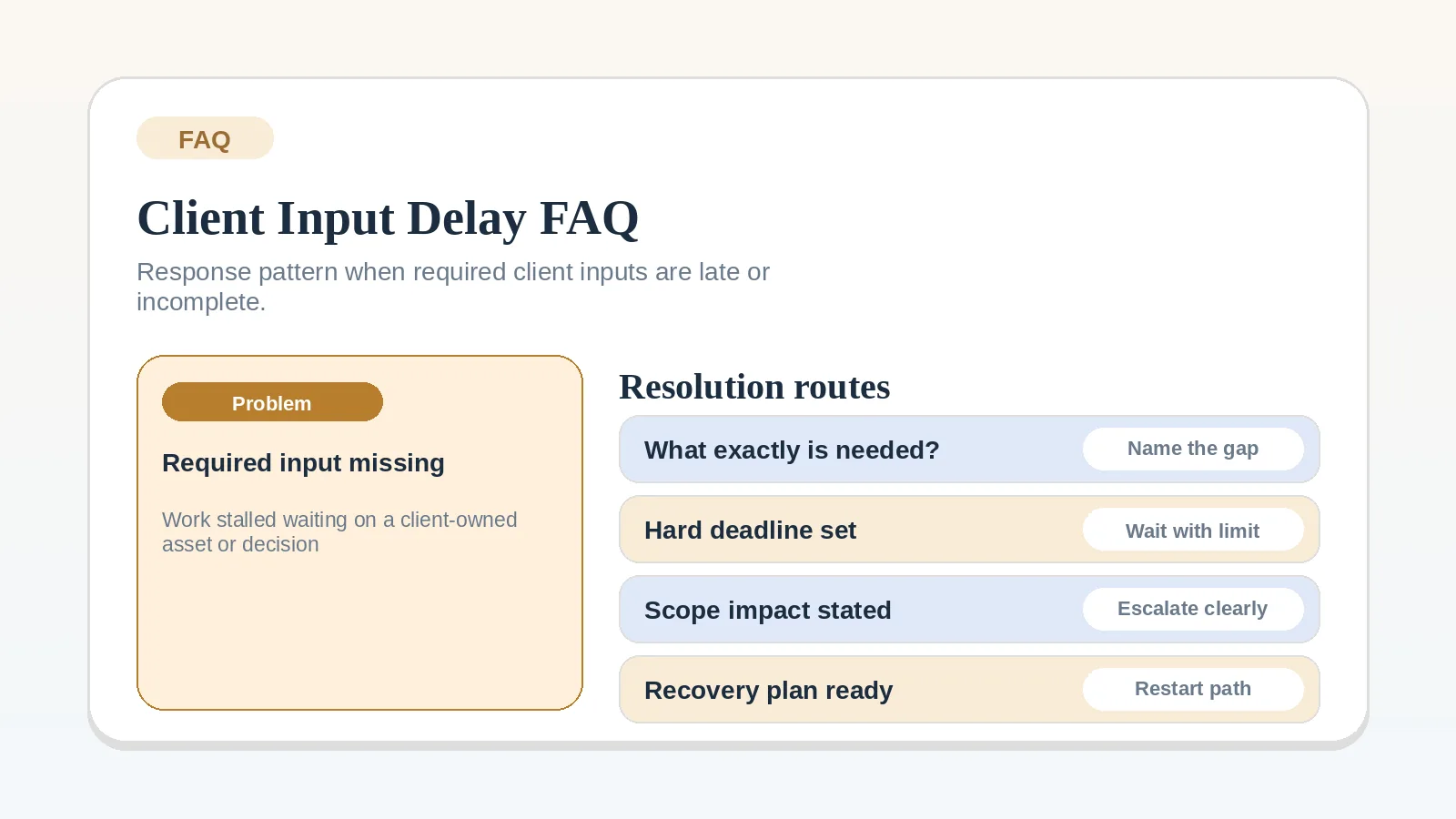
Active execution depends on content, files, access, or review materials from the client. See Milestone delivery workflow for solo service businesses and FAQ: what should I do when required client inputs are late or incomplete?
Approvals or answers needed before billing or offboarding
The work is nearly complete but one client-side dependency still blocks closure. See Invoice and payment workflow setup and Client offboarding workflow for freelancers and solo service businesses.
Warning signs of unmanaged client dependency
- the same missing item is discussed repeatedly without a recorded owner,
- client inputs arrive in unusable formats and nobody said what “usable” meant,
- blocked work still appears active in the system,
- timeline promises stay unchanged even though required input is missing,
- the dependency is only described as “waiting on client.”
Act on the recorded dependency
- If the dependency is blocking project start, continue to Client onboarding workflow for freelancers and consultants.
- If it is blocking active work, continue to Milestone delivery workflow for solo service businesses.
- If the dependency is clear but the response pattern is still weak, continue to FAQ: what should I do when required client inputs are late or incomplete?
- If the bigger issue is still a vague stage transition, go back to Project start handoff readiness worksheet.
Dependency record check
The record is ready when:
- the required input is specific enough to verify,
- both owners are named,
- the due stage or date is explicit,
- acceptable format and quality are defined,
- one fallback or escalation path exists before the item goes missing.