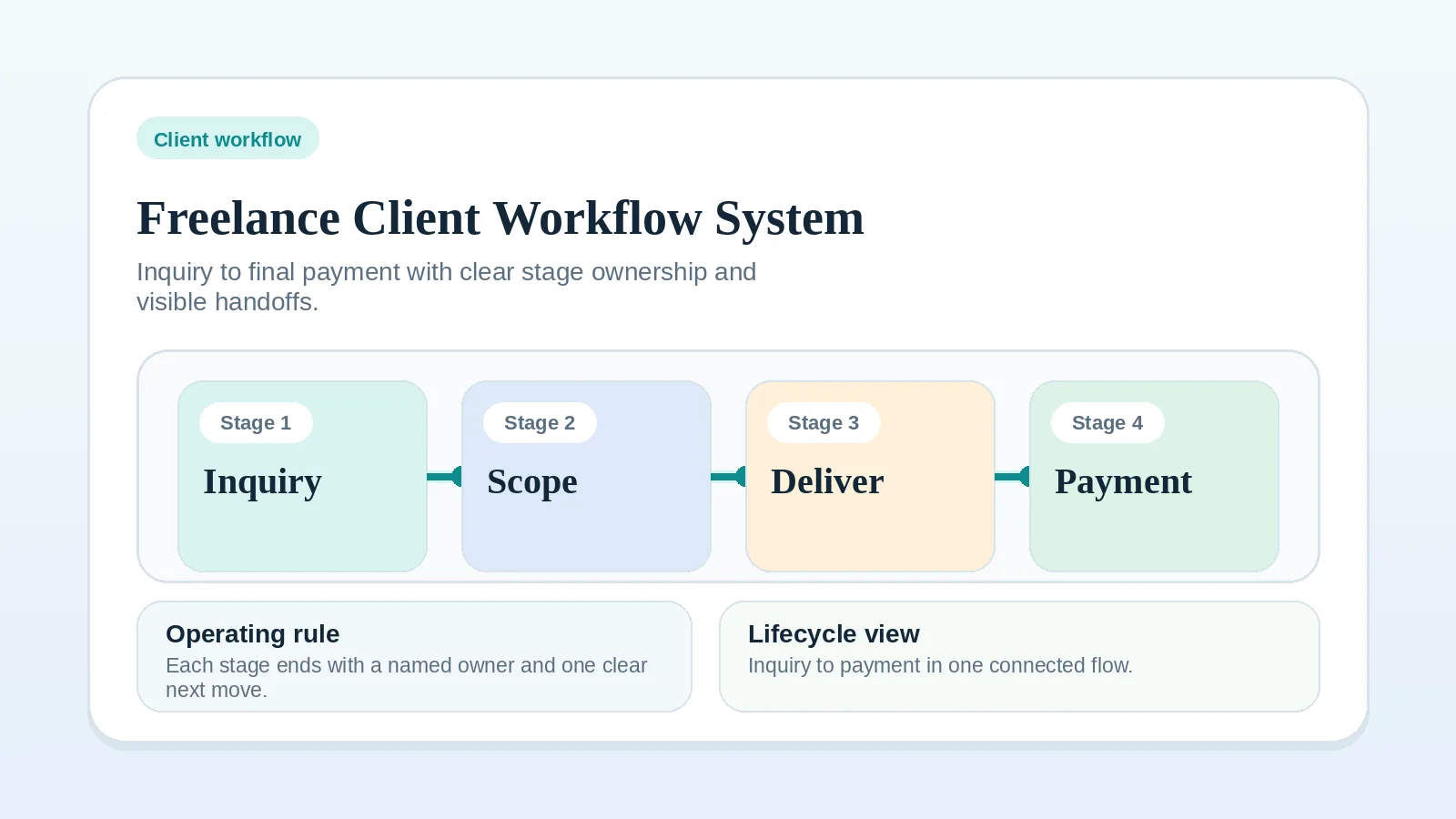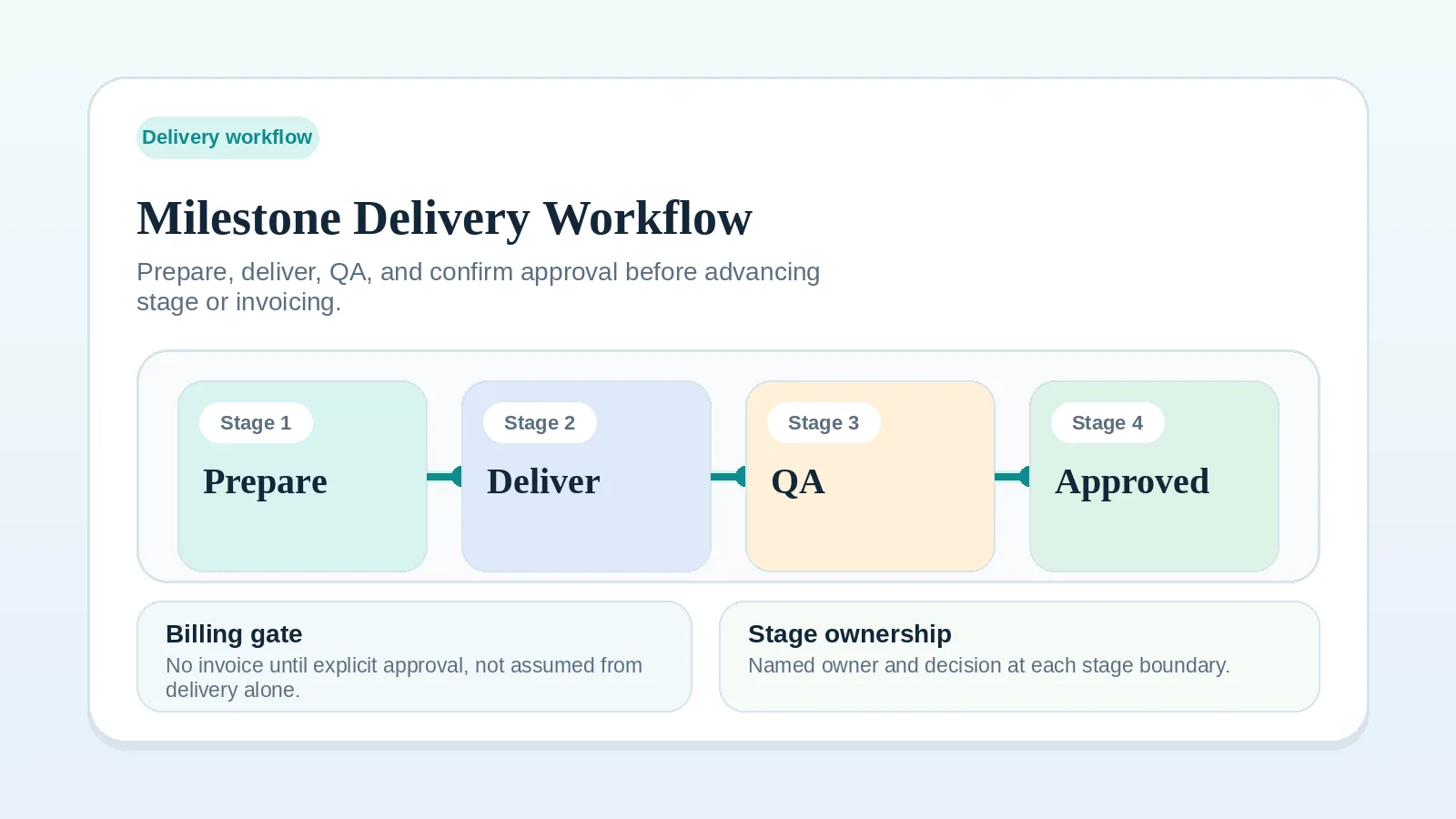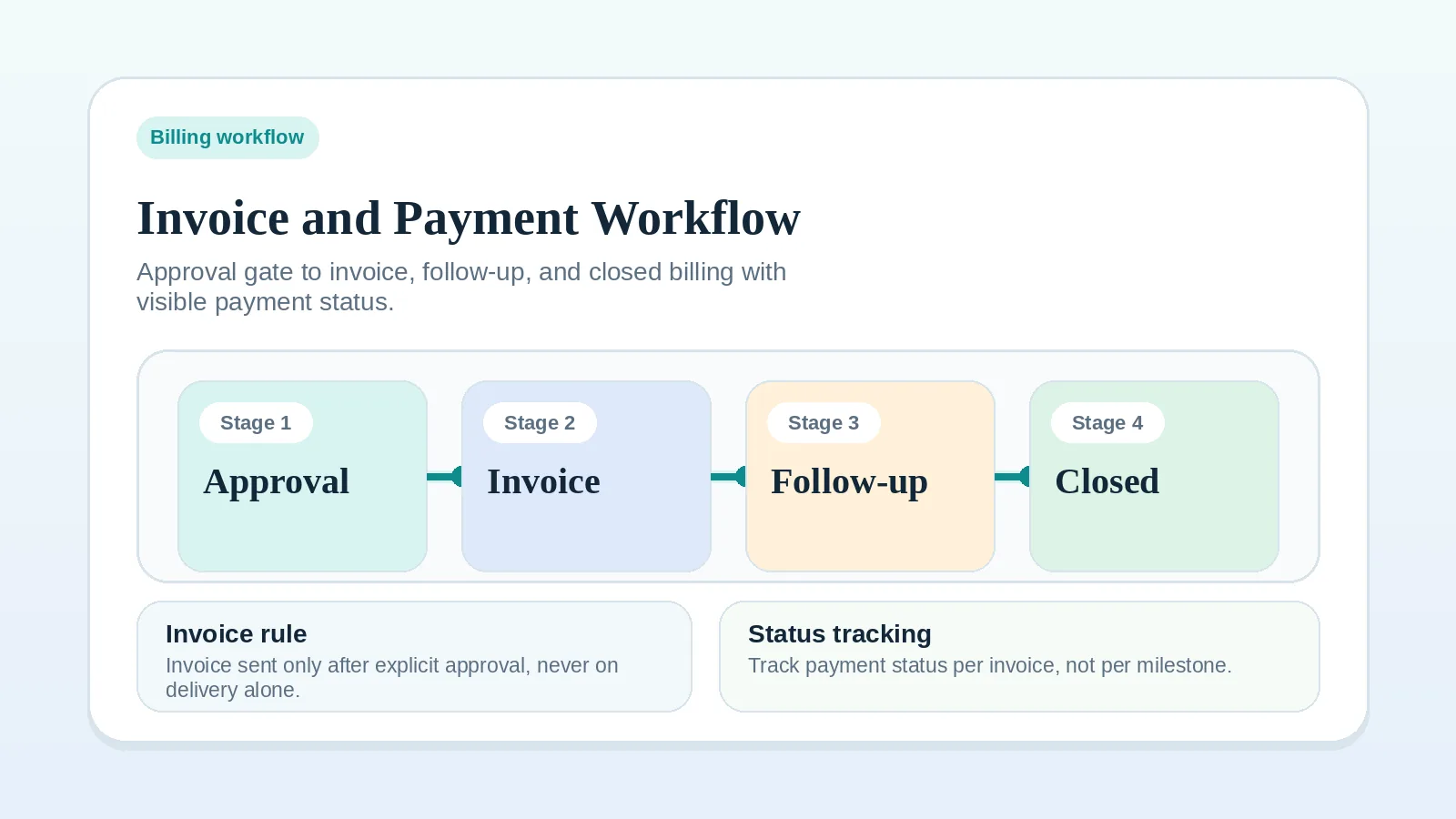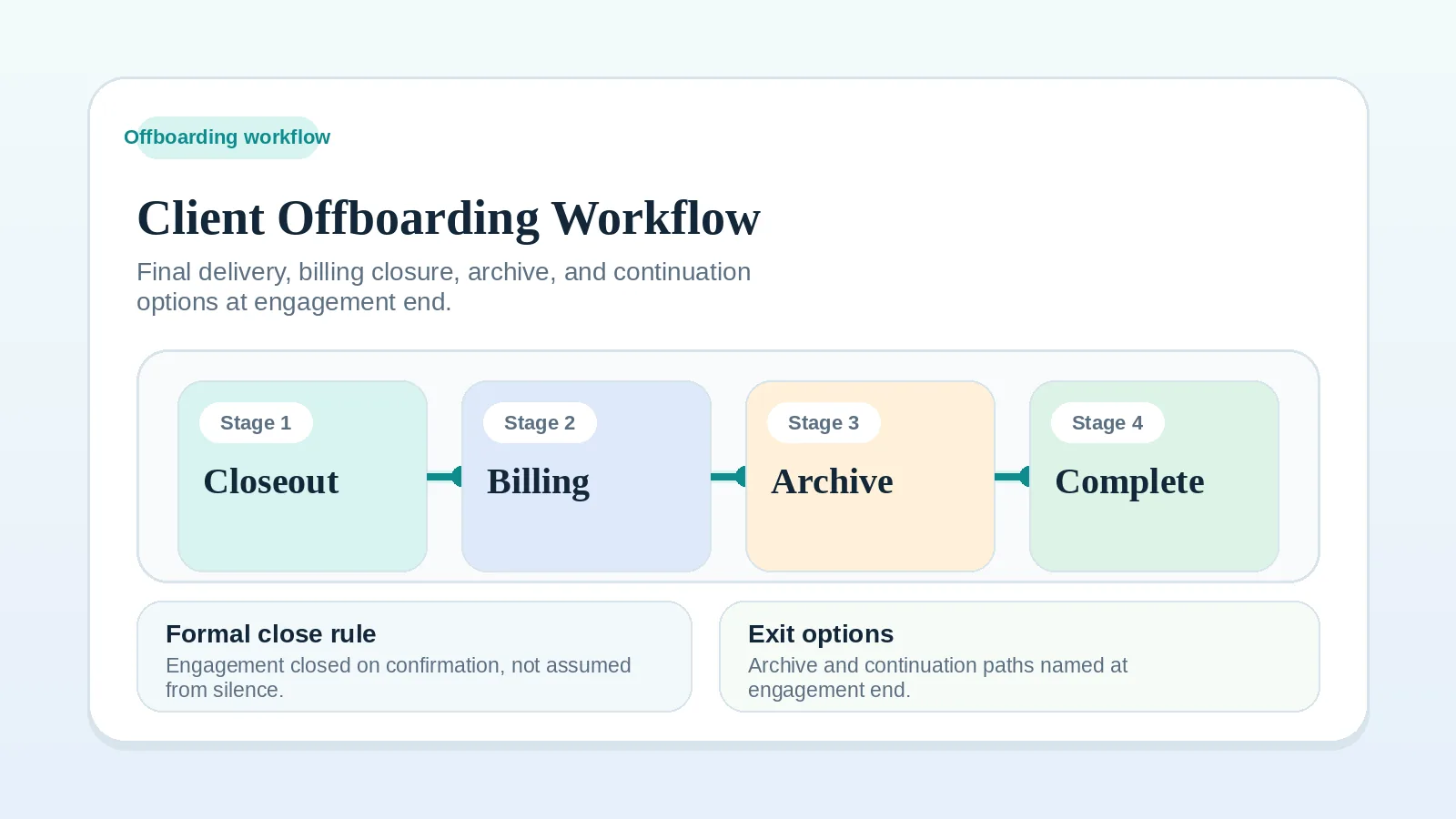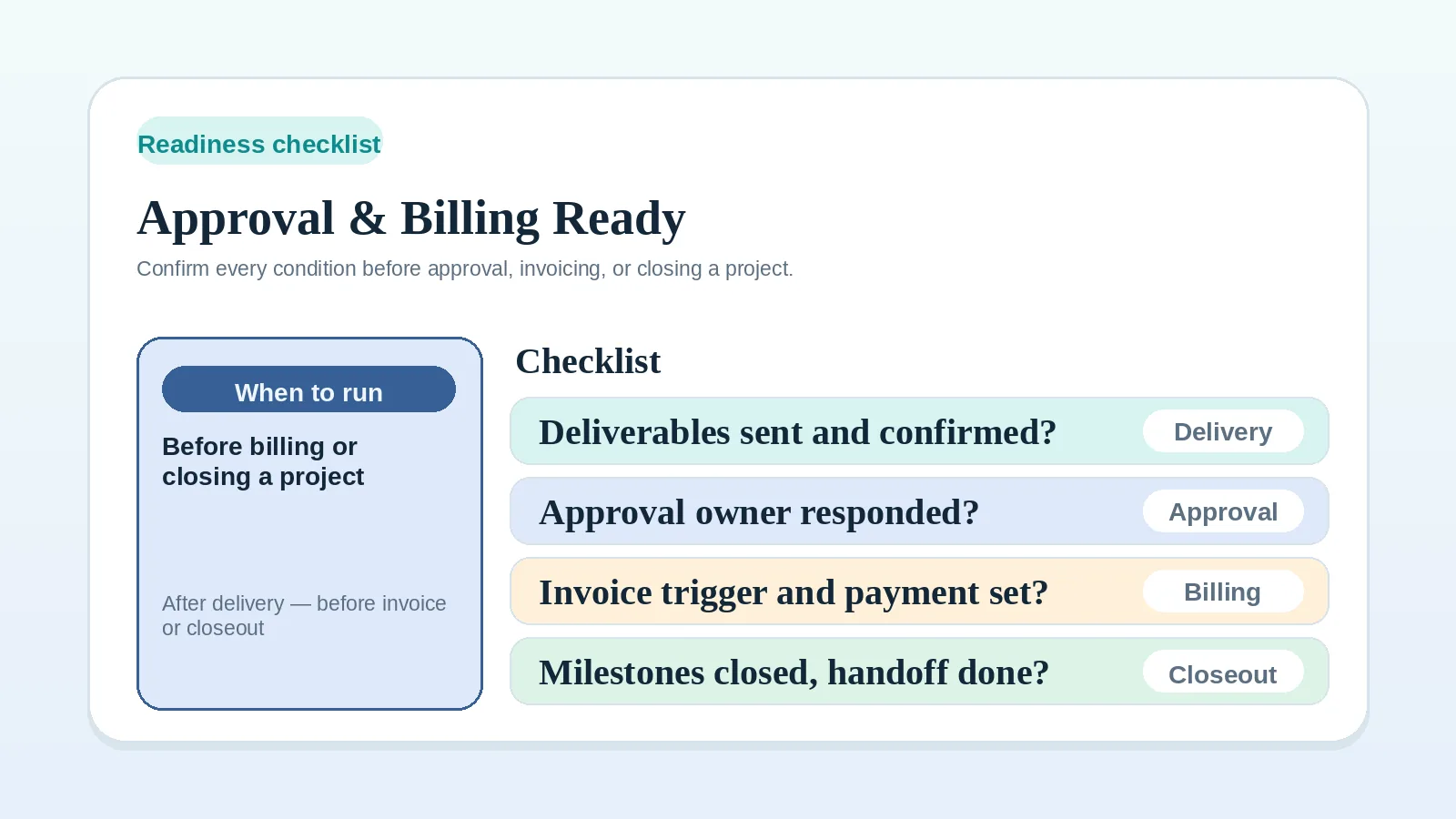
Before you record approval, issue an invoice, update payment status, or begin closeout, compare every item with the signed agreement, the project’s documented process, and any legal, accounting, tax, or professional requirements that apply to your work.
The checklist is an operating record, not legal, accounting, tax, or contract advice. If a required condition or governing rule is unclear, hold the affected transition and obtain the appropriate guidance before proceeding.
Clarify the governing rule first when
- the delivery or approval process is unclear. Read Milestone delivery workflow for solo service businesses,
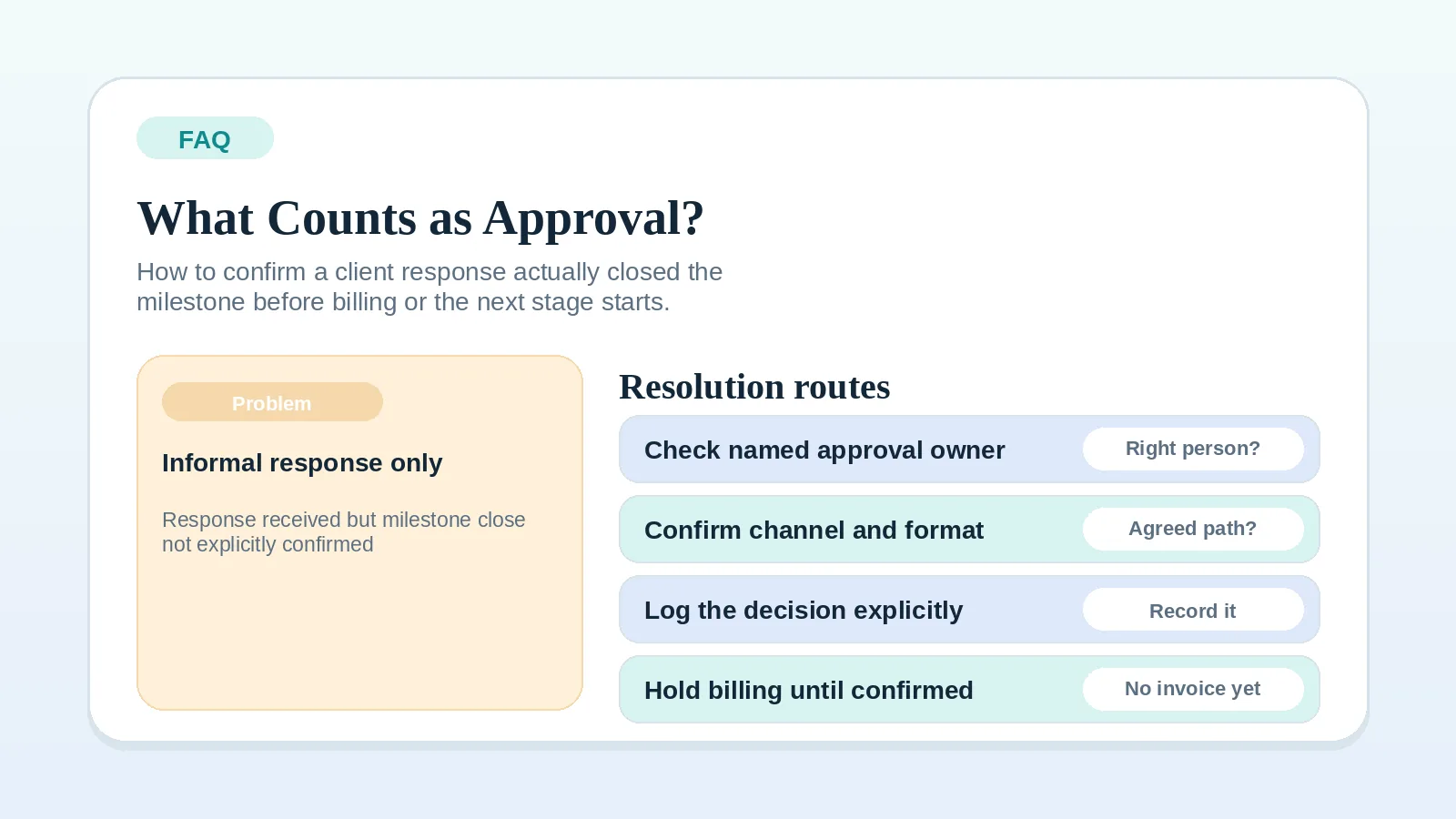
- you are not sure what counts as approval under the project agreement. Read FAQ: what counts as client approval?,
- the invoice trigger or payment-status location is unclear. Read Invoice and payment workflow setup,
- the client lifecycle order is unclear. Read Freelance client workflow system: inquiry to final payment.
Conditions to verify at each transition
Check the conditions for the transition you are making. Mark a condition as not applicable when the agreement does not require it for that event. A deposit or recurring invoice, for example, may be due before delivery or approval. Resolve missing required conditions before moving that part of the project forward.
Delivery
- All work in scope for this milestone or stage has been completed.
- Deliverables have been sent through the delivery channel named in the project process.
- The acceptance criteria or deliverable definition for this milestone is documented and was shared with the client before delivery.
Approval
- The approval owner is named, including the authority that person has under the agreement.
- The approval channel is confirmed, and the client knows where to send the decision.
- A decision deadline or review window was stated when the deliverable was sent.
- The recorded response meets the agreed acceptance rule. An ambiguous positive comment has been clarified with the approval owner.
- Change requests have been separated from approval, with new scope documented under the agreed change process.
Invoicing
- The billing trigger stated in the agreement has occurred and its evidence is recorded. If explicit approval is the trigger, that approval is recorded.
- The invoice amount, billing period, and payment terms match the agreed proposal or contract.
- The invoice is ready to send to the correct contact and billing address.
Payment status
- Payment status for this invoice has been entered into the authoritative record defined for billing operations.
- A follow-up trigger is scheduled if payment has not arrived by the due date.
Closeout
- Delivery and financial closure are recorded separately. Any balance, dispute, or unfinished obligation remains open with an owner and next action until resolved.
- The client has been informed of the closeout state through the agreed channel.
- Any final handoff materials, account accesses, or documentation have been sent or confirmed complete.
Record approval under the agreed rule
A project milestone is ready for approval when:
- the deliverable has been sent through the agreed channel,
- the acceptance criteria were shared before delivery,
- the approval owner is named and has been given a clear decision window,
- no unresolved change requests are open that would alter what is being approved.
Do not treat an informal “looks good” as approval unless the agreement or documented review rule gives that message the required effect. If the client’s intent is unclear, ask a direct closing question: “Does this confirm your acceptance of [milestone name]?” Apply the billing trigger stated in the agreement rather than assuming every invoice depends on this wording.
For more on what counts as approval and how to handle ambiguous signals, see FAQ: what counts as client approval?
Confirm the invoice trigger and record
A project is ready to invoice when:
- the billing trigger stated in the agreement has occurred and is documented,
- the invoice amount, contact, and terms are confirmed and correct,
- the invoice will go to the right billing contact, not just the project contact.
Do not replace the agreed billing trigger with elapsed time or a positive-sounding message. The trigger may be a deposit date, milestone, delivery event, approval, recurring period, or another term defined in the agreement.
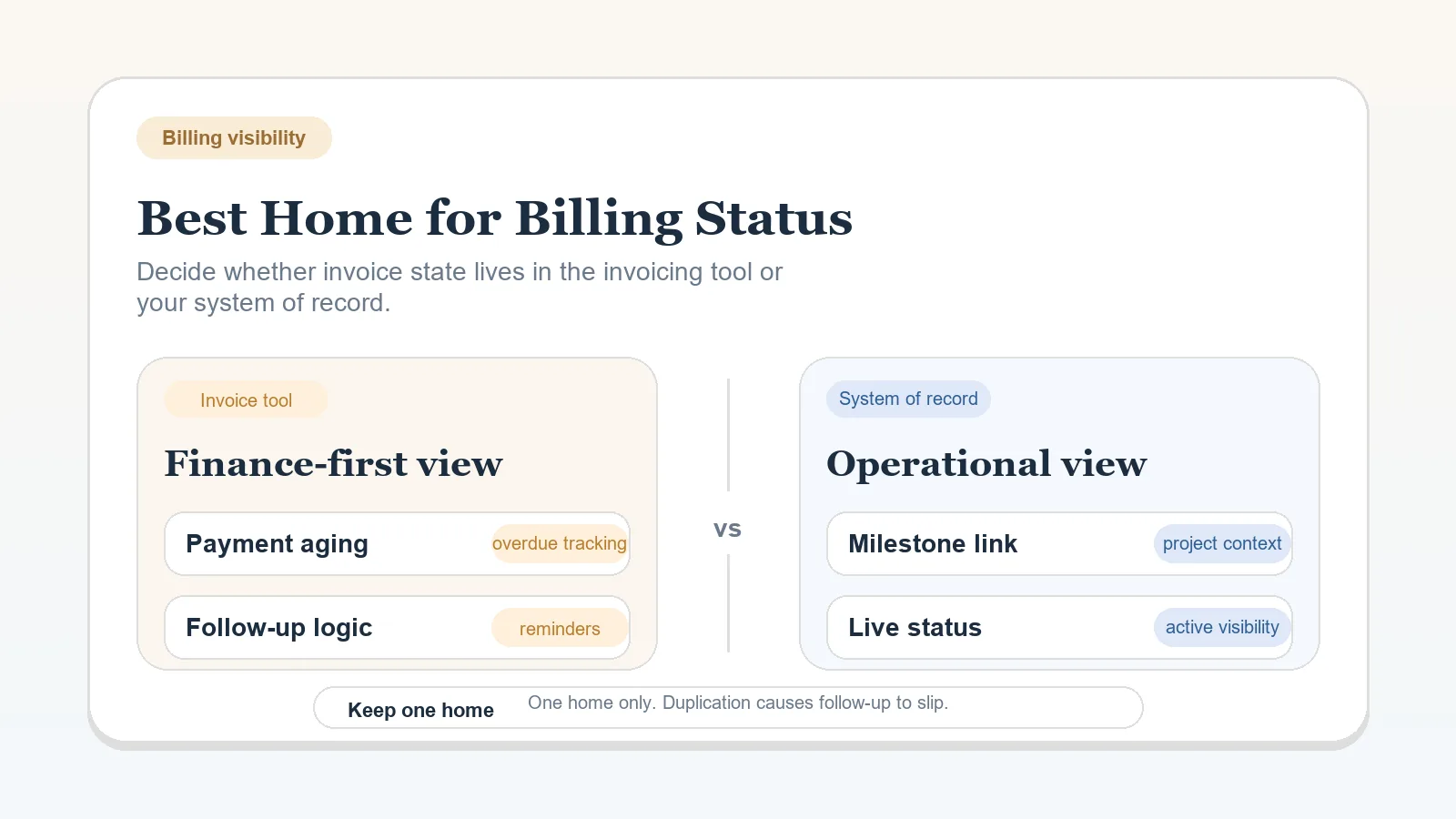
Once invoiced, update the authoritative payment-status record according to the project’s operating rule. If it is unclear where payment status should live, see Billing status: invoicing tool or system of record.
For the full billing process and follow-up cadence, see Invoice and payment workflow setup.
Verify the closeout conditions
A project is ready to close when:
- the applicable delivery and acceptance conditions are met,
- invoices are paid or otherwise resolved before financial closure is recorded; a disputed or unpaid balance remains open even if operational closeout is allowed,
- the client has been explicitly informed that the project is closing,
- required handoff materials and documentation are delivered, and the client has confirmed the access needed to use them.
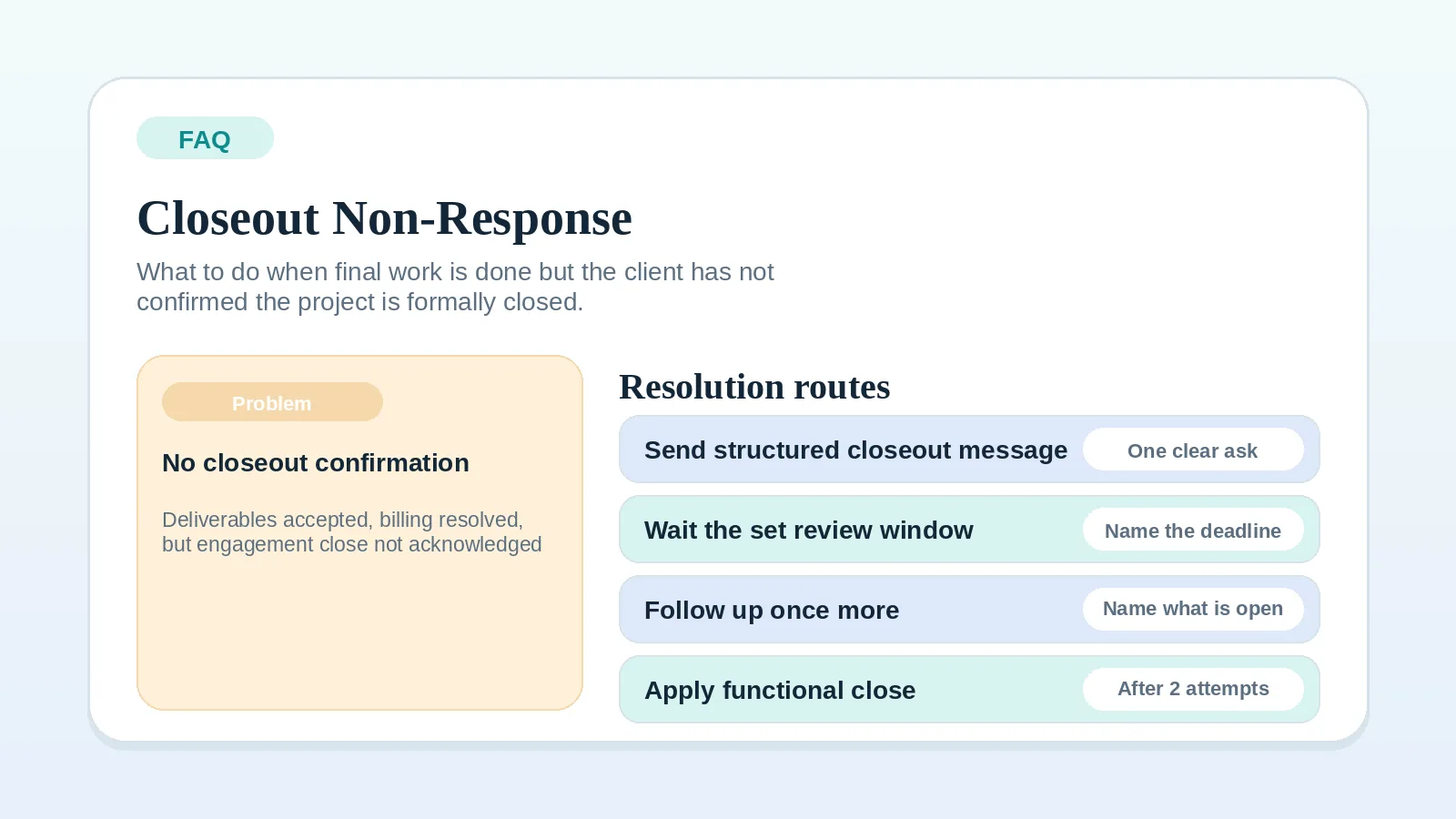
Use the closeout rule in the agreement and project record. Do not infer closure from final delivery alone when the process requires another condition. If the client has not responded to a closeout message, see Client not responding at project closeout: what to do.
For the full offboarding and testimonial process, see Client offboarding workflow for freelancers and solo service businesses.
Route an unchecked item
Do not skip a condition that applies to the transition or assume it will resolve itself. Keep the affected transition open while addressing the gap.
| Missing condition | Best first page |
|---|---|
| Approval is unclear or informal | FAQ: what counts as client approval? |
| Delivery or feedback structure is unclear | Milestone delivery workflow |
| Invoice timing or follow-up cadence is unclear | Invoice and payment workflow setup |
| Payment status location is unclear | Billing status: invoicing tool or system of record |
| Client has not responded to closeout | Client not responding at project closeout: what to do |
| Closeout process itself is unclear | Client offboarding workflow for freelancers and solo service businesses |
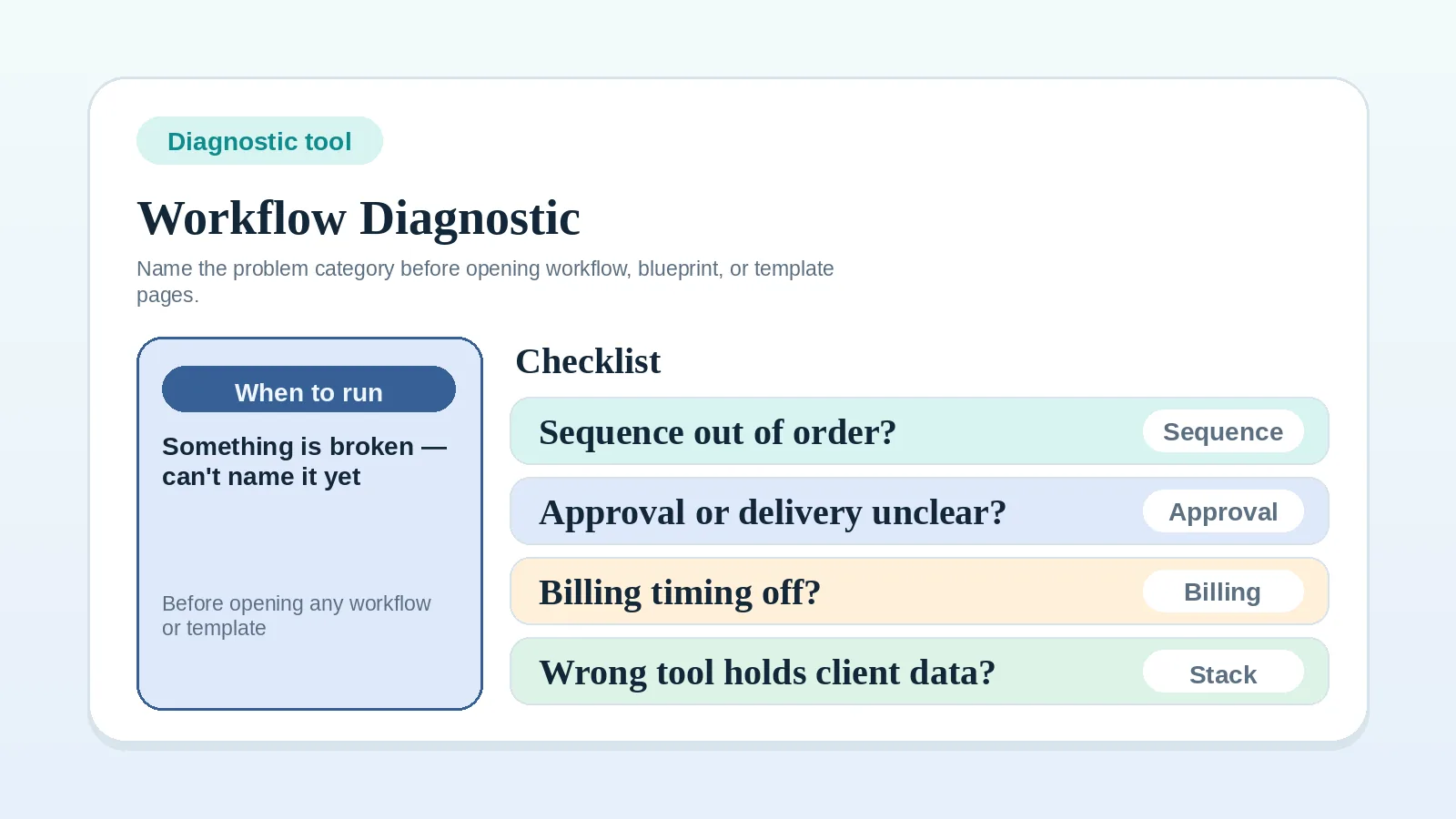
| Cannot identify which stage condition is missing | Workflow diagnostic checklist |
If the problem is broader than one missing readiness condition, return to Freelance client workflow system: inquiry to final payment before treating this checklist as the starting point.
Hold the transition until the record is clear
An unsupported stage change leaves the billing, approval, or closeout record open to conflicting interpretations. Resolve the unchecked condition or record the applicable exception before moving the project forward.