For kickoff readiness
4 steps- Proposal handoffStart
- Weekly operationsFinish
Guides and resources
Workflow checklists and templates for solo operators covering onboarding, scope and handoff, delivery, review routing, invoicing, and weekly operations.
Each template or checklist records one trigger, such as kickoff, review, billing, or closeout, after the operating rule for that stage is clear.
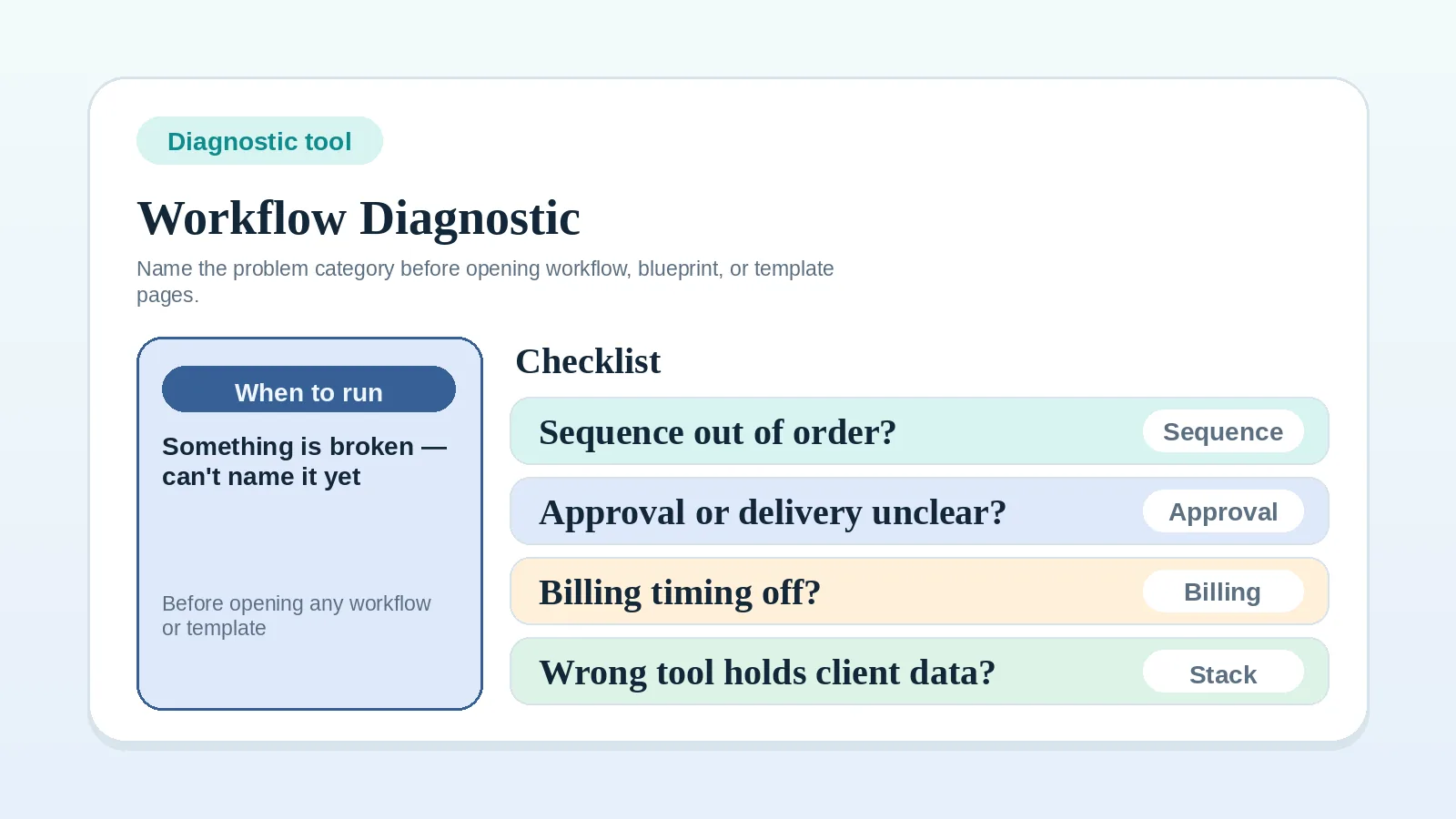
If you are still defining the client lifecycle, stack model, or system of record, begin with the relevant workflow, blueprint, or comparison. Use the Workflow diagnostic checklist when you cannot name the affected stage.
| Trigger or question | Resource |
|---|---|
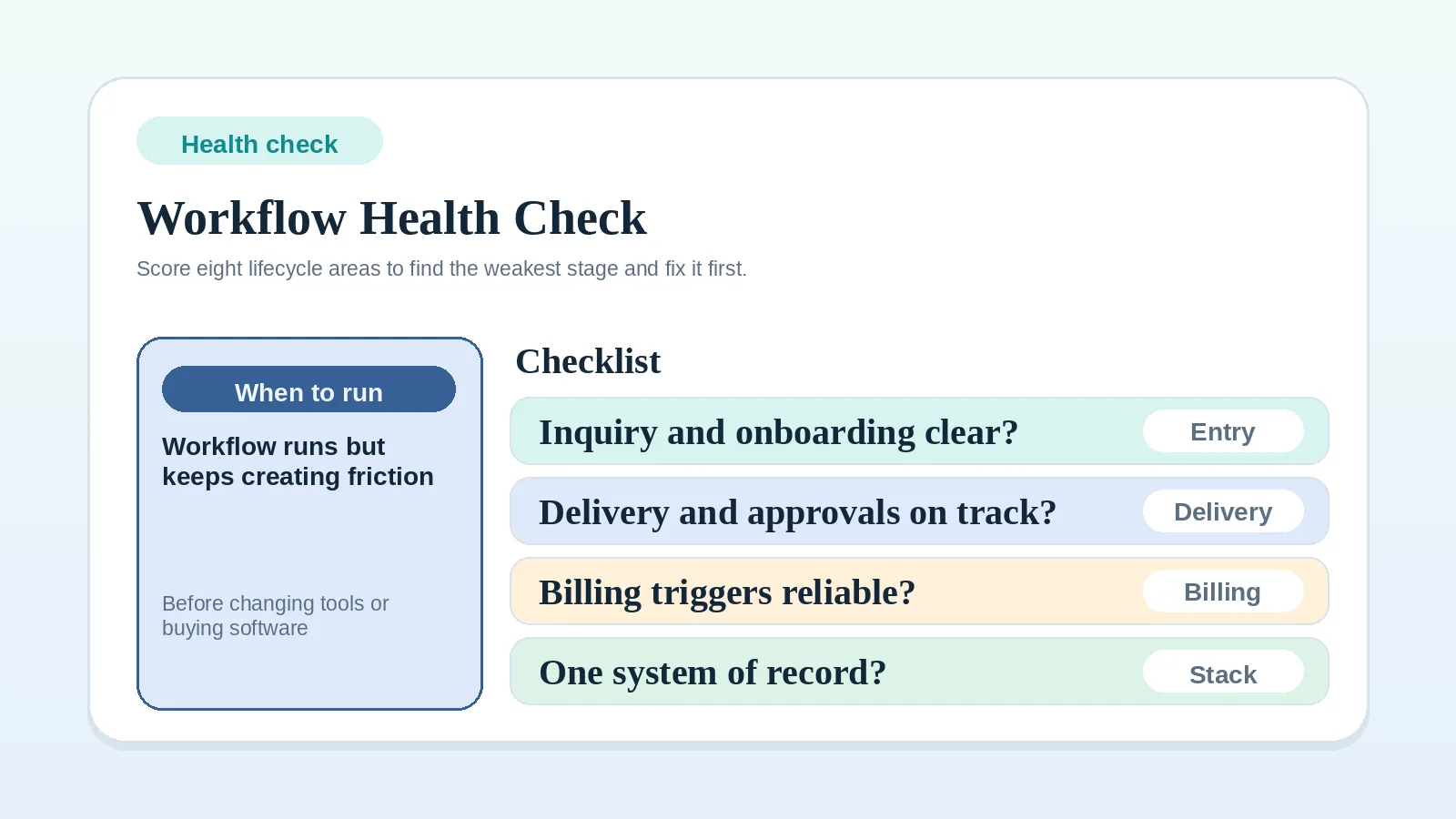
| Check the whole workflow without assigning a score | Client workflow health check |
| Classify an unclear workflow problem | Workflow diagnostic checklist |
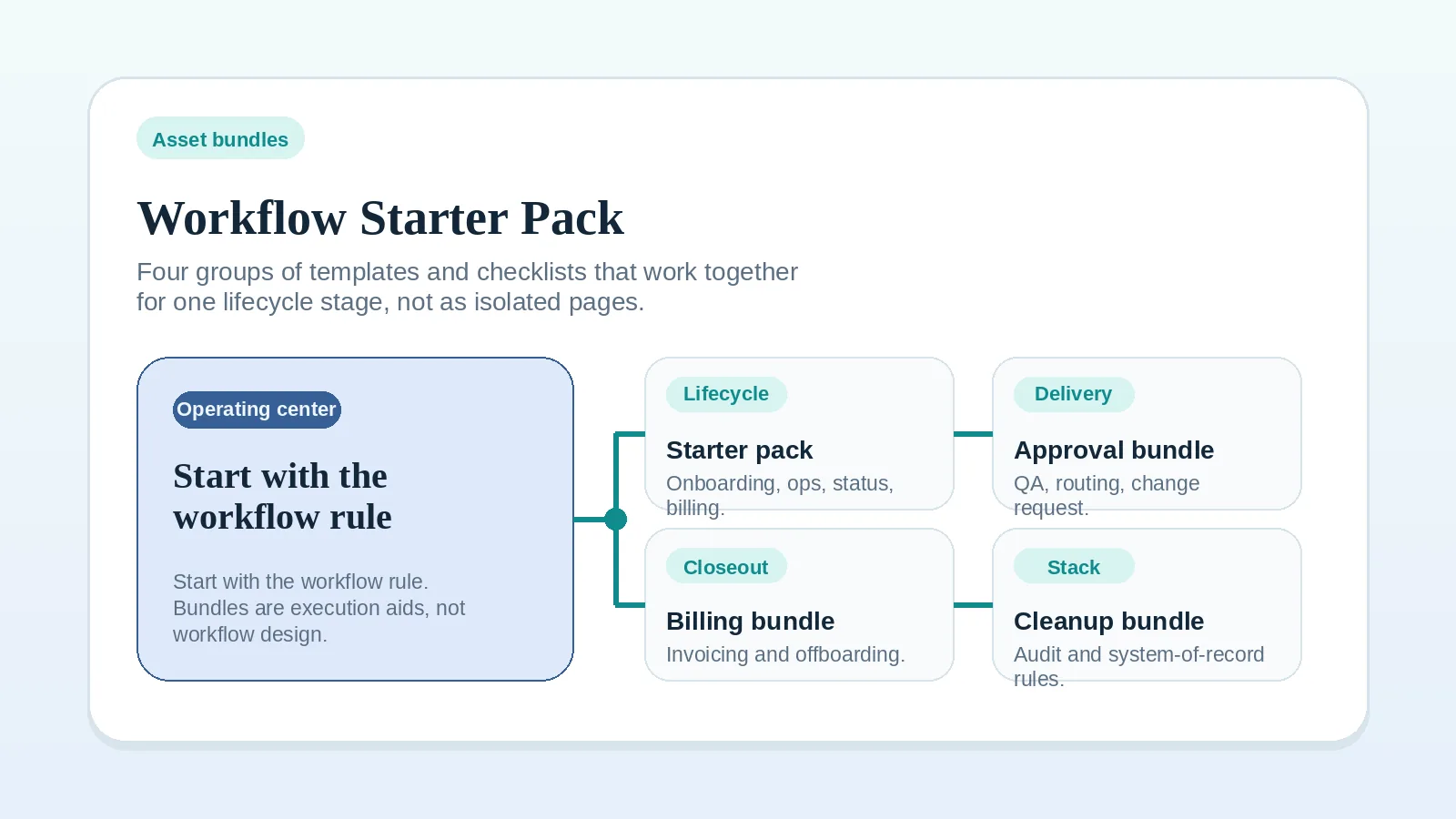
| Apply several related resources at one stage | Workflow starter pack |
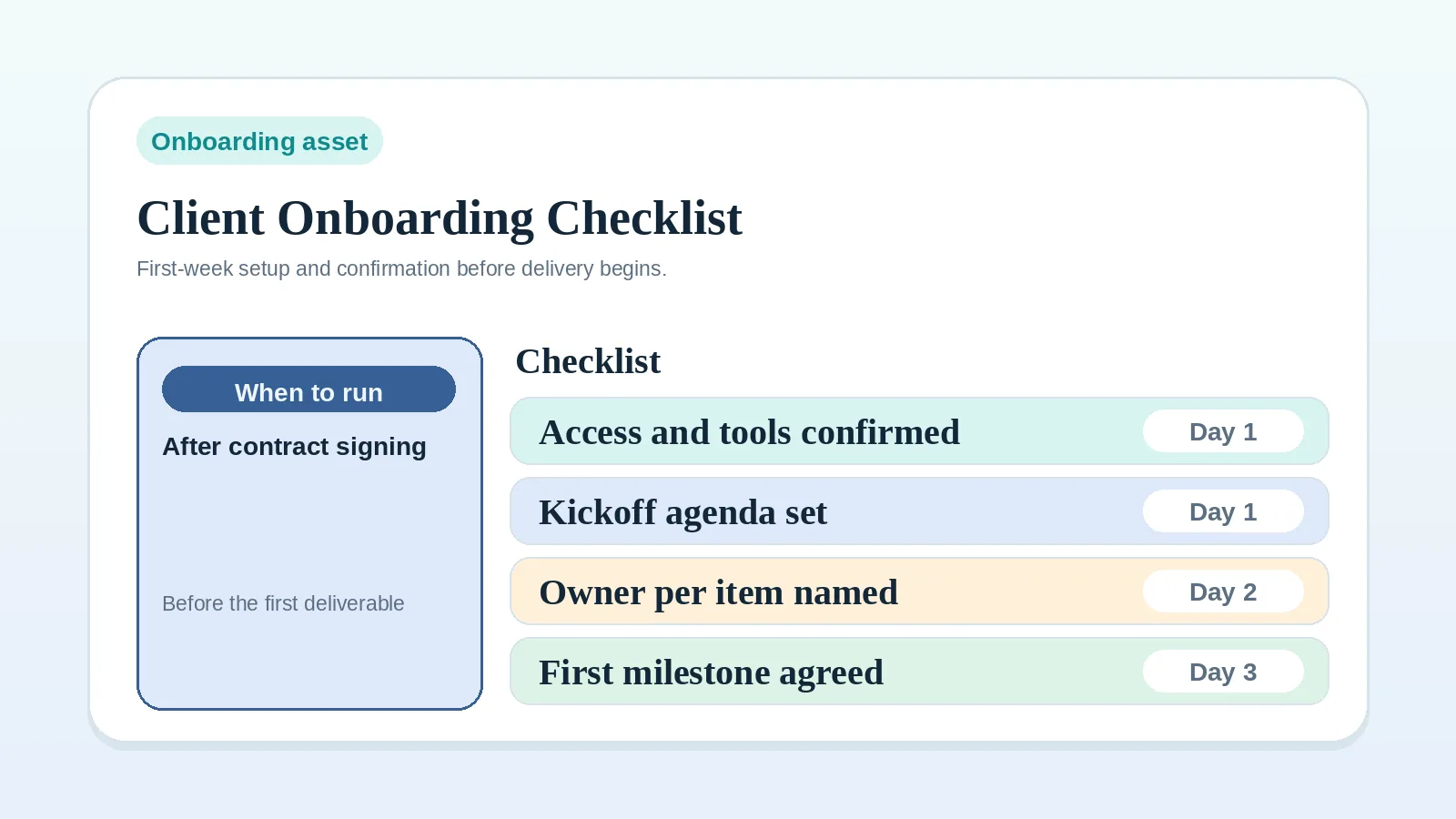
| Confirm the project is ready to start | Client onboarding checklist |
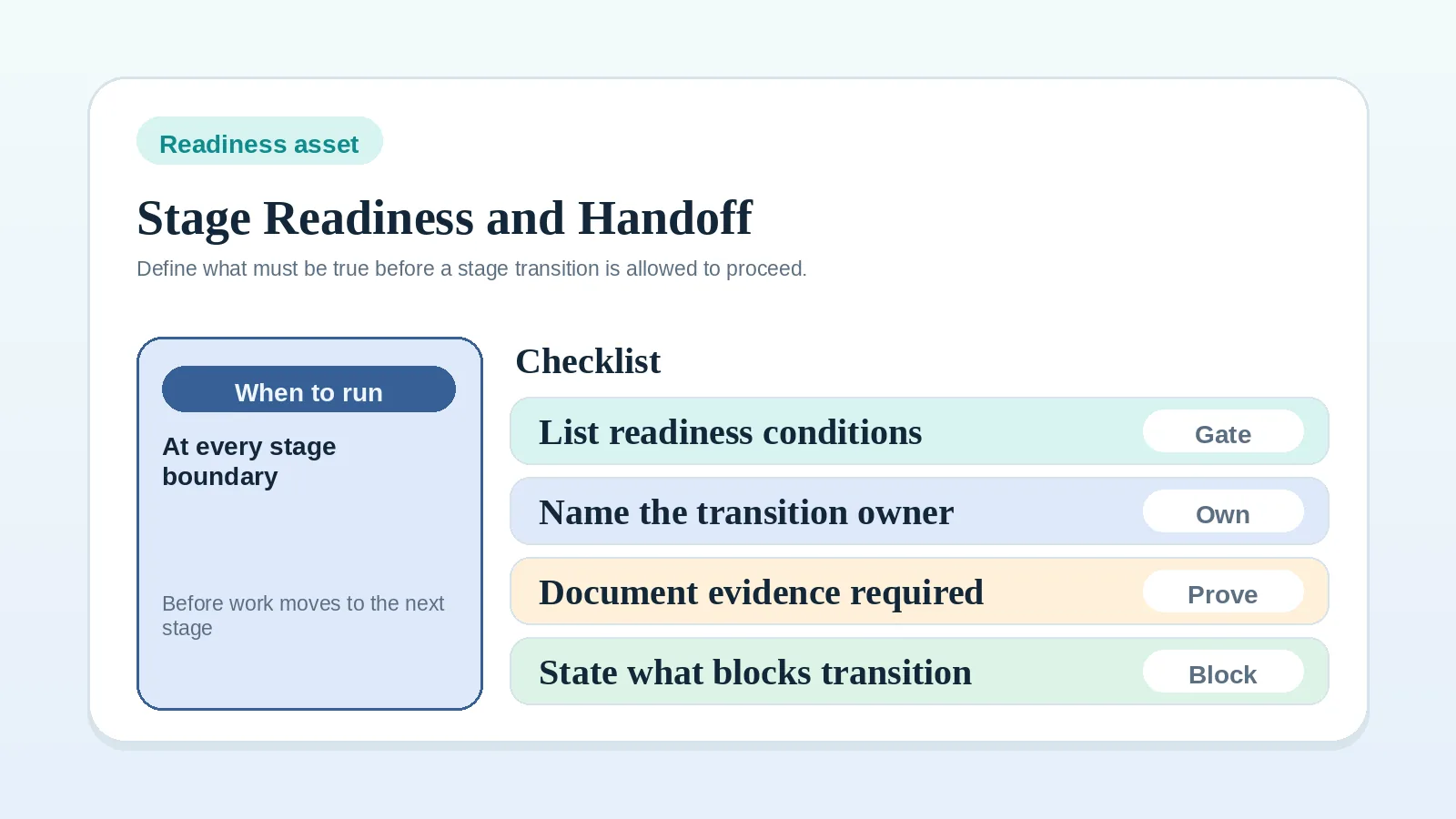
| Define what a stage must receive before it starts | Project start handoff readiness worksheet |
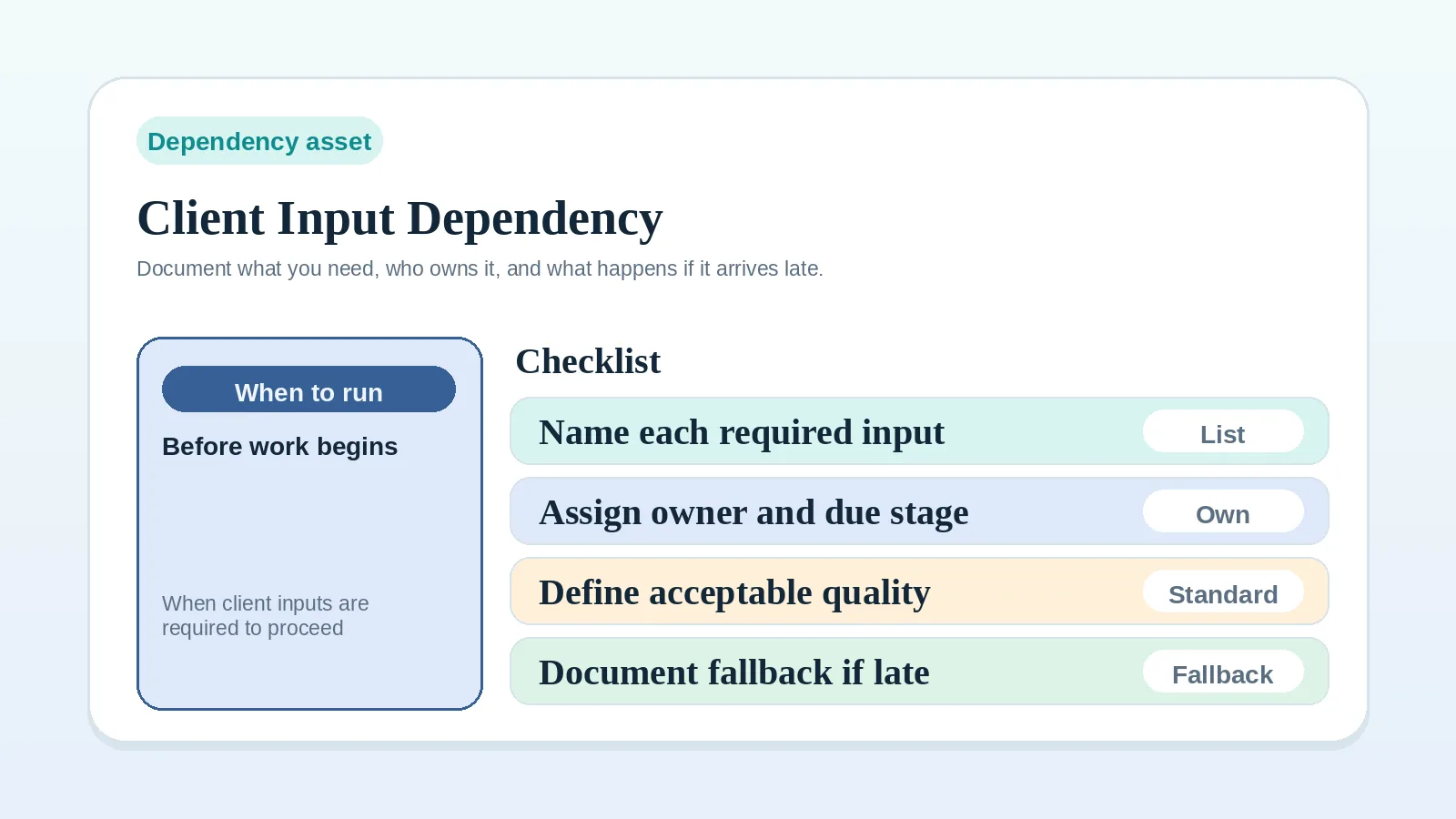
| Define a required client input and its fallback | Client input dependency worksheet |
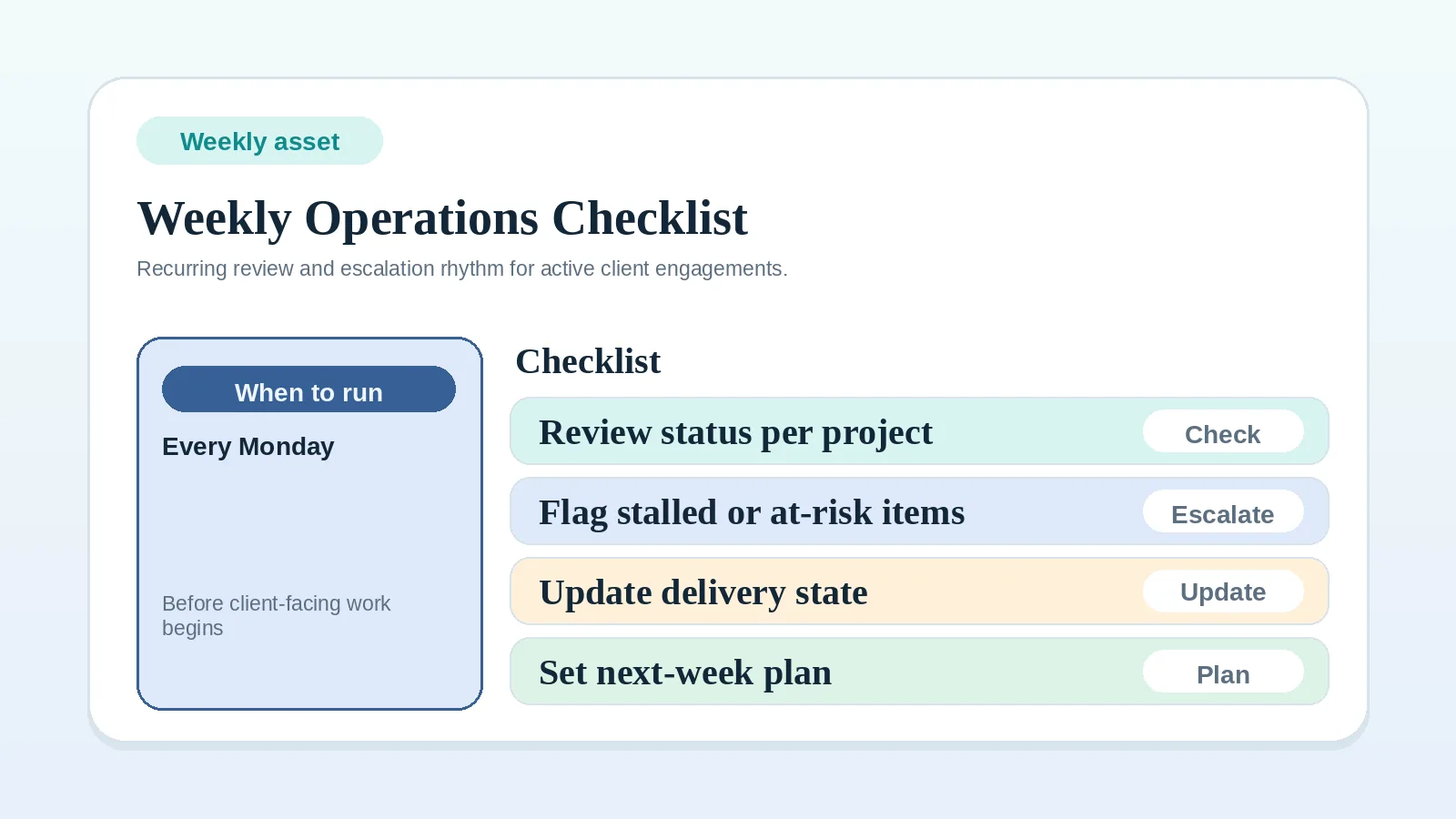
| Review active clients on a recurring cadence | Weekly client operations checklist |
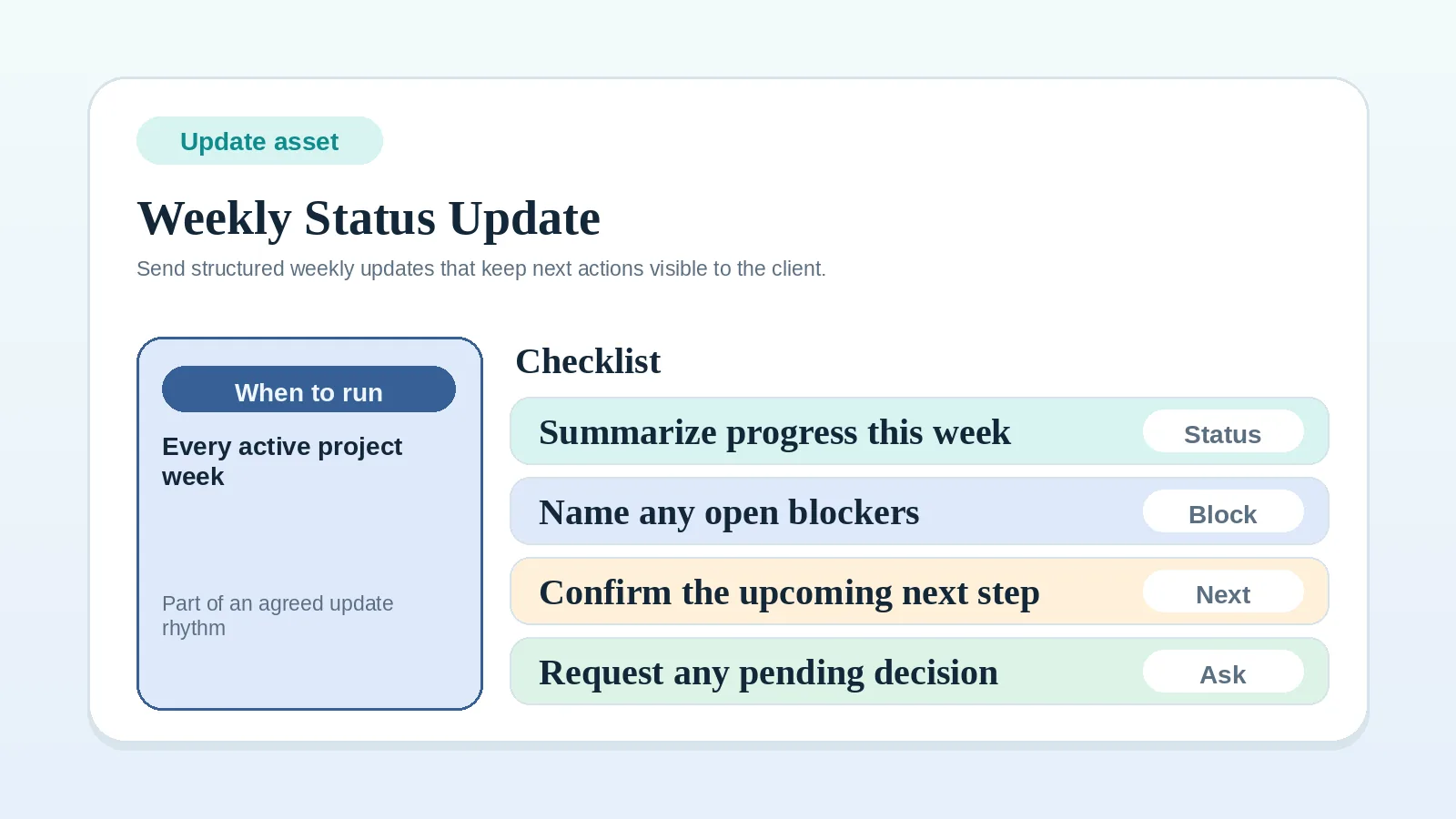
| Send a recurring progress update | Weekly client status update template |
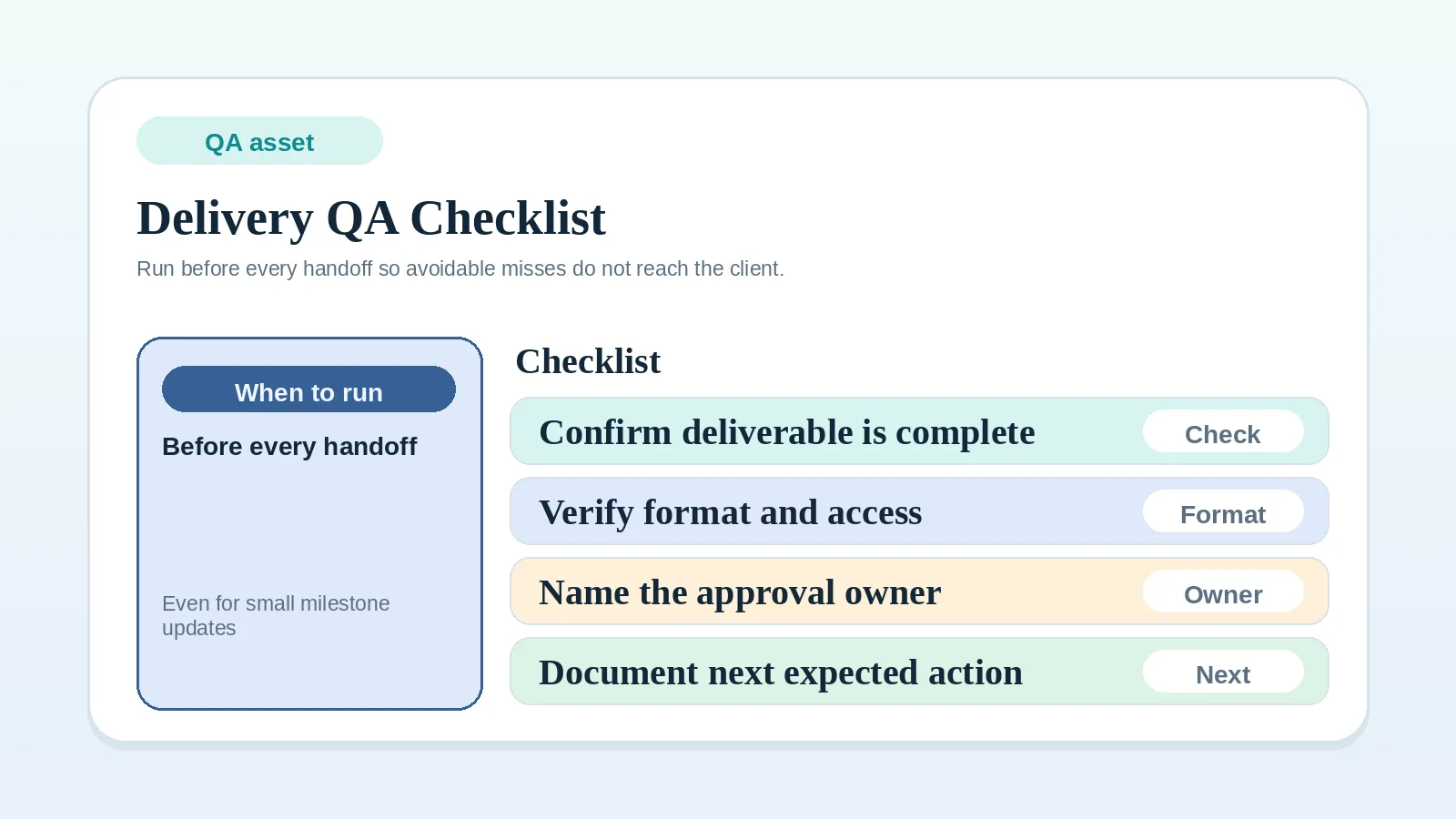
| Check work before client handoff | Delivery QA checklist |
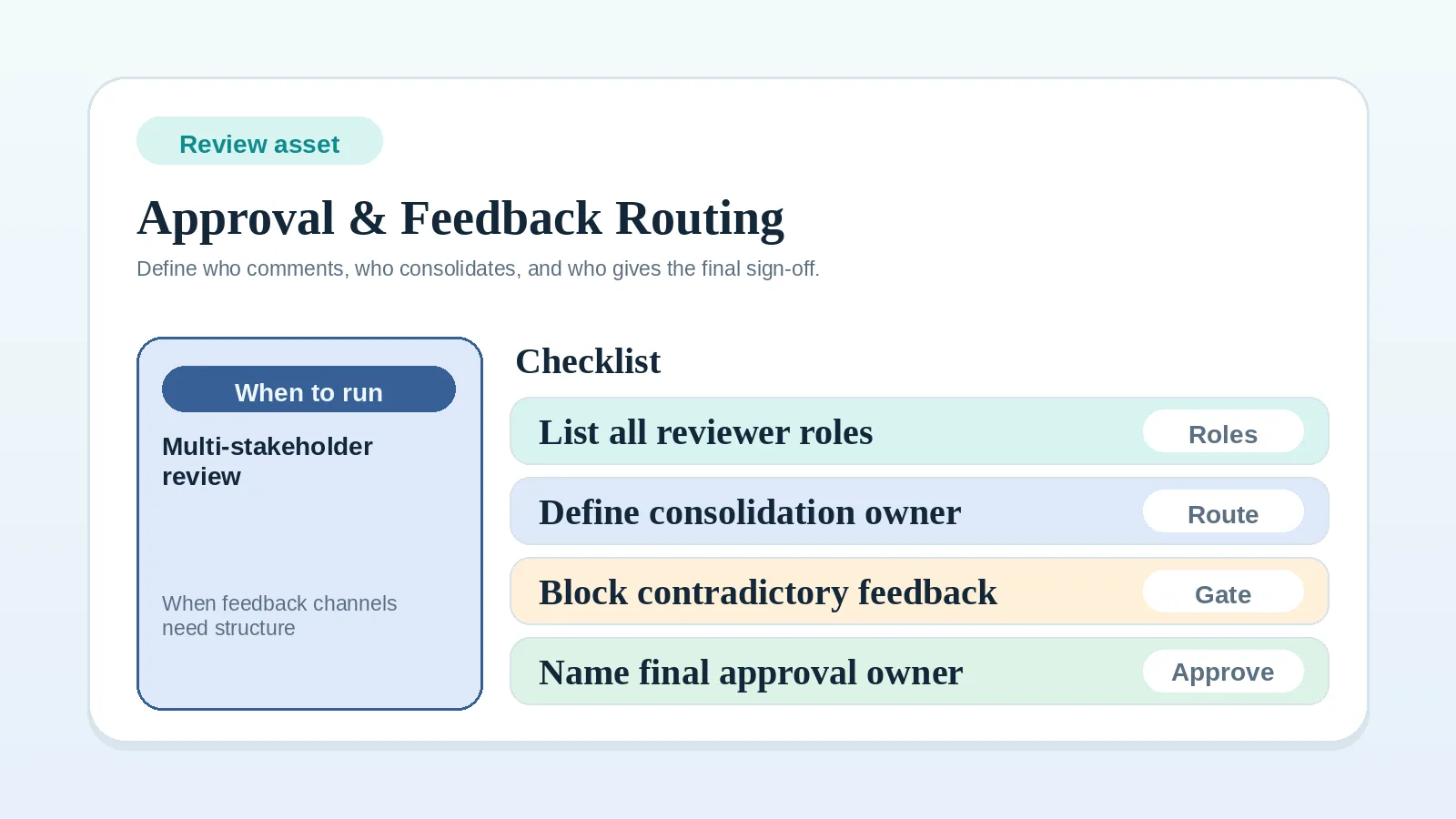
| Route comments and final approval | Approval and feedback routing worksheet |
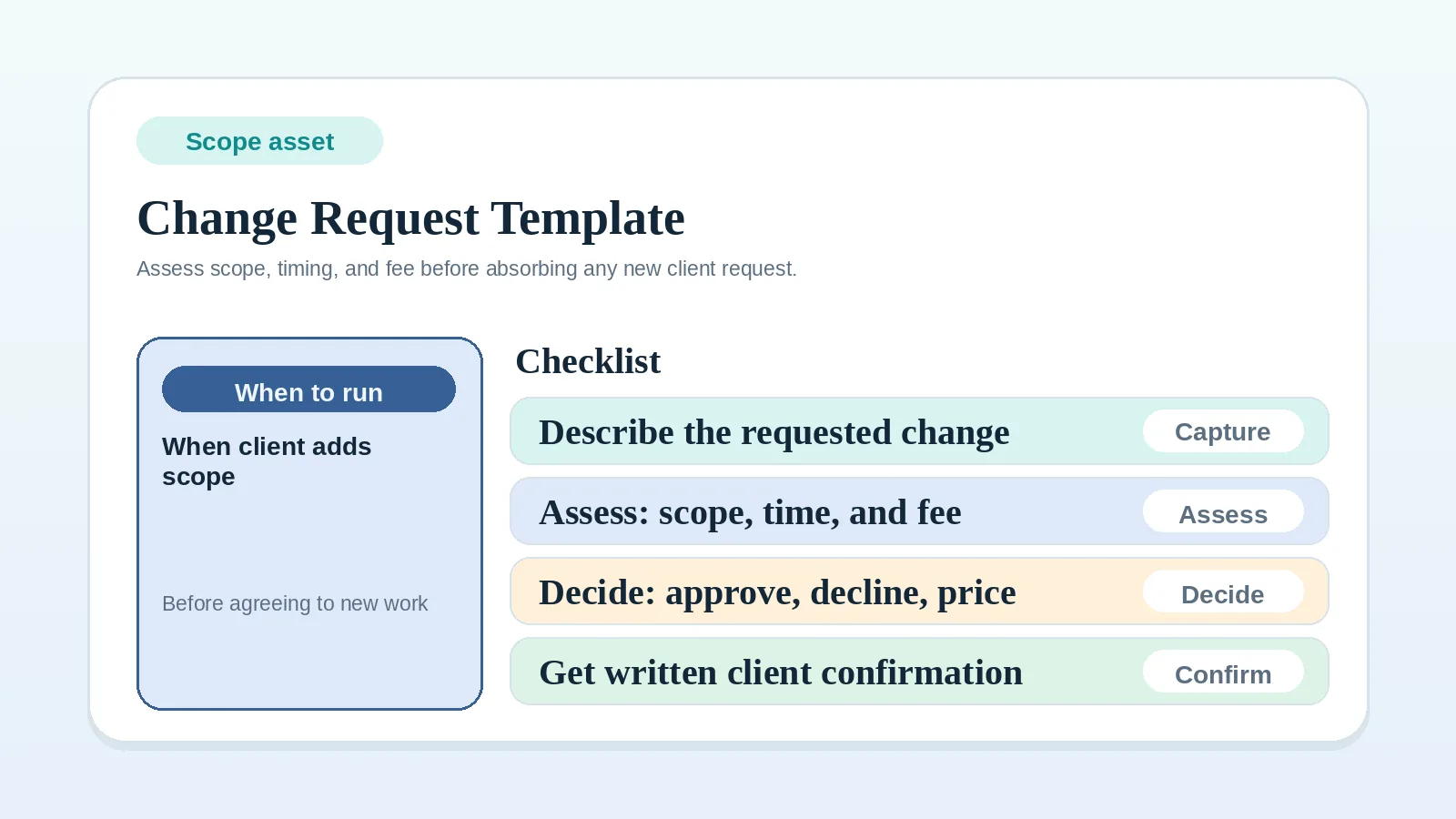
| Record a possible change to scope, fee, or timing | Client change request template |
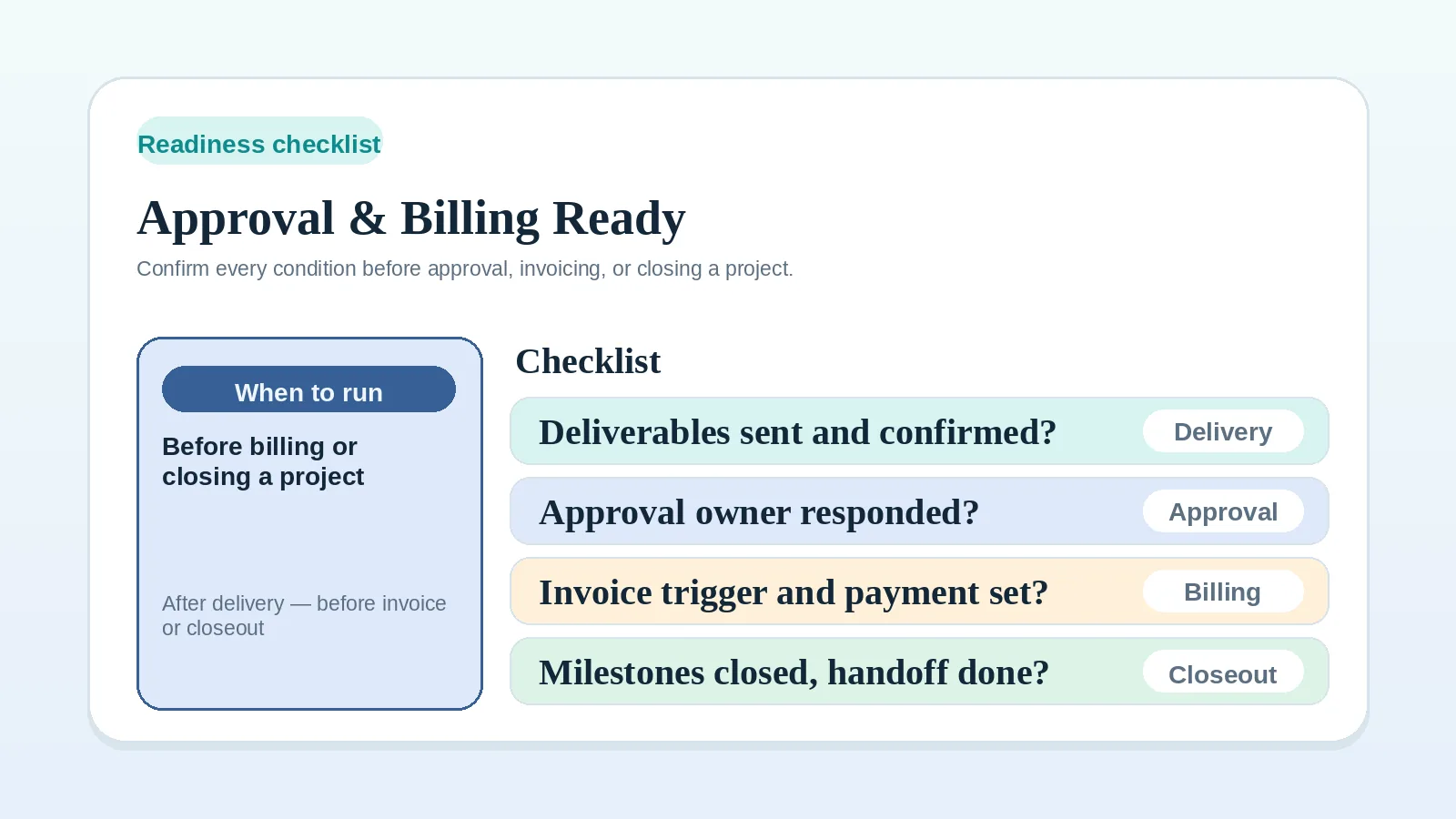
| Check approval and billing evidence before a stage changes | Approval and billing readiness checklist |
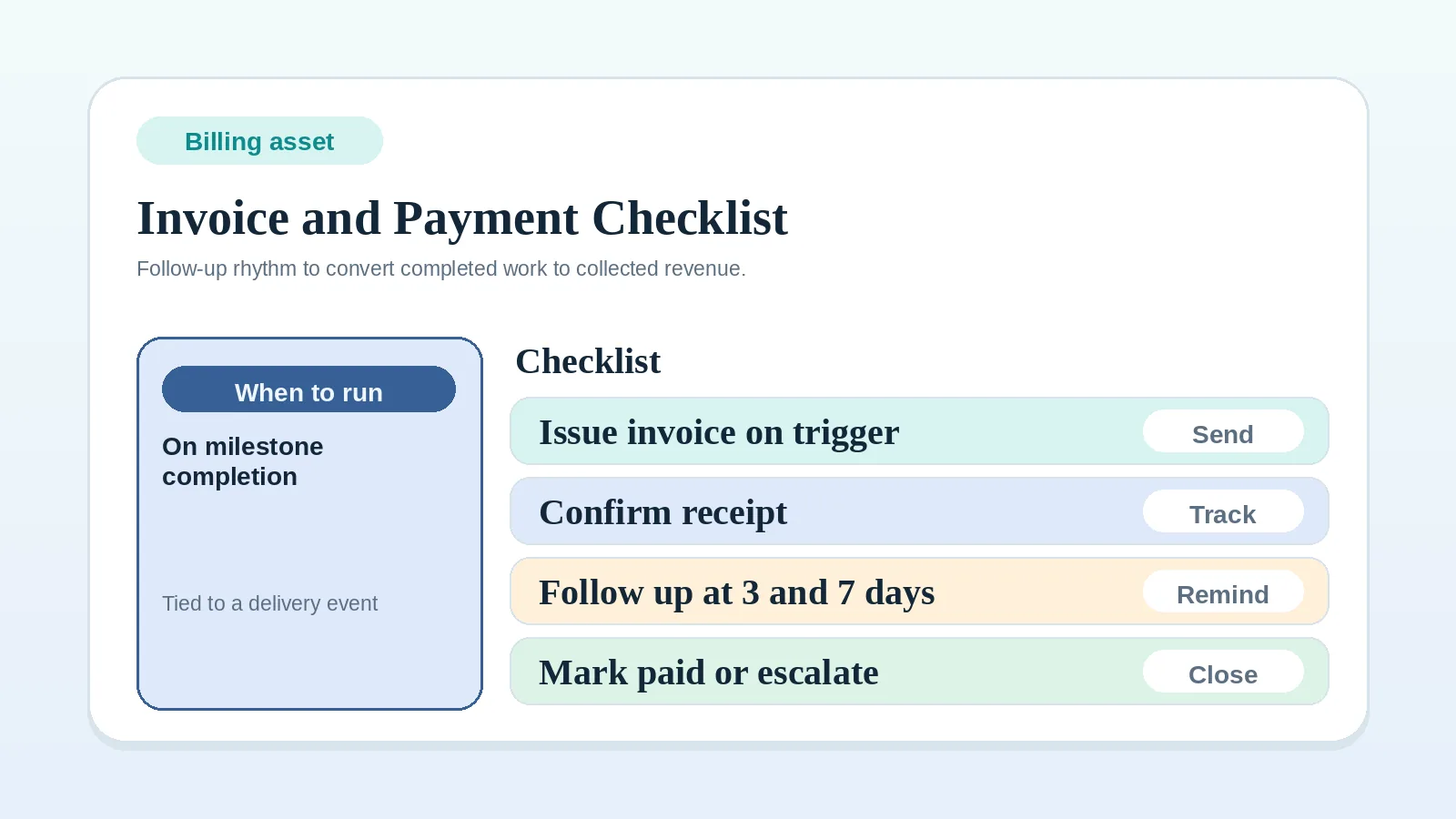
| Send, track, follow up, and close an invoice | Invoice and payment workflow checklist |
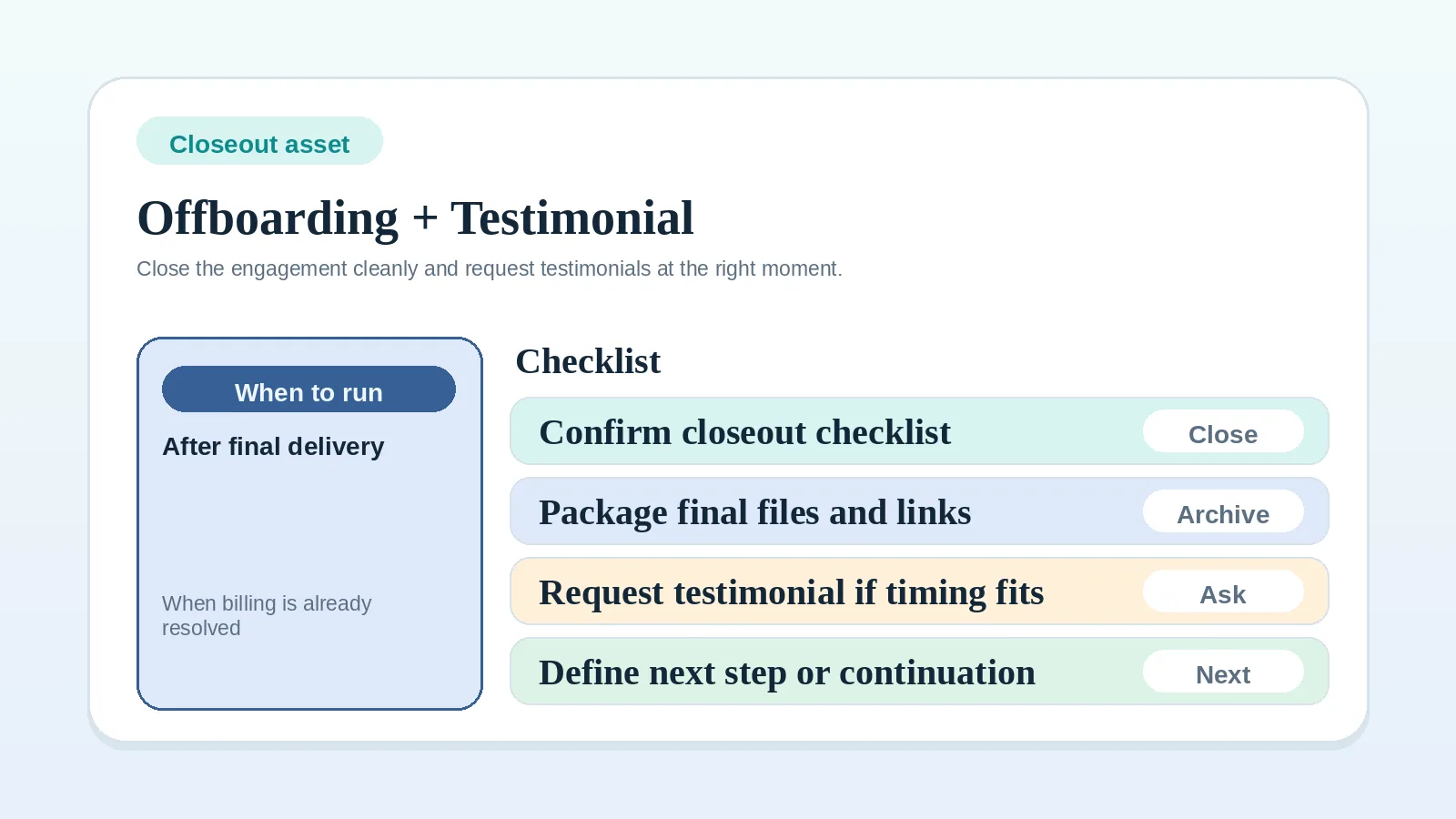
| Record final delivery, access, billing, and optional outreach | Client offboarding and testimonial request template |
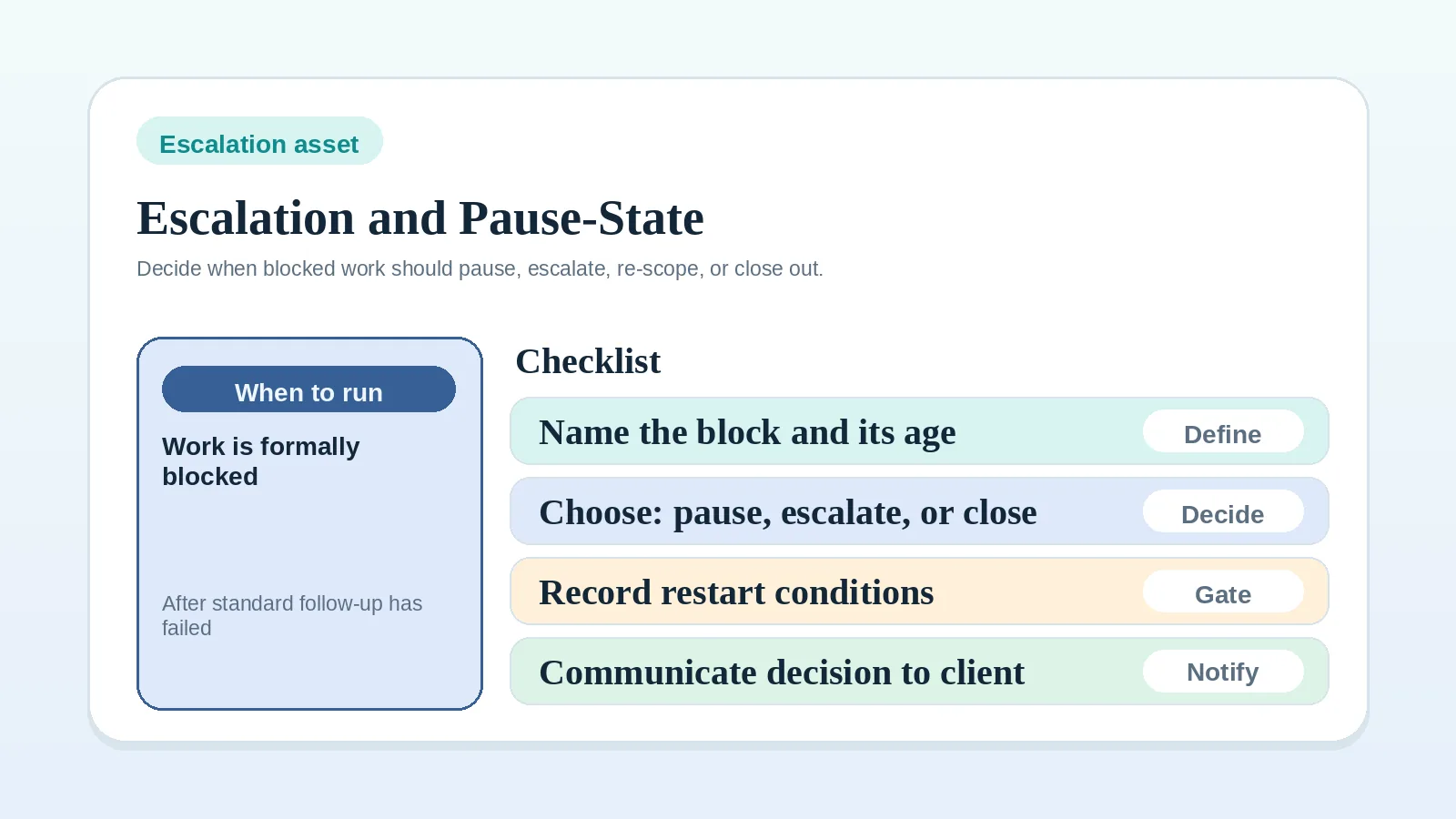
| Decide what happens to blocked work | Escalation and pause-state worksheet |
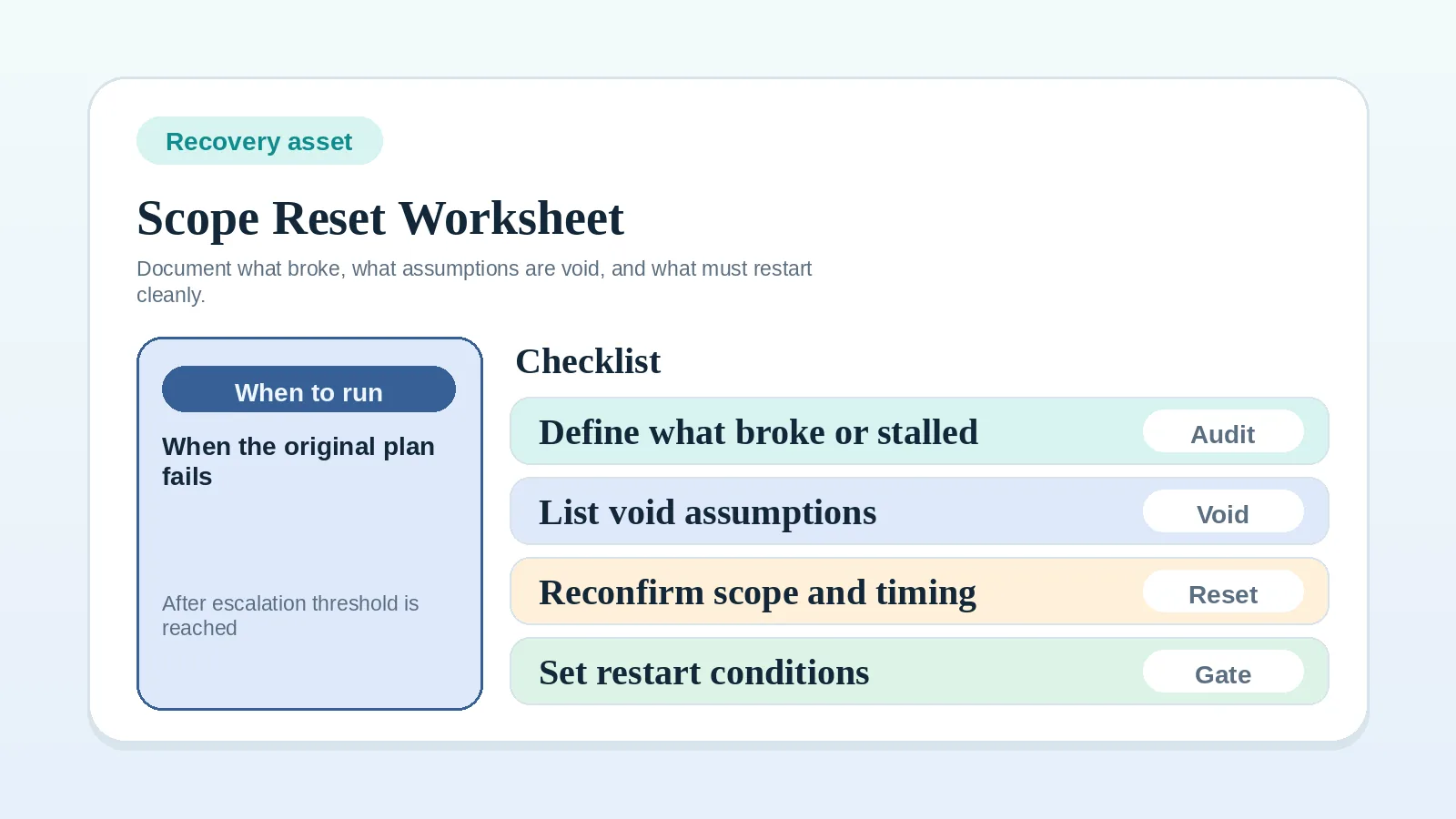
| Replace a project plan that is no longer reliable | Scope reset and recovery worksheet |
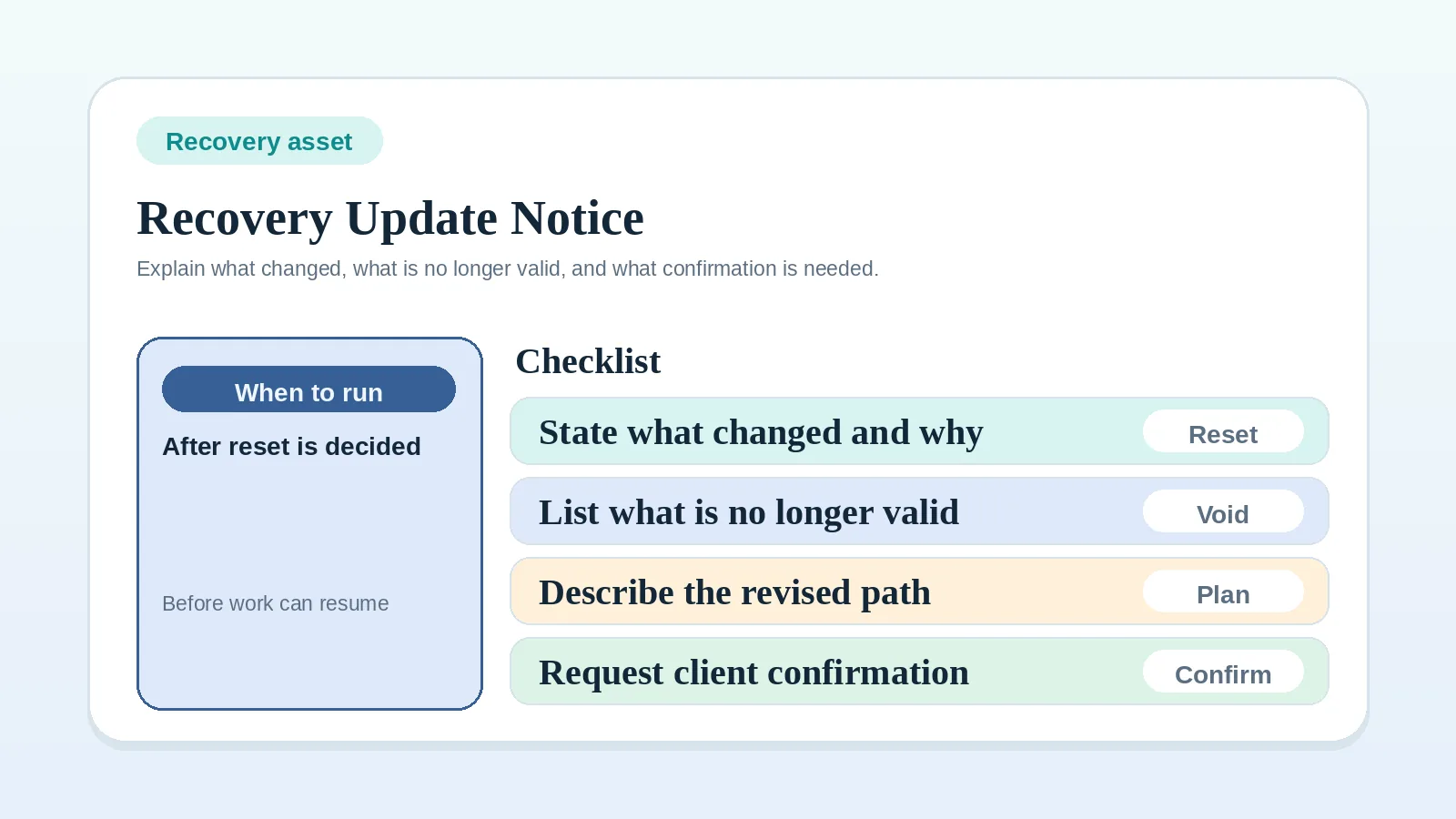
| Communicate an already-decided reset | Recovery update template |
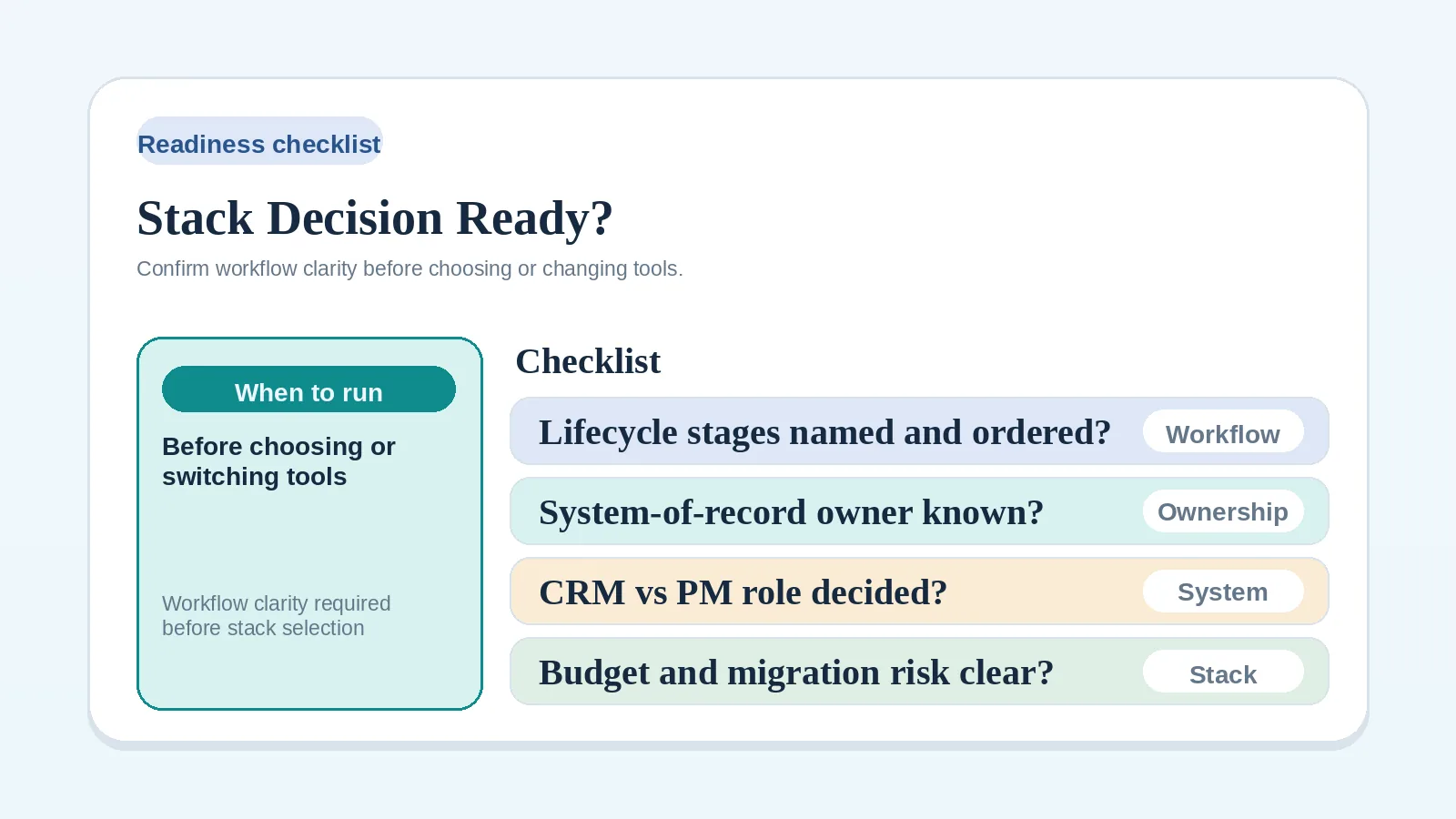
| Decide whether the process is ready for a stack decision | Stack decision readiness checklist |
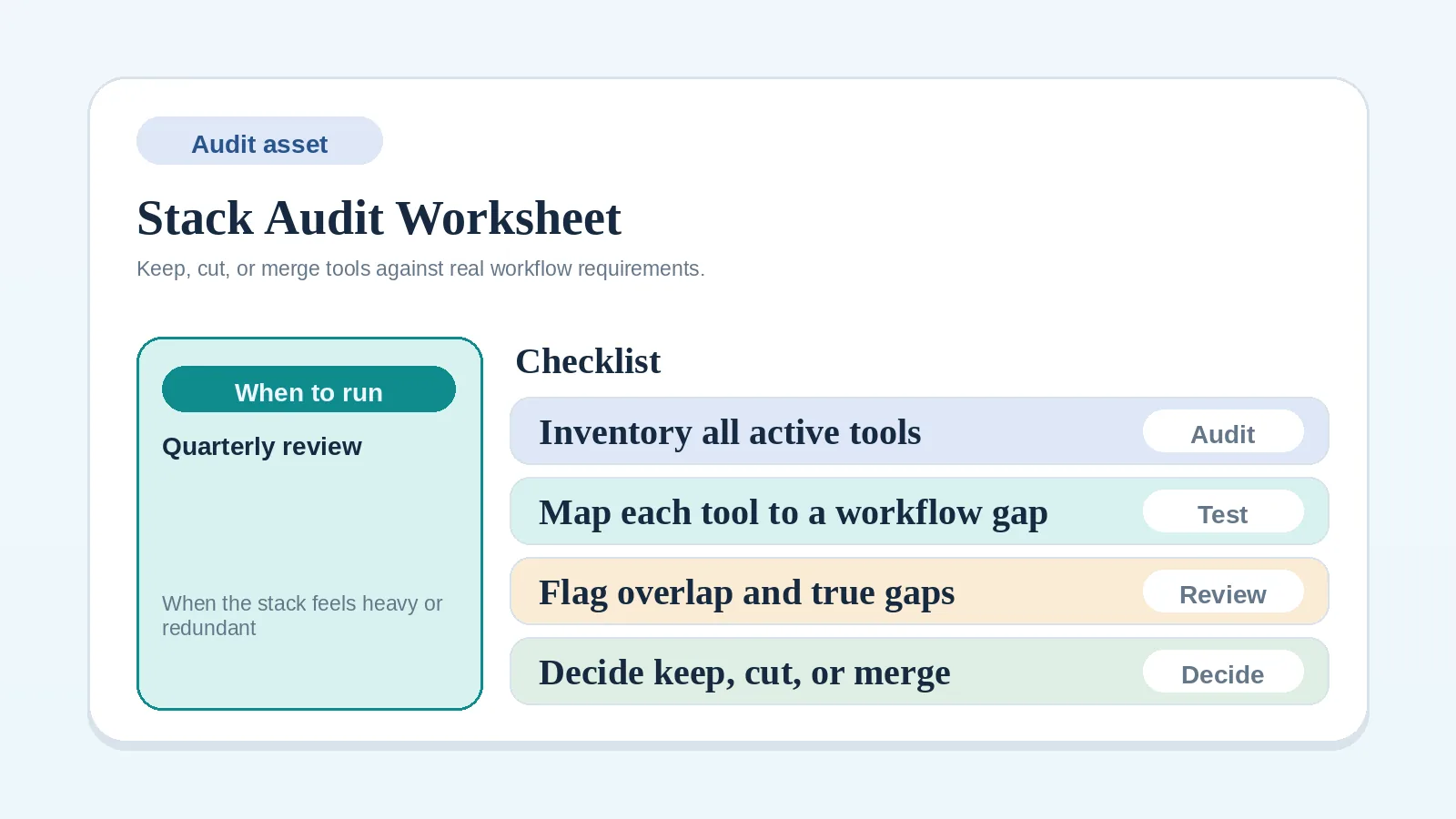
| Inventory tools before consolidation | Stack audit and consolidation worksheet |
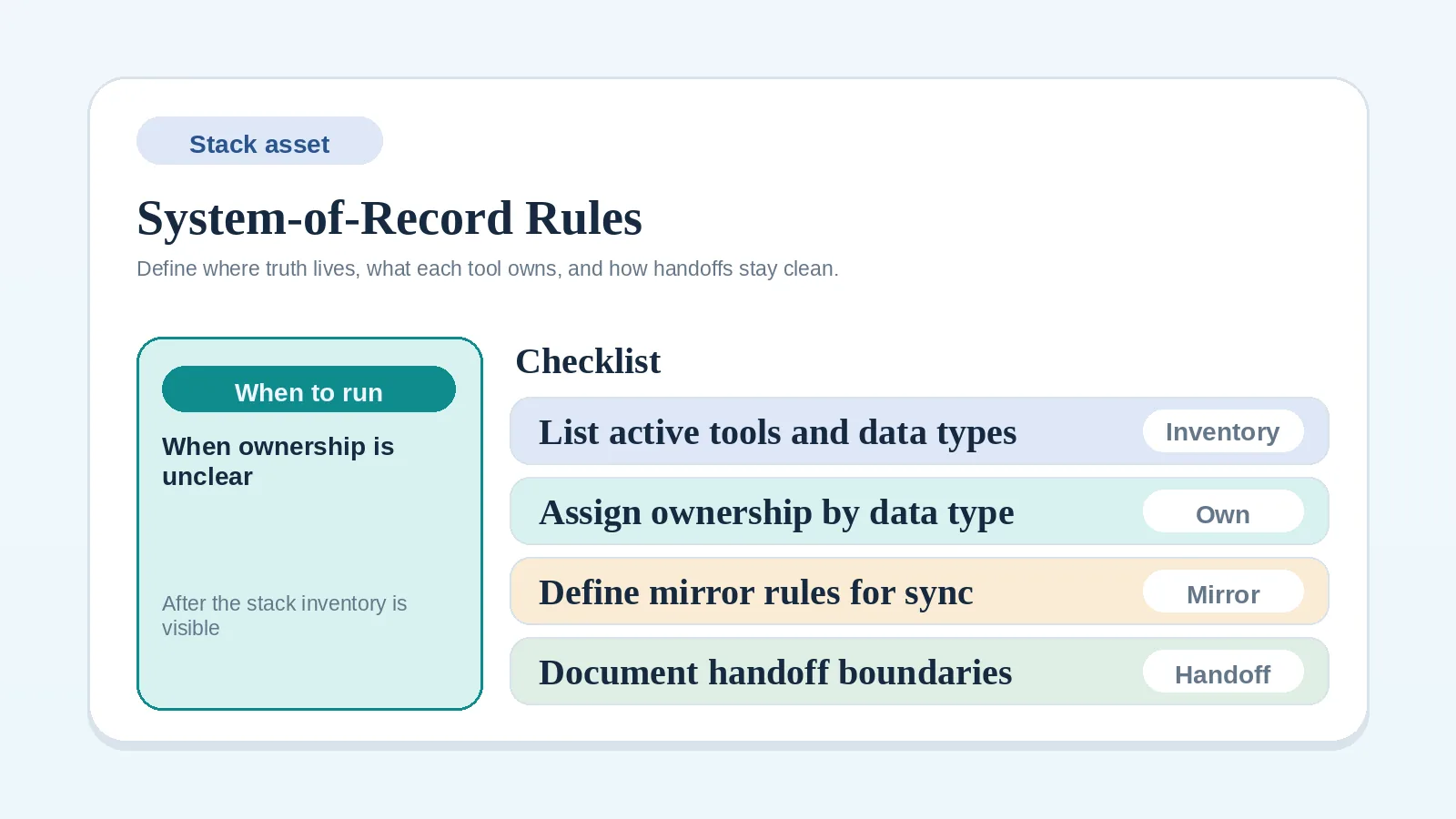
| Assign one authoritative record to each data type | System-of-record rules worksheet |
Examples are not legal, contractual, accounting, tax, or compliance rules. Use the agreement and qualified advice when those issues affect the decision.
If the trigger is still unclear after browsing this table, return to the guide that defines the stage rather than filling out a resource against an undefined rule.
Core pages
Template or checklist
Updated Sep 22, 2026Use current project records to classify a workflow problem, then open the resource matched to that category.
Template or checklist
Updated Aug 7, 2026Confirm the process, ownership rules, and constraints that a tool decision must support before comparing software or changing the stack.
Template or checklist
Updated Aug 22, 2026Rate each statement from your own records, then address the earliest missing rule you find.
Template or checklist
Updated Sep 13, 2026Hold a stage change until the evidence the agreement requires is on record, and route each unchecked item to the right guide.
Template or checklist
Updated Sep 9, 2026Run the kickoff checks in order, keep blocked work blocked, and create the first live milestone.
Template or checklist
Updated Aug 20, 2026Work from live records at the same point each week and finish by updating next actions in your tools.
Template or checklist
Updated Sep 11, 2026Tie each invoice and follow-up action to the project's agreement, recorded billing trigger, due date, and payment status.
Template or checklist
Updated Aug 4, 2026Inventory current tools, name where client status lives, and mark each tool keep, replace, or retire.
Template or checklist
Updated Aug 27, 2026Name the authoritative record for each type of client data and the rules for copying between tools.
Template or checklist
Updated Sep 8, 2026Write down what must be true before work crosses from one stage to the next, what blocks it, and what evidence must exist.
Template or checklist
Updated Aug 5, 2026Document how review comments are collected, consolidated, and approved when several stakeholders are involved.
Template or checklist
Updated Aug 6, 2026Record what you need from the client, who owns it, when it is due, what it should look like, and what happens if it does not arrive.
Template or checklist
Updated Sep 3, 2026Decide whether blocked work waits, pauses, escalates, is re-scoped, proceeds on an agreed assumption, or closes.
Template or checklist
Updated Sep 6, 2026Record what no longer holds in the original plan, what must be reconfirmed, and what changes before work restarts.
Template or checklist
Updated Sep 4, 2026Tell the client what changed, what no longer applies, what the revised plan is, and what confirmation is needed before work resumes.
More in this section
Template or checklist
Updated Sep 21, 2026Choose a bundle after its workflow rule is clear, or open one template when only one trigger needs support.
Template or checklist
Updated Aug 3, 2026Send the same update structure every week, with one clear client action and a deadline when a response is needed.
Template or checklist
Updated Aug 30, 2026Capture, assess, and answer a client change request before any changed work starts.
Template or checklist
Updated Aug 29, 2026Catch wrong versions, missing next steps, and unrecorded deliveries before the client sees the work.
Template or checklist
Updated Aug 23, 2026Record delivery, billing, handoff, and closeout, with an optional testimonial or referral request.