Section hub

Software Stack Blueprints for Solo Operators

Lean software stack blueprints for freelancers and solo operators choosing calmer, lower-overhead client systems without overbuying.

Use this hub when the workflow is mostly clear but the tool stack is still awkward, bloated, or fragmented. These pages focus on stack shape, system ownership, and tradeoffs between simpler and more layered setups.

This hub is for operators who already know they have an operations system to build, but do not want to overbuy software or create duplicated admin. The goal here is not app collecting. It is choosing a stack shape that matches the way the business actually runs.

If the question is still “what should my baseline stack look like?”, the lean solo blueprint is the main entry page. If the workflow itself still feels broad, go back to Client Workflow Systems for Freelancers and Solo Operators first. If the system center is still unclear, resolve CRM vs Project Management Tool for Client Workflows before you treat any blueprint like the final answer.

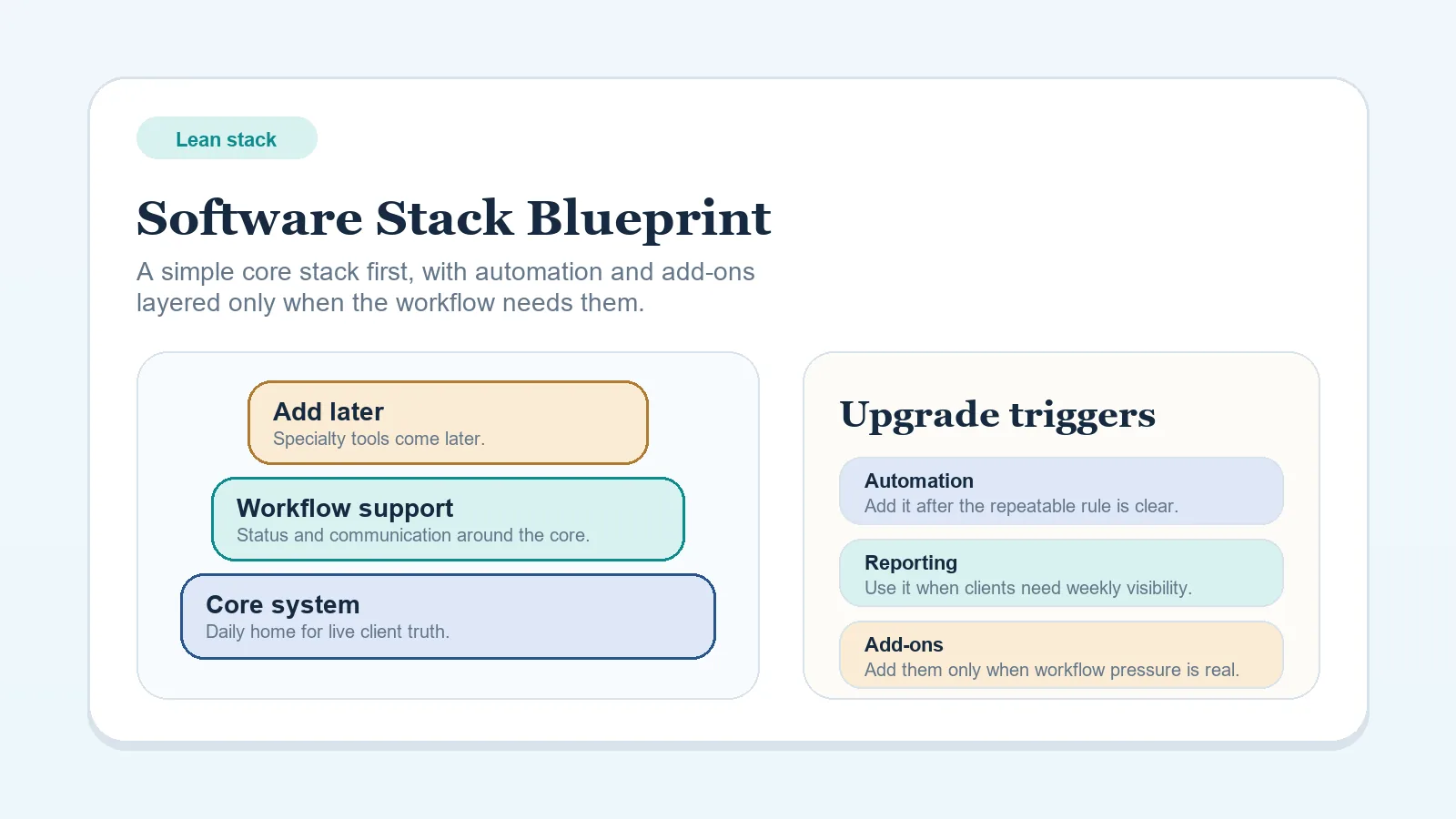
If you only open one page from this hub, start with Software Stack Blueprint: Solo Freelancer (Lean Budget). Most readers should not start with migration, collaboration, or support assets first.

The safest first path through this hub

  1. Start with Software Stack Blueprint: Solo Freelancer (Lean Budget) unless the question is already narrower than the baseline model.
  2. Move into overbuying, migration, or collaboration pages only after the baseline stack shape is visible.
  3. Use Workflow Tool Comparisons for Solo Operators only when one bounded decision is still unresolved, and use templates or worksheets only after the stack decision itself is already made.

Use this hub as an implementation path

The blueprint cluster works best in this order:

  • decide the system center,
  • decide whether the stack should stay consolidated,
  • implement the lean baseline,
  • only then solve spend discipline, migration, or ownership details.

How to use this hub

  • Start with the lean solo blueprint unless you already have a specific migration or collaboration scenario.
  • Treat every blueprint as an operating model, not a shopping list.
  • Use comparison pages when one system choice is blocking you.
  • Return to Client Workflow Systems for Freelancers and Solo Operators if the real issue turns out to be stage design rather than tool structure.

Fastest useful starting points

If you are torn between more than one of those, return to the lean solo blueprint first.

Comparison to blueprint path

What this hub should help you answer

  • What is the smallest stack that can run the business reliably?
  • Where should active client truth live?
  • When is extra software justified by real coordination pressure?
  • How should the stack change when a VA or migration project enters the picture?
  • Which blueprint should come after the workflow anchor and which comparison should come before it?

Choose the stack problem first

  1. Open Software Stack Blueprint: Solo Freelancer (Lean Budget) if you want the smallest viable operating stack.
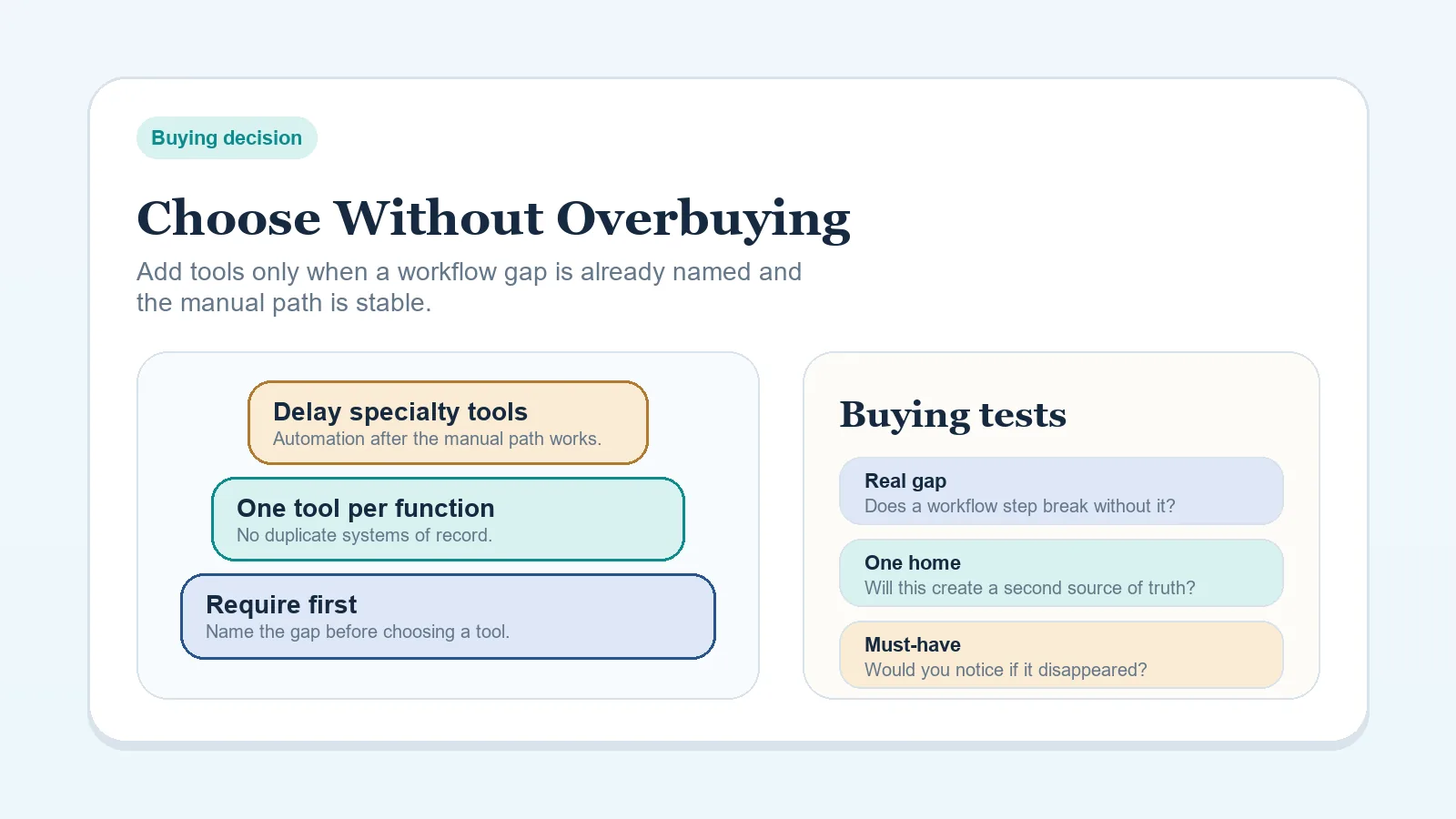
  2. Read How to Choose a Software Stack Without Overbuying Tools if the main issue is deciding what to buy now versus what to delay.
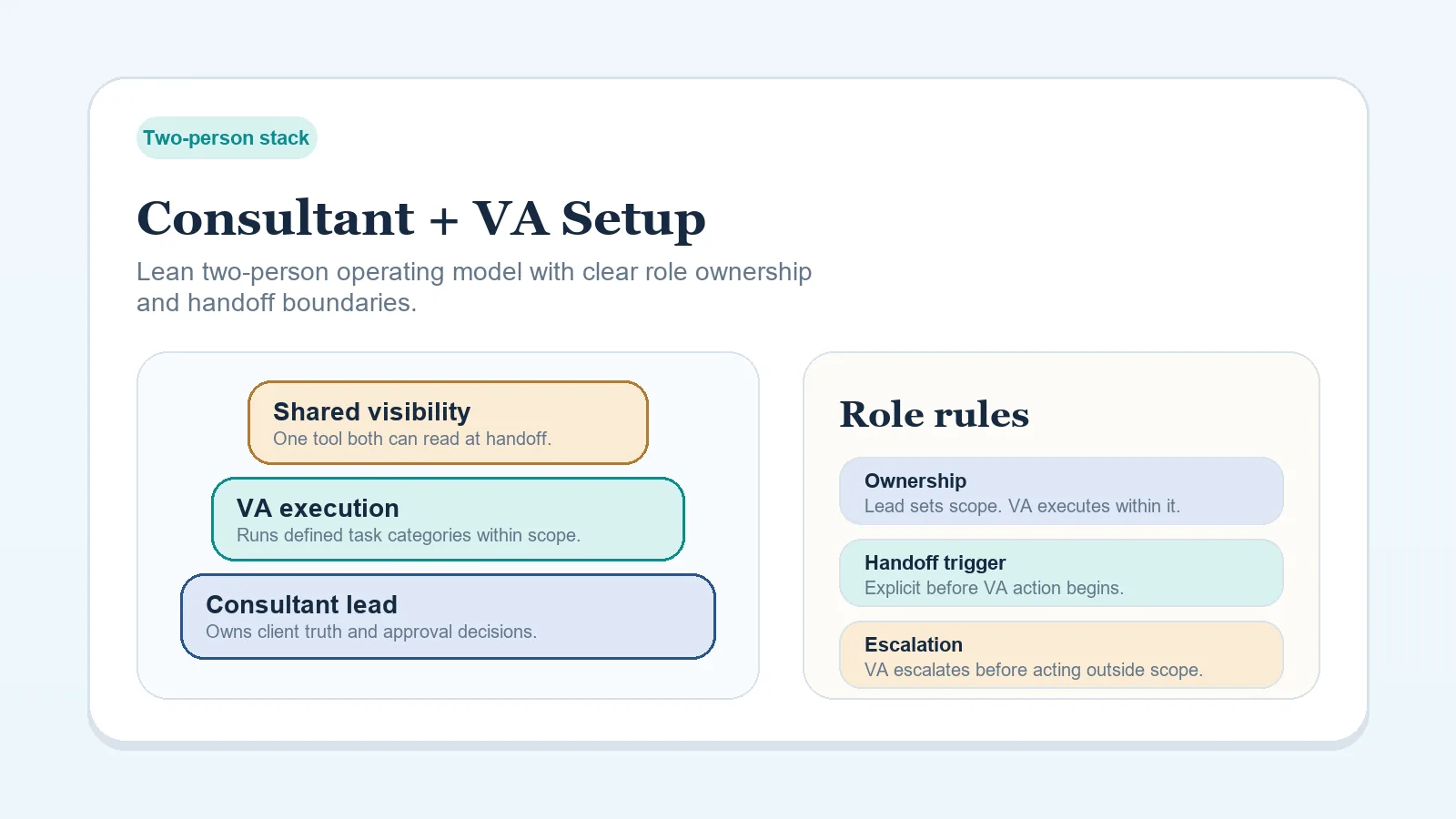
  3. Use Software Stack Blueprint: Consultant + VA Collaboration Setup when delegated admin work changes where information needs to live.
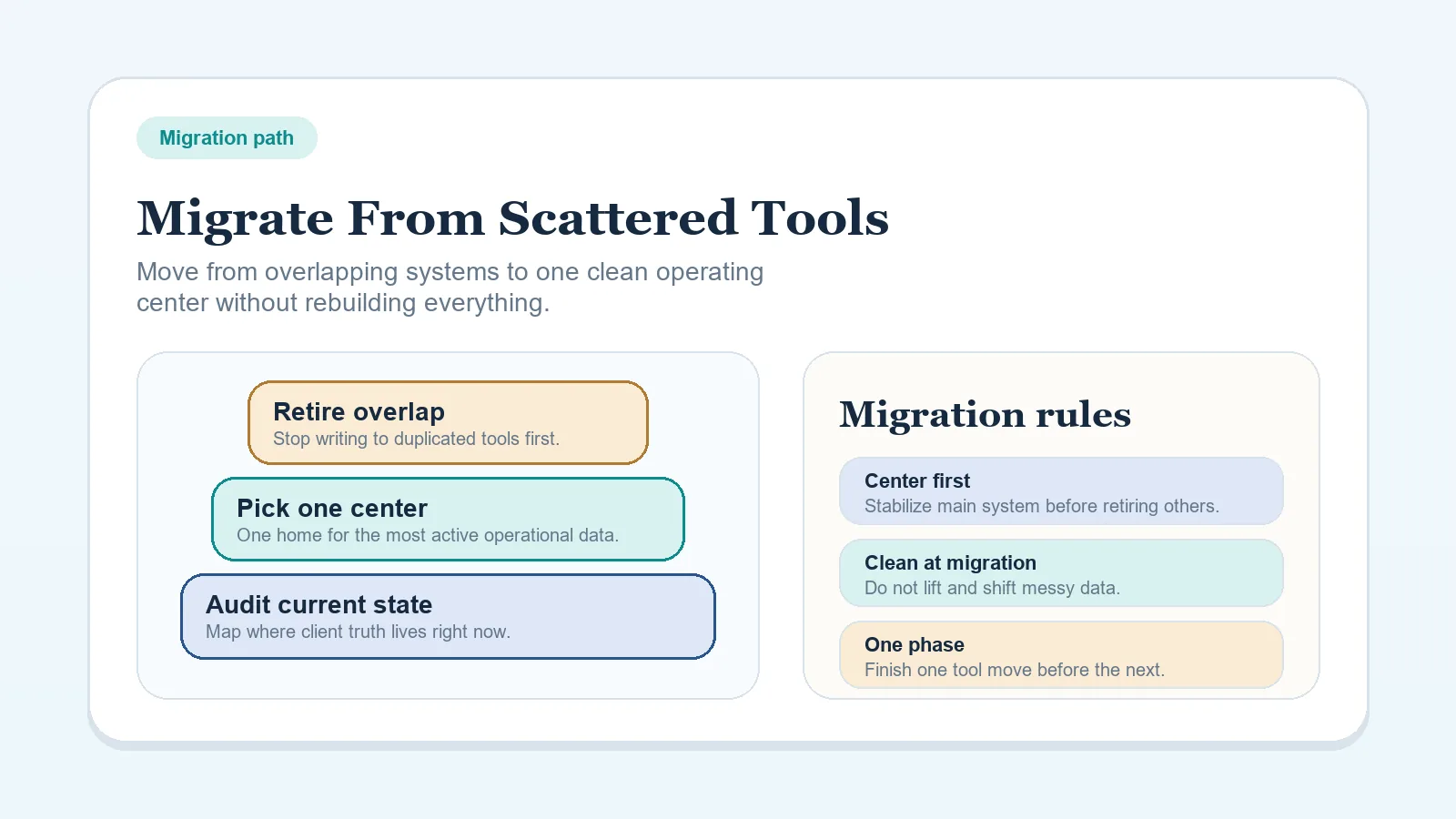
  4. Read How to Migrate from Scattered Tools to One Workflow System if the current stack is already spread across too many tools.

What these blueprints optimize for

  • fewer systems to maintain
  • clearer rules for where active client truth lives
  • lower coordination overhead as client volume grows
  • cleaner transitions when a solo operator adds support capacity

Cornerstone pages in this hub

Bring in decision pages when needed

Supporting implementation assets

Suggested reading paths

Pick the path that matches the operational problem you are trying to fix first.

What a strong blueprint page should include

  • the operating model it assumes,
  • what changes as the business grows,
  • upgrade triggers and overbuying warnings,
  • clear links to the workflow, comparison, and template pages needed to implement it.

Priority pages

Start with the strongest pages in this hub

These pages carry the main lifecycle, decision, and implementation paths for this topic area. Open them before drilling into narrower supporting pages.