Most freelancers do not fail because they chose the wrong tool. They fail because they buy too much software before their workflow is stable. This blueprint is for solo operators who want to run the minimum viable stack for their current business stage — clear enough to maintain alone, lean enough to upgrade only when the workflow actually demands it.
The standard here is not most powerful. It is clear enough to run every week without hidden coordination cost. “Lean budget” in this context means the minimum number of paid tool categories, chosen only after a real workflow bottleneck makes the need visible: one place for active client status, one billing path, and enough structure to catch handoff gaps — not every category a modern tool list might suggest.
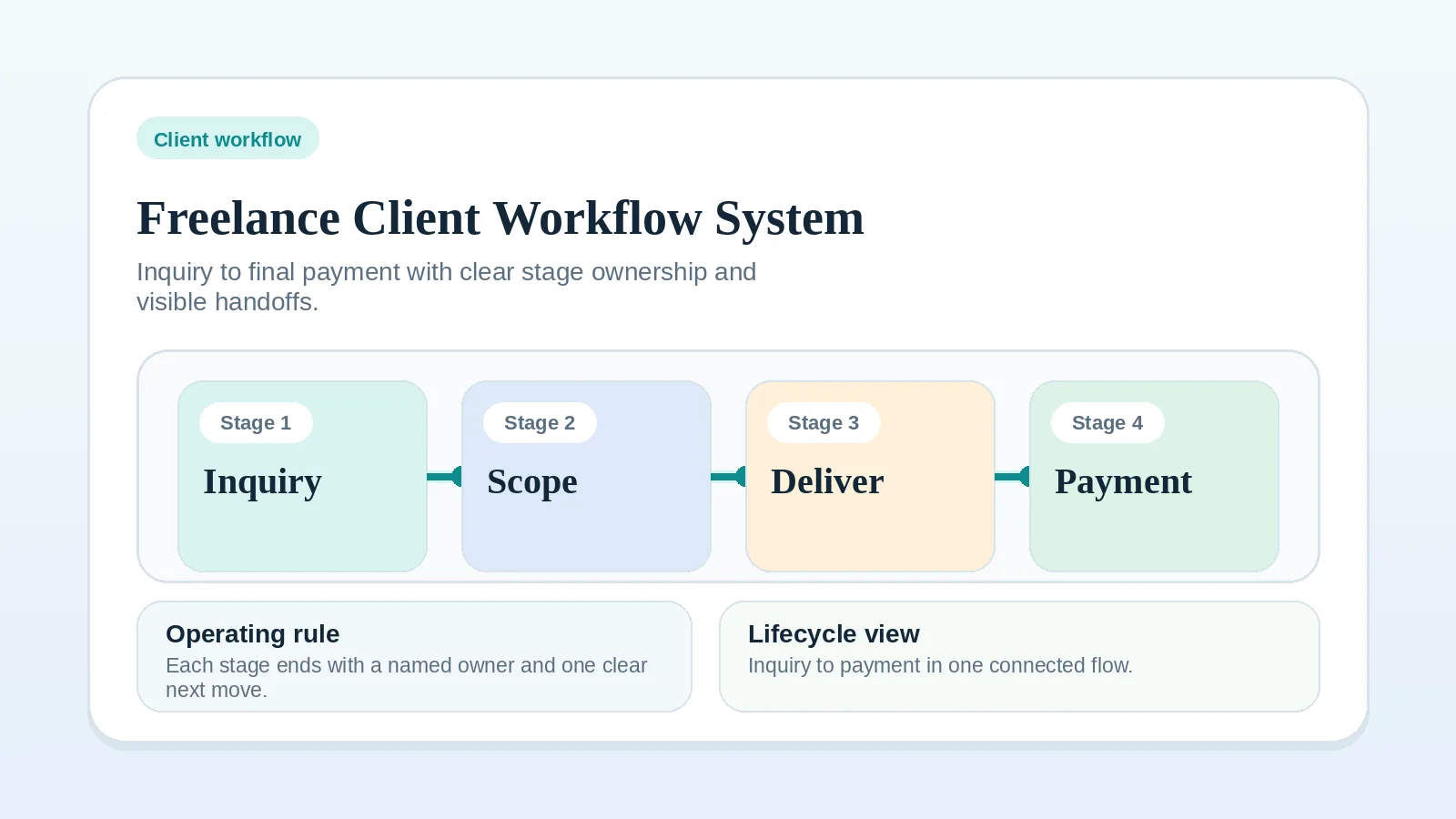
Use this page after you have diagnosed the client lifecycle and resolved the system-center question. If the workflow itself is still unclear, start with Freelance Client Workflow System: Inquiry to Final Payment first. If the question is still whether CRM-first or PM-first should hold active client truth, go to CRM vs Project Management Tool for Client Workflows before returning here. This page turns an already-understood stack direction into an actual operating model.
When this page is the right starting point
Stay here if you already know the business needs a lean operating stack and the next question is what the baseline setup should look like. Leave if you are still diagnosing a broad workflow problem or still resolving which category should hold system-of-record status.
What this page should and should not settle
This page should:
- define the baseline stack shape by business stage,
- show what categories are essential now,
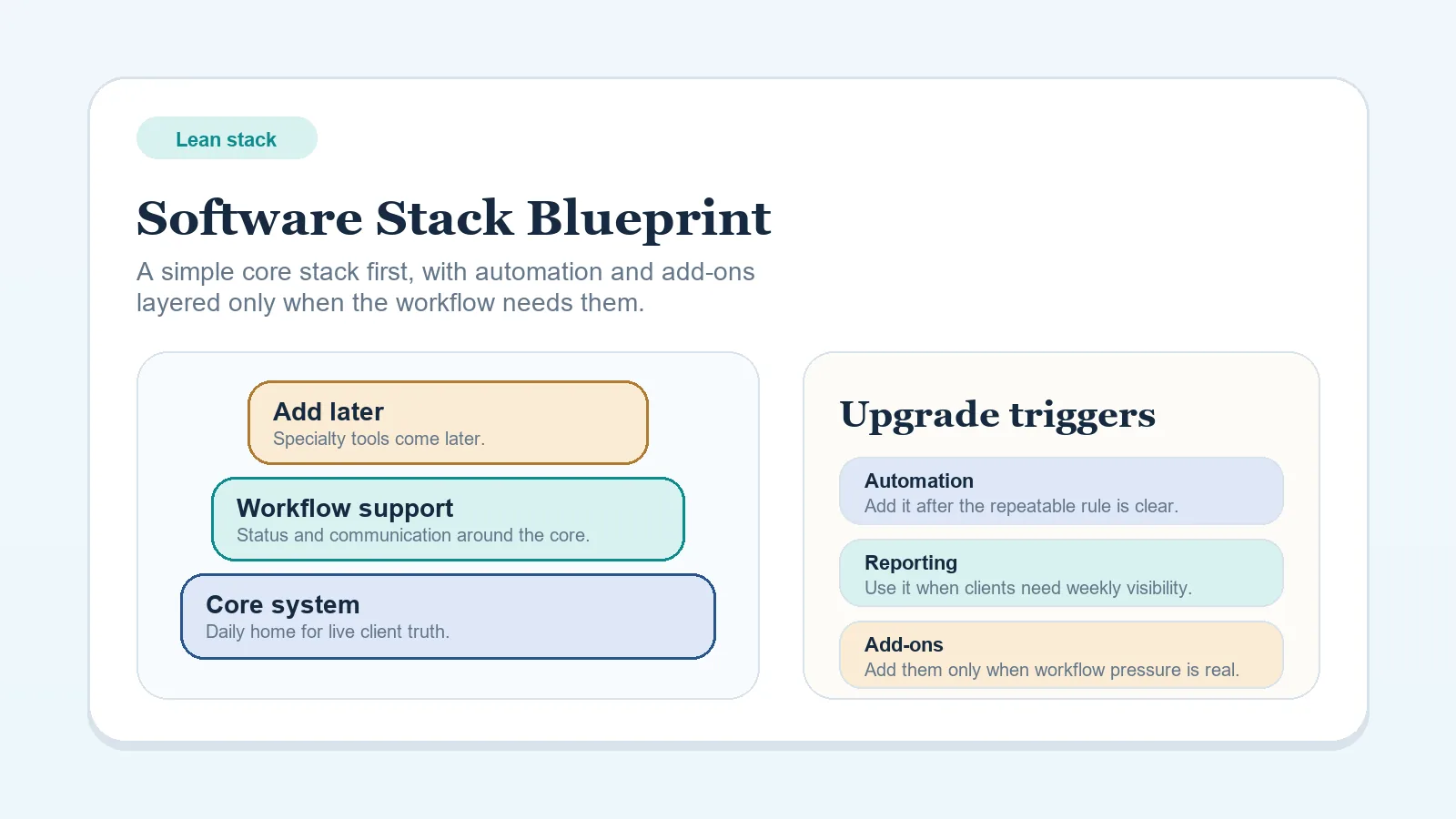
- make upgrade triggers explicit,
- route you into the right narrower implementation page.
This page should not:
- become an app roundup,
- replace the comparison pages,
- act like a migration project plan.
Why this page matters first
Start here before narrower stack or tool-decision pages if:
- you need a baseline operating model, not just a buying rule,
- the stack feels heavier than the business stage justifies,
- you want to know the smallest reliable setup before comparing tools,
- other stack pages feel useful but too narrow to choose the full shape.
This page should answer the broader question of what the stack should look like by stage. Other pages in this cluster should only help refine one part of that answer.
Start somewhere else first if…
- the lifecycle itself is still unclear,
- you still do not know whether CRM-first or PM-first should hold active truth,
- the real question is whether to buy anything at all yet.
In those cases, go first to Freelance Client Workflow System: Inquiry to Final Payment, CRM vs Project Management Tool for Client Workflows, or How to Choose a Software Stack Without Overbuying Tools.
Lean stack principles (non-negotiable)
- One system of record for active client work.
- One place for communication history per client.
- Billing tied to milestones, not memory.
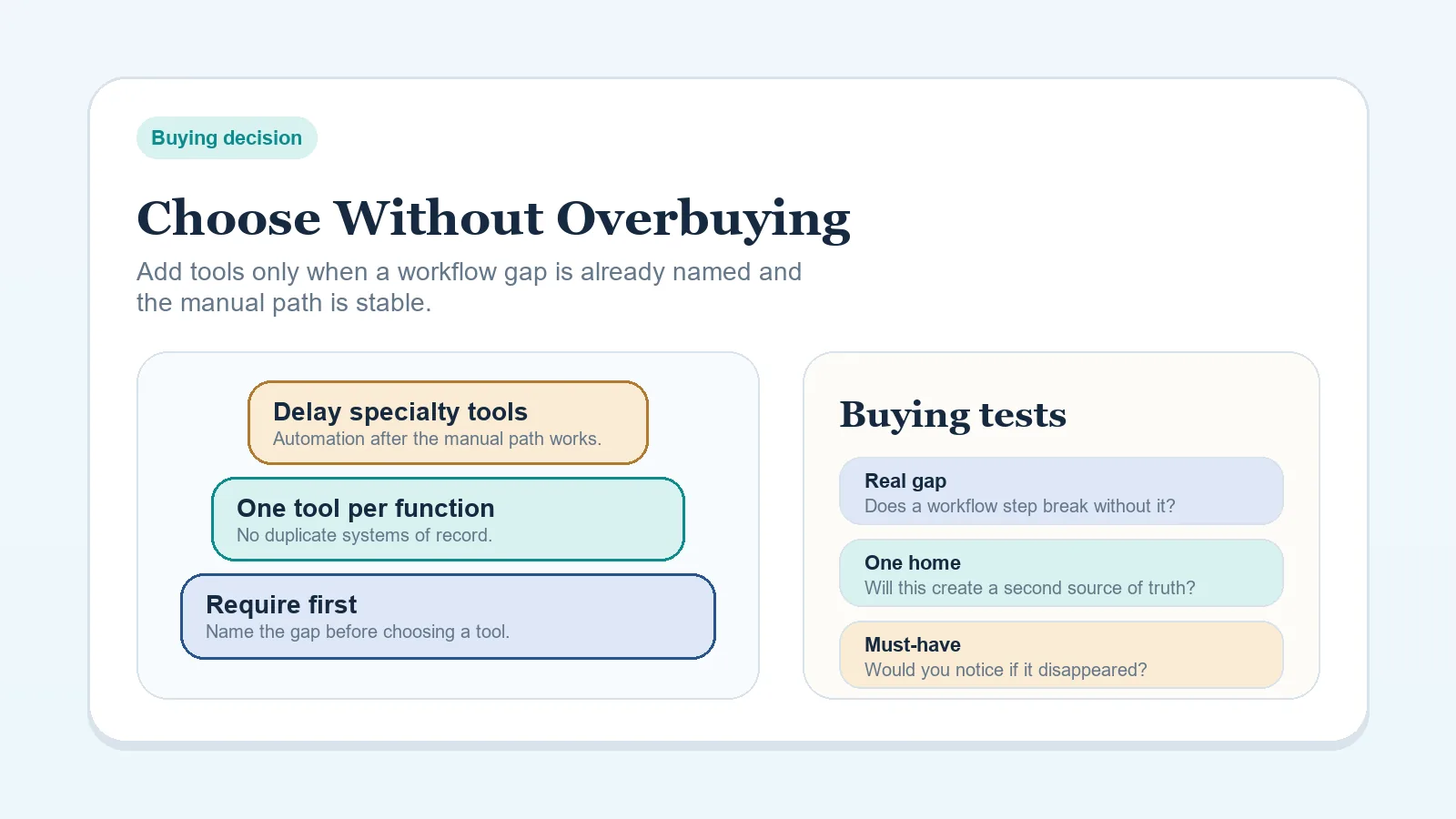
- No tool purchase without a workflow bottleneck it solves.
Why this blueprint matters more than a tool list
Most stack pain comes from shape problems:
- too many tools before clear ownership,
- too much flexibility before repeatable process,
- purchases made for imagined future complexity,
- duplicated truth across systems that were never meant to share live status.
This page matters because it gives a baseline operating model, not just a list of categories to buy.
What this blueprint assumes
- You are the main operator.
- Client work moves through a repeatable sequence, even if the services vary.
- You want to keep the stack lean until recurring operational pressure justifies expansion.
- You care more about reliability than feature depth for its own sake.
What this blueprint should settle
By the end of this page, you should be able to answer:
- what your current stage actually needs,
- which categories are essential right now,
- which purchases should be delayed on purpose,
- which downstream decision page to open next.
Implementation path after this blueprint
Use the next page based on the question that is still blocking setup:
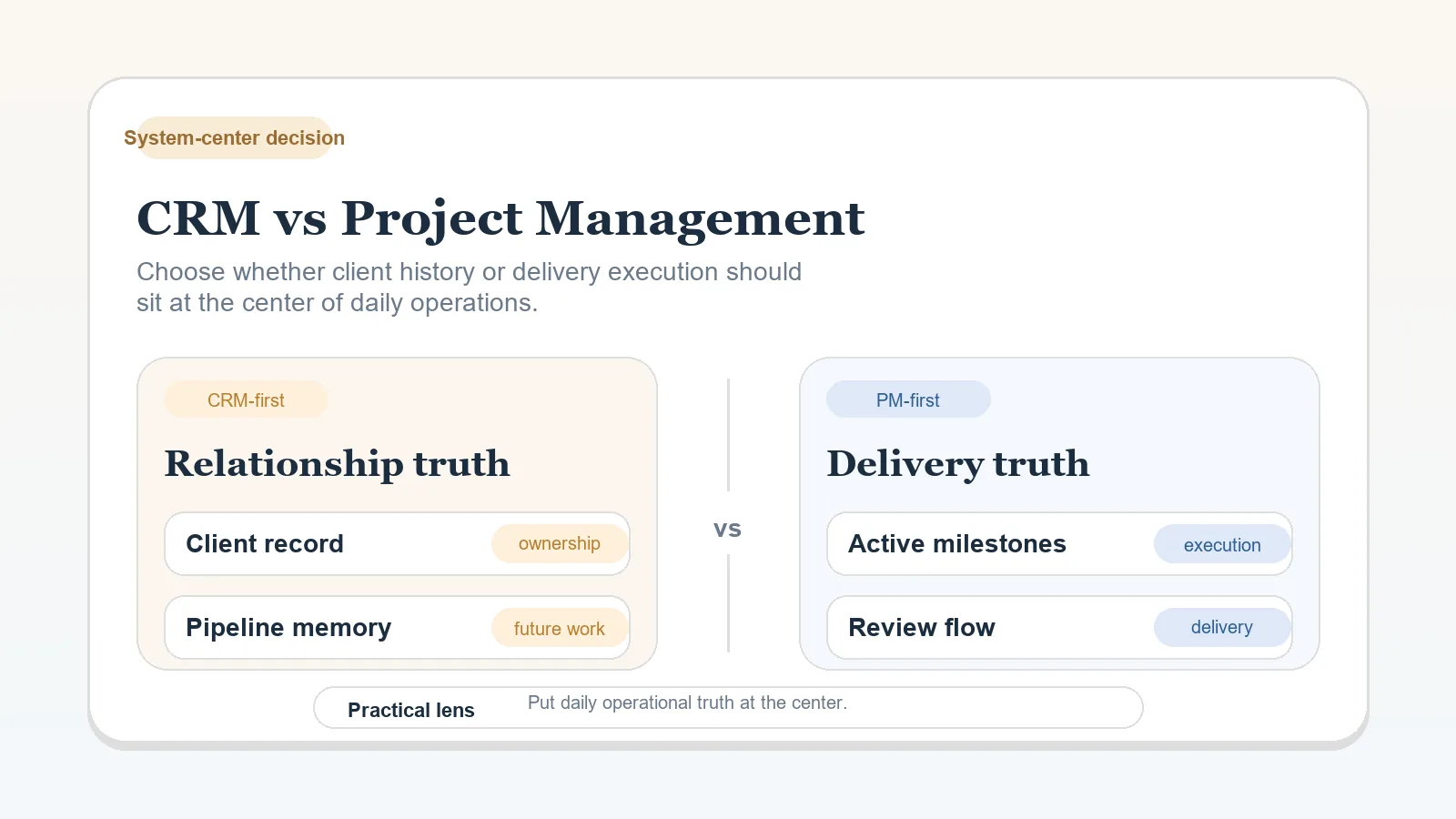
- If active client truth is still unclear, go next to CRM vs Project Management Tool for Client Workflows.
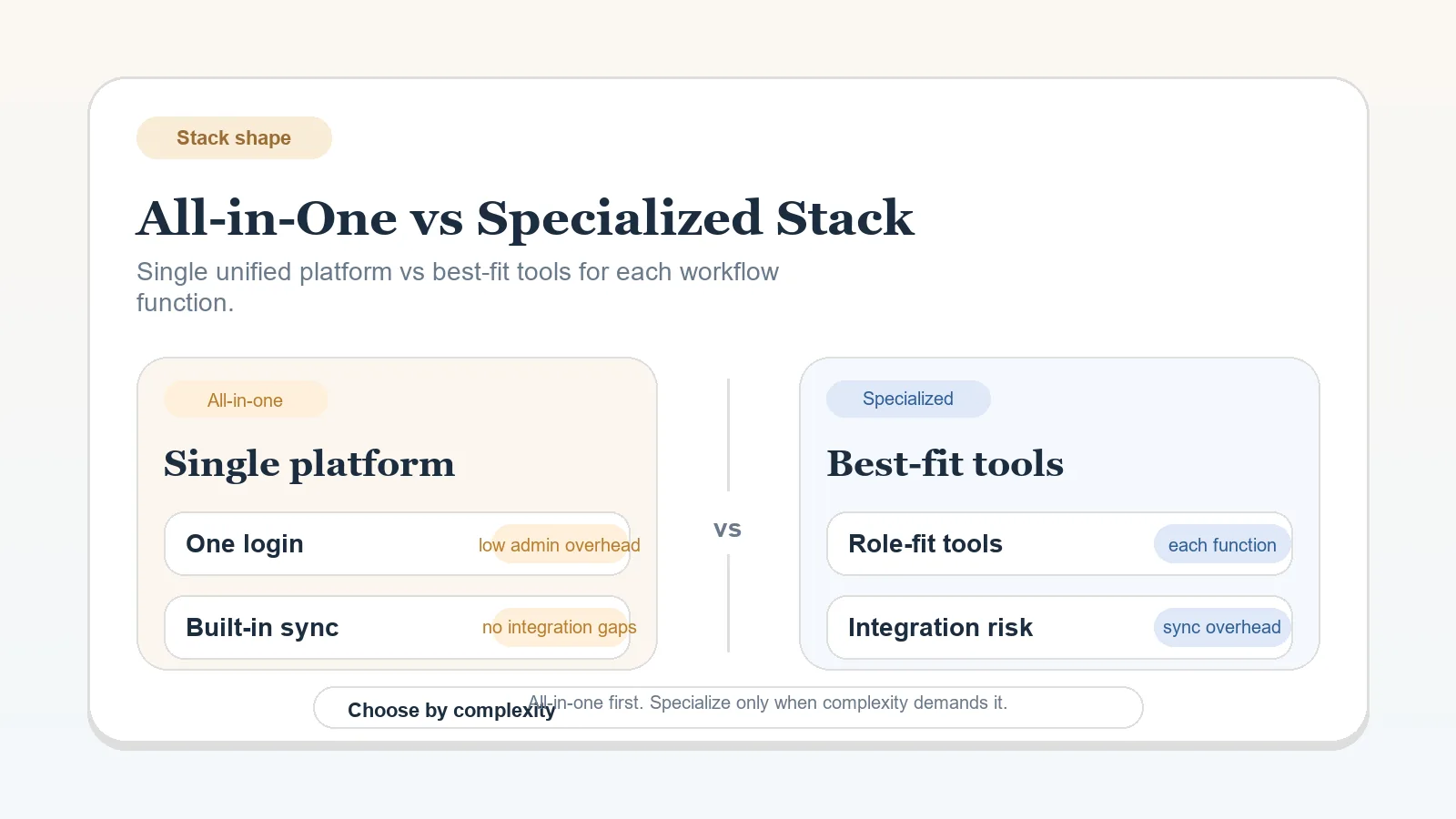
- If you already know the center but not whether to stay consolidated, go next to All-in-One Workspace vs Specialized Stack for Solo Operators.
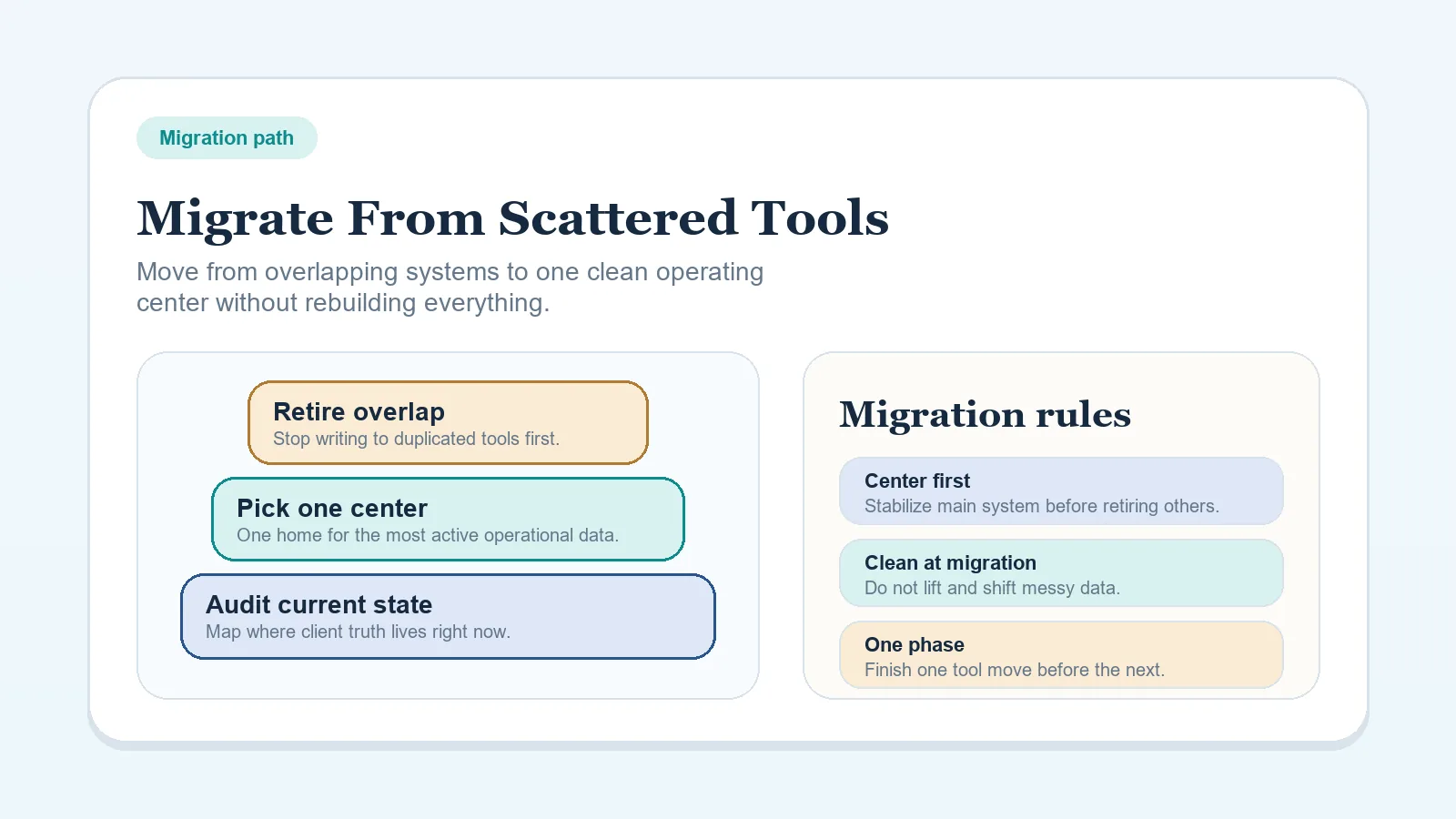
- If the stack is already too fragmented, go next to How to Migrate from Scattered Tools to One Workflow System.
- If buying pressure is the real issue, go next to How to Choose a Software Stack Without Overbuying Tools.
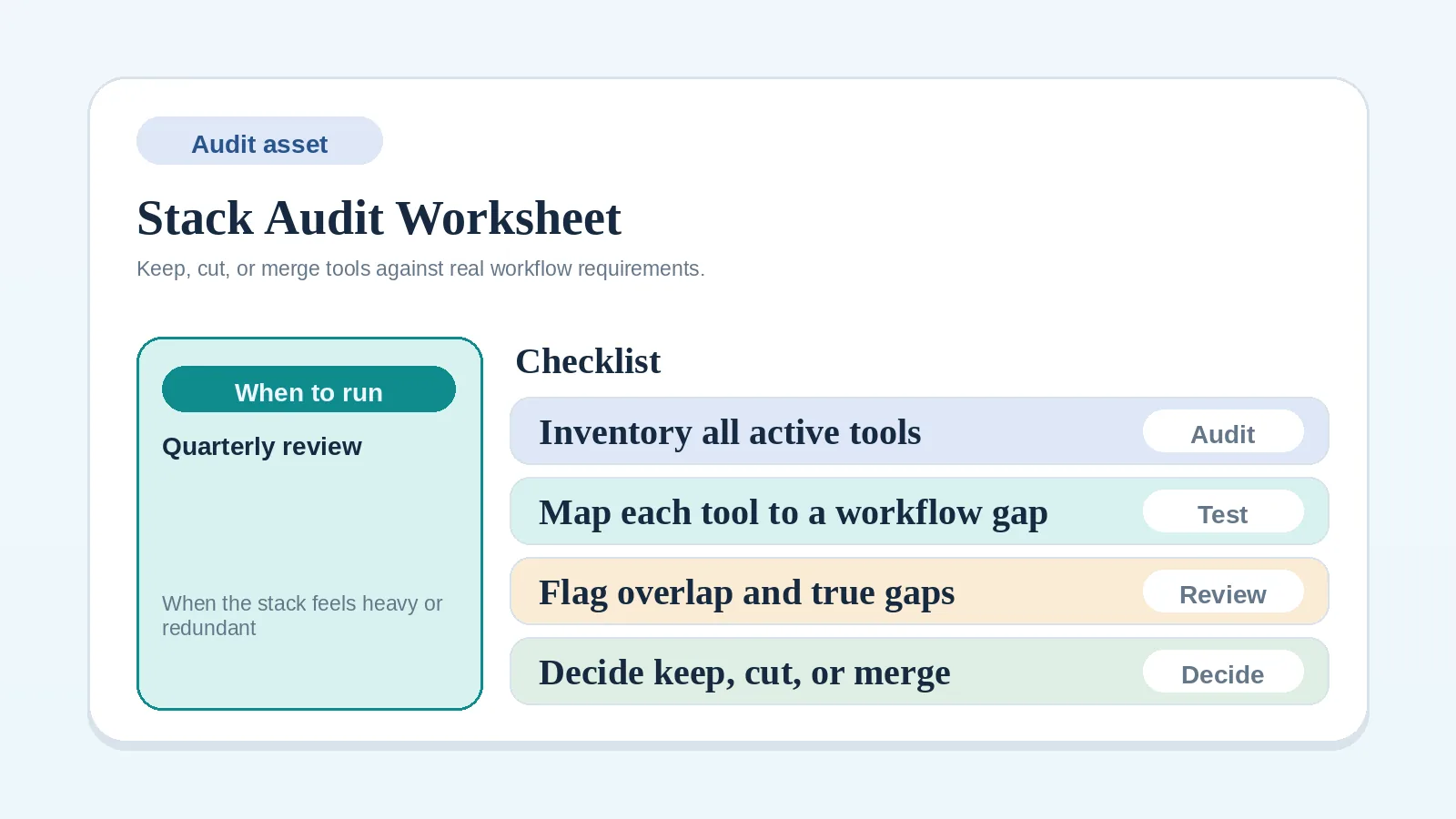
- If you need to document the current stack before changing anything, go next to Stack Audit / Consolidation Worksheet for Solo Operators.
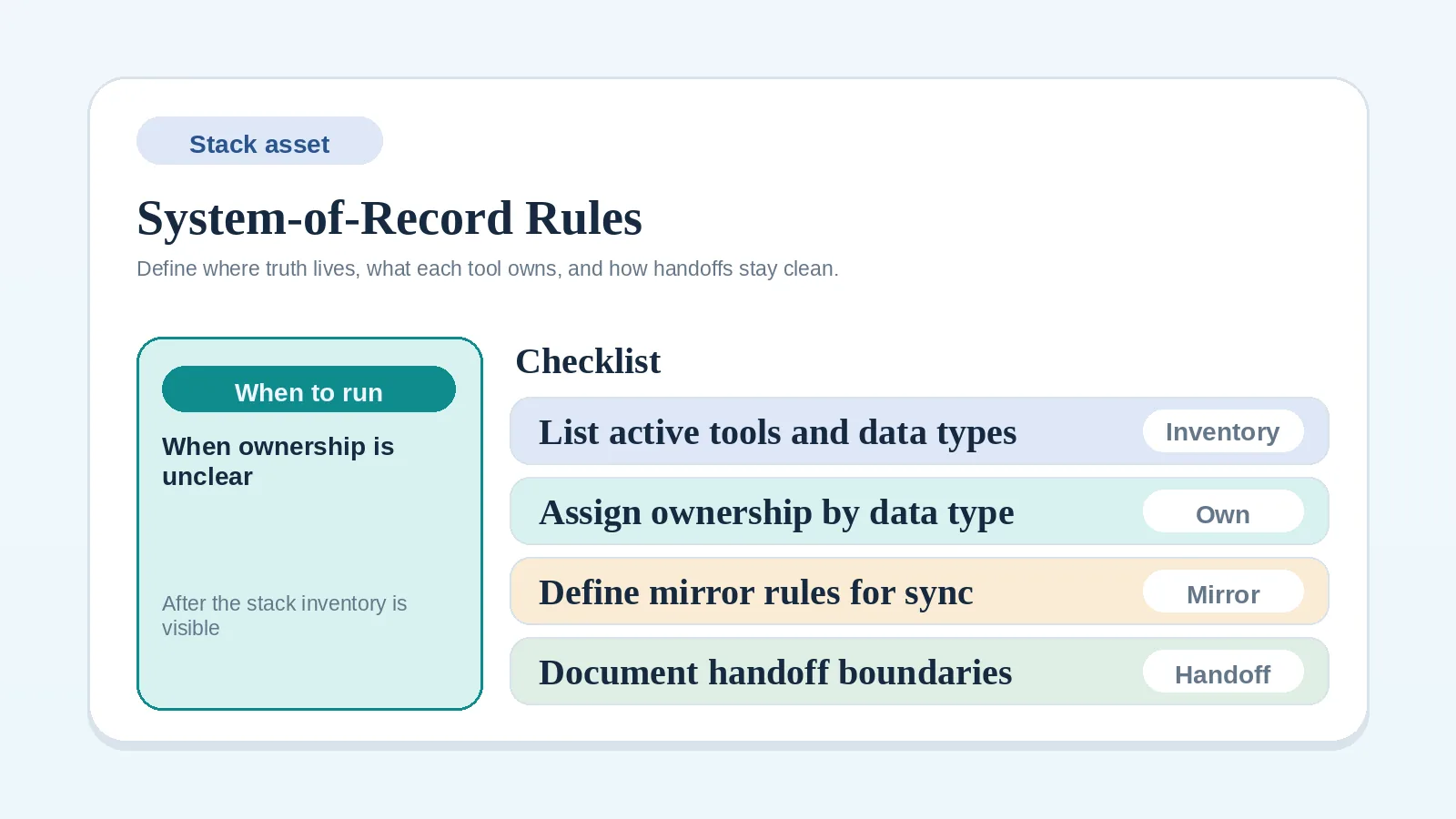
- If the stack shape is mostly clear but ownership still feels vague, go next to System-of-Record Rules Worksheet for Solo Operators.
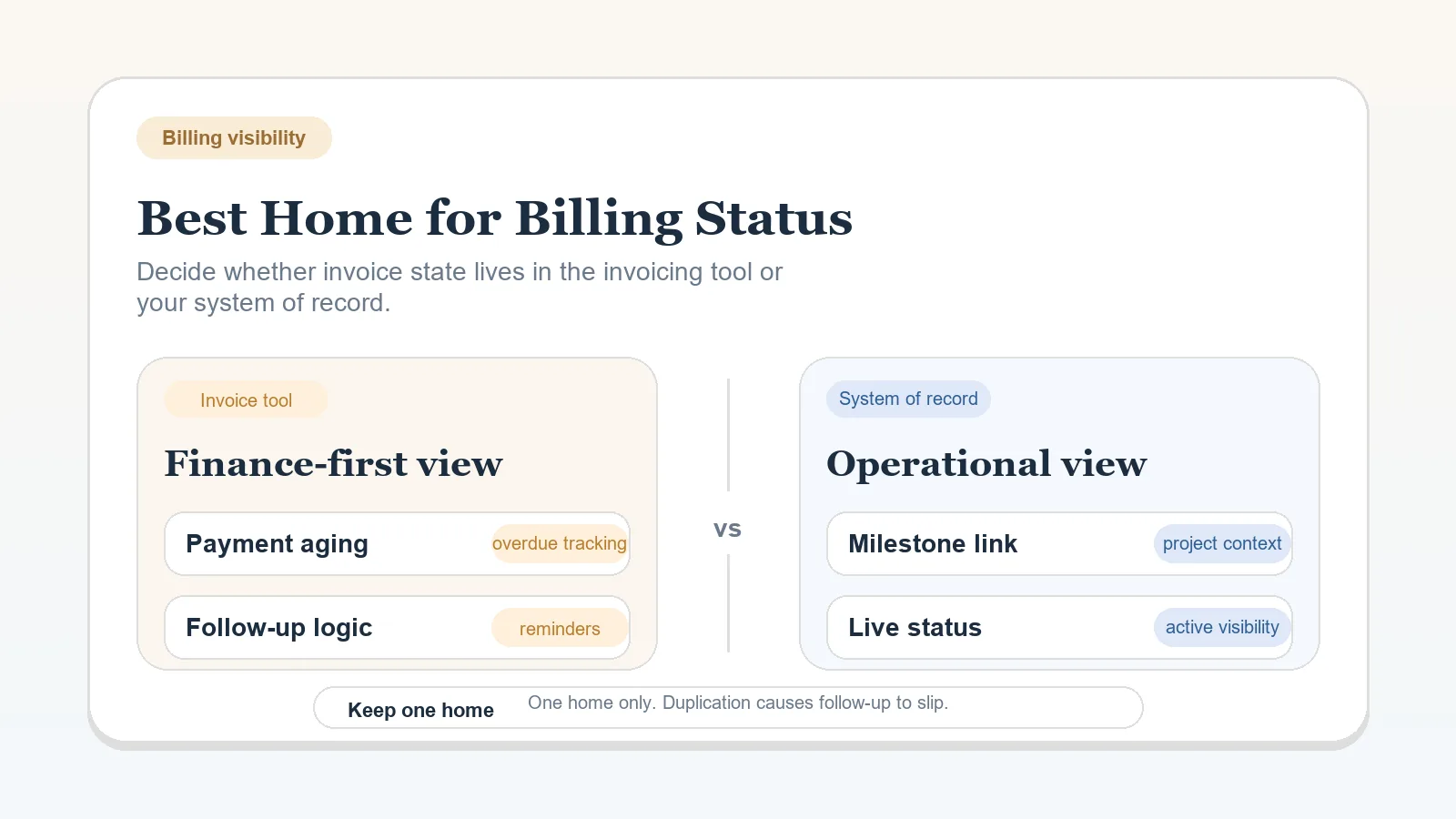
- If the stack shape is clear but billing visibility still feels split between finance and operations, go next to Best Home for Billing Status: Invoicing Tool vs System of Record.
- If the broad system center is still not settled, go back one step to CRM vs Project Management Tool for Client Workflows.
- If you are not yet sure whether the workflow is clear enough to choose tools at all, check the Stack Decision Readiness Checklist before comparing options.
Stage-based stack tiers
1) Starter tier (0-5 active clients)
You need reliability, not customization.
Must-have categories:
- Intake + qualification capture
- Work tracking
- File/docs storage
- Invoicing
- Scheduling/communication
Avoid for now: automation suites, advanced reporting platforms, multi-tool syncing layers.
2) Stable tier (5-15 active clients)
You need predictable handoffs and cleaner visibility.
Add when needed:
- Better pipeline visibility
- Template libraries for recurring work
- Light automation for repetitive status updates
3) Scaling tier (15+ active clients or recurring retainers)
You need coordination consistency and lower admin drag.
Add with caution:
- Role-based workflows
- Cross-project dashboards
- Integration tooling (only after core process is stable)
Default lean-stack pattern
For most solo operators, the default reliable pattern is:
- one active system of record,
- one documentation layer,
- one narrow intake path,
- one billing path,
- one weekly review habit.
Everything else should have to earn its place by removing visible coordination cost.
Category decision table
| Category | Starter default | Upgrade trigger | Overbuying warning |
|---|---|---|---|
| System of record | PM-first or simple CRM | Too many missed follow-ups or hidden handoffs | Buying both CRM and PM before clear need |
| Documentation | Shared docs + template folder | Repeated onboarding friction | Over-structuring docs no one reuses |
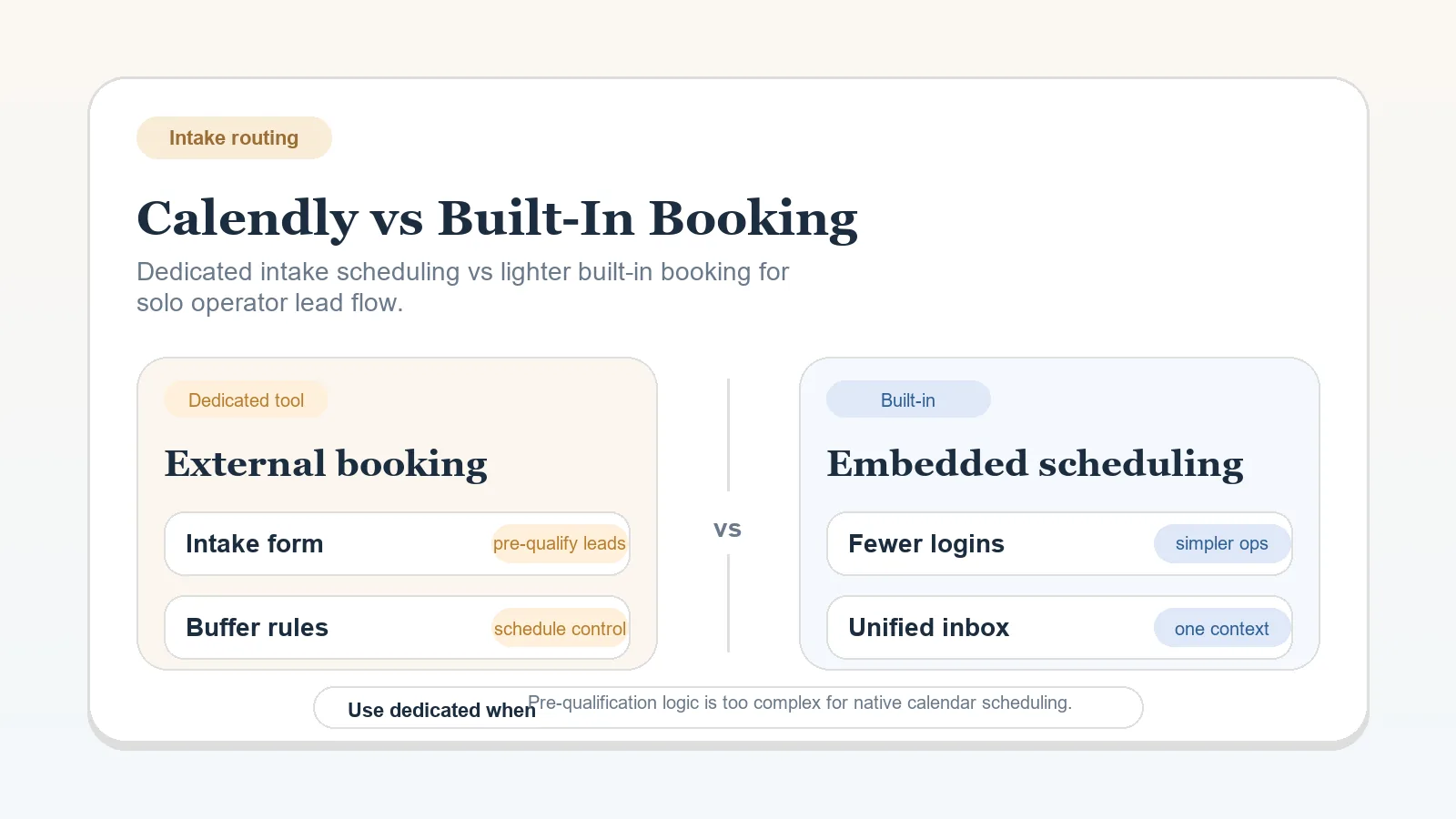
| Scheduling | Basic booking + calendar sync | High no-show rate | Paying for advanced routing you do not use |
| Billing | Simple invoicing with reminders | Payment delays beyond terms | Layering finance tools before process discipline |
| Automation | Mostly manual checklists | Same action repeated weekly | Automating unstable processes |
Need help with system-of-record choice? Use CRM vs Project Management Tool for Client Workflows.
What “lean” should look like in practice
A lean stack usually means:
- one system where active client stage and next action are visible,
- one documentation layer for templates, notes, and recurring assets,
- one billing process with reminders,
- one weekly review habit to catch drift.
It does not mean every function must live in one app. It means ownership stays clear and duplicate admin stays low.
If you are deciding whether the business should stay consolidated inside one main workspace or split functions across several tools, use All-in-One Workspace vs Specialized Stack for Solo Operators before choosing narrower app comparisons.
What not to buy yet
Do not add tools just because they are popular in creator or freelancer circles.
Delay purchases when:
- you are still changing your service offer monthly,
- project scope is inconsistent,
- core handoff steps are undocumented,
- you have not run the same process successfully 3+ times.
Upgrade triggers that actually justify spend
Upgrade only when one of these is true:
- follow-ups are consistently dropped,
- delivery milestones are hard to track,
- onboarding repeats identical manual admin every week,
- invoice follow-up consumes more than 2 hours per week.
If your current stack is scattered, use How to Migrate from Scattered Tools to One Workflow System before buying more tools. Consolidation usually matters more than adding software.
Example budget scenarios
Budget A: Under $50 per month
Use simple, consolidated tools and manual checklists.
Typical fit: early-stage freelancer with manageable lead volume and a delivery-heavy workload.
Budget B: $50-$150 per month
Add structure where bottlenecks are recurring, usually work tracking or scheduling.
Typical fit: stable operator who can point to one specific coordination problem that the extra spend will remove.
Budget C: $150-$300 per month
Use this only if active client volume and workflow complexity justify dedicated systems.
Typical fit: higher client load, more stakeholders, or more repeatable delivery operations that justify stricter controls.
Implementation next steps
- Validate your stage with the workflow anchor page.
- Choose system-of-record model via CRM vs Project Management Tool for Client Workflows.
- Implement intake discipline via How to Build a Client Intake and Qualification Workflow.
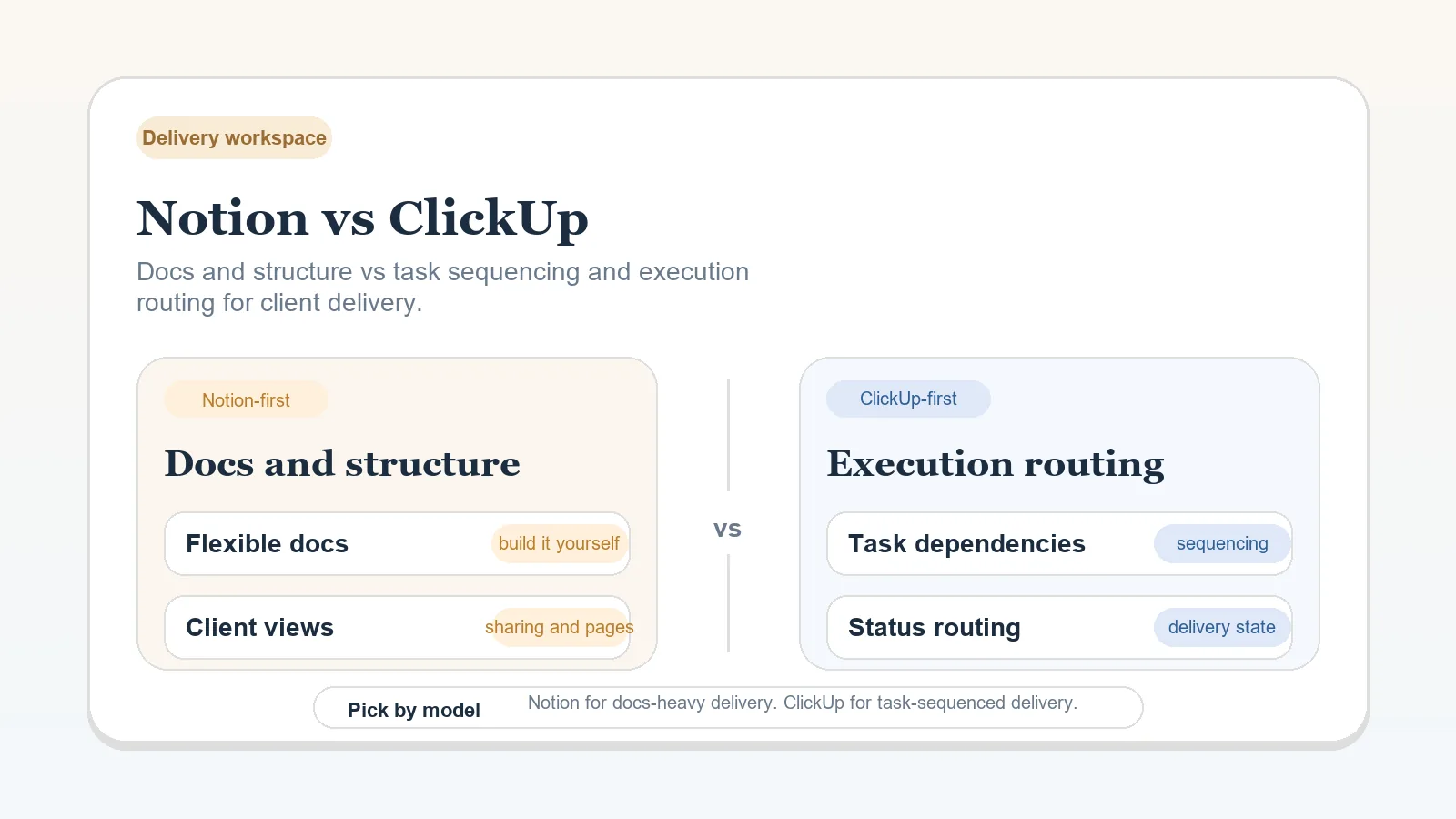
- Compare delivery workspace options via Notion vs ClickUp for Solo Client Delivery.
- Use How to Choose a Software Stack Without Overbuying Tools only if the open question is purchase timing rather than baseline stack shape.
- Use All-in-One Workspace vs Specialized Stack for Solo Operators if the open question is whether the stack should stay consolidated before you optimize within it.
If you want the broader cluster path before choosing among those, go to Software Stack Blueprints for Solo Operators.
What to do after choosing the stack shape
- Document your System of Record rules clearly.
- Use System-of-Record Rules Worksheet for Solo Operators if the main weakness is not tool count but unclear truth ownership between systems.
- Use Stack Audit / Consolidation Worksheet for Solo Operators if the current tool set is still too vague or duplicated to clean up from memory.
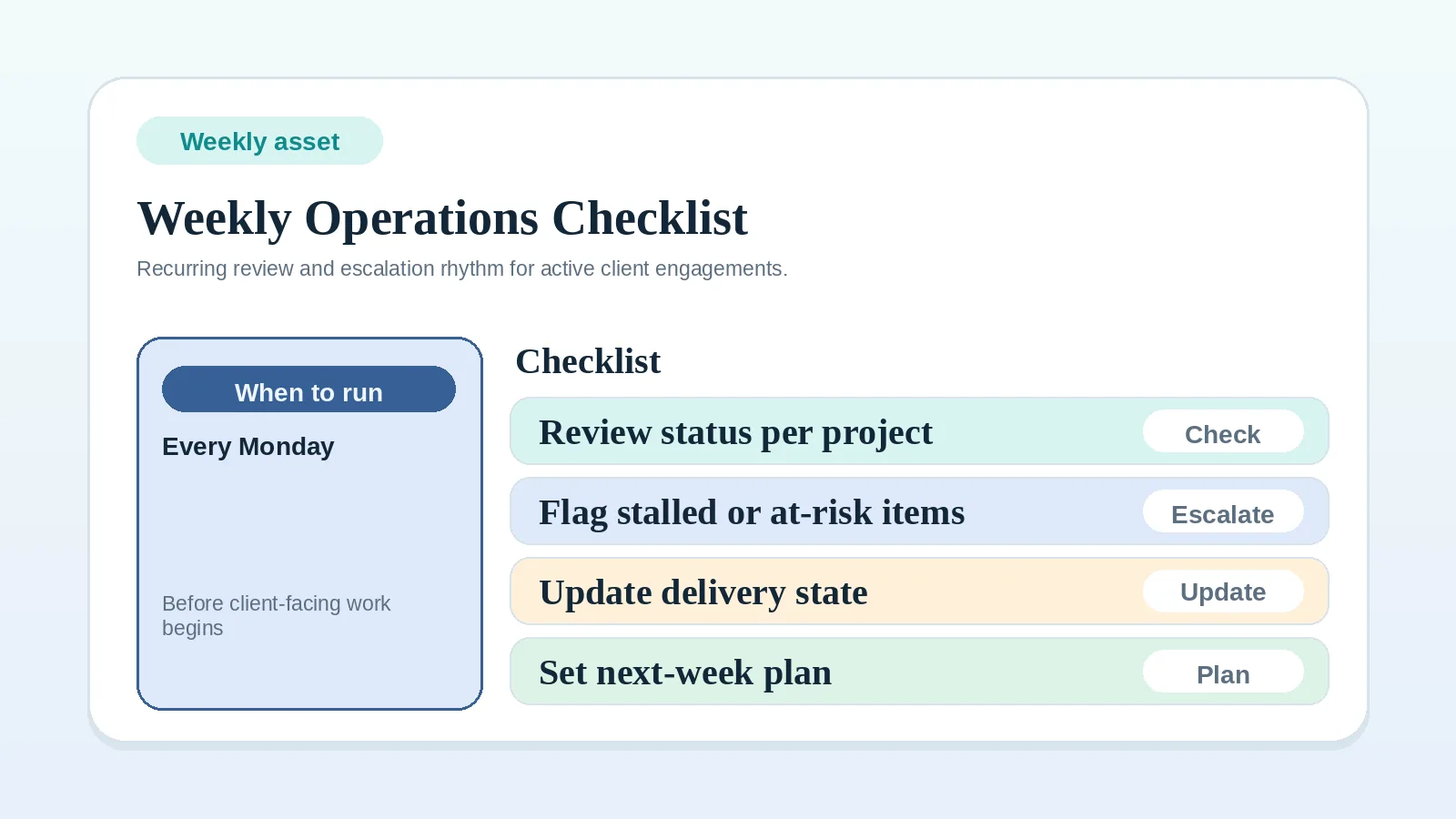
- Run Weekly Client Operations Checklist (Solo Business) every week for 30 days.
- Delay any automation until the stack works manually for several cycles.
- If the current stack is already bloated or duplicated, move straight to How to Migrate from Scattered Tools to One Workflow System before adding anything else.
What a healthy lean stack should feel like
You should be able to answer these quickly without opening five tools:
- what stage each active client is in,
- what the next action is,
- what is blocked,
- what billing state matters next,
- what your weekly review needs to check.
If the stack cannot answer those, the issue is usually clarity, not missing software depth.
MVP recommendation
For most launch-stage solo operators, the best default is a PM-first delivery workspace, basic invoicing, a lightweight document layer, and manual checklists around handoffs. Add more software only after one repeated bottleneck is visible for several weeks in a row.