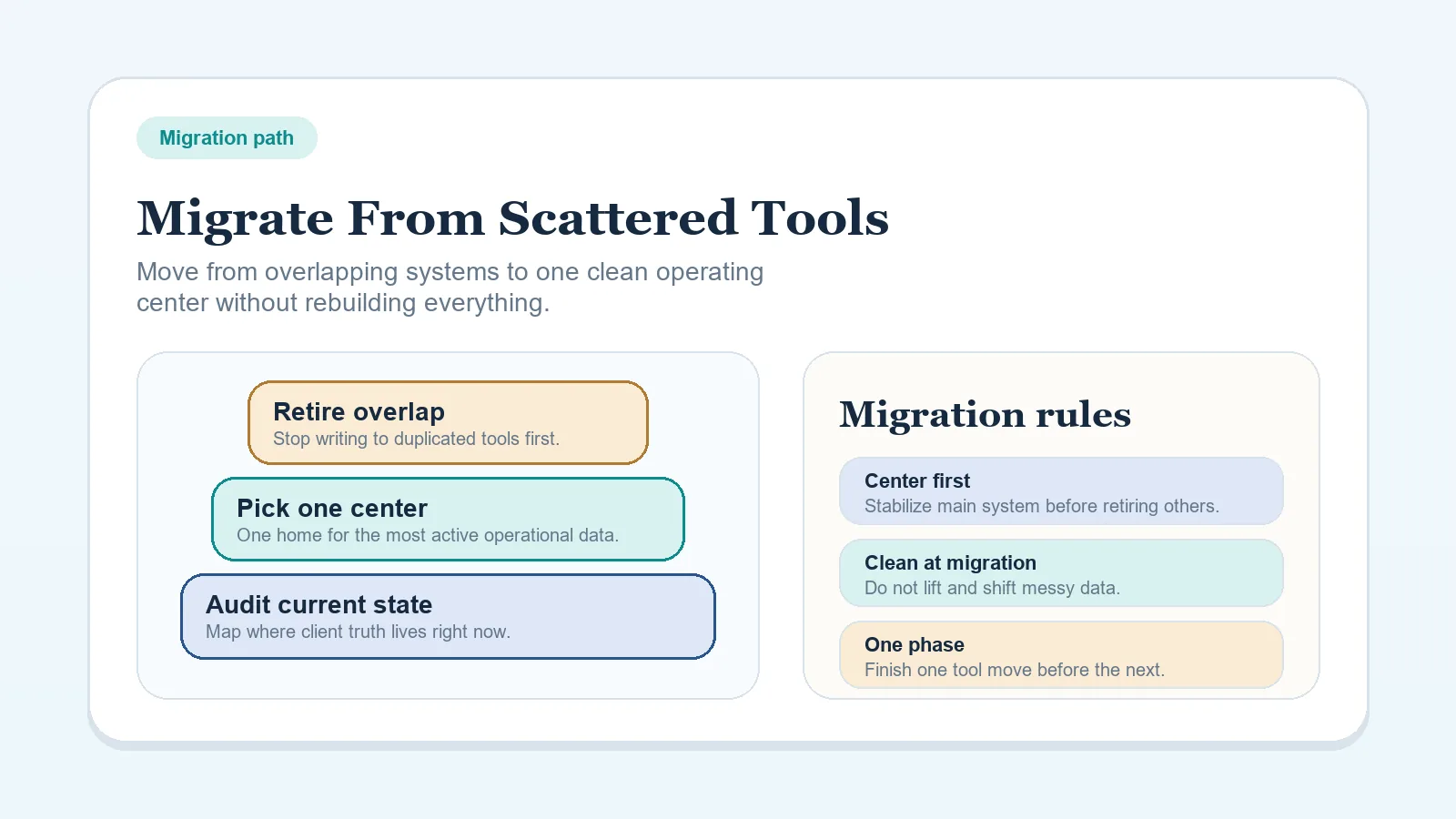
This guide is for live client work split across systems when the target operating model is already clear. The migration should reduce duplicate authority without interrupting delivery, approval, billing, or record access.
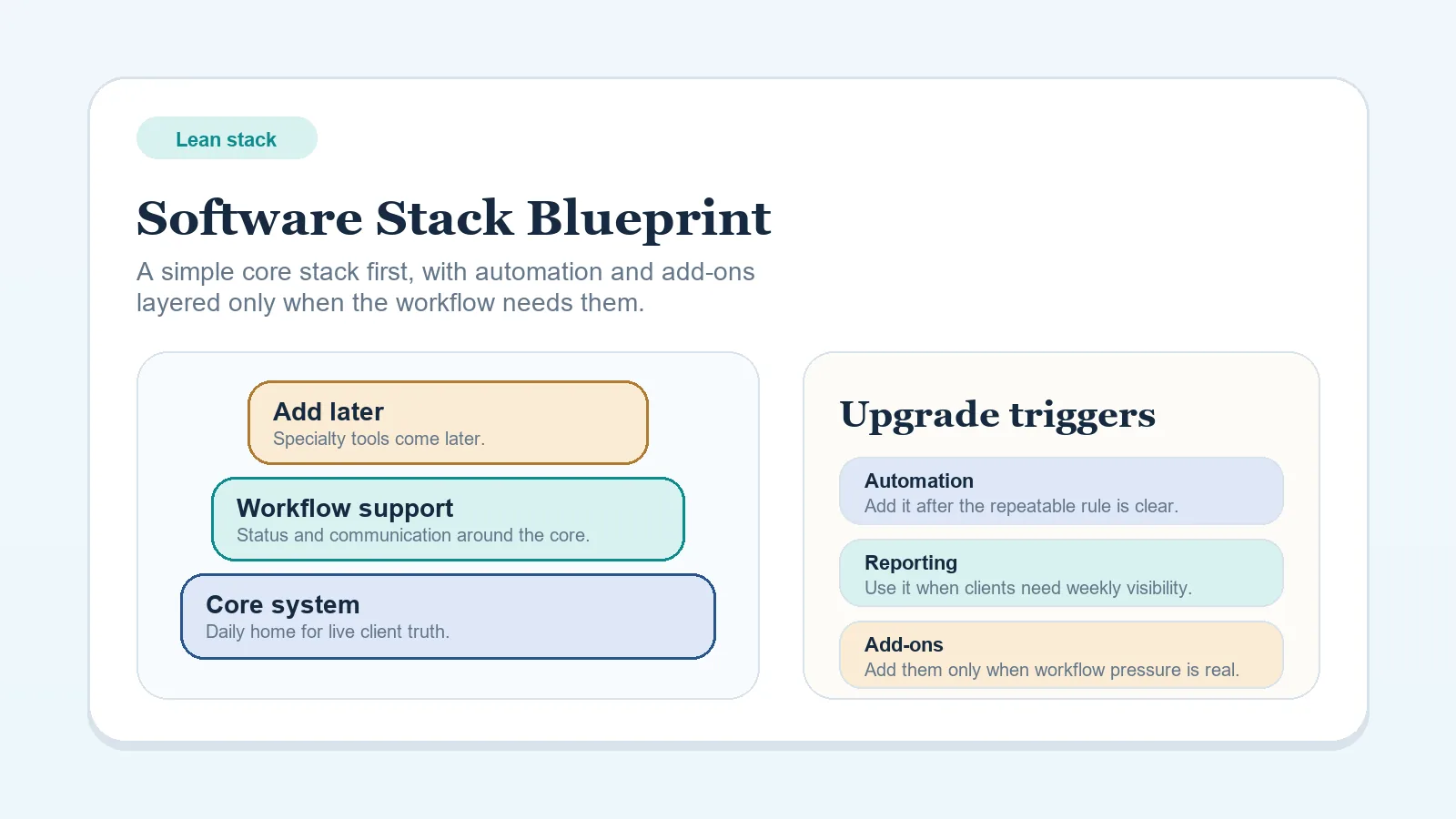
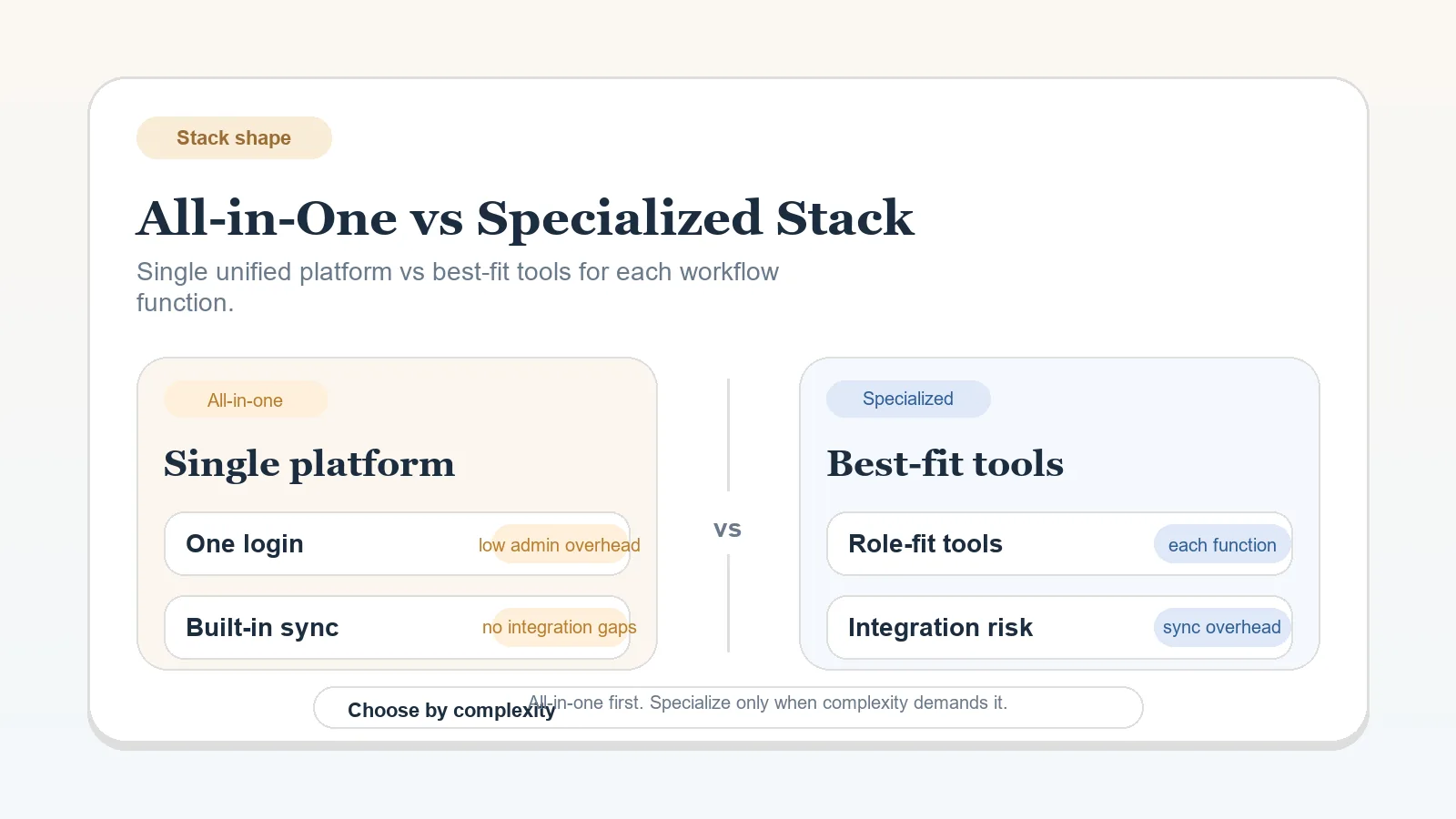
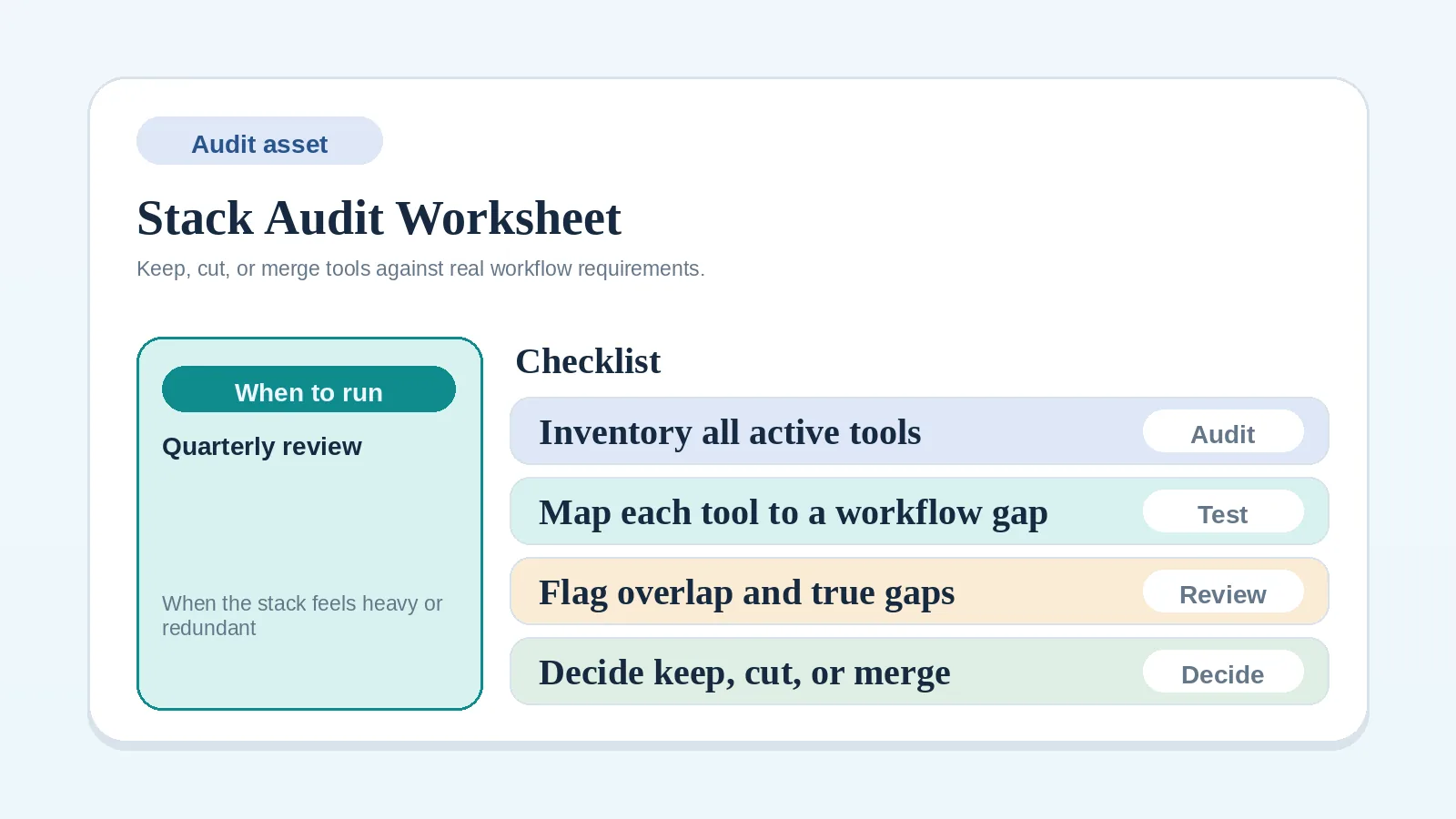
Decide the target shape first with the lean stack blueprint or all-in-one versus specialized comparison. Use the stack audit worksheet if the current inventory is incomplete.
Protect live work before moving it
Identify records that affect:
- current stage and next action;
- upcoming delivery or approval;
- invoice status and payment-related holds;
- client commitments and decisions;
- access, permissions, and required history.
Back up or export important records before changing their authoritative location. Keep the previous system available in a read-only or recoverable form until the relevant records have passed the completion checks.
Step 1: inventory records by workflow stage
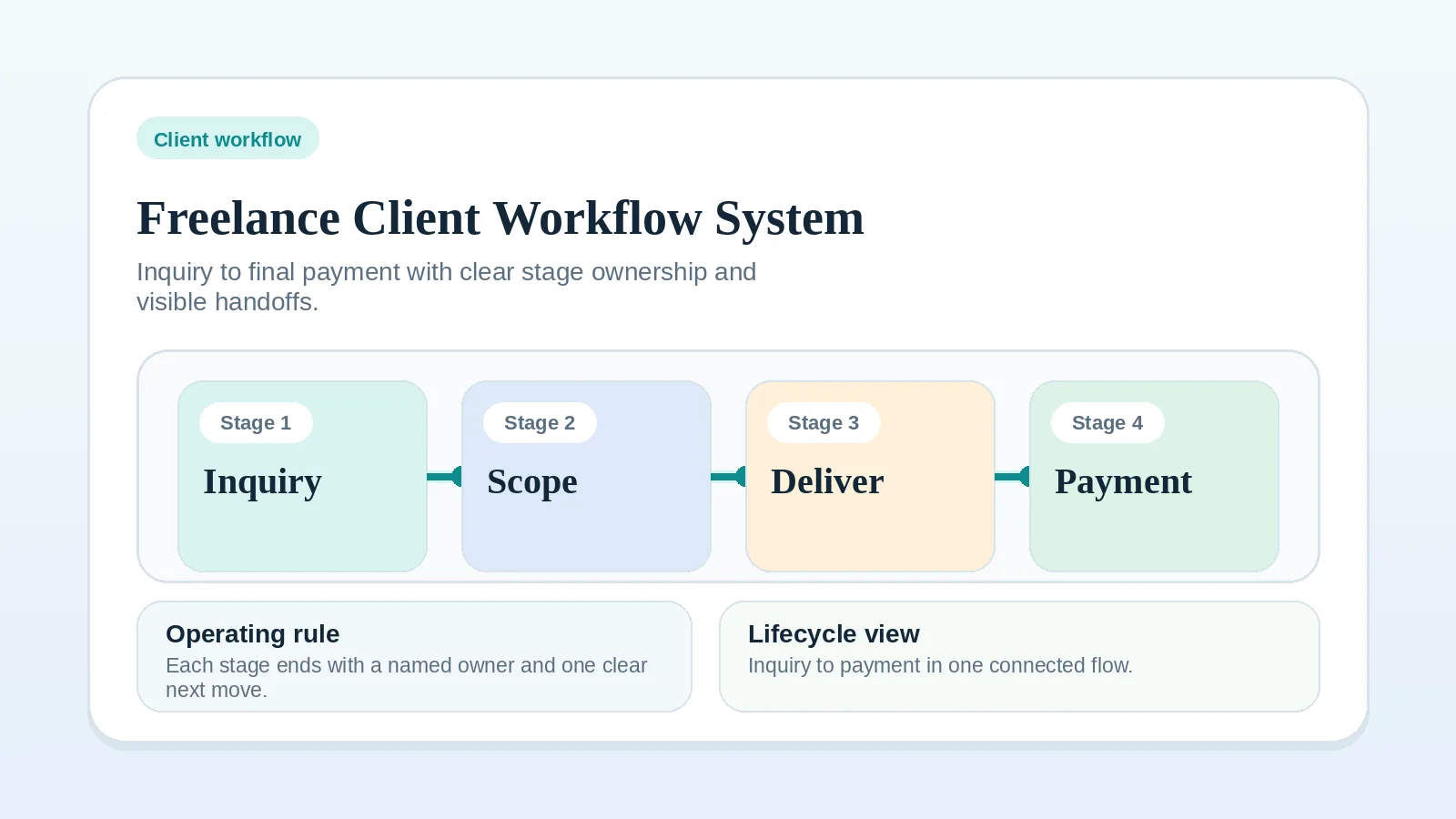
List each tool used for intake, proposal, onboarding, delivery, approval, billing, and closeout.
For every tool, record:
- the current facts stored there;
- whether those facts are active, historical, or duplicated;
- who updates them;
- which downstream action depends on them;
- whether the data can be exported in a usable format.
Mark a system for retention, replacement, or archive only after its current role is known.
Step 2: define the target authority
Write one rule for each live record:
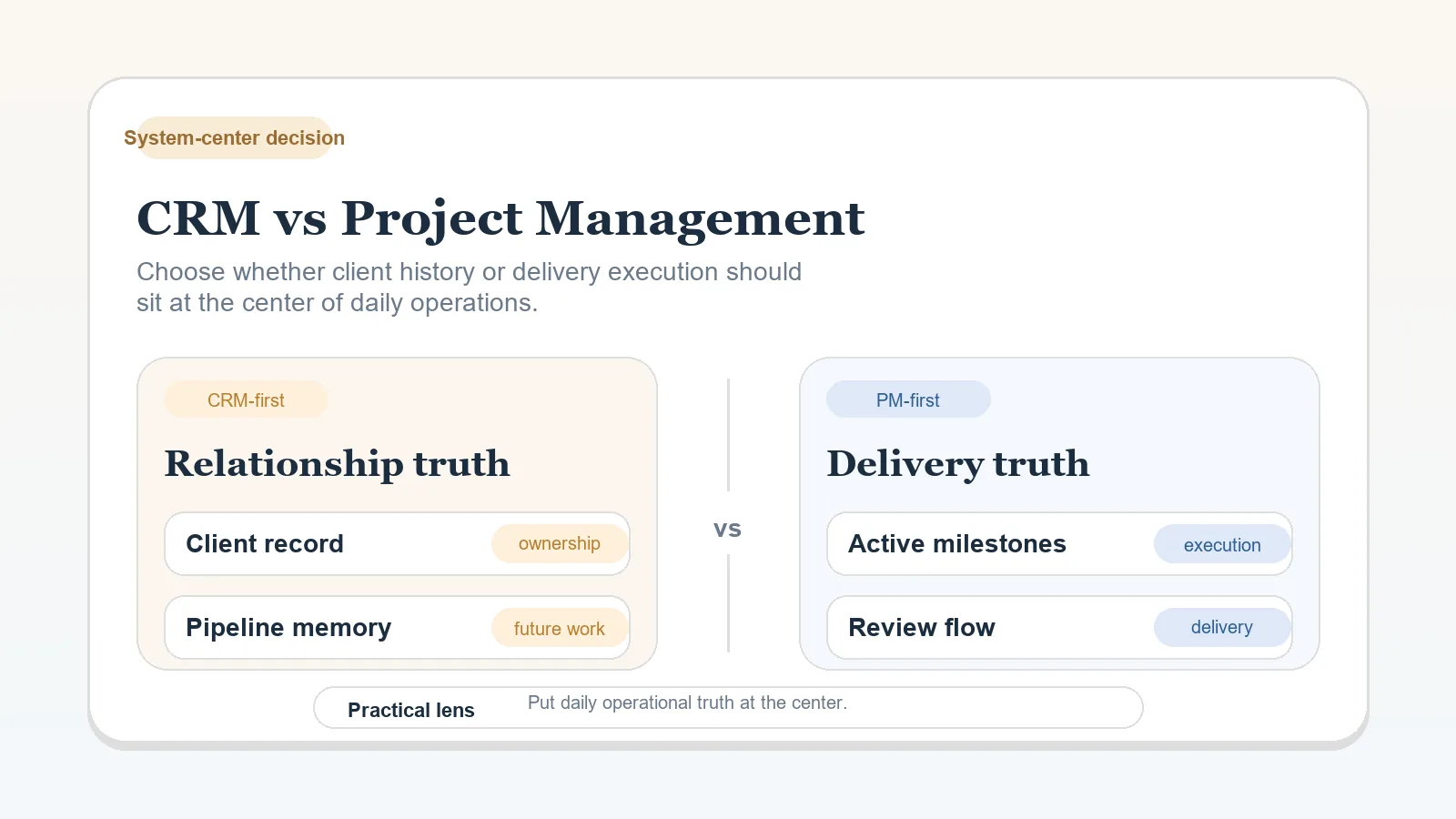
- active client stage and next action;
- communication decisions;
- deliverable approval;
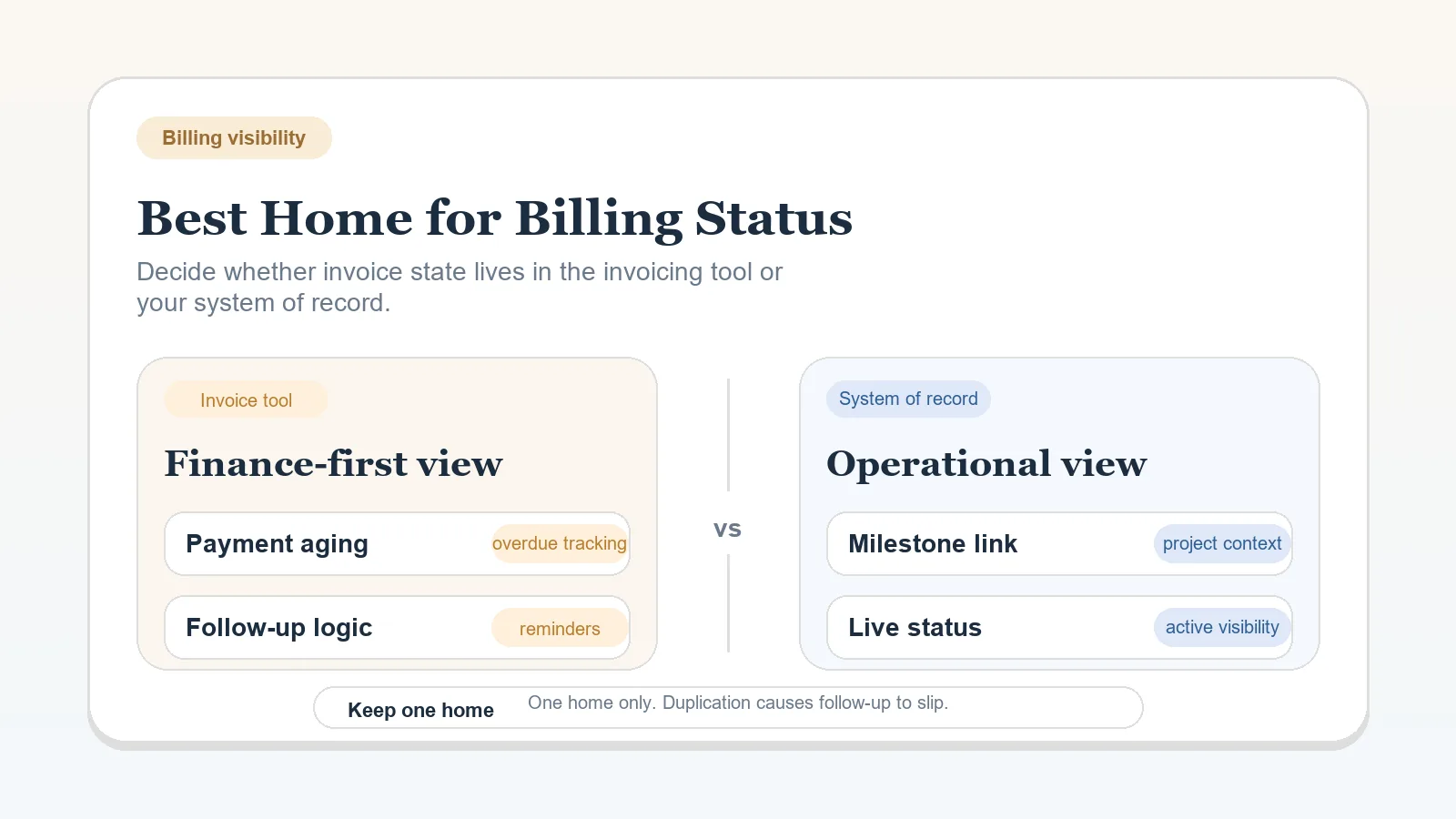
- invoice detail;
- operational payment state;
- reusable templates and reference material.
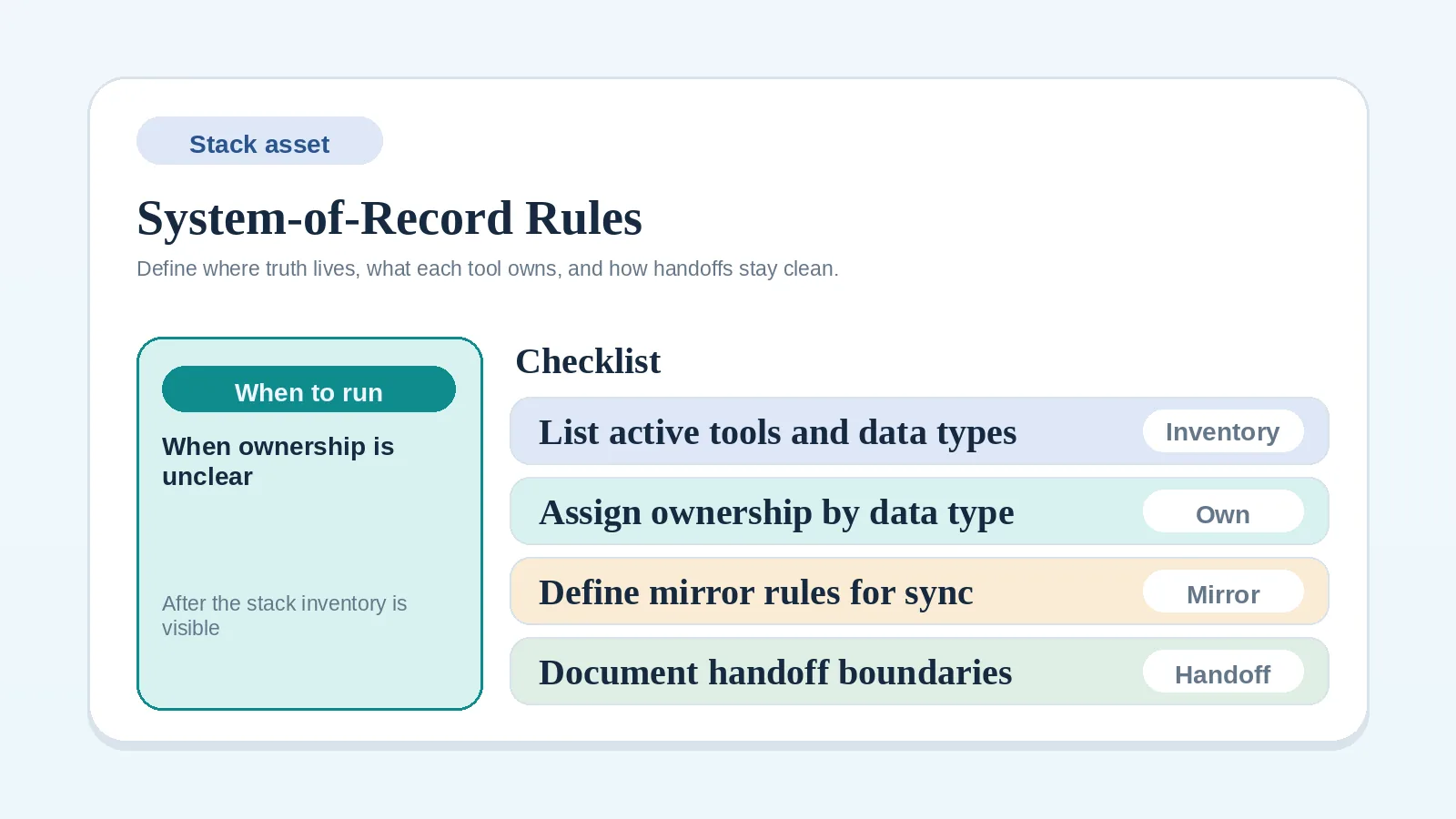
Use the system-of-record rules worksheet when two systems need a deliberate boundary. The target is one authoritative location for each current fact, which may still span more than one application.
Step 3: separate active records from archives
Move records that affect current work or a required retention obligation. Archive records that must remain accessible but do not belong in the active workflow.
Do not copy obsolete templates, abandoned boards, or duplicate status fields merely because they exist. Keep a record when an agreement, policy, tax rule, or operational need requires it. Seek appropriate professional advice for formal retention duties.
Step 4: test a representative slice
Choose a low-risk record or small representative group that includes the handoffs the target system must support. Avoid a record that is approaching a sensitive delivery, approval, or billing event.
Test:
- field and file mapping;
- ownership and permissions;
- current status and next action;
- reminders or dependencies;
- billing visibility;
- export or rollback.
Record every mismatch before expanding the move.
Step 5: cut over by completed stage
Expand the migration only after the tested records meet the completion checks. Move one workflow stage or controlled group at a time, based on risk and available review capacity rather than a fixed weekly schedule.
For each cutover:
- pause edits in the old location;
- move or recreate the required records;
- verify counts, ownership, status, and links;
- tell affected collaborators which location is now authoritative;
- record the cutover time, rollback owner, and how later edits will be recovered if the move fails;
- retire write access in the old location after verification.
Step 6: stabilize before adding features
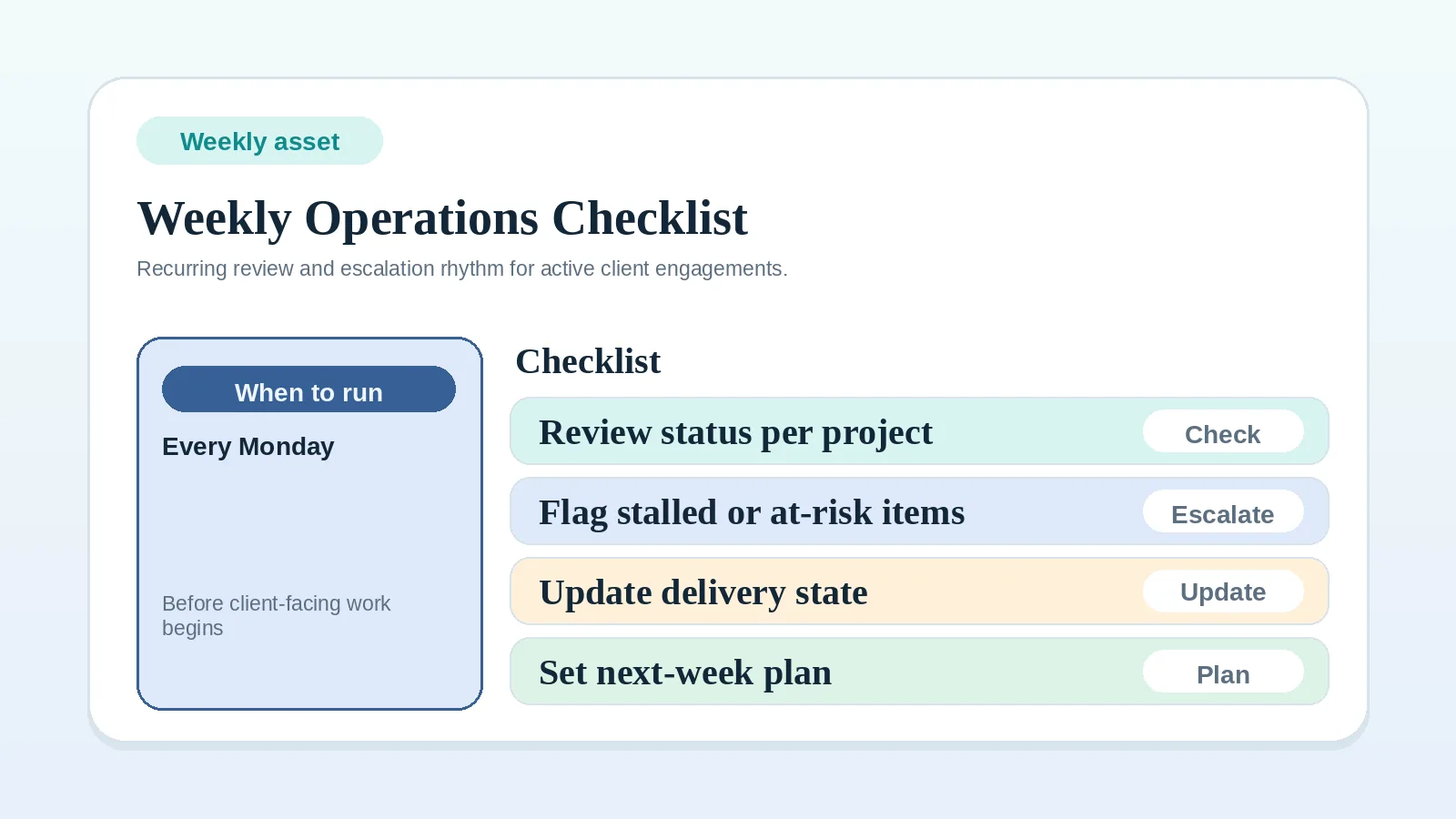
Run the weekly client operations checklist in the new system until status, blockers, handoffs, and billing can be reviewed without consulting an old source.
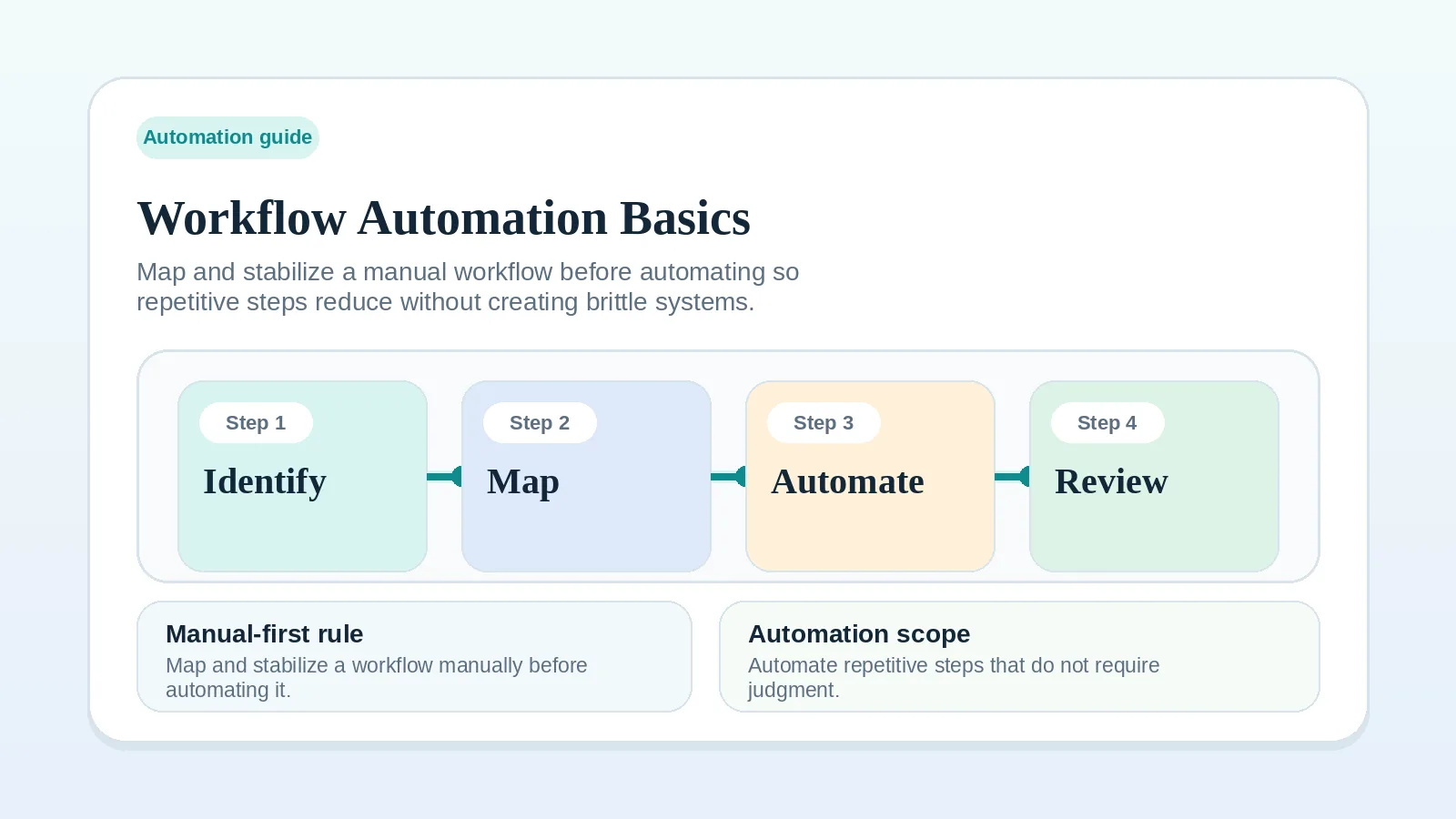
Add an integration or tool-run rule only after its manual trigger, owner, expected result, and exception path work in the new model. Rule-based workflow steps for solo service businesses covers that decision.
Completion checks
The migration is complete when:
- each current fact has one authoritative location;
- active records retain the required history and attachments;
- permissions match current responsibilities;
- collaborators know where to update and where to look;
- old systems are read-only or archived, with usable exports verified before any cancellation;
- weekly review no longer requires reconciling duplicate status.
If a check fails before cutover, keep the affected records in the previous system and correct the mapping before continuing. If it fails after people have started updating the new system, pause changes to the affected records and preserve those newer edits. Reconcile them into the restored record, verify the result, and tell collaborators which location is authoritative before work resumes. Returning to an old snapshot without this check can lose decisions made after the switch.
After the cutover
Return to the lean stack blueprint if the migration exposed an unresolved tool role. Use how to choose a stack without overbuying before adding anything that was not part of the target model.