Most overbuying starts with a good intention: you want a calmer business, and a tool promises structure fast. The problem is that software bought before the workflow is stable usually creates more admin than clarity. This page helps you decide what the stack actually needs now versus what can wait.
Use this guide when the real question is not “which app is best?” but “what do I actually need now, what can wait, and what should I avoid entirely until the process is stronger?”
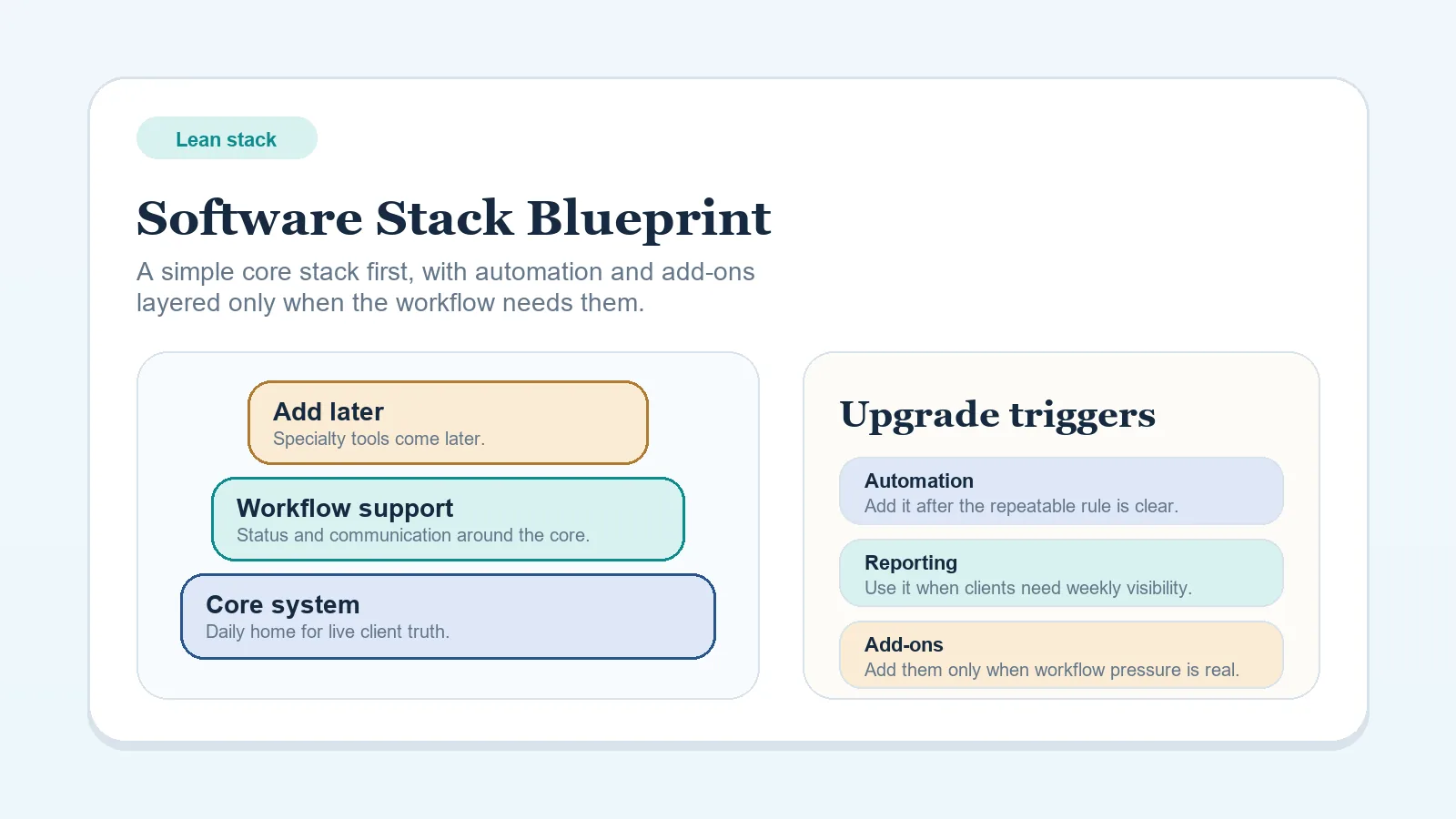
This page is narrower than Software Stack Blueprint: Solo Freelancer (Lean Budget). The blueprint defines the baseline stack shape. This guide helps you decide whether a new purchase deserves to enter that stack at all.
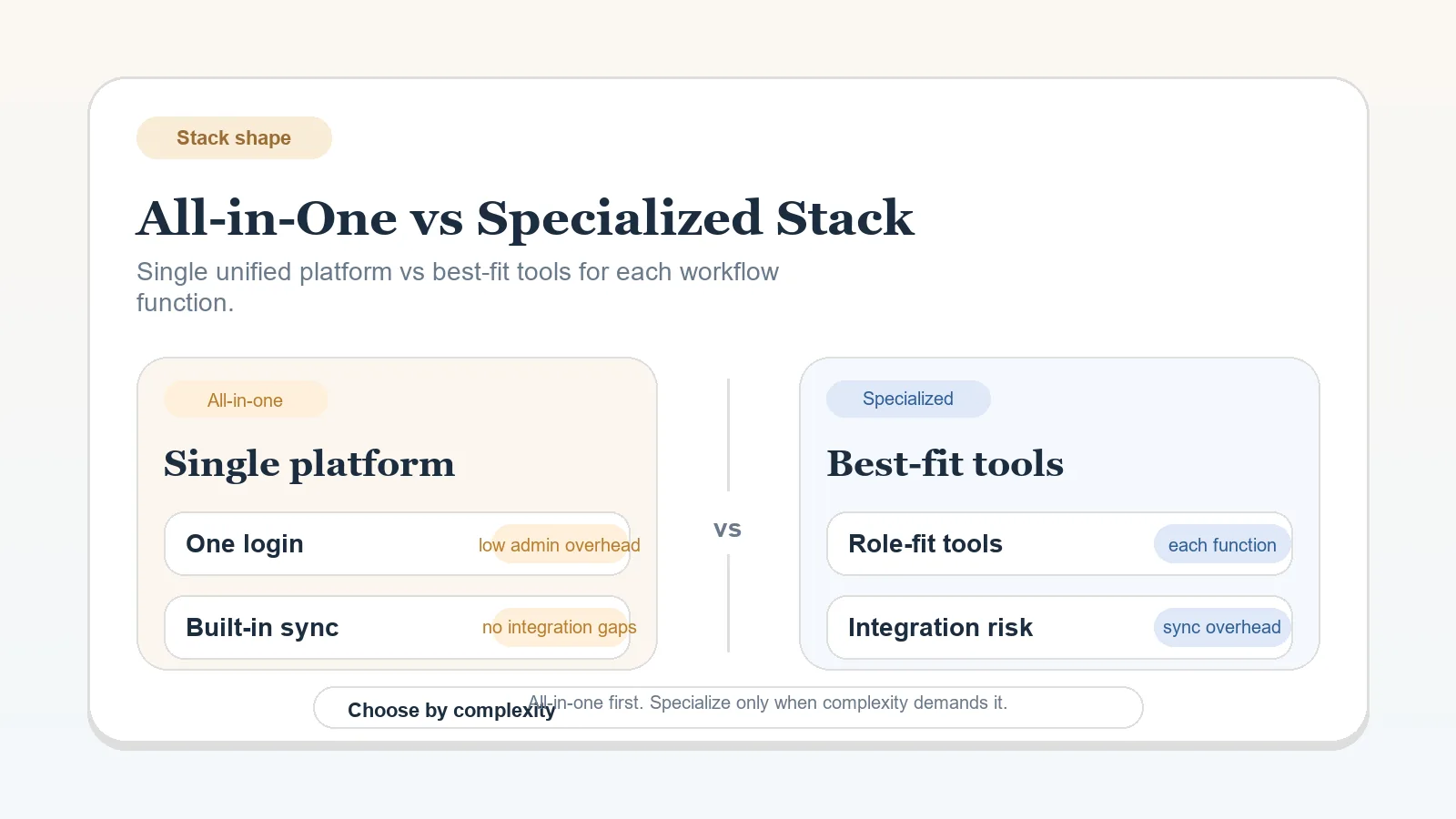
Treat this page as a buying boundary, not as the blueprint itself. If you already know the business needs a baseline stack model, the lean-stack blueprint should be the next page. If you are still deciding broad stack shape, the all-in-one versus specialized comparison should come first.
What this page should not do
This page should not:
- replace the baseline blueprint,
- tell you exactly which app to buy,
- justify software just because growth might happen later.
Its job is narrower: to stop premature complexity before it enters the stack.
Who this guide is for
- solo operators building or cleaning up a client-work stack,
- freelancers comparing tool categories before they have recurring operational pressure,
- consultants who want a maintainable setup instead of a stack that looks advanced but feels brittle.
What overbuying usually looks like
Overbuying is not just spending too much. It is introducing complexity before the workflow can use it well.
Common forms:
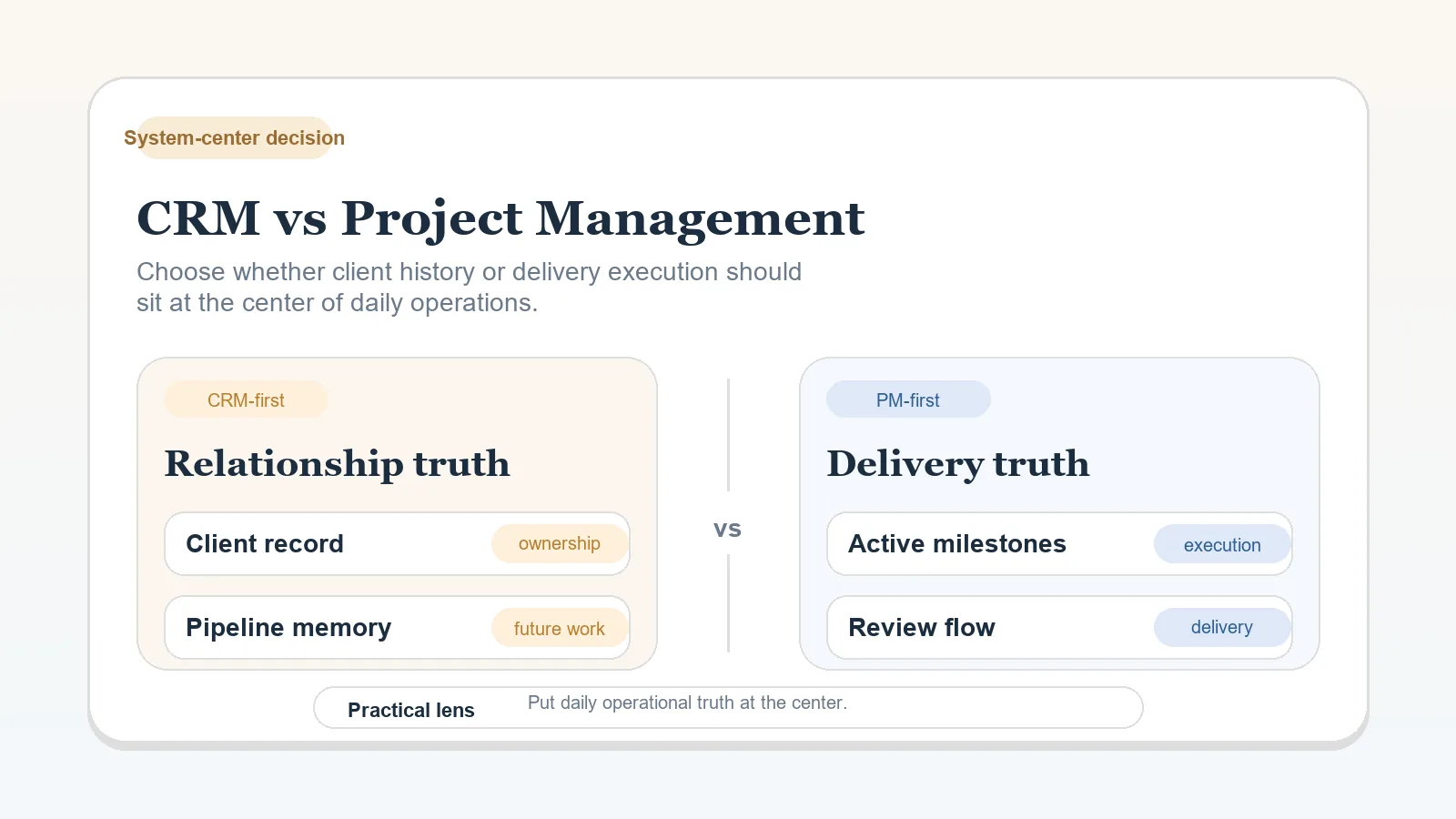
- buying both CRM and PM tools before the system-of-record rule is clear,
- adding automations before the manual process is stable,
- paying for advanced scheduling or reporting features that do not solve a real bottleneck,
- choosing a tool because it feels future-proof instead of because the current workflow needs it.
What overbuying often hides:
- a weak handoff rule,
- unclear ownership,
- missing weekly review discipline,
- frustration with manual work that is still changing too often to automate safely.
What this page should settle
Use this guide to answer four practical questions:
- What tool category is actually needed right now?
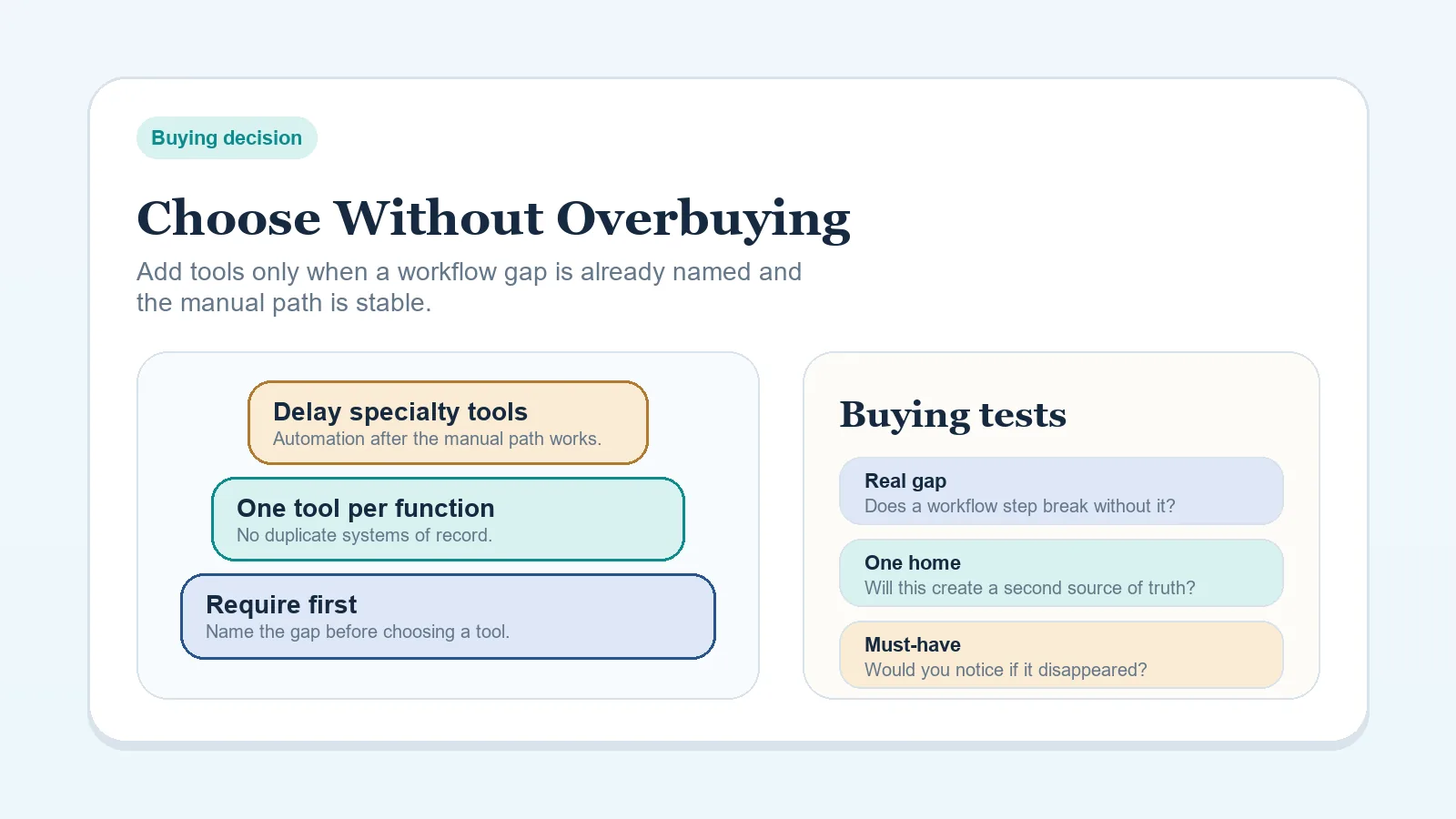
- What purchase should be delayed on purpose?
- What warning signs show the stack is getting heavier than the workflow?
- Which blueprint or comparison page should come next after this decision?
Step 1: Start with the workflow problem, not the software category
Before evaluating tools, answer:
- what stage is failing,
- what information is missing,
- what handoff is weak,
- what repeated friction is costing time or money.
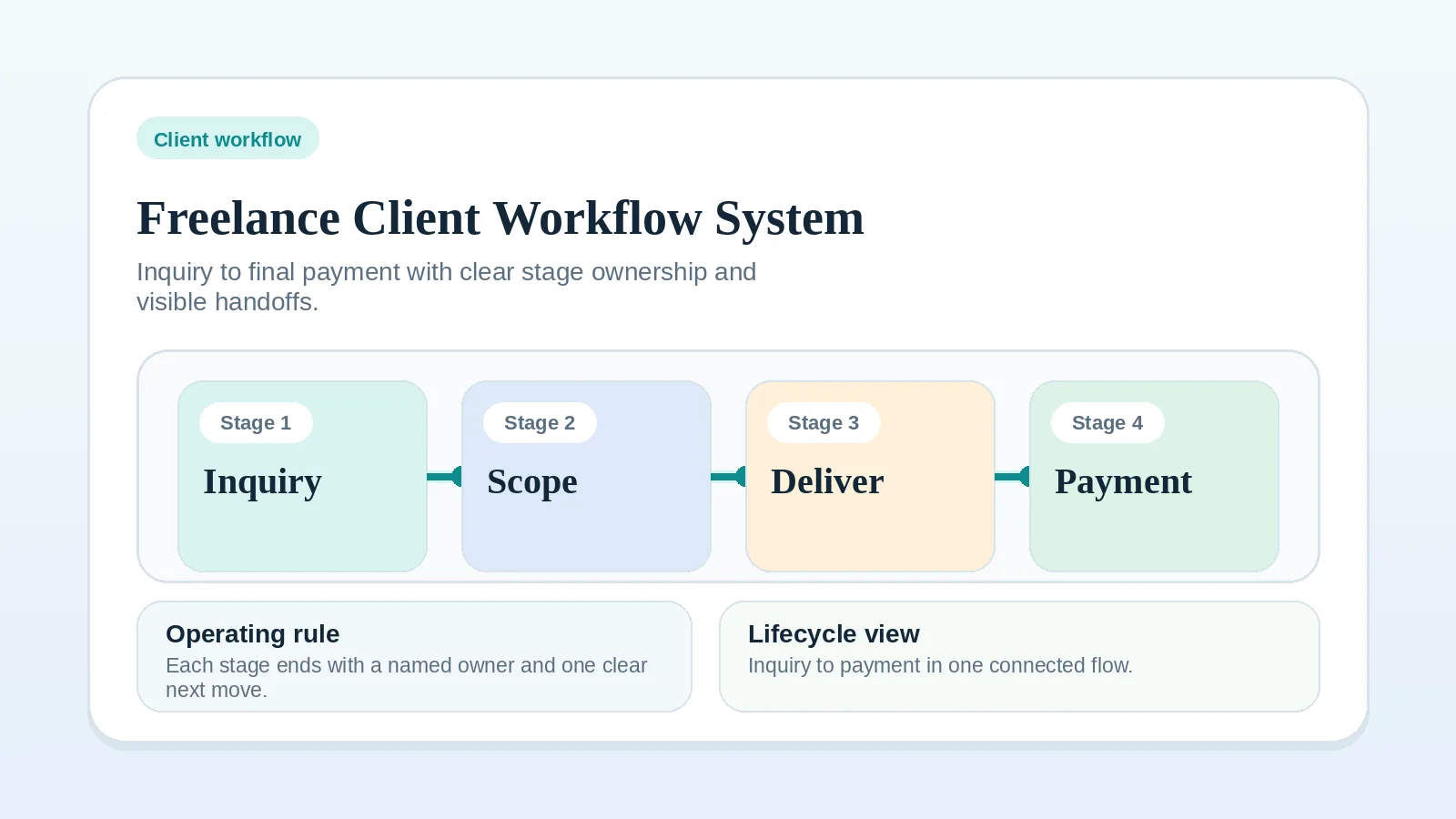
If you cannot answer those questions, go back to Freelance Client Workflow System: Inquiry to Final Payment first.
Step 2: Choose the minimum viable category set
Most solo operators only need a small number of categories at first:
- one active system of record,
- one communication path,
- one documentation layer,
- one billing process,
- one scheduling or intake path.
The right move is usually not to add more categories. It is to make the current ones clearer.
If you already have a category but it is underperforming, do not assume the answer is a second tool in the same category. Often the issue is that the workflow rule is weak, not that the app is missing.
Step 3: Use purchase triggers instead of vague future-proofing
Buy or upgrade only when a specific bottleneck is real and recurring.
Useful triggers:
- follow-ups are being dropped,
- onboarding work is repeating manually every week,
- delivery status is hard to see during live work,
- billing follow-up is consuming meaningful time,
- booking or calendar friction is harming intake quality.
If the trigger is “I might need this later,” wait.
If the real pressure is “I am tired of thinking about this step every week,” check whether a template, checklist, or clearer stage rule would remove more friction than a new tool.
Fast purchase filter
Before adding a tool, ask:
- Which live workflow bottleneck does this solve?
- What manual step disappears if I add it?
- Will it create a second place to check current client truth?
- What will I stop paying for or maintaining if I buy it?
If you cannot answer at least the first two clearly, the purchase is probably early.
Step 4: Decide what to delay on purpose
Usually safe to delay:
- advanced automation tools,
- layered dashboards,
- duplicate systems that mirror the same client status,
- high-end scheduling logic for a low-volume intake process,
- tools that require heavy setup before the workflow is documented.
Delaying a purchase is not underbuilding. It is choosing a simpler operating model until the business earns more complexity.
Typical categories to delay longest:
- cross-tool automation layers,
- heavy reporting dashboards,
- advanced booking logic for low-volume intake,
- duplicate client databases,
- collaboration features meant for a team structure you do not have yet.
If the real question is whether the business should stay inside one main workspace or split functions across a more specialized stack, use All-in-One Workspace vs Specialized Stack for Solo Operators.
Step 5: Match tool depth to business stage
| Stage | Better default | Avoid too early |
|---|---|---|
| Early-stage solo operator | simple PM-first or CRM-light system | hybrid stack and heavy automation |
| Stable delivery business | clearer templates and status controls | over-layered reporting |
| Growing complexity with support help | explicit ownership tools and handoff logic | buying more apps before rules are clear |
For the full stage-based model, use Software Stack Blueprint: Solo Freelancer (Lean Budget).
Step 6: Evaluate by operating cost, not just sticker price
Cheap tools can be expensive if they create:
- duplicate admin,
- manual status syncing,
- constant reconfiguration,
- hidden onboarding cost for collaborators,
- messy migrations later.
Expensive tools can also be wasteful if they solve a problem you do not have yet.
The real question is: does this tool reduce coordination cost enough to justify both the subscription and the maintenance overhead?
Stack warning signs that look like growth but are really drag
- you need several tabs to answer “what happens next for this client?”
- one workflow stage depends on syncing data between two tools manually,
- you keep buying setup flexibility before the base process is documented,
- a tool is still “being implemented” weeks after purchase,
- removing the tool would not clearly break a live process.
Practical decision rules
- If the workflow is still changing monthly, keep the stack lighter.
- If one process is stable but repetitive, improve that area only.
- If the tool adds a second place to check current client truth, be cautious.
- If setup time is larger than the problem it solves, delay it.
Good pairings after this guide
- Need the broader default stack shape: Software Stack Blueprint: Solo Freelancer (Lean Budget)
- Need the broader stack-shape decision first: All-in-One Workspace vs Specialized Stack for Solo Operators
- Need a system-of-record decision: CRM vs Project Management Tool for Client Workflows
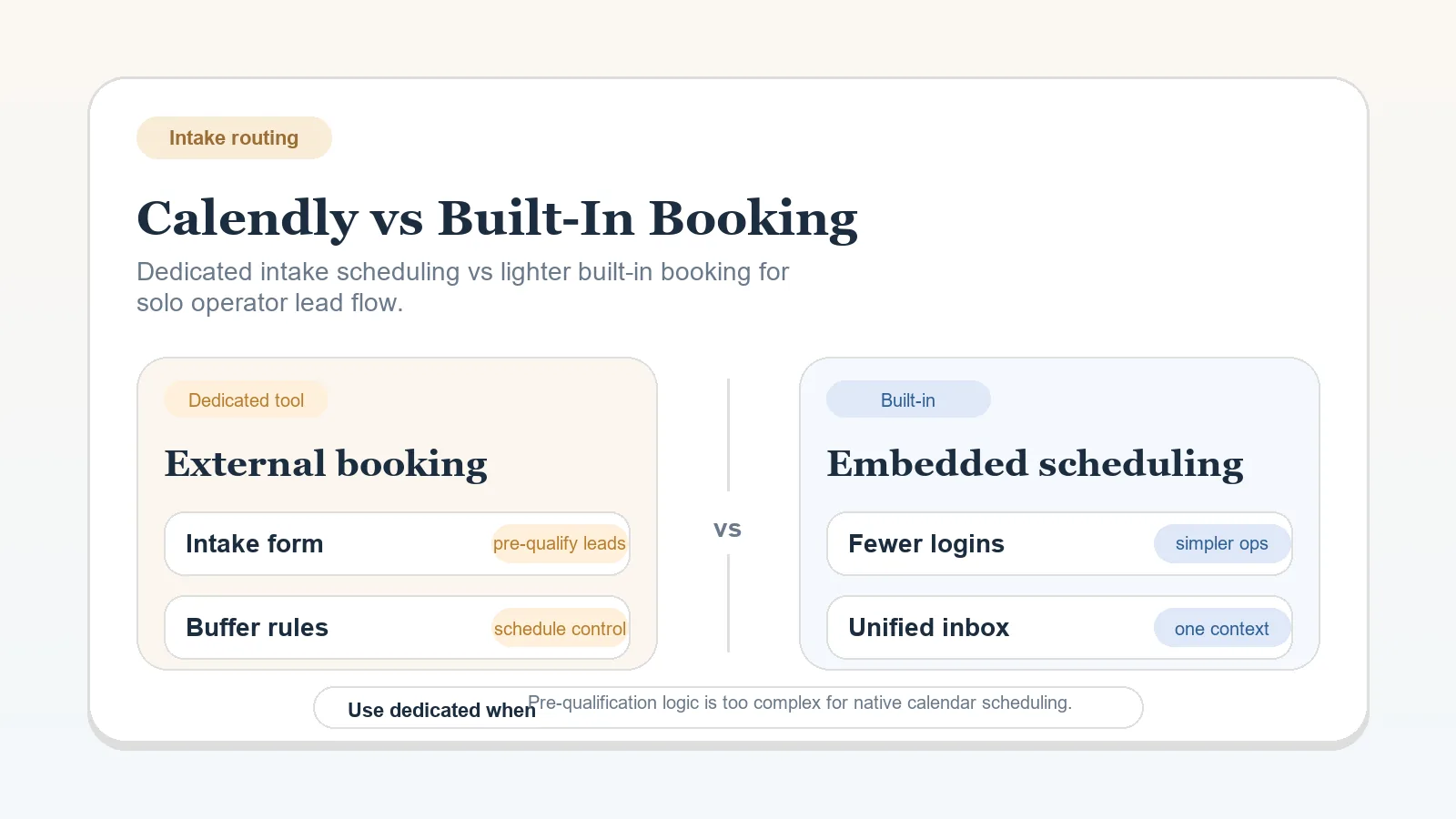
- Need a booking decision: Calendly vs Built-In Booking Tools for Solo Operators
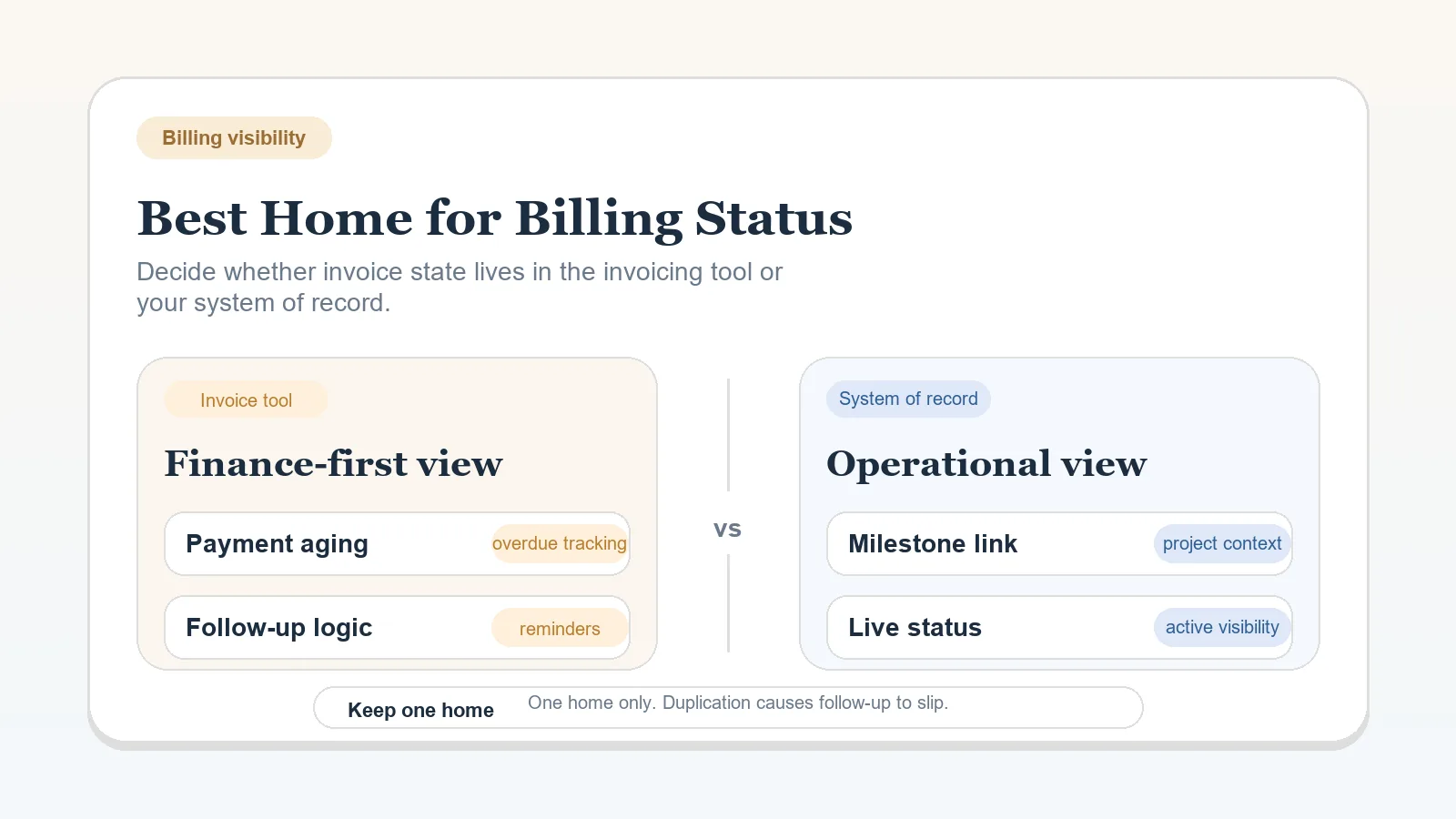
- Need a billing-visibility decision after invoices already exist: Best Home for Billing Status: Invoicing Tool vs System of Record
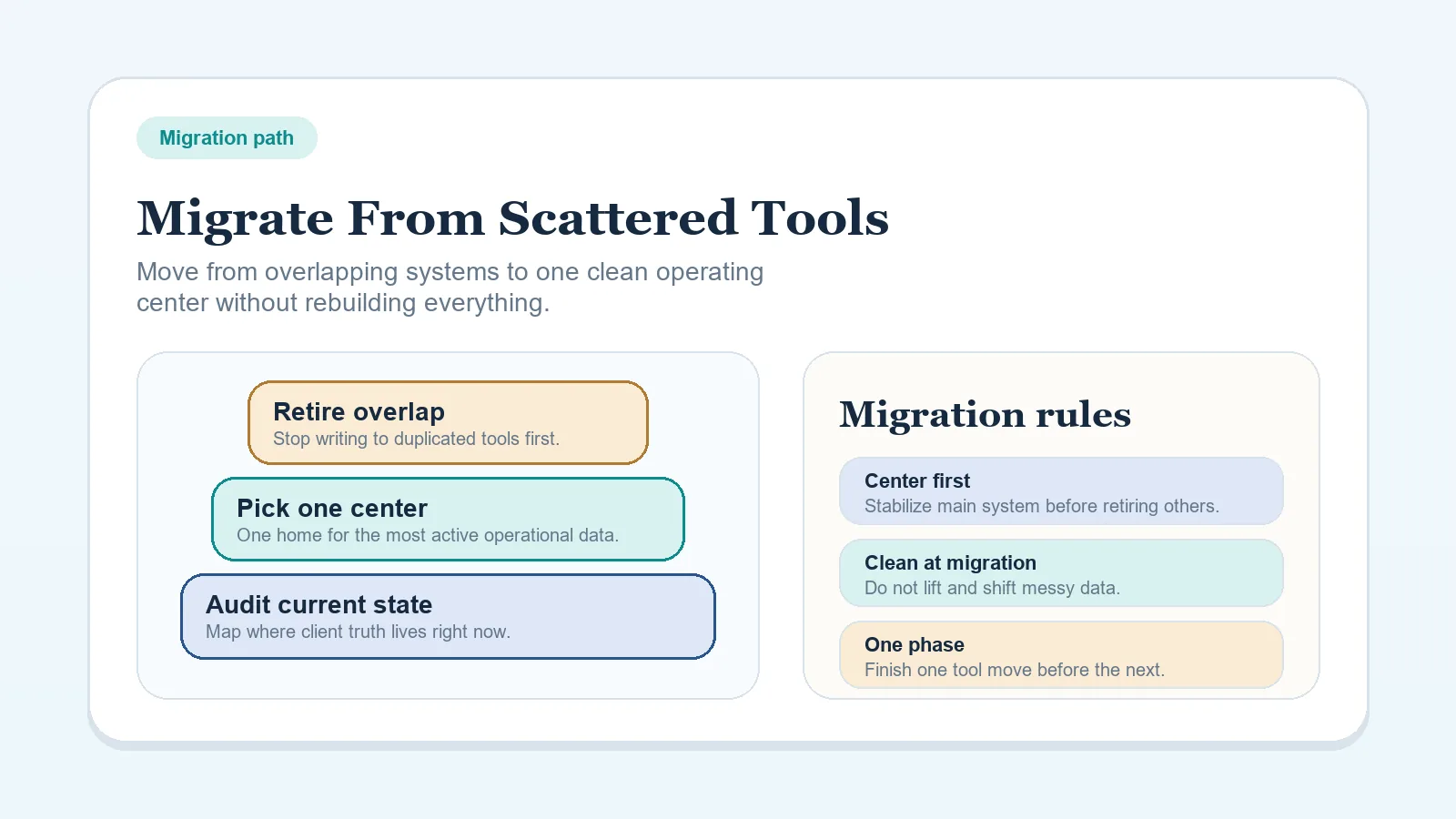
- Need to clean up existing sprawl: How to Migrate from Scattered Tools to One Workflow System
What to do next once spending boundaries are clear
- If you now know the stack should stay lean, implement the baseline model in Software Stack Blueprint: Solo Freelancer (Lean Budget).
- If you still need to choose where client truth should live, use CRM vs Project Management Tool for Client Workflows.
- If the stack is already fragmented and the bigger issue is cleanup, use How to Migrate from Scattered Tools to One Workflow System.
- If the buying pressure comes from intake or scheduling only, stay narrow with Calendly vs Built-In Booking Tools for Solo Operators.
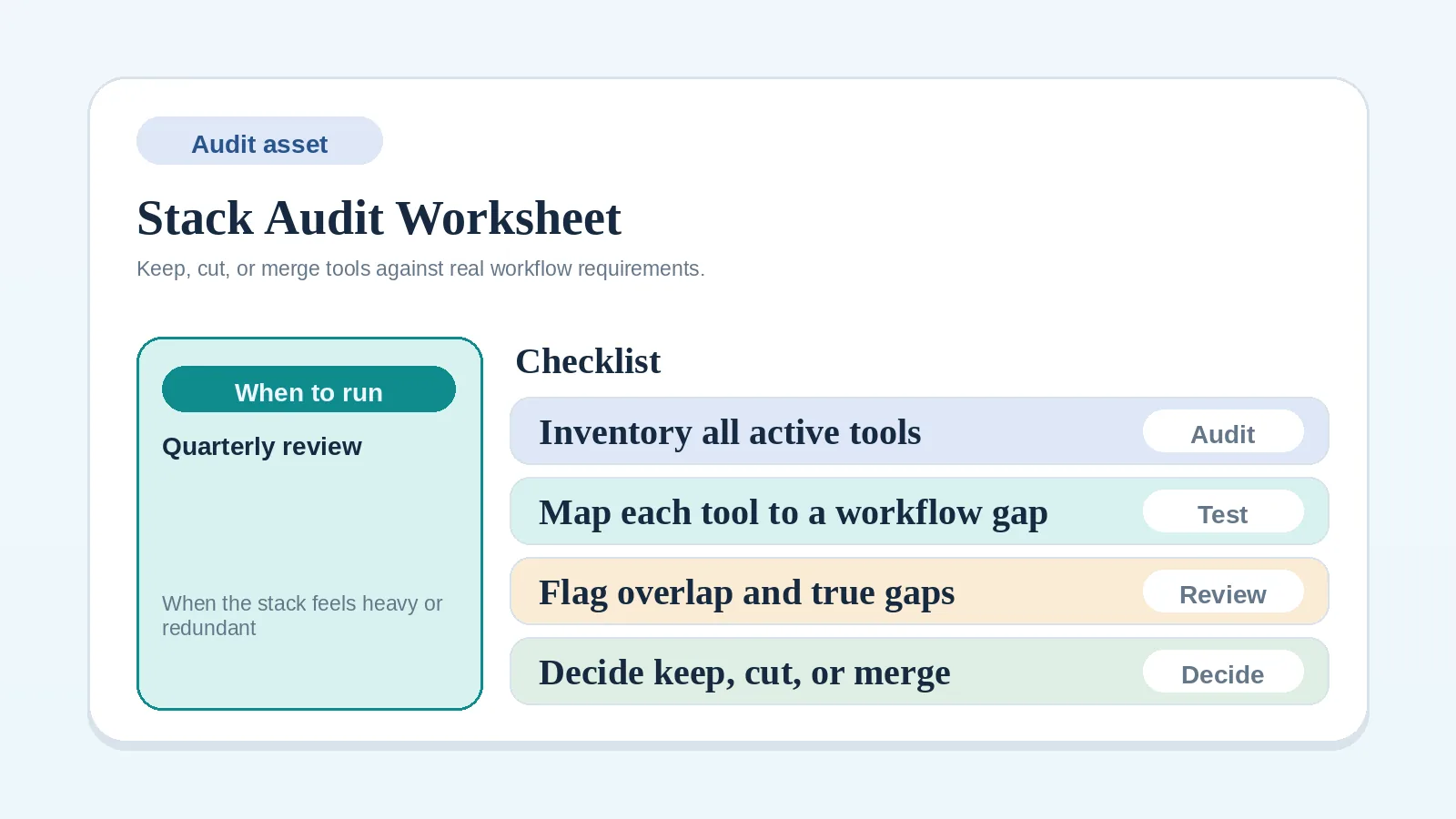
- If you need to document what actually exists before changing tools, use Stack Audit / Consolidation Worksheet for Solo Operators.
Completion test for a buying decision
The decision is strong enough when you can say:
- which live bottleneck the purchase would remove,
- which purchase is being delayed on purpose,
- what workflow rule must exist before the tool is worth it,
- which page should implement the next step.
Common failure modes
- buying for ambition instead of current workflow need,
- solving a handoff problem with more software instead of clearer rules,
- adding a second system because the first one was never configured around the real process,
- automating a process that still requires judgment every cycle.
How you know the decision is ready
This page has done its job when you can:
- name the workflow bottleneck first,
- choose the smallest useful category set,
- delay at least one unnecessary purchase confidently,
- identify the exact next decision page that fits the current constraint.