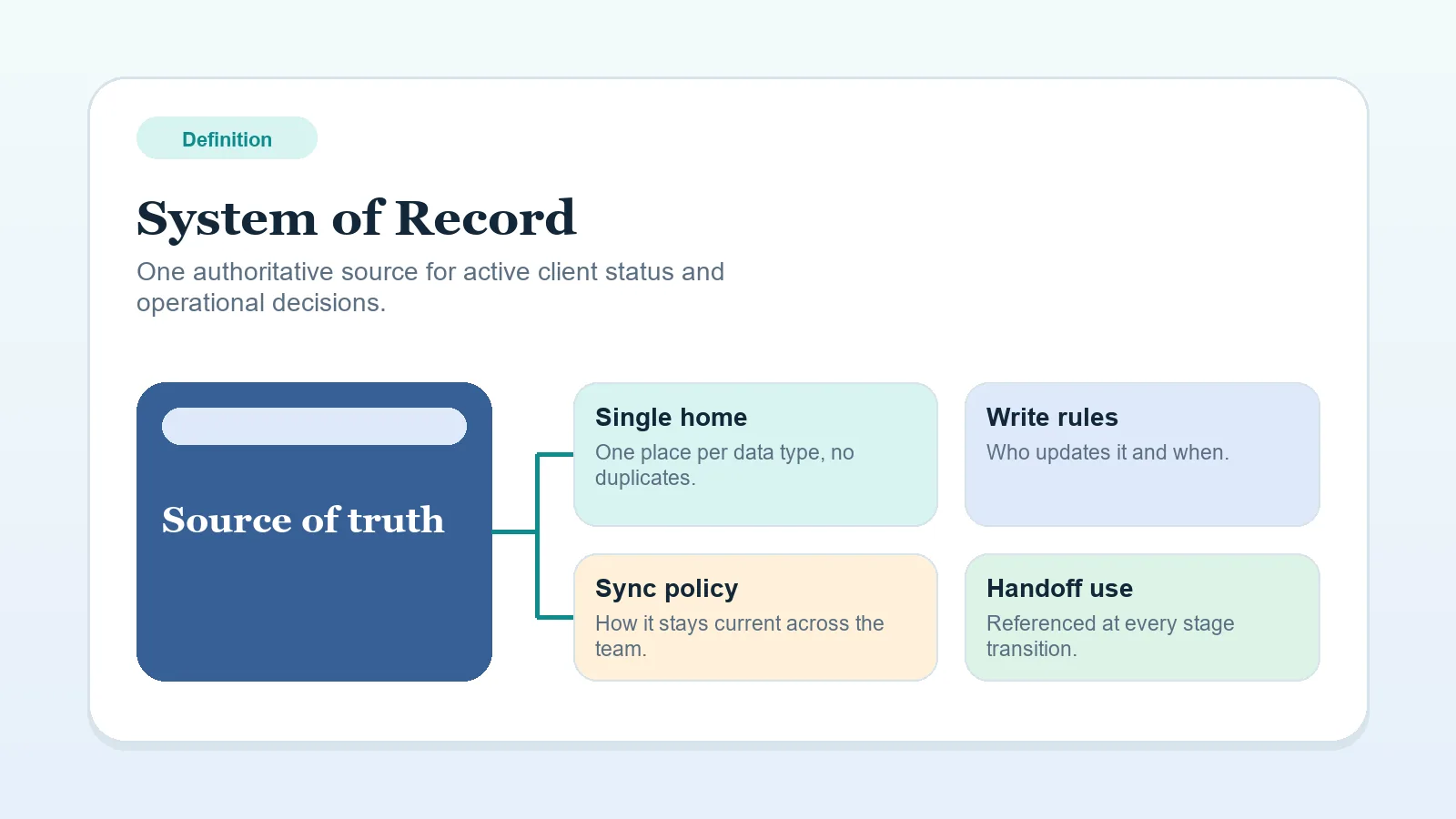
A system of record is the one place where the current status of a client engagement is maintained.
For solo service work, a useful record includes:
- current client stage,
- next required action,
- current owner,
- key dates and status.
One authoritative status, with files and messages kept elsewhere
When active status lives in several places, the current stage, next action, or owner can be hard to confirm. A system of record gives those operating facts one authoritative home.
Keep files and conversations where they work, but designate one record to resolve discrepancies in stage, owner, and next action.
Test the authority rule
Ask one question: if a client emailed right now asking “what happens next?”, where would you look first for the authoritative answer?
If the answer is “it depends” or “a few places,” designate which record resolves a discrepancy.
What belongs inside it
A practical system of record can make these details visible without extra digging:
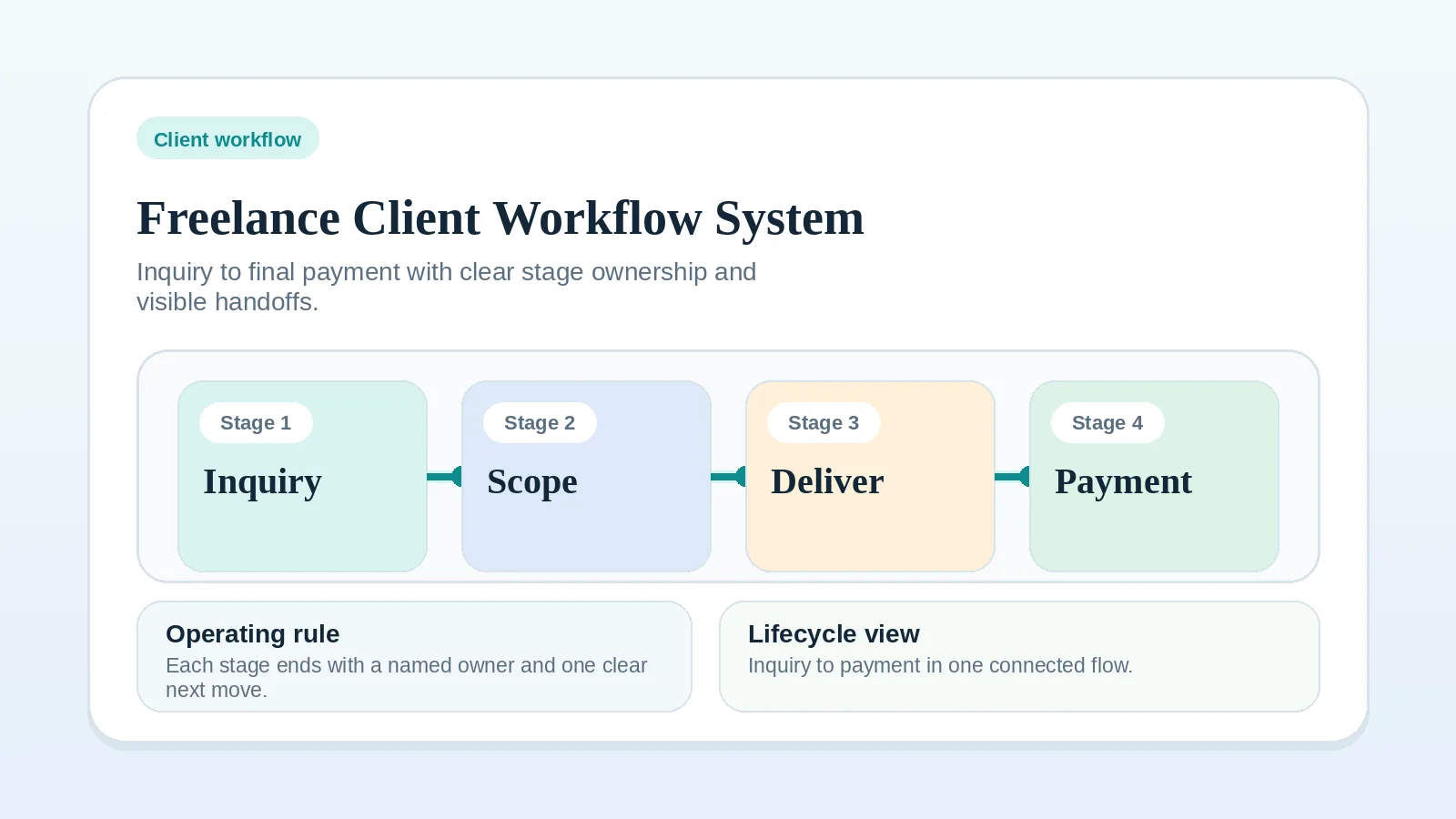
- current stage in the client lifecycle,
- next committed action,
- who owns that action,
- due date or review date,
- major blockers or dependencies,
- invoice state if billing is tied to delivery progress.
If one of those details exists only in memory, add it to the record.
What does not need to live there
These can live outside the record as long as the record points to them clearly:
- source files and large deliverables,
- long-form meeting notes,
- contract PDFs,
- email conversations,
- reference docs and templates.
Use this operational test: the record should answer what stage the client is in, what must happen next, and where the supporting material sits.
Signs that current status is split
- A project board shows tasks, but approvals and next steps live in email.
- A CRM shows opportunity status, but active client delivery moved to another tool with no clean boundary.
- Notes, reminders, and invoice status are split across spreadsheets, chat, and calendar.
- The team says “check both places” because no one wants to name the authoritative one.
Each pattern forces the operator to reconcile records before confirming the current project state.
Three possible operating models
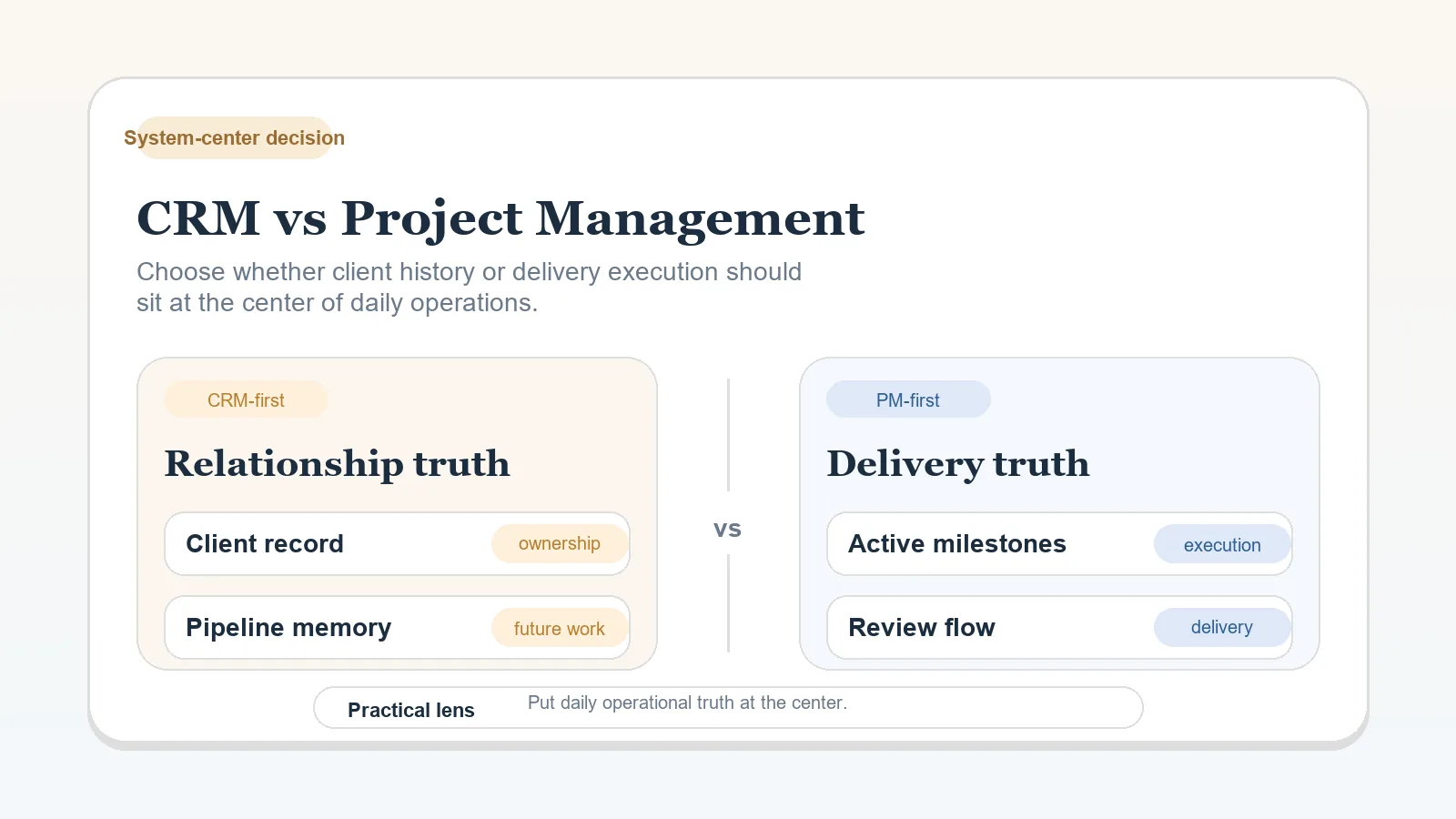
PM-first example
For a delivery-heavy solo consultant, the project workspace can be the system of record if it shows:
- stage,
- current milestone,
- next client dependency,
- invoice trigger,
- links to contract and files.
In that model, the CRM can stay lightweight or disappear entirely.
CRM-first example
For a consultant with a longer sales cycle and fewer delivery variables, the CRM can hold the authoritative lifecycle status until the deal closes. After kickoff, the PM system may take over, but only if the handoff boundary is explicit.
Hybrid example
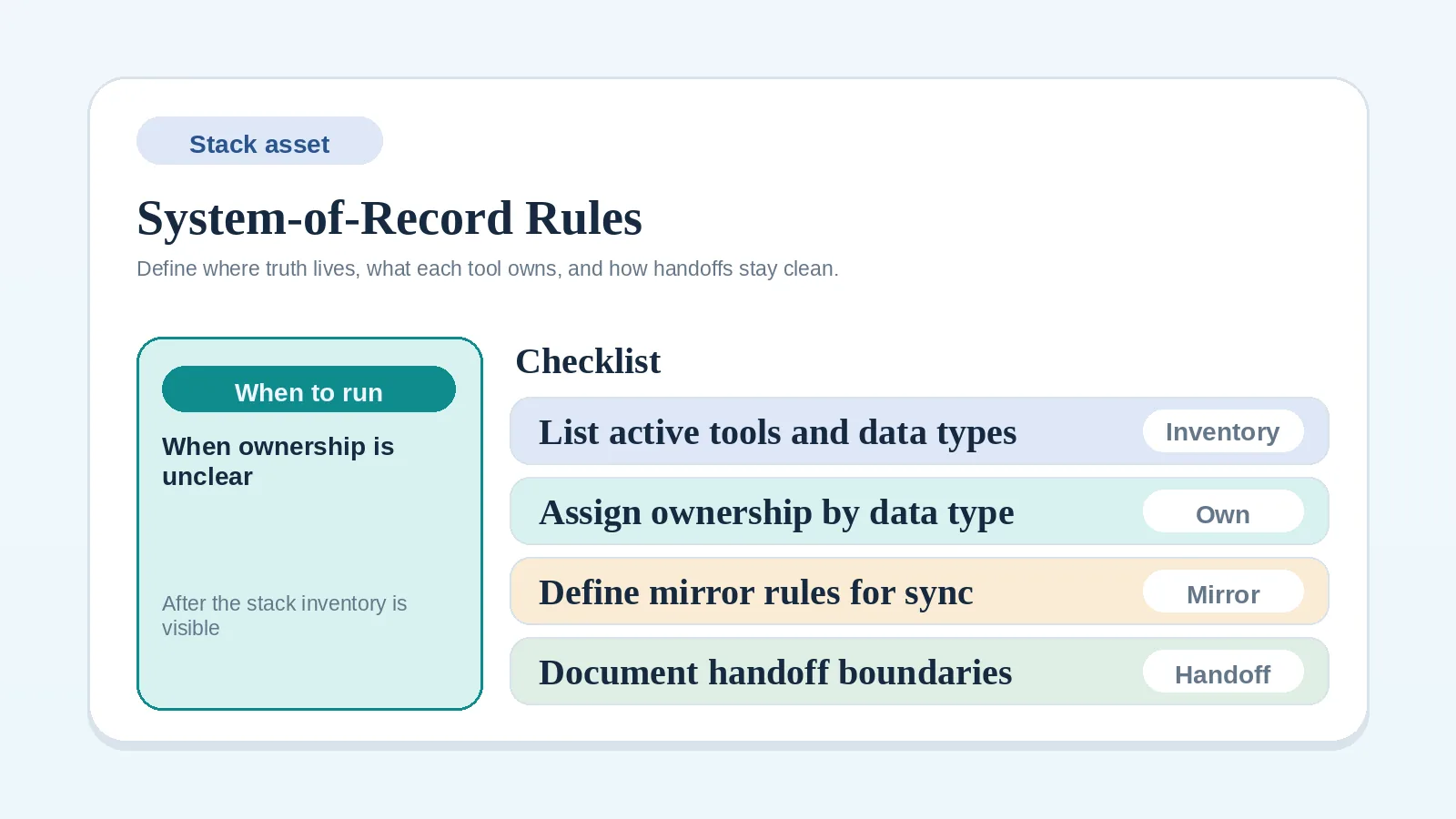
A hybrid setup needs a written ownership boundary. For example:
- CRM owns pre-sale pipeline and opportunity follow-up.
- PM workspace owns active delivery after contract signature.
- Billing tool owns payment processing, but invoice status is mirrored back to the active record that the operator reviews routinely.
If those boundaries are informal, a hybrid setup duplicates status instead of improving visibility.
Check the less obvious cases
- If you work alone, the record still carries decisions from one work session to the next.
- If you use one tool for everything but still store next steps in chat, that tool is not your record.
- If billing matters operationally, unpaid milestone status should be visible from the same place you review delivery risk.
Choose the next action
- If you are choosing where active client status belongs, read CRM vs project management for client workflows.
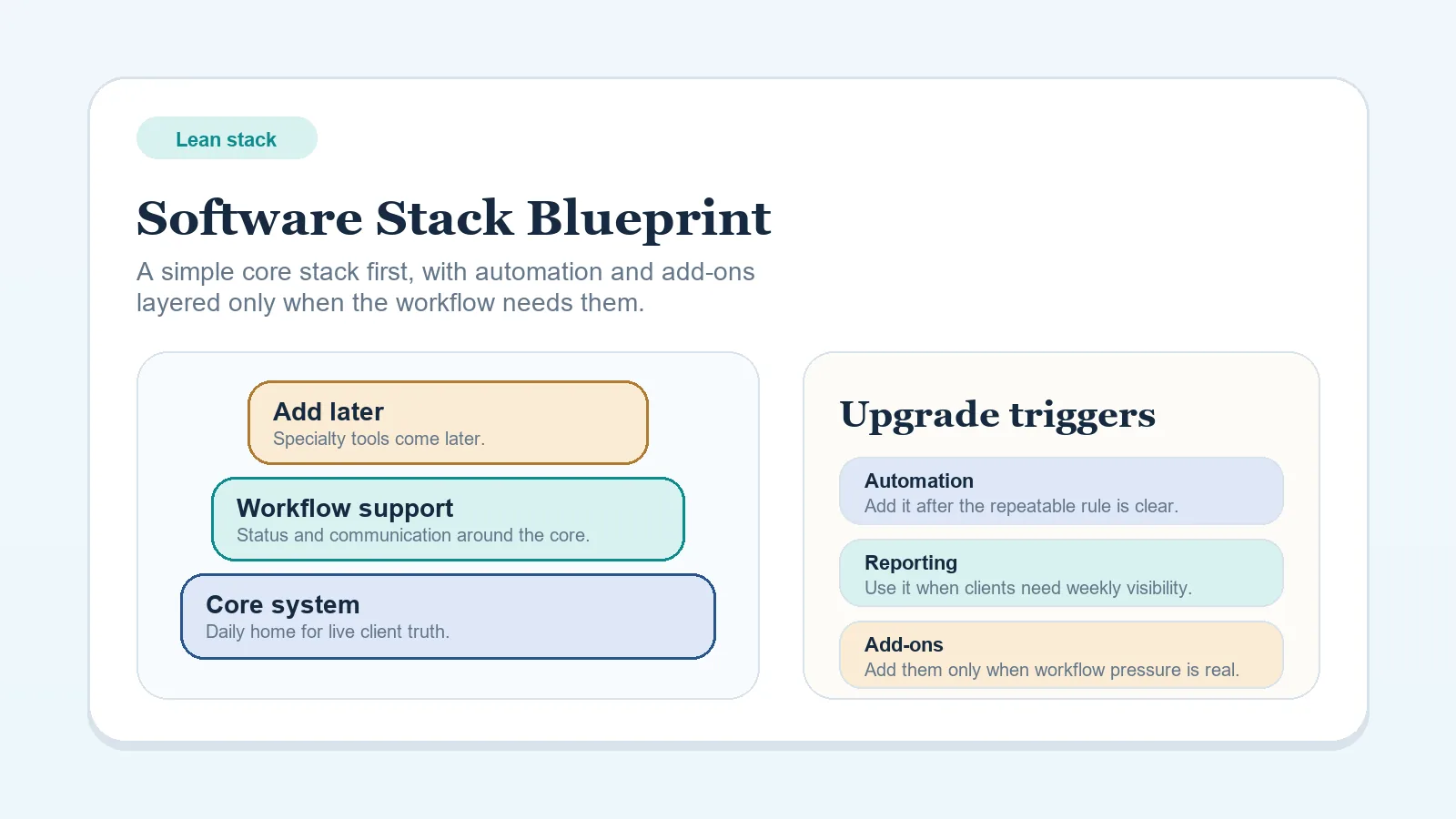
- If you know the operating model but need to shape the stack around it, use Lean software stack blueprint for solo freelancers.
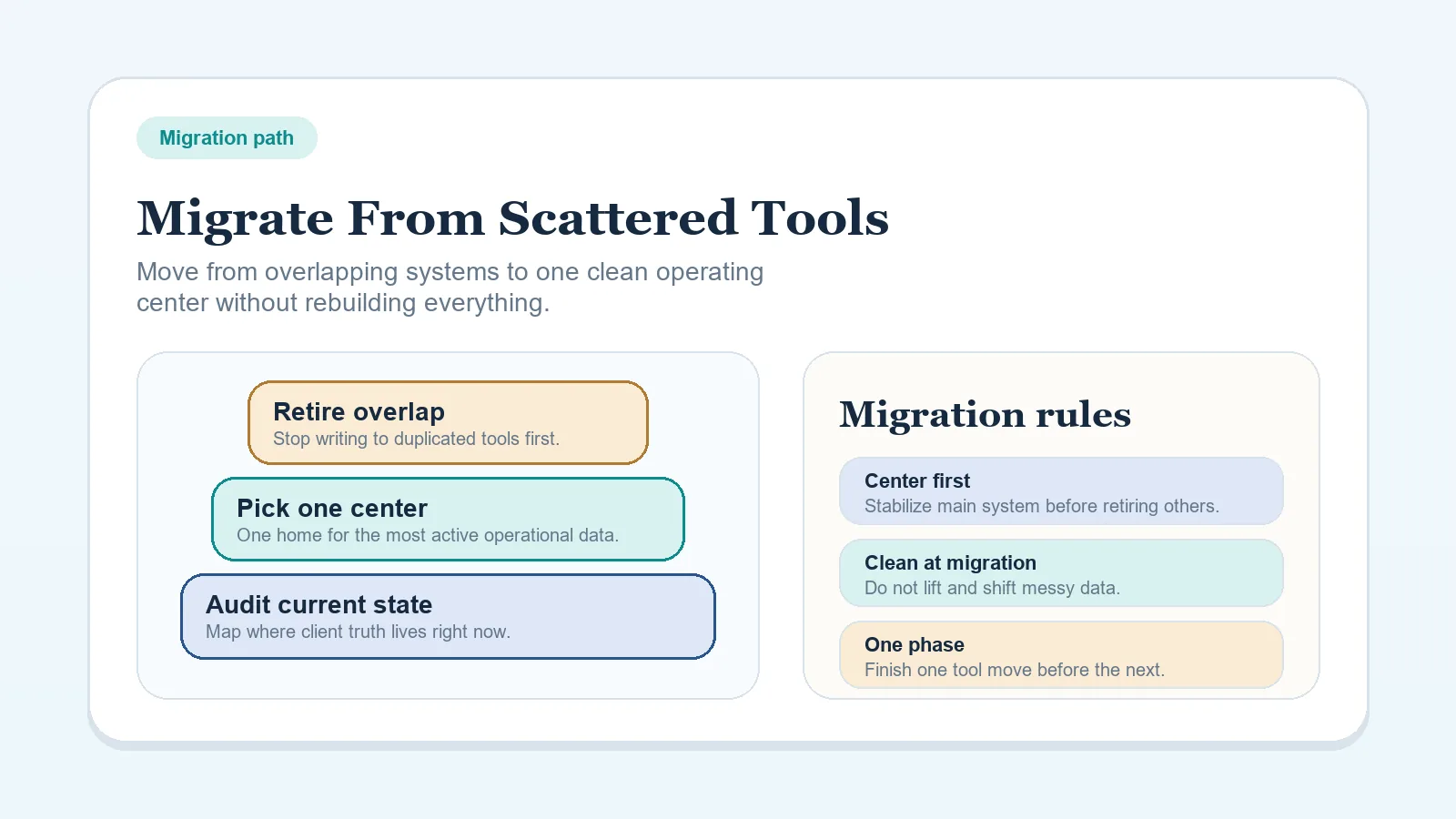
- If status is already fragmented across tools, follow How to migrate from scattered tools to one workflow system.
- If the ownership rule is not written down, use the System-of-record rules worksheet for solo operators.
- If the full lifecycle is unclear, start with Freelance client workflow system: inquiry to final payment.