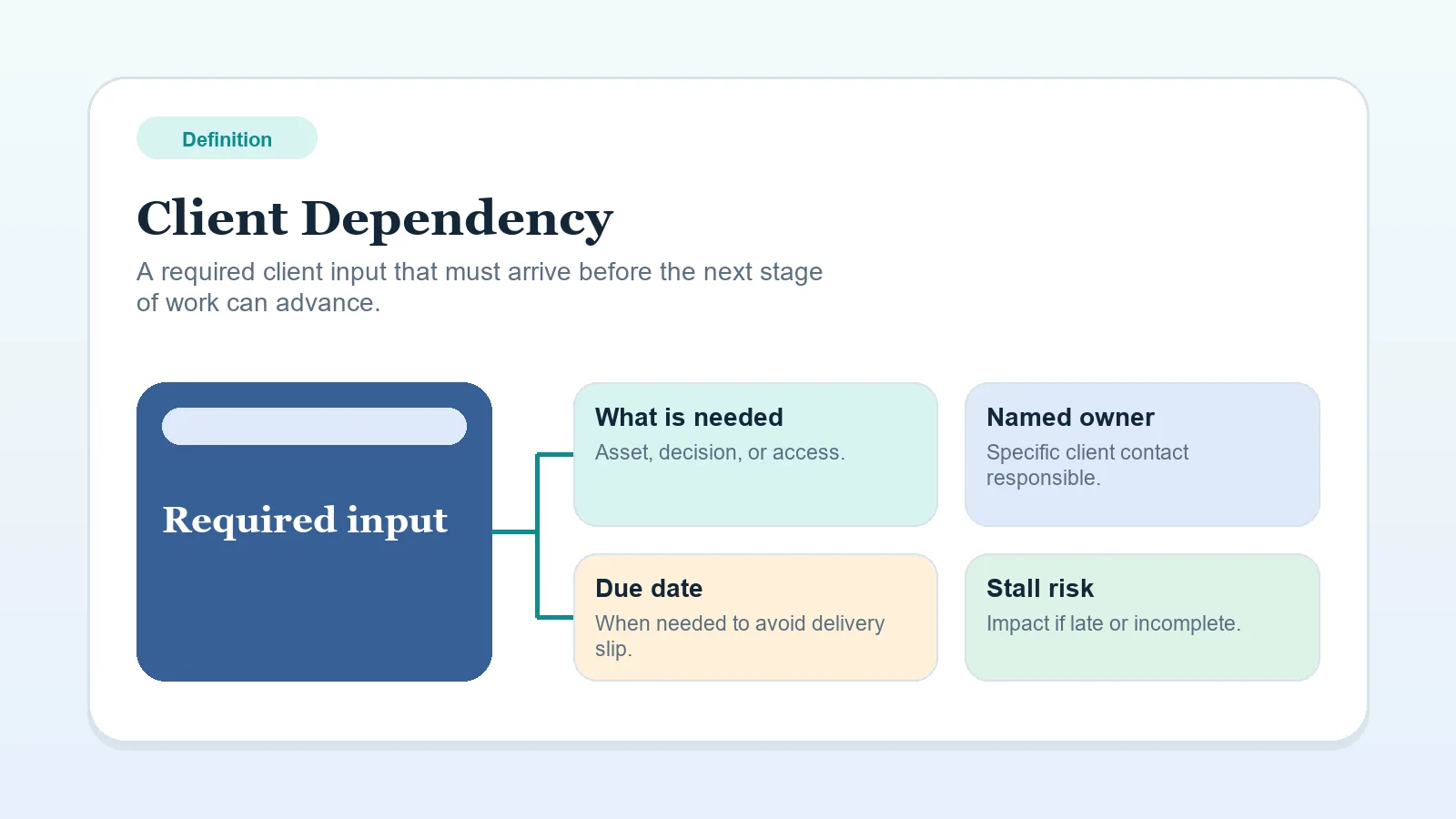
A client dependency is an input, file, approval, access item, or decision the client must provide before a workflow stage can continue.
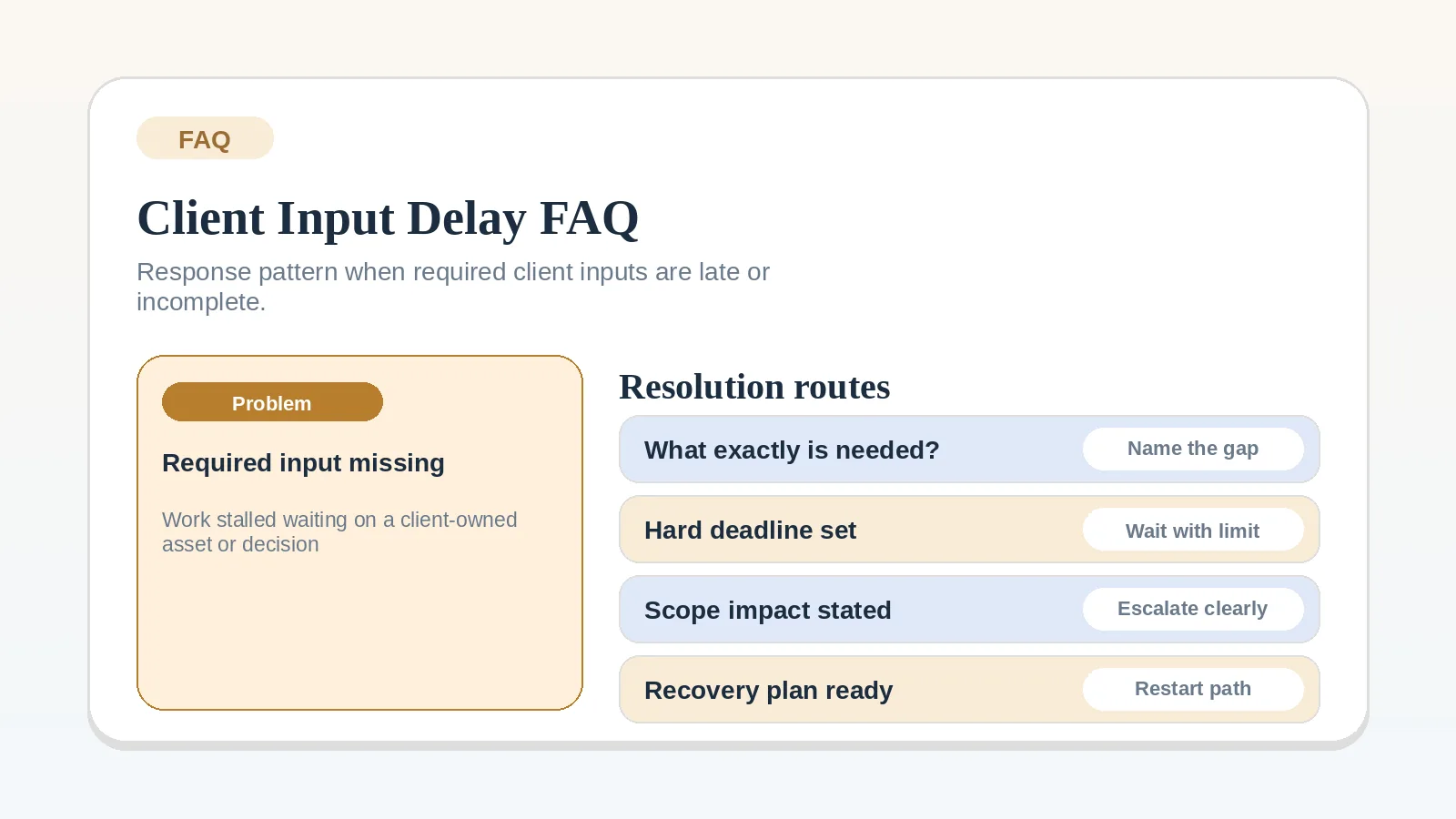
“Waiting on client” names a party but not the missing item. A useful dependency record identifies what is missing and how it affects the work.
Examples of client dependencies
- Access to a tool, file, account, or environment.
- A decision about scope, priority, or approval.
- Content, assets, or source material.
- Availability from a required stakeholder.
- A procurement or finance action tied to progress.
The item is a dependency when the current stage cannot meet its agreed completion condition without it.
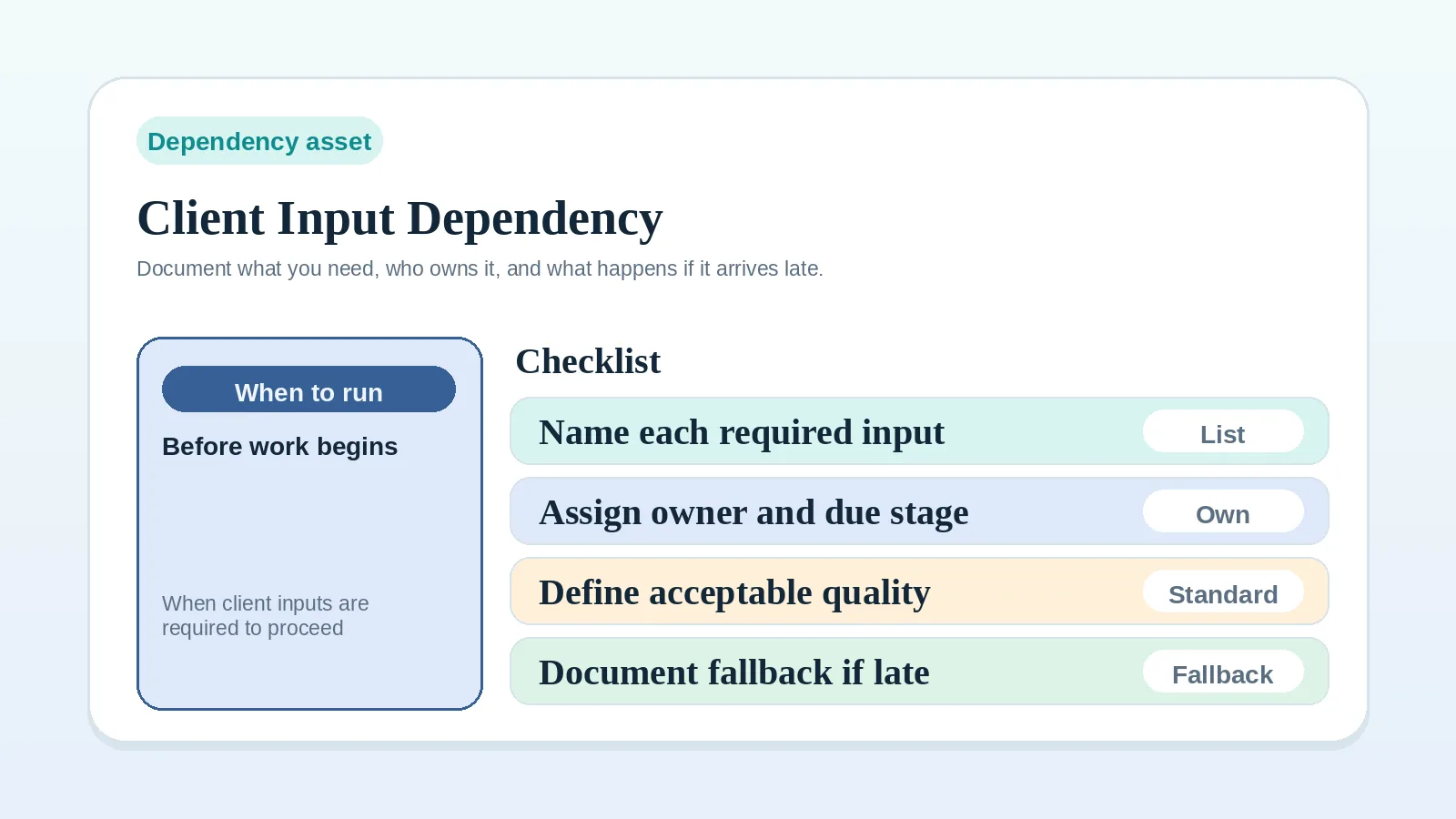
Record the dependency
Name:
- what is missing,
- who on the client side owns it,
- which task, stage, or date it affects,
- which follow-up or escalation term applies if it does not arrive.
Replace a vague status such as “waiting on client” with these details. Use the Client input dependency worksheet for solo operators when the record needs a consistent structure.
Keep workarounds visible
A temporary workaround can protect progress, but it should not hide the dependency. Record any assumption, rework risk, or schedule effect created by continuing without the input.
If waiting is no longer a neutral state, use the Escalation and pause-state worksheet for solo operators to choose the next operating state. Follow the response and escalation terms already agreed for the project.
Match the dependency to the stage
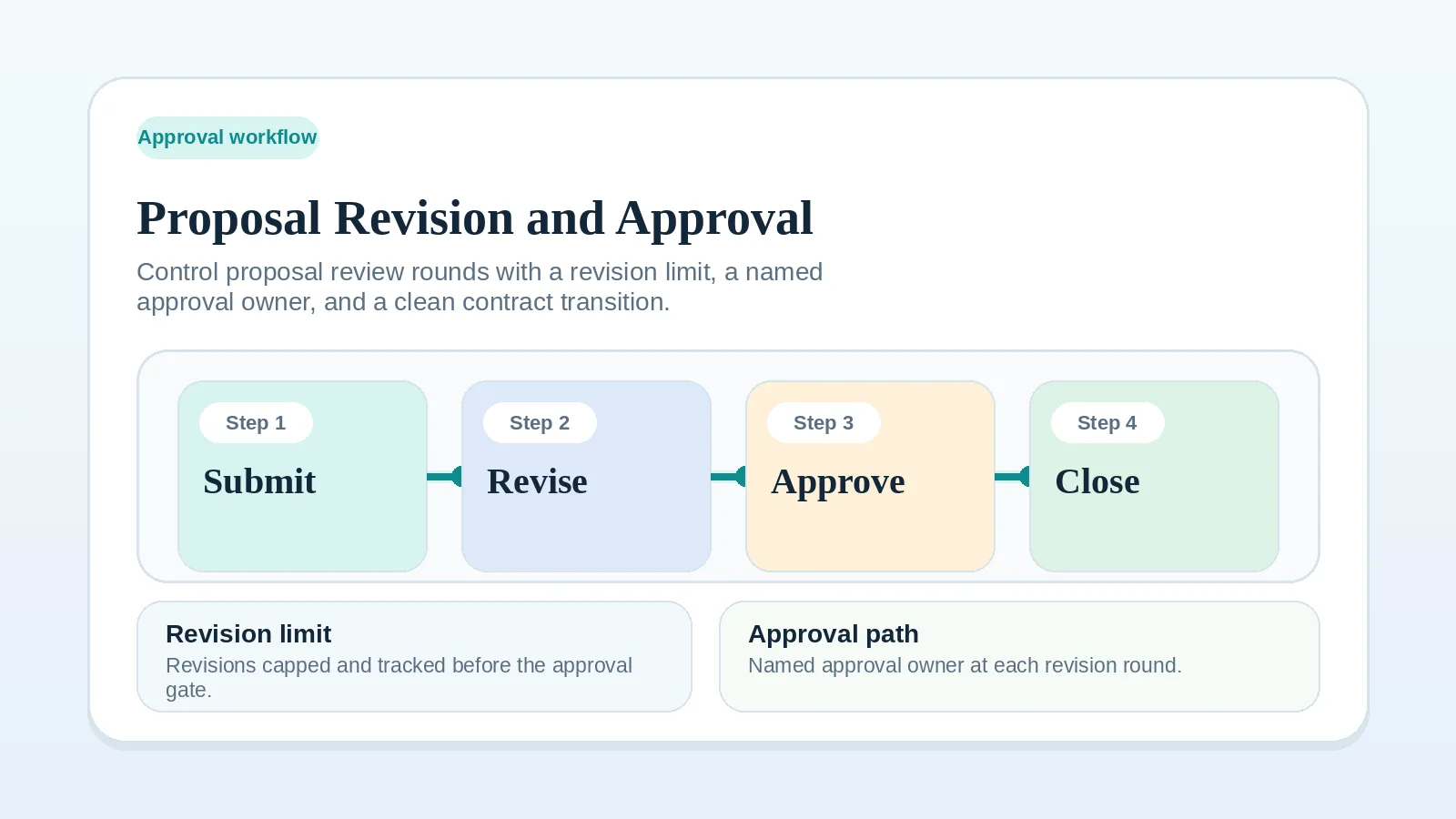
- For a missing proposal decision or signature input, use Proposal revision and approval workflow.
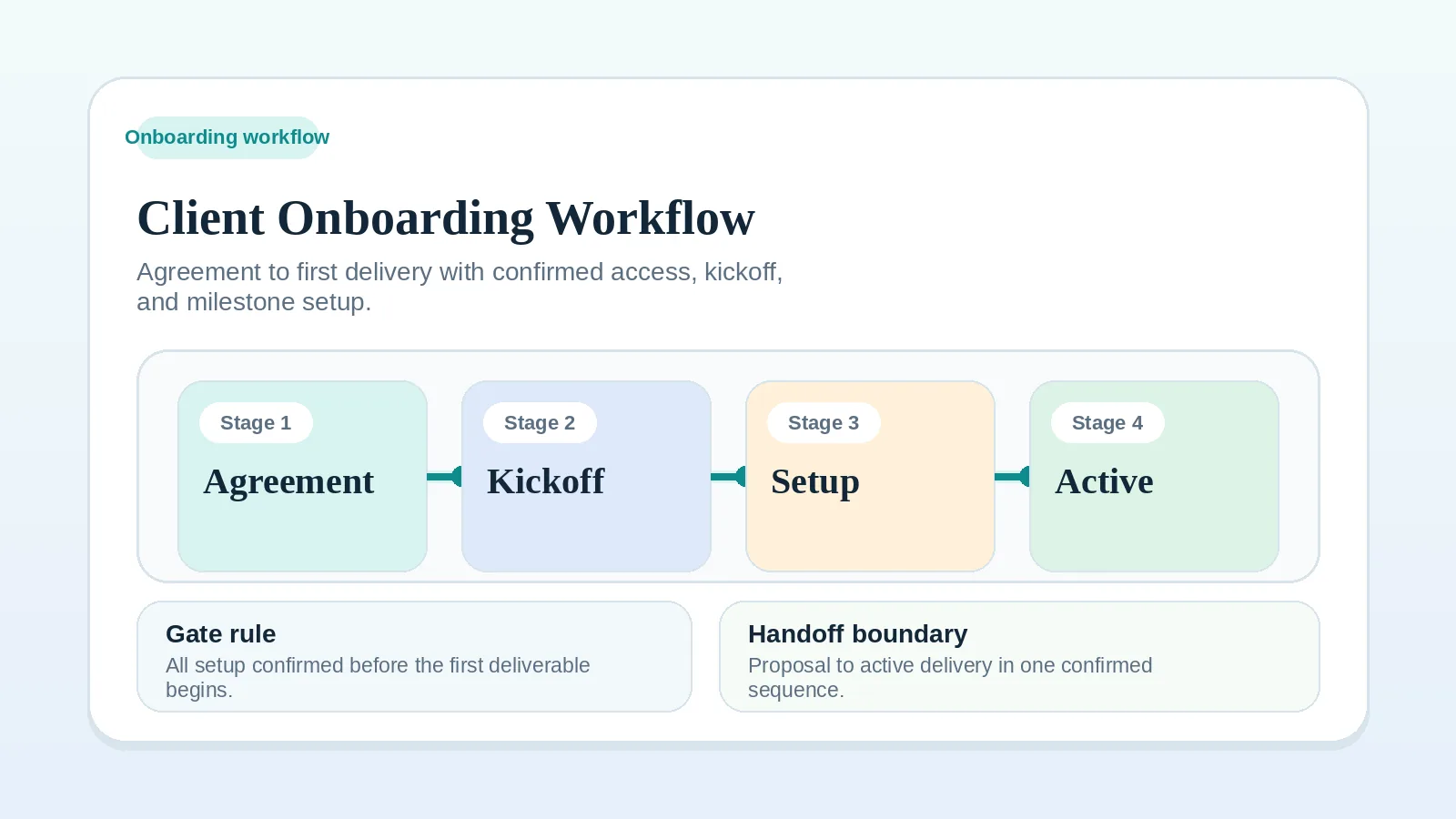
- For access or assets needed before kickoff, use Client onboarding workflow for freelancers and consultants.
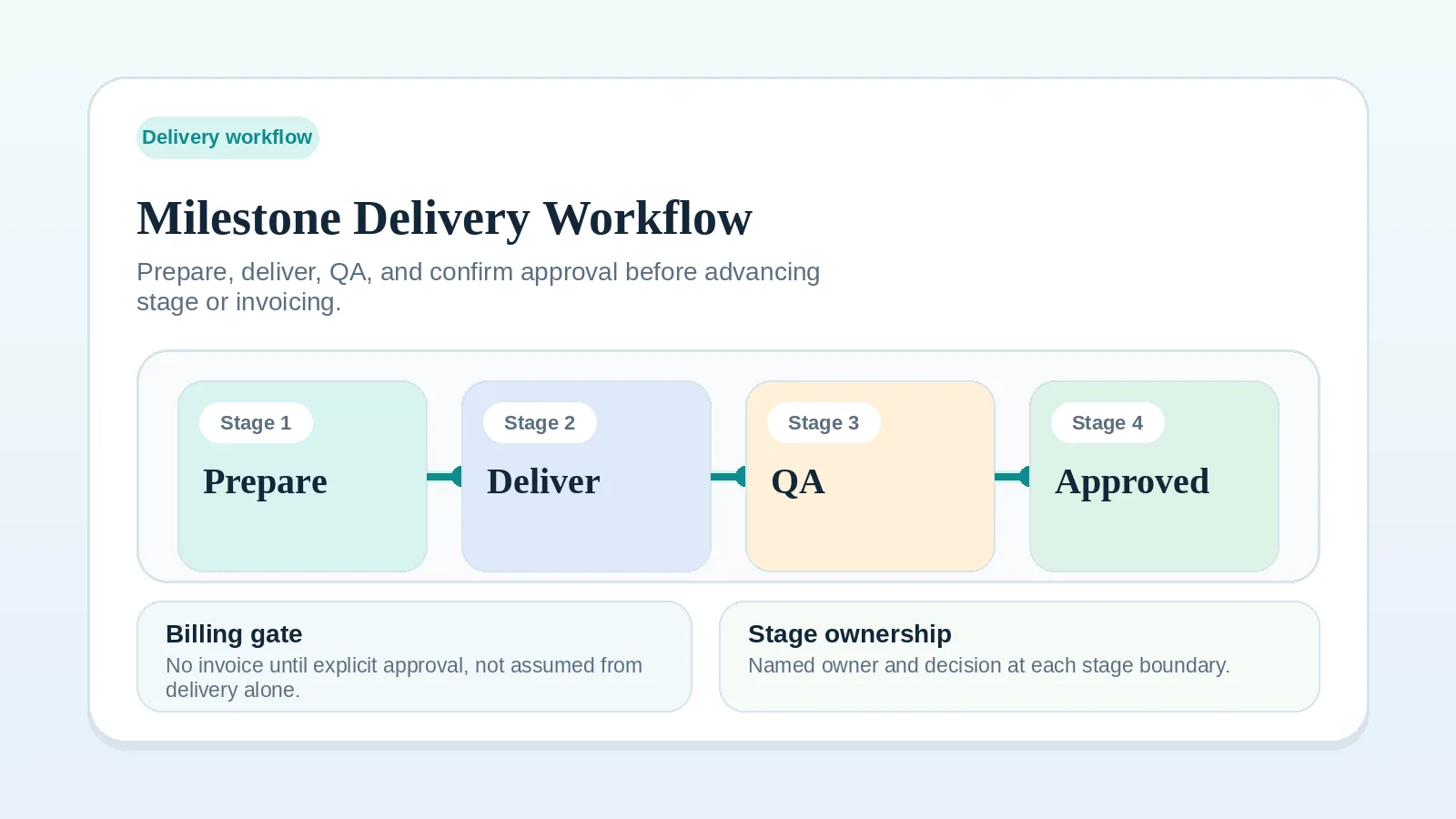
- For an input blocking active work, use Milestone delivery workflow for solo service businesses.
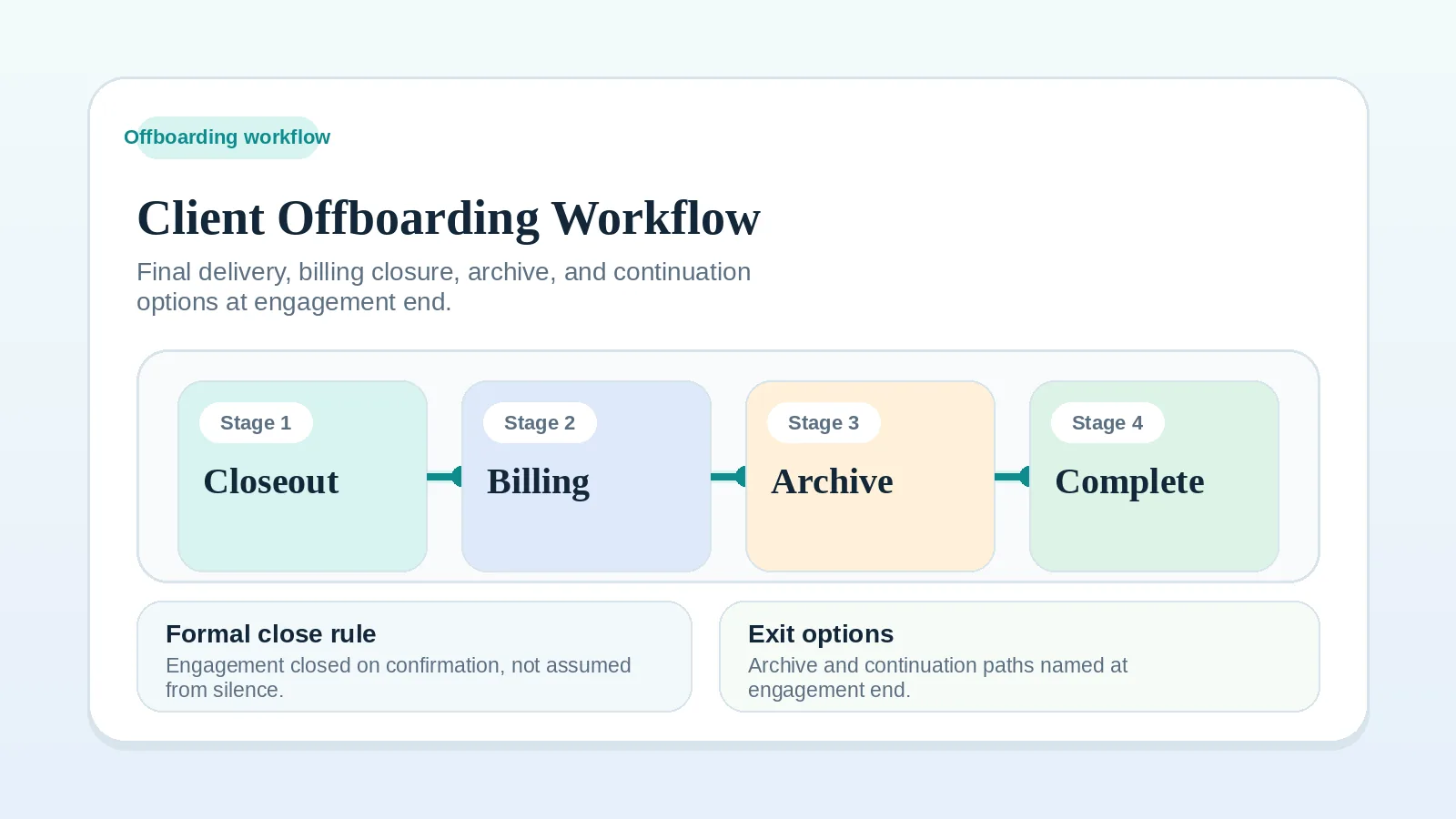
- For a final signoff or handoff input, use Client offboarding workflow for freelancers and solo service businesses.
- For the communication sequence after an input is late, use FAQ: what should I do when required client inputs are late or incomplete?