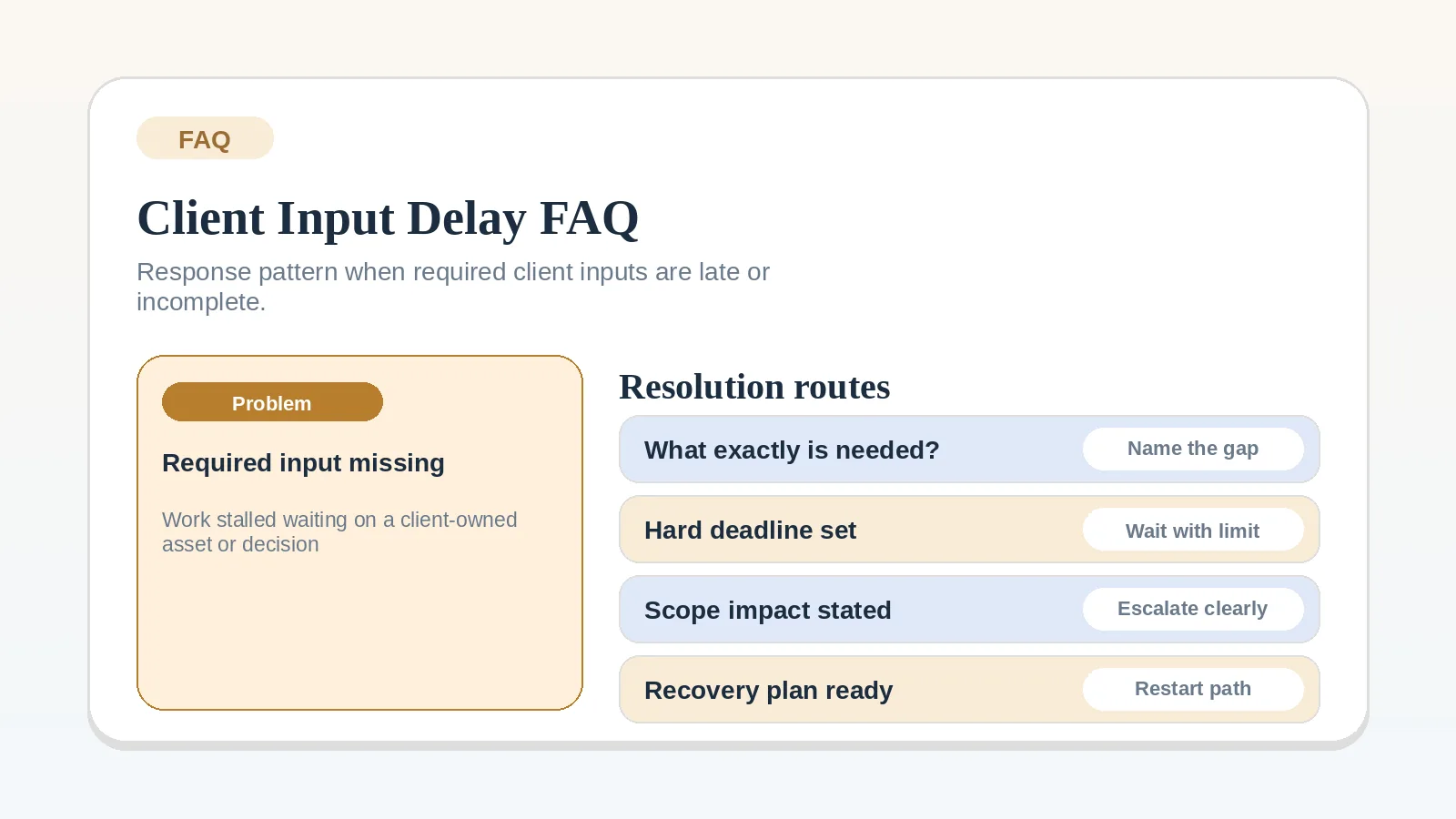
When required assets, access, approvals, or source material arrive late, identify the exact work that cannot proceed without them. Record who owes the input and when you will follow up, then decide whether unaffected work can continue under the agreed plan.
Fix the broader stage first when
- The stage itself is poorly defined.
- No dependency record exists yet.
- The work needs a pause or reset decision rather than another reminder.
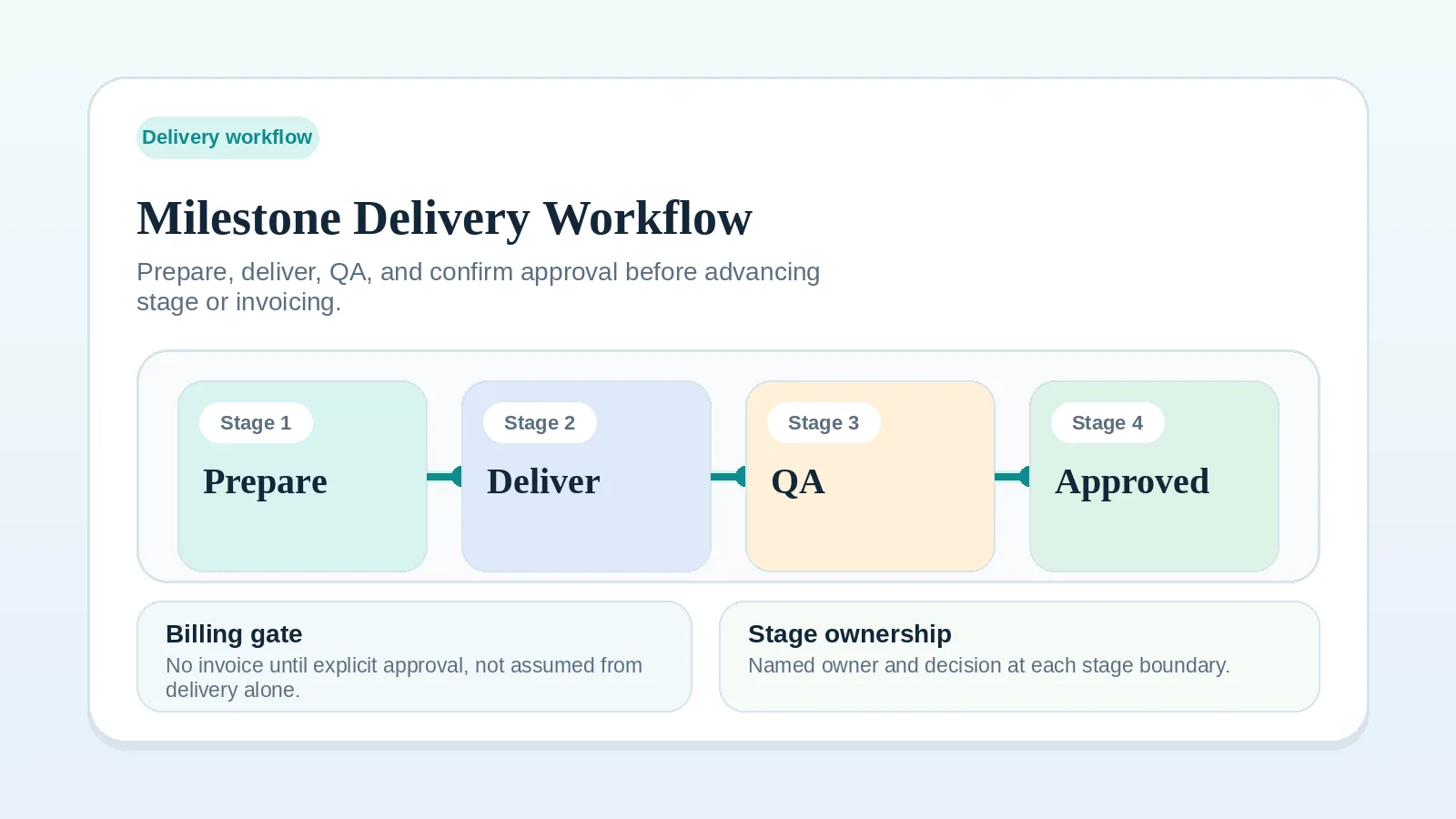
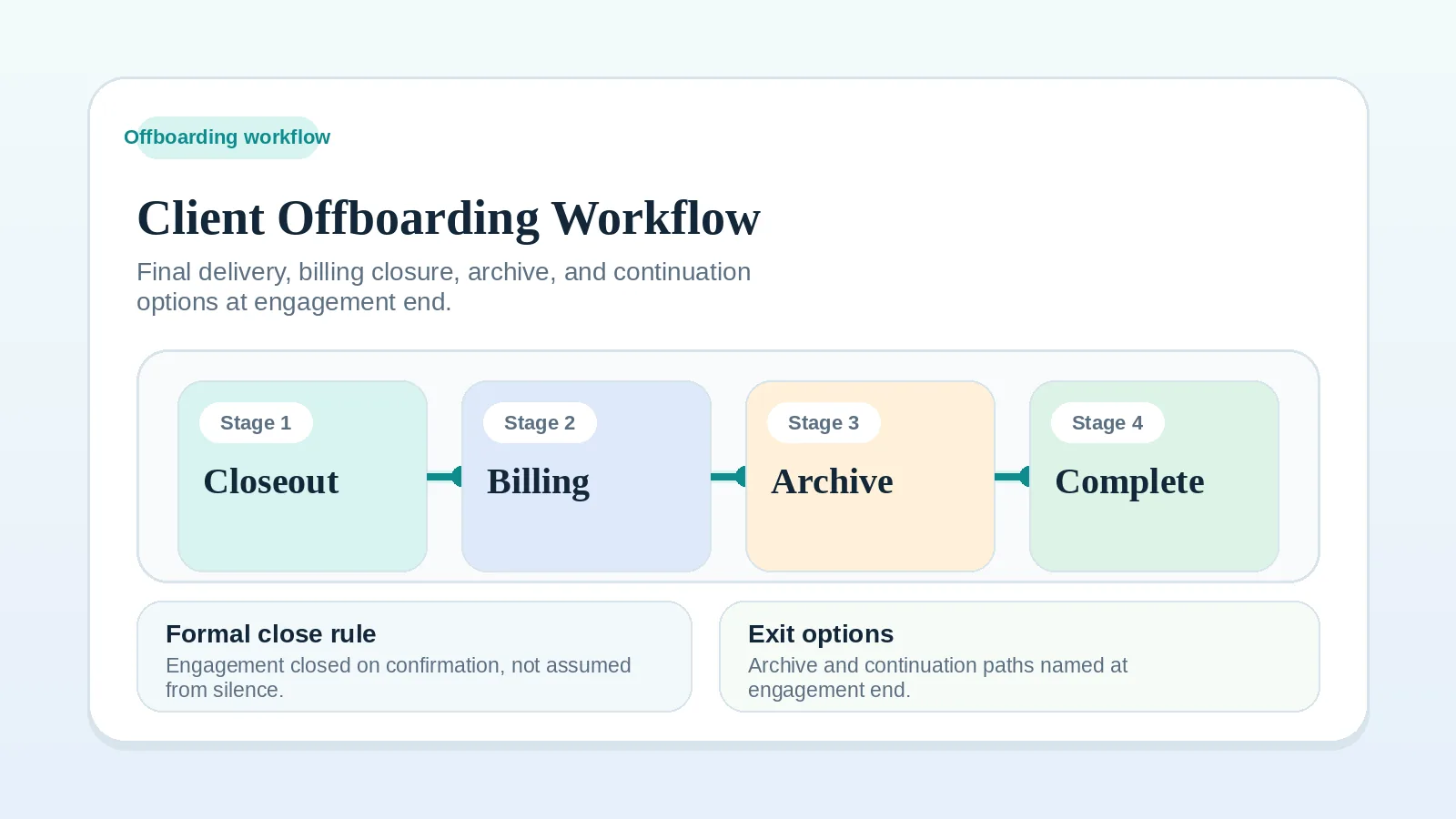
In those cases, go first to Client onboarding workflow for freelancers and consultants, Milestone delivery workflow for solo service businesses, Client input dependency worksheet for solo operators, or Escalation and pause-state worksheet for solo operators.
Name the missing input first
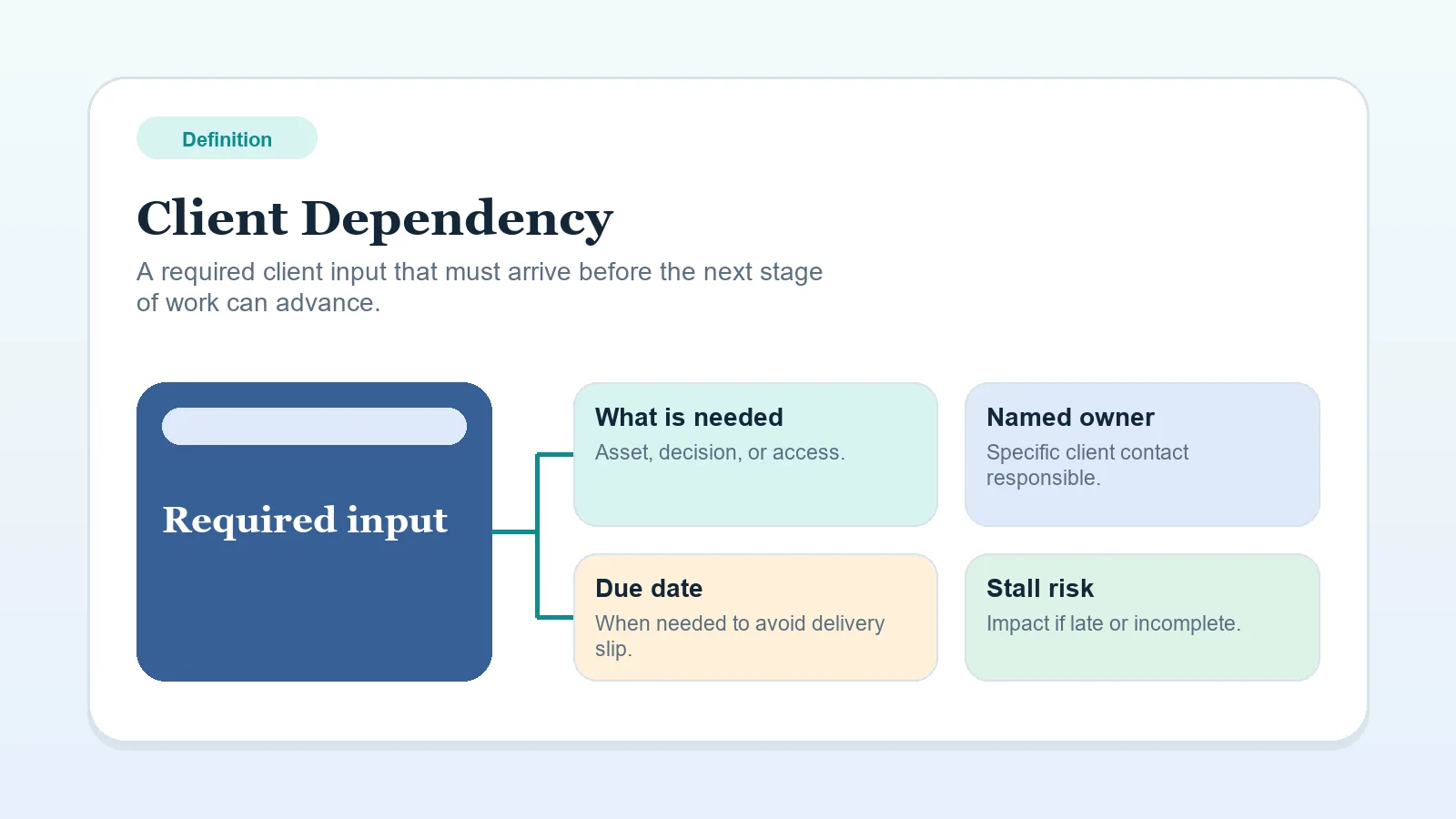
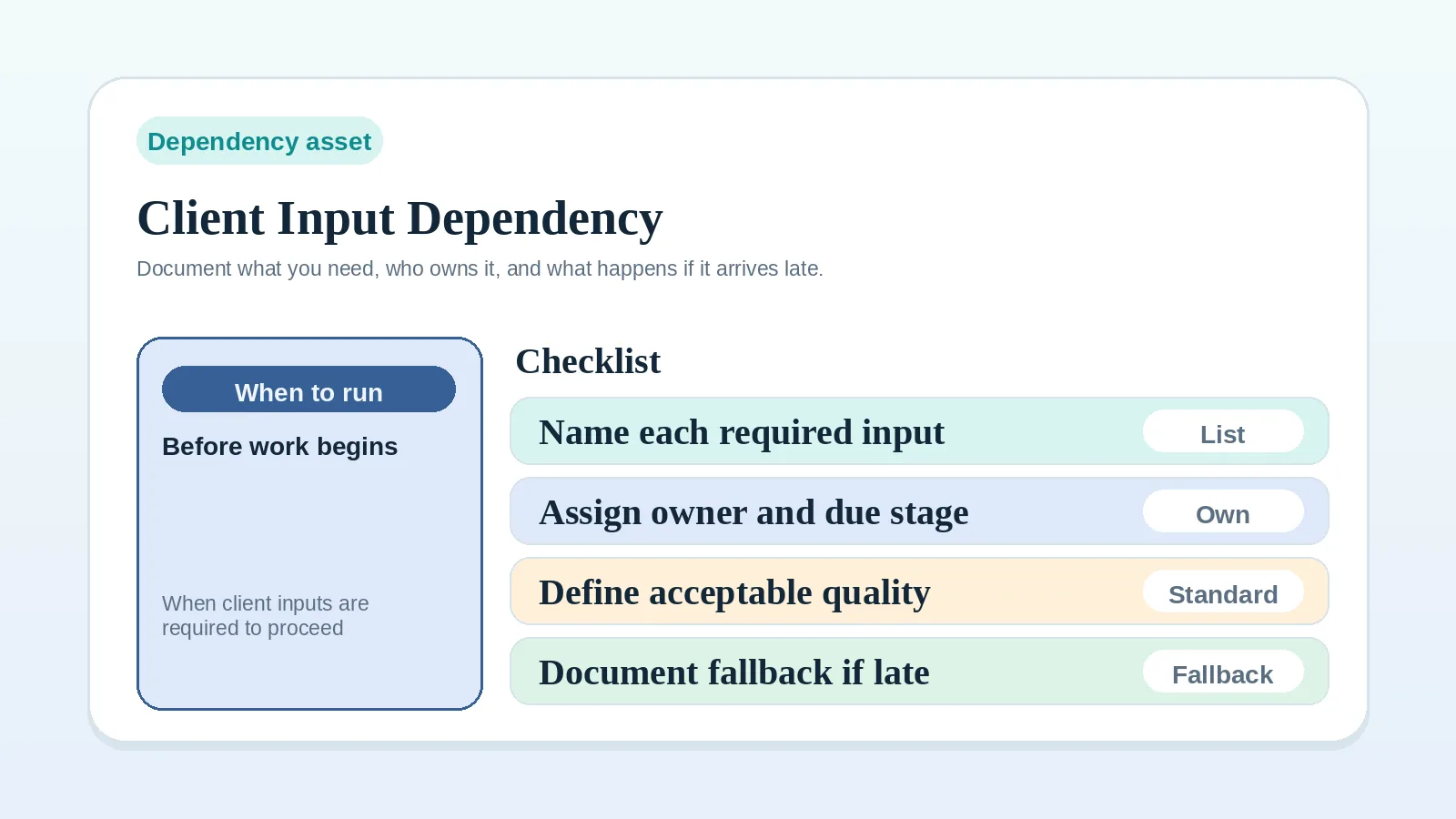
Document three things immediately:
- what exact input is missing,
- who on the client side owns it,
- what it is blocking.
If you cannot name those clearly, you do not yet have a useful record of the Client dependency.
If the dependency keeps recurring because the input was never documented tightly enough, define it first with Client input dependency worksheet for solo operators.
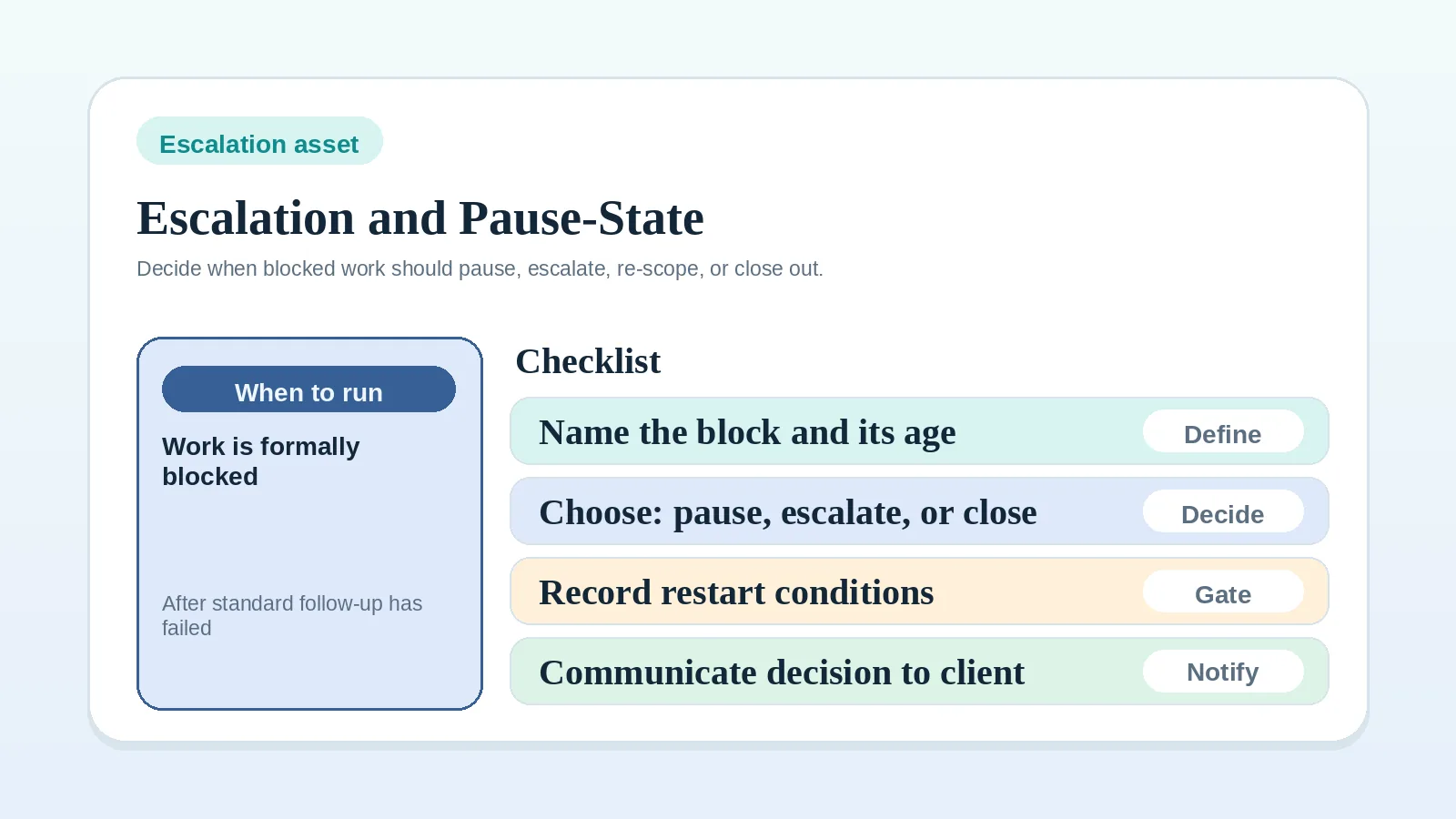
If the dependency is now severe enough that waiting is no longer a neutral choice, use Escalation and pause-state worksheet for solo operators to define the next operating state explicitly.
If that blocked state has already made the original plan unreliable, move next to Scope reset and recovery worksheet for solo operators.
Use a workaround only when its limits are visible
A temporary workaround can protect progress when the agreed plan permits it and the work has the inputs it needs. Record any assumptions, rework risk, and schedule effects. Giving the missing input an owner does not make dependent work ready to start.
Before kickoff, treat it as a readiness issue
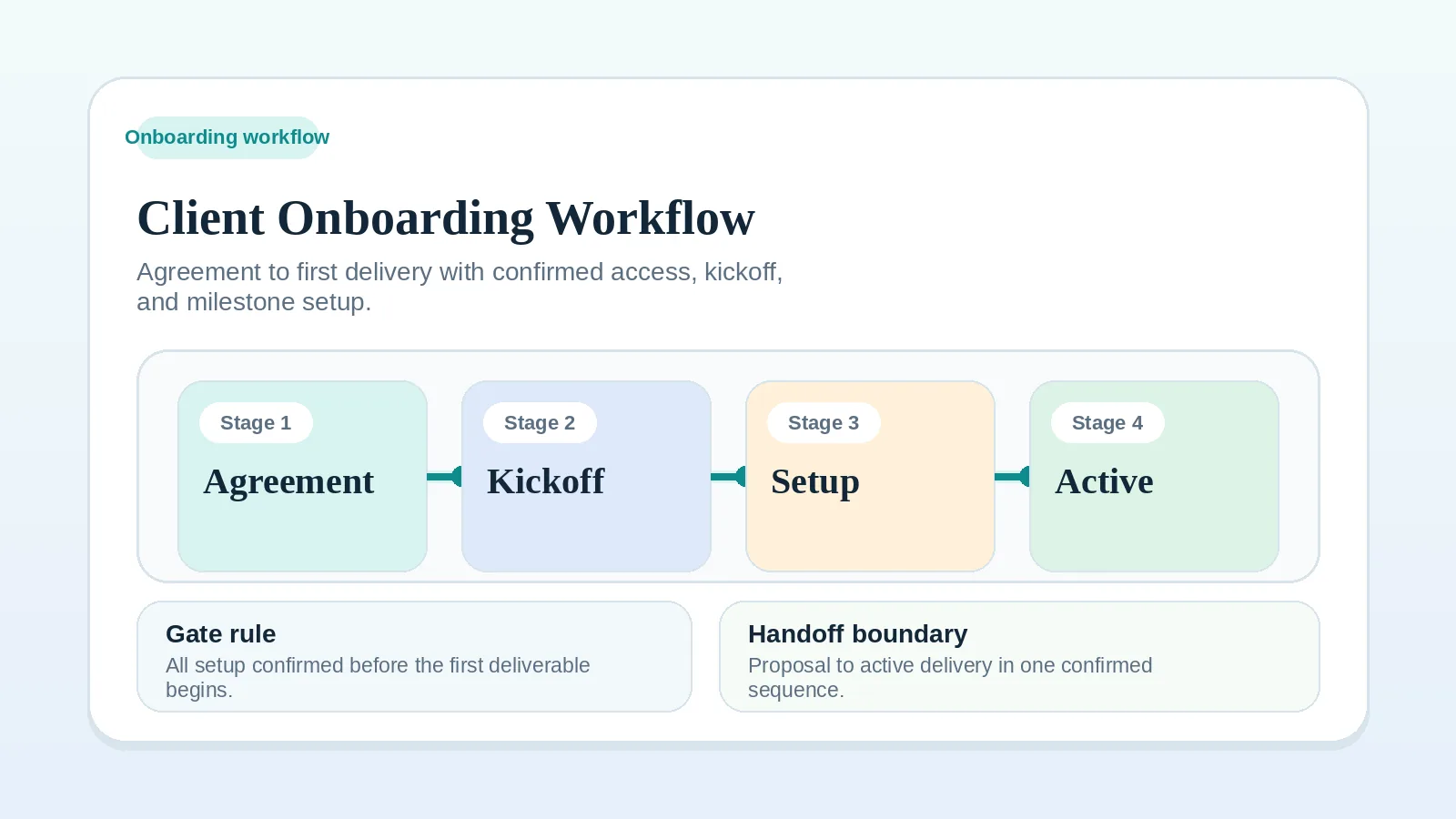
Do not let kickoff pretend to be complete if access, assets, or stakeholder clarity are still missing. Use Client onboarding workflow for freelancers and consultants to define what must be present before real execution starts.
During active work, show the blocked state
Move the milestone into a visible blocked or at-risk state. Do not leave it looking active if progress now depends on client action.
Update the records affected by the delay:
- status accuracy,
- review timing,
- billing expectations,
- later closeout clarity.
For the operating rule, use Milestone delivery workflow for solo service businesses.
How should you communicate the delay?
Keep the message specific:
- name the missing item,
- name the owner,
- name the effect on timing or scope,
- name the next review point.
Revisit the stage when the pattern repeats
It becomes larger than a one-off incident when:
- the same dependency pattern keeps happening at onboarding,
- work frequently proceeds without required inputs,
- blocked stages still appear healthy in your system,
- later billing or offboarding is delayed because the required input was never made explicit.
At that point, fix the broader stage design rather than treating each missing input as an isolated reminder problem.
During closeout, keep the dependency visible
An unresolved final signoff, handoff approval, or closeout dependency belongs in the closeout record.
Use Client offboarding workflow for freelancers and solo service businesses when the missing input is a final signoff item, handoff approval, or last dependency before archive and billing closure.
Continue with the affected stage
- If the dependency is blocking project start, go to Client onboarding workflow for freelancers and consultants.
- If it is blocking active work, go to Milestone delivery workflow for solo service businesses.
- If you need the definition first, go to Client dependency.