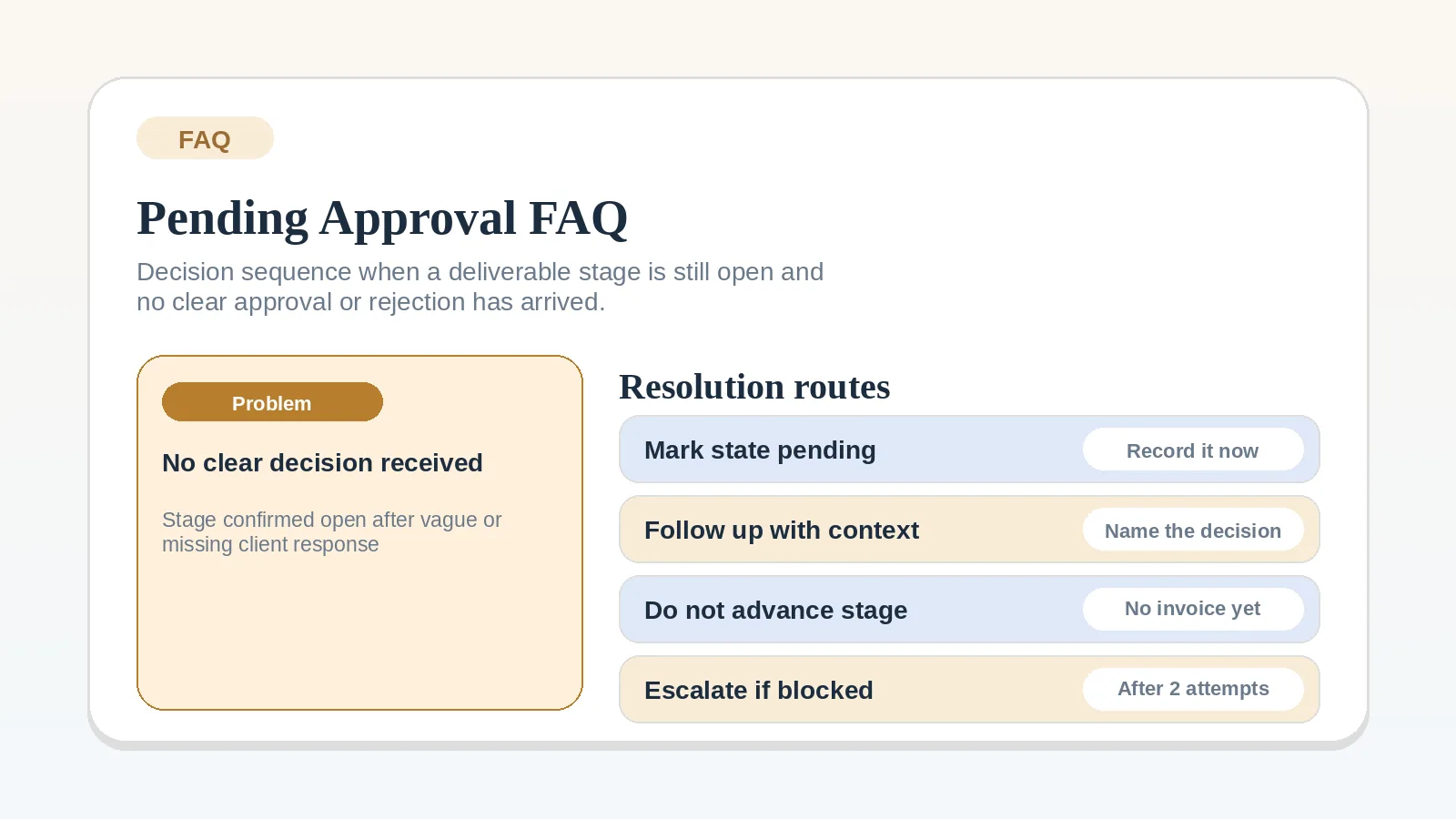
When deliverables have been sent but no clear decision has arrived, record what is still awaiting review and what depends on it. Use the project’s agreed approval and response terms to decide whether to wait, follow up, or escalate.
Resolve the underlying review rule first when
Do not use this FAQ to define the whole review process, decide what counts as a valid approval, or design the milestone stage from scratch.
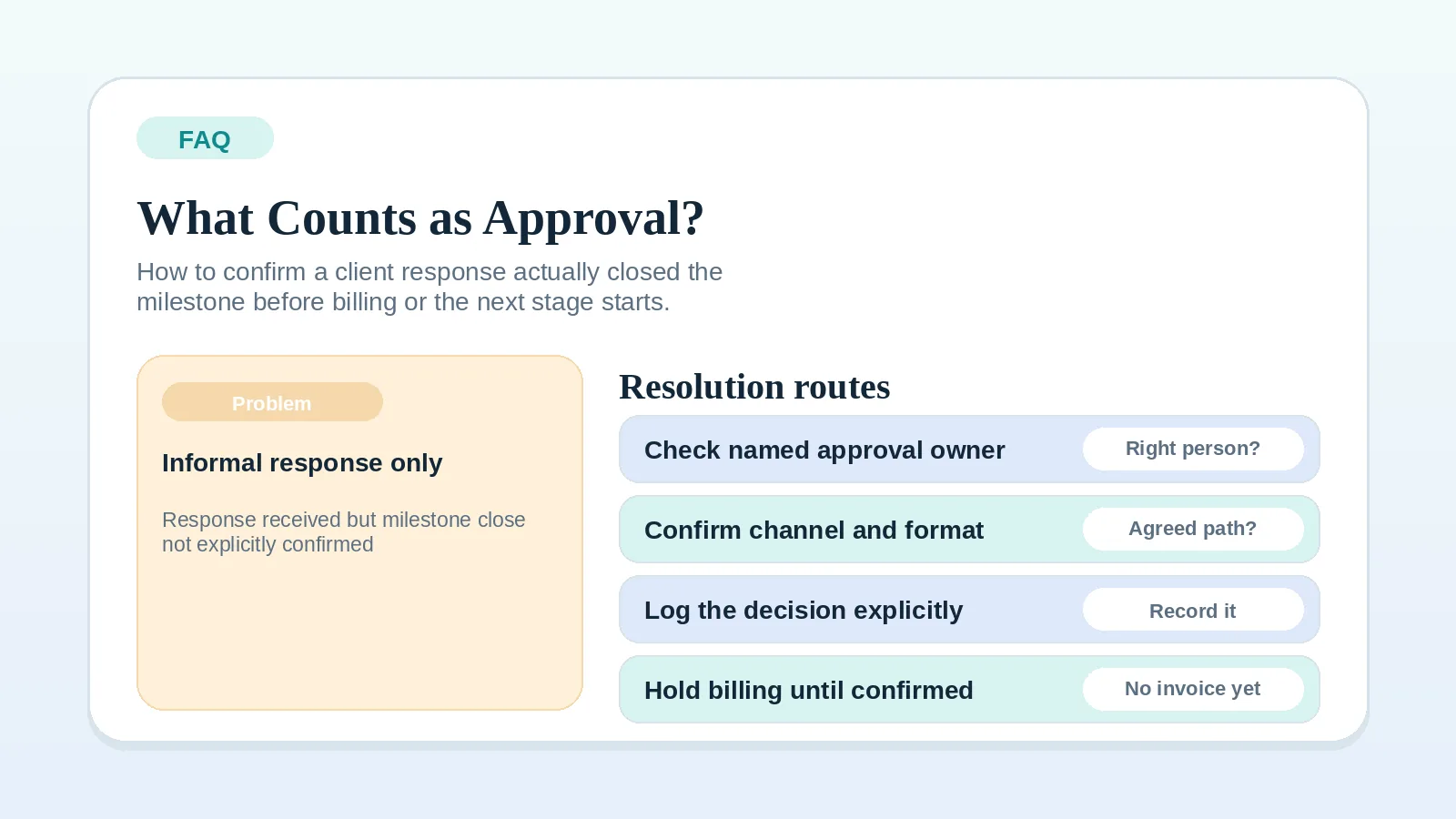
- If you need to know whether a response counts as approval, use FAQ: what counts as client approval before billing or the next stage starts? first.
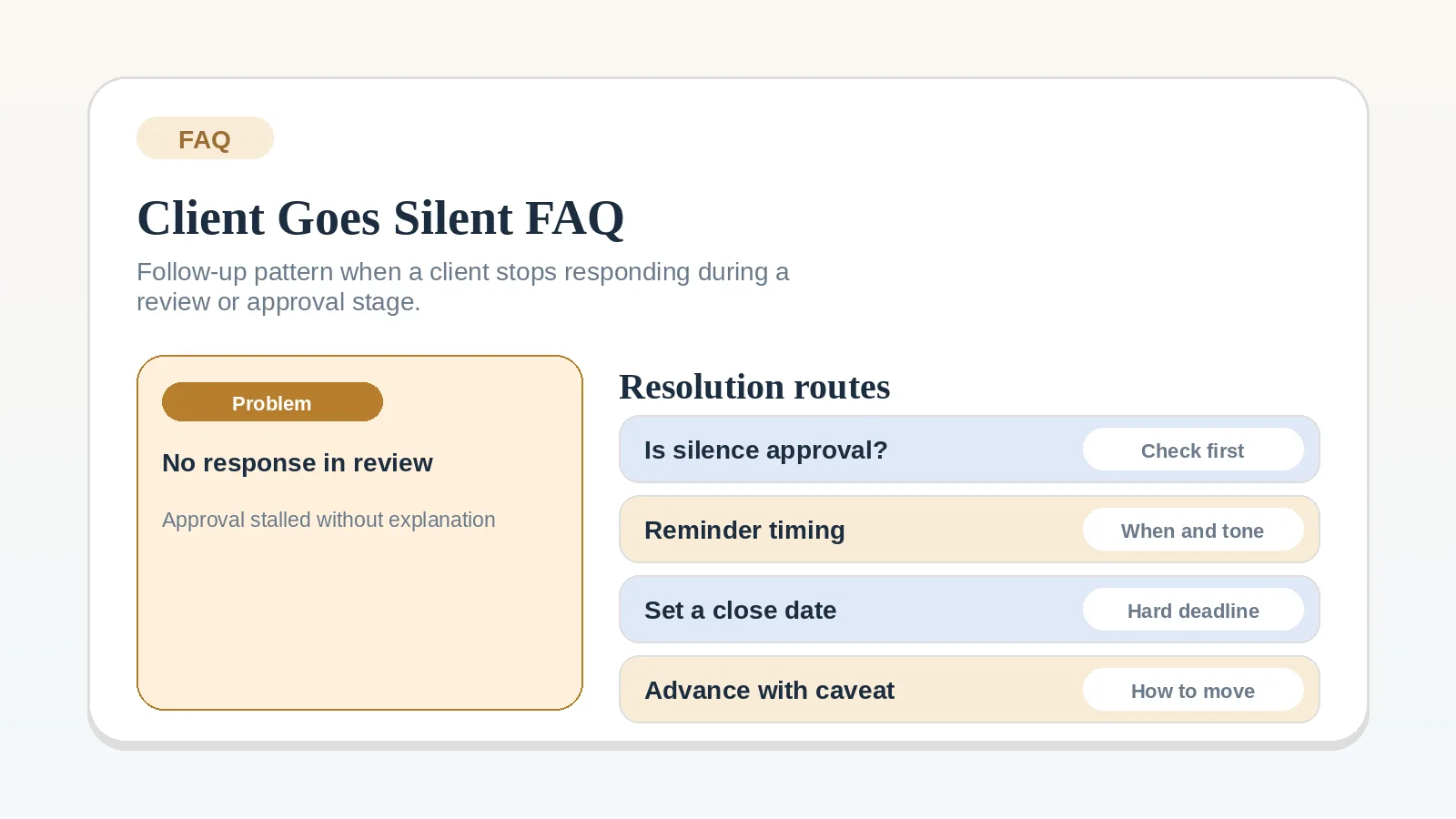
- If the client has gone completely silent after receiving work, use FAQ: what should I do when a client goes silent during review?
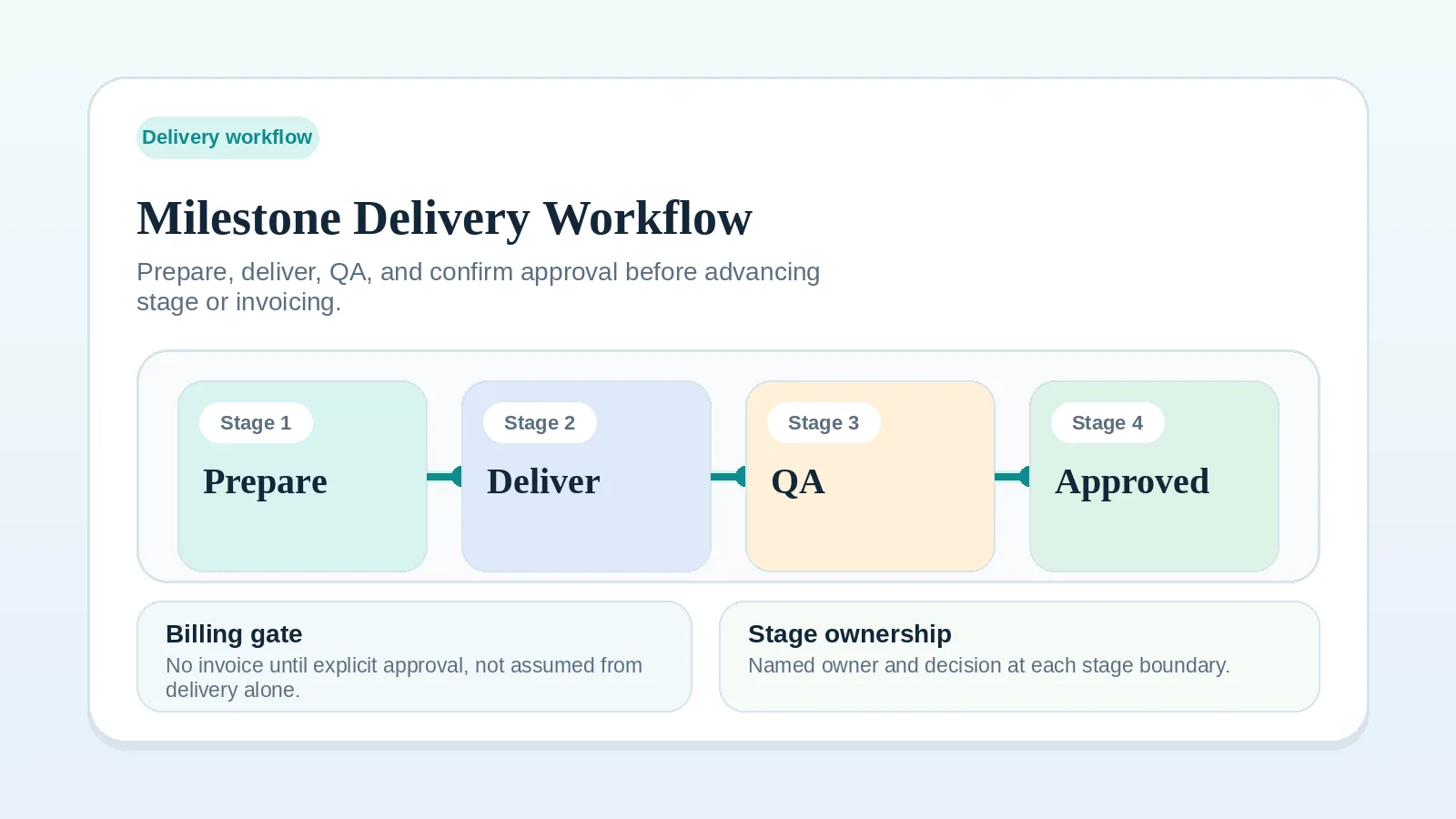
- If the milestone stage is poorly defined, fix Milestone delivery workflow for solo service businesses before choosing a follow-up sequence.
What must be true before this FAQ is useful
To use this page well, you need to know:
- what specific decision you are waiting for,
- who the approval owner is,
- what billing trigger or next-stage start depends on that decision.
If those are not clear, define the review rule before following up.
When must the stage stay open?
If the agreement requires an explicit decision, keep the stage open until the named approval owner approves, rejects, or requests revisions through the agreed channel. If the agreement defines another mechanism, such as approval after a stated review window, follow that mechanism as written and document the result.
Where explicit approval is required, the review remains unresolved when:
- the review window has passed but no decision arrived,
- a response arrived but it was partial, deferring, or positive without committing,
- a call included encouraging feedback but no written follow-up came,
- a different stakeholder responded instead of the named approval owner.
Rejection or a revision request resolves the immediate decision but does not make the work accepted. Record the outcome and assign the revision, scope decision, or other next action before changing the milestone status.
What should you do while waiting?
Three immediate steps:
- Mark the milestone state as pending approval or blocked by client decision rather than active or complete.
- Name the exact decision still outstanding and record it in the project record.
- Confirm the next follow-up date and put it somewhere you will actually see it.
An explicit state makes the missing decision and its effect visible.
When should you follow up?
Follow up when the agreed review window or reminder trigger is reached. If no window was set, send a message that names the decision and proposes a response date based on what the delay is blocking. Do not attach automatic approval, billing, or scope consequences that were not agreed in advance.
The follow-up message should:
- restate what was delivered and what decision is needed,
- name the specific approval question,
- state what will happen once the answer arrives.
Keep it operational. “Just checking in” does not move the state forward. “Confirming whether the milestone is approved as-is or needs a revision pass” does.
Escalate when another reminder will not resolve the state
If a follow-up does not resolve the state, use the agreed escalation path. The next message should:
- be direct about the unresolved state,
- name what is currently blocked by the missing decision,
- offer a specific path: confirm approval, request a revision, or agree on an extension.
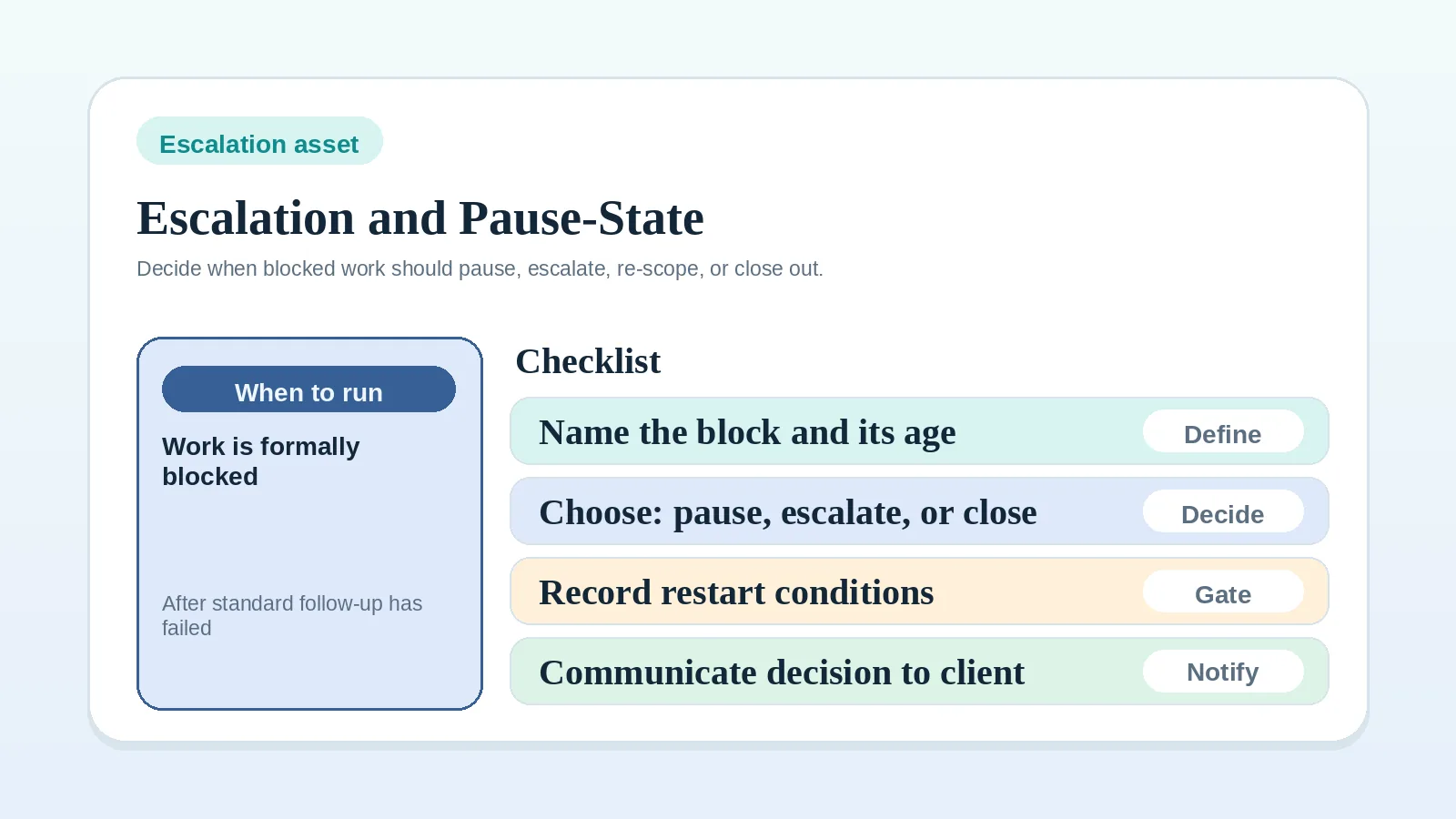
Move the state from pending to blocked when the agreed escalation trigger is reached or when the missing decision now affects a committed schedule, billing expectation, or dependency. Record the affected work and use the escalation and pause-state worksheet to choose a permitted conditional step, pause, or scope decision.
What must not happen while the decision is pending?
Do not:
- issue an invoice when its agreed trigger has not been met,
- begin the next stage when its agreed approval condition has not been met,
- archive or close the milestone based on a positive-sounding but non-committal response,
- treat continued follow-up silence as acceptance without an agreed rule that supports it.
These actions can create an unsupported invoice trigger, an unapproved stage transition, or an inaccurate project record.
Continue from the pending decision
- If you need to confirm whether a response counted as approval, go to FAQ: what counts as client approval before billing or the next stage starts?
- If the client has gone silent with no response at all, go to FAQ: what should I do when a client goes silent during review?
- If the block requires a pause or scope decision, go to Escalation and pause-state worksheet for solo operators.
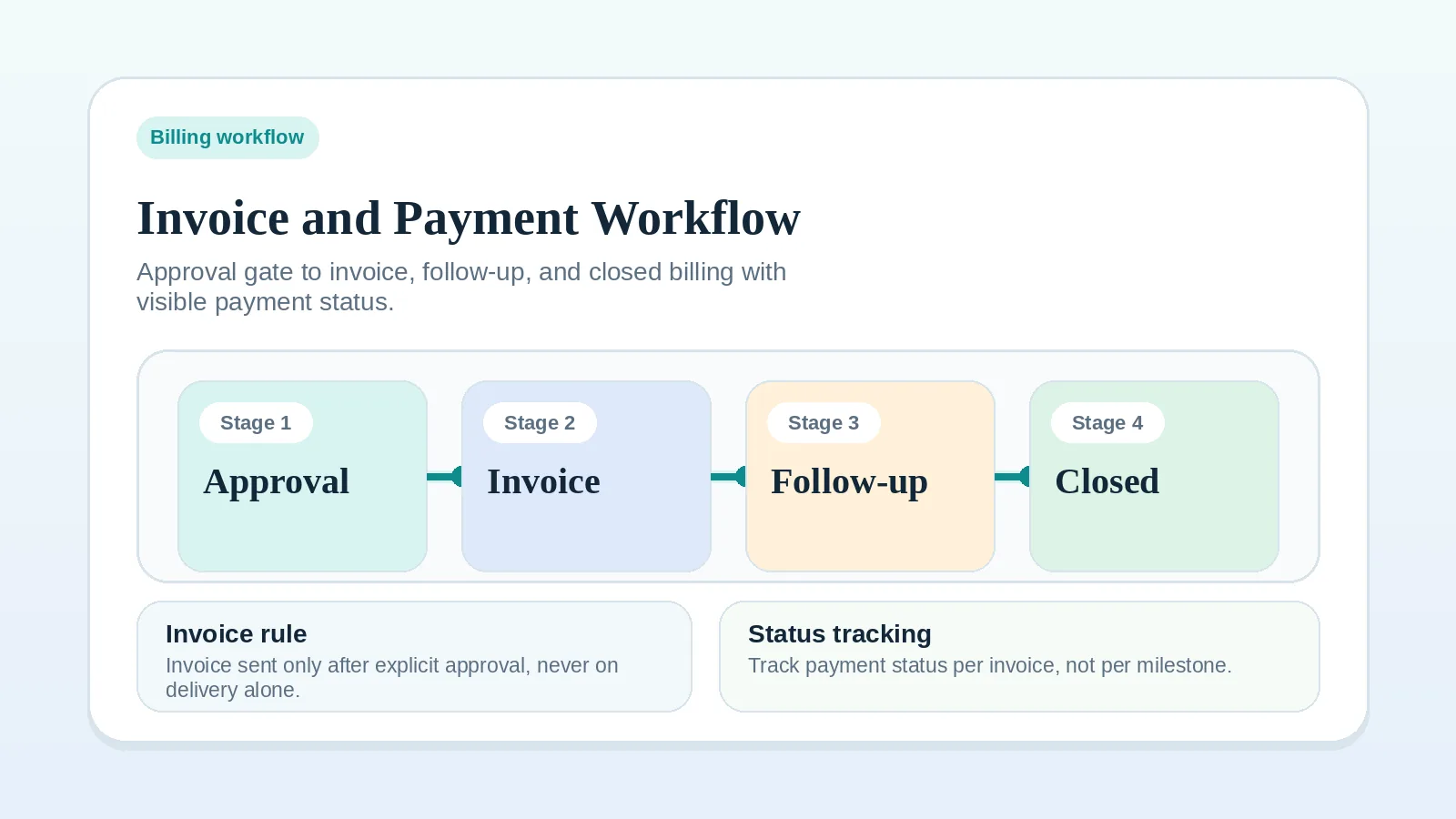
- If approval arrives and billing is next, go to Invoice and payment workflow setup.
- If this is the final milestone and closeout is next, go to Milestone delivery workflow for solo service businesses.