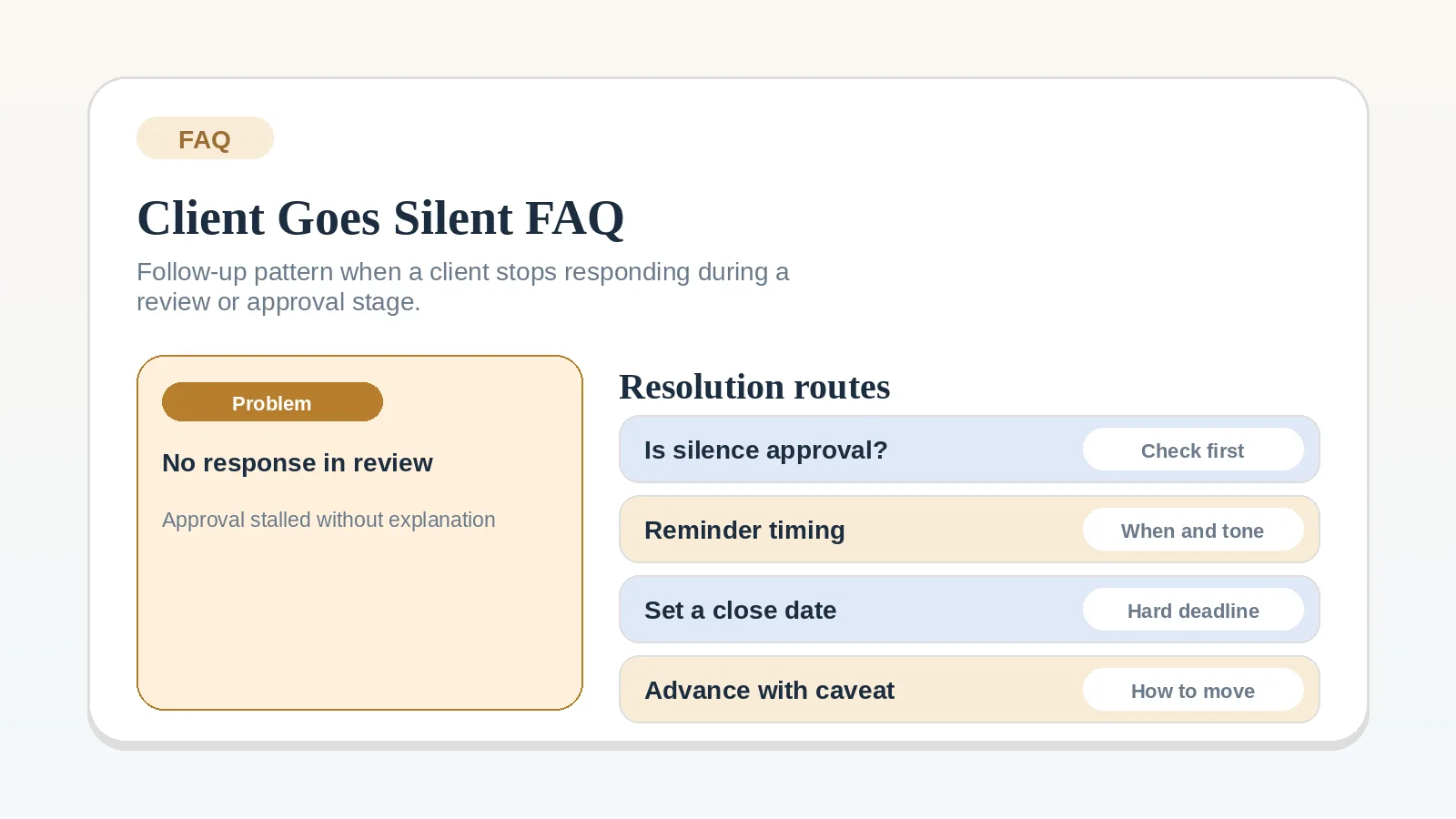
When a client stops replying during review, check whether they received and can open the correct package. Then record the decision still needed, what depends on it, and the next follow-up date. Do not guess why they are silent or mark the work approved without checking the agreed review rule.
Define the review path first when
- The review stage is undefined.
- You do not know who can approve the work.
- Several stakeholders are involved without one feedback route.
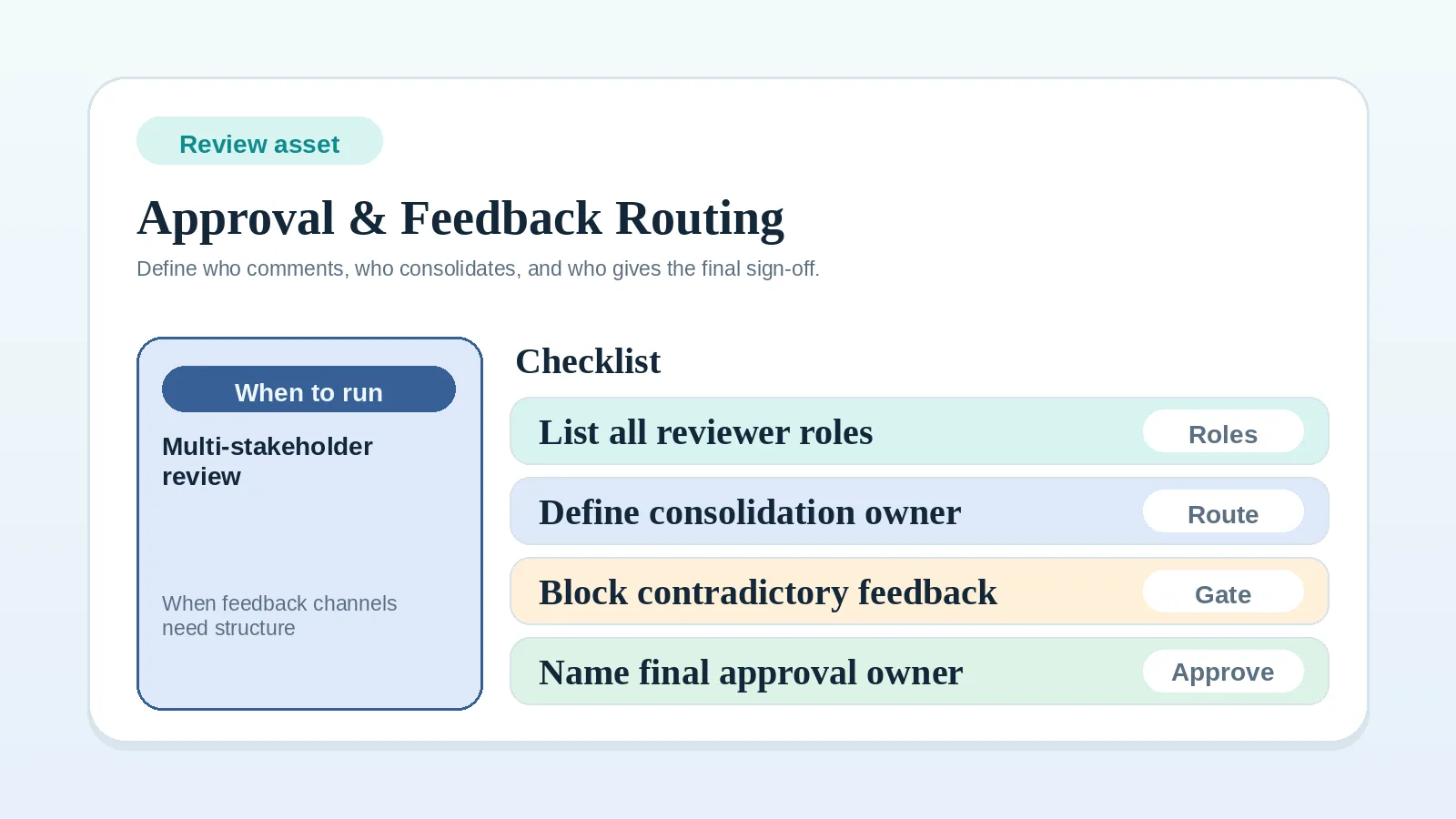
In those cases, go first to Proposal revision and approval workflow, Milestone delivery workflow for solo service businesses, or Approval and feedback routing worksheet for multi-stakeholder review.
What to do first
Confirm four things before you send another message:
- what decision you are actually waiting for,
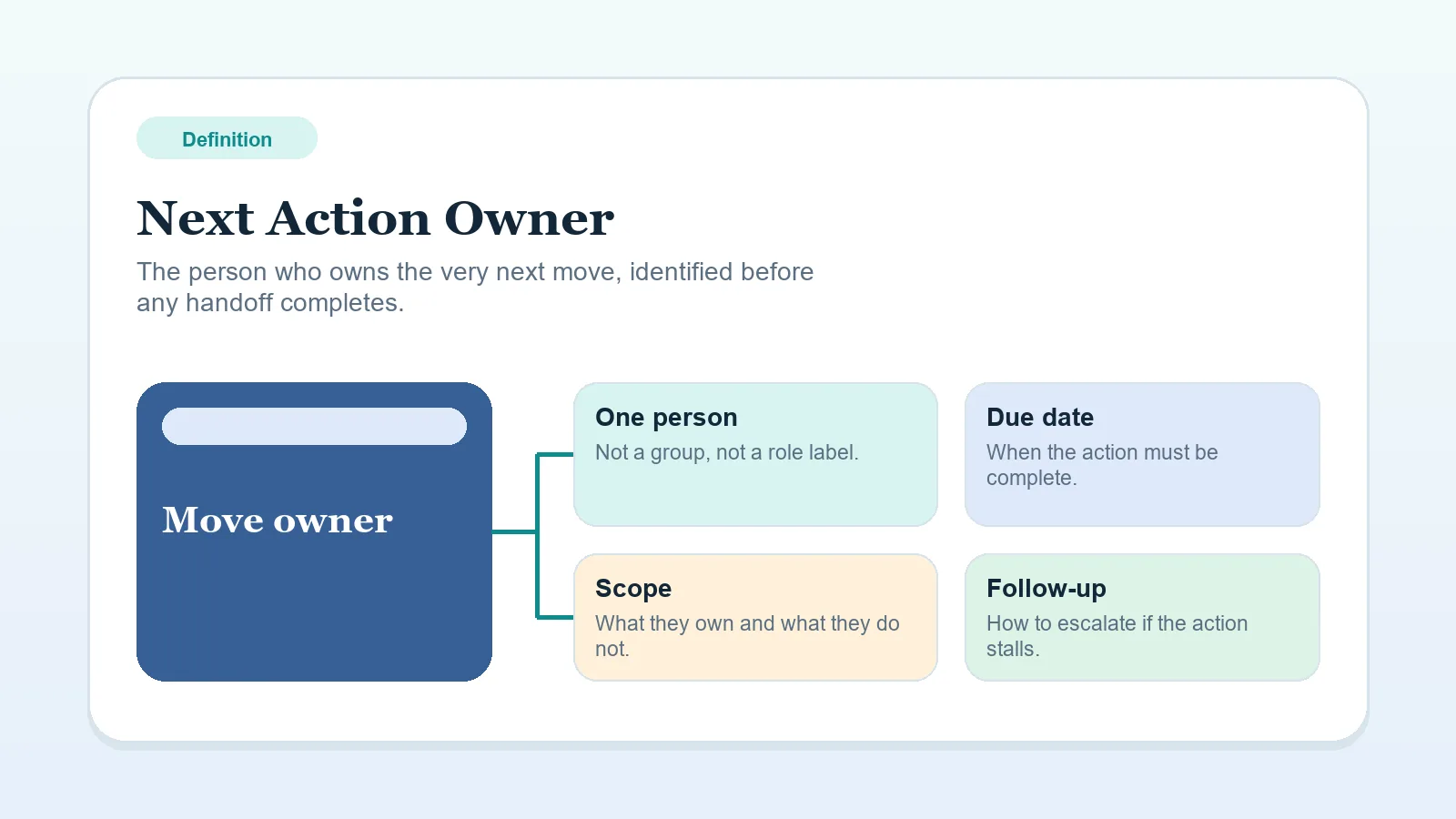
- who the Next action owner is,
- what work or billing that silence is blocking,
- what date should trigger the next follow-up.
An unclear decision, owner, effect, or follow-up date means the review state needs definition before another reminder.
If several stakeholders are involved and the comments are not even reaching one clear approval path yet, define the routing rule first with Approval and feedback routing worksheet for multi-stakeholder review.
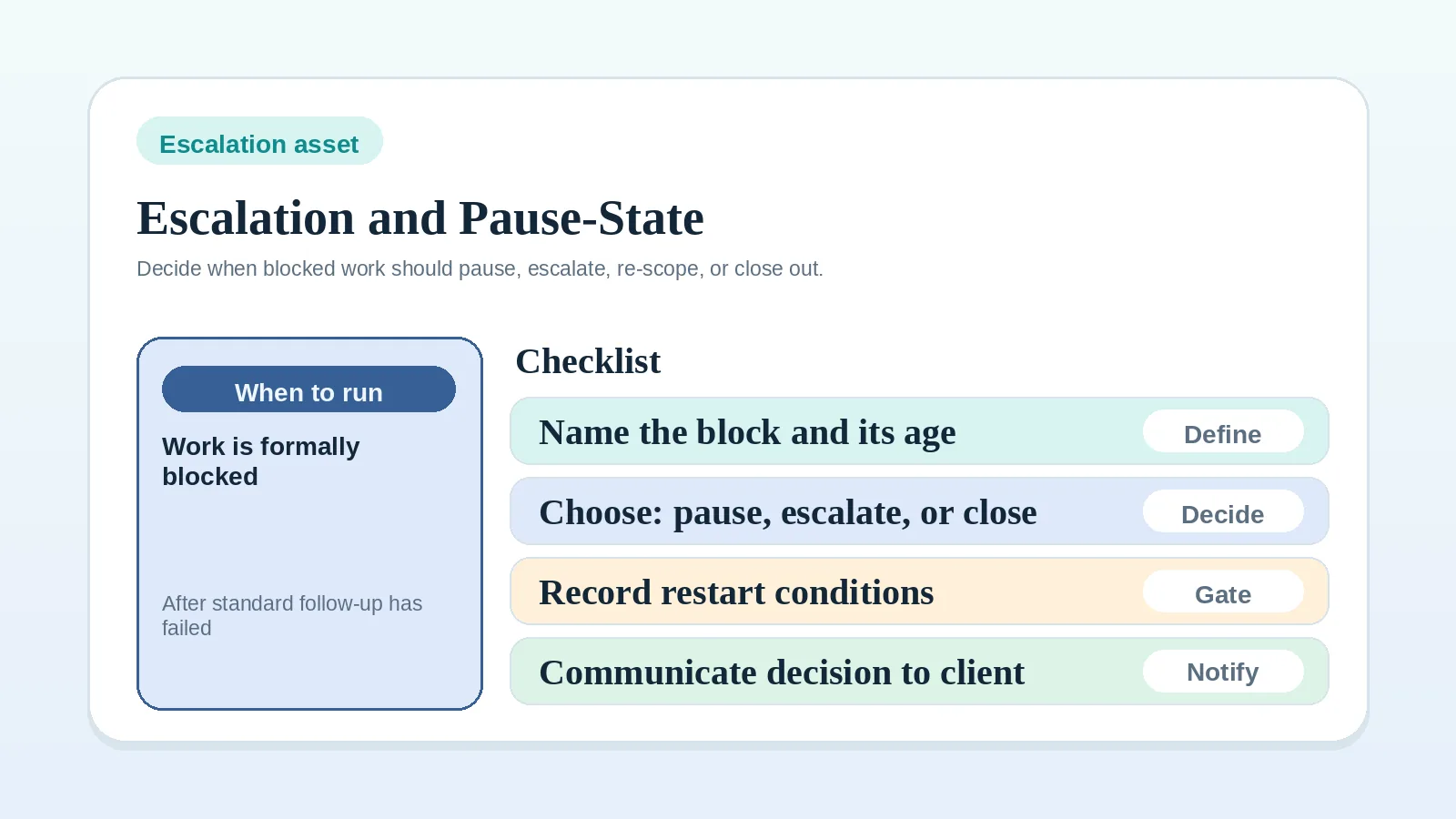
If the review has stayed blocked long enough that you need to choose pause, escalation, or closeout instead of sending another ordinary follow-up, use Escalation and pause-state worksheet for solo operators.
If the blocked review has already damaged the original plan itself and now needs a revised baseline, move next to Scope reset and recovery worksheet for solo operators.
Follow the agreed review window
Use the review window, reminder terms, and escalation trigger already agreed with the client. If none exists, send a message that names the decision needed and proposes a response date based on the blocked work. Do not introduce automatic approval or another contractual consequence unless it was agreed in advance.
A visible response or escalation trigger keeps the review state from remaining open without an owner.
What should the follow-up actually say?
Keep the message operational:
- restate what was sent,
- restate the decision needed,
- state what happens next once they reply,
- give one clear reply path.
Example structure:
“Checking in on the review package sent Tuesday. The open decision is whether this milestone is approved as-is or needs revisions. Once I have that answer, I can either close the milestone or schedule the next revision step.”
When does silence become a workflow problem?
It becomes a workflow problem when:
- a milestone cannot close,
- the next invoice cannot trigger cleanly,
- closeout timing is now unclear,
- the same reminder is being rewritten without changing the state.
At that point, name it in the system as blocked review or pending client decision.
Should silence count as approval?
Only if your agreement and review rules explicitly support that. Otherwise, no.
Silence is not acceptance unless an agreed rule says so. If you need approval, ask for it. If you can proceed after a bounded review window under agreed terms, document that rule in advance instead of inventing it during tension.
What if silence is delaying invoice closure or offboarding?
Separate the layers:
- review silence is one state,
- billing closure is another,
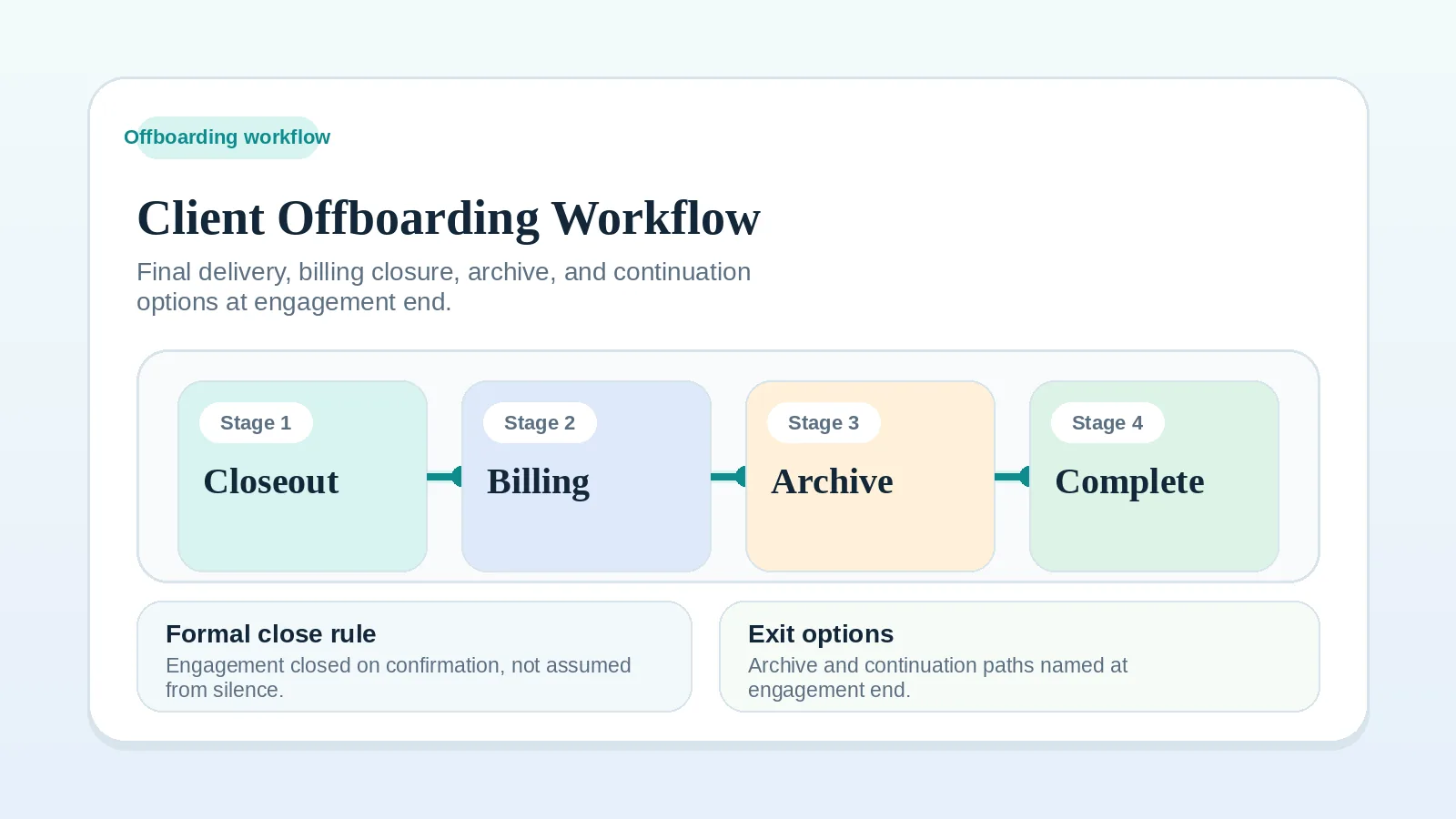
- final offboarding is a later stage.
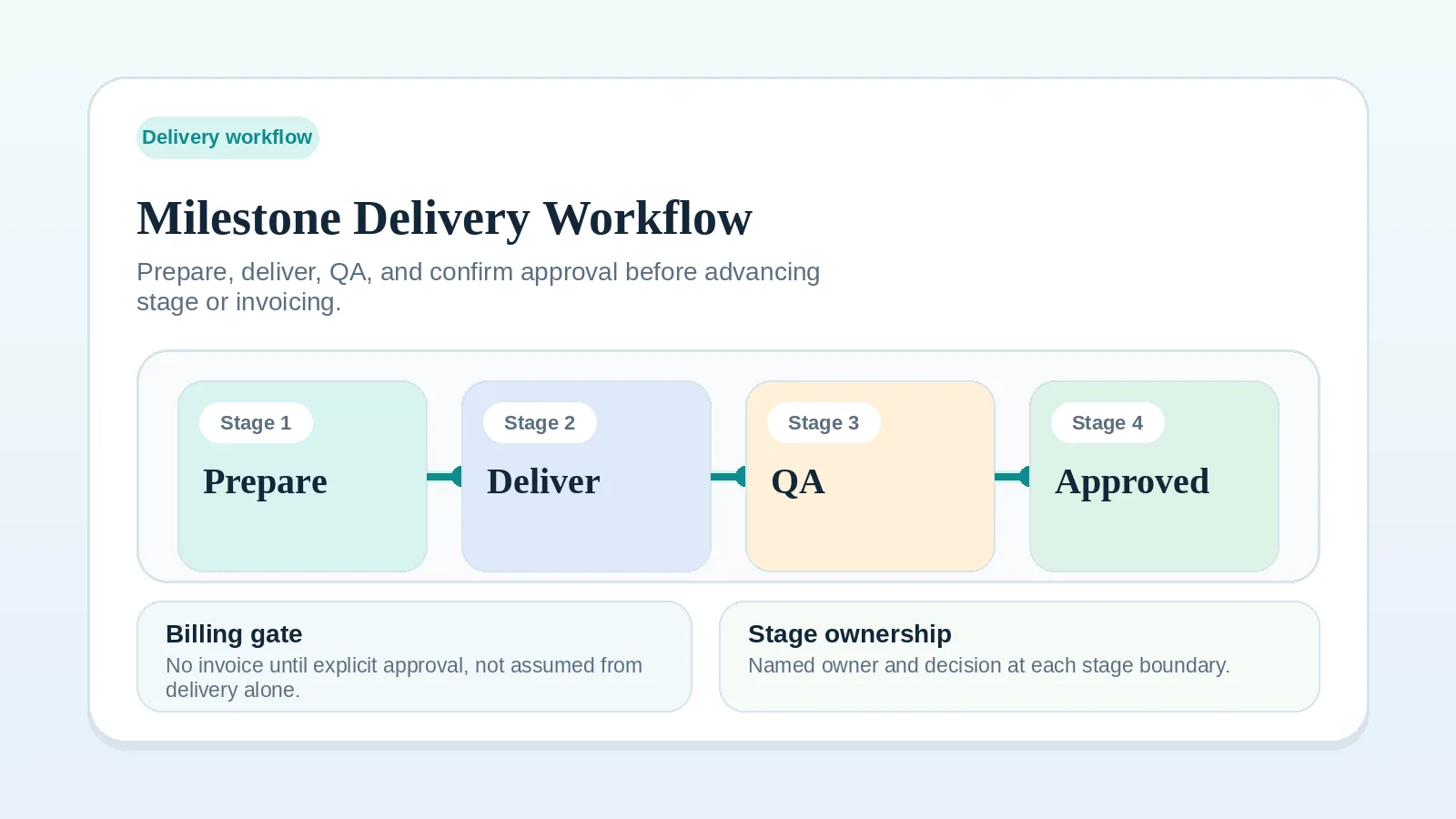
If review silence is blocking invoice or closeout, keep that dependency visible rather than acting as if the project is already finished. Use Milestone delivery workflow for solo service businesses for the review state, then Client offboarding workflow for freelancers and solo service businesses once true closeout is possible.
Continue from the blocked review
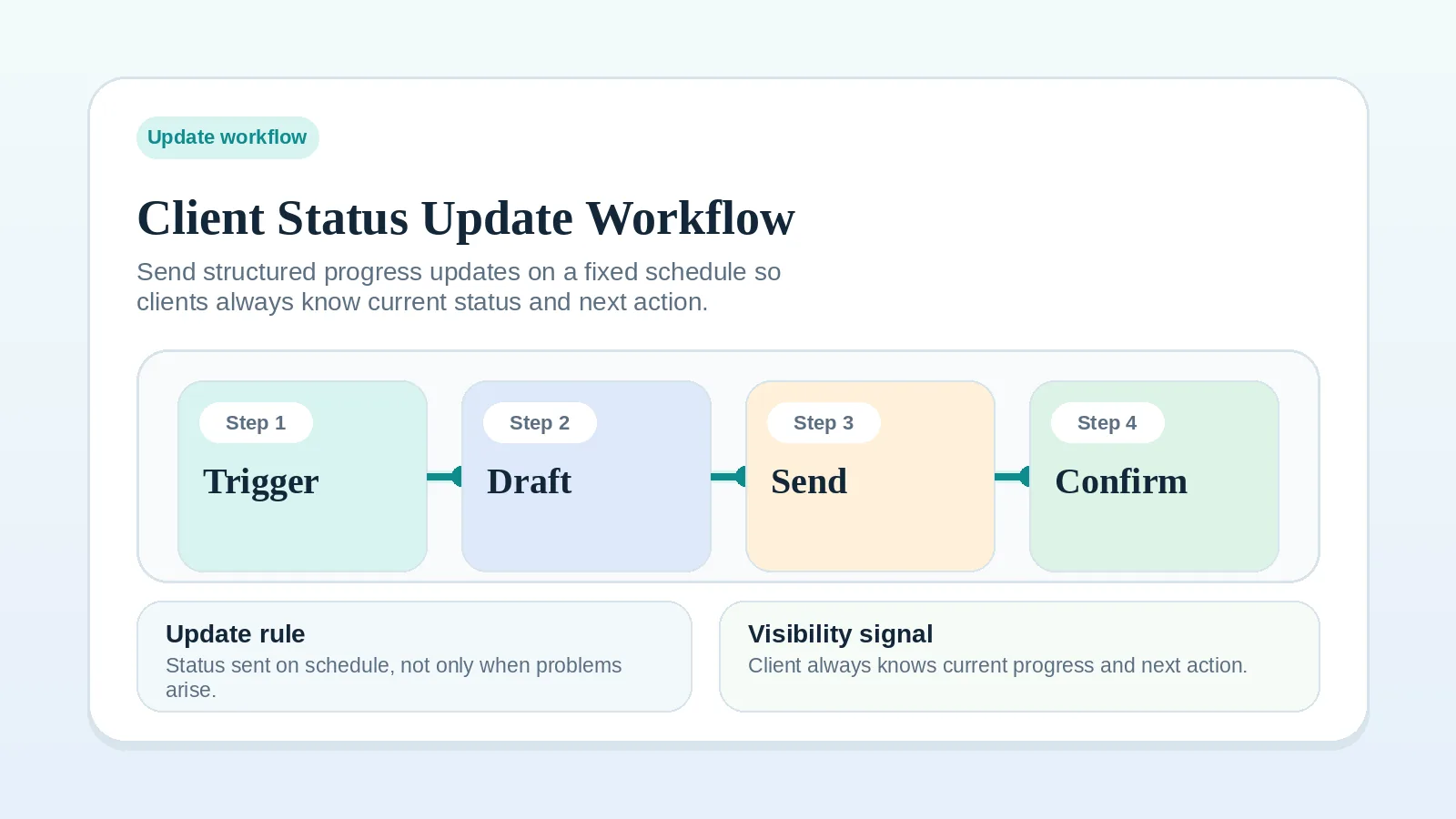
- If your updates are too vague to support clean follow-up, go to Client status update workflow.
- If the silence is happening during proposal review before signature, go to Proposal revision and approval workflow.
- If the silence is happening at a milestone approval point, go to Milestone delivery workflow for solo service businesses.
- If the project is near the finish line and review silence is blocking closeout, go to Client offboarding workflow for freelancers and solo service businesses.