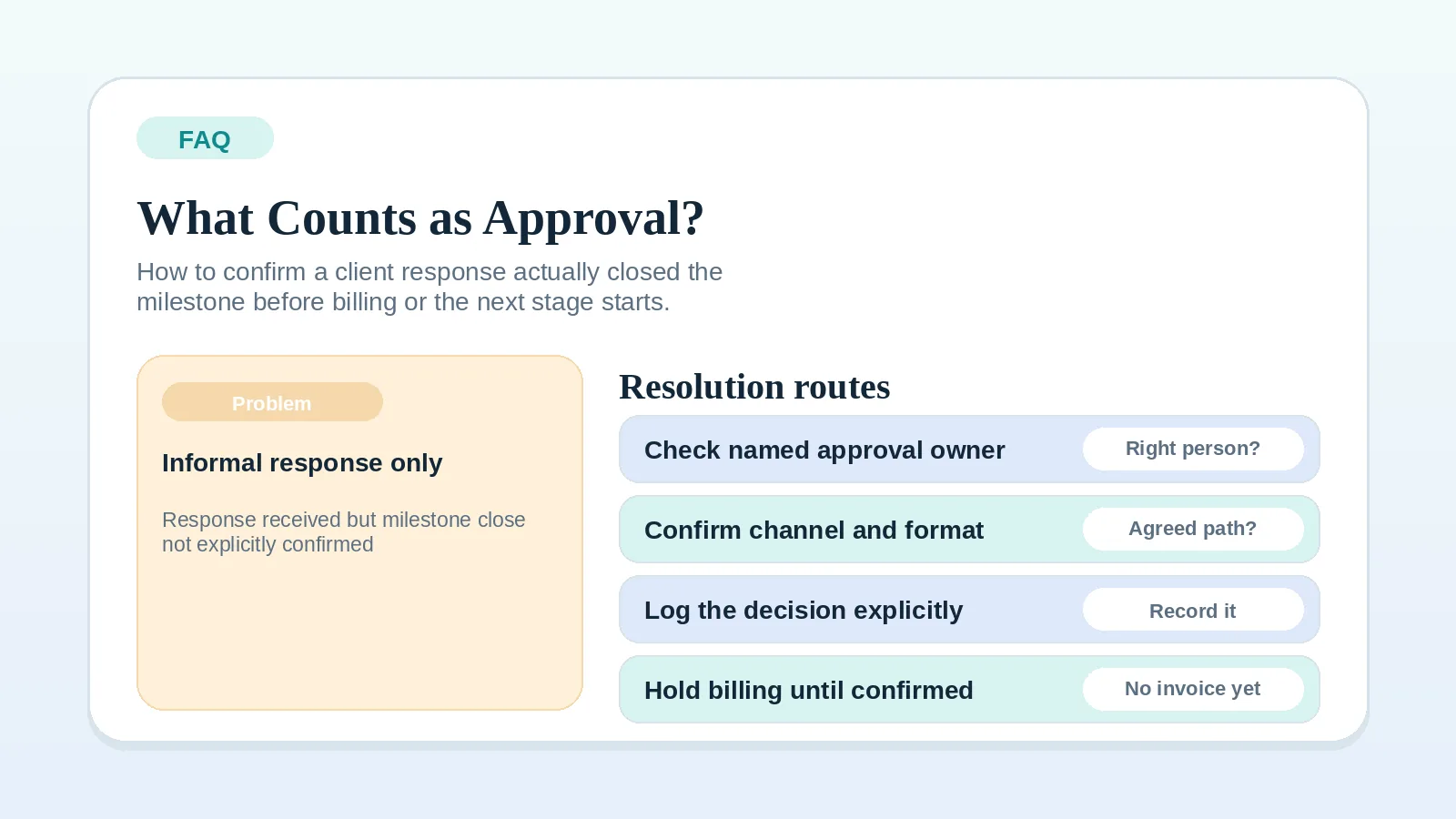
A positive client reaction and a formal approval are not the same thing.
Use this answer when a client has responded but you cannot tell whether the response closed the review stage or only acknowledged the work. The agreement and documented review rules determine what approval requires.
Define the approval path first when
- The review stage does not name who can approve.
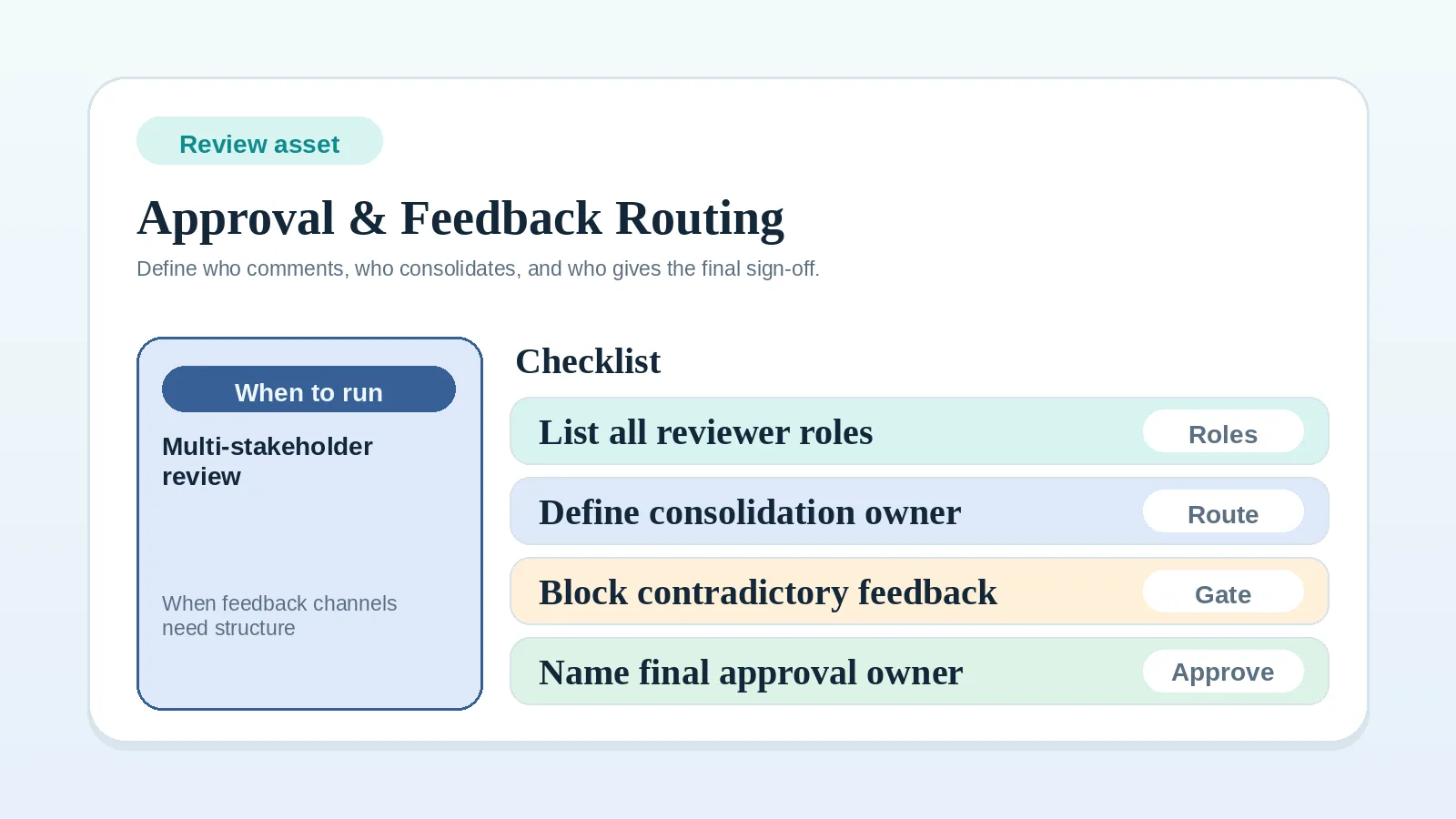
- Several stakeholders are commenting without one decision path.
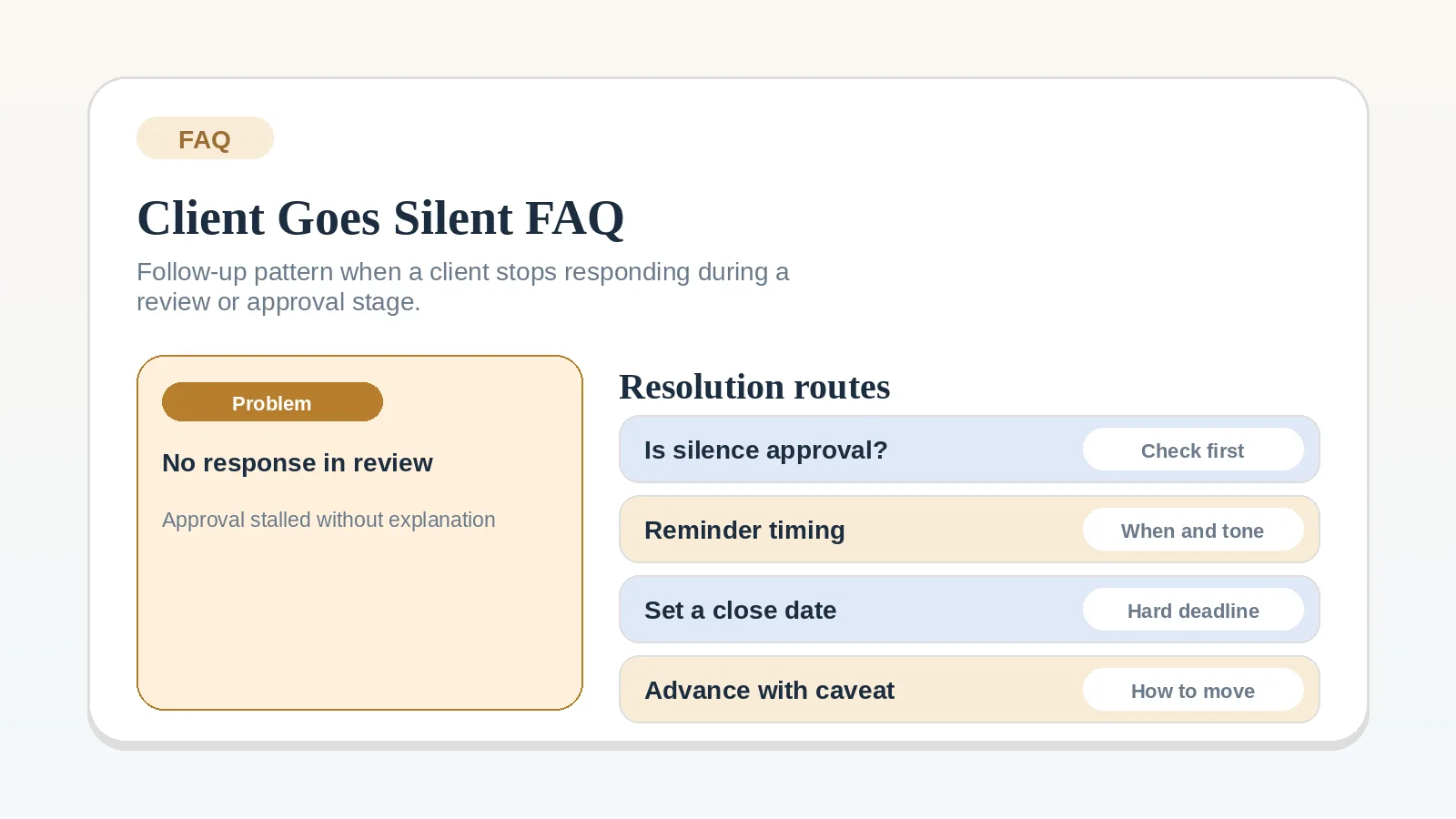
- The client has not responded at all.
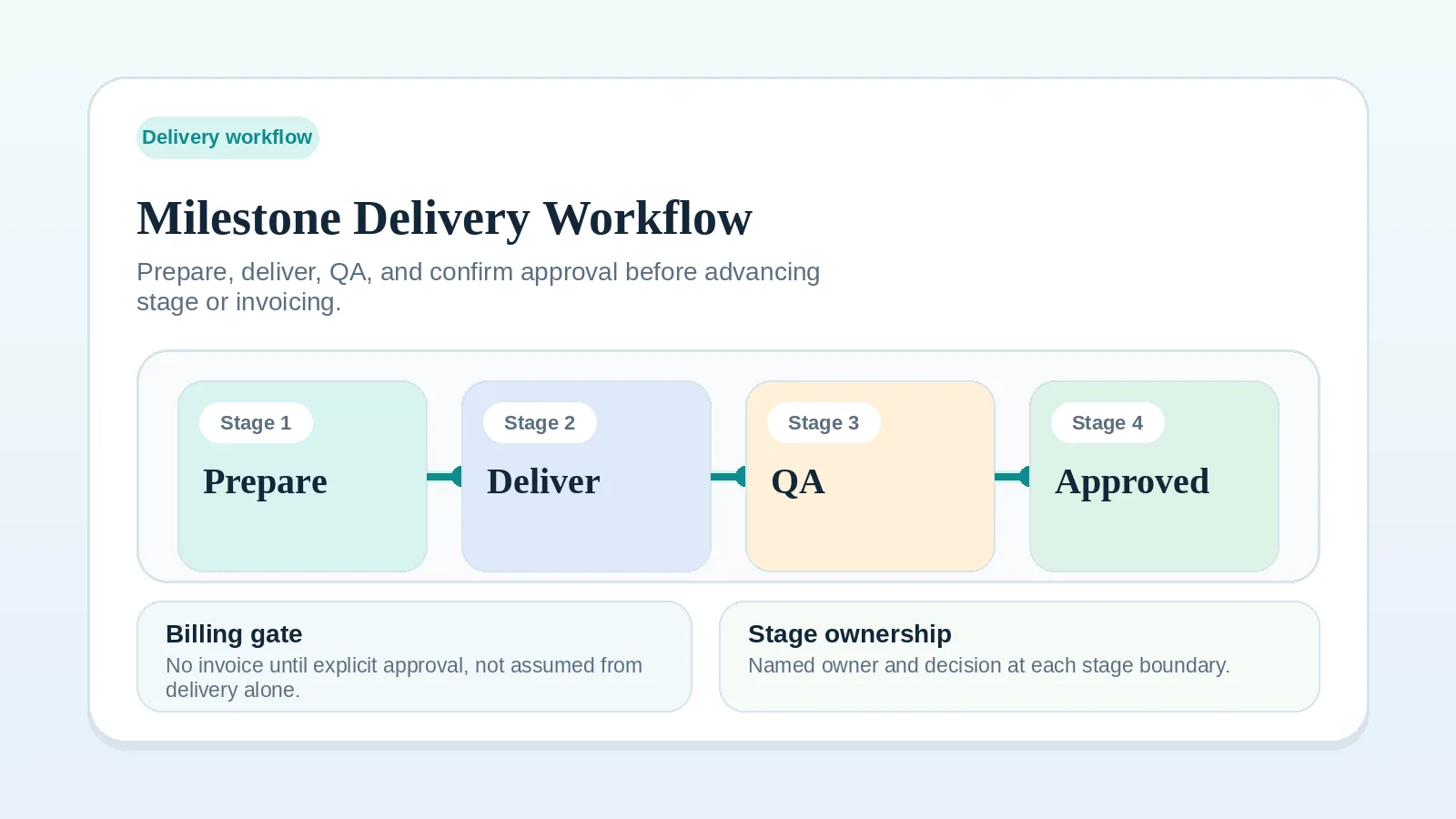
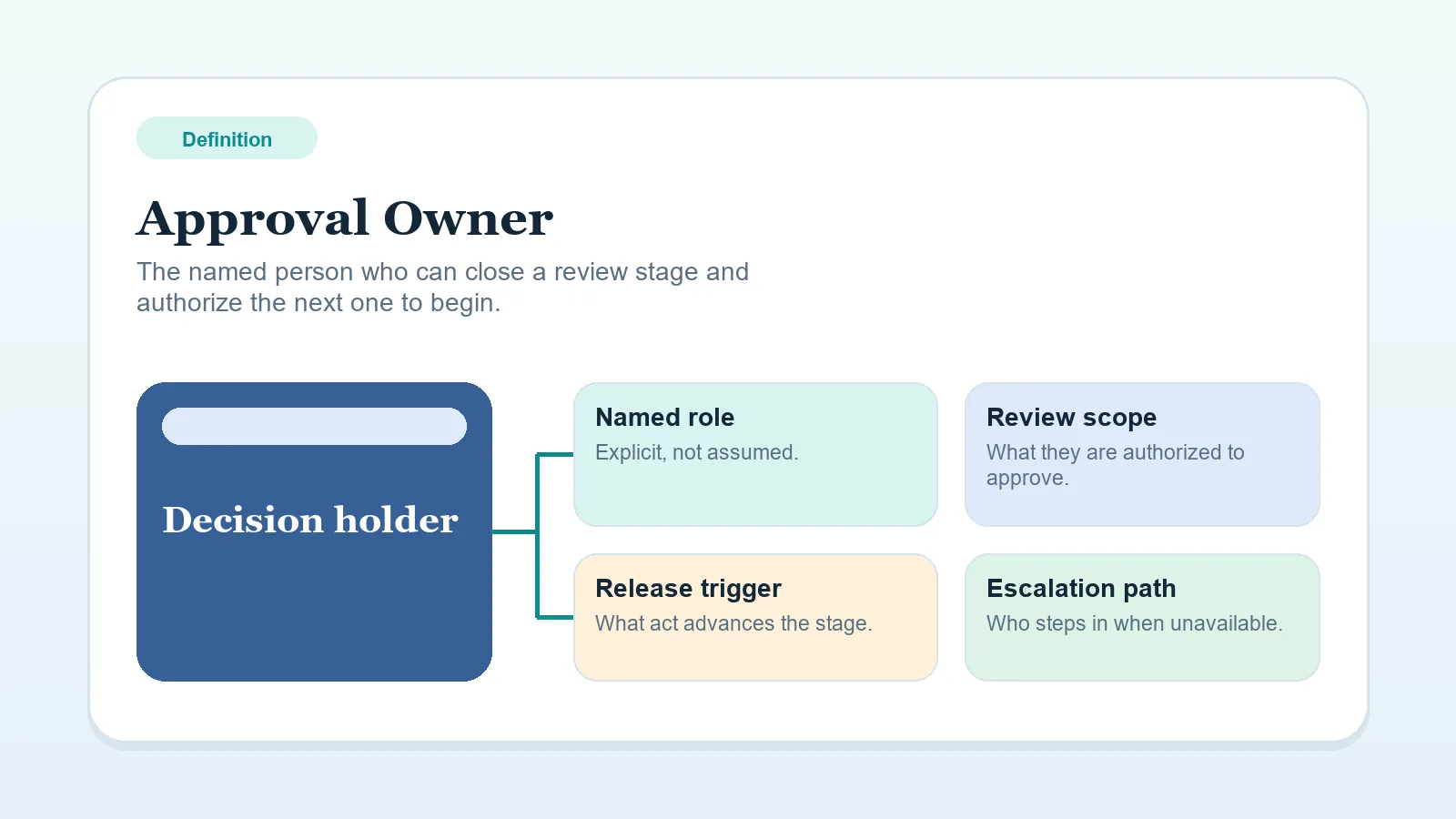
In those cases, go first to Milestone delivery workflow for solo service businesses, Approval owner, or FAQ: what should I do when a client goes silent during review?
Responses that need clarification
Unless your agreement or review rules explicitly say otherwise, do not treat these responses as approval:
- “looks good so far” or “this is great” in chat,
- verbal confirmation on a call with no written follow-up,
- silence after a review window closes,
- a positive comment from someone who is not the Approval owner,
- partial feedback that addresses some items but leaves the final decision open.
Positive language without a documented decision leaves the stage open when the workflow requires explicit approval.
A usable approval record
A clear approval record identifies:
- the deliverable, milestone, and exact version being accepted,
- the named approval owner and the date of their answer,
- the explicit decision and any conditions or exclusions,
- the agreed channel and a link to the original decision in the project record.
Compare that record with the approval terms in the agreement. If the workflow requires explicit approval and the record lacks one of these details, ask for clarification before treating the stage as closed.
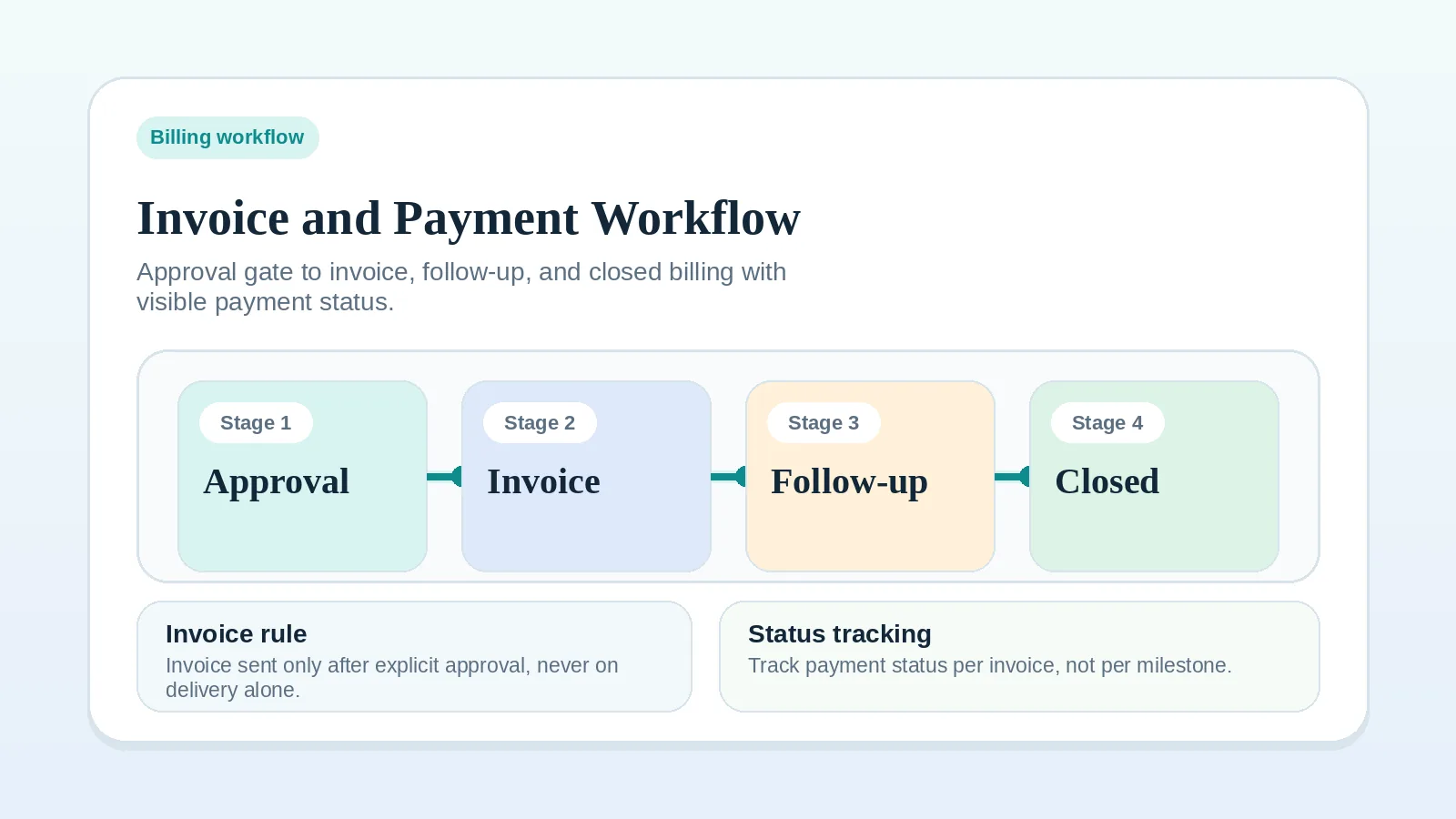
Verify the billing trigger
When an invoice is contractually tied to approval, verify that:
- the deliverable or milestone review is formally closed with a named approval,
- the outcome is in the project record,
- any open revision or dependency is either resolved or explicitly deferred to a later stage,
- the invoice trigger in the agreement is met.
If the billing terms use a different trigger, follow those terms. Do not replace the agreed trigger with an implied approval rule during the project.
Verify the next-stage trigger
When the next stage depends on current-stage approval, confirm that:
- the approval for the current stage is recorded, not just assumed,
- any handoff inputs for the next stage are identified,
- the next action owner and their first task are clear.
If the agreement permits work to continue without explicit approval, document the condition that allows it and keep any unresolved review item visible.
When to ask for explicit approval
Ask directly when:
- the client responded positively but did not clearly accept,
- a call included positive feedback but no written confirmation arrived,
- the original agreement names approval as a billing trigger,
- the next stage requires the current one to be confirmed complete.
A short message works:
“Can you confirm whether [milestone and version] is approved as delivered, or list the revisions still needed? Once approval is recorded, I can [next step allowed by our agreement].”
What to do if approval is genuinely unclear
If the client’s response is ambiguous and asking again feels premature:
- check whether the original agreement or onboarding rules defined what approval should look like,
- confirm whether the person who responded is actually the named approval owner,
- if neither is clear, send a direct clarification request, state what you need, and document the request.
If the review has stayed open long enough that silence is now the main issue, use FAQ: what should I do when a client goes silent during review? instead.
Continue from the approval state
- If the milestone review stage is still being set up, go to Milestone delivery workflow for solo service businesses.
- If the approval owner is unclear, go to Approval owner.
- If several stakeholders are commenting and no routing rule exists, go to Approval and feedback routing worksheet for multi-stakeholder review.
- If approval is confirmed and billing is the next step, go to Invoice and payment workflow setup.
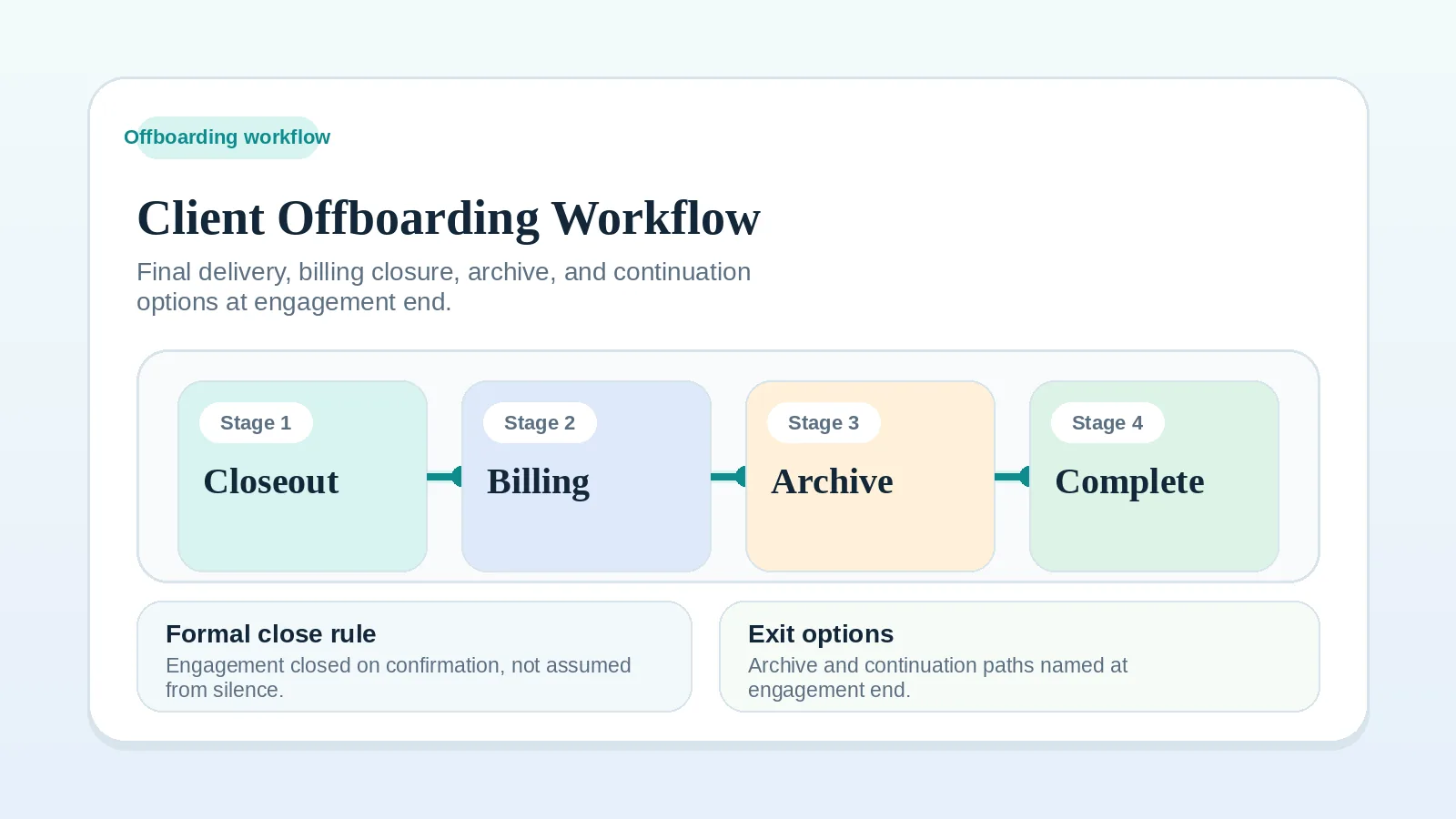
- If the milestone is the final one and closeout is next, go to Client offboarding workflow for freelancers and solo service businesses.