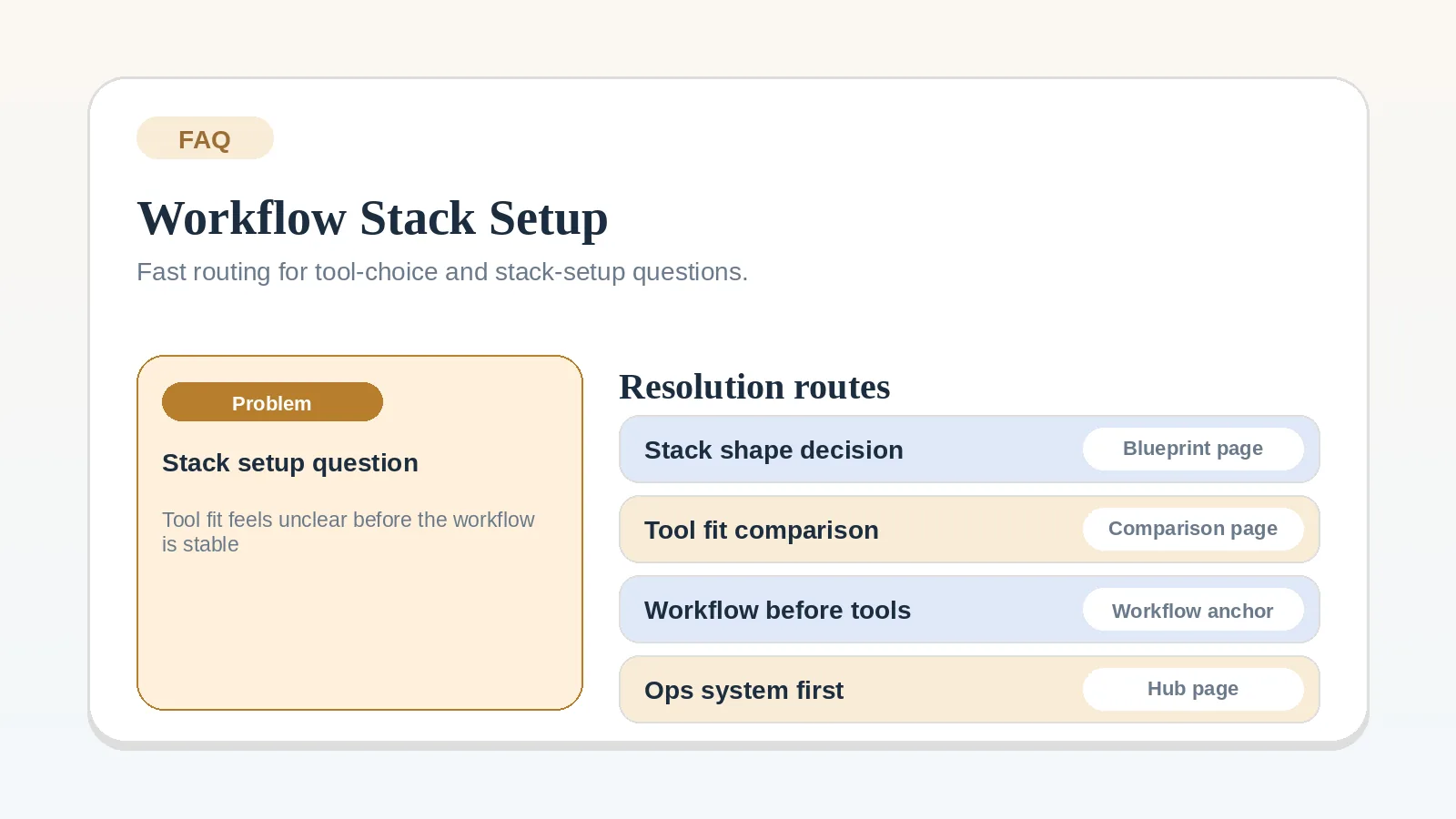
Each answer below settles one stack setup question and points to the workflow, blueprint, or comparison that contains the implementation detail.
Start with a broader guide when
- the client lifecycle is not mapped yet,
- you need a full stack model rather than a short answer,
- you still cannot tell whether the problem is workflow design, system center, or tool count.
In those cases, go first to Freelance client workflow system: inquiry to final payment, Lean software stack blueprint for solo freelancers, or CRM vs project management for client workflows.
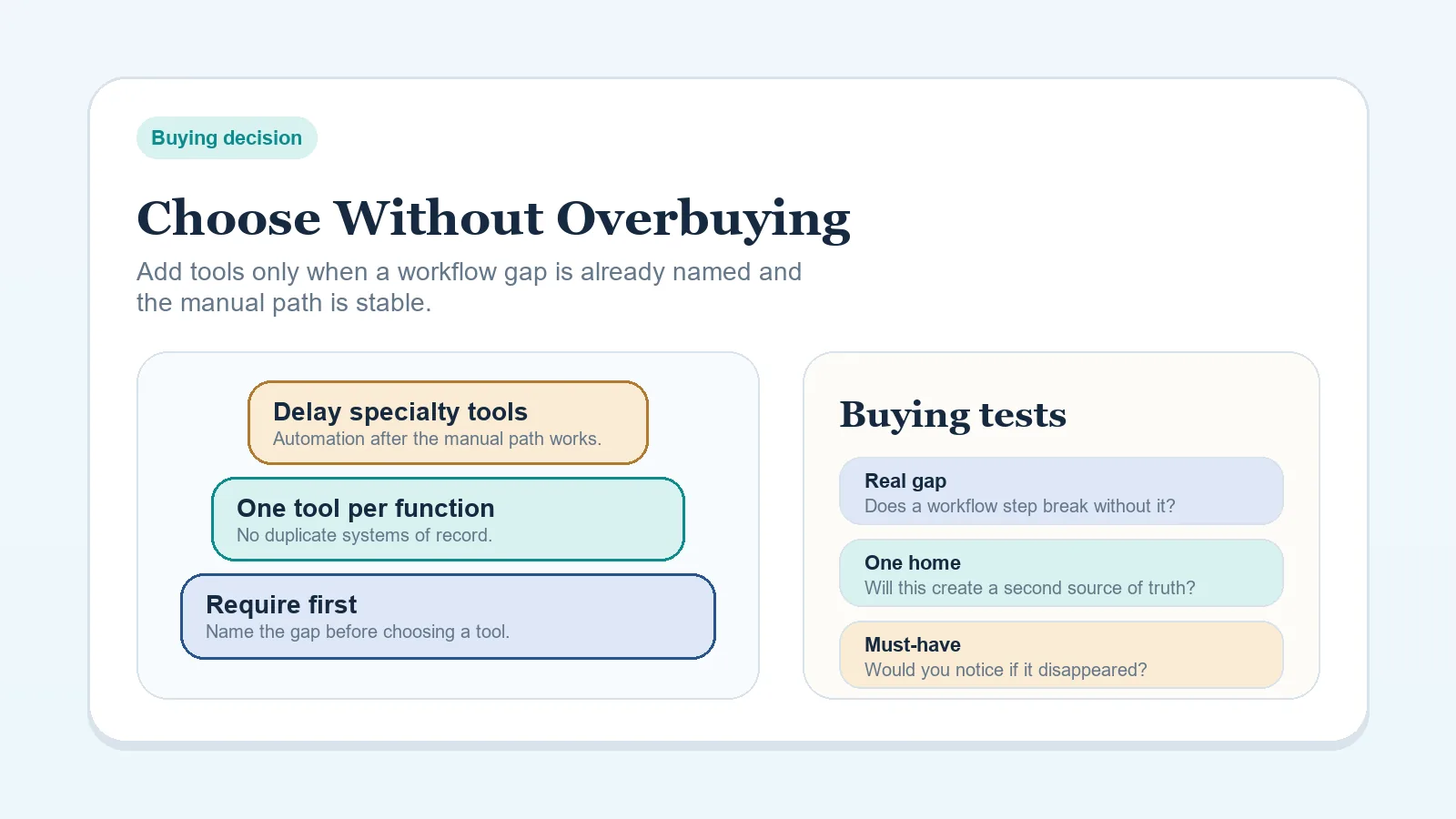
For spending limits rather than tool order, use how to choose a software stack without overbuying tools.
Should I choose tools before defining my workflow?
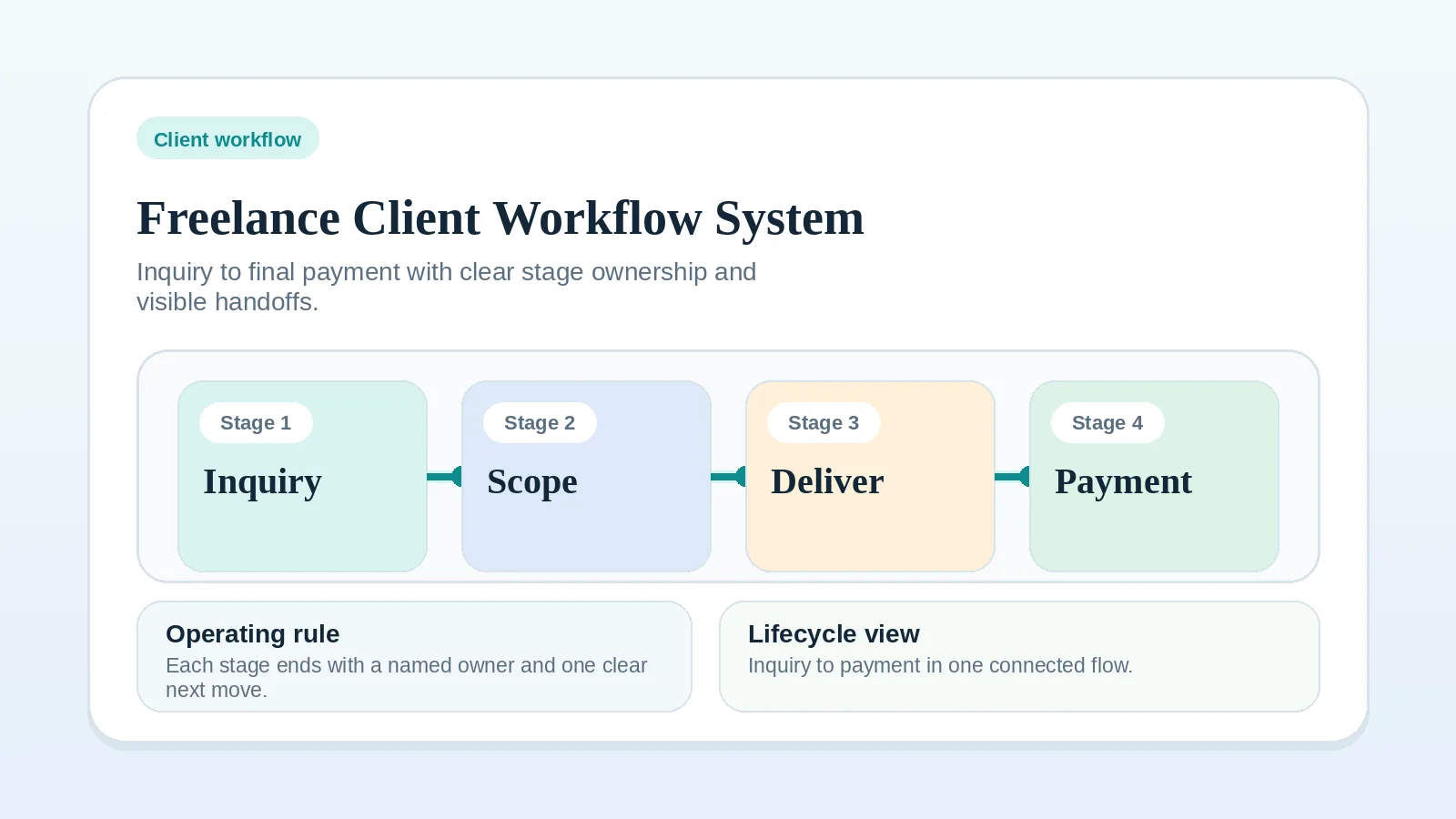
No. Define your stage sequence and handoffs first, then pick tool categories that support that flow. Start here: Freelance client workflow system: inquiry to final payment.
How many tools should a solo operator start with?
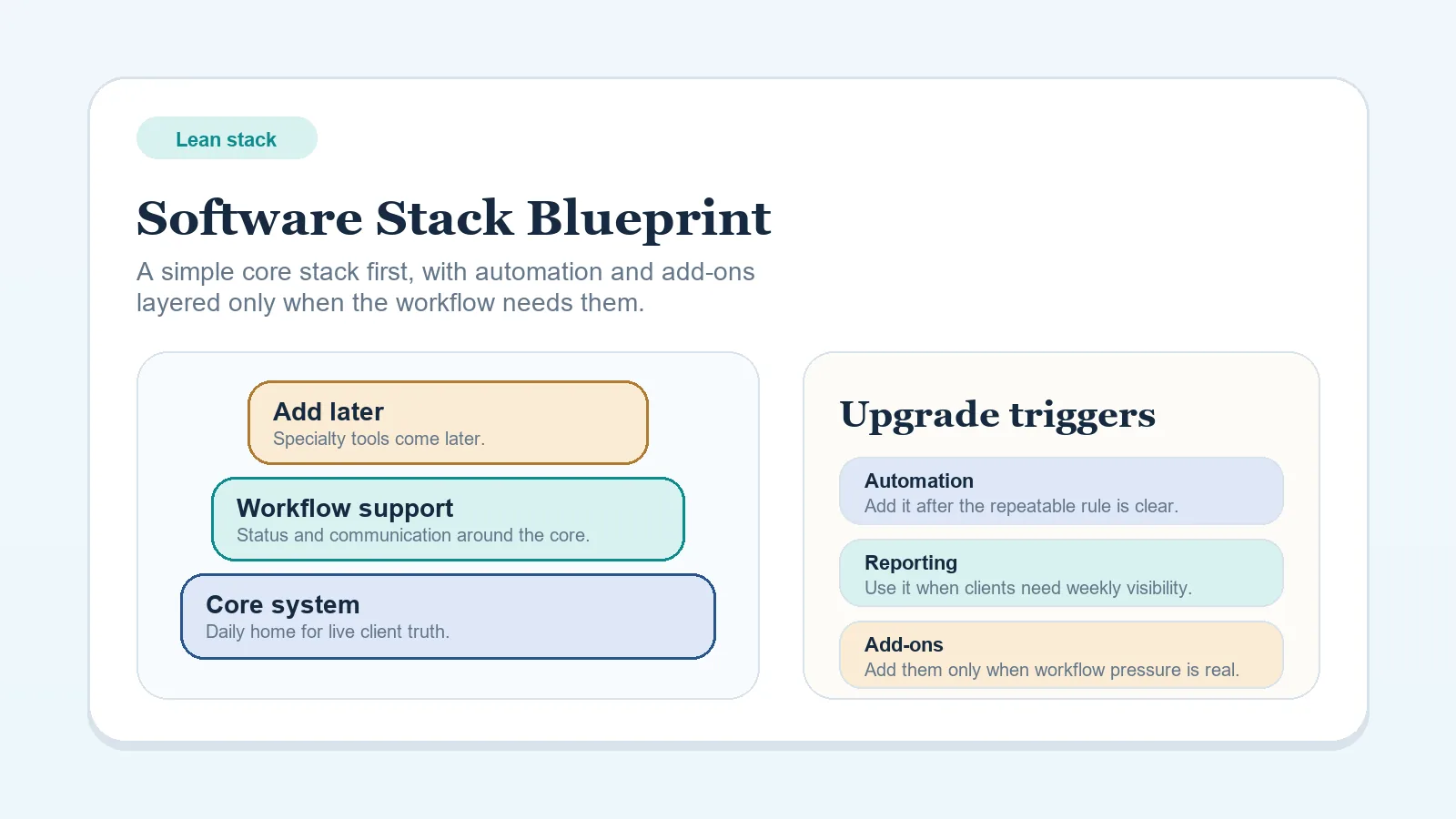
Use the smallest set that gives each responsibility a named home. You need to know where current client status lives, where client communication happens, how billing is handled, and where working files are stored. Plan those responsibilities with Lean software stack blueprint for solo freelancers.
The stack is too fragmented when you cannot identify where client status lives or how work advances without checking several places.
Should I run CRM-first or PM-first?
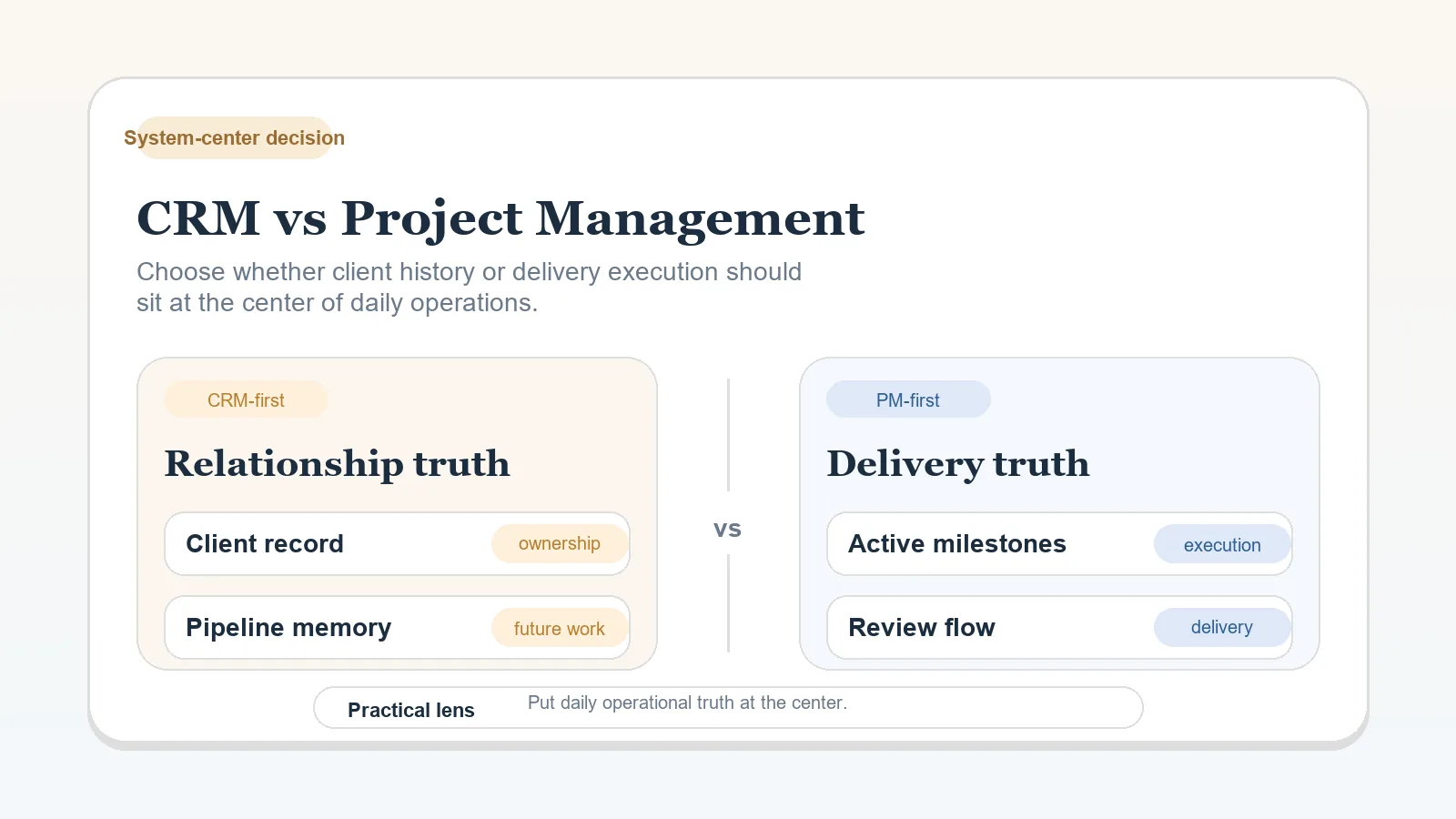
If lead management is your bottleneck, start CRM-first. If delivery control is your bottleneck, start PM-first. Compare models here: CRM vs project management for client workflows.
If both feel equally messy, map the workflow first. A hybrid setup will not repair an undefined handoff between sales and delivery.
Which process should I standardize first?
Start with intake and qualification when low-fit inquiries or incomplete discovery are entering delivery. Use How to build a client intake and qualification workflow.
If you already have strong inbound fit but projects still start messy, standardize proposal-to-contract handoff next instead of forcing more intake structure.
What should happen between discovery and kickoff?
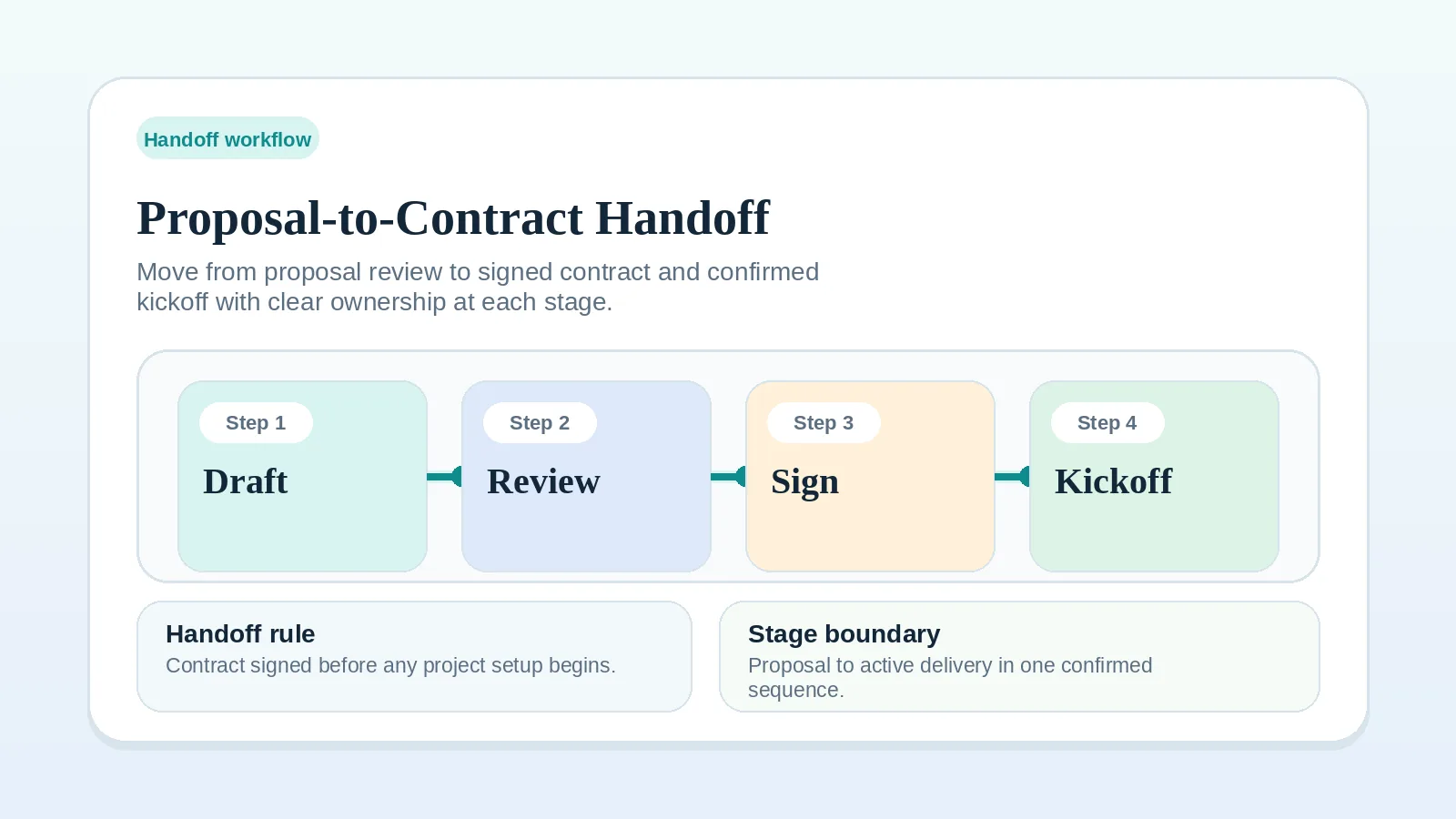
Record the agreed scope, timeline, responsibilities, and payment terms before onboarding. Use Proposal-to-contract handoff workflow setup.
How do I make invoice follow-up consistent?
Start with Invoice and payment workflow setup to fix the billing rule, then use the Invoice and payment workflow checklist to keep the follow-up cadence consistent.
If payments are late because milestone completion itself is undefined, fix delivery completion rules before changing reminder copy or finance tools.
What if onboarding feels repetitive?
Repeated steps are normal when comparable projects need the same setup. Use the client onboarding checklist to make those steps easier to repeat. If repetition means chasing the same missing access, clarifying scope twice, or rebuilding records, repair that part of the client onboarding workflow first.
How do I reduce risk while migrating active work?
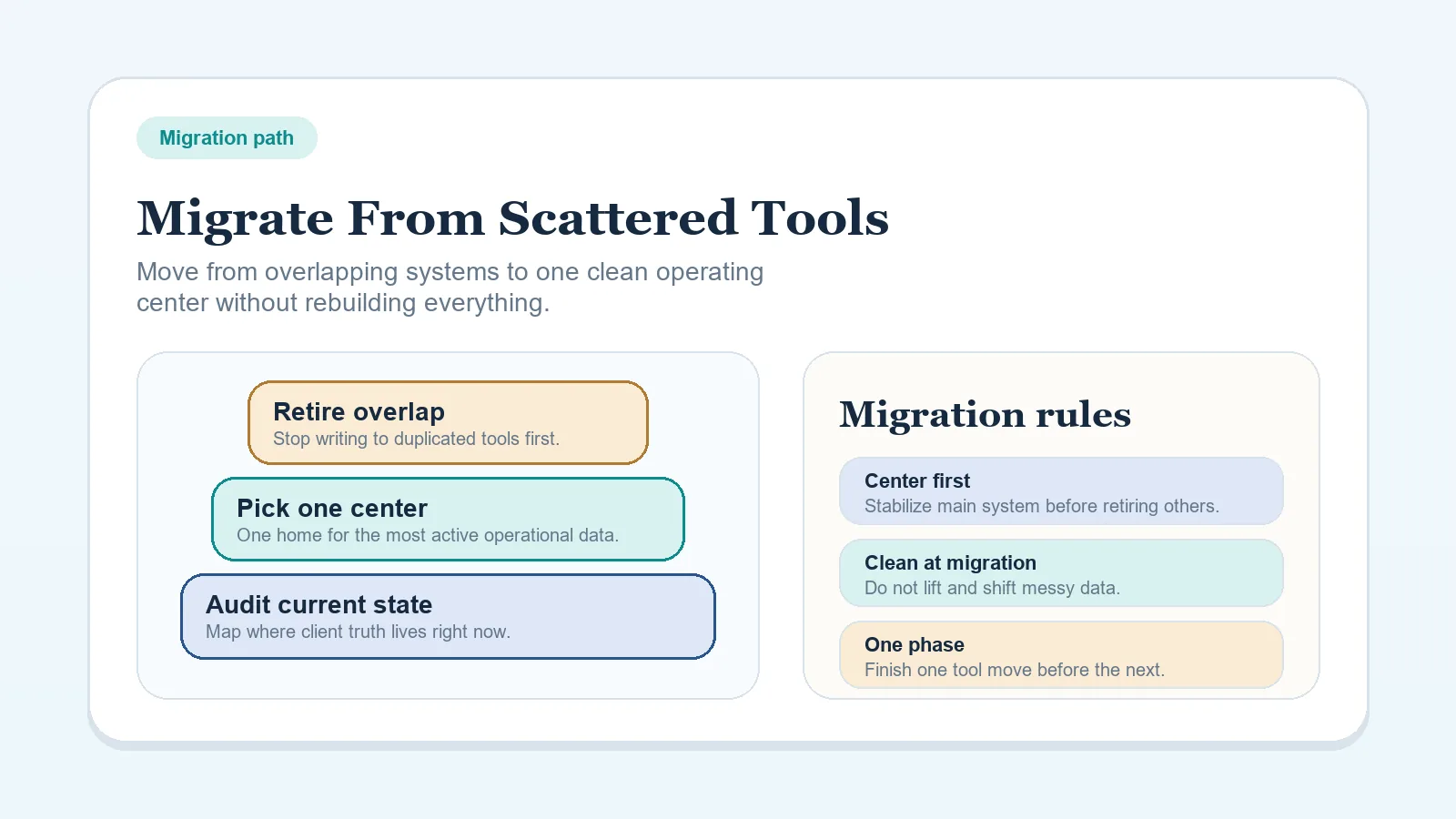
Move one defined workflow stage at a time, choose a small and recoverable pilot, and keep the previous record available until the new one is verified. Use How to migrate from scattered tools to one workflow system.
Which step should a tool run first?
Start with a stable, repetitive administrative task such as creating a reminder or recurring checklist. Use Rule-based workflow steps for solo service businesses.
If a task still needs judgment, undocumented exceptions, or frequent rewriting, leave it manual.
Do I need a glossary page before I can make stack decisions?
Use the glossary only when an unclear term is blocking the decision. Read System of record to decide where current client status should live, and Workflow handoff when a stage boundary is unclear.
What if the problem is process discipline, not tool choice?
Start with the lifecycle workflow, define one stage, and return to the stack decision after the sequence is stable enough to evaluate it.
What if I already have too many places tracking client status?
Treat that as a system-of-record question before adding another tool. Use System of record to clarify where current status should live, then return to CRM vs project management for client workflows if you still need to choose the operating model.
Pick the next guide
That depends on the kind of blockage:
- If the client path itself is not mapped yet, open Freelance client workflow system: inquiry to final payment.
- If the issue is stack shape or tool count, open Lean software stack blueprint for solo freelancers.
- If the issue is where client operations should live, open CRM vs project management for client workflows.
- If the issue is terminology blocking the decision, open Glossary and return to the decision once the term is clear.
If more than one answer fits, return to the full client workflow or lean stack blueprint before changing the stack.