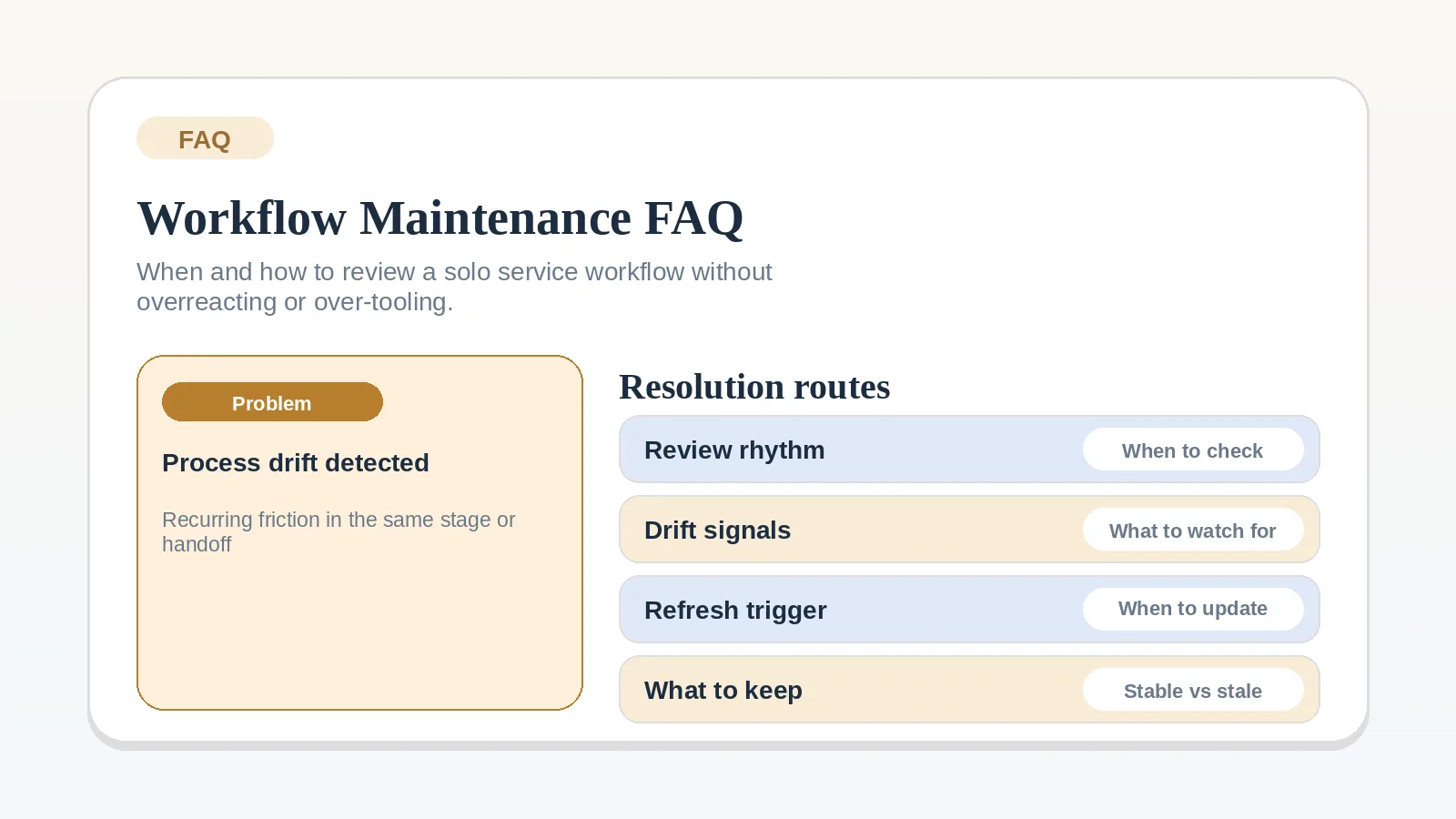
This FAQ assumes a client workflow is already in use. It helps you separate temporary workload pressure from a recurring process problem, then choose one stage to repair before changing tools.
Use a setup guide instead when
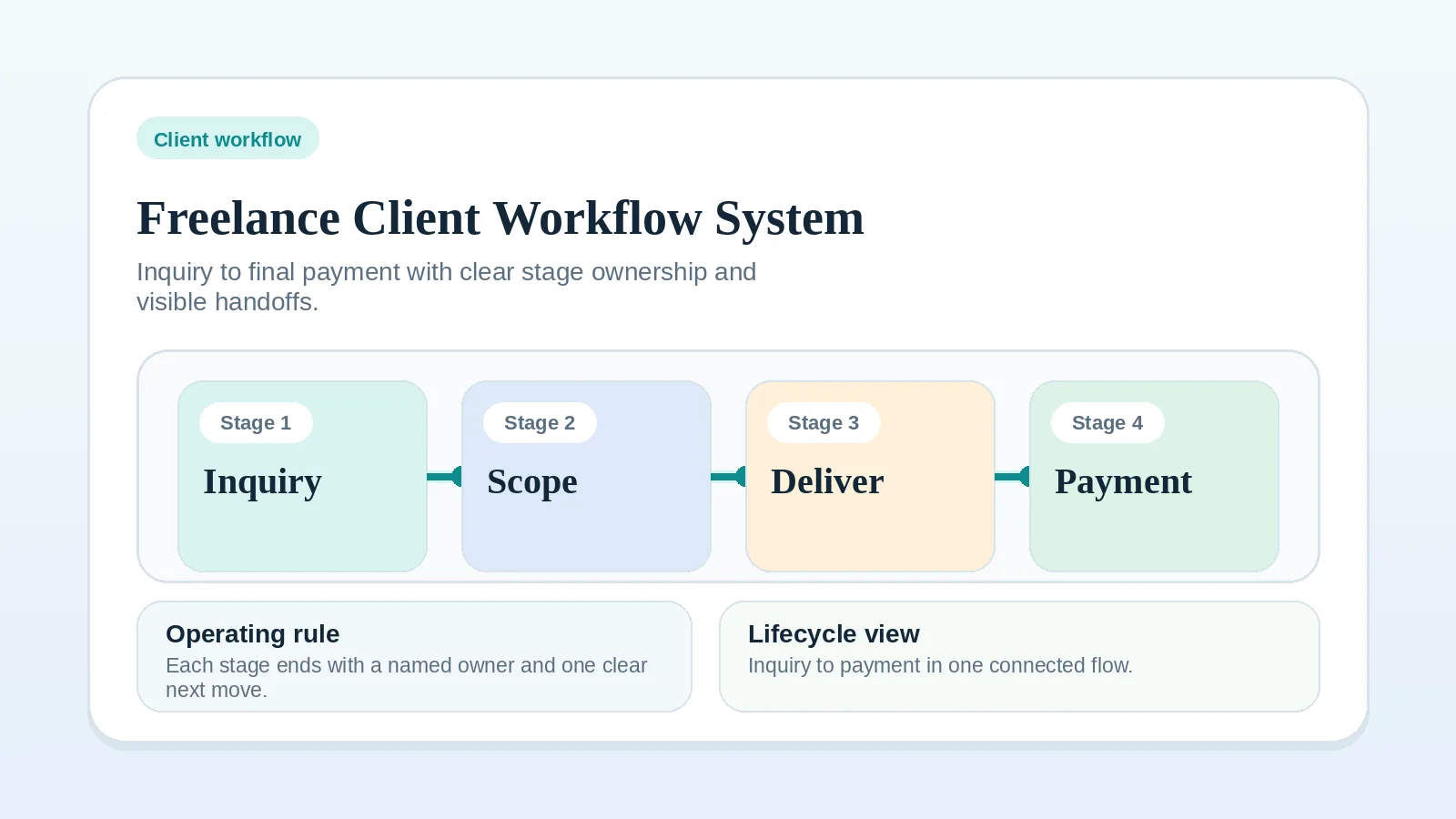
If you are building the process for the first time or cannot identify the failing stage, start with Freelance client workflow system: inquiry to final payment. If the process is clear but the tool roles are undecided, use the lean software stack blueprint.
Choose a review cadence
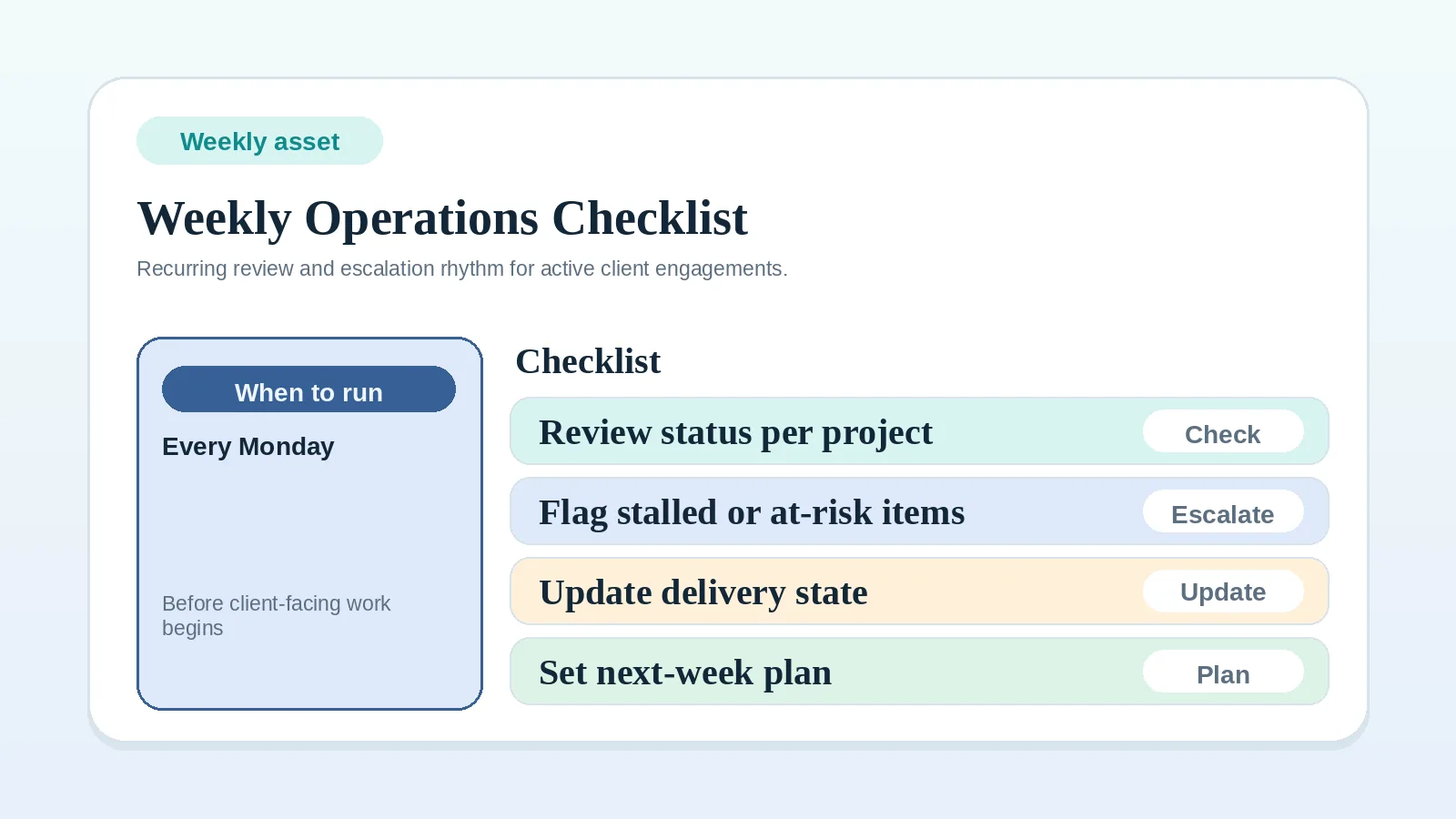
Match the review cadence to how often client status changes and how much risk can build between checks. Use the Weekly client operations checklist if a weekly control point fits your workload. Run a deeper review when the same problem recurs, a service changes, or the system stops matching the work.
What to inspect in a deeper review
Review:
- where current client status lives,
- which stage creates the most repeated friction,
- whether billing, approvals, and blockers are still visible,
- whether any template or tool-run rule is out of sync with the current process,
- whether new services or client types have changed the workflow assumptions.
A clear sign of workflow drift
If answering “what happens next?” requires checking email, chat, memory, and a project board, the system of record no longer resolves current status. Return to Freelance client workflow system: inquiry to final payment and tighten the affected stage.
Improve the process before adding a tool when
Improve the process first when:
- the rule itself is still unclear,
- the same handoff fails in different tools,
- the issue depends on judgment rather than repetition,
- no one can explain what “done” looks like for the step.
If the problem is repeated coordination drag inside a stable process, tool changes may be justified later.
Keep maintenance narrower than a rebuild
Use a smaller repair instead of reacting to every annoyance with a new tool, a new board, or a full rebuild:
- tighten one stage,
- restore one source of truth,
- remove one recurring ambiguity,
- then observe the system again.
A recurring control check
At your regular control point, check:
- current stage and next action for each active client,
- blocked work and missing approvals,
- invoices due or overdue,
- one repeated friction point from the week,
- whether any manual task is repetitive enough to document as a rule-based step.
Separate workflow drift from temporary workload
Treat it as drift when:
- the same question appears across several clients,
- you stop trusting the main system and start checking chat or memory,
- the same handoff needs cleanup more than once,
- billing, approvals, or blockers become harder to see.
Treat it as a busy week when the process still works but volume is temporarily high.
Add a tool-run step after the rule is stable
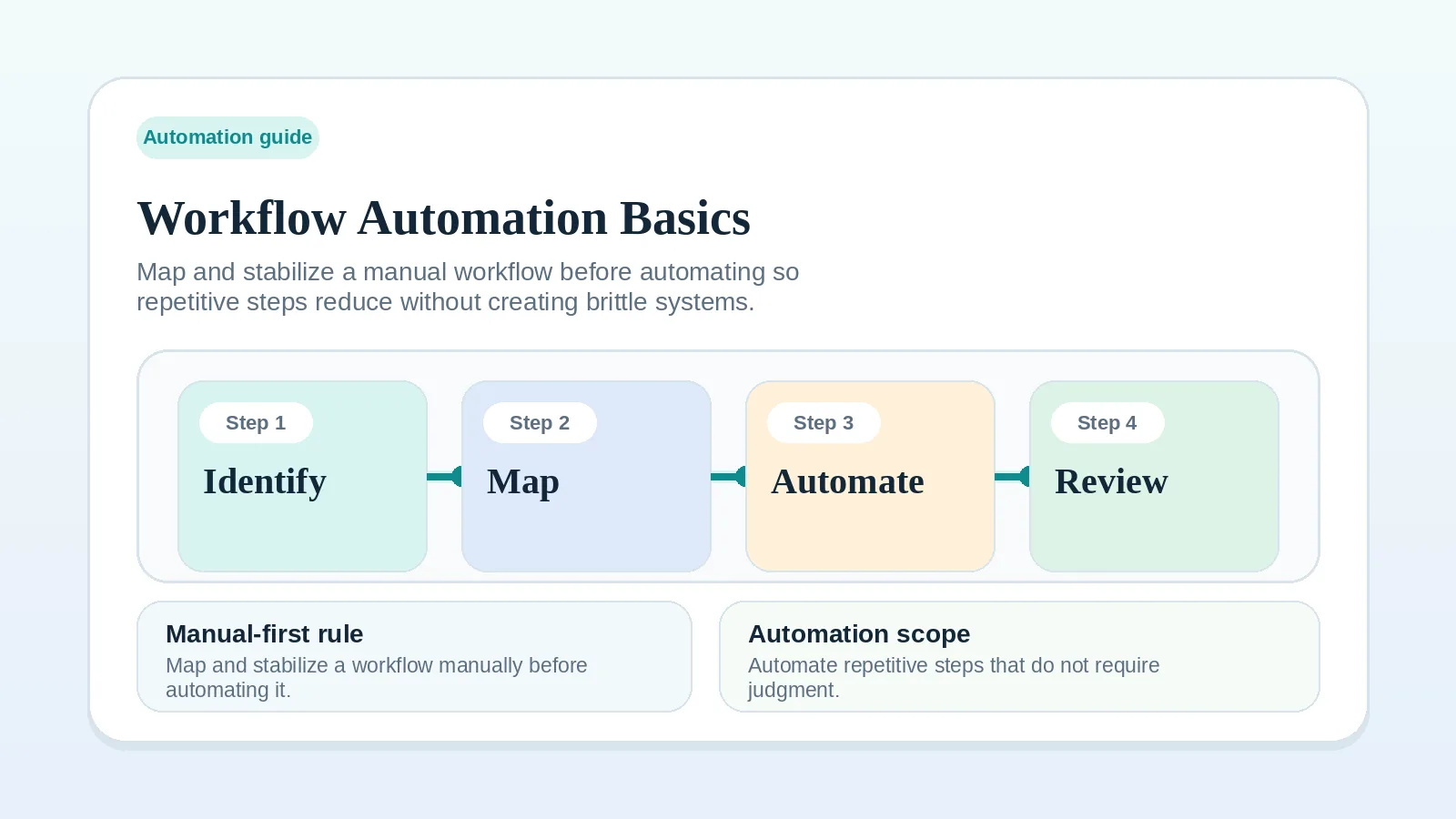
Keep the step manual while its rule, inputs, exceptions, or completion condition still change. Use Rule-based workflow steps for solo service businesses once you can describe the trigger, action, exception path, and owner without improvising them.
When added tools split current status
Treat split status as an ownership problem before buying or configuring another tool.
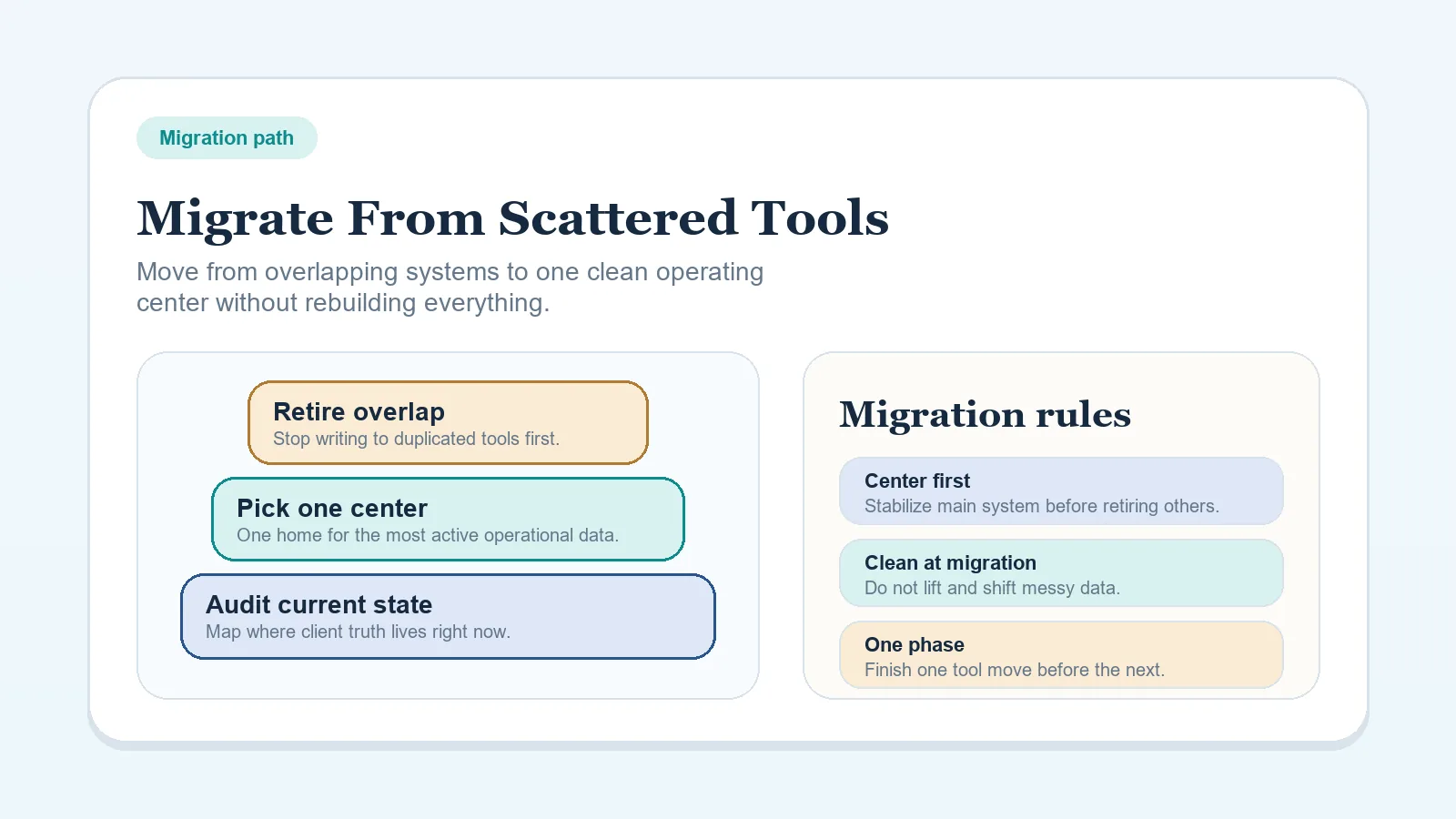
If current status is split across several places, use How to migrate from scattered tools to one workflow system before buying anything else.
Keep the project record and client update aligned
Ask whether the project record and the client-facing update still match.
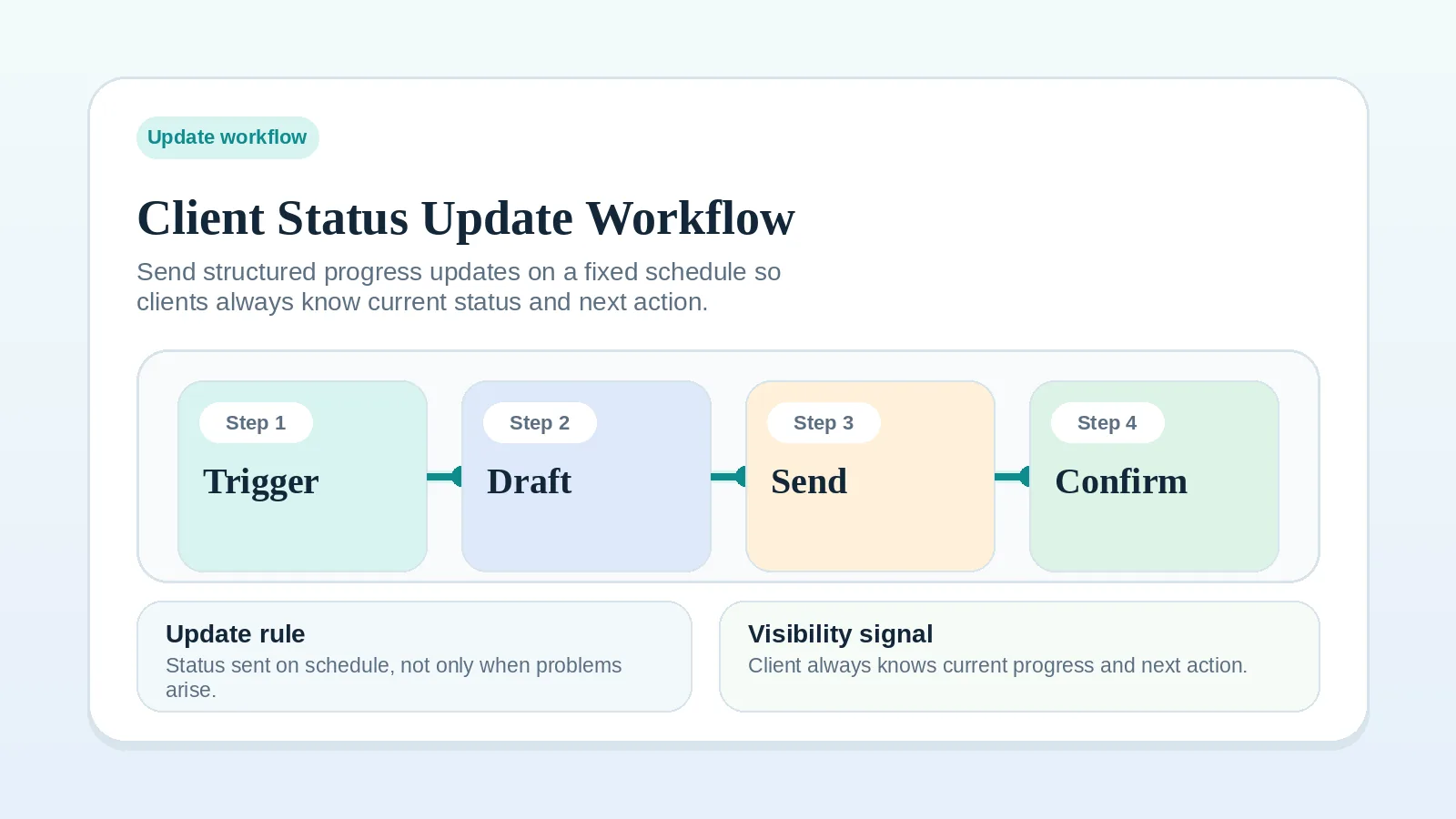
If they do not, a client may act on an old date or a decision that the project record no longer supports. Correct the conflicting status and tighten the client status update workflow before changing channels.
Match repeated issues to one stage
Several symptoms in the same stage justify reviewing that stage as one system rather than changing separate tools.
Go back to the affected process:
- For intake issues, use How to build a client intake and qualification workflow.
- For setup issues, use Client onboarding workflow for freelancers and consultants.
- For active-work issues, use Milestone delivery workflow for solo service businesses.
- For billing issues, use Invoice and payment workflow setup.
Choose the first repair
Do not redesign the entire system immediately.
Start with the highest-cost repeated issue:
- missed handoff,
- hidden blocker,
- weak billing trigger,
- unclear approval path,
- communication drift.
Fix one pressure point, observe the result, then review the adjacent stage.
Continue with the affected process
- If problems appear across several stages again, open Freelance client workflow system: inquiry to final payment.
- If recurring control is the issue, confirm the broader workflow still makes sense, then open Weekly client operations checklist.
- If the process is not stable enough for a tool-run rule, open Rule-based workflow steps for solo service businesses.
- If tool sprawl is the issue, open How to migrate from scattered tools to one workflow system.