Section hub

FAQ

Short routing answers for solo workflow, stack setup, onboarding, billing, migration, and automation questions.

This section is for recurring setup questions that do not need a full guide. Use it when you need a fast answer, a recommendation boundary, and a clear page to open next.

This hub should feel like a routing layer, not a content dead end. It exists to answer narrow questions quickly and send readers back into the stronger workflow, blueprint, comparison, or template page that deserves the deeper attention.

Treat the pages here as support pages, not the main destination for broad workflow decisions. The strongest pages on the site should still be the workflow anchor, key blueprints, major comparisons, and the best implementation guides.

If you only open one page from this hub, it should usually be because you already know the narrow blocker and need a quick recommendation boundary before moving back into a stronger guide.

If the answer you need sounds like it should reshape the whole workflow, stack, or delivery model, leave this hub and return to a stronger cornerstone page instead of browsing more FAQ pages.

If you catch yourself comparing several FAQ answers before taking action, that is usually a sign you should stop here and move back to a cornerstone workflow, blueprint, or comparison page.

The safest first path through this hub

  1. Confirm that the blocker is one narrow question rather than a broad redesign problem.
  2. Open the single FAQ page that matches that blocker.
  3. Leave immediately for the stronger workflow, blueprint, comparison, or template page linked from the answer.

How to use this hub

  • Use it for narrow setup questions, not broad redesigns.
  • Treat each answer as a recommendation boundary, not a full implementation plan.
  • Follow the linked next step immediately if the issue affects a live workflow.

Start here only when the question is genuinely narrow

  • Start with the workflow anchor if the whole client path still feels messy.
  • Start with the lean blueprint if the stack still feels heavier than it should.
  • Start with a comparison if the real problem is choosing between two plausible system models.
  • Start here only when one bounded question is blocking the next move.

Fastest useful starting points

If those all sound plausible at once, this hub is still too narrow and you should return to a cornerstone page.

Start with the blocker, not the whole library

If that page does not resolve the blocker cleanly, the right move is usually not to keep browsing FAQ content. It is to jump into the strongest related cornerstone page immediately.

Best uses for this hub

  • You know the question but not the right deeper page.
  • You need a recommendation boundary before spending time on a full guide.
  • You want to confirm whether the real issue is workflow design, stack shape, or implementation detail.

Questions this section is built to answer

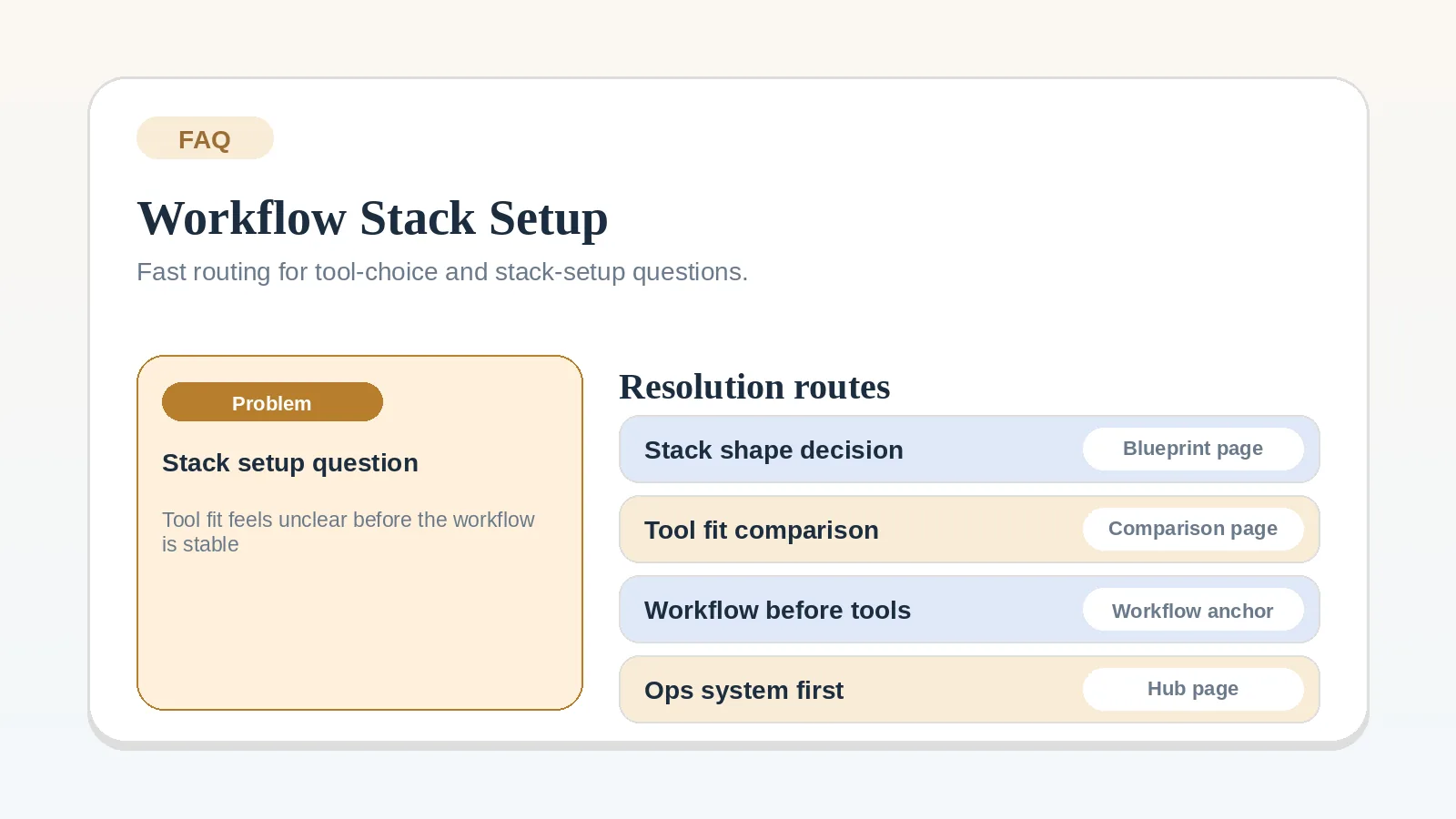
  • tool order and stack size
  • CRM-first vs PM-first
  • intake, handoff, onboarding, and billing setup
  • migration and automation timing
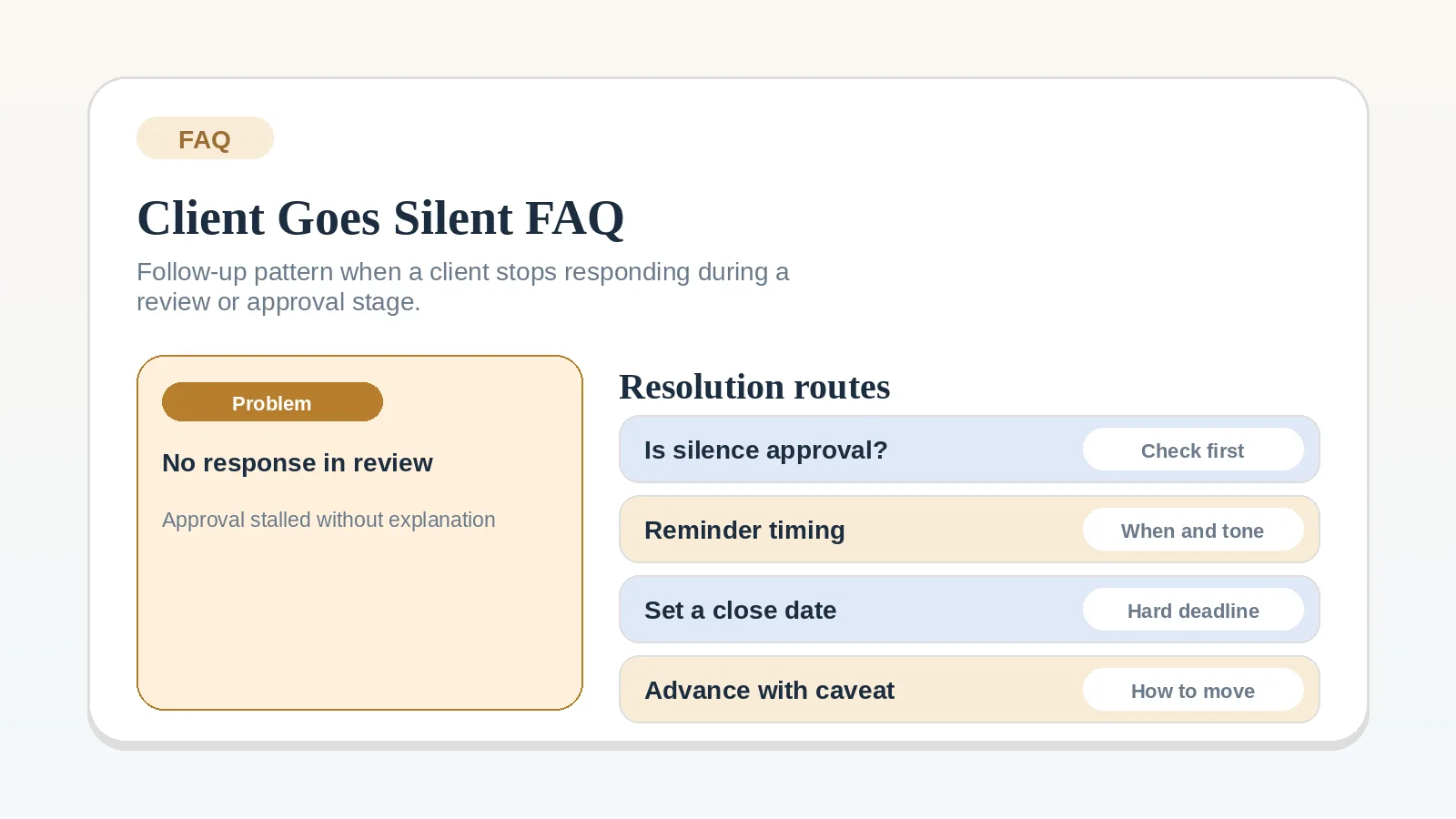
  • stalled review and client silence
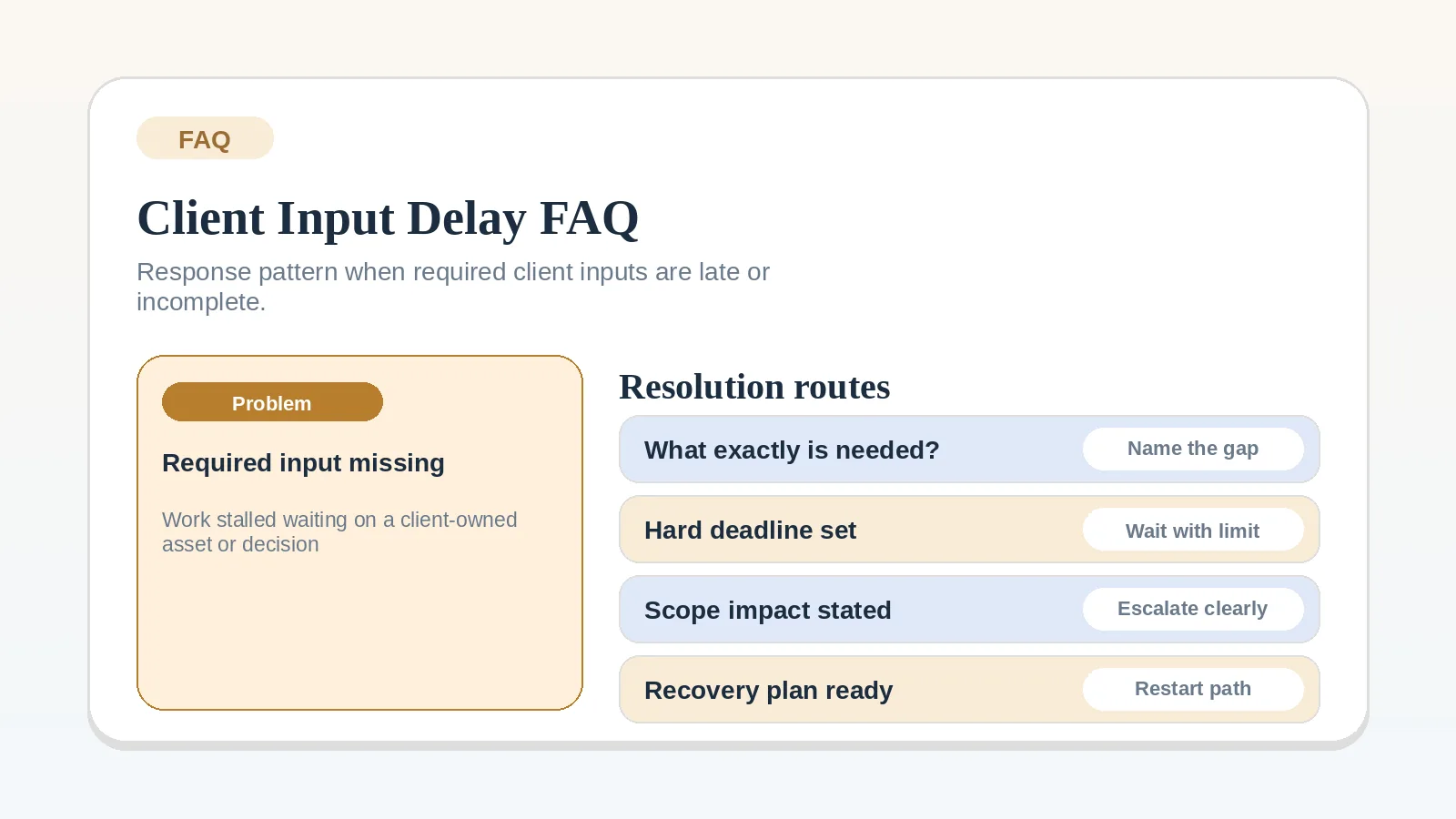
  • late inputs, missing access, and blocked dependencies
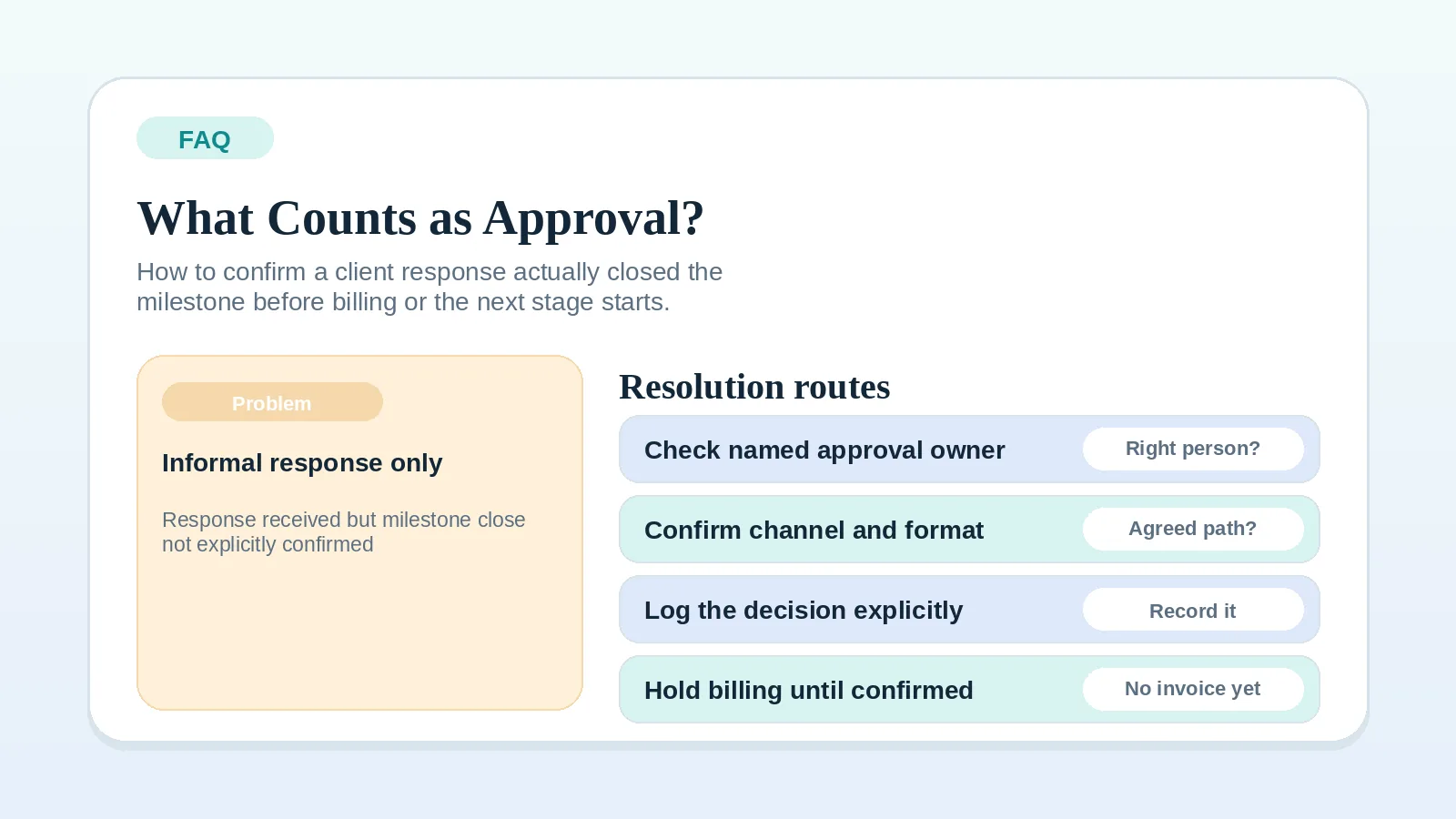
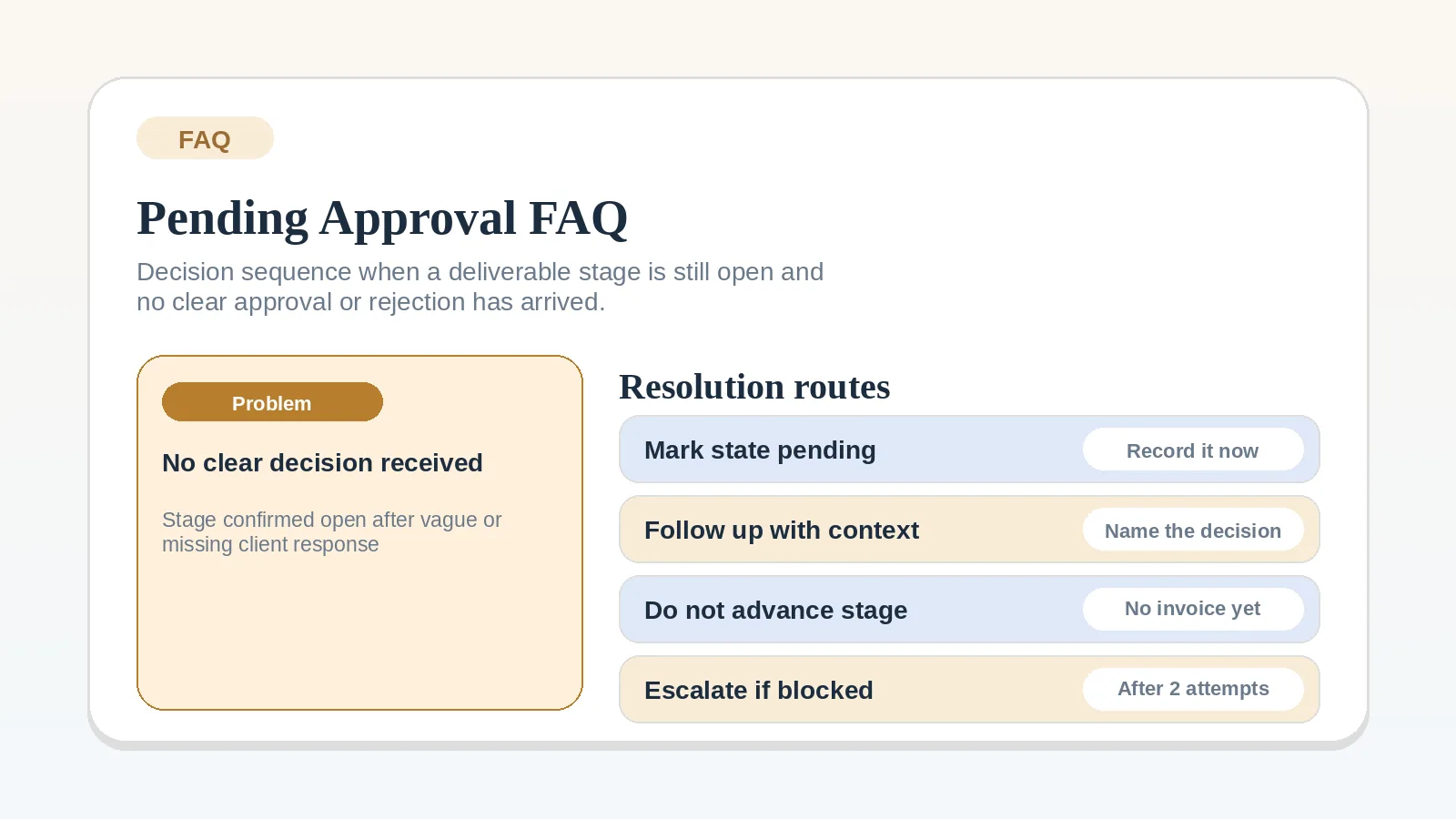
  • approval clarity before billing or the next stage starts
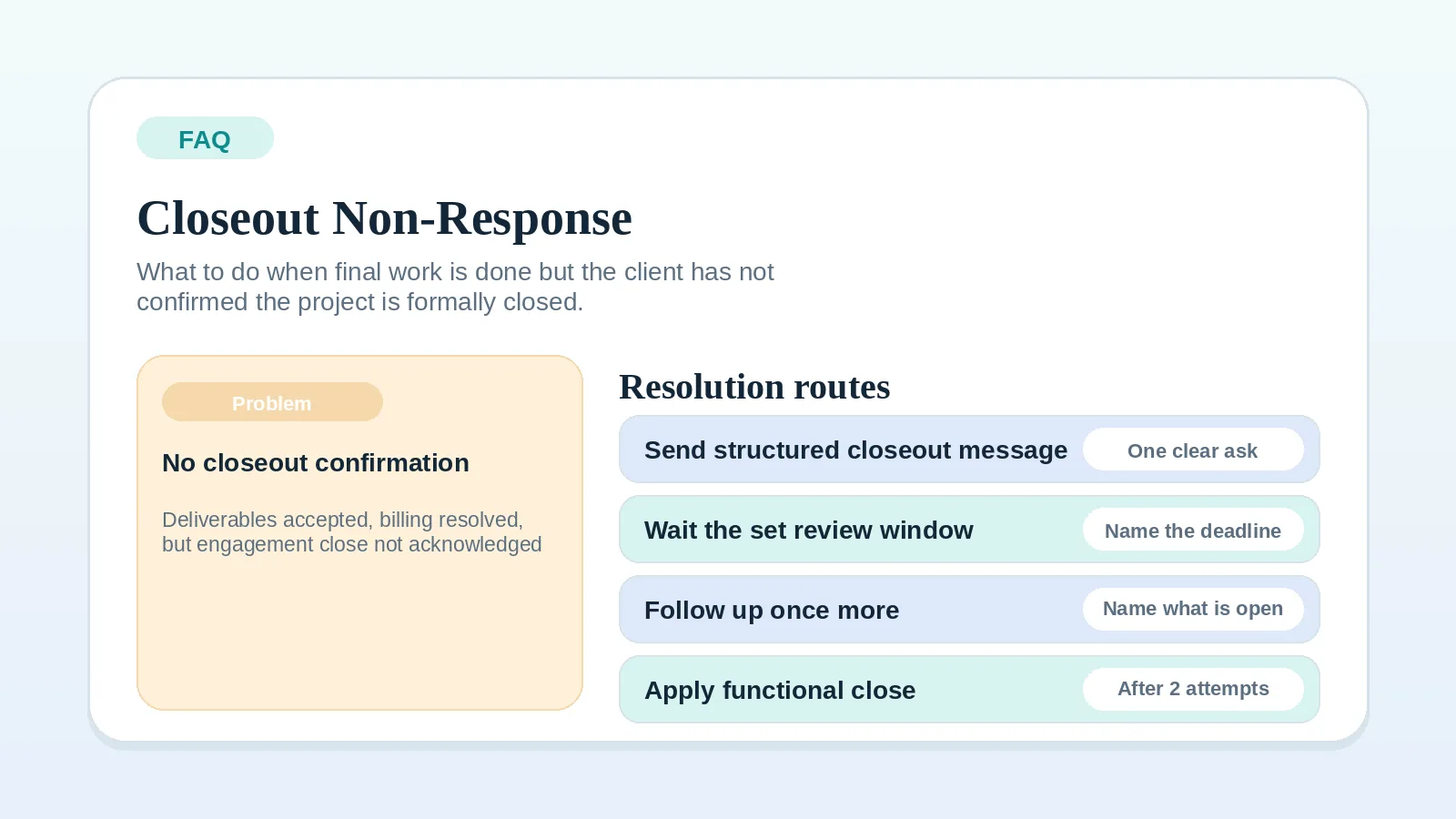
  • final project closeout non-response after all work is accepted

Where to start by blocker type

Where to go after a quick answer

What a good FAQ page should do here

  • answer one narrow question quickly,
  • name the boundary of that answer,
  • send the reader to one stronger implementation page,
  • avoid becoming a shallow substitute for the main guide.

Leave this hub when

  • more than one answer seems relevant at the same time,
  • the issue spans several lifecycle stages,
  • the question is really about stack shape rather than one setup blocker,
  • you need a workflow redesign rather than a routing answer.

Priority pages

Start with the strongest pages in this hub

These pages carry the main lifecycle, decision, and implementation paths for this topic area. Open them before drilling into narrower supporting pages.