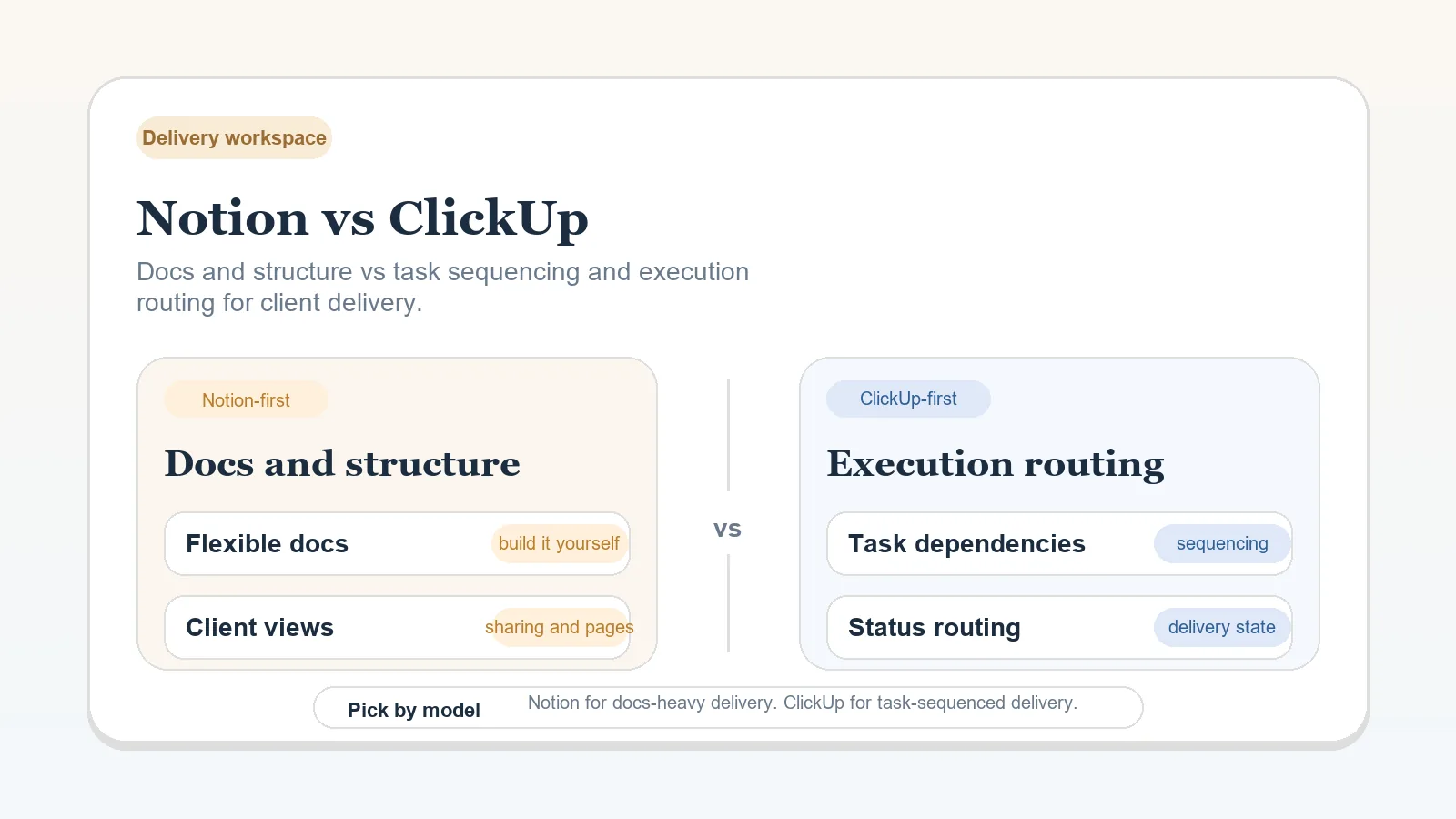
Both Notion and ClickUp support tasks and dependencies. Choose by how you need to organize client work, then test the dependency settings you intend to use. A relationship between tasks does not by itself establish an approval rule.
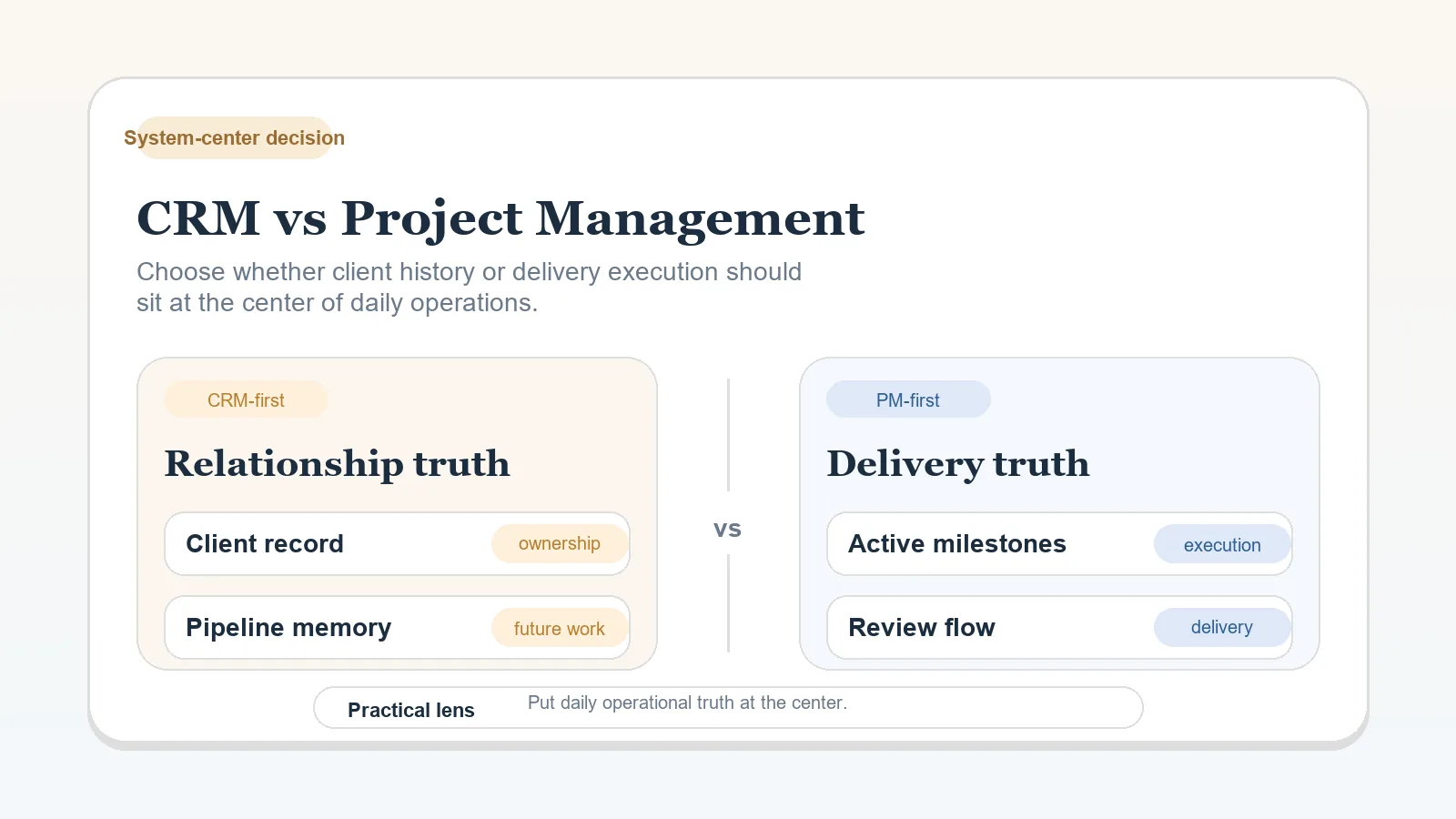
Use this comparison after choosing a project-management-centered operating model. Resolve CRM versus project management first if the system center is still open.
Documented capabilities
Notion documents sub-items in database views and task dependencies with optional date shifting. See Notion’s sub-items and dependencies documentation.
ClickUp documents a hierarchy of Workspace, Spaces, optional Folders and Subfolders, Lists, tasks, and subtasks. Its dependency relationships, where one task blocks or waits on another, are available on all plans. See ClickUp’s hierarchy documentation and dependency documentation.
ClickUp’s dependency warnings and date rescheduling need their respective ClickApps enabled. Rescheduling also requires a due date on the blocking task and a start date on the waiting task. See the rescheduling requirements. Test those settings before assuming a delayed task will move later deadlines or produce a warning when someone closes dependent work.
These sources establish capabilities only. Check current plan and permission details in the provider documentation before relying on a feature.
Compare the operating model
| Decision | Notion model | ClickUp model |
|---|---|---|
| Primary structure | Pages and databases that you define for the service | A predefined workspace hierarchy containing lists, tasks, and subtasks |
| Delivery context | Documentation and task records can share the same page and database environment | Task records sit inside explicit hierarchy locations with their own fields and relationships |
| Dependencies | Supported in databases, with optional date shifting | Supported as task relationships; warnings and rescheduling require the relevant ClickApps and settings |
| Main maintenance risk | Inconsistent conventions across flexible databases and pages | More hierarchy, statuses, or fields than the delivery process needs |
The maintenance risks are editorial inferences from each documented structure. They are not provider performance claims.
Choose Notion for adaptable records
Notion is a fit when project context, decisions, and flexible databases need to live together and you are willing to define the operating conventions.
Before rollout, specify:
- the database that owns current project status;
- the required fields for stage, owner, next action, and blocker;
- how sub-items and dependencies will be used;
- which pages are reference material rather than active records.
Without shared conventions, different projects end up using different names or locations for the same current fact.
Choose ClickUp for explicit hierarchy
ClickUp is a fit when the team wants work to live inside a defined hierarchy of locations and task records. The hierarchy can make ownership and recurring task structure more explicit, but it still requires limits.
Before rollout, decide:
- which hierarchy levels the solo operation needs;
- the allowed statuses and required fields;
- which dependencies require a pause, and who checks the approval or completion evidence before work resumes;
- which views support a real review decision;
- which optional configuration will remain unused.
Watch for hierarchy that needs more upkeep than the delivery decisions it supports.
Decide without switching for appearance
Keep the current product when it can represent the required stage, owner, next action, blocker, and completion condition. Fix conventions before migrating merely because another interface looks more organized.
Consider switching when a documented requirement cannot be supported, permissions or hierarchy prevent the required handoff, or maintaining the current workaround costs more than migration and retraining.
Put the choice into delivery
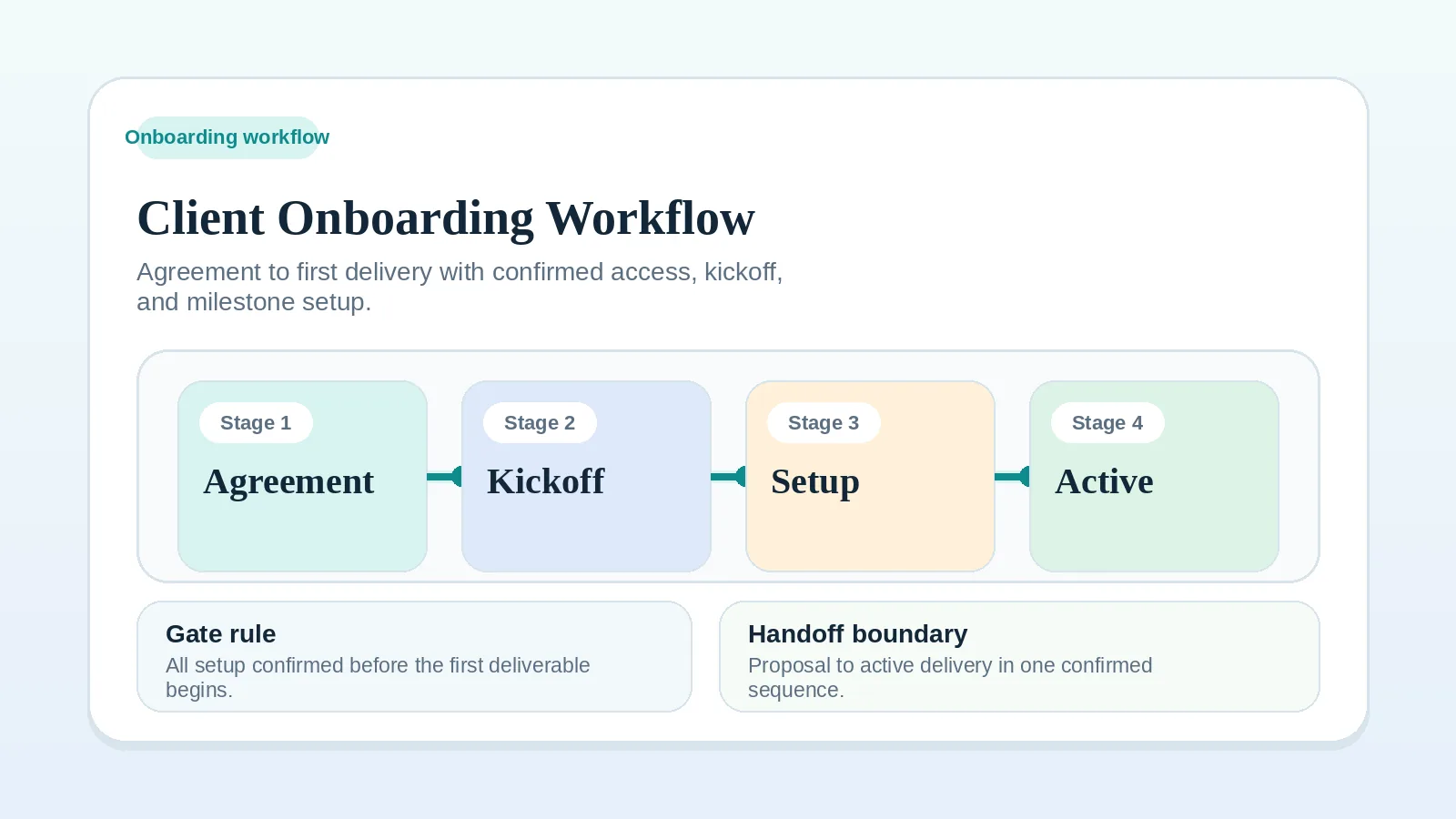
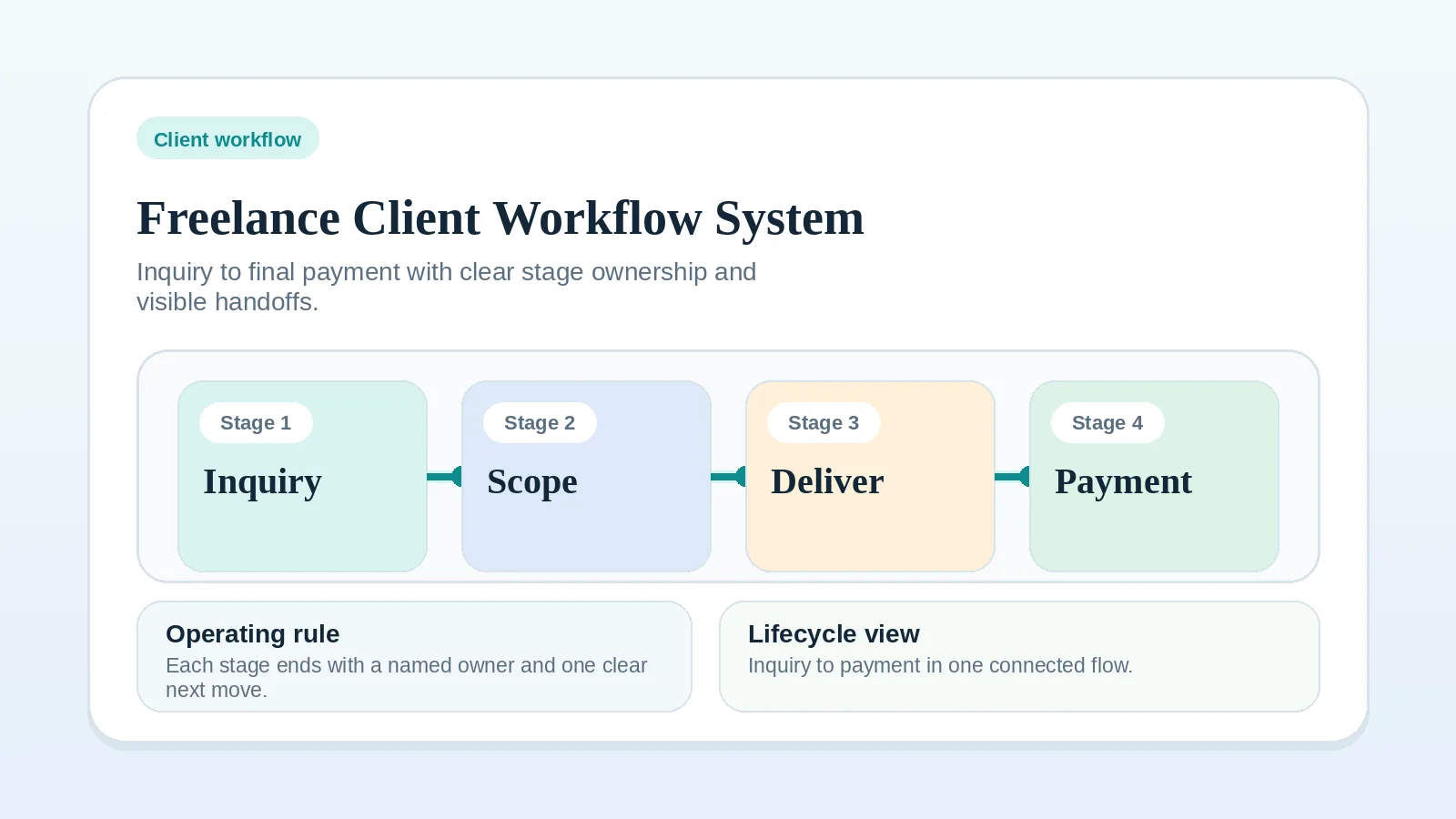
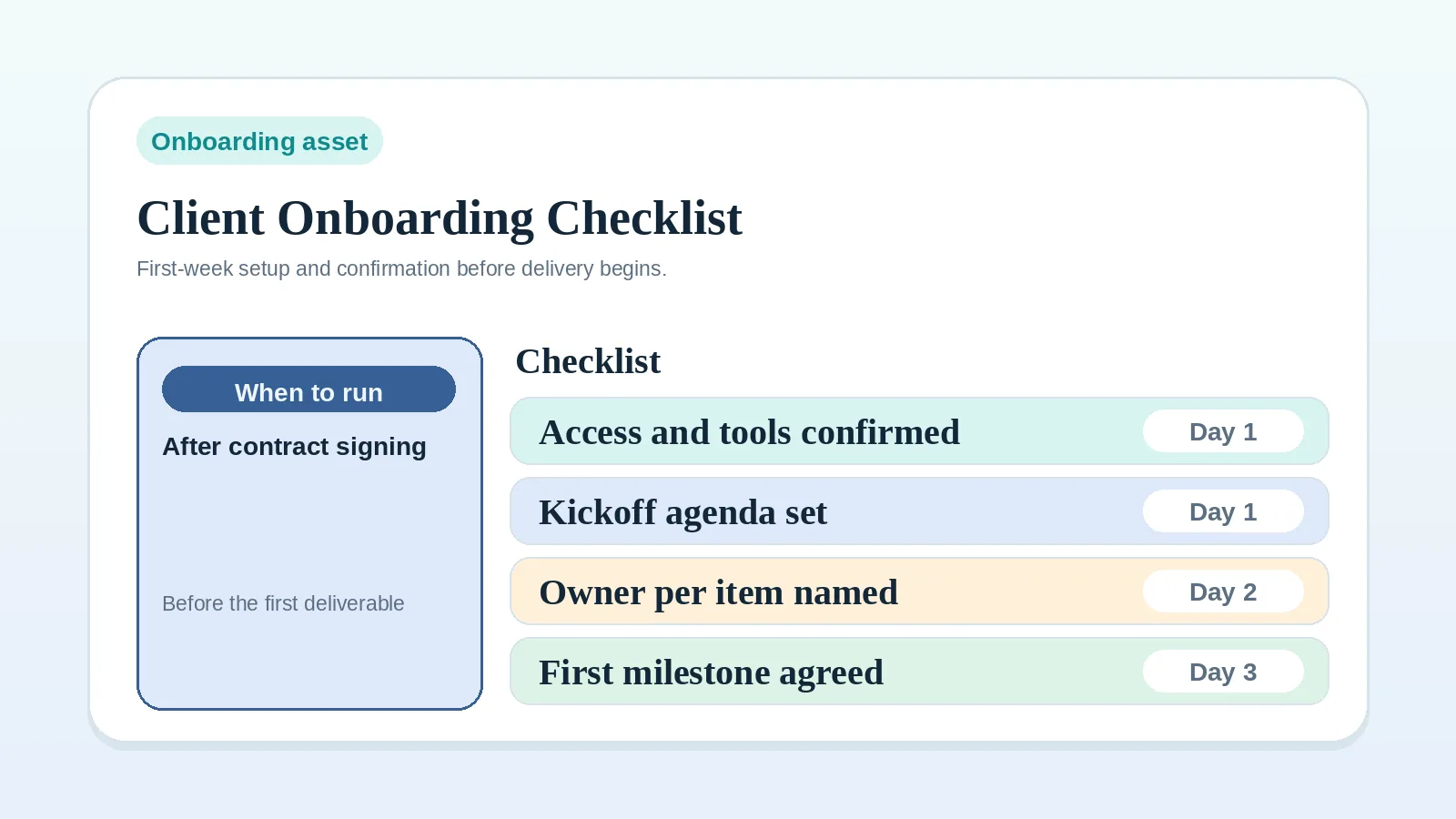
- Define the first active project record with the client onboarding workflow.
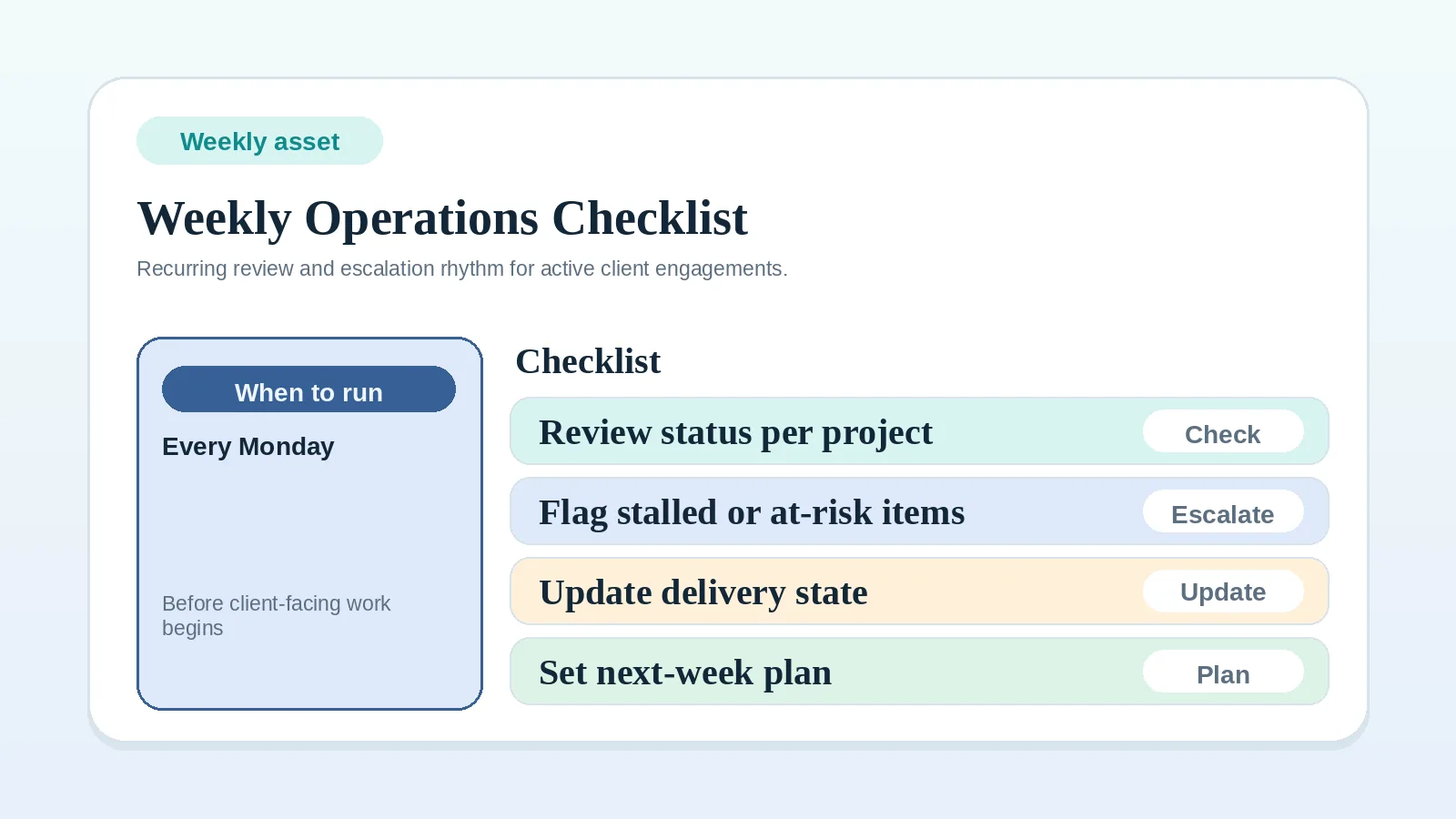
- Standardize recurring checks with the weekly client operations checklist.
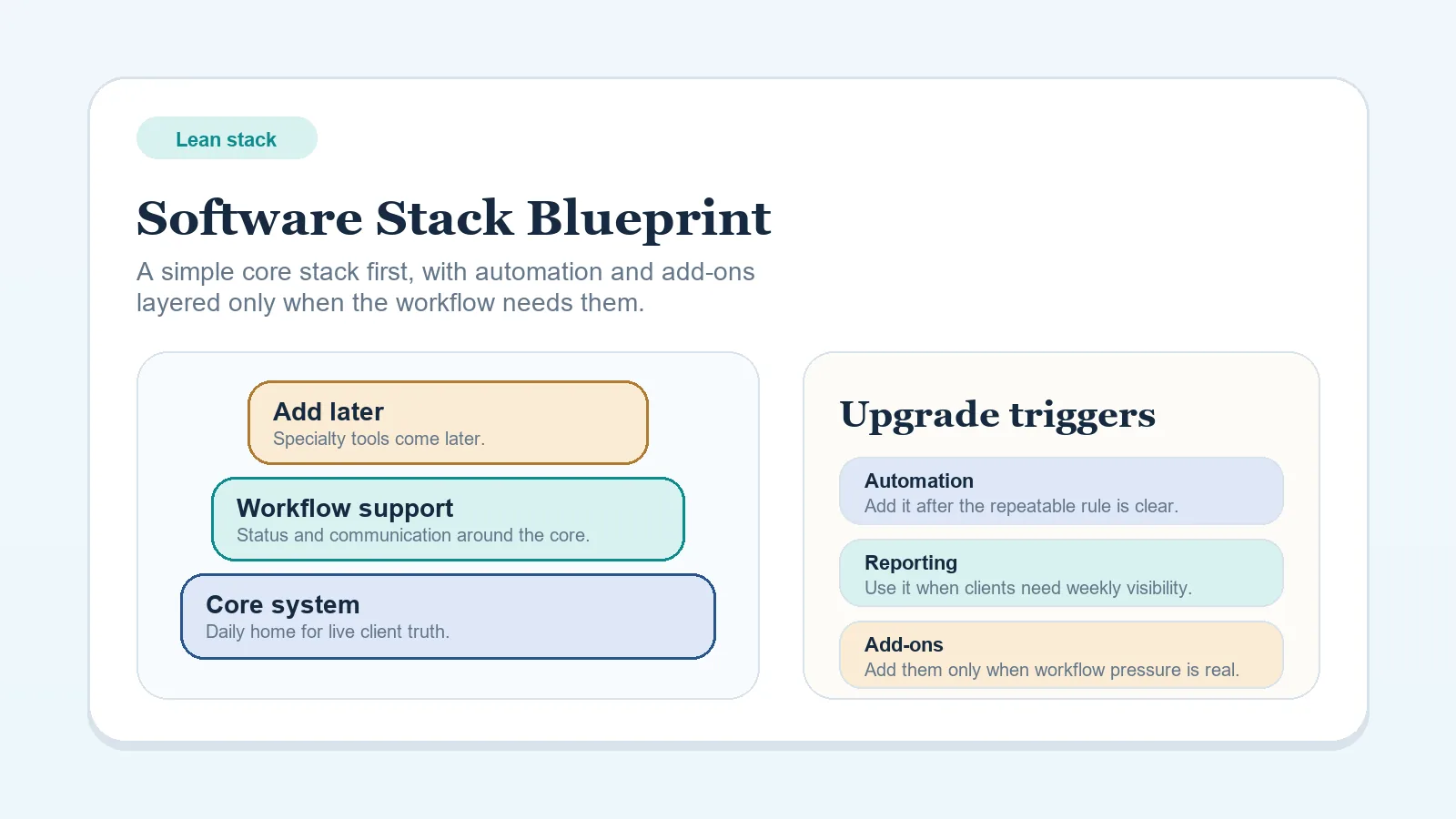
- Keep surrounding tools bounded with the lean software stack blueprint.
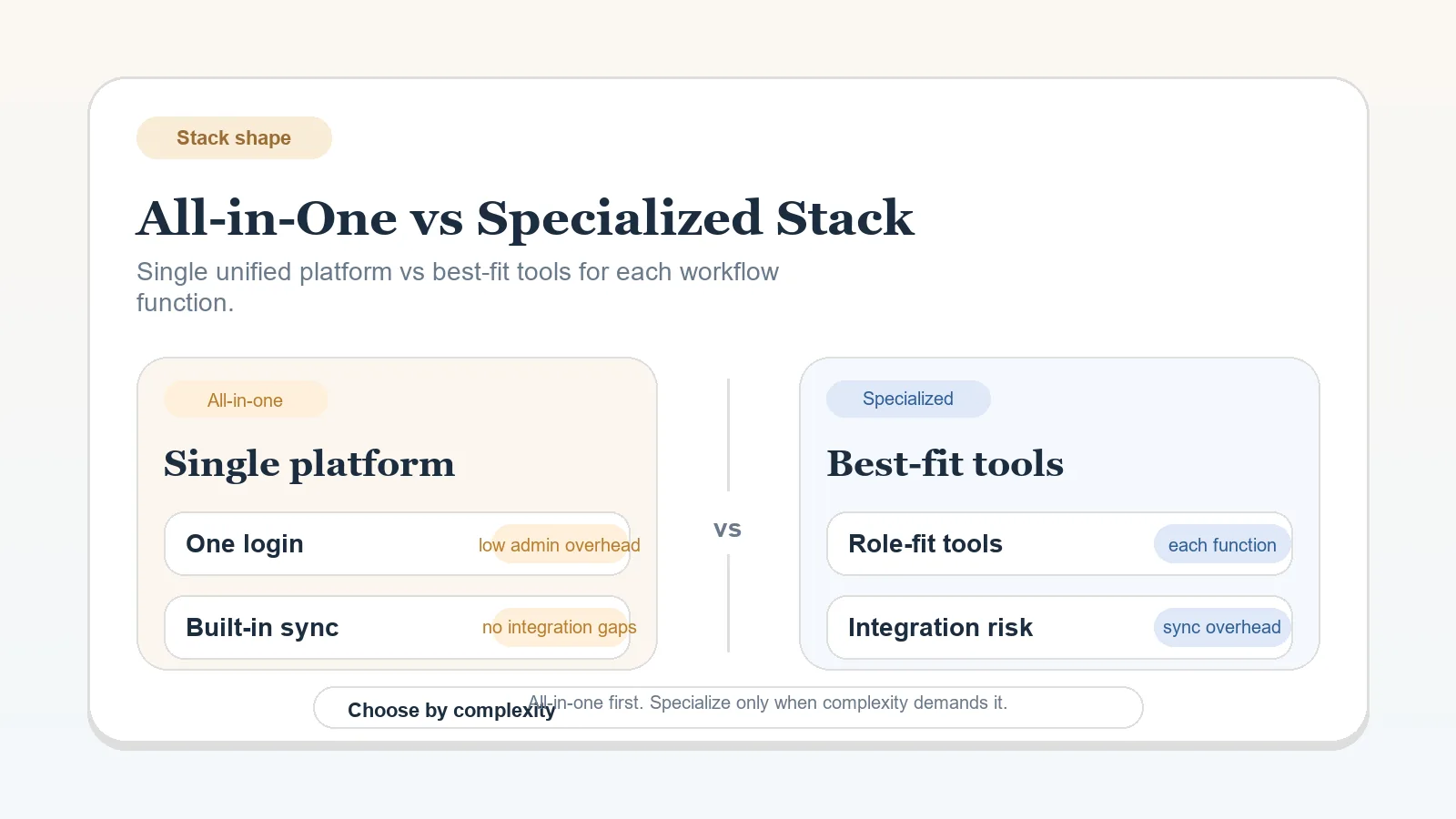
- Return to all-in-one versus specialized stack if either workspace is being asked to replace several systems with incompatible ownership rules.
Document the required record structure and maintenance rules before moving an active project.