This is not a software-brand comparison. It is a workflow decision about where client-facing delivery, review, and approval should happen.
For many solo operators, email is still enough. The mistake is assuming that “simple” and “email-only” always mean the same thing.
Use this after the system-of-record decision is already clear and the open question is specifically where review and approvals should happen during live delivery.
This is a narrower downstream comparison. It is not the right page if you are still deciding where the main operating record should live.
What this page should settle
By the time you leave this page, you should be able to answer:
- whether email can still carry review and approval cleanly,
- whether a client-facing workspace would remove real confusion or just add one more place to click,
- what failure mode the wrong choice would create during live delivery,
- which workflow or support page should tighten the chosen model next.
Who this page is really for
Use this page when:
- delivery is already active,
- approval and handoff friction is happening during review,
- the real question is whether email is still enough for that stage.
Do not use this page to choose your primary workspace. That belongs upstream on CRM vs Project Management Tool for Client Workflows.
What you are actually deciding
You are deciding where these moments should live:
- deliverable handoff,
- feedback collection,
- approval requests,
- next-step clarity,
- visible record of what was sent and accepted.
The two main models are:
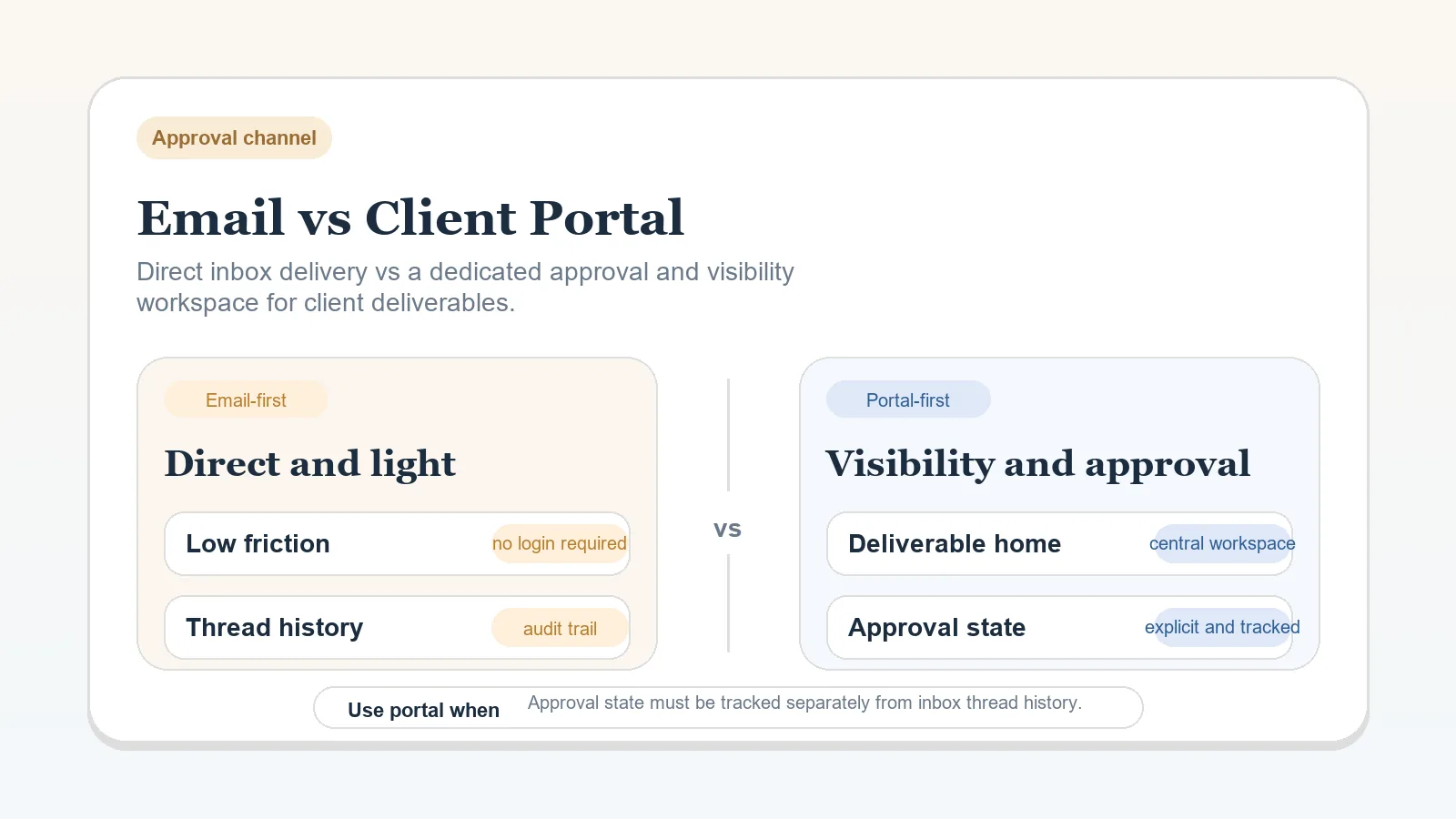
- Email-first: summaries, files, and approvals mostly move through email.
- Client portal or workspace: email points to a shared client-facing workspace, portal, or review area where the real record lives.
What stays outside this comparison
This comparison does not decide:
- your overall stack shape,
- your system of record,
- your onboarding process,
- your full communication workflow.
If those questions are still open, go upstream first.
Email-first
Best for:
- low-complexity projects,
- few stakeholders,
- short delivery cycles,
- operators who can keep project records aligned manually.
Strengths:
- fast and familiar,
- low setup overhead,
- easy for clients who dislike new tools.
Tradeoffs:
- approvals can disappear into long threads,
- files, feedback, and decisions are easier to fragment,
- status history may need manual logging elsewhere.
Client portal or workspace
Best for:
- recurring delivery,
- multiple stakeholders or approvers,
- review-heavy work,
- projects where visibility and audit trail matter.
Strengths:
- clearer review path,
- easier to centralize files and comments,
- stronger record of approval and next actions.
Tradeoffs:
- higher setup overhead,
- clients may still reply by email unless rules are explicit,
- the portal can become decorative if the team does not use it consistently.
Decision matrix
| Criteria | Email-first | Client portal or workspace |
|---|---|---|
| Setup overhead | Low | Medium |
| Client familiarity | Strong | Mixed |
| Approval visibility | Weak to medium | Strong |
| Multi-stakeholder coordination | Weak | Strong |
| Record quality over time | Medium if maintained well | Strong |
Choose email-first when
- the project is simple enough that one clear email thread remains usable,
- there is only one real approver,
- file volume is manageable,
- you already log key decisions back into your system of record.
Email-first fails when it becomes the only home for current truth.
Choose a portal or workspace when
- clients need to review multiple rounds or assets,
- approvals affect billing or handoffs and need to stay visible,
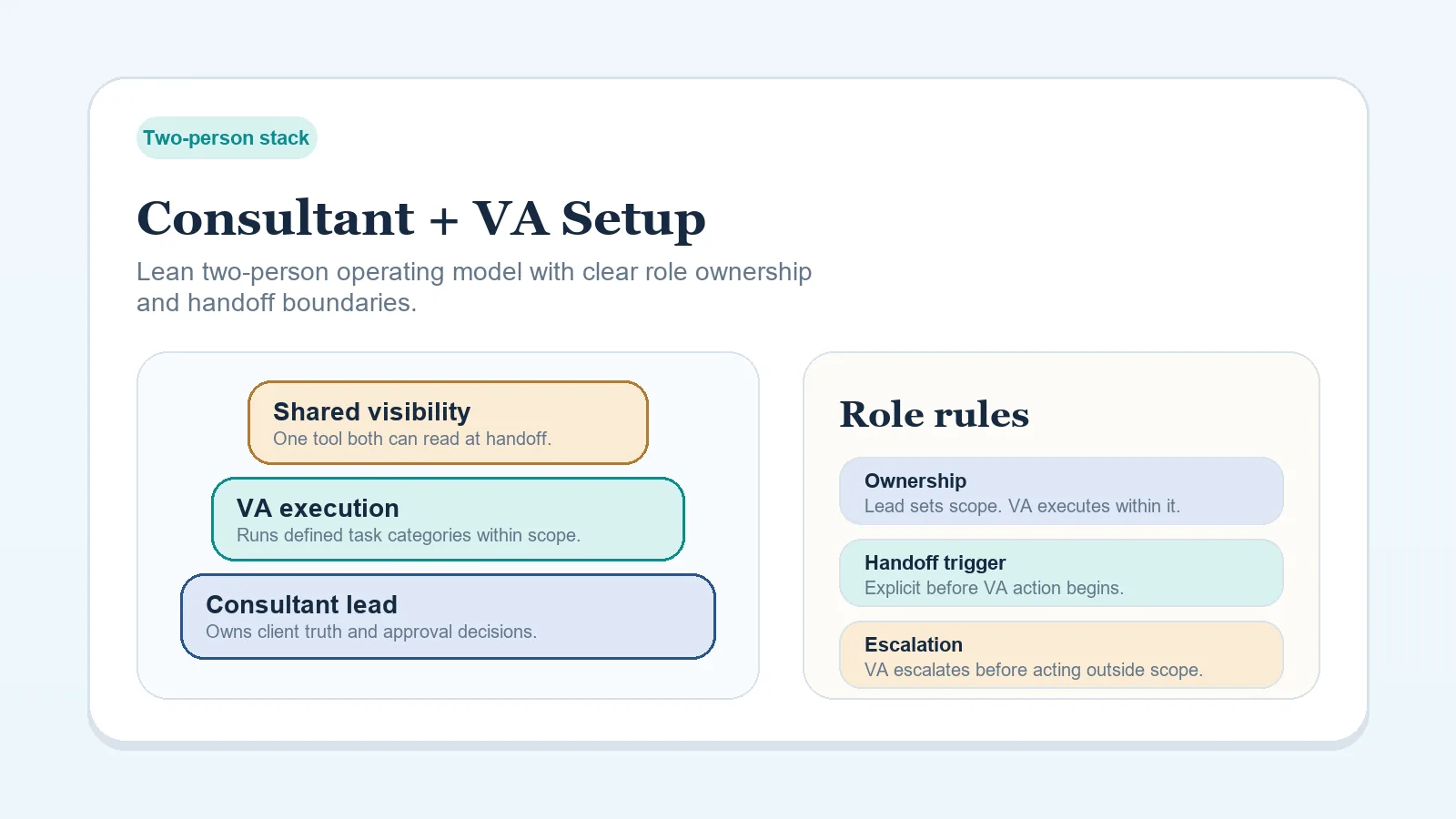
- a VA or collaborator needs access to the same delivery history,
- email threads are creating repeated confusion about what is current.
What most people get wrong
They assume the portal solves communication by itself.
It does not. A portal only helps if:
- the client knows when to use it,
- the approval owner is clear,
- the status update points to it consistently,
- the project record still tracks the real next action.
If you cannot maintain those rules, email may still be the better model.
The real implementation difference
The real difference is not where files sit. It is whether review routing is simple enough to survive pressure.
- In an email-first model, you are accepting more manual discipline in exchange for lower setup overhead.
- In a portal-first model, you are accepting more setup discipline in exchange for better shared visibility and approval trace.
If neither model has a clear approval owner or allowed review channel, the tool choice will not rescue the workflow.
Practical scenarios
Solo freelancer, one decision-maker, scoped project
Email-first is often enough, especially if final files and approvals are simple and the workflow is well documented internally.
Consultant with recurring deliverables and multiple reviewers
A portal or workspace usually becomes more valuable because review history and approval clarity matter more than setup simplicity.
Consultant plus VA
A portal becomes more attractive when support capacity is involved. Shared visibility matters more once a second person is helping manage delivery or follow-up.
Recommendation boundary
- Choose email-first if the project is simple, the approver is singular, and you can keep the system of record aligned manually.
- Choose client portal or workspace if approval complexity, review history, or shared visibility is becoming part of the operational problem.
Failure signals to watch after the choice
- Stay suspicious of email-first if reviewers keep replying in separate threads, approvals affect billing, or the same file gets reviewed from multiple versions.
- Stay suspicious of a portal-first setup if clients still ignore it, comments arrive through email anyway, or the portal duplicates status that is already visible elsewhere.
What this page should not decide
This comparison should not decide:
- whether delivery should live in Notion, ClickUp, CRM, or PM,
- whether onboarding is strong enough,
- whether proposal approval is the real bottleneck instead of delivery approval.
Its job is narrower: decide where live deliverable review and approval should happen.
What to do after deciding
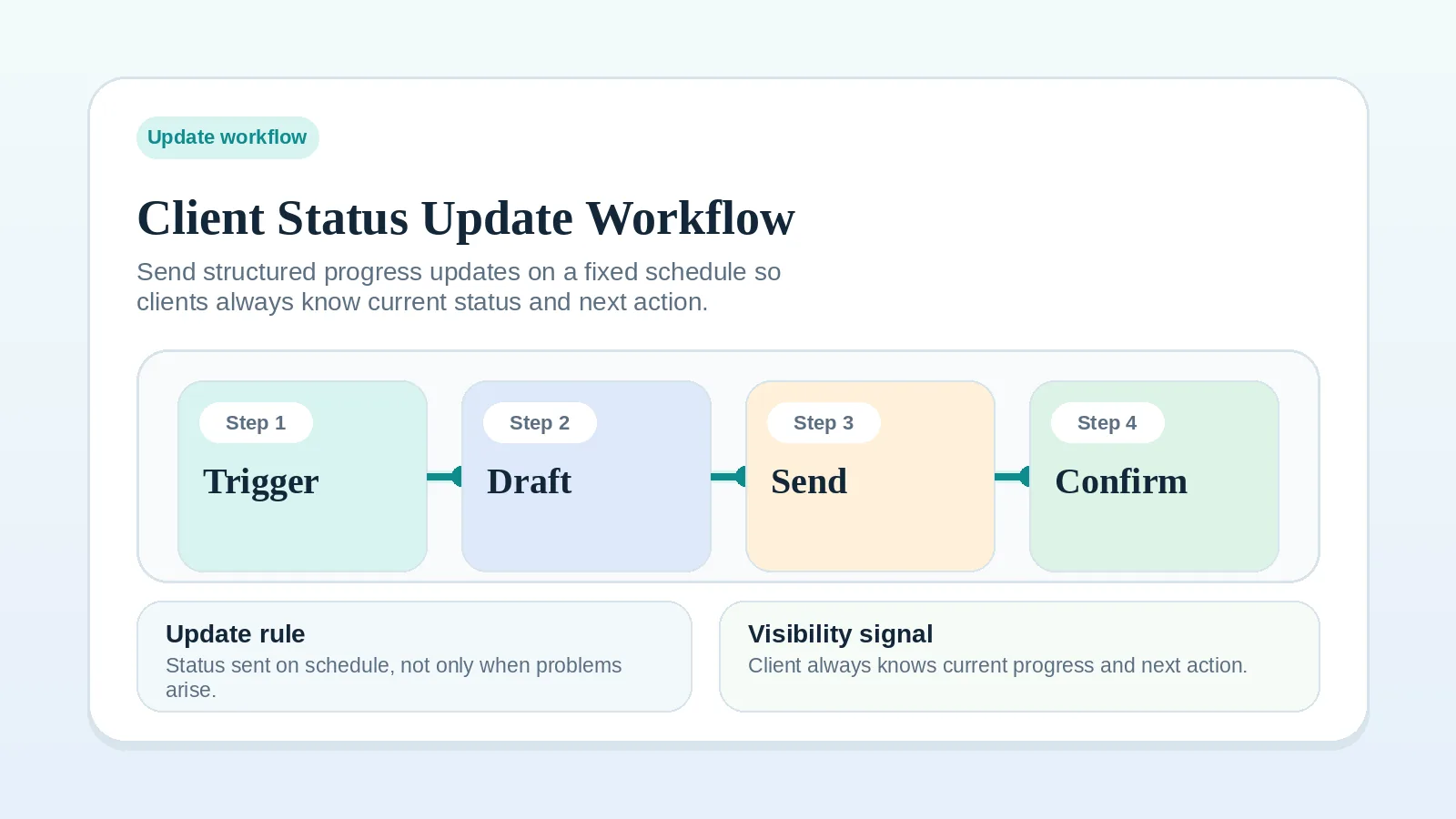
- If you stay email-first, tighten Client Status Update Workflow for Freelancers and Consultants so messages stay structured.
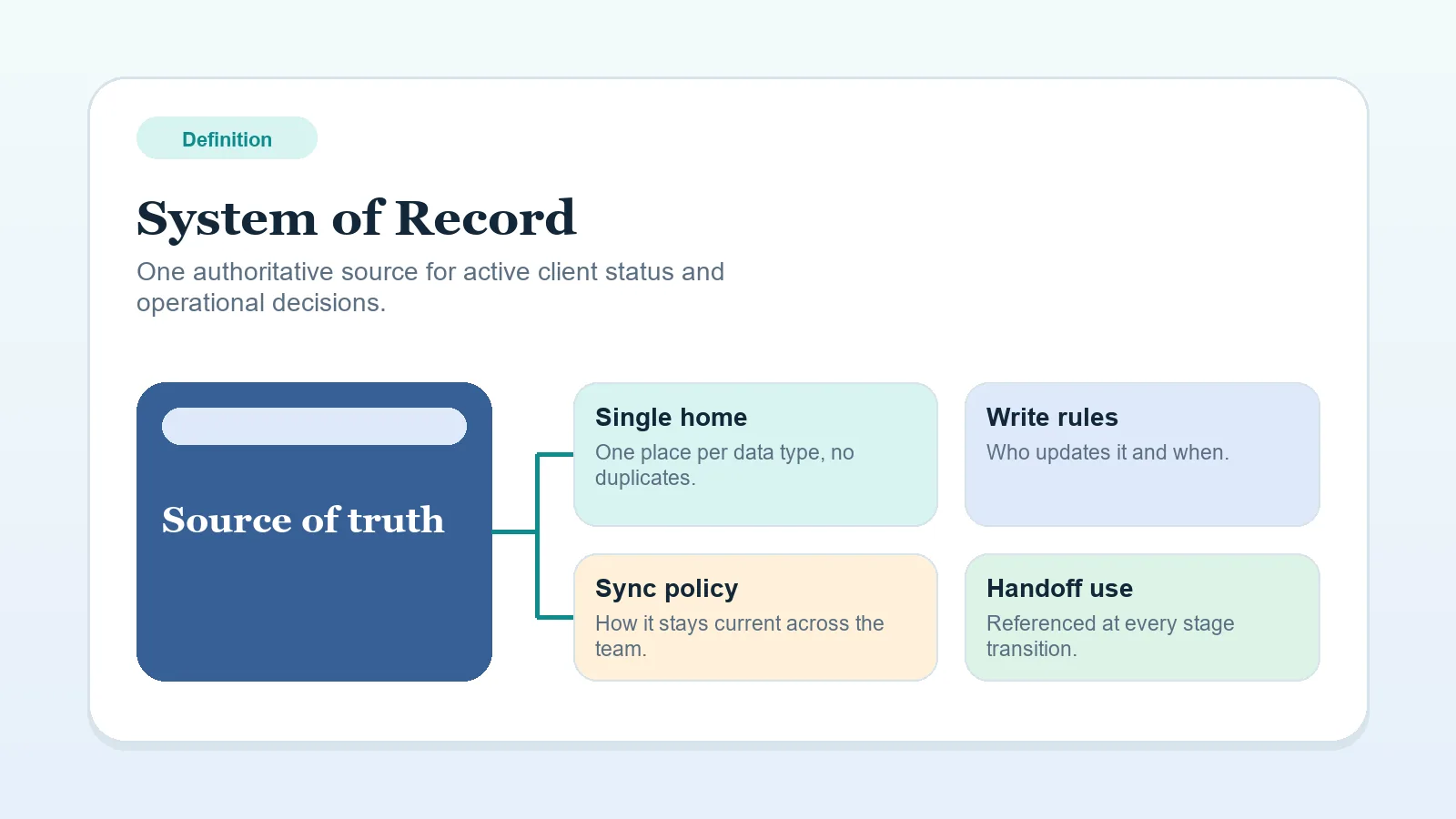
- If you move toward a portal or workspace, make sure System of Record rules stay clear so the portal supports the workflow instead of duplicating it.
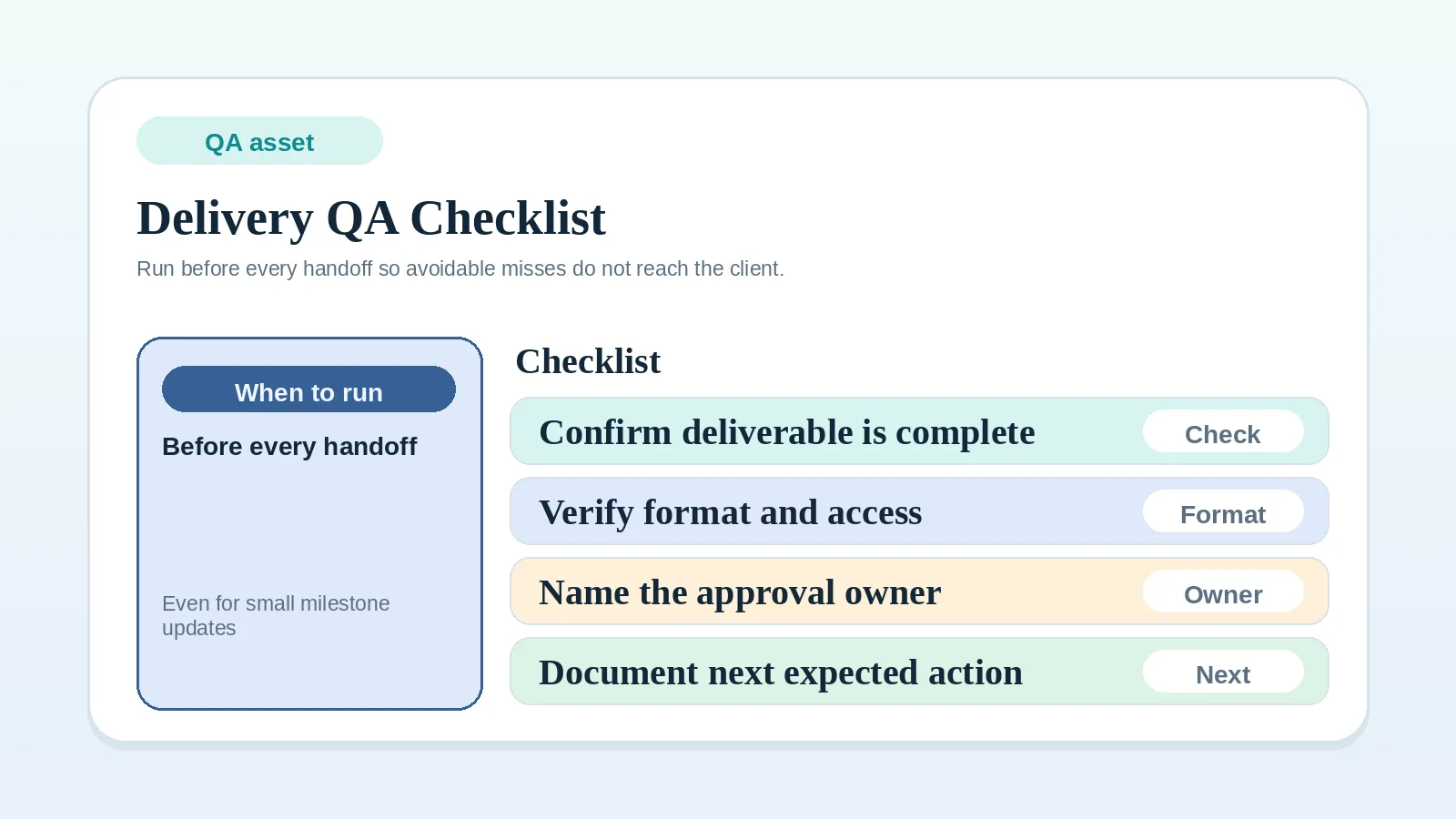
- For either model, use Delivery QA Checklist Before Client Handoff before each review or approval event.
- If review comments or approvals already arrive from too many people or channels, document the path with Approval and Feedback Routing Worksheet for Multi-Stakeholder Review.
What to do next
- If the broader workflow is still unclear, go upstream to Freelance Client Workflow System: Inquiry to Final Payment.
- If the open issue is recurring client communication rhythm, continue to Client Status Update Workflow for Freelancers and Consultants.
- If the open issue is approval-ready handoff quality before review, continue to Milestone Delivery Workflow for Solo Service Businesses.
- If the open issue is where active client truth should live, go upstream to CRM vs Project Management Tool for Client Workflows.