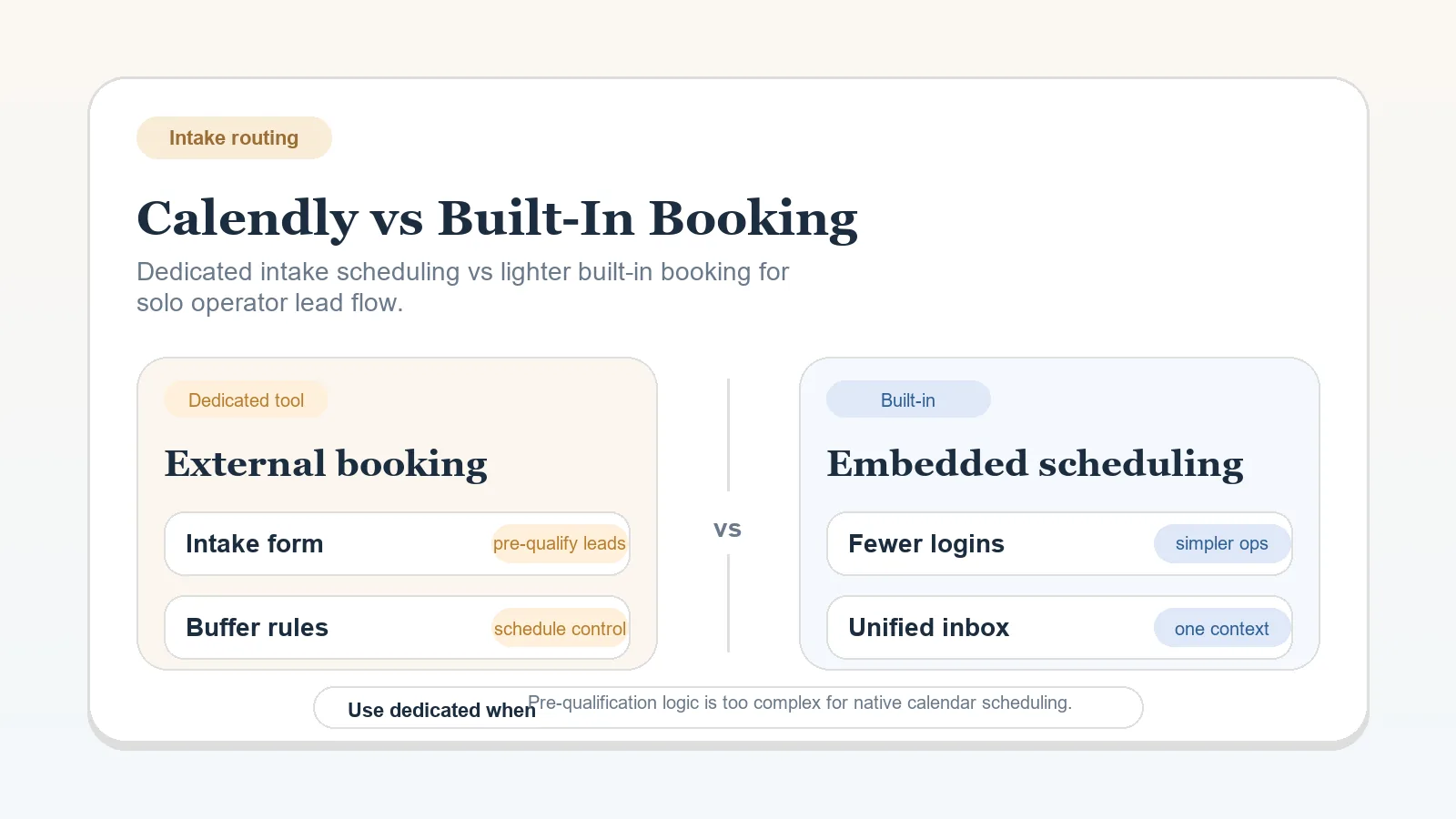
Use scheduling already included in a calendar, website, CRM, or client platform when it supports the required booking path. Add a separate service when a documented intake rule requires capabilities the current option lacks.
This is a category comparison. Calendly is one example of a dedicated service; “built-in” refers to scheduling included with another system, not to one named competing product.
Start with the intake rule
Define:
- who is allowed to book;
- the meeting types the workflow requires;
- the availability and buffer rules;
- the information needed before confirmation;
- the reminder or cancellation rule;
- the record that receives the booking outcome.
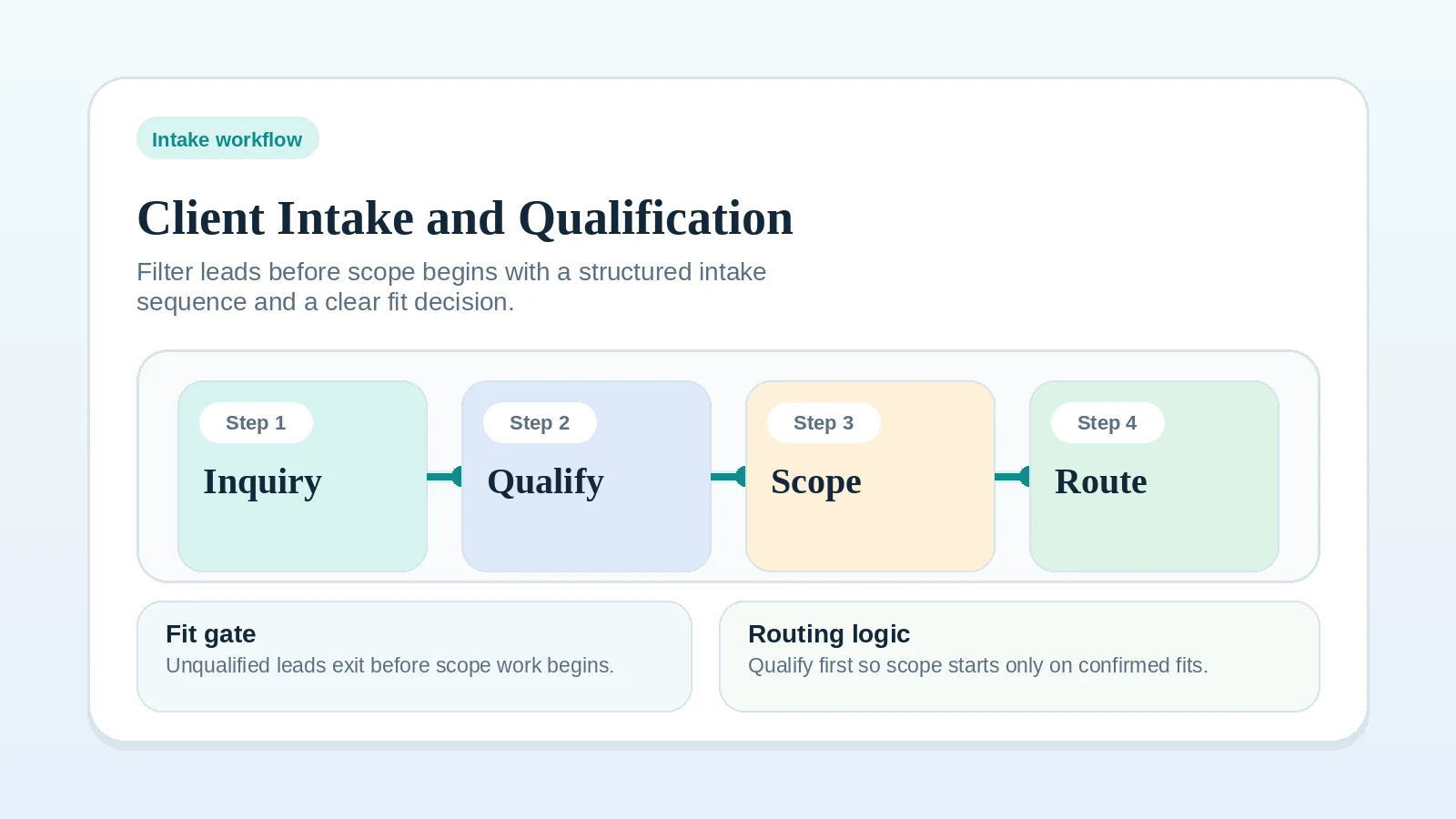
Fix qualification first with the intake and qualification workflow if those rules are not yet clear.
Check the current option
Keep the built-in scheduler when it supports the required meeting type, availability, confirmation, and record handoff without a fragile workaround.
Built-in features vary by provider and plan. Check the documentation for the product already in the stack rather than assuming the category includes a standard set of features.
Evaluate a dedicated service
A separate booking service can be justified by a missing requirement such as distinct meeting types, qualification and routing logic, calendar protections, payment collection, or scheduled reminders.
Calendly’s pricing page lists one event type and one calendar connection on the Free plan. Automated reminders, payment collection through Stripe or PayPal, and more event types start on the paid Standard plan, and forms that screen and route invitees start on Teams. Verify the current plan before relying on any limit or feature.
The dedicated service also adds an account, settings, data flow, and cancellation decision. Count that maintenance along with the subscription.
Use a requirement matrix
| Requirement | Current built-in option | Dedicated option |
|---|---|---|
| Required meeting types | Verify in current provider documentation | Verify in the selected service and plan |
| Qualification or routing | Confirm whether the intake rule can be represented | Confirm the exact rule and plan boundary |
| Reminders and cancellation | Check available controls | Check available controls and message ownership |
| Calendar protection | Test conflicts, buffers, and availability | Test the same conditions before rollout |
| Record handoff | Identify where booking data lands | Identify the integration or manual update |
| Total cost | Include the existing plan and upkeep | Include subscription, setup, upkeep, and exit work |
Select the dedicated option only when a required row cannot be satisfied by the current system and the extra maintenance is acceptable.
Test before changing the public path
Use a representative booking and verify:
- the correct person can book;
- an ineligible request is handled according to the intake rule;
- availability and time zone display correctly;
- confirmation and cancellation messages identify the next action;
- the authoritative client record receives the required outcome;
- the process has a manual exception path.
Keep the existing booking route available until the test passes and any live links can be changed safely.
Continue after the decision
- Implement qualification and handoff rules in the intake workflow.
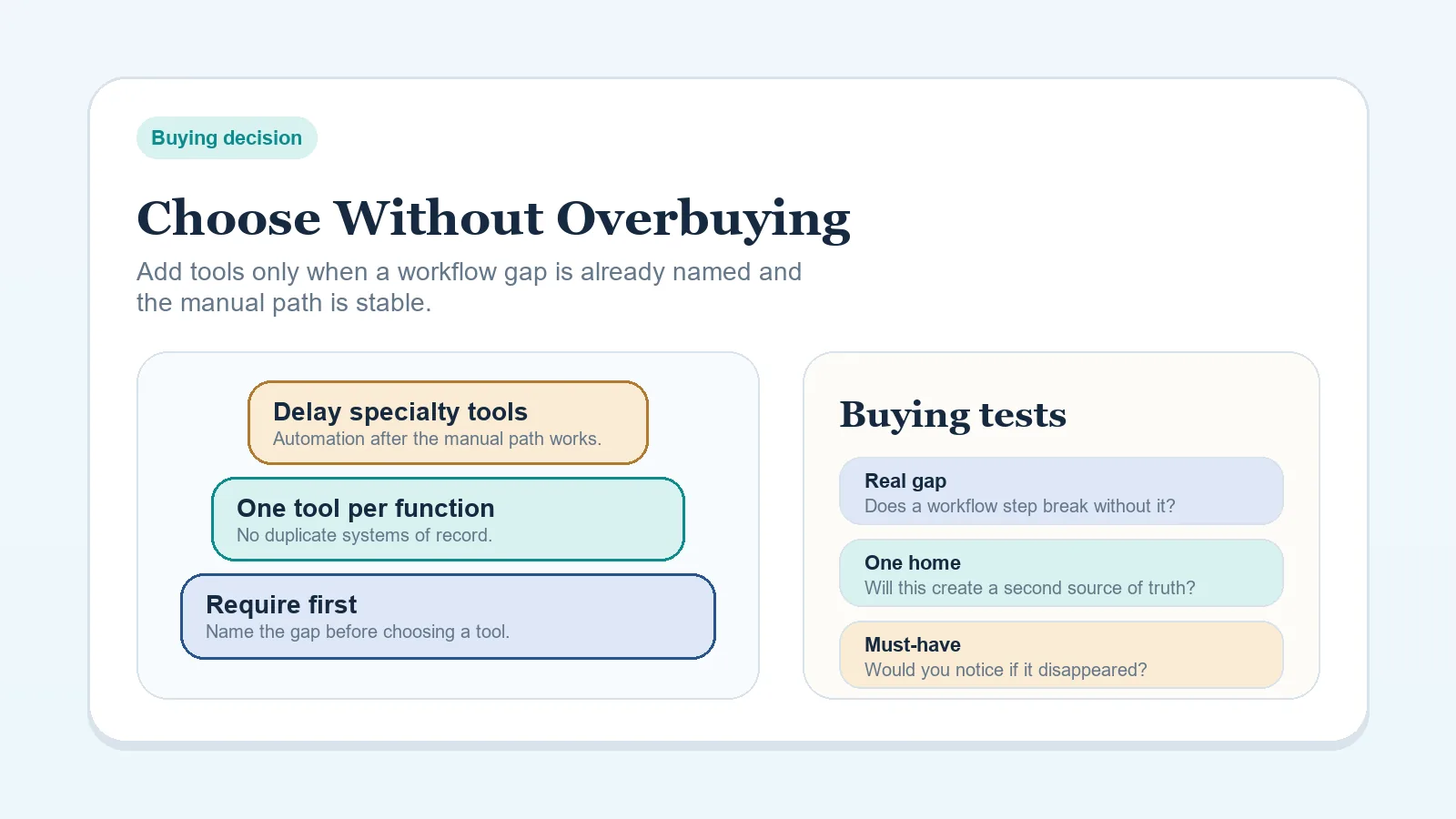
- Apply the purchase filter in how to choose a stack without overbuying.
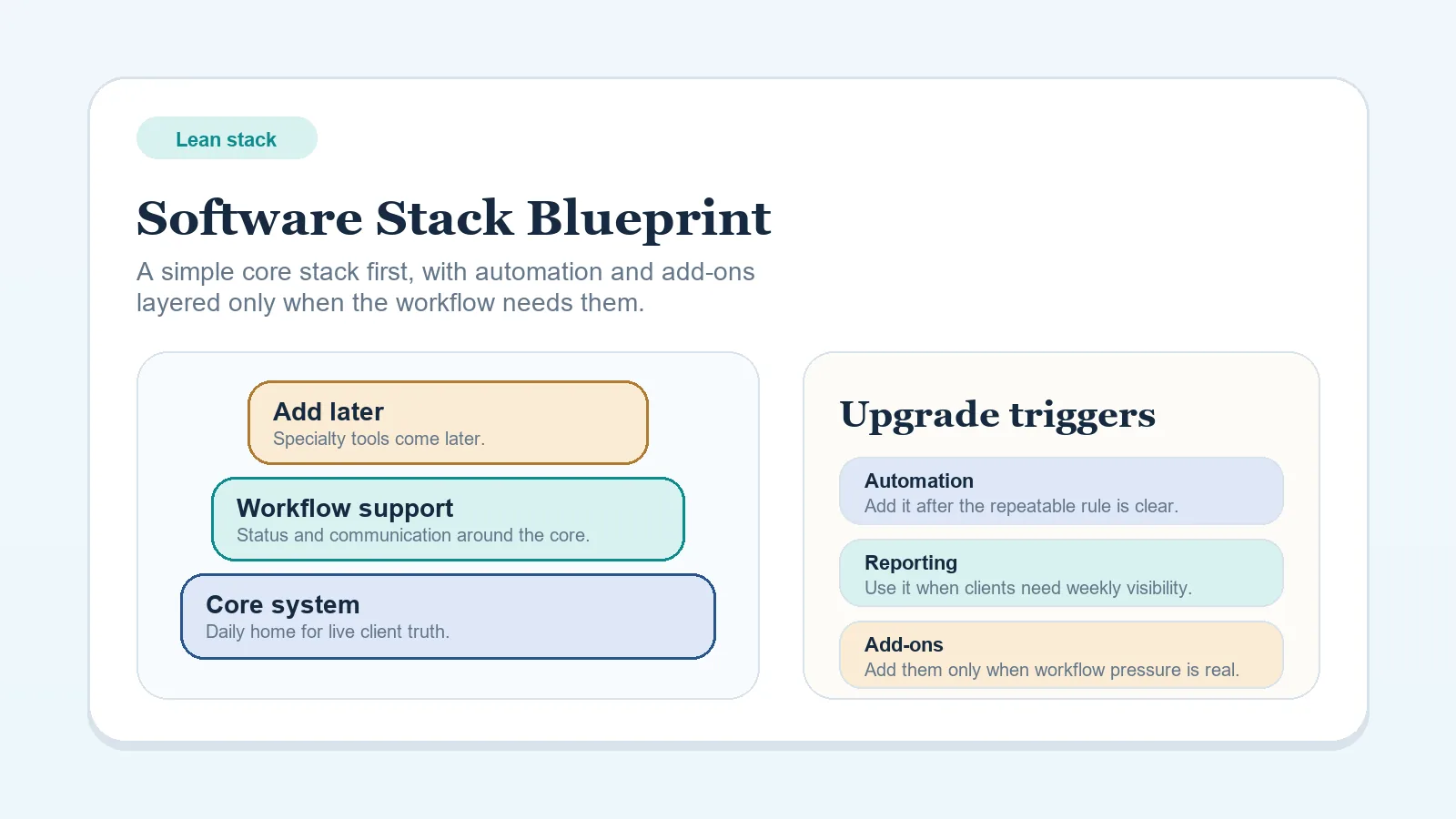
- Keep the surrounding roles clear with the lean stack blueprint.
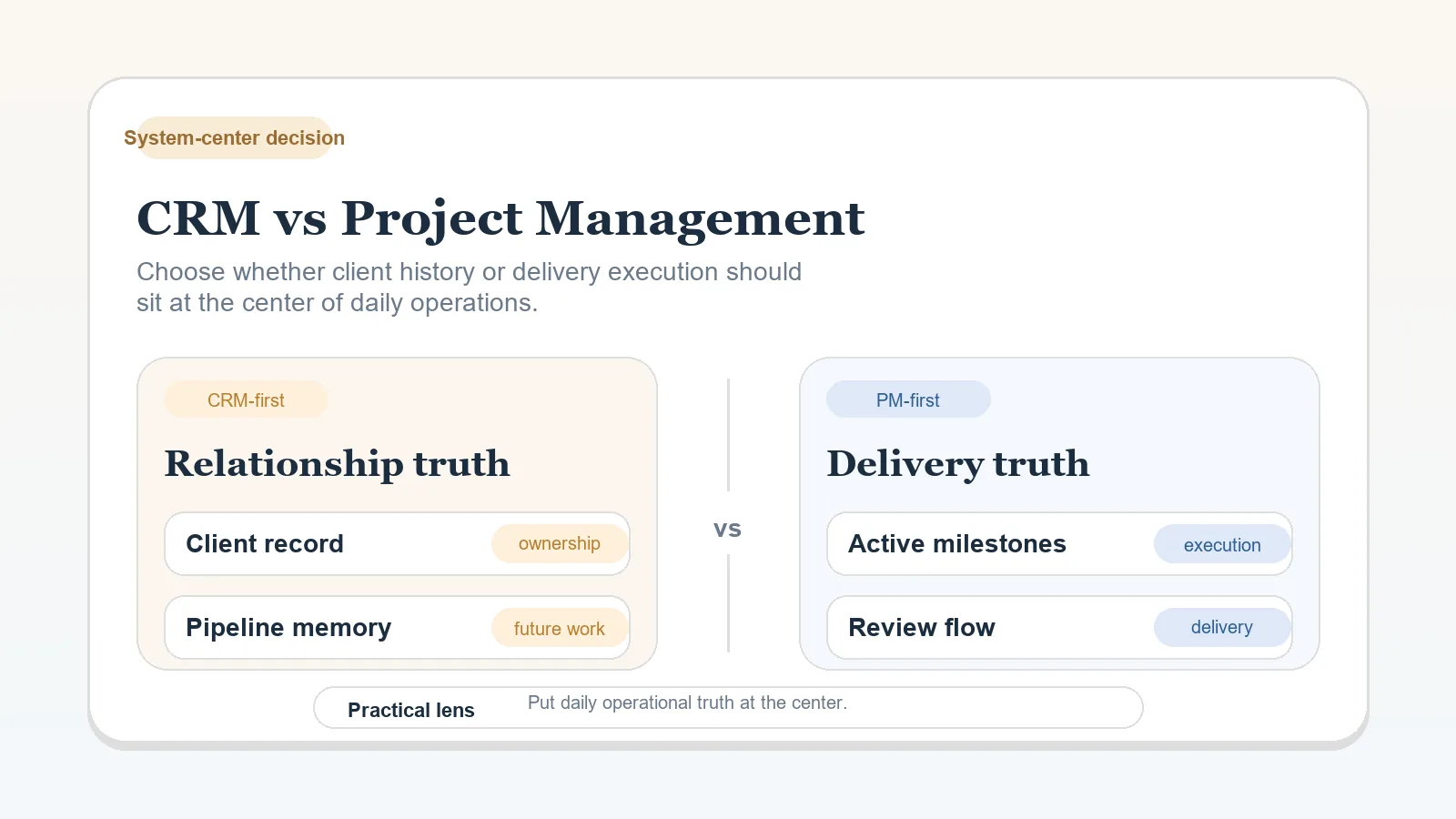
- Return to CRM versus project management if the booking outcome has no authoritative client record.