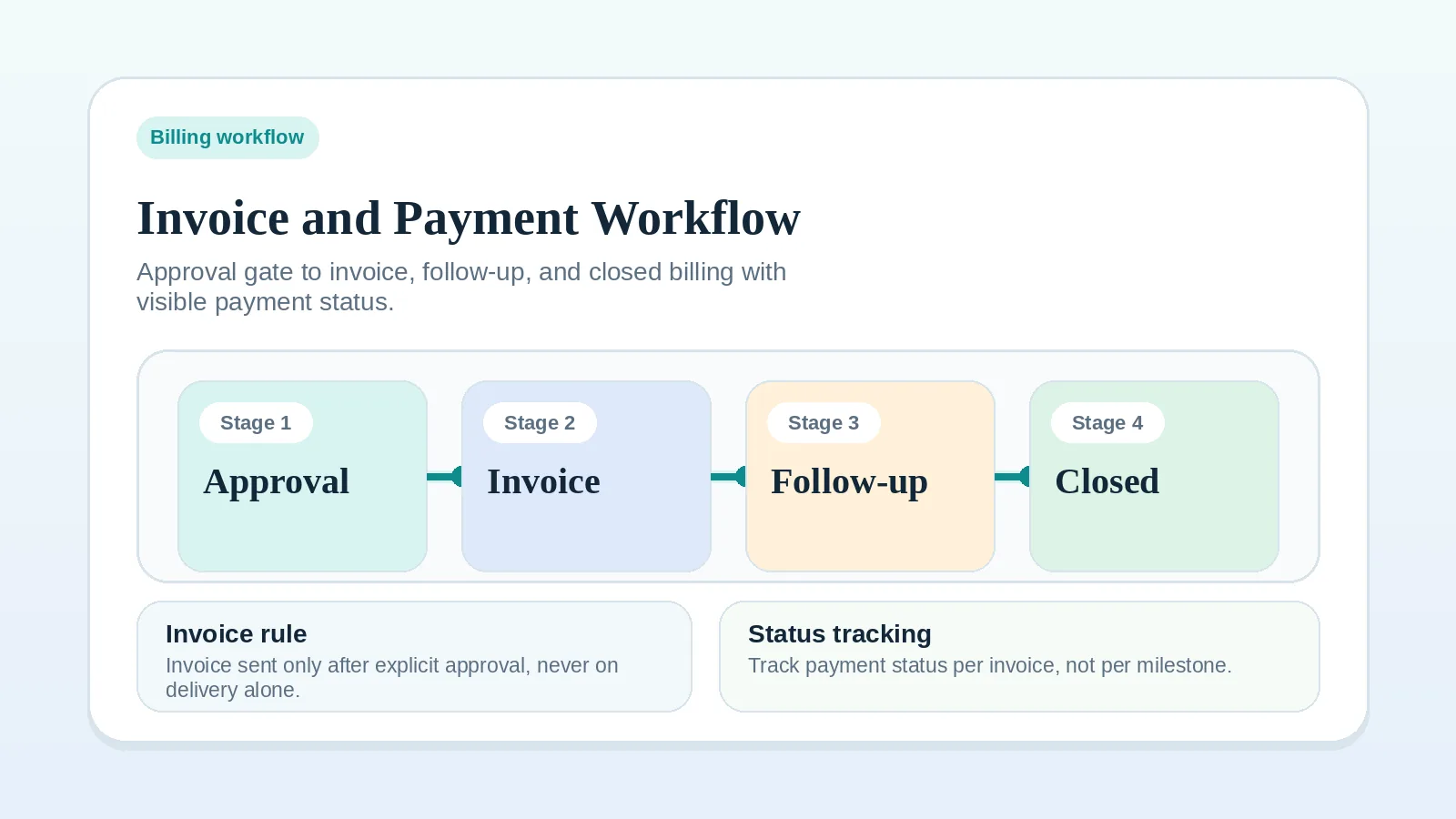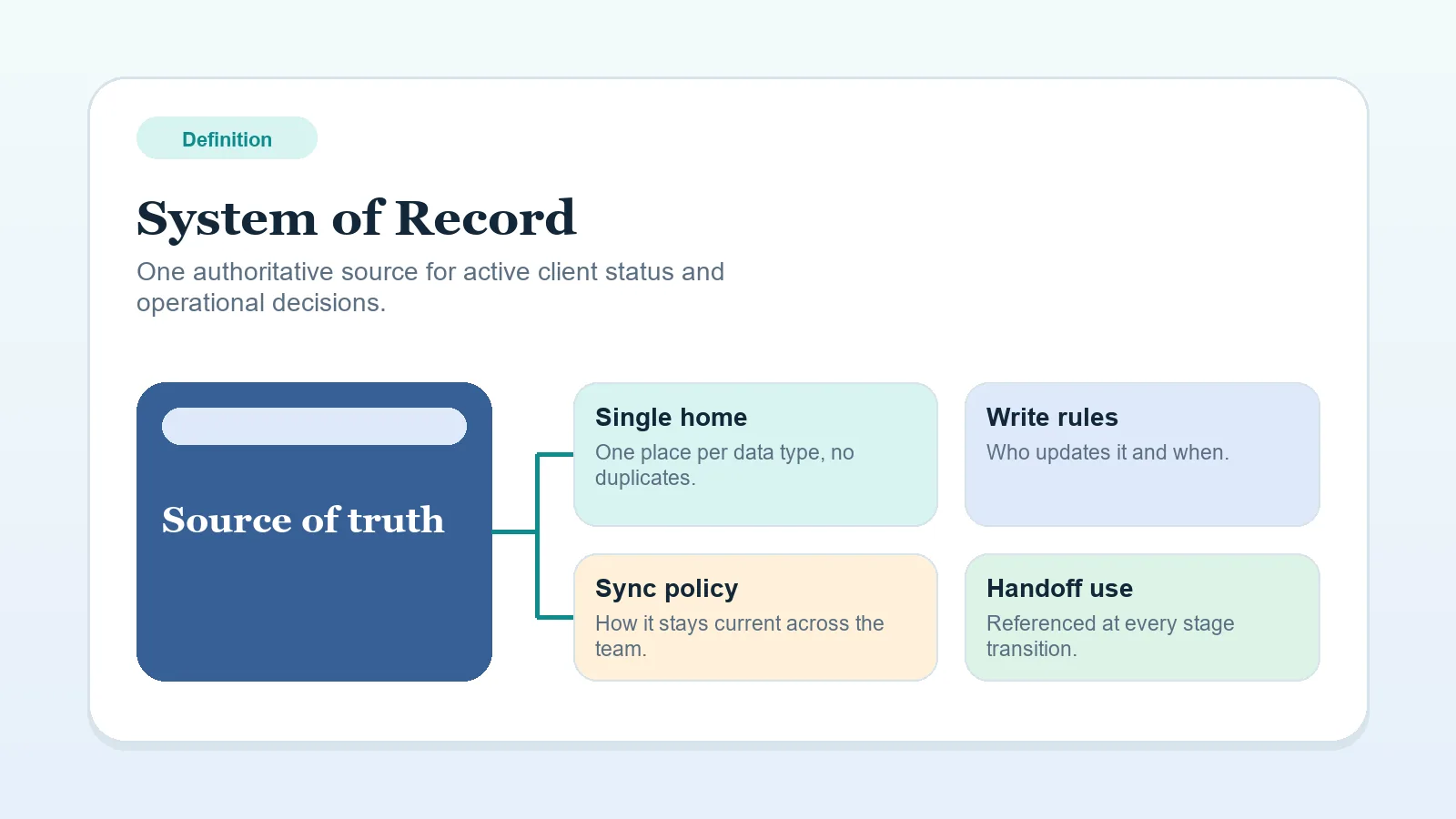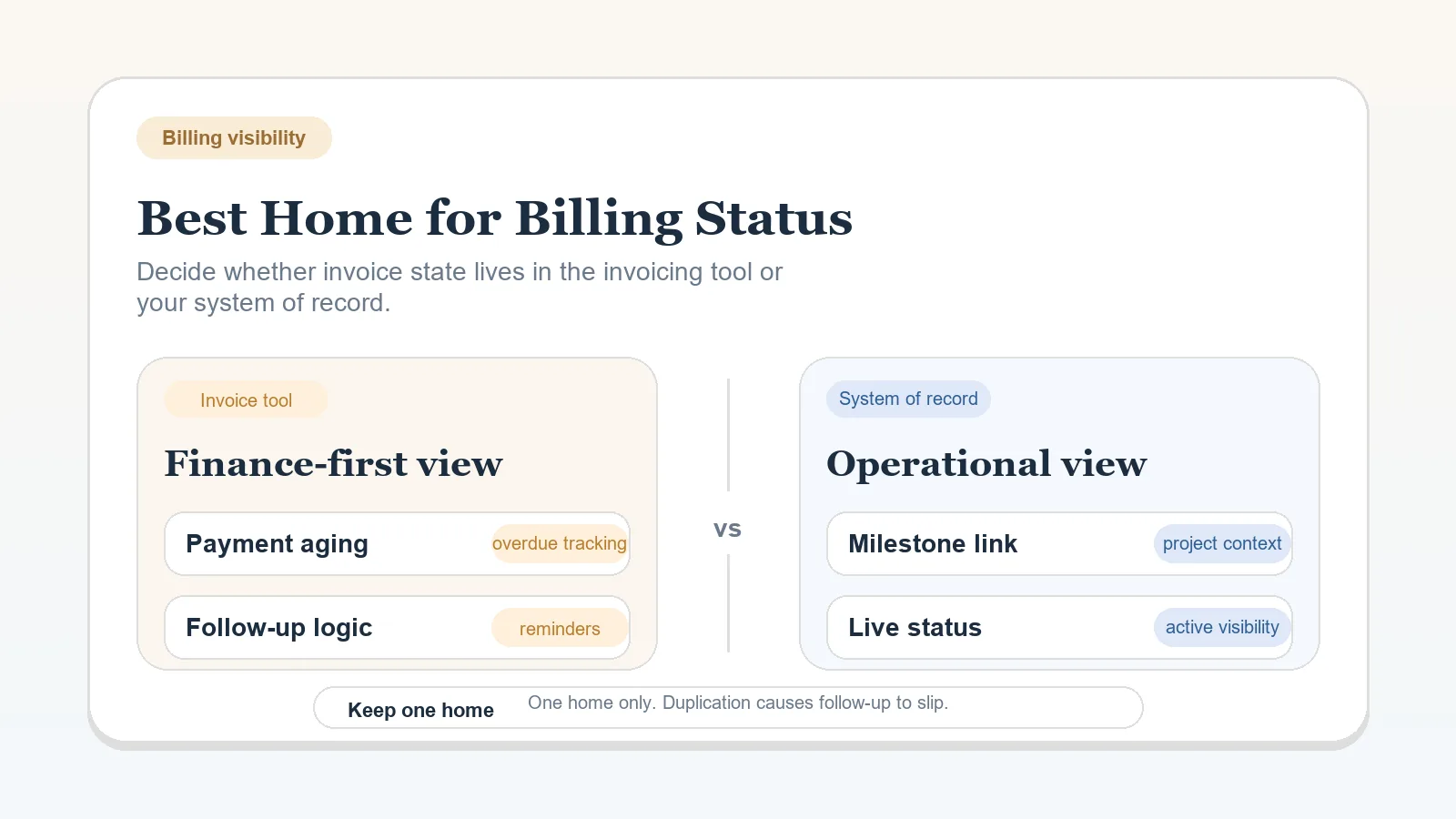
Keep invoice amount, due date, document, transaction detail, and payment confirmation authoritative in the invoicing or finance system. Also place a limited operational payment state in the main client record when billing changes the next delivery, follow-up, or closeout action.
It settles field ownership and leaves the choice of invoicing product and the contractual payment terms to other decisions.
Separate finance facts from operating facts
| Fact | Authoritative home |
|---|---|
| Invoice number, amount, tax, due date, and document | Invoicing or finance system |
| Transaction record and confirmed payment | Invoicing, payment, or finance system |
| Current operational state, such as not triggered, sent, action required, or complete | Main client record when the state affects work |
| Next billing action and owner | Main client record |
| Contractual terms | Signed agreement or approved commercial record |
The operating record may summarize a finance fact. It should not independently calculate or contradict it.
Use the invoicing tool alone
A finance-only model can work when the invoicing system is part of the actual review routine and payment state does not change delivery or closeout actions elsewhere.
Record:
- who checks it;
- which event requires attention;
- how the next action is assigned;
- how a delivery owner learns about a payment-related hold.
If those answers require memory or a private reminder, operational visibility is missing.
Mirror a limited status in the client record
Add an operational field when payment state affects a decision outside finance. Examples include an invoice that must be sent after approval, a contractual hold, a follow-up owned by another person, or a closeout action that waits for confirmed payment.
Keep the mirrored field narrow. It can show the state and next action without copying amount, due date, transaction history, or other finance detail.
Define the update rule
Write one rule for each direction:
- Which finance event changes the operational status?
- Who updates or verifies the client record?
- Which system resolves a disagreement?
- What happens when a notification or integration fails?
- Which action is allowed under the agreement at each state?
Write these rules even if an integration syncs the fields.
Respect the agreement
Pause work, add fees, treat a project as closed, or change access only when the signed terms allow it. Obtain qualified advice when legal or financial rights are uncertain.
The invoice and payment workflow explains how to connect the status rule to delivery and follow-up. Adapt its examples to the agreement.
Put the rule into use
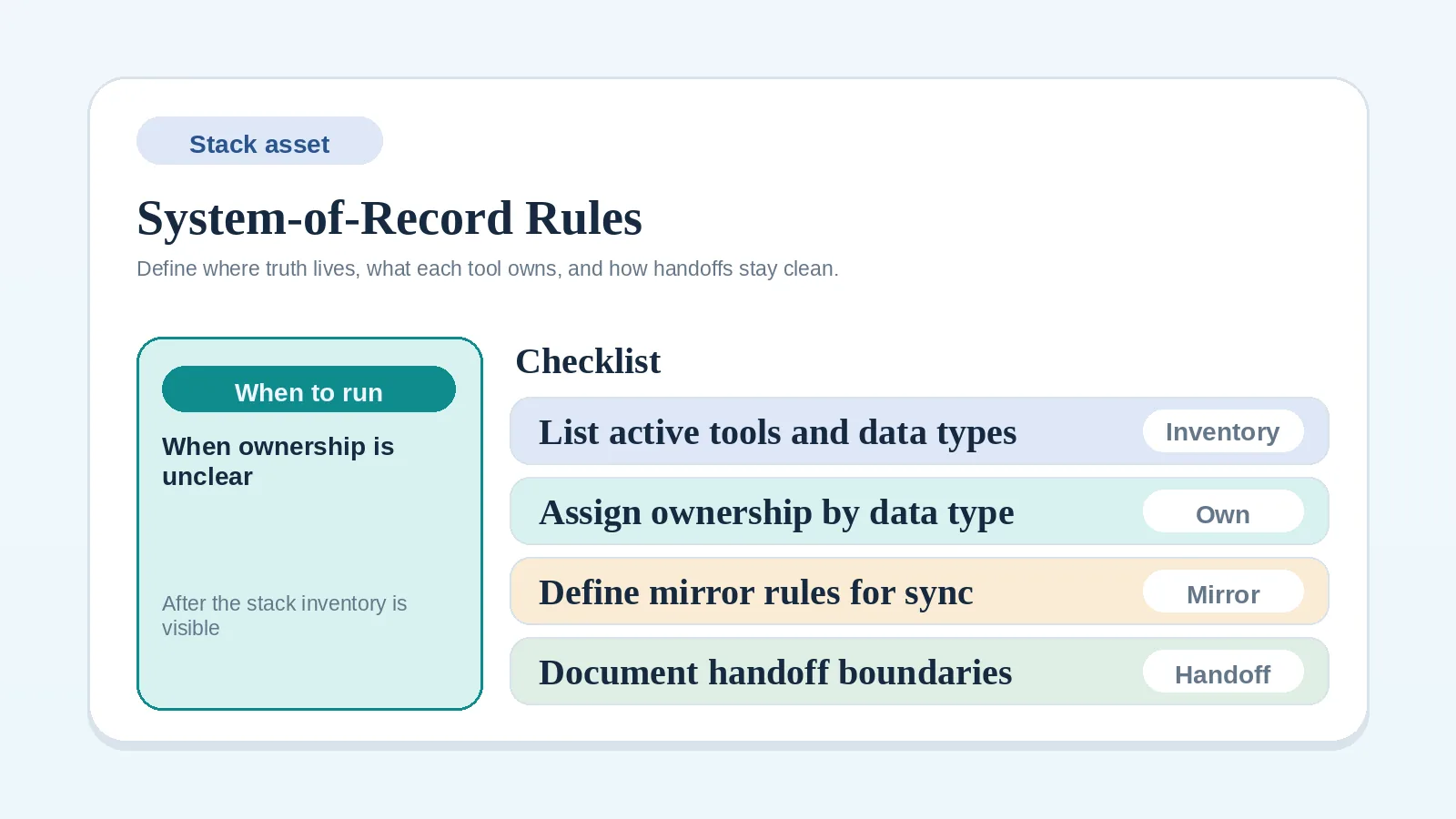
- Document field ownership with the system-of-record rules worksheet.
- Check approval and billing conditions with the approval and billing readiness checklist.
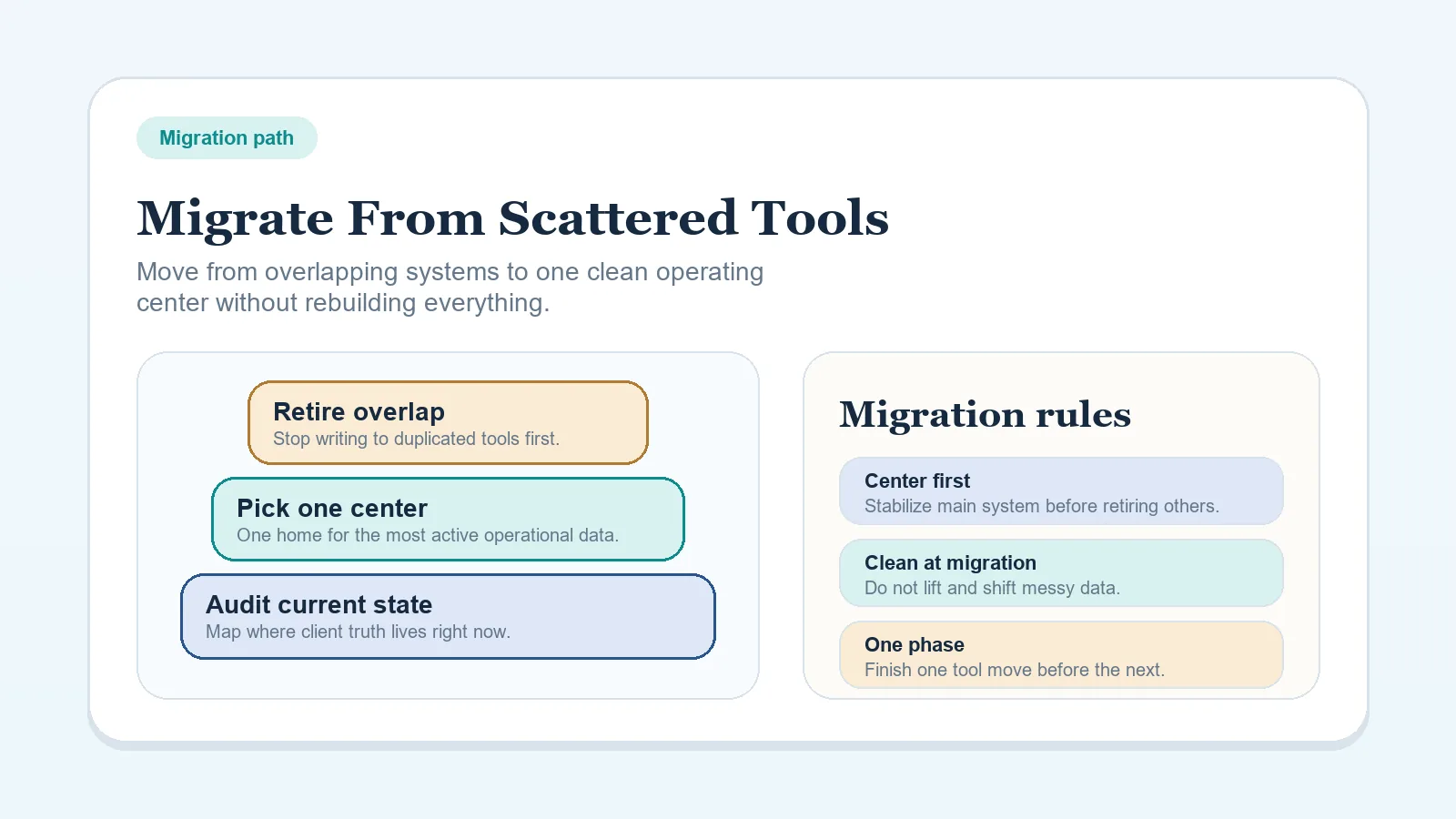
- Repair a fragmented record with the migration guide.
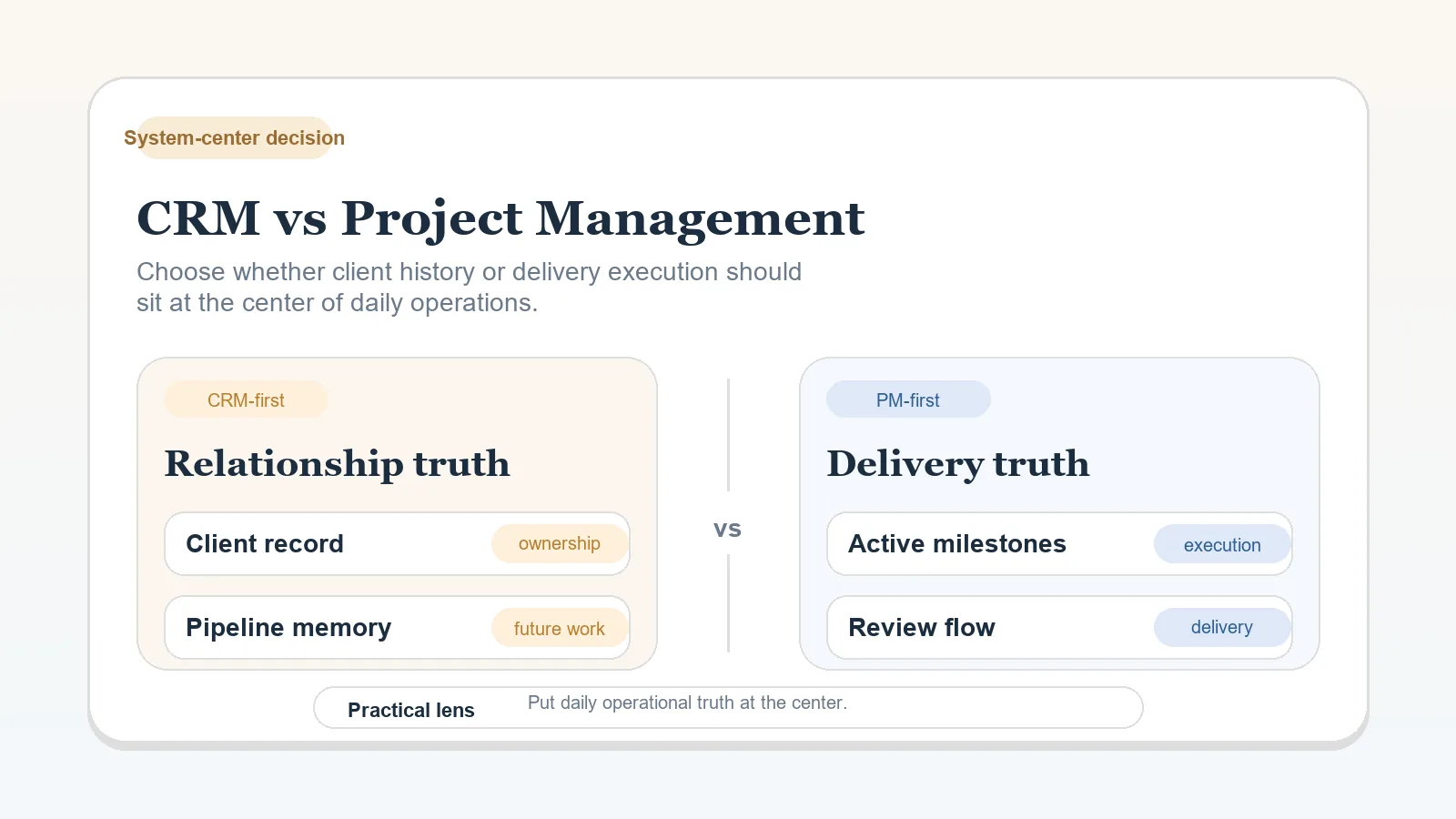
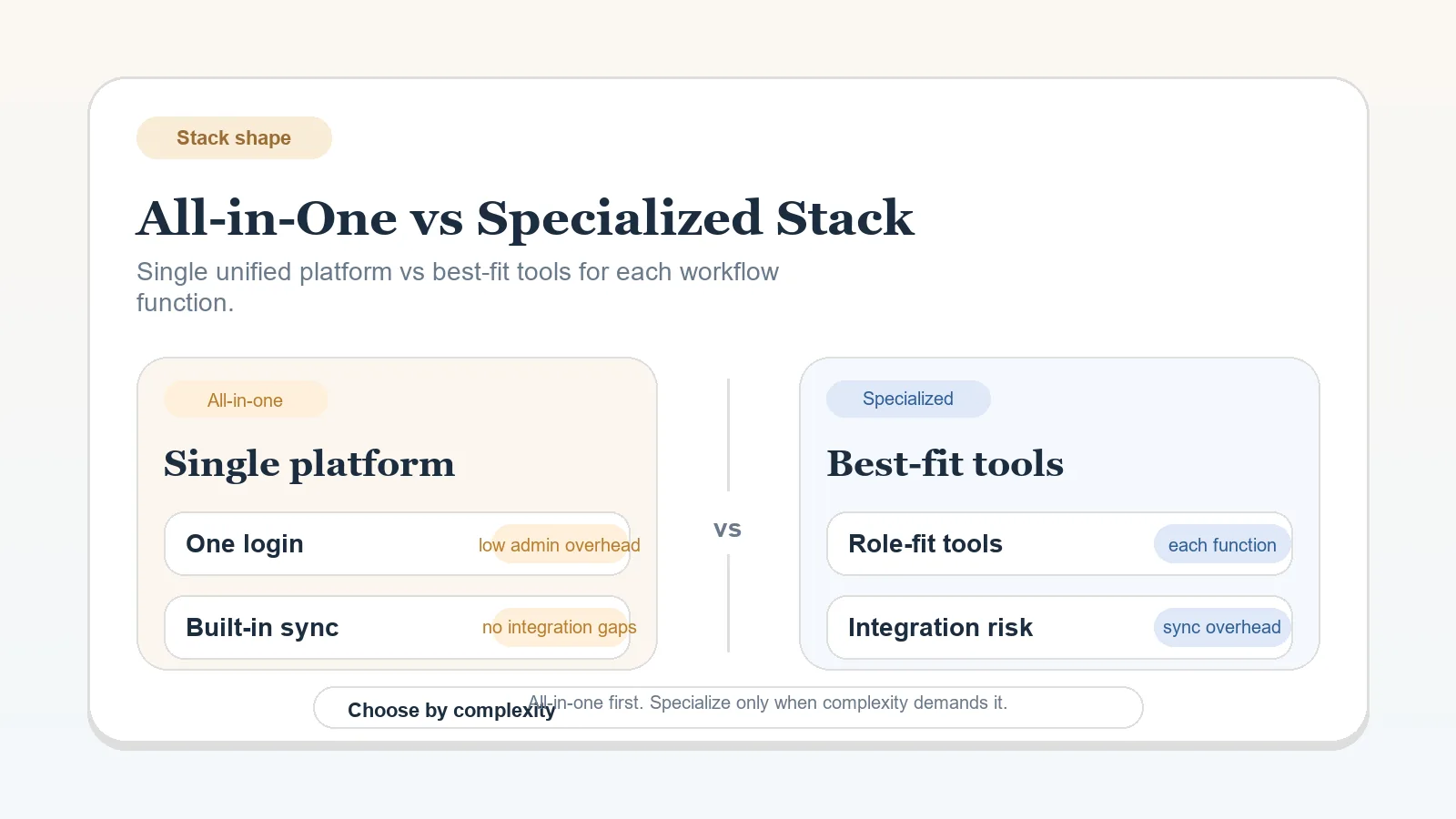
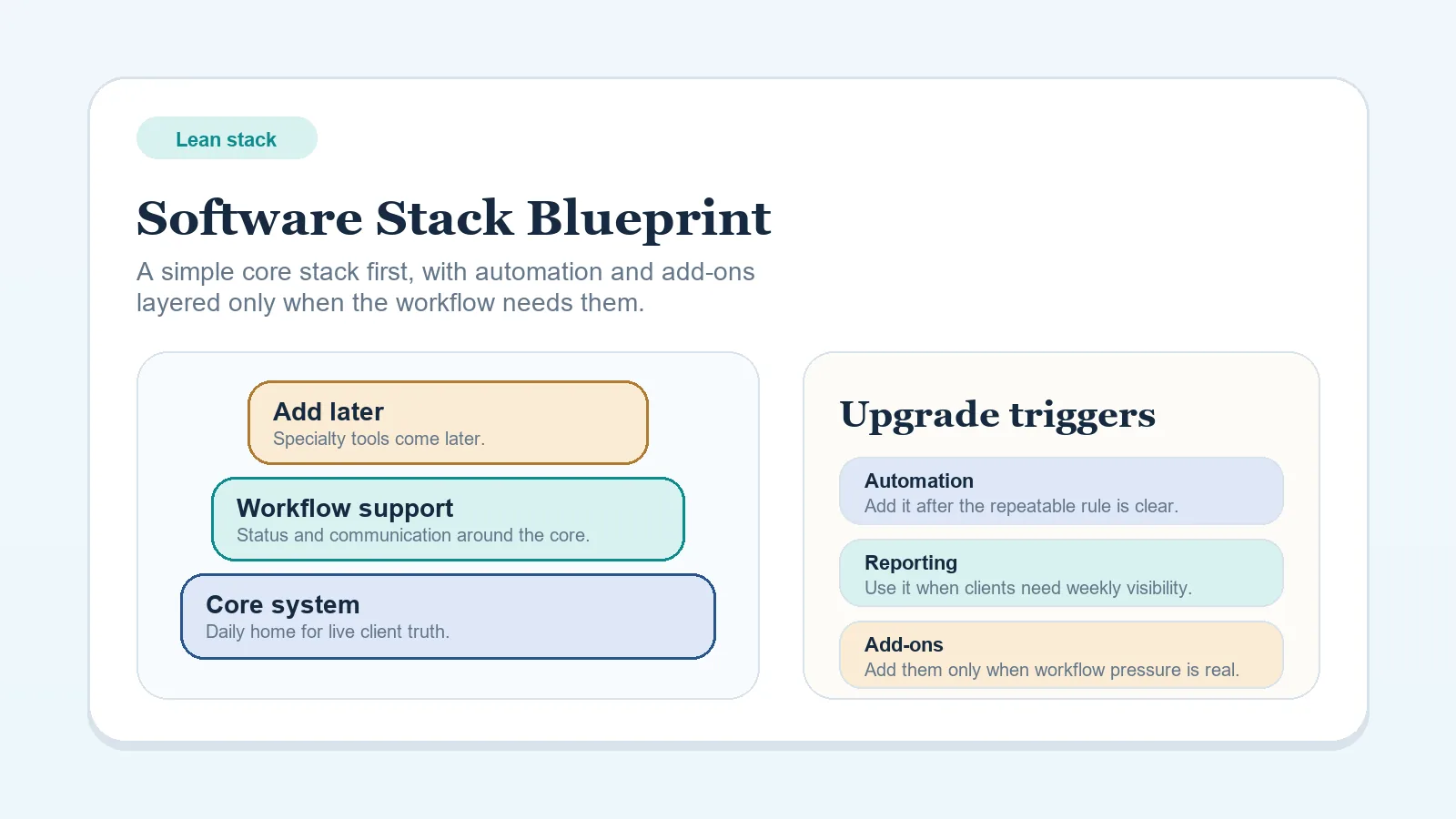
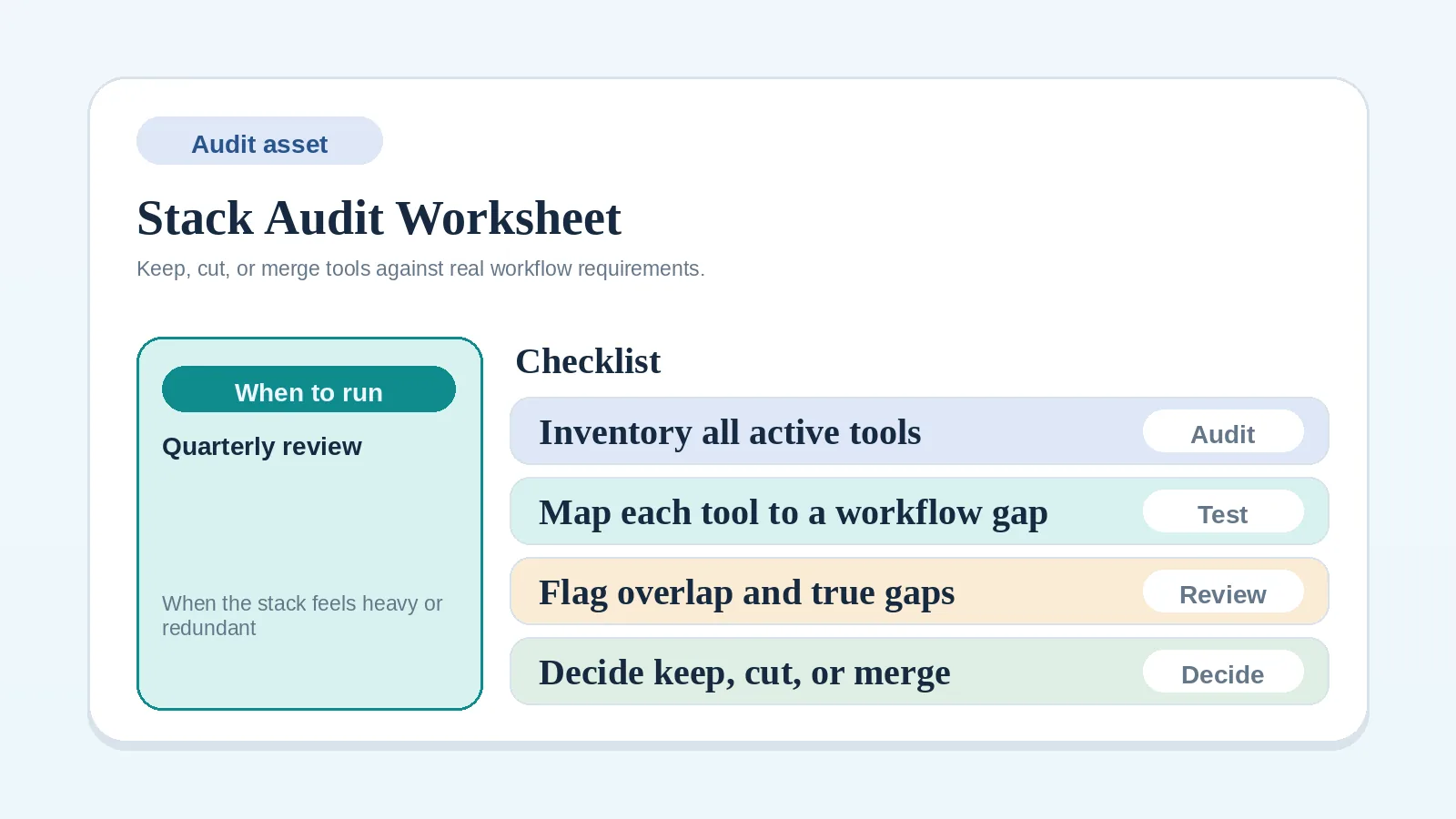
- Return to the lean stack blueprint if the broader system roles are still unclear.
Document the finance system as the source for invoice facts, limit the operational mirror to the status needed for client work, and name the person responsible for resolving mismatches.