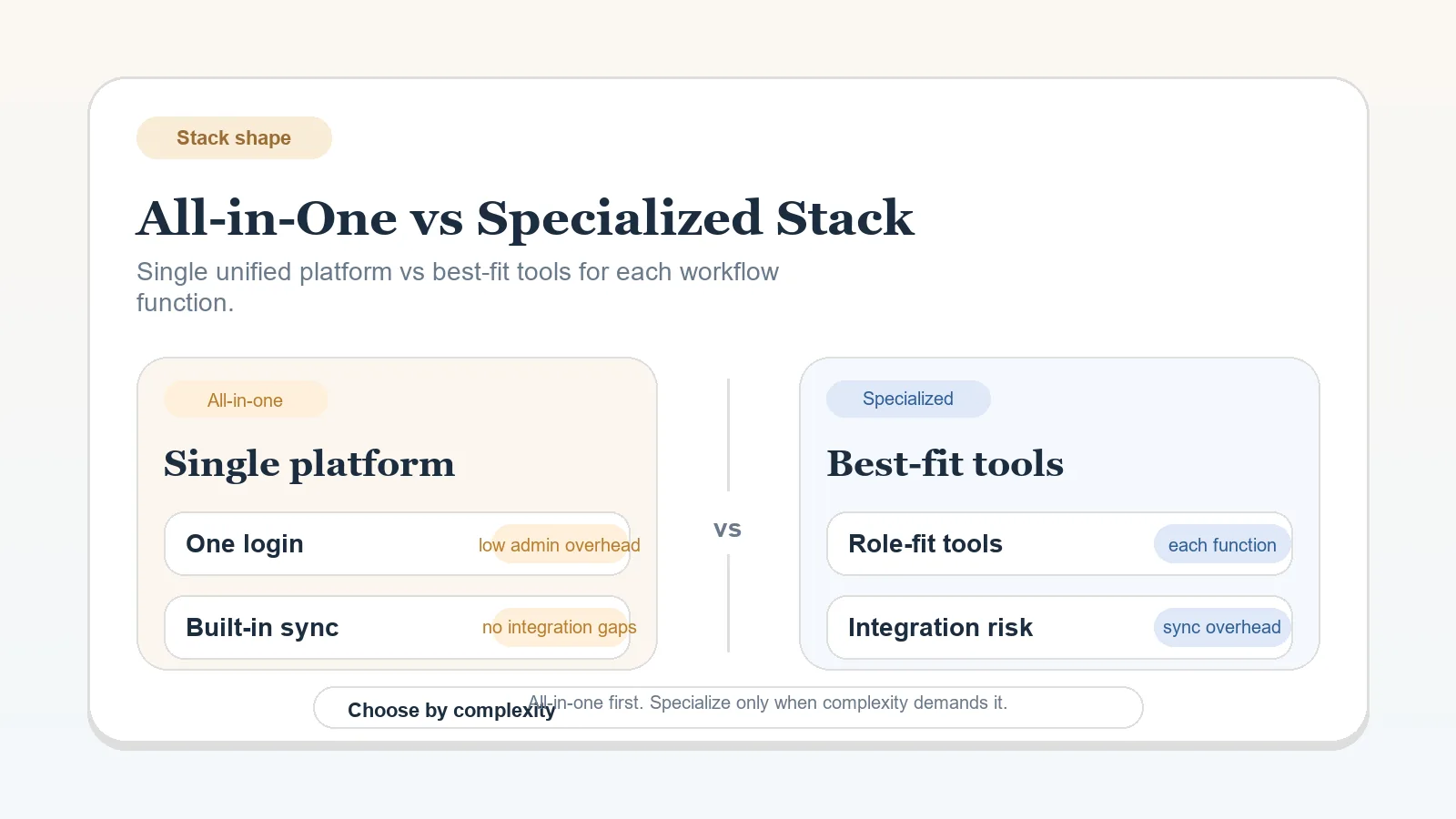
This is not a generic “fewer tools vs more tools” article. It is a stack-shape decision about where complexity should live in a solo operation.

For many solo operators, one main workspace is enough for longer than they think. The mistake is splitting functions across several tools before the workflow pressure is real enough to justify the extra handoffs, maintenance, and failure points.

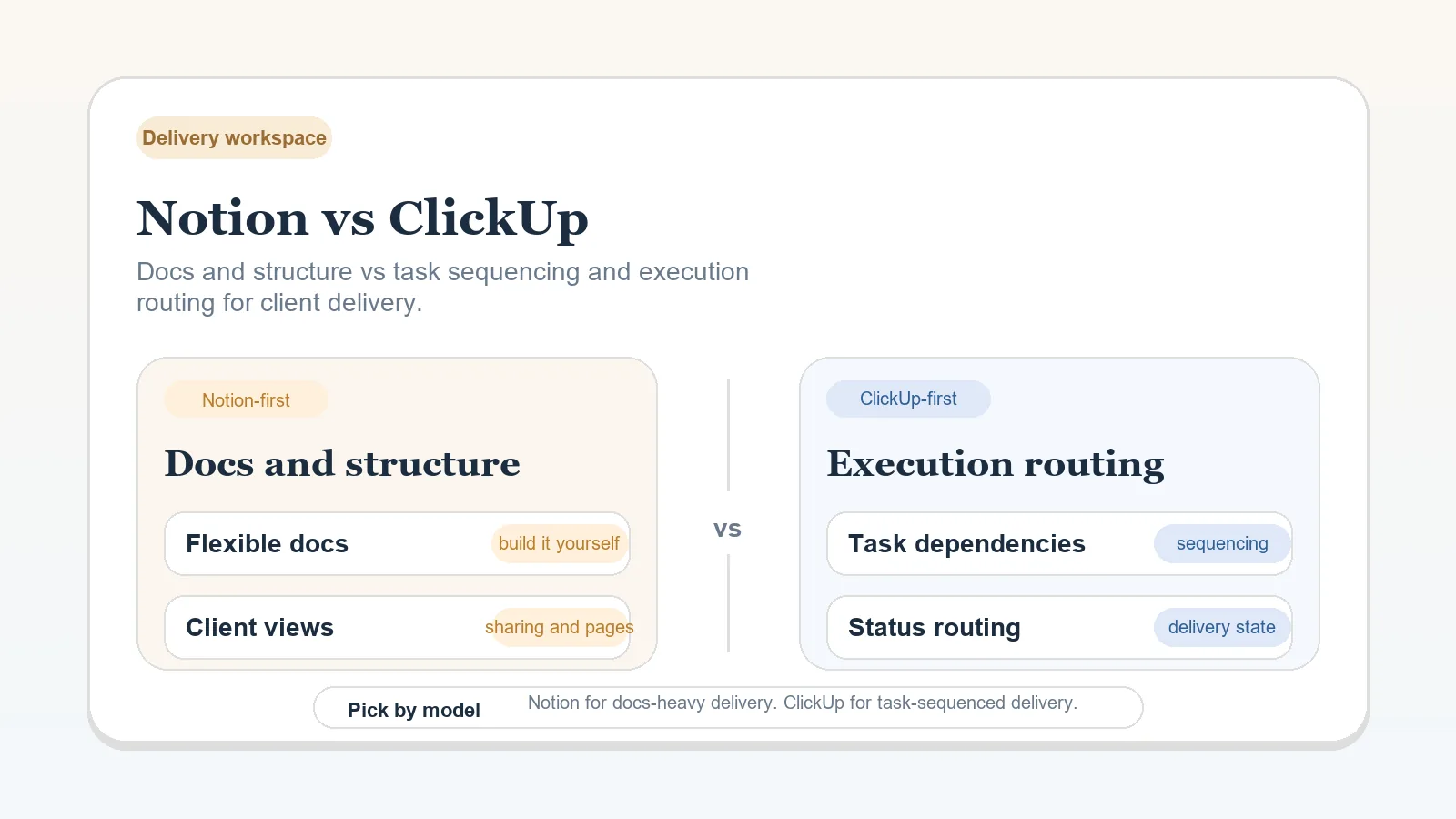
Use this page when the open question is broader than a single app choice. It sits above workspace comparisons like Notion vs ClickUp for Solo Client Delivery because it decides whether you should stay consolidated at all before you start optimizing inside a workspace.

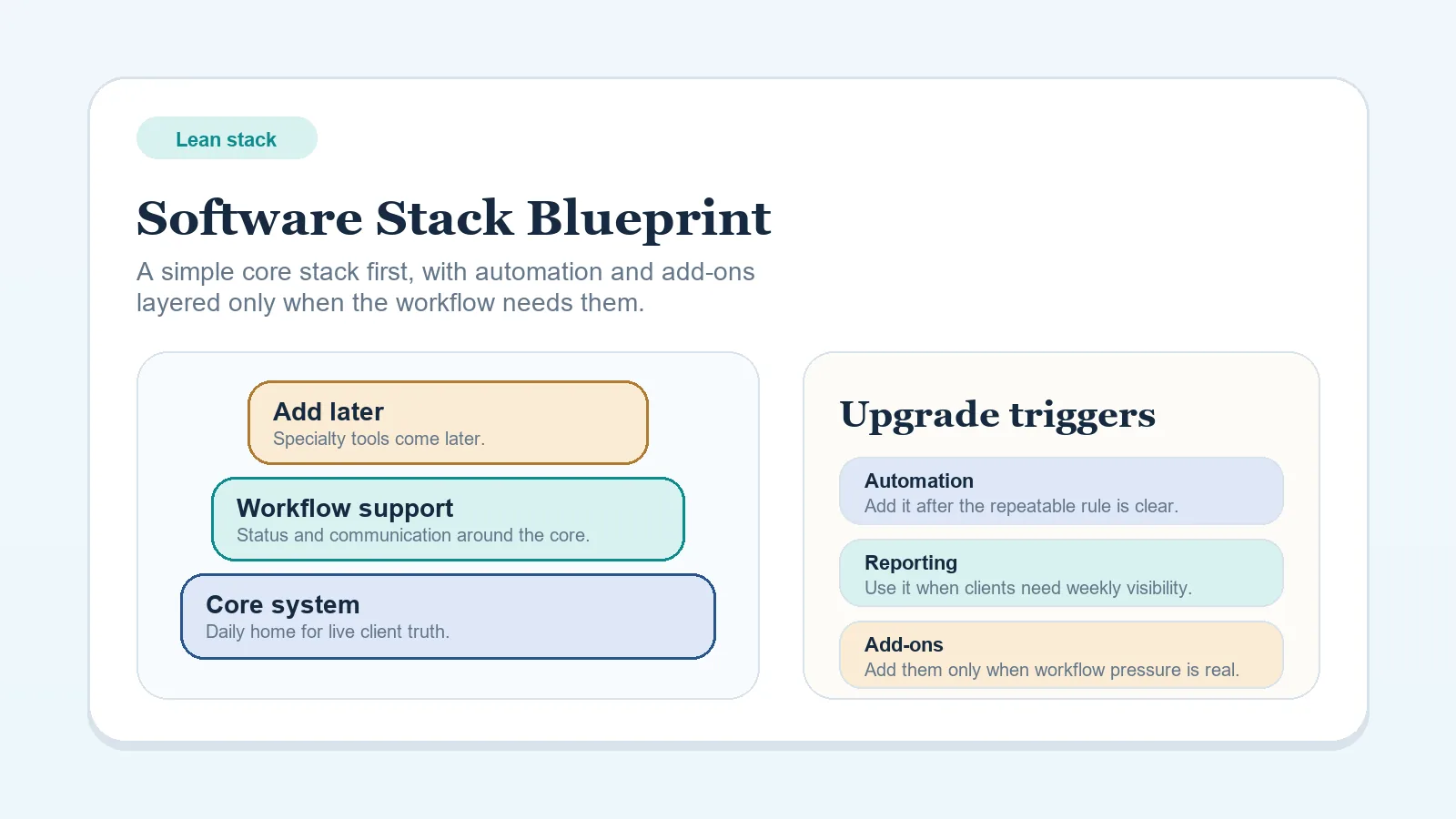
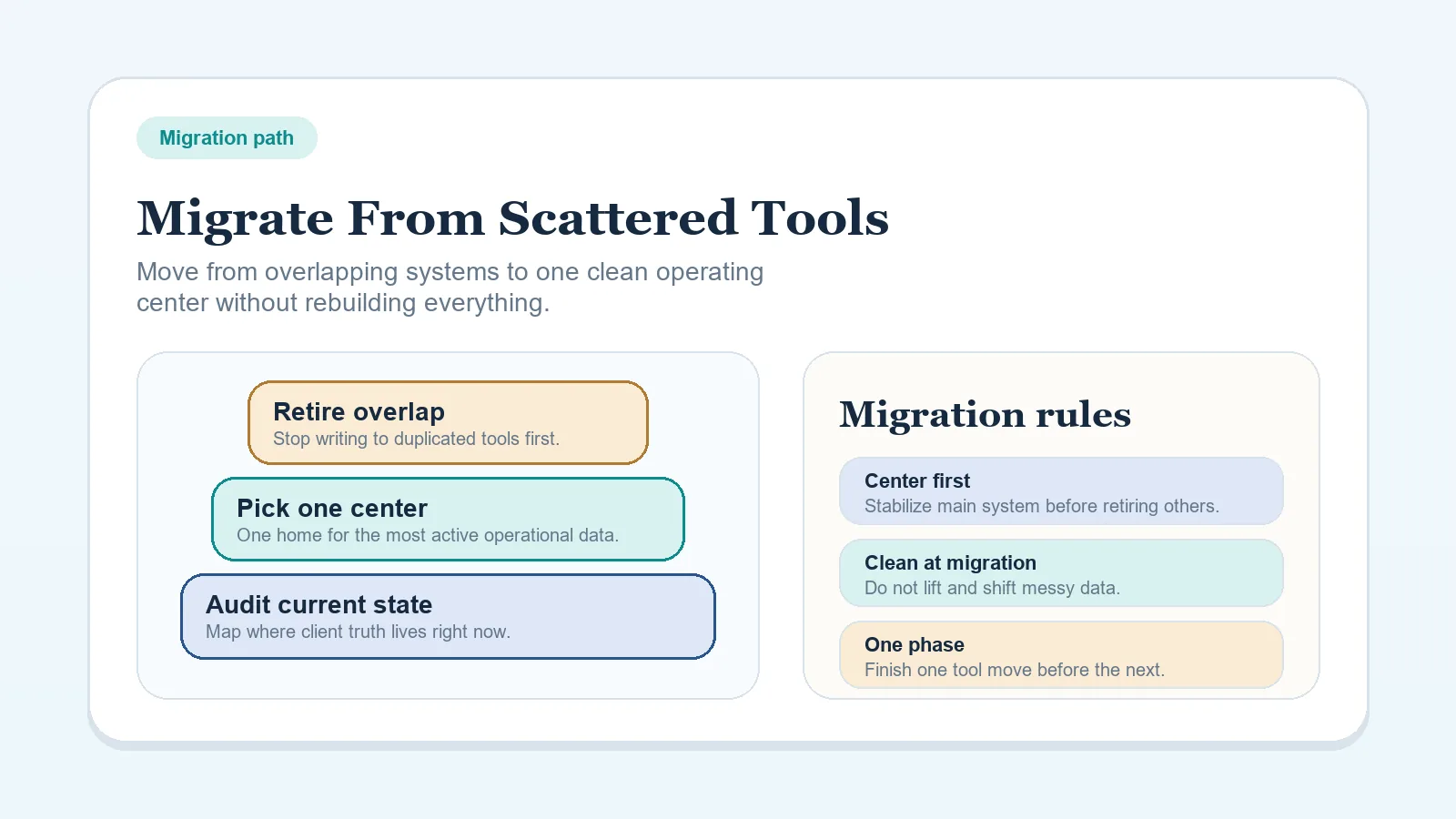
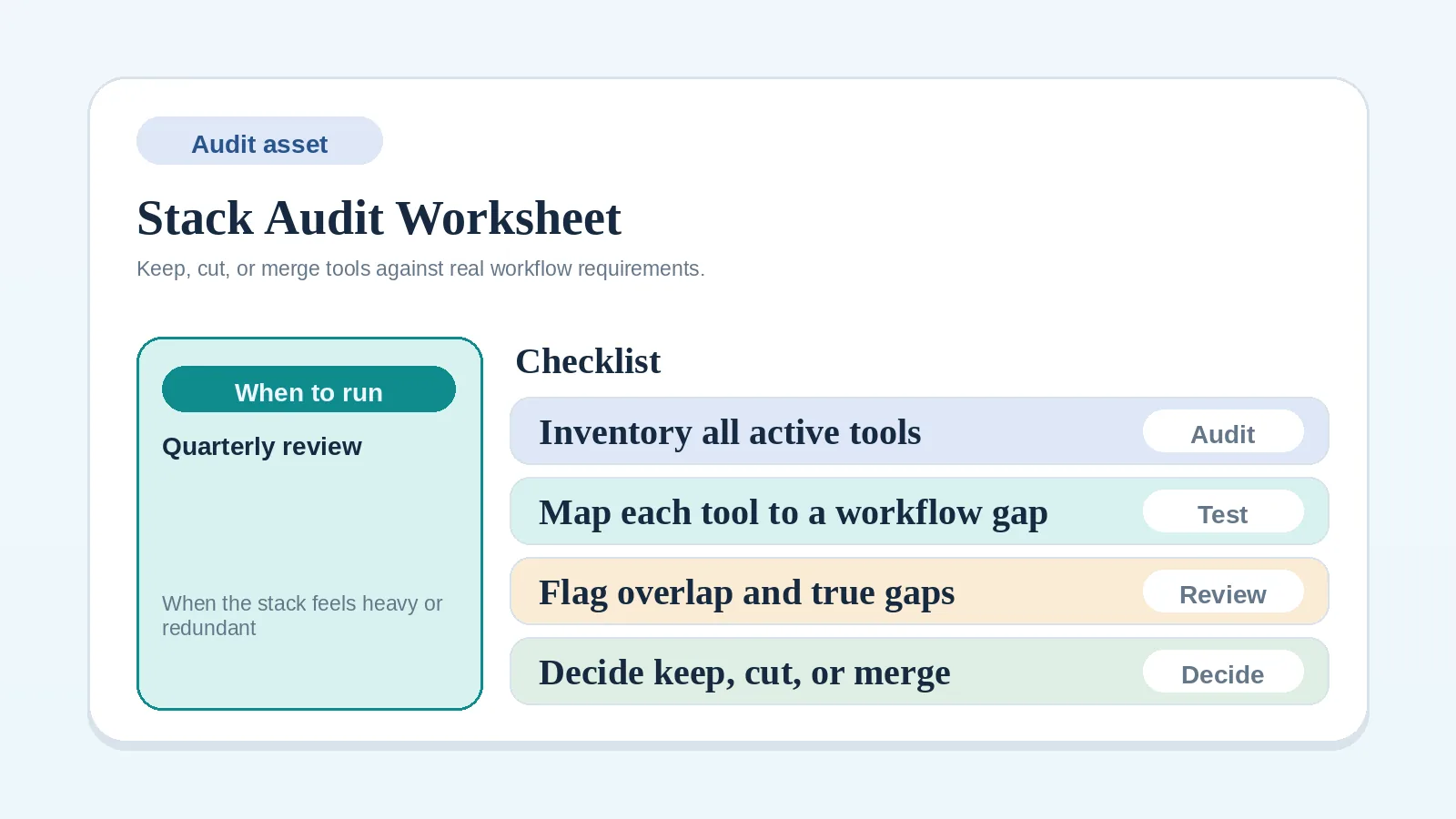
This comparison should hand off into the blueprint cluster once the stack-shape decision is clear. The next step is usually not another comparison. It is either implementing the lean baseline, tightening buying boundaries, or consolidating a fragmented setup.

What this page should not decide

This page should not decide:

  • which exact app should be the system center,
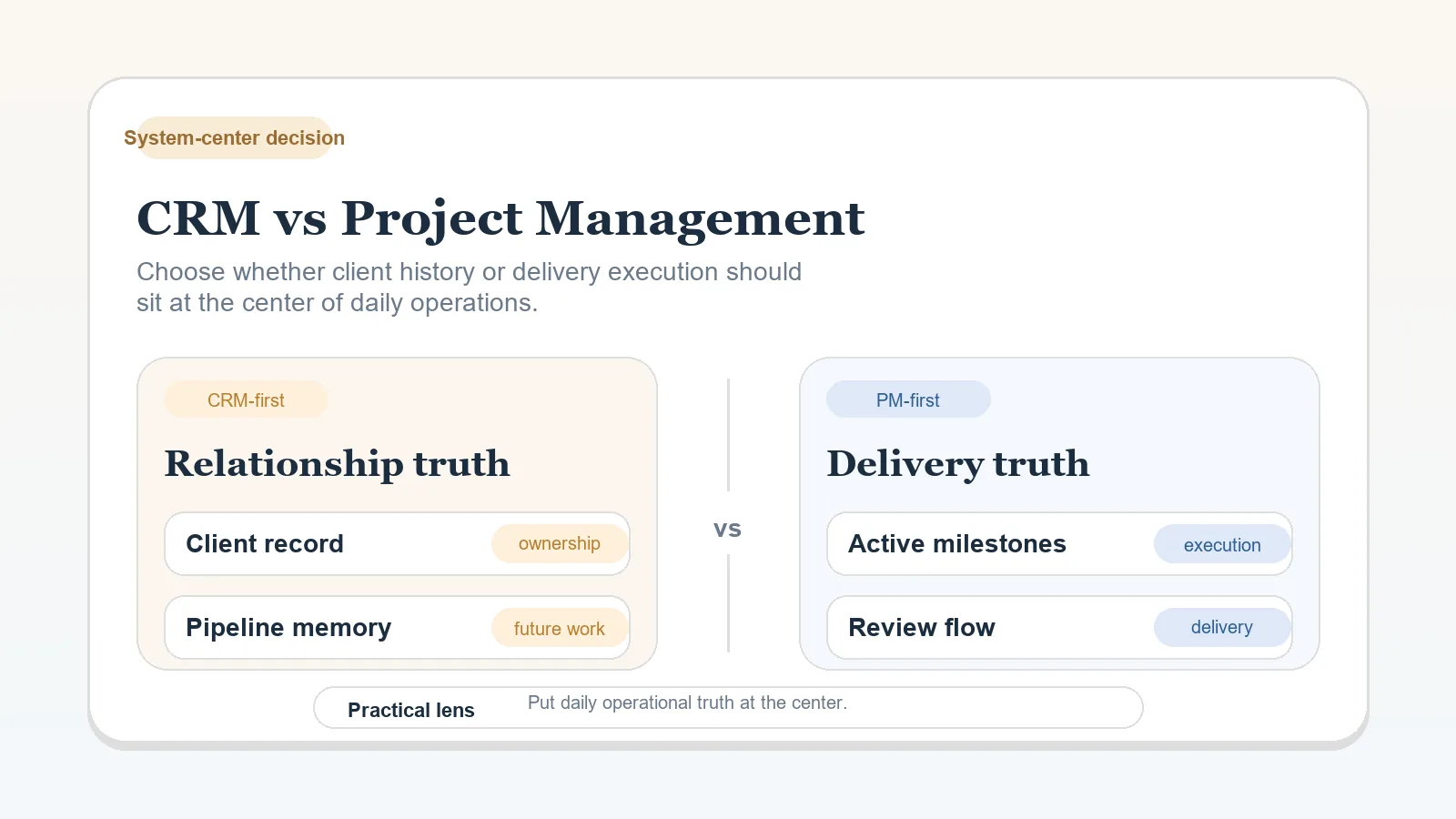
  • whether CRM-first or PM-first is the right operating model,
  • which narrower tool comparison should win inside a chosen setup.

Its job is only to decide whether the business should stay more consolidated or accept the cost of specialization.

Who this page is really for

Use this page when:

  • the stack is starting to grow and you are not sure whether that growth is justified,
  • one main workspace feels limiting, but you cannot yet name the exact operational reason,
  • migration, overbuying, or complexity risk is becoming more relevant than app polish.

Do not use this page when the system center is still unclear. If you have not yet decided where active client truth should live, start first with CRM vs Project Management Tool for Client Workflows.

What “all-in-one” means in practice

For solo operators, an all-in-one workspace usually means one main environment holds most of the live operating work:

  • active client status,
  • delivery planning,
  • notes and internal context,
  • recurring templates,
  • often basic intake or light CRM-like tracking.

It does not mean literally every possible function must live in one app. Billing, payment processing, or file storage may still sit elsewhere. The point is that most weekly operating decisions can be made without checking several systems first.

What “specialized stack” means in practice

A specialized stack means different functions intentionally live in different tools because the workflow has earned that complexity.

Typical split:

  • CRM or pipeline tool for pre-sale motion,
  • PM workspace for onboarding and delivery,
  • docs layer for knowledge or templates,
  • scheduling, billing, or portal tools where those functions have become operationally heavy enough to justify their own system.

The benefit is not more software by itself. The benefit is deeper fit at a few specific pressure points, if those pressure points are real.

Why this decision matters after the system-center choice

Once you know where active client truth should live, the next risk is stack sprawl.

This page matters because it decides:

  • whether the center should stay dominant,
  • whether another function has truly earned its own system,
  • whether the maintenance cost of specialization is lower than the workaround cost of staying consolidated.

What this page should settle

By the time you leave this page, you should be able to answer:

  • whether one consolidated workspace is still enough,
  • whether a specialized stack is actually solving a real bottleneck,
  • what extra handoffs and maintenance a split stack would create,
  • which blueprint, migration, or tool-specific comparison should come next.

Option 1: all-in-one workspace

Best for:

  • low-to-moderate complexity solo operations,
  • businesses with manageable lead volume,
  • operators who want one weekly control center,
  • services where the same person owns most client stages.

Strengths:

  • fewer handoffs,
  • lower maintenance overhead,
  • lower risk of duplicate truth,
  • easier weekly review and operations visibility.

Tradeoffs:

  • less depth in specific functions,
  • limits may appear earlier for pipeline-heavy or collaboration-heavy businesses,
  • manual workarounds can appear if one stage becomes much more complex than the rest.

Failure mode: the workspace becomes stretched beyond its real fit, and hidden workarounds start replacing clear process design.

Option 2: specialized stack

Best for:

  • operators with clear recurring pressure in several different functions,
  • businesses where sales and delivery both matter at meaningful volume,
  • workflows with heavier stakeholder management, approvals, or reporting needs,
  • setups where a second person is helping and visibility boundaries matter more.

Strengths:

  • better fit for specific functions,
  • deeper control in the stages that need it,
  • easier to support higher complexity once boundaries are documented clearly.

Tradeoffs:

  • more maintenance,
  • more handoffs between tools,
  • more training and configuration burden,
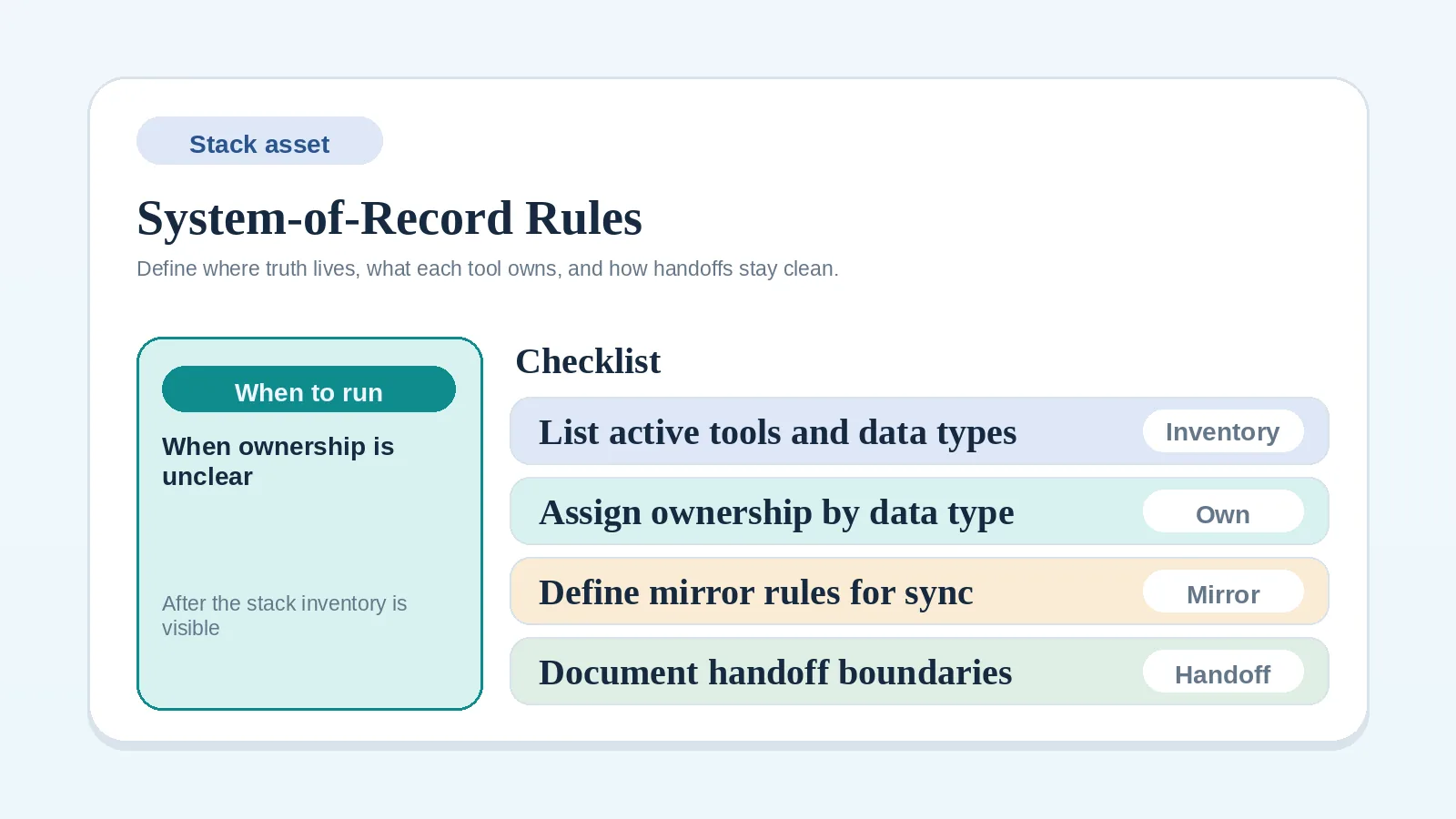
  • higher risk of fragmentation if the system-of-record rule is weak.

Failure mode: more tools are added, but ownership boundaries stay vague, so complexity rises faster than clarity.

When simplicity beats flexibility

Stay more consolidated when:

  • one person still owns most stages,
  • the workflow is changing faster than the software needs to,
  • the real problem is weak process design, not missing software depth,
  • the weekly question “what happens next?” can still be answered from one main workspace.

In this phase, simplicity is not underbuilding. It is a way to keep operations legible while the business is still earning its complexity.

When specialized tools become justified

Split functions across tools when:

  • one stage has become a genuine bottleneck every week,
  • a more specialized tool would remove real manual coordination,
  • the ownership boundary between systems can be stated clearly,
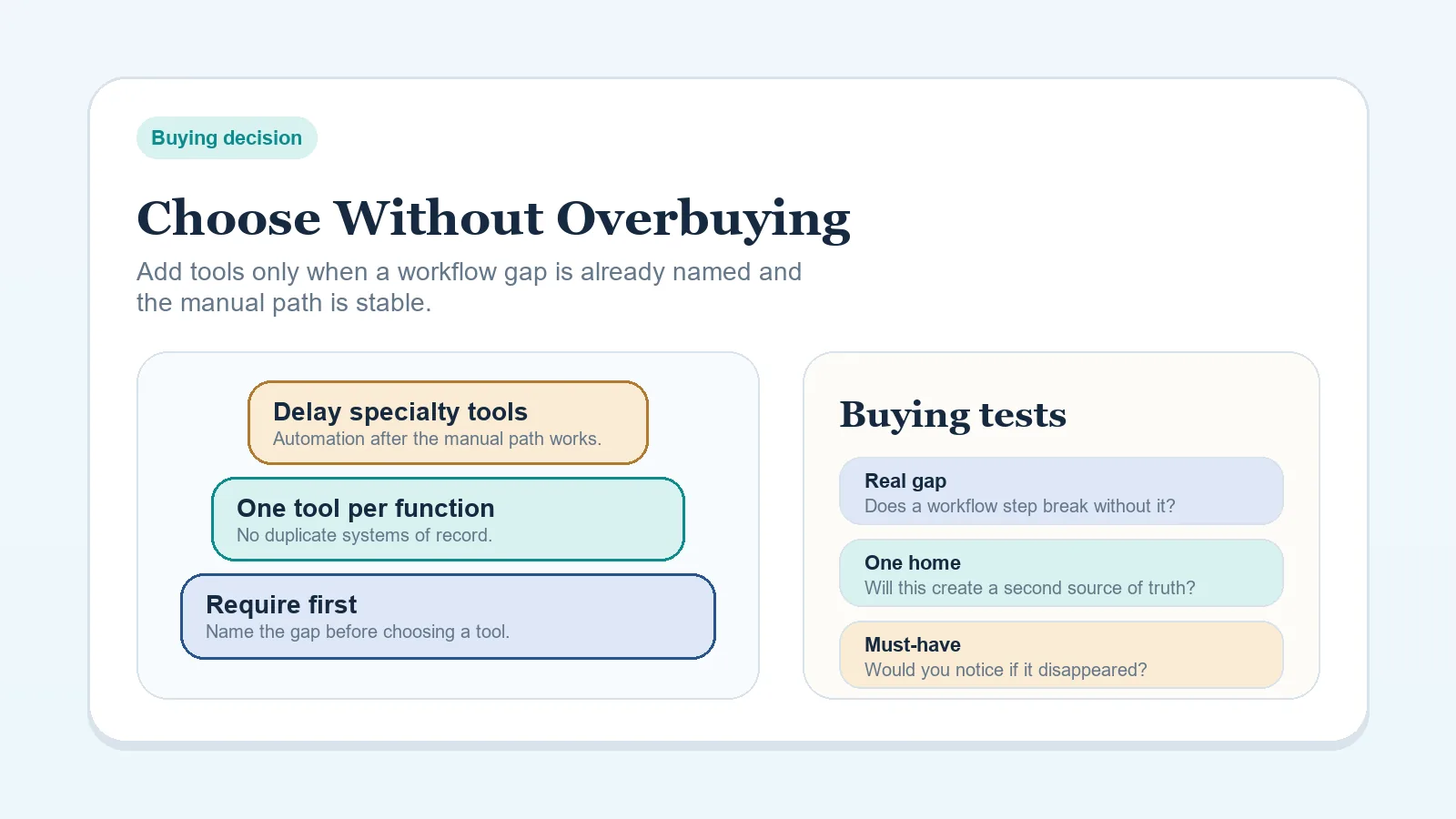
  • the extra handoff is cheaper than the workaround inside one workspace.

The key test is not whether a specialized tool is better in isolation. It is whether it improves the live operating system after you account for the extra maintenance cost.

Specialization must earn at least one of these:

  • a repeated weekly bottleneck disappears,
  • a handoff becomes clearer rather than harder,
  • a role or approval path becomes easier to maintain,
  • one current workaround can be retired cleanly.

Maintenance burden most people underestimate

Every added tool introduces:

  • one more place to check,
  • one more setup to maintain,
  • one more boundary that can fail,
  • one more migration problem later,
  • one more decision about where current truth lives.

This is why overbuying often looks rational in the moment but expensive over time. The subscription cost is usually smaller than the coordination cost.

Handoff and fragility risks

A specialized stack is only healthy if you can answer:

  • what changes systems when a lead becomes a client,
  • where approvals are logged,
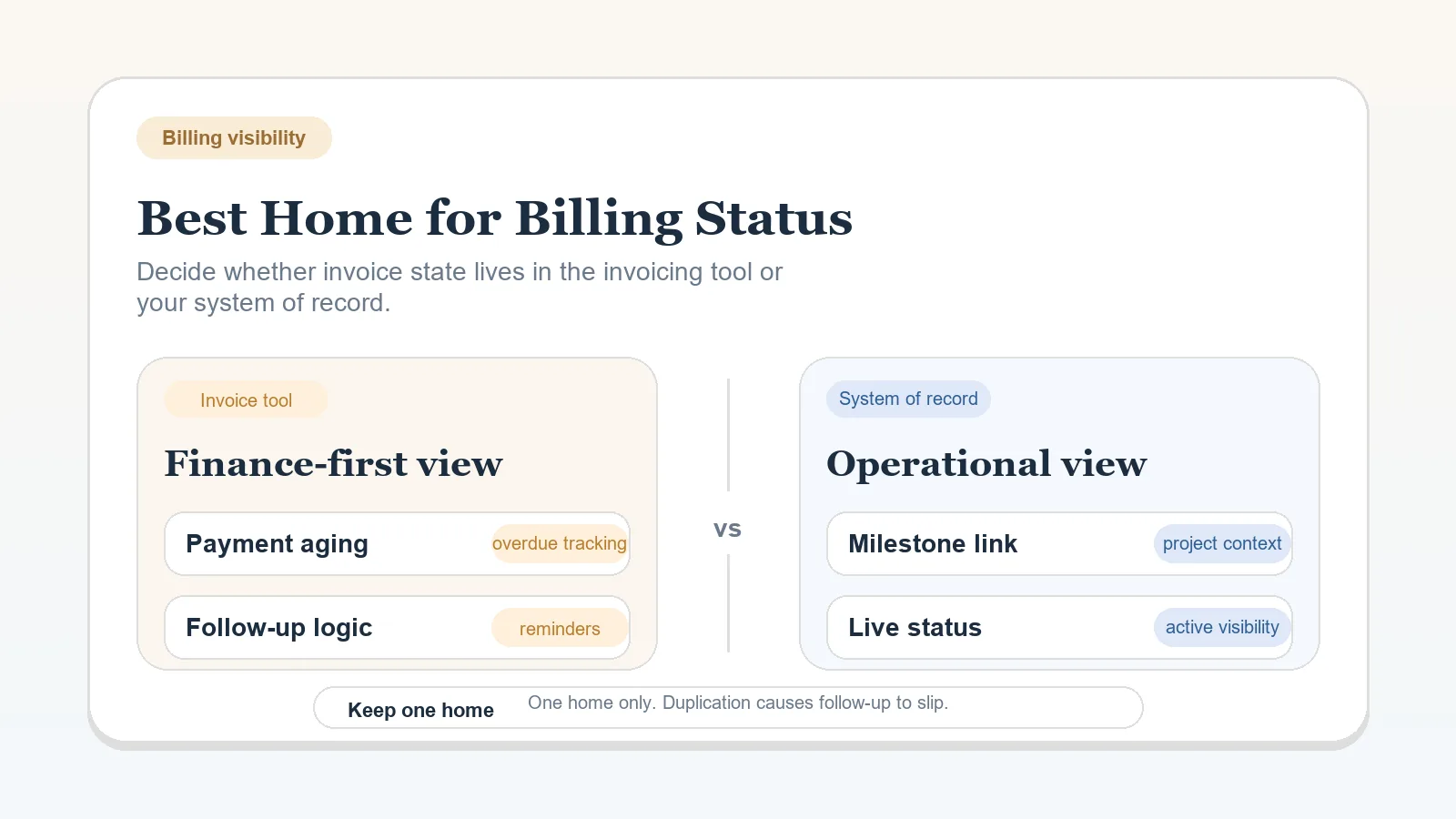
  • where invoice state stays visible,
  • which system is authoritative after each stage transition.

If you cannot answer those clearly, the stack is not specialized. It is fragmented.

Decision table

ConditionBetter default
One person owns almost everythingAll-in-one workspace
Workflow still changing monthlyAll-in-one workspace
One stage needs much deeper control than the restSpecialized stack
Sales and delivery are both operationally heavySpecialized stack
You need one clear weekly control centerAll-in-one workspace
You already maintain clear boundaries across toolsSpecialized stack

Practical scenarios

Solo freelancer with 3-8 active clients

An all-in-one workspace is usually enough. The bigger gains usually come from stronger workflow rules, clearer templates, and better weekly review discipline, not from adding more software categories.

Consultant with a VA and active delivery plus active pipeline

A specialized stack may become justified if sales follow-up and delivery execution both create real weekly pressure. But only do this if the handoff rule between systems is explicit.

Operator already using several disconnected tools

Do not assume the answer is even more specialization. Often the right move is the opposite: consolidate first with How to Migrate from Scattered Tools to One Workflow System.

Recommendation boundaries

Stay with an all-in-one workspace if:

  • the main system still answers most weekly operating questions cleanly,
  • the extra tool would mostly add optional flexibility rather than remove a repeated bottleneck,
  • the workflow is still simple enough that added handoffs would create more risk than value.

Move toward a specialized stack if:

  • at least one function is repeatedly outgrowing the all-in-one model,
  • the gain from specialization is concrete and recurring,
  • the system-of-record rule and handoff boundaries can be documented clearly.

What this page should not decide

This comparison should not decide:

  • whether CRM-first or PM-first should hold active client truth,
  • which specific delivery workspace app you should use,
  • whether one booking or portal tool is better than another.

Those are downstream decisions. This page only decides the broader stack shape.

What to do after deciding

Quick failure check

Your stack is probably specializing too early if:

  • no one can name the new ownership boundary,
  • the new tool mostly duplicates existing client truth,
  • the weekly review now needs more tabs without better decisions,
  • setup complexity rose but the bottleneck still feels the same.

Completion standard

This comparison is working when you can explain:

  • whether consolidation is still serving the business or just hiding strain,
  • whether specialization is solving a real problem or just adding complexity,
  • which stack decision page should come next,
  • which extra tool, if any, can be delayed confidently for now.