For a messy client lifecycle
7 steps- Full lifecycleStart
- Offboarding workflowFinish
Guides and resources
Stage-by-stage client workflow guides for freelancers and solo operators fixing messy client handoffs from inquiry to final payment.
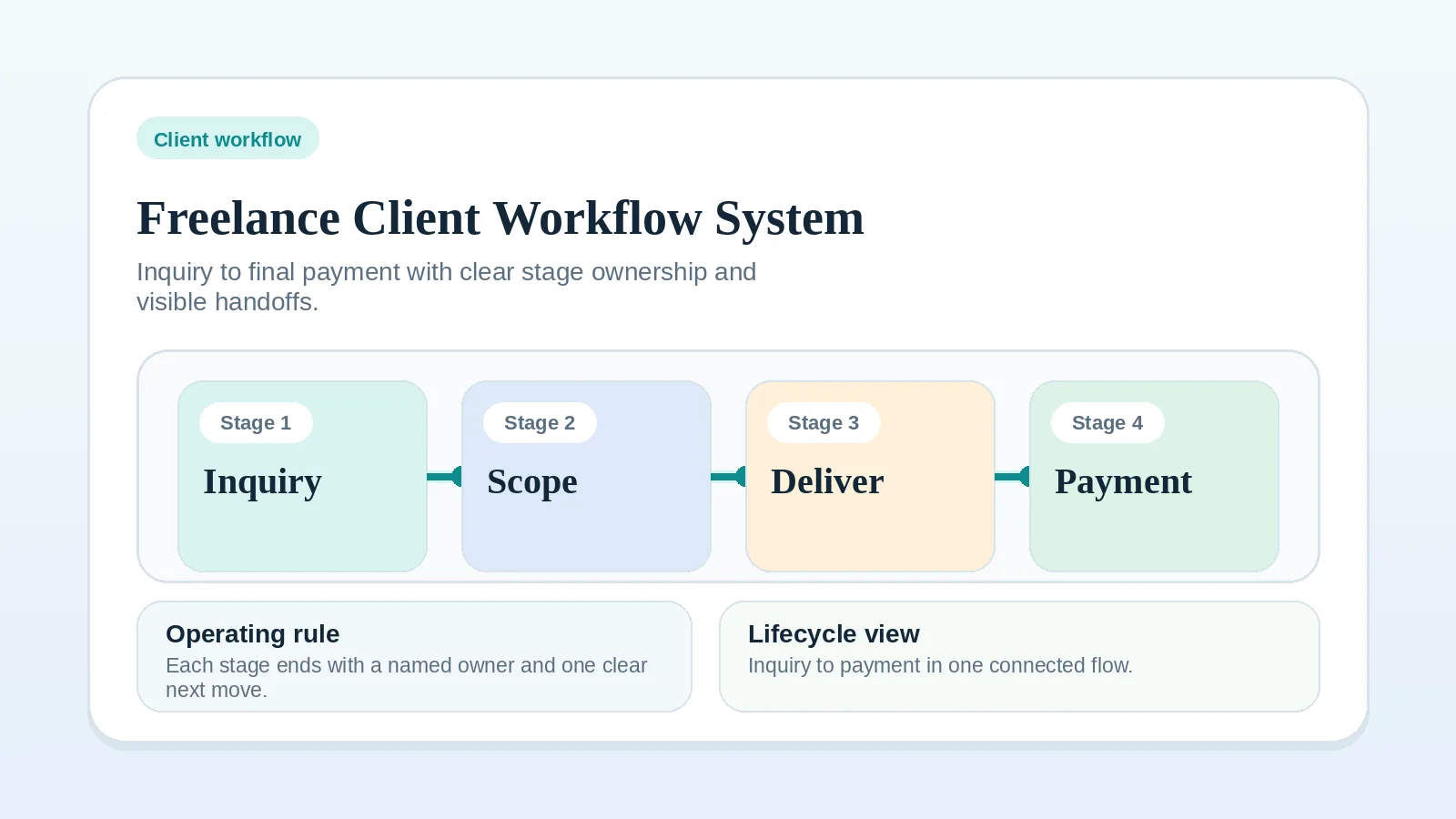
If you open only one guide, choose Freelance client workflow system: inquiry to final payment. Its lifecycle map shows where each stage guide and checklist fits.
Open a stage guide once you can name where the client workflow breaks, what the handoff must contain, and which action should follow. Software cannot supply an approval point or a stage owner that nobody has defined, so settle those before comparing tools.
If you cannot name the specific problem, open the Workflow diagnostic checklist to identify the affected lifecycle stage. Use the Client workflow health check to review the whole workflow and choose a rule to inspect. If you have a specific symptom, the Problem-to-page guide points to a relevant first resource. Templates and the Workflow starter pack fit after the underlying process is mostly clear.
Each path lists its pages in reading order.
Confirm that:
Core pages
Workflow
Updated Sep 24, 2026Map the full client lifecycle, find where handoffs break, and tighten intake, onboarding, delivery, billing, and offboarding without adding tool sprawl.
Guide
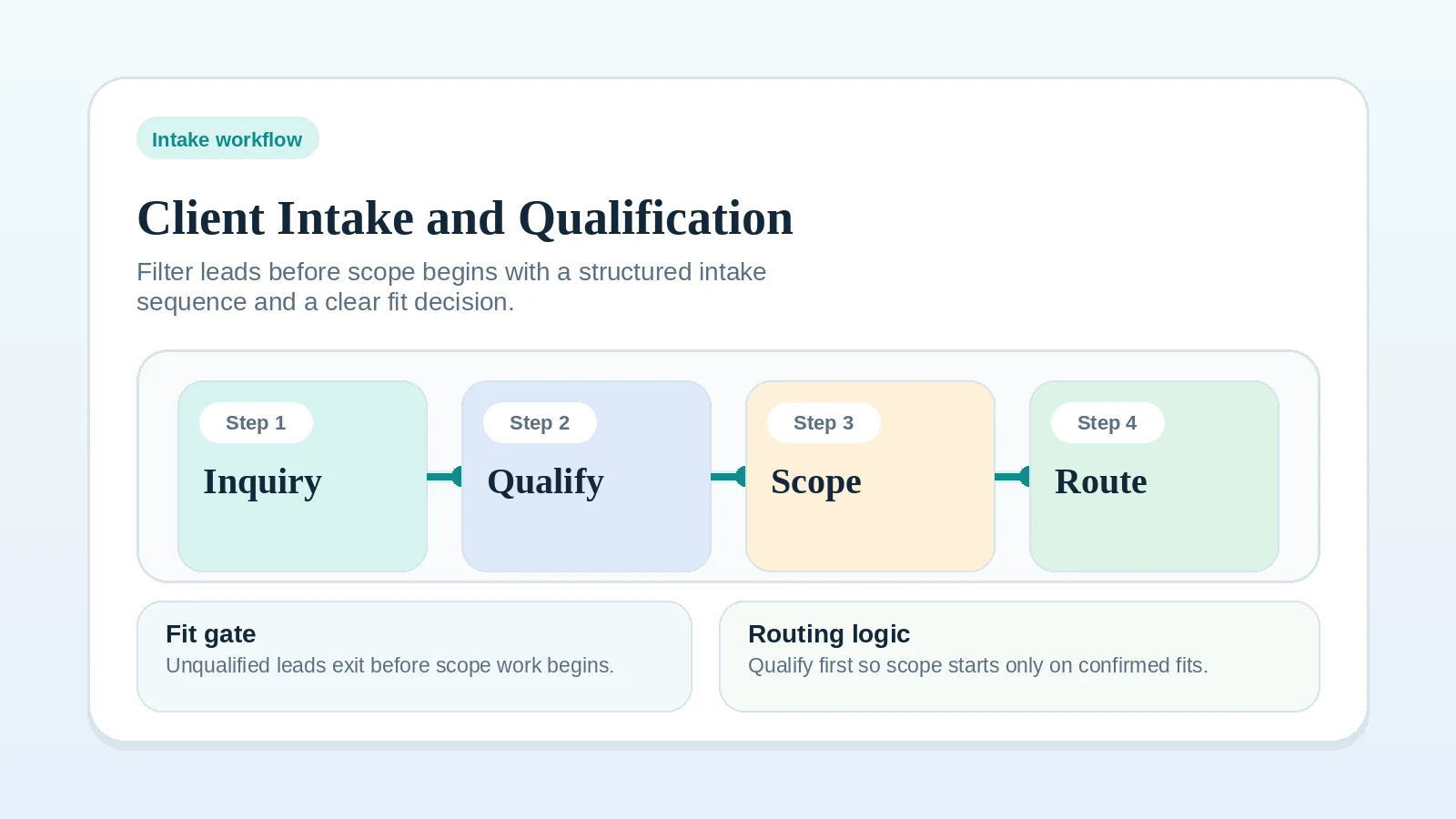
Updated Sep 2, 2026Decide which inquiries get a discovery call and what context passes into the proposal.
Guide
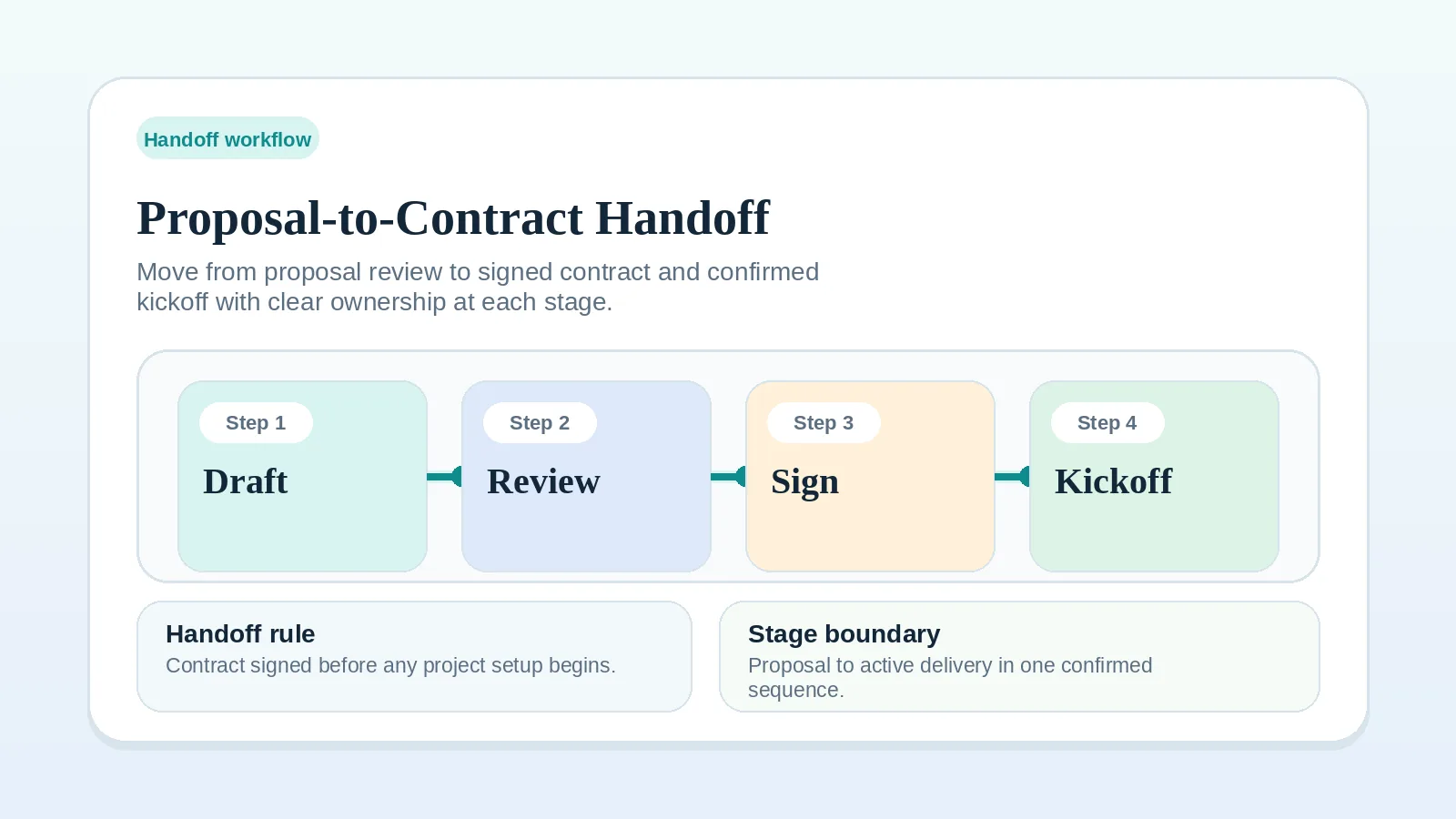
Updated Sep 16, 2026Run a pre-signature check so both sides agree on what done means, what is excluded, and which event triggers each invoice.
Guide
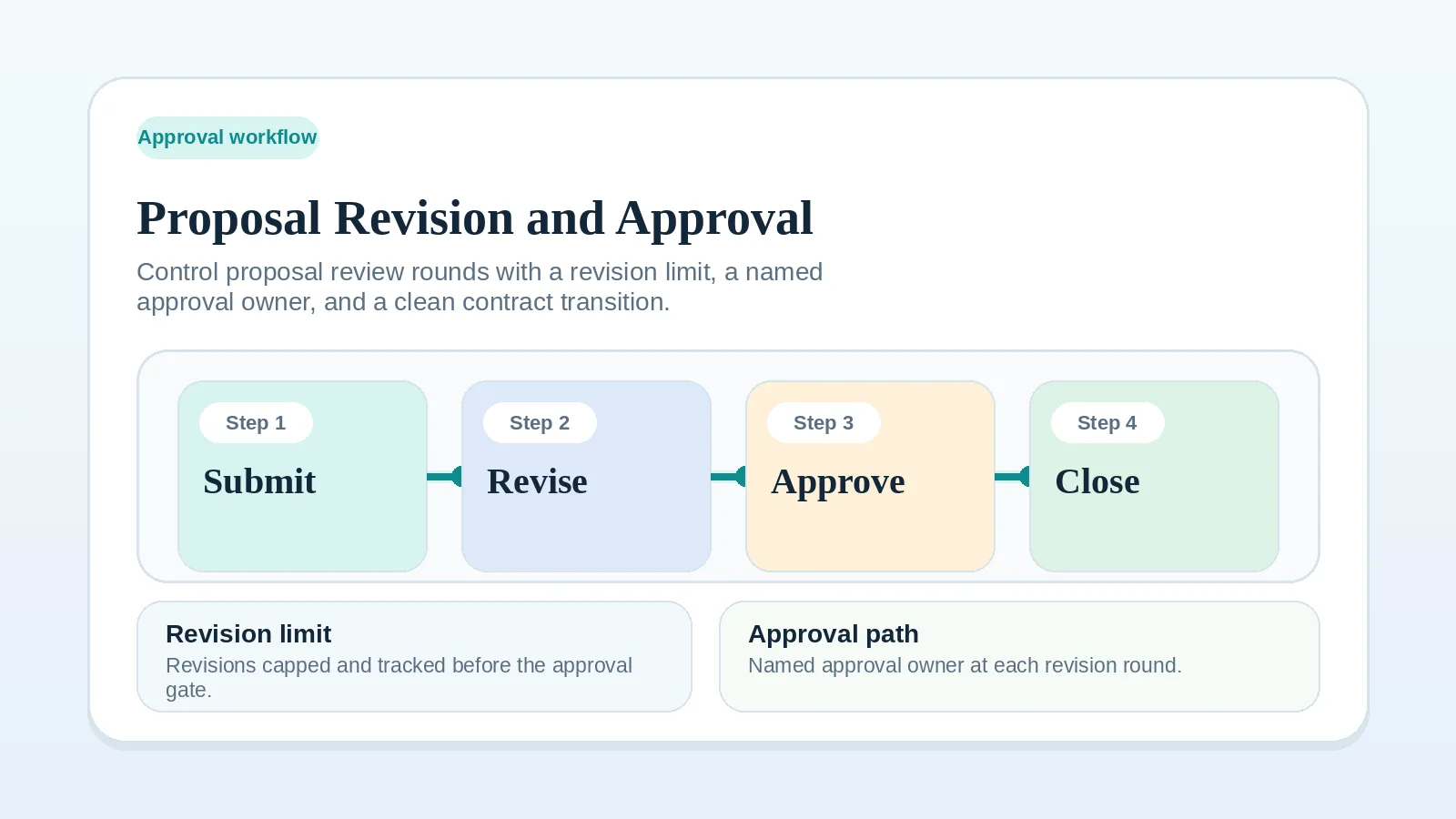
Updated Sep 7, 2026Run proposal review from one visible version, capture revisions, define final approval, and keep pre-signature edits apart from later scope changes.
Guide
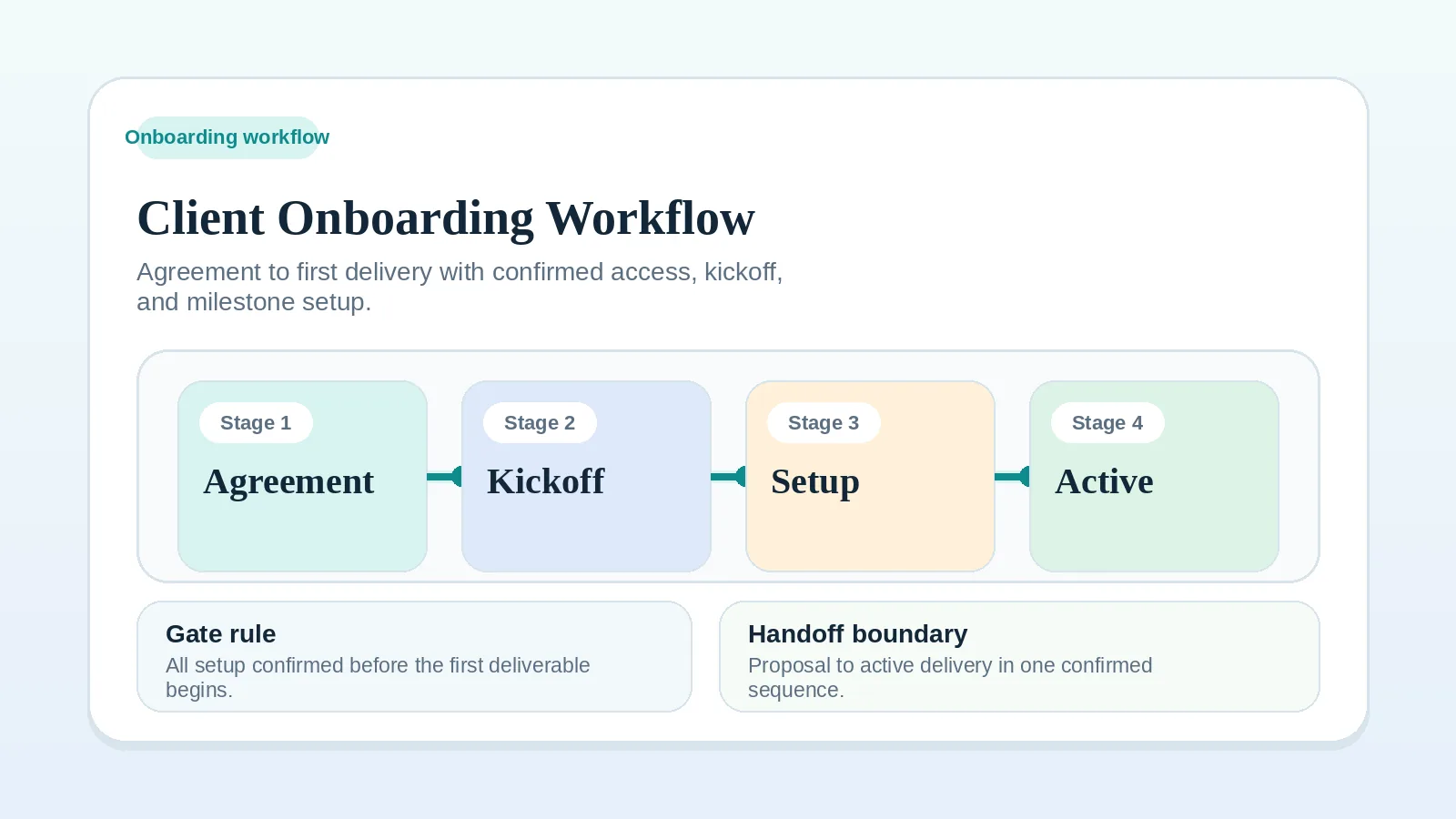
Updated Sep 18, 2026Set up named owners, dates, communication rules, and an active first milestone before delivery begins.
Guide
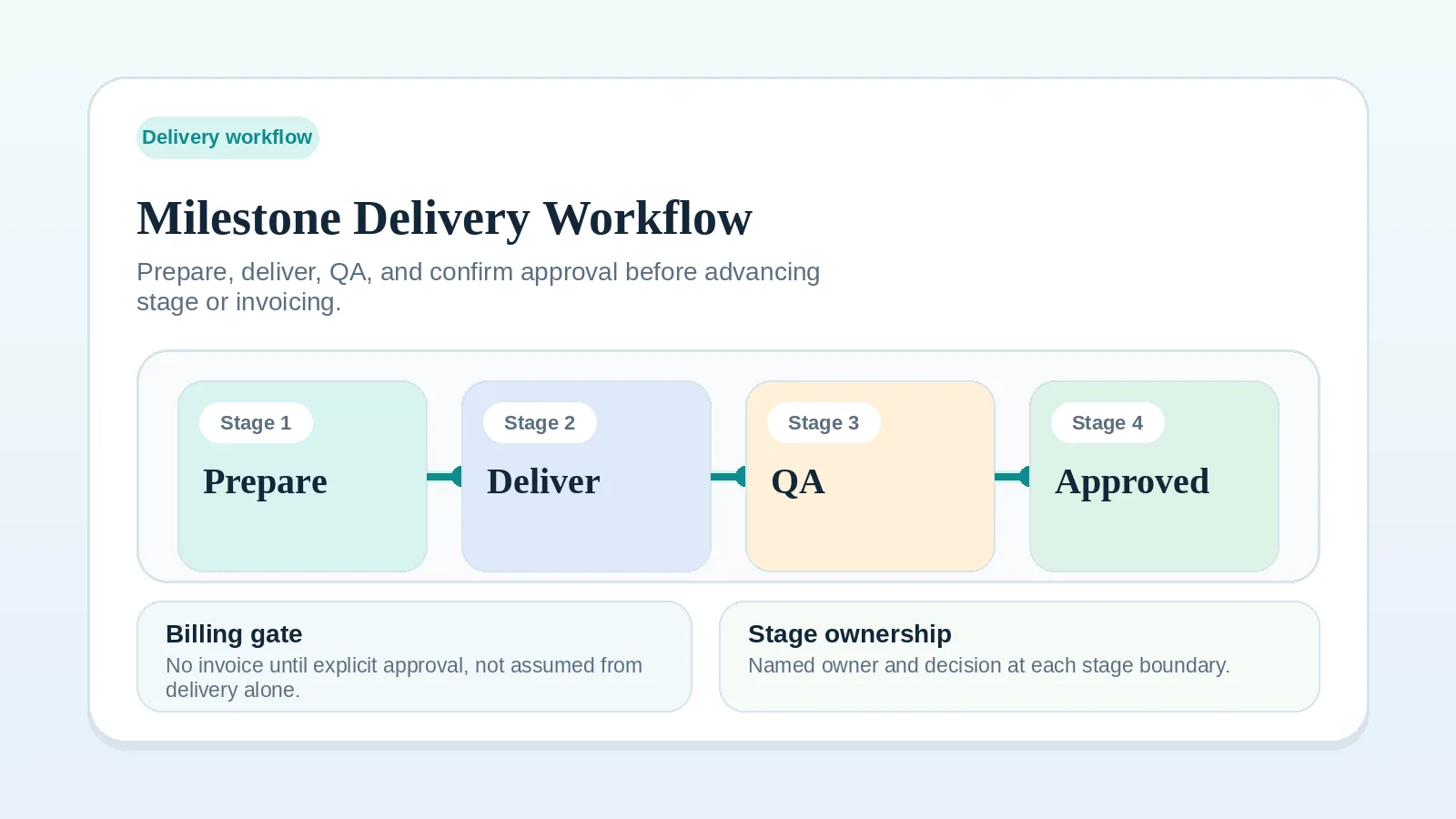
Updated Sep 14, 2026Decide when a milestone is ready for review, what closes it, and when to reset or split it.
Guide
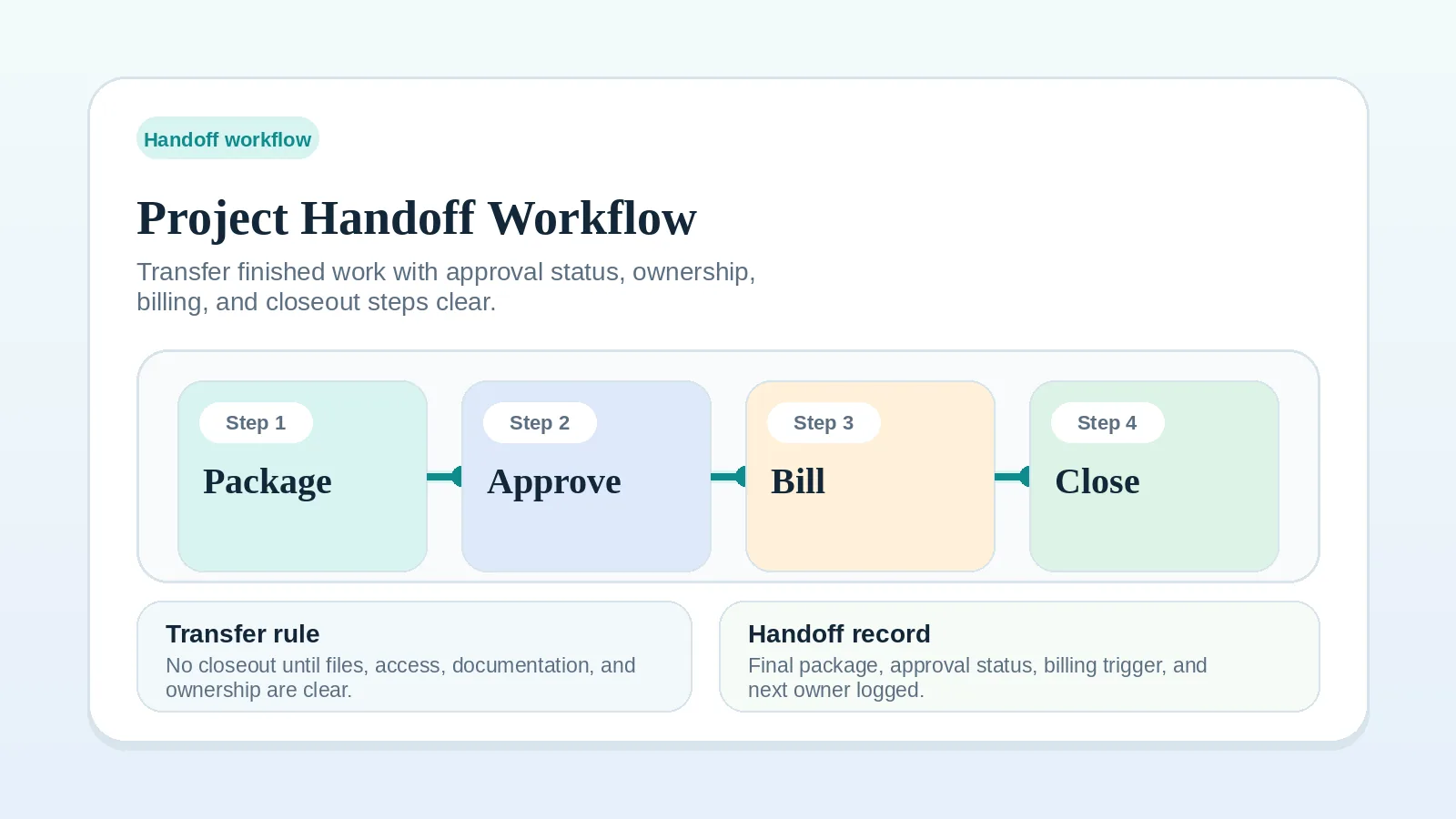
Updated Sep 1, 2026Separate final delivery from approval, name who owns each item after transfer, and connect handoff to the final invoice.
Guide
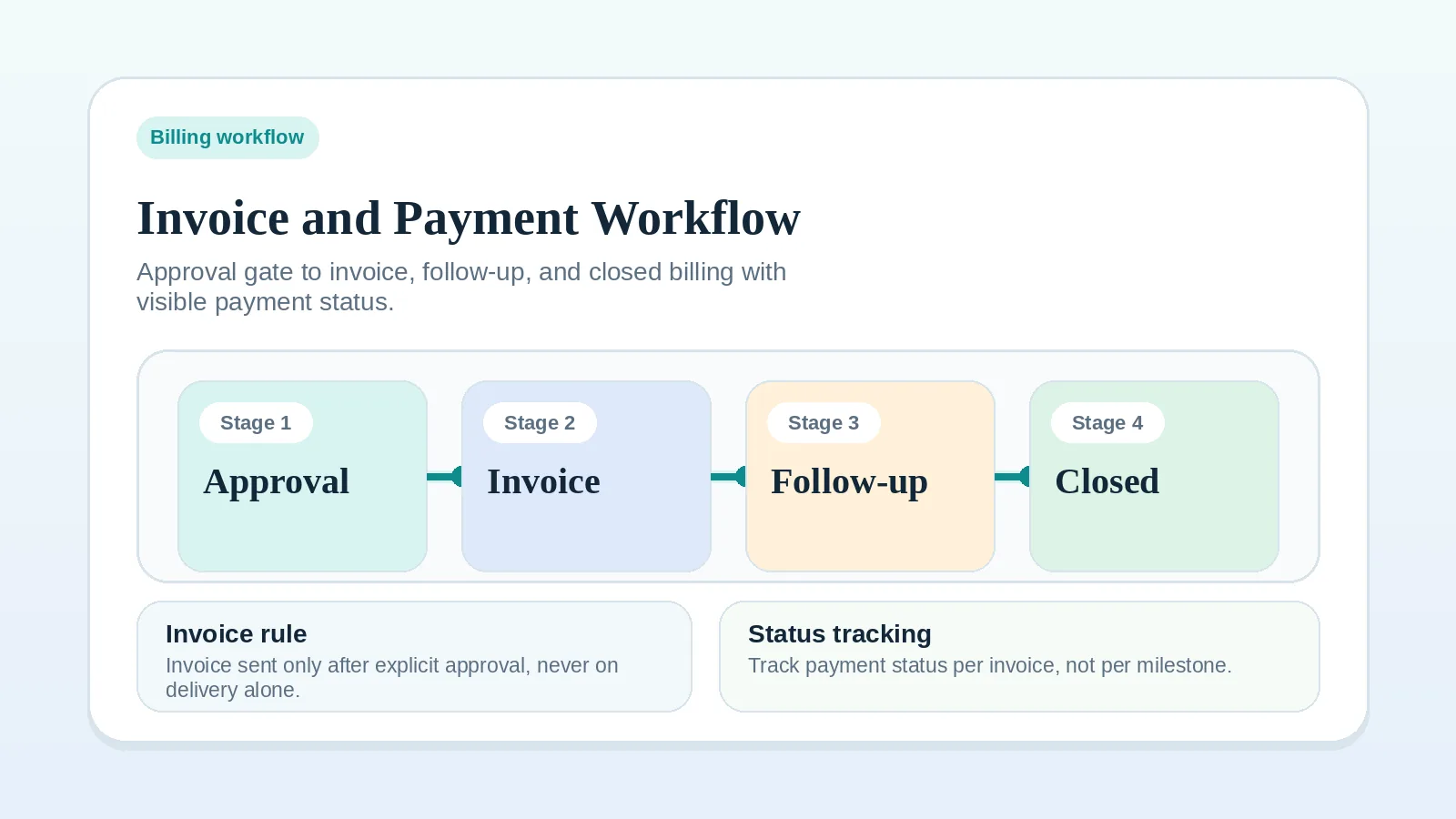
Updated Sep 25, 2026Check the evidence for each billing trigger, track partial payments, and close the payment loop back into delivery.
Guide
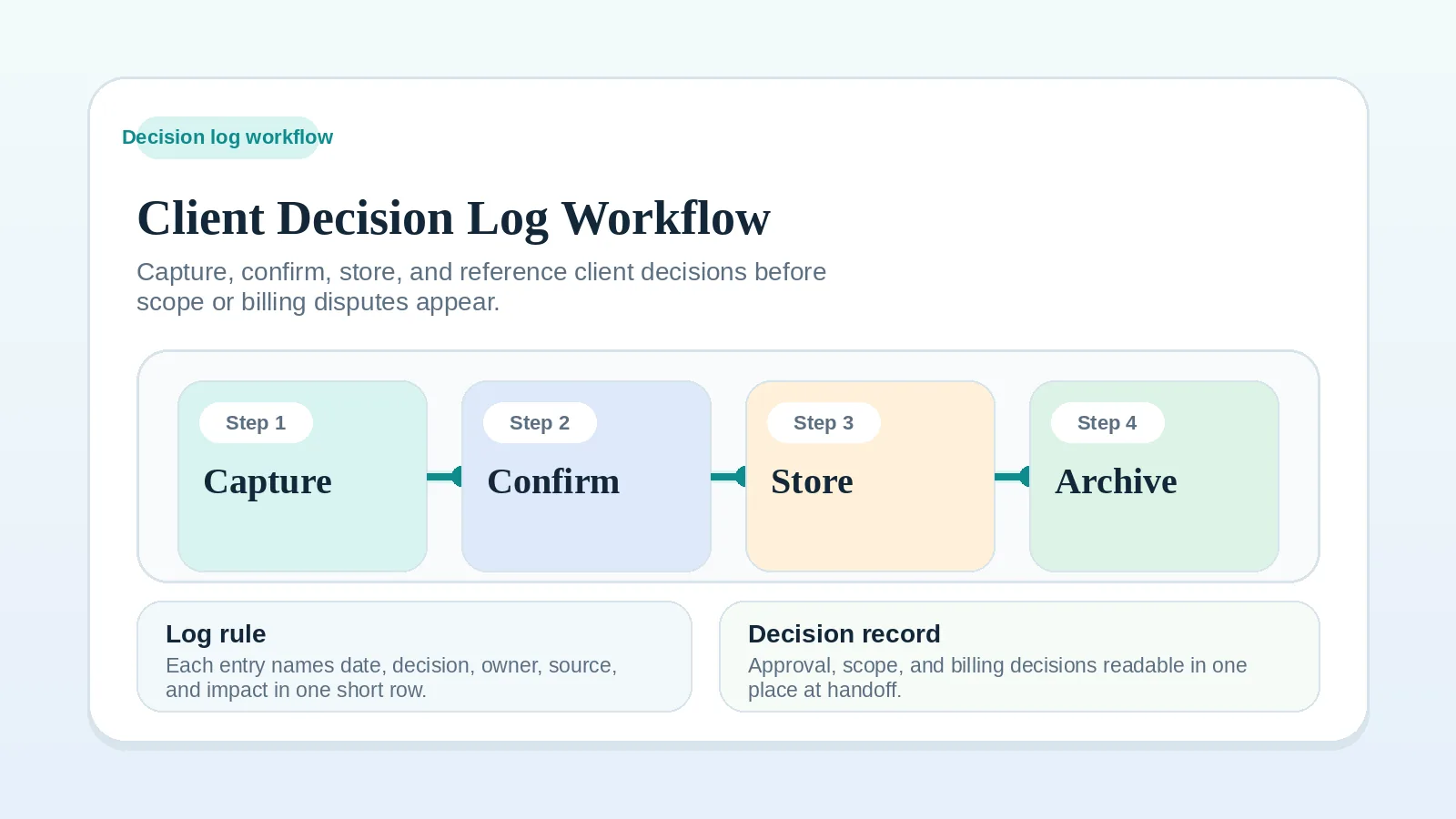
Updated Aug 31, 2026Keep one dated record of client decisions from proposal through delivery, change requests, billing, and closeout.
Guide
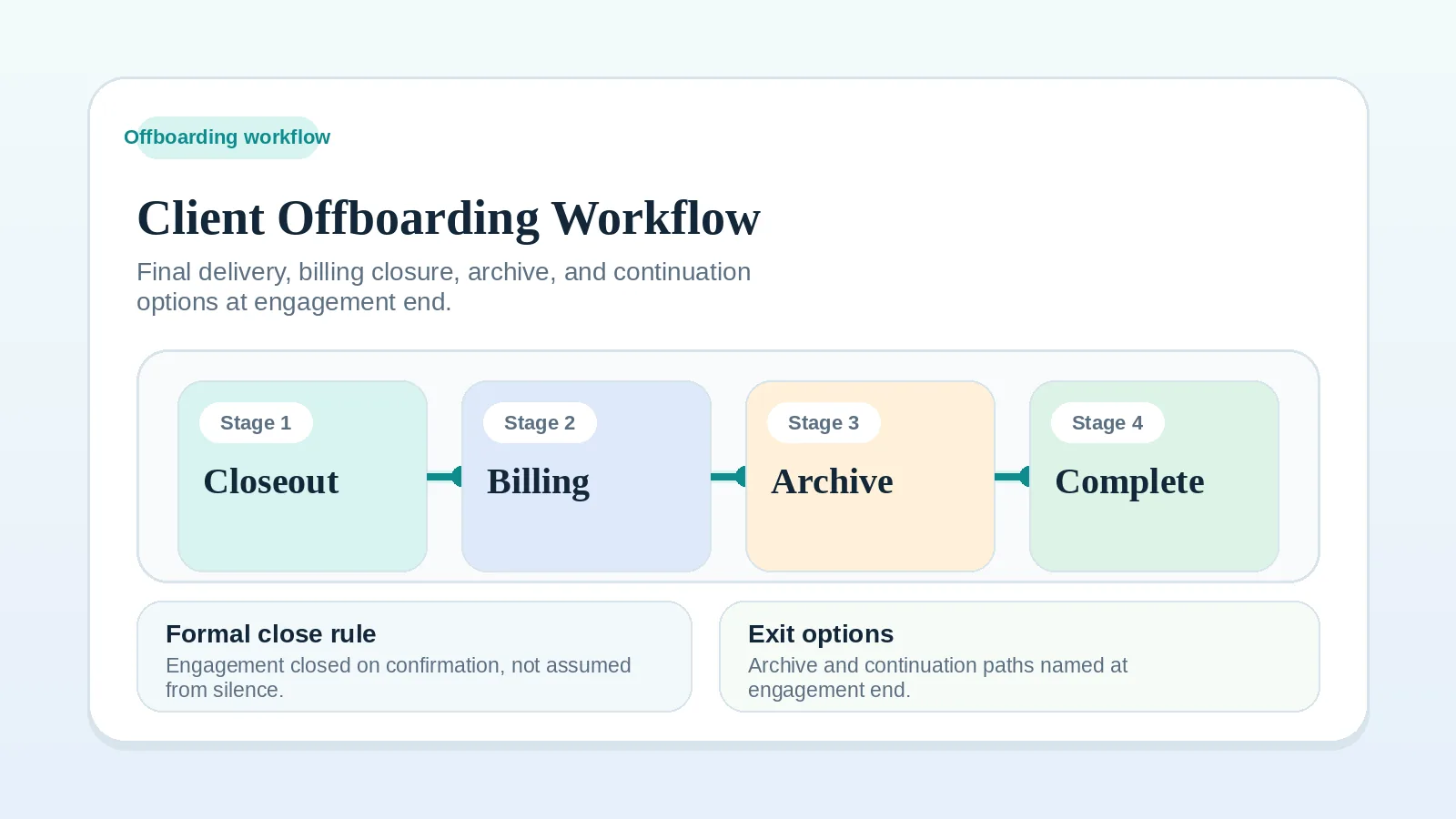
Updated Aug 21, 2026Record final signoff, billing state, file and access changes, archive decisions, and any agreed follow-up before closing an engagement.
More in this section
Guide
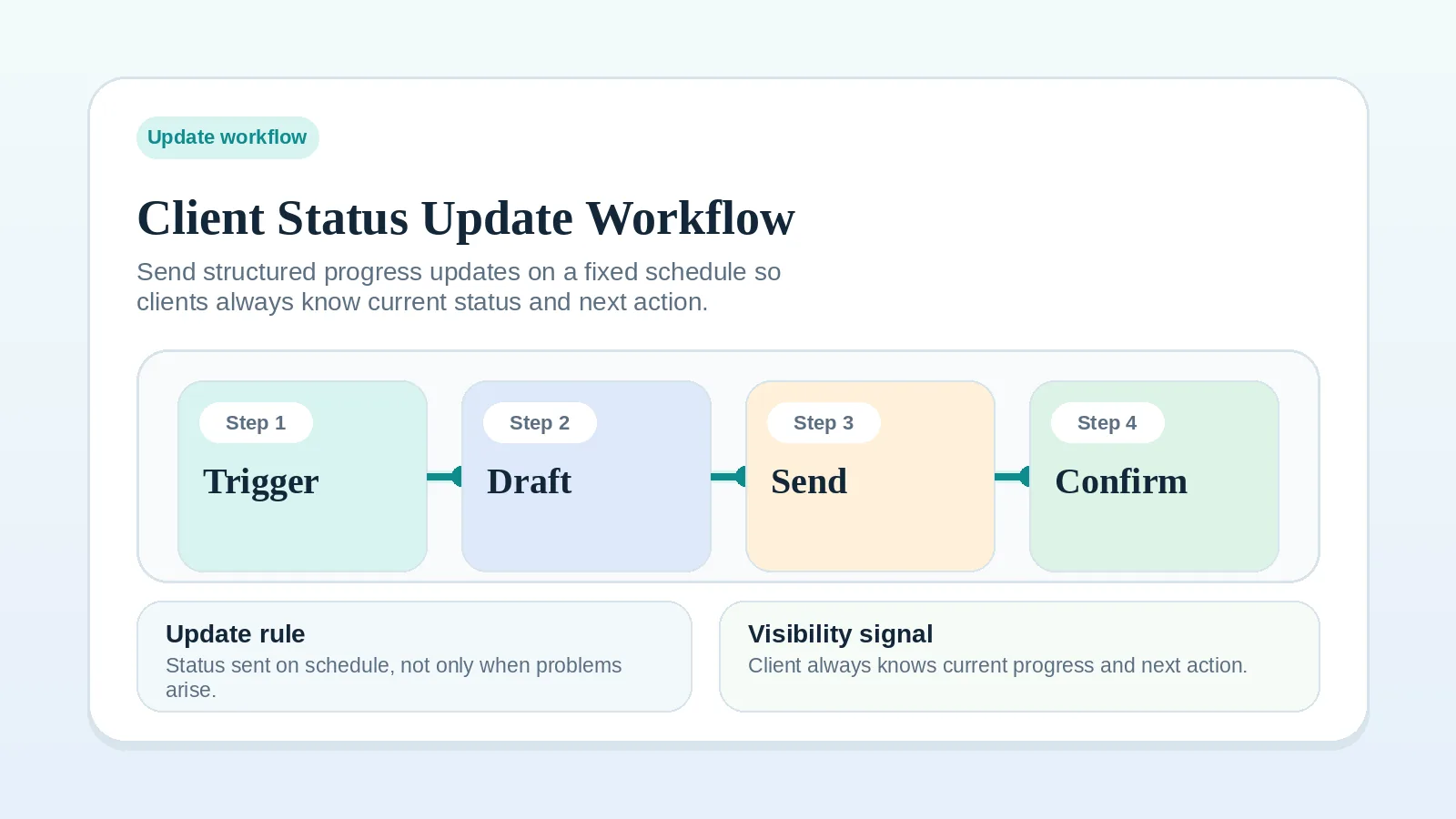
Updated Aug 28, 2026Set a recurring update rhythm that keeps milestones, blockers, decisions, and next actions in front of the client.
Guide
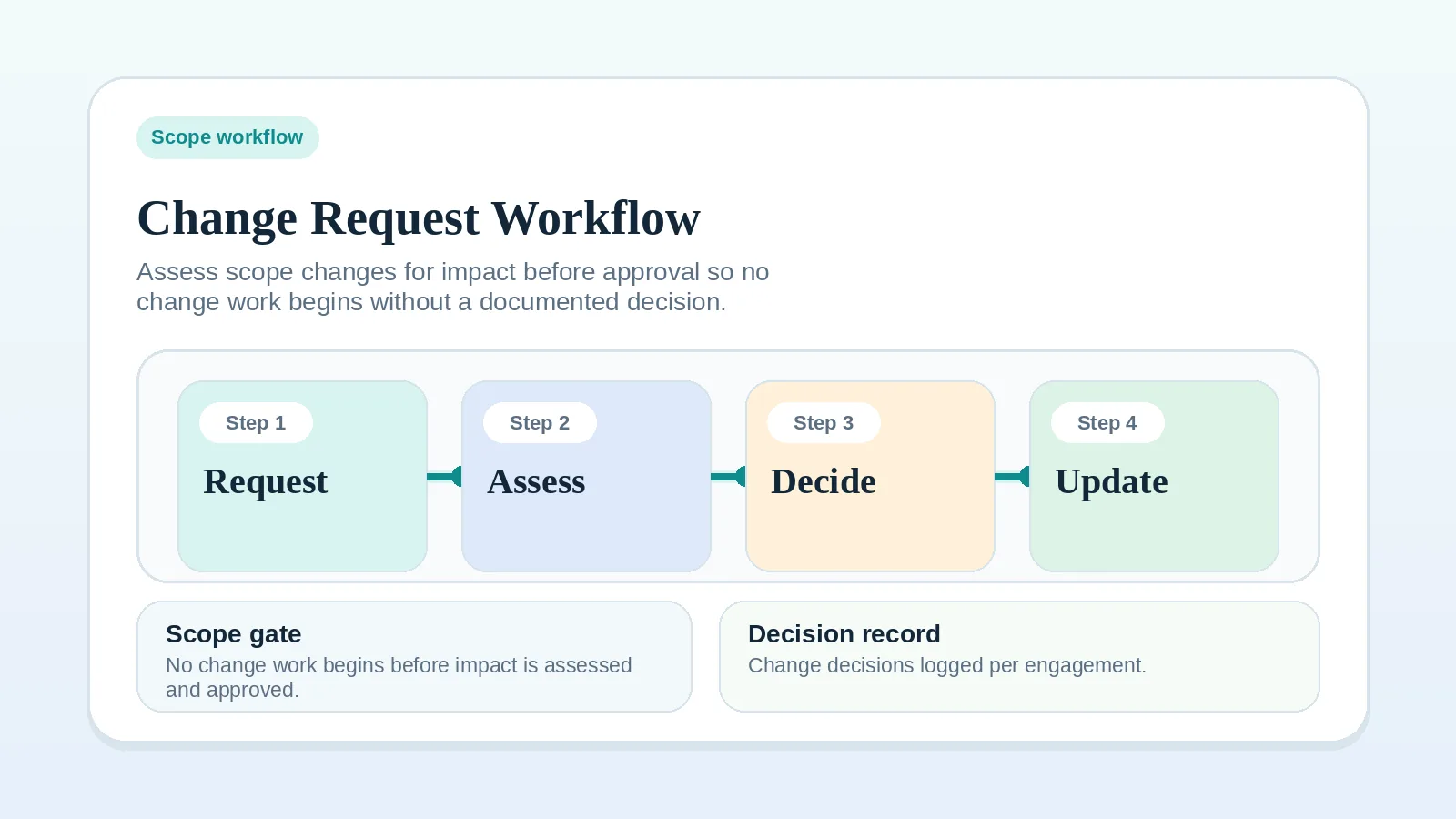
Updated Sep 15, 2026Route scope changes, record their delivery effect, and decide whether each request is included, repriced, deferred, or declined.
Guide
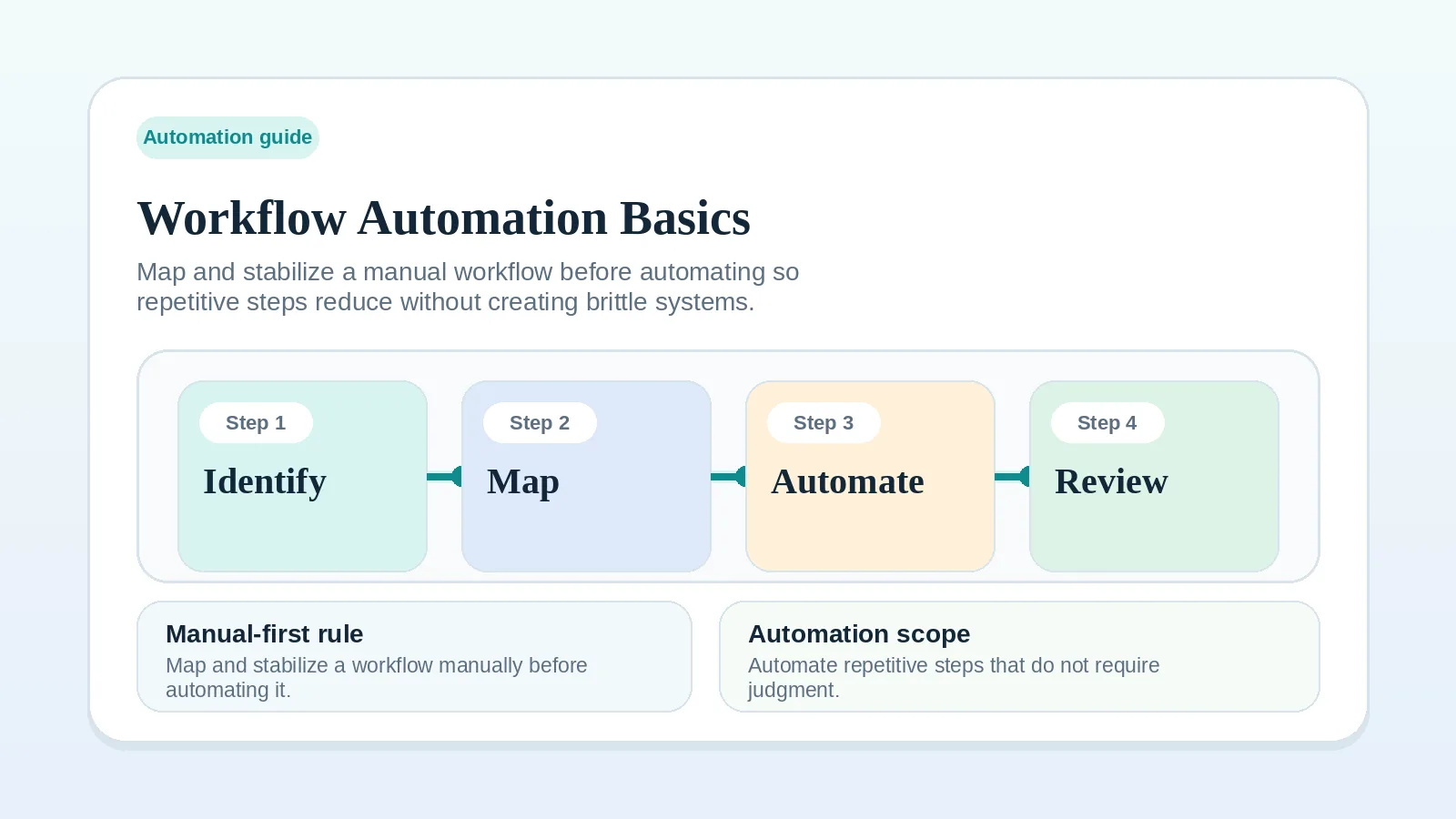
Updated Aug 19, 2026Pick lower-risk steps a tool can run, define how failures are caught, and keep a manual fallback.